
A Windows PC is usually where people do the most online: banking, work files, big downloads, streaming, and games. A free VPN for Windows has more to cope with than one for a phone. A data cap that lasts weeks on a phone can be gone after one evening of HD video, and a slow server shows up in every download.
Free plans that never expire don’t require card details, but they cost you speed, data, or streaming. Paid VPNs can be used free for a month through a refund, but only if you remember to request it. We tested both kinds on a Windows 11 PC, and six came out ahead.
Six Free VPNs for Windows, Ranked for October 2026
- NordVPN: Best overall, with the fastest US server we tested
- Proton VPN: Best free-forever VPN, with obfuscation on the free plan
- ExpressVPN: Best for distant servers and the simplest Windows app
- Private Internet Access: Best for covering every device at the lowest price
- Hide.me: Best for picking a free country, with no data cap
- PrivadoVPN: Best for free streaming and torrenting on a PC
Compare the Best Free VPNs for Windows
Speed loss is the average across UK, US, and Japanese servers on our Windows 11 PC, with a 190.36 Mbps baseline. Where a free plan offered no Japanese location, we averaged its UK and US results. For Proton VPN’s free plan, we averaged the two servers it assigned.
| NordVPN | Proton VPN | ExpressVPN | PIA VPN | Hide.me | PrivadoVPN | |
| Free Access | 30-day money-back guarantee | 30-day money-back guarantee + free forever | 30-day money-back guarantee | 30-day money-back guarantee | Free forever | Free forever |
| Data Cap | None | None | None | None | None | 10 GB/mo |
| Speed Loss | 7.8% | 10.2% paid, 19.3% free | 7.8% | 12.7% | 30.5% | 9.5% |
| Countries | 152 | 149 paid, 10 free | 113 | 91 | 7 | 10 |
| P2P | Allowed | Paid only | Allowed | Allowed | Blocked | Within 10 GB |
| Streaming Services Unblocked | 14 of 14 | 10 of 14 paid, none free | 14 of 14 | 9 of 14 | None | 8 of 14 |
| Ad-blocking | Complete plan and up | Paid plan only | Yes | Yes | No | No |
| Devices | 10 | 10 paid, 1 free | 10 to 14 | Unlimited | 1 | 1 |
Paid Windows VPNs You Can Use Free for a Month
You pay for NordVPN, ExpressVPN, and PIA up front, then have 30 days to request a full refund. Proton VPN’s paid plan has the same window, but its refund is pro rata. Use the full Windows app in the meantime, and contact support before the month is up if you decide against it. It works much like a VPN free trial, except you pay first. In return, the full server list, unlimited data, and streaming are yours from day one, and no free plan combines them.
1. NordVPN: Best Free Windows VPN Overall
Pros
- No data cap
- Fast US servers
- Netflix US, iPlayer, and Hulu unblocked
- App-level kill switch
- Double VPN with little speed loss
- Independently audited
Cons
- Not free forever
- Clashes with some VPNs on Windows
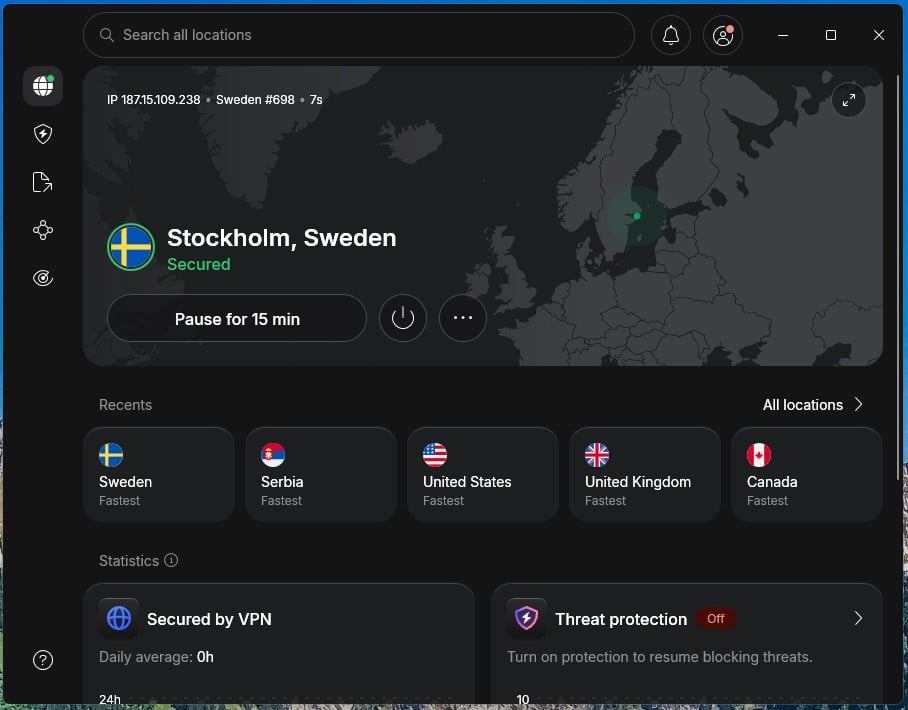
NordVPN had the best US result of any VPN on our PC, at 181.50 Mbps, near our full connection, and lost 7.8% of its speed on average across the three test countries. It also unblocked every one of our 14 streaming services, though one required the browser extension. Every standard server allows torrenting. The Windows app has the most features. In our test, Double VPN, which passes your connection through two servers, slowed downloads by only 2.9%.
If the VPN connection fails, the app-level kill switch shuts down programs you’ve chosen in advance, such as a torrent client. For networks that filter VPN connections, there’s NordWhisper. Our guide to getting around censorship in China deals with the strictest of them. Malware, ad, and tracker blocking comes with next-gen antivirus on the Complete plan and above. Independent audits back its claim to be a true no-log VPN. One fault came up repeatedly on my test PC.
NordVPN sometimes wouldn’t connect while ExpressVPN was open in the background, and closing ExpressVPN didn’t fix it. Each time, it took a reset of NordVPN’s app, a minute or two of waiting, and another sign-in, which wasted my time a few times a day. PIA caused no such trouble. I keep several VPNs installed for testing, and most people with a single VPN won’t notice it. The Basic plan costs under $3.50 a month for the first 27 months, and our full NordVPN review covers the rest.
Try NordVPN Risk-Free for 30 days
2. Proton VPN: Best Free Plan for a Windows PC
Pros
- Free plan with no data cap
- Stealth on the free plan
- Secure Core double-server protection
- NetShield ad blocker
- Open-source apps
Cons
- No server choice on the free plan
- Free plan blocks torrenting
- Pro-rata refunds
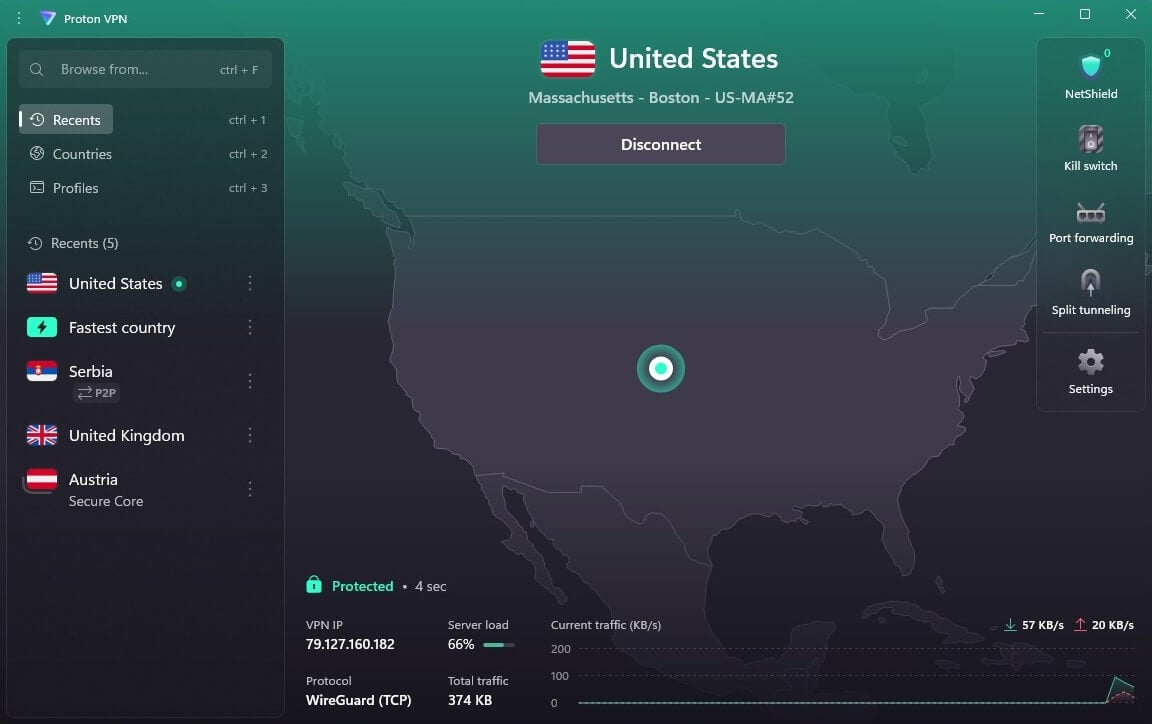
Proton VPN lets one account switch between the free and paid plans. Because refunds are pro rata, try the free plan first and upgrade only if you want streaming or a server choice. On the same PC, the paid plan lost 10.2% of its speed across three server locations. It unblocked Netflix US and BBC iPlayer, which makes it a good fit for watching iPlayer in the USA, but it couldn’t unblock Hulu or three other services, so use NordVPN or ExpressVPN for Hulu.
The paid plan adds Secure Core, which sends traffic through an extra server first, the NetShield ad blocker, and port forwarding, which helps torrent clients accept incoming connections. The free plan never expires and sets no data cap, and it keeps Stealth, a protocol (connection method) that disguises VPN traffic on networks that block VPNs. You’re limited to one device and ten countries, with no server choice.
You can switch to a random server every 10 seconds for the first four or five tries, but after that, the next change requires a 45-minute wait. On our PC, the free plan lost 19.3% of its speed and couldn’t unblock Netflix US. Torrenting is blocked on the free plan, and live chat requires a paid plan. If you want to torrent or stream without paying, use PrivadoVPN’s free plan. Even so, Proton VPN is our favorite free-forever VPN, because its free plan pairs unlimited data with an audited no-log policy.
3. ExpressVPN: Best Windows VPN for Distant Servers
Pros
- Quick on distant servers
- Obfuscation on every connection
- Netflix, Hulu, and ITVX unblocked
- Simplest Windows app we used
- Ad blocking on every plan
Cons
- No free plan
- No multi-hop
- Lightway Turbo disables split tunneling
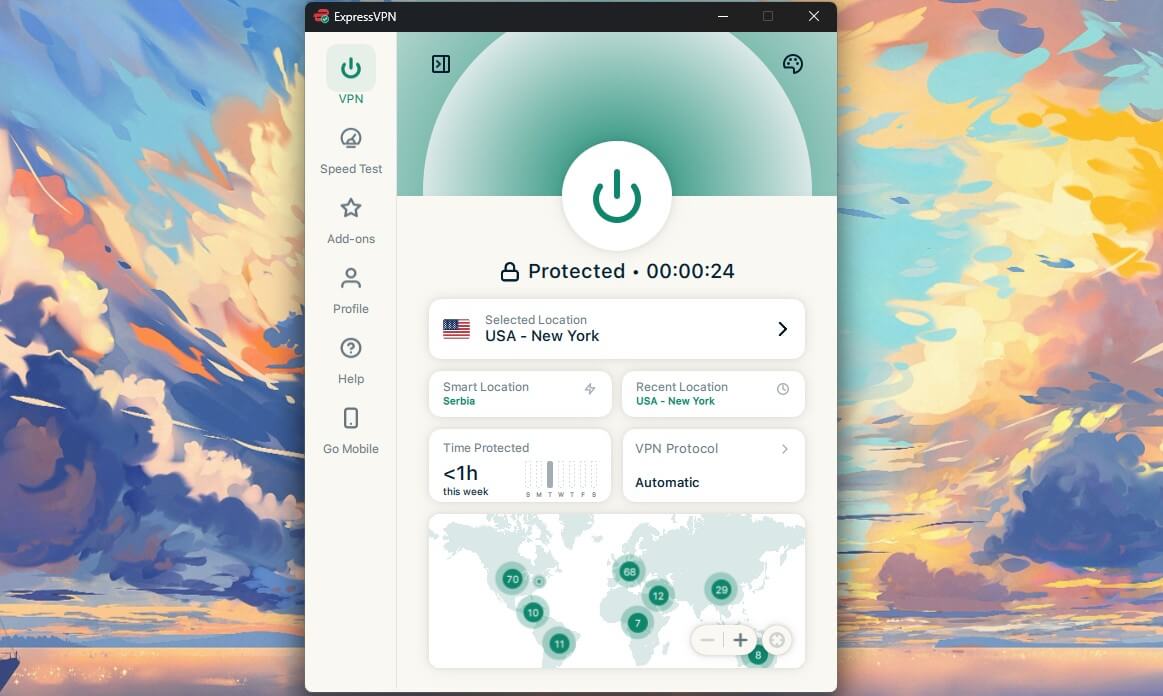
ExpressVPN‘s 30-day guarantee works the same way as NordVPN’s. On our Windows 11 PC, it matched NordVPN’s 7.8% average speed loss, and its Japanese server came in at 163.94 Mbps, ahead of every other VPN we tested there. ExpressVPN also unblocked all 14 streaming services, though ITVX and Prime Video detected it a few times, so have a backup server ready for those two. Every connection is obfuscated by default, disguising VPN traffic so it passes through hotel and office networks that block VPNs.
Of the Windows apps we used, it’s the simplest, with little on the main screen besides a connect button and your recent locations. Lightway Turbo, a Windows-only toggle meant to speed up Lightway, ExpressVPN’s own protocol, gained nothing noticeable on our 190 Mbps connection, and split tunneling, which lets chosen apps skip the VPN, stays grayed out while it’s enabled, so leave it off.
Lite Protection on the Basic plan blocks ads and malicious sites, and the Advanced plan adds tracker blocking. Its no-log policy was last audited by KPMG in 2025. The Basic plan costs under $3 a month for 10 devices. It still has no multi-hop, a double-server connection, so choose NordVPN’s Double VPN if you want one.
Try ExpressVPN Risk-Free for 30 days
4. Private Internet Access: Best for Unlimited Devices on a Budget
Pros
- No device limit
- MACE ad blocker
- Port forwarding
- Shadowsocks obfuscation
- Court-tested no-log policy
Cons
- Defaults to OpenVPN on Windows
- Dated, cluttered app
- Couldn’t unblock Hulu or Prime Video
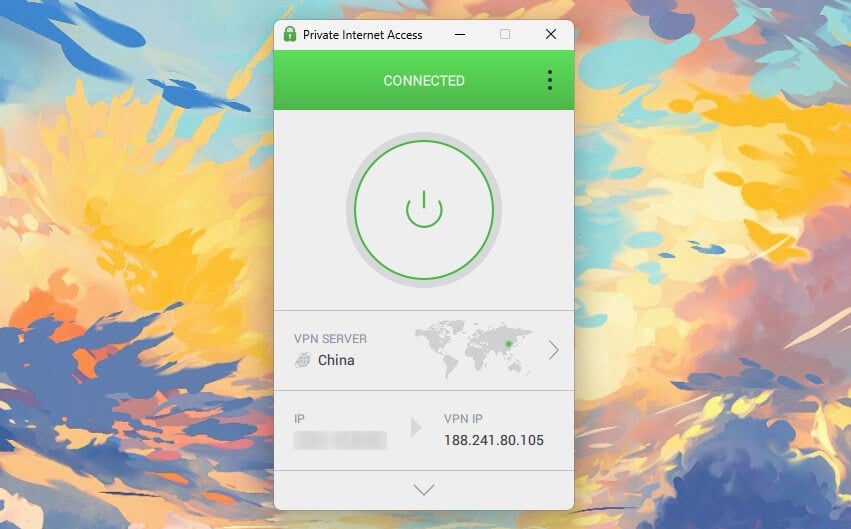
PIA costs just over $2 a month on its 26-month plan, cheaper than NordVPN, Proton VPN, and ExpressVPN. Its average speed loss was 12.7%, and the Japanese server, its slowest, came in at 141.61 Mbps, so even distant servers handle 4K easily. It unblocked 9 of the 14 streaming services, including Netflix US, but couldn’t unblock Hulu or Prime Video, so choose NordVPN or ExpressVPN for those.
The Windows app defaults to OpenVPN with no automatic setting, so switch to WireGuard in Settings for the speeds we recorded. Shadowsocks obfuscation works only on OpenVPN, though, so switch back on a network that blocks VPNs. PIA’s ad blocker, MACE, caught 96% of the domains on d3ward’s ad-block test, and no other VPN’s ad blocker did better. Port forwarding works on Canadian and European servers, and torrent clients can use its SOCKS5 proxy, which hides your IP without encrypting traffic.
Its MultiHop option passes traffic through a proxy before the VPN server, and it cost 20.1% of US speed in our test. The kill switch passed our cable-pull and process-kill tests. On a PC restart, the standard kill switch let traffic out, but PIA’s Advanced Kill Switch kept it blocked, so enable that one. Deloitte checked the no-log policy in 2022, 2024, and 2025, after US court cases found no logs to hand over. The app looks dated, but unlimited simultaneous connections cover every PC and laptop in a household.
Try PIA VPN Risk-Free for 30 days
Two 100% Free Windows VPNs (No Credit Card)
These two never charge, though each one costs you some speed, streaming, or data.
1. Hide.me: Best Free Windows VPN for Choosing a Country
Pros
- No data cap
- Choice of locations
- Working kill switch
Cons
- Torrenting is blocked
- No streaming
- One device at a time
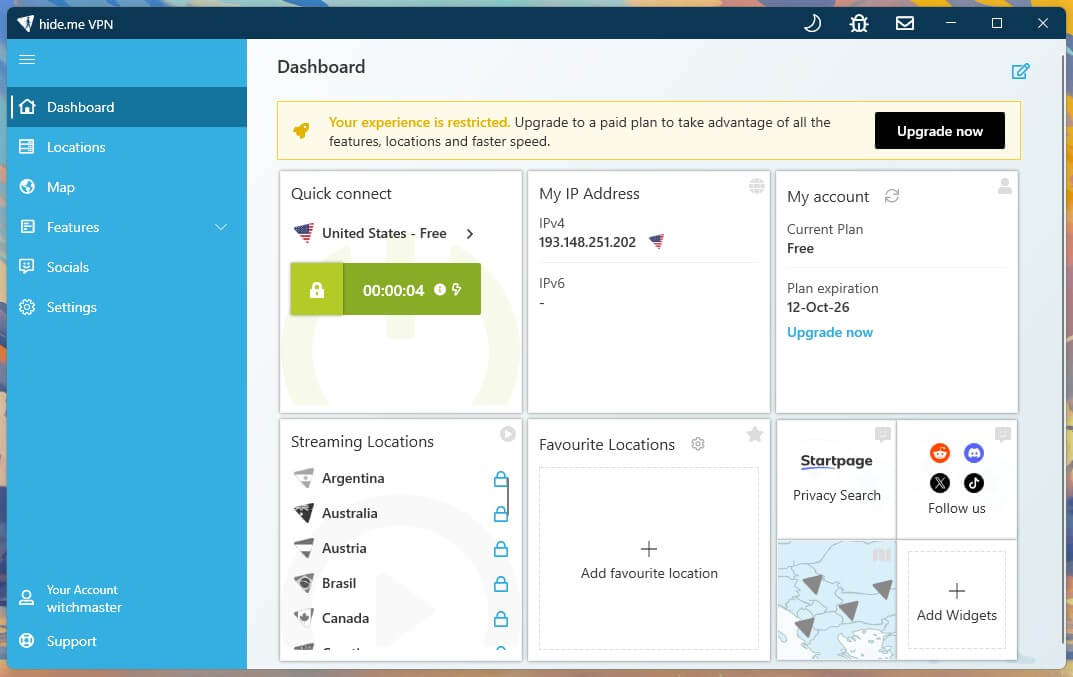
Hide.me‘s free plan requires no card, has no data cap, and lets you pick from eight locations in seven countries, including the US, the UK, and Germany, a choice Proton VPN’s free plan doesn’t offer. Its no-log policy has been independently audited, and its home country, Malaysia, isn’t part of any intelligence-sharing alliance. When a server dropped on our PC, the kill switch stopped traffic immediately.
Speed is the weak point. The free plan lost 30.5% of its speed on our UK and US servers, with the US server at 112.48 Mbps. That rules it out as a very fast VPN, and the extra delay shows in fast-paced games. It couldn’t unblock a single streaming service in our tests, P2P isn’t allowed, and only one device can connect. Keep it for browsing and banking, and use NordVPN’s refundable month for shows and downloads. MultiHop and ad blocking require a paid plan.
2. PrivadoVPN: Best Free Windows VPN for Torrenting and Streaming
Pros
- Fast for a free plan
- Netflix US and iPlayer unblocked
- Torrenting is allowed
- Scramble obfuscation
Cons
- 10 GB monthly data
- Allowance renewed by hand
- No independent audit
- One device at a time
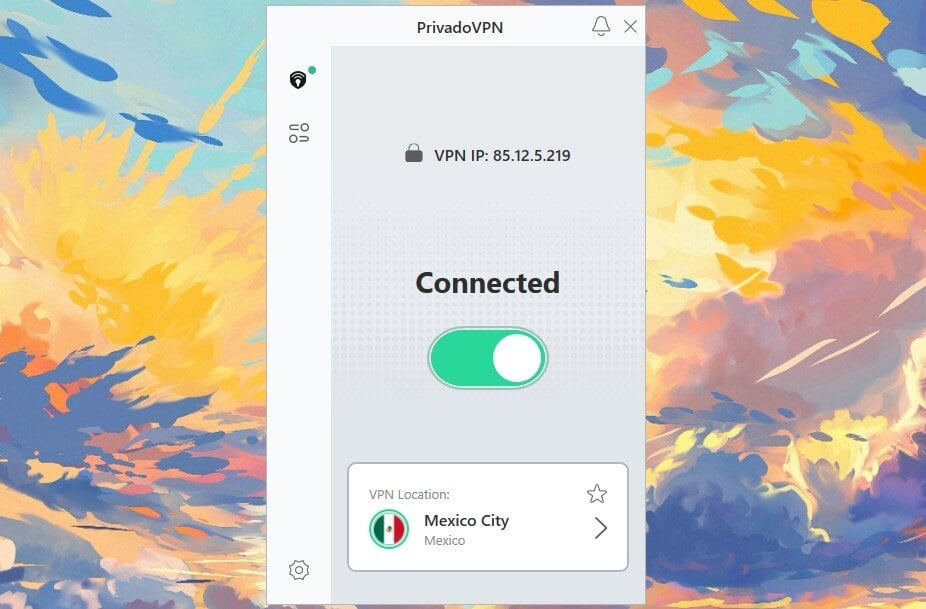
PrivadoVPN was the fastest free plan we tested on Windows, losing 9.5% of its speed on our UK and US servers. Its free plan unblocked Netflix US, BBC iPlayer, Channel 4, and five more of our 14 streaming services, and it allows torrenting. Four of its 13 free locations are in the US, and the rest cover nine more countries. Each month brings 10 GB of data, about 5 hours of HD video, and you renew it by hand, a chore that’s easy to forget.
When the 10 GB is gone, PrivadoVPN keeps you connected through emergency servers at 1 Mbps, which handle email and chat apps and not much more. PrivadoVPN is based in Iceland, and its free plan includes Scramble, an obfuscation option for filtered networks. Its no-log claim has never been checked by an outside firm, so use Proton VPN’s free plan for banking and other sensitive accounts.
Free VPNs for PC to Avoid
Some free VPNs for PC put your privacy at risk, and others cap data too tightly to be useful on a computer.
Logging-Heavy VPNs
These log browsing activity, IP addresses, or DNS requests, or sell what they collect:
- Hola VPN
- Betternet
- Urban VPN
- Turbo VPN
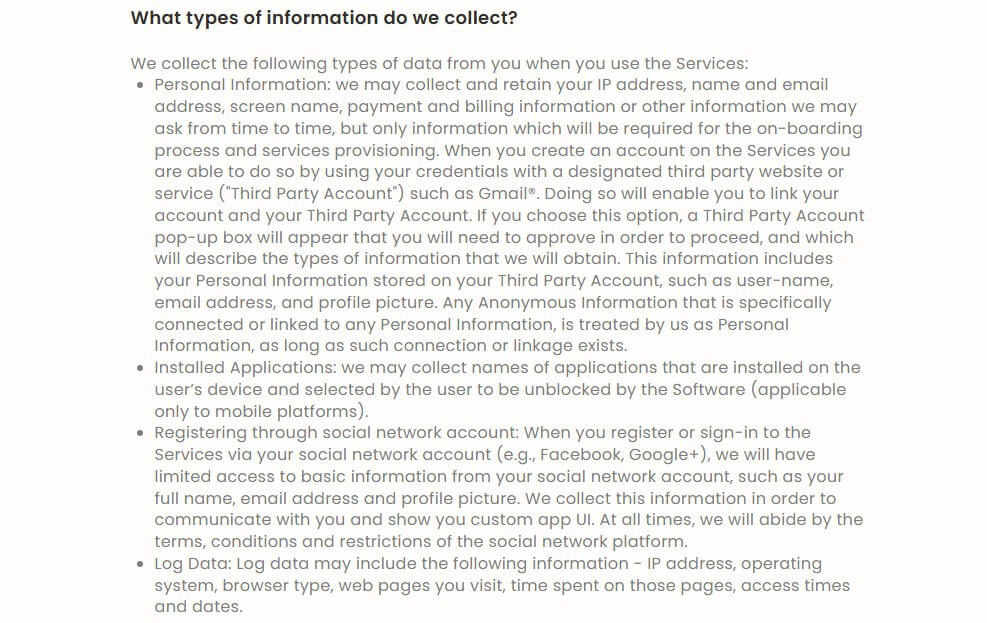
They’re popular because they install easily and cost nothing. Hola is the clearest case. It offers unlimited data and even unblocks BBC iPlayer and Netflix. However, it sends your traffic through other users’ connections, and its own privacy policy says it keeps logs:
Free VPNs With Tight Data Caps
These free plans limit how much data you can use:
- TunnelBear: 2 GB a month, covered in our TunnelBear review
- Windscribe: 10 GB a month with a confirmed email address, 2 GB without
- Hotspot Shield: 500 MB a day on Windows, though its phone apps have no cap
- ZoogVPN: 10 GB a month
Windscribe is the strongest of these, with no device limit on its free plan, but 10 GB doesn’t last long on a laptop. Caps like these go further on a phone, though the best VPNs for Android are paid ones too.
Free VPNs on a Windows Laptop
A laptop joins café, hotel, and airport Wi-Fi, where unencrypted traffic is easiest for others on the network to see. NordVPN and PIA can connect automatically when Windows joins an untrusted network. Proton VPN, Hide.me, and PrivadoVPN free accounts protect one device at a time, so one can’t cover a laptop and a phone together. To protect both, use a paid VPN: NordVPN covers 10 devices, and PIA sets no limit.
How to Use a Free VPN on a Windows PC: Tutorial
The steps are the same for NordVPN, Proton VPN, and the free plans, with small differences between apps.
Subscribe or Create a Free Account
NordVPN, ExpressVPN, and PIA require payment up front, and the refund comes later. None of them offers a free trial on Windows. On NordVPN’s site, choose a plan, pay, and confirm your email address. For Proton VPN’s free plan, create an account on its site and download the Windows app.
Install the App
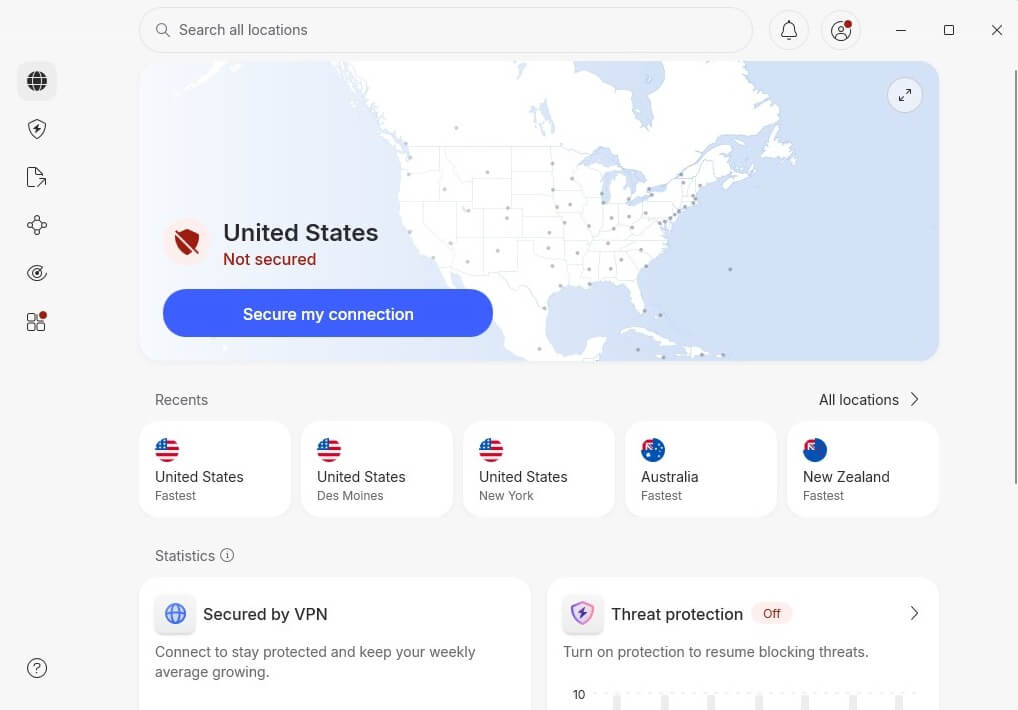
Open the installer from the VPN’s website, follow the setup wizard, and click OK when Windows requests permission. Then sign in with your account’s email address and password, and the dashboard appears.
Connect to a Server
Choose a country and click it. For a UK IP address, scroll to the United Kingdom in the server list and connect. The same works for any other country.
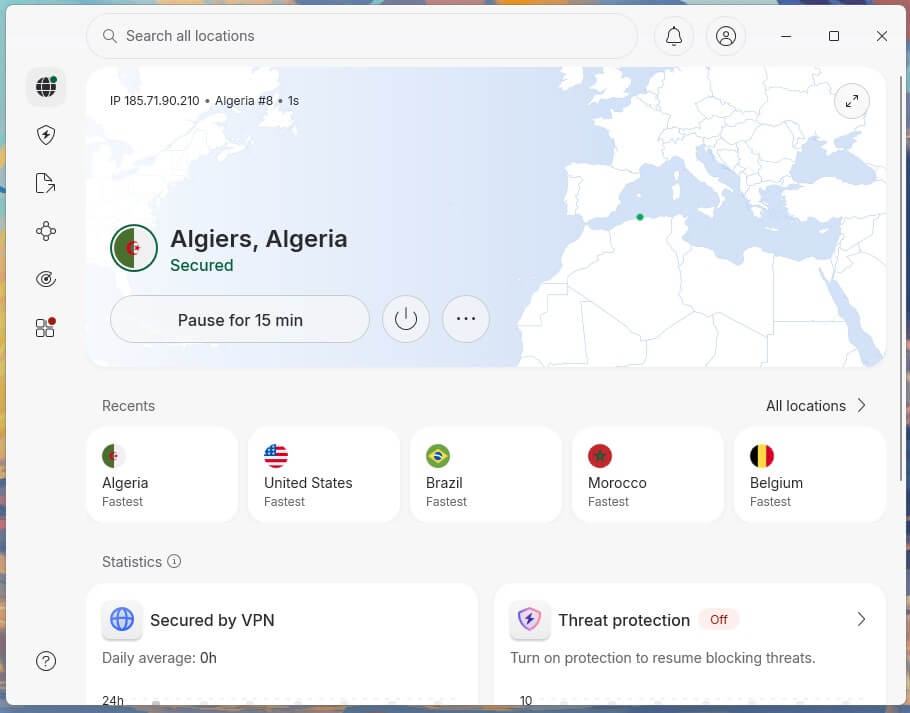
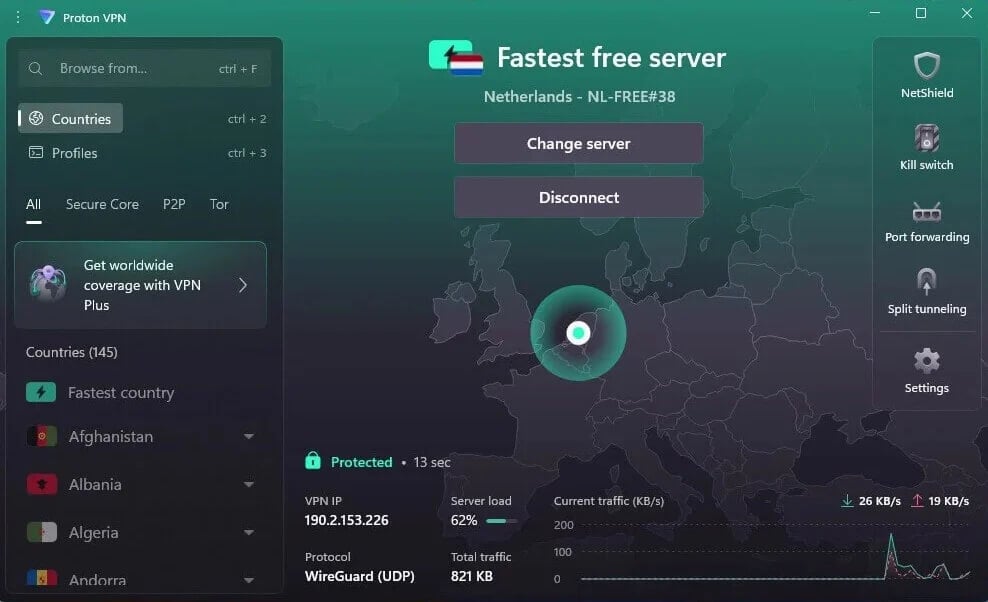
Proton VPN’s free plan assigns the server for you instead. For a specific country at no cost, Hide.me and PrivadoVPN let you pick from their free locations.
Verdict
For streaming, torrenting, and gaming on a Windows PC, a paid VPN used free for a month does more than any free plan. NordVPN tied for the smallest speed loss on our PC, had the fastest US server, and unblocked our full streaming list. ExpressVPN suits you better if you connect to Japan or other distant locations, and Private Internet Access is the cheapest paid way to protect every device you own.
If you never want to pay, Proton VPN‘s free plan sets no data limit and has an audited no-log policy, though it won’t let you pick a server. Hide.me lets you choose a location, and PrivadoVPN is the fastest free plan if 10 GB a month is enough. Start with NordVPN’s refundable month. If by day 30 you only browse and check email, request the refund and switch to Proton VPN’s free plan.
Frequently Asked Questions
Is a VPN free on a PC?
Not usually. Most VPNs for Windows are paid, though Proton VPN, Hide.me, and PrivadoVPN have free plans, and NordVPN’s money-back guarantee makes a full month free on a PC.
What is the best free VPN for Windows?
NordVPN is the best free VPN for Windows when used through its money-back guarantee, and Proton VPN is the best VPN that never charges, with unlimited data on its free plan.
What is the best free VPN for Windows 10?
NordVPN and Proton VPN lead on Windows 10, as on Windows 11. Their apps support Windows 10, and Proton VPN’s free plan installs there without a card or a data cap.
Does Windows have a built-in VPN?
Yes, but only a VPN client, with no servers of its own. It connects to servers from an employer or a VPN company, so a VPN subscription or free plan is still required.
Can a free VPN protect a laptop on public WiFi?
Yes. Proton VPN’s free plan encrypts a laptop’s traffic on café and hotel networks with no data cap, though it protects only one device at a time.