When you’re abroad, your Apple TV can stop playing the shows you watch at home. Titles disappear from the catalog, or a streaming app displays an error instead of playing. A VPN fixes that by assigning the TV an IP address from the country you want, so the streaming apps treat you as if you’d never left. The catch is that the VPN has to be installed on the Apple TV itself.
Connecting on your phone does nothing for the TV, and not every VPN makes a proper tvOS app. The best VPN for Apple TV has one that unblocks your streaming services without slowing the connection. The list that follows starts with the VPN we’d install first.
Top Apple TV VPNs for 2026
- NordVPN: Best overall, unblocking every streaming service we tried on the TV
- Surfshark: Best for value, matching NordVPN on streaming for less
- ExpressVPN: Best for ad blocking, with the best-equipped tvOS app
- Proton VPN: Best for privacy, backed by Swiss law and independent audits
- Private Internet Access: Best for a tight budget, with Smart DNS for older models
Apple TV VPNs Compared
We tested on an Apple TV 4K (3rd generation) with tvOS 27, on a 190.18 Mbps connection in Europe. Speed loss is the average on UK and US servers, tested with the Speedtest app on the TV. Streaming covers Netflix US and Hulu on US servers, BBC iPlayer on a UK server, and Prime Video. Our fastest VPN ranking has our desktop speed results.
| VPN | Speed loss (UK and US) | Services unblocked | Smart DNS | Sign up with Apple ID | Devices |
| NordVPN | 6.0% | 4 of 4 | Yes | No | 10 |
| Surfshark | 8.1% | 4 of 4 | No | Yes | Unlimited |
| ExpressVPN | 6.5% | 3 of 4 | Yes (MediaStreamer) | No | 10-14 |
| Proton VPN | 8.8% | 3 of 4 | No | No | 10 |
| PIA | 10.0% | 3 of 4 | Yes | Yes | Unlimited |
Apple TV VPN Reviews
1. NordVPN: Best VPN for Apple TV Overall
Pros
- Netflix, Hulu, and iPlayer unblocked
- Minimal speed loss on the TV
- Smart DNS for older models
- QR code sign-in
- Post-quantum NordLynx
Cons
- No kill switch on tvOS
- No ad or malware blocking on the TV
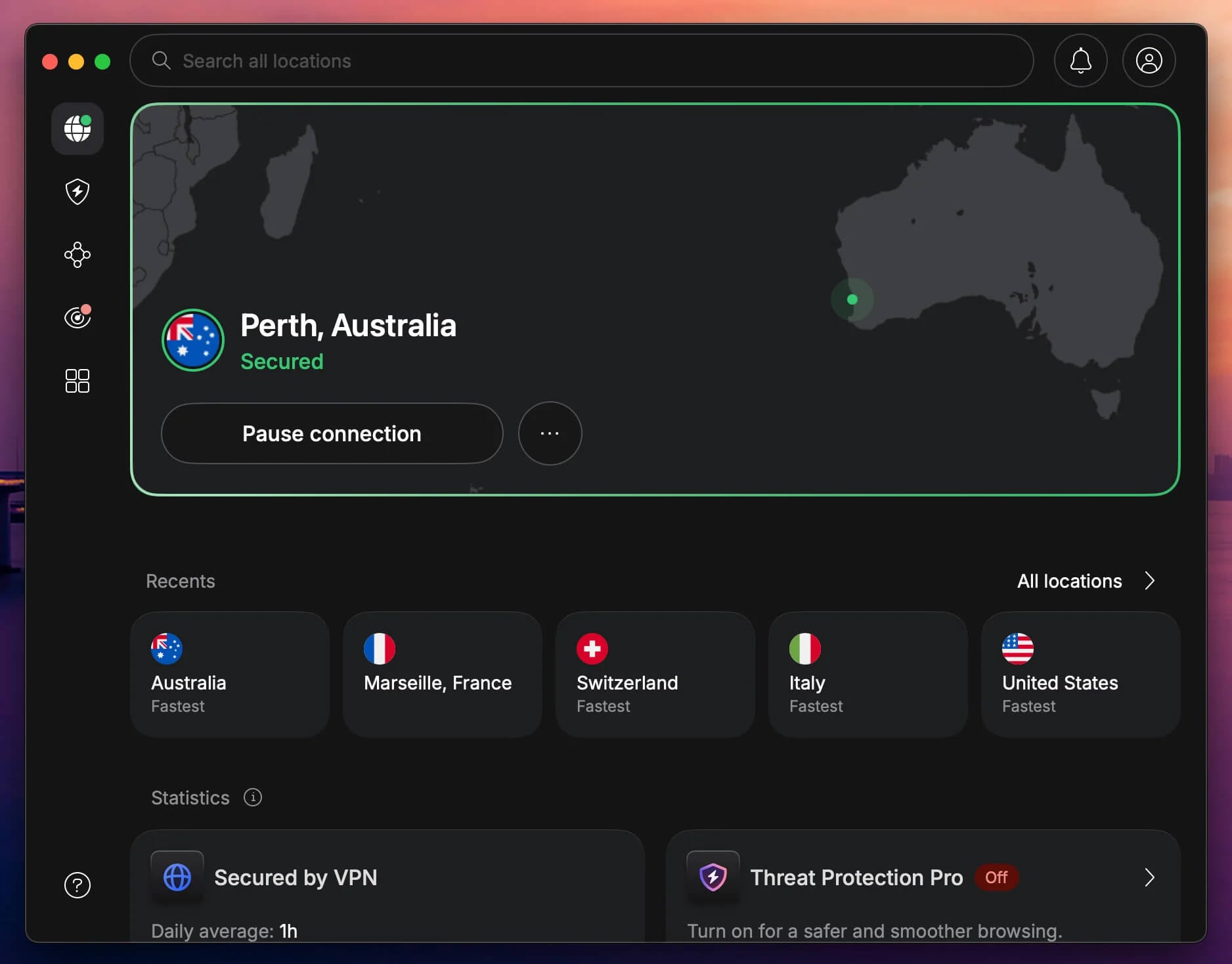
NordVPN unblocked every service we tried on the Apple TV: Netflix US, Hulu, BBC iPlayer, and Prime Video. It also lost the least speed, 4.5% on the UK server and 7.5% on the US one, a drop you won’t notice while streaming. Its US server came in at 175.9 Mbps, the best US result on the TV. With every service unblocked, it’s the easiest way to change your Netflix region from the couch. To sign in, you can use a QR code, an activation link in a browser, or your email and password.
The tvOS app itself is basic. You can choose NordLynx, NordVPN’s own protocol. A protocol is the way the app connects to a server, and NordLynx includes post-quantum encryption designed to resist future quantum computers. There’s no kill switch to cut the TV off if the VPN drops, though. Instead, the app shows a warning while the Apple TV keeps streaming on your own IP address, so check the app before you start a show.
Next-gen antivirus and ad blocking from NordVPN’s other apps are missing too, and viewers who want ads blocked on the TV should look at ExpressVPN. For Apple TVs too old for the app, NordVPN’s Smart DNS unblocked Netflix US in our test. Smart DNS changes the location streaming services see without encrypting your traffic. One subscription covers 10 devices, and the Basic plan costs under $3.50 a month on a two-year term. NordVPN also tops our Windows VPN ranking.
2. Surfshark: Best Value for Apple TV Streaming
Pros
- BBC iPlayer and Prime Video unblocked
- Sign up with an Apple ID on the TV
- No device limit
- Six-digit code or QR sign-in
- Dedicated IP option
Cons
- No Smart DNS
- No ad blocking or kill switch on tvOS
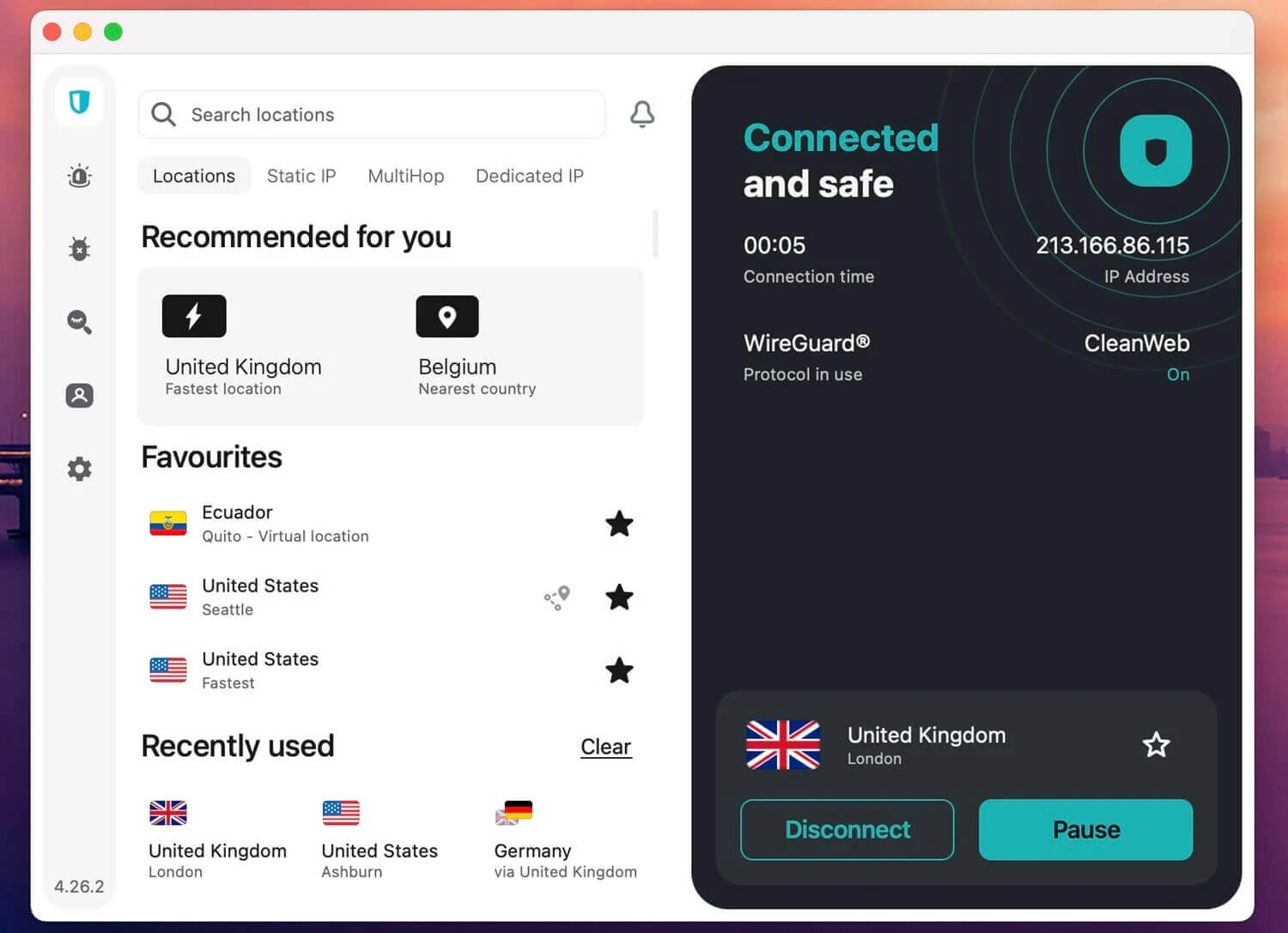
Surfshark matched NordVPN on streaming for a lower price, unblocking all four services on the Apple TV. Its UK server lost only 5.2% of its speed, while the US server dropped to 169.3 Mbps, an 11.0% speed loss. That’s still far more than 4K streaming requires, so you won’t see a drop in picture quality. It’s one of two VPNs in our ranking that let you subscribe with your Apple ID on the TV, so you can pay without picking up a phone or laptop.
The same subscription also covers your phones, laptops, and Linux PCs, with no device limit. Existing users sign in with a QR code, a six-digit code, or an email and password. Its tvOS app offers WireGuard and a dedicated IP address, meaning an IP address only you use. It has no ad blocking, double VPN, split tunneling, or kill switch, though. Of the five, only ExpressVPN blocks ads on the TV.
Split tunneling lets chosen apps skip the VPN, and on a TV, you’d rarely miss it. Surfshark dropped Smart DNS. Sim an Apple TV that can’t install the app requires a router setup or a computer’s shared connection instead. If you own an older model, go with NordVPN or ExpressVPN. The Surfshark Starter plan costs about $2.50 a month over two years.
3. ExpressVPN: Best Apple TV App for Ad Blocking
Pros
- Ad and tracker blocking on the TV
- Post-quantum Lightway
- Protocol choice on tvOS
- Built-in speed test
- MediaStreamer Smart DNS
Cons
- Doesn’t unblock Hulu
- No kill switch on tvOS
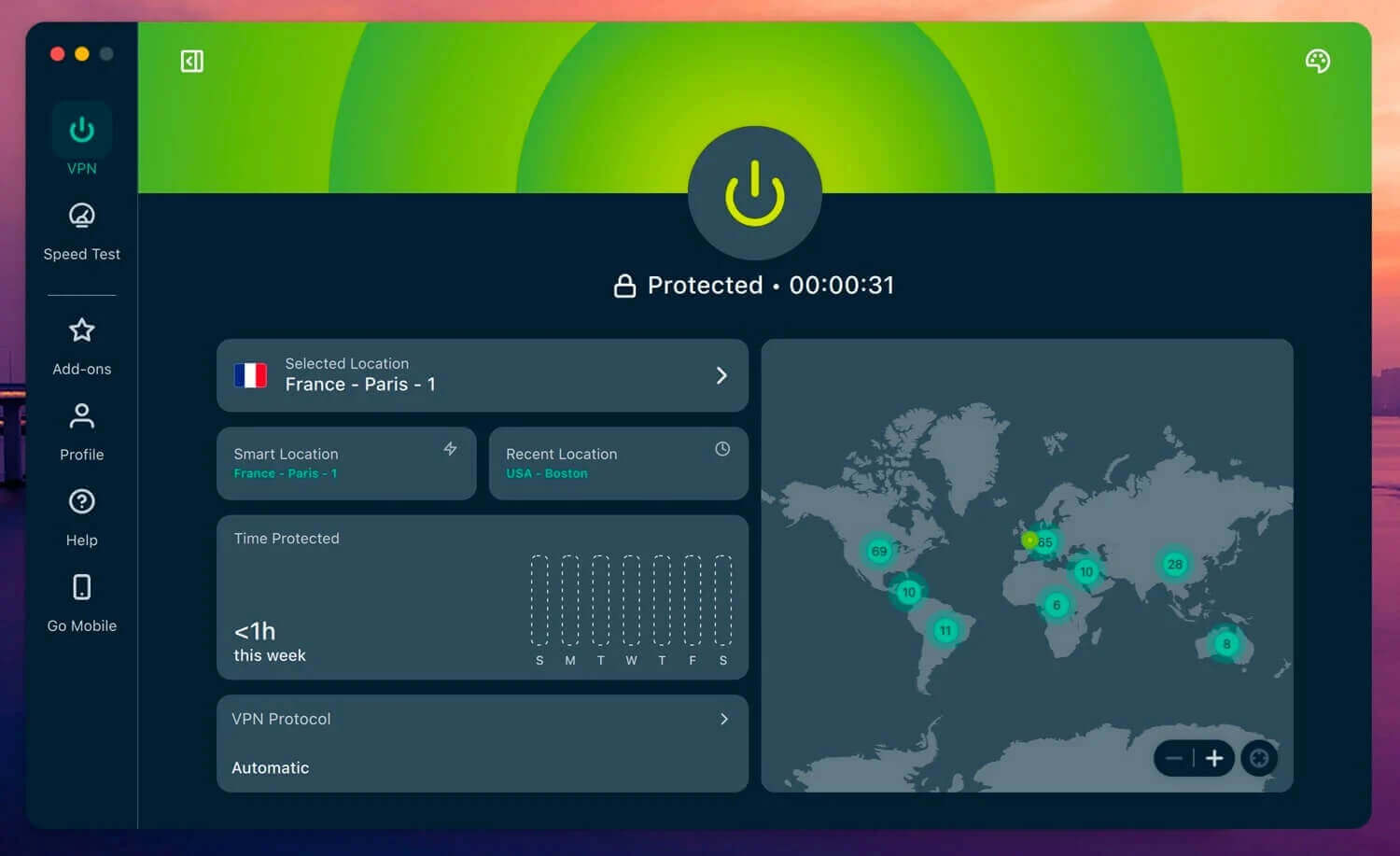
ExpressVPN has the most complete Apple TV app we tested. Lightway, its own protocol, comes with post-quantum encryption, and you can switch to OpenVPN or WireGuard or test your speed without leaving the app. Advanced Protection blocks ads and trackers on the TV itself, which no other tvOS app we tested offers, though the Basic plan’s version leaves trackers unblocked.
Its UK server came in at 182.1 Mbps, the fastest UK result on the Apple TV, and its average speed loss of 6.5% is too small to notice while streaming. It couldn’t unblock Hulu, its only failure among the four services. If you want US TV from abroad mainly for Hulu, go with NordVPN or Surfshark. MediaStreamer, ExpressVPN’s Smart DNS, unblocked Netflix US in our test, a useful fallback for older Apple TVs.
Sign-in works with a QR code or an email and password, and App Store subscribers can restore their purchase instead. ExpressVPN’s cheapest plan, Basic, costs under $3 a month over 28 months. ExpressVPN also has an app for the Amazon Fire TV Stick.
4. Proton VPN: Best Apple TV VPN for Privacy
Pros
- Swiss jurisdiction
- Audited no-log policy
- VPN Accelerator on tvOS
- Hulu and Netflix US unblocked
Cons
- Doesn’t unblock Prime Video
- Paid account required on tvOS
- No Smart DNS
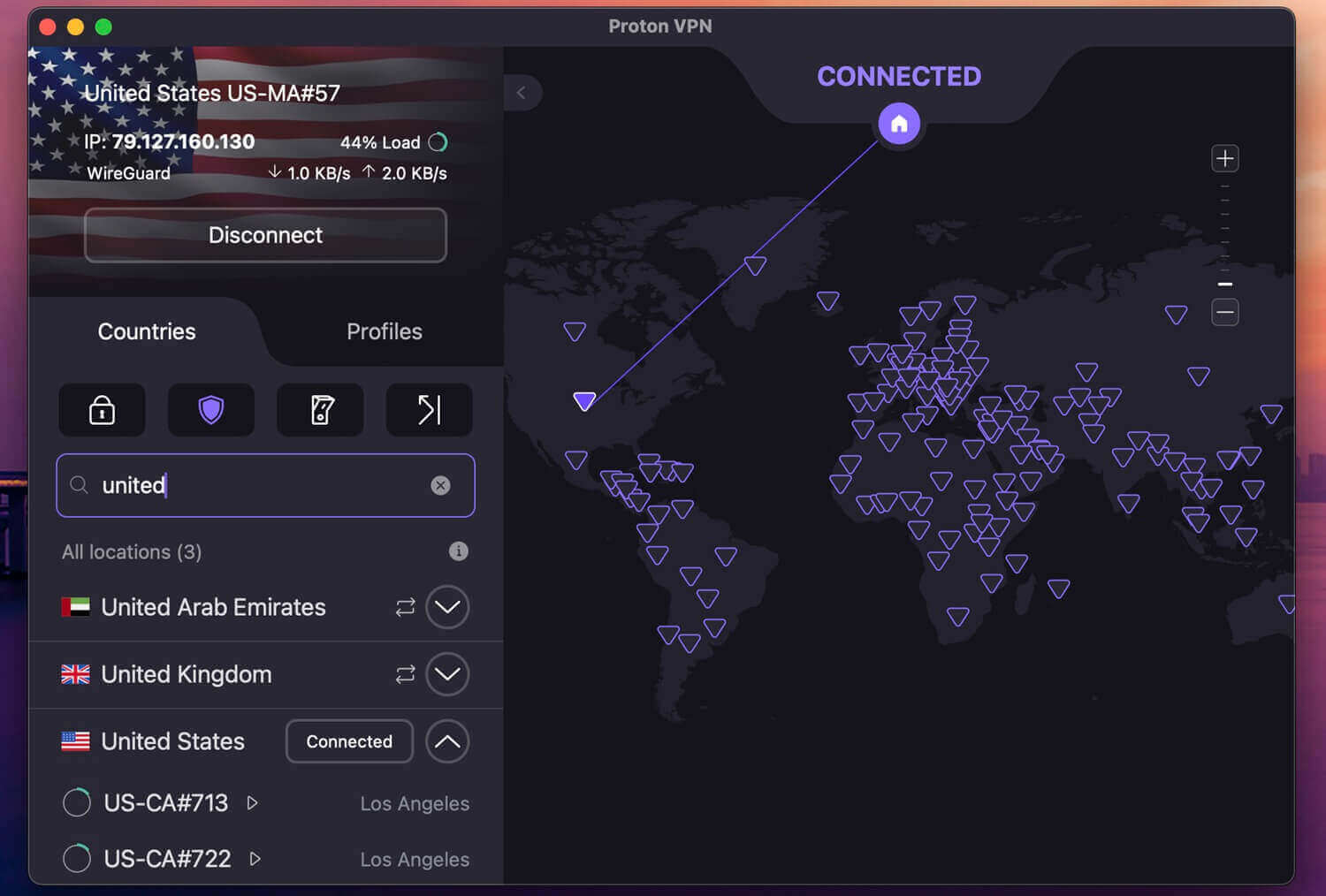
Proton VPN unblocked Netflix US, Hulu, and BBC iPlayer on our Apple TV, but it couldn’t unblock Prime Video, so viewers who rely on Prime Video should look at NordVPN instead. Proton VPN recorded 176.86 Mbps on its UK server and 170.15 Mbps on its US server, an 8.8% average speed loss that’s still fast enough for every streaming app. The tvOS app keeps VPN Accelerator, a feature that reduces speed loss on distant servers, and that’s its only setting.
Its privacy extras, such as Secure Core servers and the NetShield ad blocker, stay in Proton VPN’s phone and computer apps. Setup took me the longest. The app shows an activation code, which you enter at protonvpn.com/appletv on a phone or computer after signing in. Free accounts don’t work on the Apple TV, so the app requires a paid subscription, and there’s no Smart DNS for older models, which leaves a router or internet sharing from a computer.
Proton VPN is a Swiss company, and its no-log policy, a promise to keep no record of what you do online, has passed independent audits. Our Proton VPN review goes through each audit. Paid for two years up front, the VPN Plus plan comes to under $3 a month.
5. Private Internet Access: Best Budget VPN for Apple TV
Pros
- Lowest starting price
- Unlimited devices
- Smart DNS support
- Apple ID sign-up on tvOS
- Choice of encryption strength
Cons
- Doesn’t unblock Prime Video on tvOS
- No MACE or kill switch on tvOS
- No split tunneling or multi-hop on tvOS
Private Internet Access is the cheapest VPN in our ranking, at about $2.20 a month on its two-year plan, and it sets no device limit. On our Apple TV, it lost 8.5% of its speed on the UK server and 11.6% on the US one, the largest drop we recorded on the TV, though still fast enough for 4K. It also failed on Prime Video, like Proton VPN. NordVPN, Surfshark, and ExpressVPN unblocked Prime Video on the same TV.
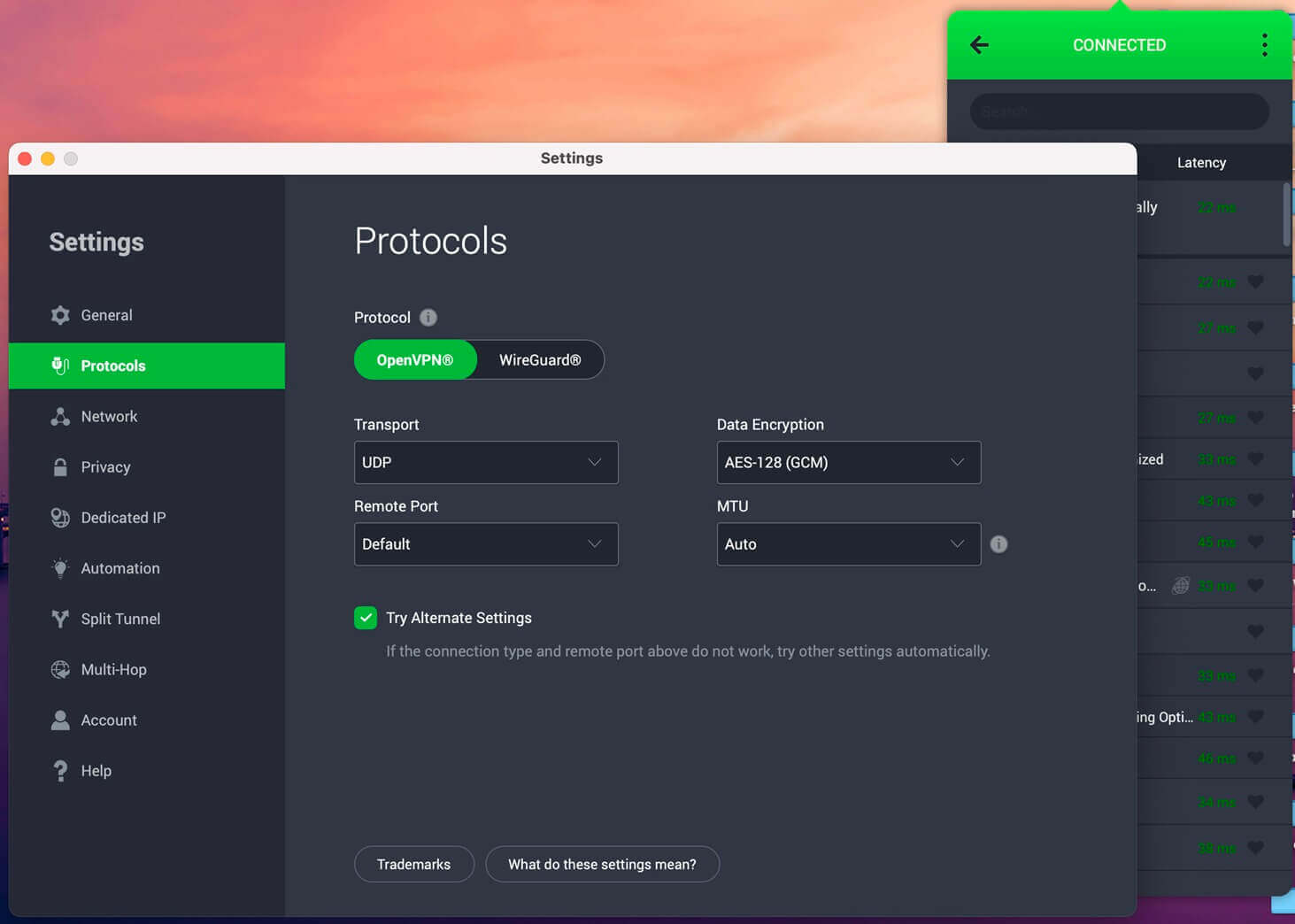
Its tvOS app has more settings than most. You can choose OpenVPN or WireGuard, 128-bit or 256-bit encryption, and a dedicated IP address. MACE, PIA’s ad blocker, is missing on the TV, along with split tunneling, multi-hop, and the kill switch. Like Surfshark, PIA lets you pay through your Apple ID from the TV, or scan a QR code with an existing account.
With its Smart DNS, PIA also unblocked Netflix US, which makes it a low-cost way to cover an older Apple TV without app support.
How to Set Up a VPN on Apple TV
VPN apps work on Apple TV models with tvOS 17 or later. Older models, and Apple TVs you’d rather not install an app on, can use Smart DNS, a router, or a shared connection from a computer instead.
Install a VPN App
- Subscribe to a VPN with a tvOS app. NordVPN came out on top in our tests. Surfshark and PIA let you sign up on the TV with your Apple ID.
- Open the App Store on the Apple TV and search for the VPN.
- Download the app and open it.
- Sign in by scanning the QR code with your phone, or enter your email and password.
- Allow the VPN configuration when tvOS requests permission.
- Connect to a server in the country whose catalog you want, then open the streaming app.
For American catalogs, connect to a US server for a US IP address. Proton VPN works differently at the sign-in step: it shows an activation code you confirm at protonvpn.com/appletv.
Use Smart DNS
Smart DNS works on any Apple TV, including models too old for VPN apps, because it changes only the DNS settings. NordVPN, ExpressVPN, and PIA offer it. It doesn’t encrypt your traffic, so use it for streaming only.
- Sign in to your VPN account on its website and activate Smart DNS, registering your home IP address if prompted.
- On the Apple TV, open Settings, then Network, and select your Wi-Fi or Ethernet connection.
- Choose Configure DNS, then Manual.
- Enter the Smart DNS IP address from your VPN account and restart the Apple TV.
Use a Router or Share a Connection From a Computer
A VPN on your router changes the IP address of the Apple TV and every other device on your home network. Not every router supports VPN firmware, so check its manual first. The simpler method is to connect the VPN on a Windows PC or Mac, enable internet sharing, and join the Apple TV to that shared network.
Can You Use a Free VPN on Apple TV?
Rarely. Proton VPN’s free plan doesn’t work in its Apple TV app, which requires a paid account, even though we recommend that free plan on phones and computers. Free VPNs also skip Smart DNS and limit data or servers, so they’re a poor fit for long evenings of streaming on a TV.
Some free VPNs fund themselves by selling user data, which defeats the main reason to use a VPN. PIA is the cheapest way to cover an Apple TV, and the other four cost under $3.50 a month.
Final Thoughts
For most Apple TV owners, NordVPN is our recommendation. It unblocked Netflix US, Hulu, BBC iPlayer, and Prime Video on the TV and slowed the connection the least, and its Smart DNS covers older models that can’t install the app. Get Surfshark if you want the same streaming results for less money, or ExpressVPN if you’d like ads blocked on the TV and don’t watch Hulu.
Proton VPN remains a highly secure VPN for keeping your data private on your other devices, but neither it nor PIA unblocked Prime Video on the TV. Our streaming VPN ranking covers phones, laptops, and other TVs. Before you start watching, install the VPN on the TV. A VPN connected on your phone doesn’t change what the TV’s streaming apps see.
Frequently Asked Questions
Does Apple TV support VPN apps?
Yes, on recent versions of tvOS. VPN apps install from the Apple TV App Store, while older models use Smart DNS or a VPN set up on the router.
Which VPNs work with Apple TV?
NordVPN, Proton VPN, ExpressVPN, Surfshark, and Private Internet Access have tvOS apps. NordVPN, ExpressVPN, and Private Internet Access also offer Smart DNS for Apple TV models without VPN app support.
What is the easiest way to use a VPN on Apple TV?
A native tvOS app. NordVPN, ExpressVPN, Surfshark, and Private Internet Access sign in with a QR code scanned on a phone, while Proton VPN uses an activation code entered on its website.
Does Proton VPN’s free plan work on Apple TV?
No. Proton VPN’s Apple TV app requires a paid account, so free users have to upgrade or install a VPN on the router, which covers the Apple TV through the home network.
Do Apple TV VPN apps have a kill switch?
No. tvOS VPN apps, including NordVPN’s and Proton VPN’s, have no kill switch, so a dropped connection exposes the Apple TV’s own IP address until the app reconnects.