Nearly every VPN advertises “military-grade encryption,” and the phrase tells you very little. Almost all of them use the same AES-256 or ChaCha20 ciphers, so the encryption itself is rarely what separates a secure VPN from a risky one.
Security shows when something goes wrong. Your laptop restarts while the app is still loading, a hotel network blocks VPN traffic, a data center hands a server to the police, or a government asks the company for its records. A secure VPN keeps your traffic encrypted through the first two and has nothing to hand over in the last two.
What a VPN does is simple, but how it behaves in those moments is where the differences show, and some well-known names needed a settings change before they protected us fully. Here’s which VPNs kept our traffic protected, and the settings that make yours do the same.
Which VPNs Are the Most Secure in 2026?
- NordVPN: Best overall, with a kill switch that protected us through a restart on its default setting
- Proton VPN: Best for verifiable privacy, with open-source apps and Secure Core
- ExpressVPN: Best for hands-off protection, with post-quantum encryption and obfuscation always on
- Private Internet Access: Best for blocking trackers, with the strongest ad and malware filter we tested
- Surfshark: Best for everyday protection, with RAM-only servers and post-quantum WireGuard
VPN Security Test Results Compared
None of the five leaked an IP address or a DNS request in our tests, so the table covers what did differ: the kill switch after a restart, the speed cost of multi-hop connections, and how much each VPN’s filter blocked.
| VPN | Kill switch through a restart | Post-quantum encryption | Multi-hop speed cost | Obfuscation | Ads and trackers blocked |
|---|---|---|---|---|---|
| NordVPN | Passed on the default setting | Yes (NordLynx) | Double VPN: 2.9% | NordWhisper | 76% |
| Proton VPN | Passed with advanced kill switch | No | Secure Core: 12.1% | Stealth | 93% |
| ExpressVPN | Passed in strictest mode | Yes (Lightway, by default) | No multi-hop | Automatic | 71% |
| PIA | Passed with Advanced Kill Switch | No | Multi-Hop proxy: 20.1% | Shadowsocks (OpenVPN only) | 96% |
| Surfshark | Passed in Strict mode | Yes (WireGuard) | Dynamic MultiHop | Camouflage Mode (OpenVPN only) | 79% |
The Most Secure VPNs We Tested
1. NordVPN: Most Secure VPN Overall
Pros
- Kill switch passed our restart test by default
- App Kill Switch for chosen programs
- Optional post-quantum encryption
- Six independent no-logs audits
- RAM-only servers
- Based in Panama
Cons
- Built-in ad filter blocked less than rivals’
- Steep renewal price
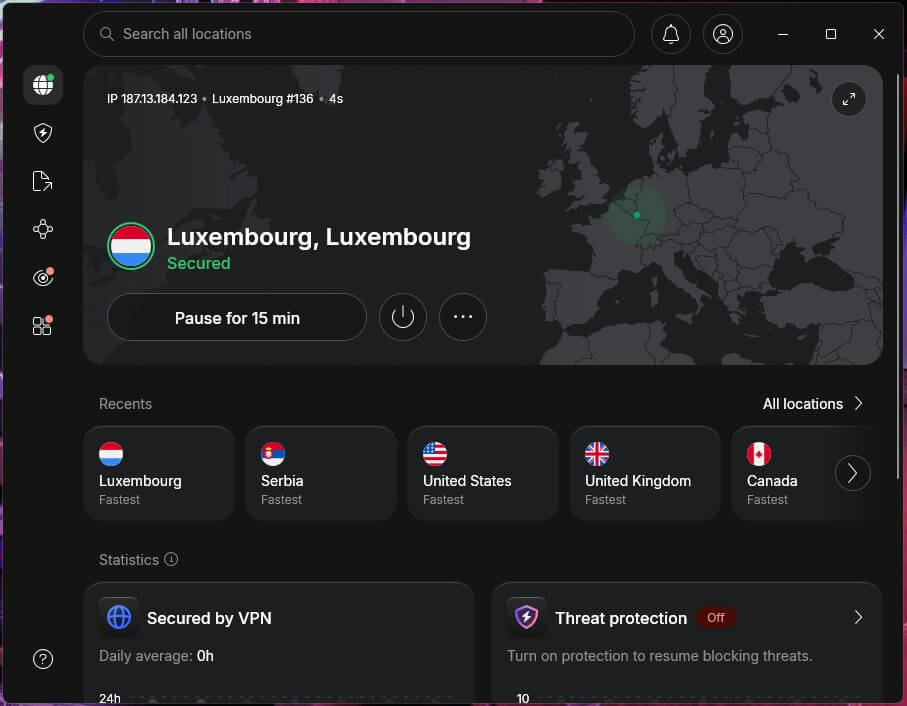
NordVPN was the only VPN whose kill switch kept our traffic blocked through a PC restart without any setting changed. With the kill switch enabled and the VPN off, the computer simply can’t get online, and a separate App Kill Switch closes the programs you choose, such as a torrent client, if the connection drops.
The rest of its security backs that up. NordLynx, its WireGuard-based protocol, supports post-quantum encryption, which you can enable in the connection settings, and its servers keep no data on hard drives.
Independent auditors have examined its no-logs policy six times, most recently in late 2025, and a separate review of its apps and servers found no critical flaws. Double VPN sends your connection through two countries, and in our tests it cost just 2.9% of our speed, so you lose almost nothing by keeping it on for sensitive work.
Next-gen antivirus, its ad and malware filter, blocked about three-quarters of our test domains, a bit disappointing for software with that name, so keep your browser’s own tracker protection enabled alongside it. NordWhisper and obfuscated servers disguise VPN traffic on networks that block it.
2. Proton VPN: Best for Privacy-First Users
Pros
- Open-source apps on every platform
- Secure Core through privacy-friendly countries
- Stealth obfuscation on every plan
- No-logs audits every year
- Swiss jurisdiction
Cons
- Post-quantum still missing
- Kill switch leaked until set to advanced
- Encrypted disks instead of RAM-only servers
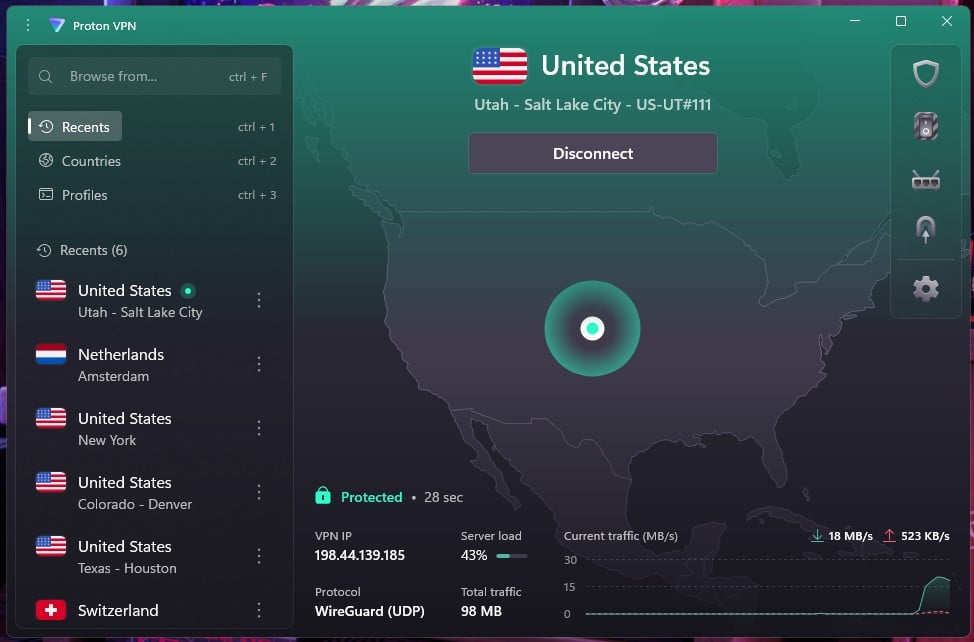
Proton VPN publishes the code of every app, so researchers can check what it actually does, and an independent auditor has reviewed its no-logs policy every year since 2022. Proton also runs its own bug bounty, paying researchers who find flaws before attackers do.
The company is Swiss, which keeps it outside US and EU data-retention rules. Secure Core passes your connection through a Proton VPN server in Switzerland, Iceland, or Sweden before the server you chose, so a compromised server at the far end can’t reveal your real IP address.
Stealth, its obfuscation protocol, was only 1.9% slower than a regular connection in our tests and is available on the free plan too. Its servers keep data on encrypted disks, which Proton argues protects a seized server as well as RAM-only storage does.
Two weaknesses kept it in second place. Out of the box, its kill switch leaked during our reboot test, so we enabled the advanced kill switch in Settings, which passed the same test. It also has no post-quantum encryption yet, a surprise for a company built around privacy.
3. ExpressVPN: Best for Hands-Off Protection
Pros
- Post-quantum Lightway by default
- Obfuscation on every connection
- TrustedServer memory-only servers
- Public bug bounty
- British Virgin Islands jurisdiction
Cons
- No multi-hop connections
- Weakest ad filter we tested
- Strict kill switch mode required
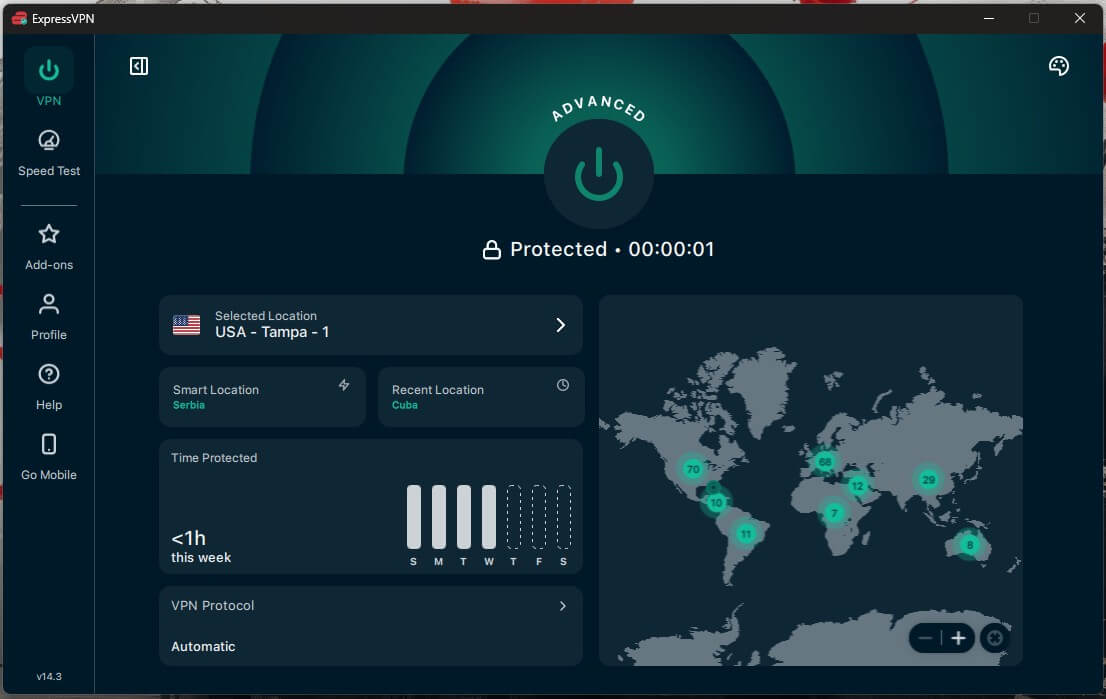
ExpressVPN protects you without asking you to configure anything. Lightway, its own protocol, has used post-quantum encryption by default for years, obfuscation is built into every connection, and TrustedServer loads each server’s software fresh into memory, so a restart wipes it clean.
A public bug bounty pays researchers to report flaws, and our ExpressVPN review covers its audit record in more detail. The one setting worth changing is the kill switch. In its default mode, traffic left the PC during a restart, while its strictest mode blocked everything until the VPN reconnected, so choose that one under Profile.
There’s no multi-hop, so if you want a second server between you and the internet, NordVPN or Proton VPN is the better fit. Advanced Protection blocked 71% of our test domains, the lowest of the five, and it disables WireGuard and OpenVPN while it’s on.
Leave the protocol on Automatic or Lightway when you use it. Its security features don’t get in the way of streaming either: it unblocked every service in our tests, which also places it among the best VPNs for Netflix.
4. Private Internet Access: Best for Blocking Trackers
Pros
- Strongest ad and malware filter we tested
- Open-source apps
- Subpoenas found no user records
- Choice of AES-128 or AES-256
- RAM-only servers
Cons
- Standard kill switch failed our reboot test
- No post-quantum encryption
- US jurisdiction
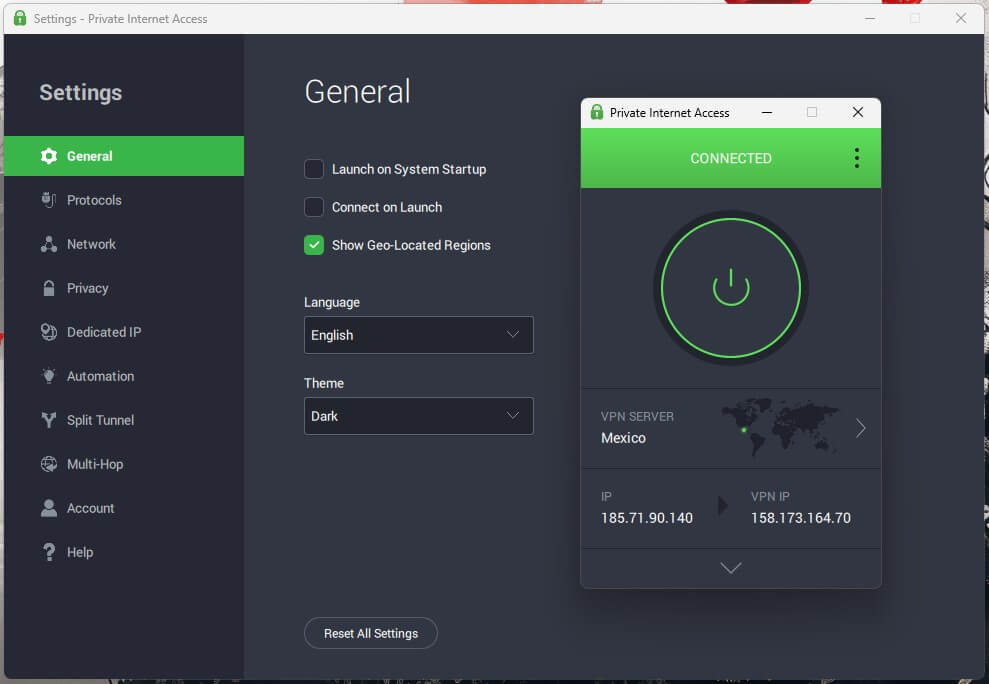
MACE, PIA’s ad and malware filter, blocked 96% of our test domains, more than any other VPN on this list. Its apps are open source, the whole network uses RAM-only servers, and an independent audit confirmed its no-logs policy in late 2025, including the system behind its dedicated IP addresses.
On its standard setting, PIA’s kill switch leaked traffic during our reboot test, a nasty surprise from a VPN that markets itself on privacy and security. The Advanced Kill Switch passed the same test, so enable it before anything else. PIA also lets you choose AES-128 for speed or AES-256 for maximum protection.
Meanwhile, the SOCKS5 proxy assigns one program, such as a torrenting client, a separate IP address. PIA’s multi-hop adds a Shadowsocks or SOCKS5 proxy in front of the VPN server, and it requires OpenVPN, which slows the connection noticeably.
At around $2 a month on the longest plan, two years plus a few free months, it’s also one of the cheapest VPNs we recommend most.
5. Surfshark: Best for Everyday Protection
Pros
- Post-quantum WireGuard by default
- RAM-only servers
- Dynamic MultiHop
- CleanWeb ad and malware blocking
- Masked identity with Alternative ID
Cons
- Camouflage Mode requires OpenVPN
- Slow to connect at times
- Netherlands jurisdiction
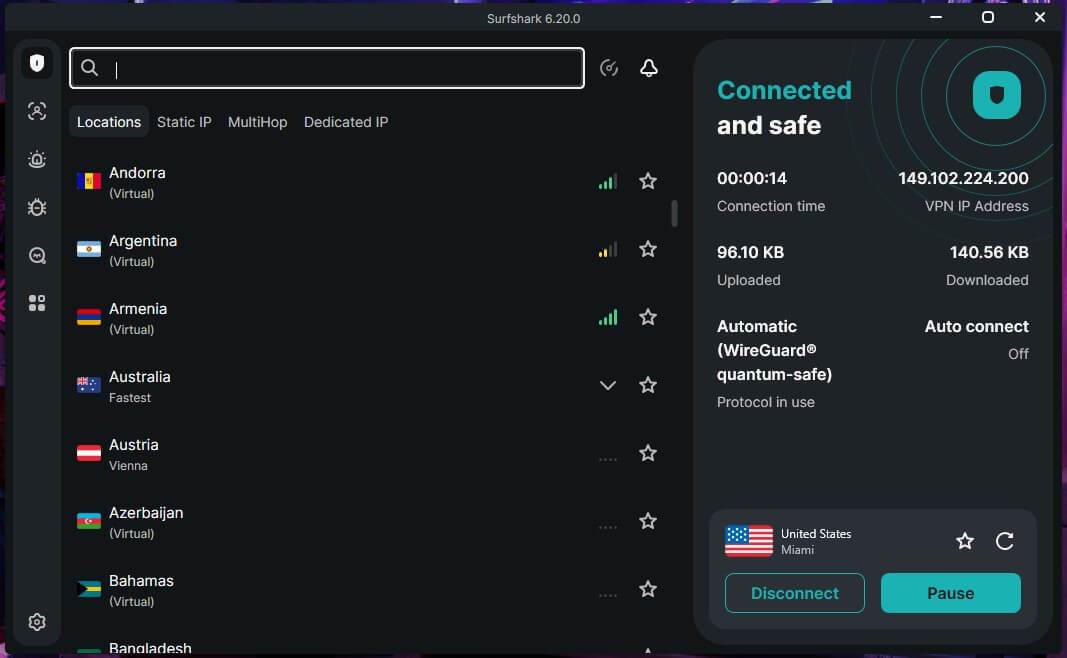
Surfshark adds post-quantum protection to every WireGuard connection, and none of its servers store data on a hard drive. Dynamic MultiHop lets you choose both servers in a two-country chain, and its servers and new protocol passed an independent security review with no critical findings.
Its default kill switch mode, called Soft, leaked as the PC rebooted, while Strict mode blocked all internet access until the VPN connected. If security is the reason you want the VPN, switch to Strict once and leave it there.
CleanWeb blocked 79% of our test domains, and Alternative ID hands you a separate email address and online persona for accounts you’d like to keep away from your name. Camouflage Mode, its obfuscation, works on OpenVPN only, so on a network that blocks VPNs, change the protocol before connecting.
Connections sometimes took several seconds to start, so wait for the app to confirm before opening a banking site. Surfshark comes down to about $2.50 a month, close to PIA’s price.
How We Tested VPN Security
Encryption claims are easy to print and hard to check, so we tested what a user can actually see:
- Kill switch: with a continuous ping running, we pulled the Ethernet cable mid-session, ended the VPN’s process in Task Manager, and restarted the PC. Every VPN passed the first two. On the restart, only NordVPN’s default setting blocked traffic, and the other four passed once we chose their strictest kill switch modes.
- Leaks: we tested every connection for IP and DNS leaks, and none of the five leaked.
- Ad and malware filters: we enabled each VPN’s blocker, opened an online ad-blocking test that calls 135 known ad, tracking, and malware domains, and counted how many it stopped.
- Cost of extra protection: with Double VPN, Secure Core, PIA’s Multi-Hop proxy, Stealth, and NordWhisper enabled, we compared download speed and ping against a regular connection on the same server.
For everyday speed results, our ranking of the fastest VPNs covers each one in detail.
What Makes a VPN Secure
Kill Switches and Leak Protection
A kill switch blocks your internet connection whenever the VPN isn’t connected, so nothing leaves your device unencrypted.
Most VPNs offer two levels: a standard mode that reacts when an active connection drops, and a strict mode that blocks everything, including during startup. Our restart test shows why the strict mode is worth enabling: the standard one usually isn’t running yet when your browser reopens its tabs.
Leak protection covers what the kill switch can’t. Your device can still send DNS requests, which reveal the sites you visit, or IPv6 traffic outside the tunnel. All five send DNS requests through their own servers and block IPv6 leaks, so neither showed up in our tests.
Encryption, Protocols, and Post-Quantum Protection
WireGuard and the protocols built on it, such as NordLynx, are the most secure options for most people: their code is small enough to audit thoroughly, and they use modern ChaCha20 encryption. Lightway, ExpressVPN’s own protocol, takes a similar approach.
OpenVPN remains secure and is still the protocol many obfuscation features depend on, while IKEv2 suits phones that switch between Wi-Fi and mobile data. PPTP is broken, and L2TP without IPsec offers no encryption, so avoid any VPN that still relies on them.
Post-quantum encryption protects against a newer risk. An attacker can record encrypted traffic today and decrypt it once quantum computers become powerful enough, so NordVPN, ExpressVPN, and Surfshark now add post-quantum key exchange to their main protocols.
Server Security and Audits
RAM-only servers keep nothing on a hard drive, so a seized or restarted server has no stored data to give up. Proton VPN takes another approach, encrypting its disks and keeping the keys elsewhere.
Audits prove the rest. A no-logs audit checks that the company stores nothing that identifies you, while app and server audits look for security flaws, so the strongest VPNs commission both. Every one of the no-log VPNs we recommend has passed a no-logs audit.
A public bug bounty, which pays outside researchers for reporting flaws, is another good sign.
Multi-Hop and Obfuscation
Multi-hop sends your traffic through two VPN servers, so the second server never sees your real IP address and the first never sees where you’re going. The trade-off with Double VPN is speed, and in our tests, NordVPN’s version cost the least.
Obfuscation disguises VPN traffic as ordinary encrypted web traffic. It helps on school and hotel networks that block VPNs, and in countries such as China, where deep packet inspection looks for VPN connections.
Breaches, Seizures, and What They Proved
A VPN’s past incidents show what its promises are worth. In 2018, an attacker reached one NordVPN server in a Finnish data center through a remote-management account the data center had added without telling NordVPN.
No user data or credentials were affected, according to NordVPN, and the company moved its whole network to RAM-only servers and began regular outside audits afterward.
In 2017, Turkish investigators seized an ExpressVPN server and found nothing that identified its users. PIA’s no-logs policy faced subpoenas in US court cases, and each time the company had no records to provide.
These events tested the claims under pressure, and in each case, the data that would have identified users didn’t exist.
Six Settings That Make Your VPN More Secure
- Choose the strictest kill switch. Look for a setting called Strict, Advanced, or Advanced Kill Switch in the app, since the standard mode usually starts too late after a reboot.
- Enable auto-connect on untrusted Wi-Fi. The VPN then connects before your apps start syncing on an airport or café network, and every one of our recommended VPNs for iPhone offers the setting.
- Enable post-quantum encryption. NordVPN keeps it behind a setting, while ExpressVPN and Surfshark enable it by default.
- Use the VPN’s own DNS. Custom DNS settings can bypass the tunnel, so check your connection on ipleak.net after setup.
- Save multi-hop for sensitive work. It adds little delay on NordVPN, but on other VPNs it slows browsing more than you’ll want for streaming.
- Add Tor only when you need it. Proton VPN and NordVPN offer Tor servers, but accessing the dark web still requires Tor Browser.
VPNs That Put Your Security at Risk
Some VPNs make your connection less safe than browsing without one. Hola VPN routes other users’ traffic through your device on its free plan, so your connection can be traced to whatever another user does online.
Urban VPN’s free app tracks what you browse and shares it with marketing partners, which flips the privacy promise on its head. Unknown free apps in the app stores are the bigger risk, since many show ads, request permissions they don’t need, and say little about who runs them.
On a phone, choose from the tested Android VPNs instead, where every app on the list keeps no logs.
Final Thoughts
Only one VPN kept our traffic blocked through a reboot without a settings change, and it’s NordVPN. Every VPN on this list encrypts traffic well and keeps our IP address hidden. Add post-quantum NordLynx, Double VPN at almost no speed cost, and repeated no-logs audits.
It’s the VPN we’d install for security first, as our NordVPN review explains feature by feature. Proton VPN suits users who want to verify everything themselves, since its apps are open source and its audits are annual, as long as you enable the advanced kill switch.
ExpressVPN is the choice if you’d rather not touch settings. On day one, spend two minutes in the settings: enable the strictest kill switch and auto-connect for public Wi-Fi, and run a leak test once you’re connected.
Most Secure VPN FAQs
What is the most secure VPN?
NordVPN is the most secure VPN. Its kill switch blocks traffic during startup, NordLynx supports post-quantum encryption, and auditors have verified its no-logs policy. Proton VPN suits open-source fans.
Which VPN protocol is the most secure?
WireGuard and protocols built on it, such as NordLynx, are the most secure choice for most users. Their small code base is easier to audit, and OpenVPN remains a secure fallback.
Can a VPN be hacked?
Yes, but rarely in a way that exposes users. Breaches usually target a single server, so RAM-only servers, no-logs policies, and independent audits limit what an attacker could find.
Are free VPNs secure?
Yes, some are. Proton VPN's free plan uses the same encryption and no-logs policy as its paid one, but many free apps collect browsing data or show ads, which defeats the purpose.
Does a VPN protect against malware?
No, not fully. A VPN encrypts traffic but doesn't scan files. Built-in filters such as MACE or NetShield block known malicious domains, so antivirus software is still required for downloads.
Should a VPN kill switch always be on?
Yes, on any network you don't control. The strictest mode blocks traffic during startup and reconnection too, which closes the moments when a standard kill switch isn't running yet.
Which country is best for a VPN company's privacy?
Countries without mandatory data-retention laws, such as Panama, Switzerland, and the British Virgin Islands, suit VPN companies best. An audited no-logs policy confirms the company keeps nothing to hand over.