A Mac has no VPN service built in, and iCloud Private Relay requires a paid iCloud+ plan and mostly covers Safari, so a free VPN is the usual next step. In October, I measured paid and free VPNs on a MacBook Air M1 wired to a 190 Mbps connection. Through its 30-day refund, NordVPN is the best free VPN for Mac, and it lost only 7.2% of its speed.
Proton VPN’s free plan comes next, with unlimited data and no expiry date. Its free servers lost 20.8% of their speed, though, and Netflix US detected and always blocked them, while PrivadoVPN’s free plan lost just 9.5% of its speed and unblocked Netflix US.
Best Free VPN for Mac: Free Trial and Really Free Options Ranked in 2026
- NordVPN: Best free VPN for Mac overall (free for 30 days)
- Proton VPN: Free forever, or 30 days of the paid plan
- ExpressVPN: Fastest to distant servers (free for 30 days)
- Private Internet Access: Unlimited devices for the lowest price (free for 30 days)
- Hide.me: Free Mac VPN with no data cap and a location list
- PrivadoVPN: Fastest free plan, for streaming and P2P
Free VPNs for Mac Compared
Speed loss is our own measurement on a MacBook Air M1 in Europe, connected over Ethernet to a 190.36 Mbps connection. Free plans were measured on the UK and US servers, or the two servers Proton VPN assigned. Streaming counts come from our Windows 11 round on the same connection.
| NordVPN | Proton VPN | ExpressVPN | PIA VPN | Hide.me | PrivadoVPN | |
| How It’s Free | 30-day refund | Free plan, or 30-day refund | 30-day refund | 30-day refund | Free plan | Free plan |
| Data Limit | None | None | None | None | None | 10 GB a month |
| Mac Speed Loss | 7.2% | 9.4% paid, 20.8% free | 7.8% | 12.7% | 30.6% | 9.5% |
| Streaming Services Unblocked | 14 of 14 | 10 of 14 paid, none free | 14 of 14 | 9 of 14 | None | 8 of 14 |
| Torrenting | Allowed | Paid plan only | Allowed | Allowed | Blocked | Within 10 GB |
| Devices | 10 | 10 paid, 1 free | 10-14 | Unlimited | 1 | 1 |
| Countries | 152 | 149 paid, 10 free | 113 | 91 | 7 | 10 |
| Ad Block | Complete plan and up | Paid plan only | Yes | Yes | No | No |
Best Free VPN for Mac: 30-Day Refund Options
NordVPN, Proton VPN, ExpressVPN, and PIA are paid VPNs, but each comes with a 30-day refund. Subscribe, use the Mac app normally, and claim the refund before the window closes, as our VPN free trial guide explains. For that month, there’s no data cap, and every server is available, along with streaming. Our premium Mac VPN ranking covers the paid side in more depth.
NordVPN: Best Free VPN for Mac for 30 Days
Subscribe on NordVPN’s site. The 2-year Basic plan is 69% off at $3.49 a month, and the 30-day money-back guarantee starts the day you pay. Use the Mac app as you normally would, then contact NordVPN’s support before day 30 and request the refund. NordVPN’s 3-day free trial starts only on Android, though the account it creates also signs in on a Mac.
Try NordVPN Risk-Free for 30 days
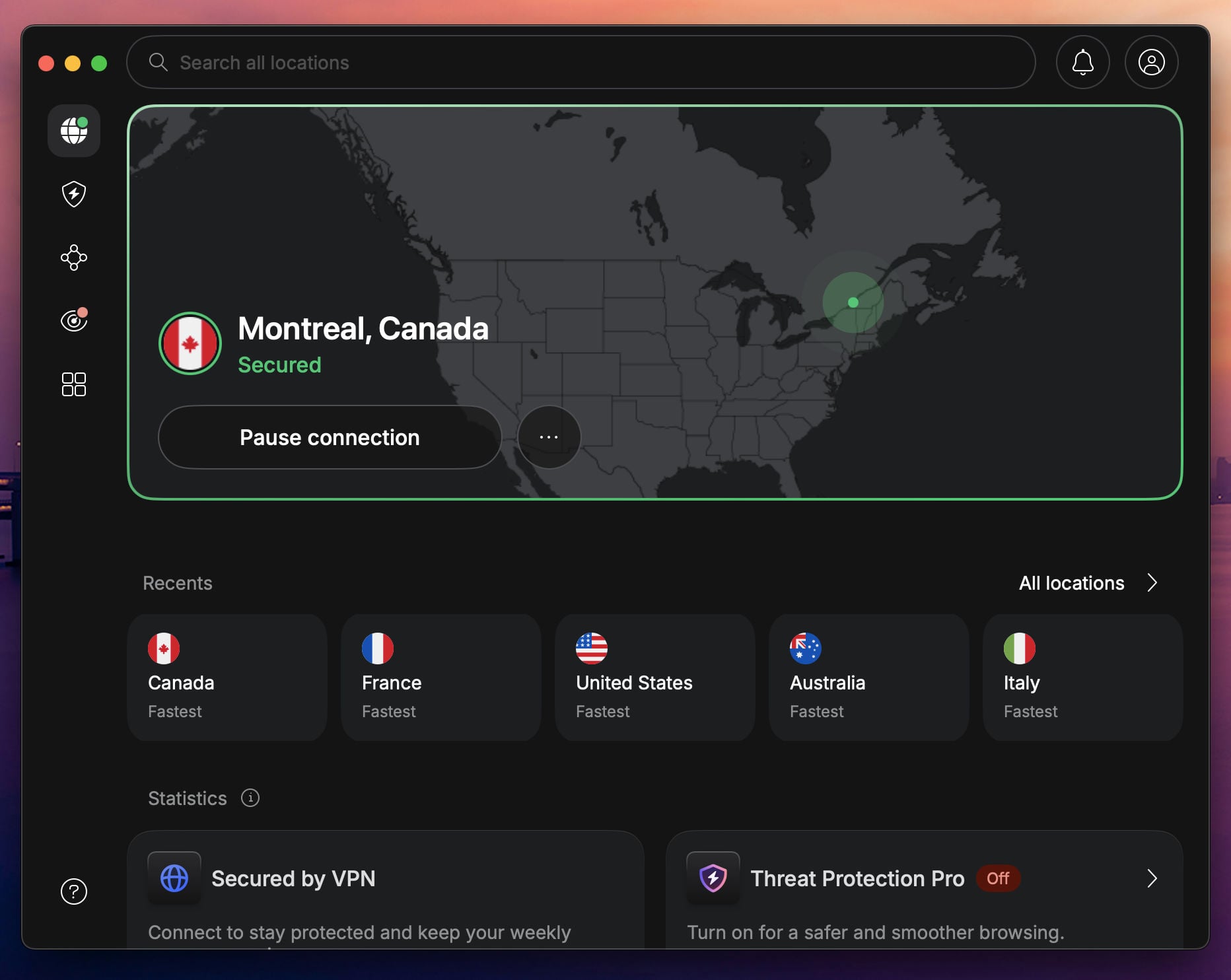
NordVPN on macOS
Pros
- No data cap
- Smallest speed loss on our Mac
- Unblocks every major streamer
- Malware and ad blocking on Complete
- App-level kill switch
- Protects 10 devices at a time
Cons
- Not free forever
- App Store version has fewer features
On our Mac, NordVPN lost 7.2% of its speed across UK, US, and Japanese servers, the smallest drop we measured on macOS, and its UK server measured 183.97 Mbps. It unblocked all 14 streaming services we tried. NordVPN dropped its dedicated torrenting VPN servers because P2P now works on every standard server.
Download the Mac app from NordVPN’s website. The App Store version has only a system-wide kill switch. The website version adds an app-level kill switch that closes chosen apps when the VPN disconnects. NordLynx uses post-quantum encryption, and next-gen antivirus on the Complete plan filters malicious downloads and ad trackers. Onion Over VPN servers are there for accessing the dark web through Tor Browser.
Six independent audits stand behind its no-log policy, and our NordVPN review covers each feature in detail. One subscription protects 10 devices, and the NordVPN trial guide walks through the refund step by step.
Proton VPN: Really Free VPN for Mac + 30-Day Refund
Proton VPN works two ways on a Mac. The free plan never expires, and the paid plan comes with a 30-day guarantee. We’d start with the paid plan, which unlocks every feature. If you don’t want to keep paying, drop back to the free plan afterward.
Try Proton VPN for Free for 30 Days
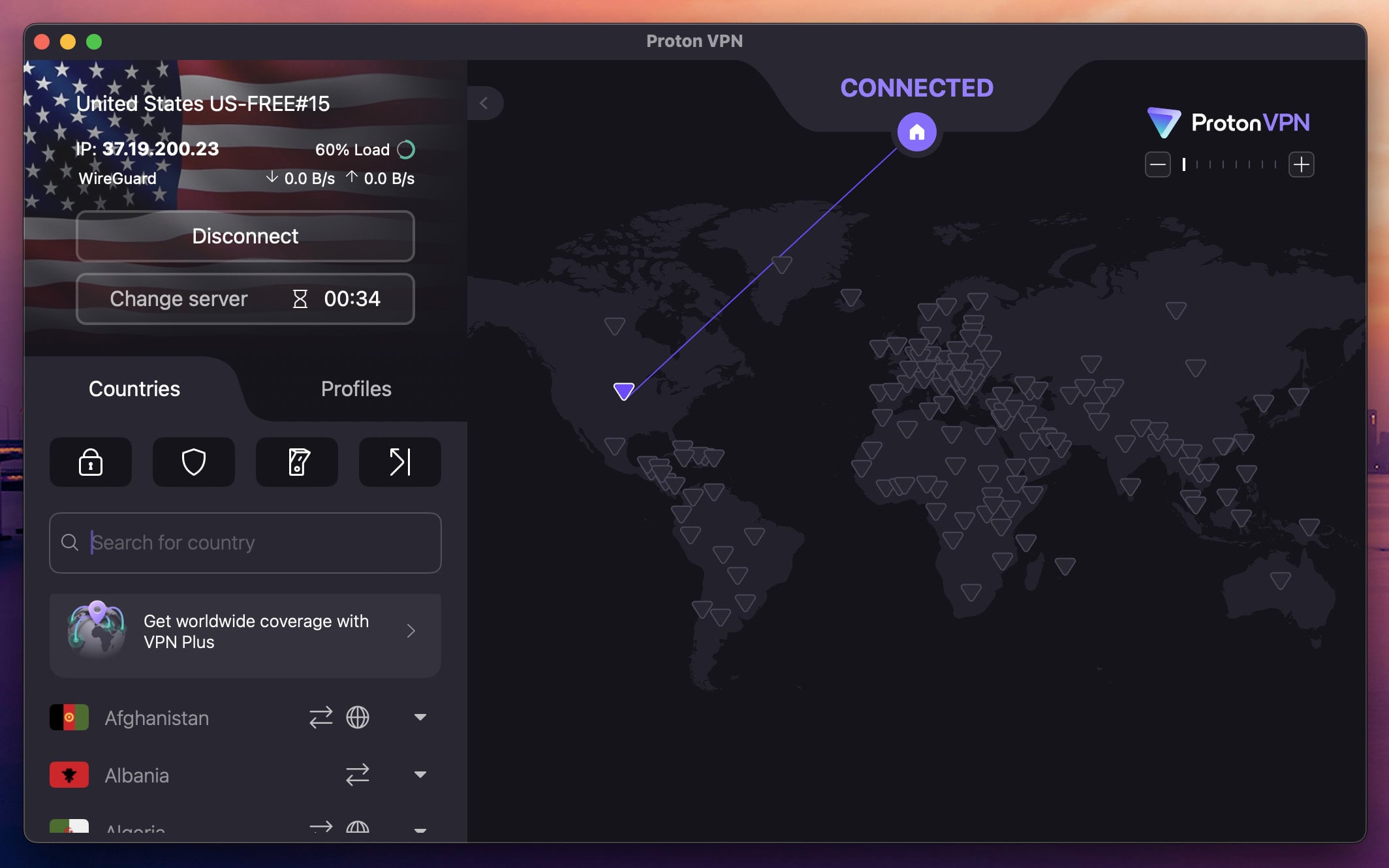
What Proton VPN’s Mac App Includes
Pros
- Free plan with no data cap
- Stealth obfuscation
- Secure Core (double hop)
- NetShield ad blocker
- Open-source Mac app
Cons
- No server choice when free
- Pro-rata refunds
- No post-quantum encryption
On our Mac, the paid plan lost 9.4% of its speed across three server locations and unblocked 10 of the 14 streaming services we tried. Proton VPN is Swiss, its apps are open source, and Securitum has audited its no-log policy five years in a row. Secure Core passes traffic through a hardened server in Switzerland, Iceland, or Sweden first, and NetShield blocks ads and trackers. Refunds are pro rata, returning only the unused share of the term. Our Proton VPN review goes deeper.
If you also own a Windows PC, it appears in our best free VPN for Windows picks too. The free plan never expires, sets no data cap, and follows the same no-log policy as the paid plan. You’re limited to one device and ten countries, and the app assigns the server. On our Mac, it assigned Amsterdam and a US server and lost 20.8% of its speed across the two, with the US server at 129.18 Mbps. Netflix US blocked it, torrenting is blocked, and NetShield and Secure Core stay on the paid plan.
The same account works on Android phones and iPhones, though the free plan connects one device at a time. For streaming, P2P, and a choice of server, the 30-day paid plan is the better way to try Proton VPN.
ExpressVPN: Fast and Secure, Risk-Free Mac VPN
ExpressVPN’s price makes little difference if you use the refund. Every plan has a 30-day money-back guarantee, and the 28-month Basic plan costs $2.99 a month. Install the app, sign in, and ask for the refund before day 30 if you don’t want to keep it.
Try ExpressVPN Risk-Free for 30 days
ExpressVPN’s Mac Features

Pros
- Best Japan speed on our Mac
- Obfuscation on every connection
- Unblocks every major streamer
- Simple Mac app
- Ad blocking on every plan
Cons
- Not free forever
- No multi-hop
- Steep renewal price
On our Mac, ExpressVPN lost 7.8% of its speed and measured 166.51 Mbps on its Japanese server, the best Japan result we recorded on macOS. Its streaming results matched NordVPN’s, with all 14 services unblocked. Every server allows P2P, and its automatic obfuscation helps on networks that block VPN traffic. It’s also a solid VPN for gaming, with low ping on nearby servers.
The Mac app offers Lightway and WireGuard, and Lightway uses post-quantum encryption. Network Lock, the kill switch, stops traffic if the tunnel drops. Advanced Protection blocks ads, trackers, and malicious sites on the Advanced plan, while the Basic plan’s version leaves trackers unblocked. Its no-log policy passed a KPMG audit in 2025.
The Basic plan covers 10 devices and the Express Pro plan 14, and the Basic plan renews at $99.95 a year. Our ExpressVPN review covers the rest.
Private Internet Access: Free Mac VPN With Strong Privacy and Security
PIA is the cheapest of the four paid VPNs. Its 2-year plan with 2 extra months costs $2.19 a month, refundable within 30 days. Download the Mac app, use it freely, and ask for the money back if it doesn’t suit you.
Try PIA VPN Risk-Free for 30 days
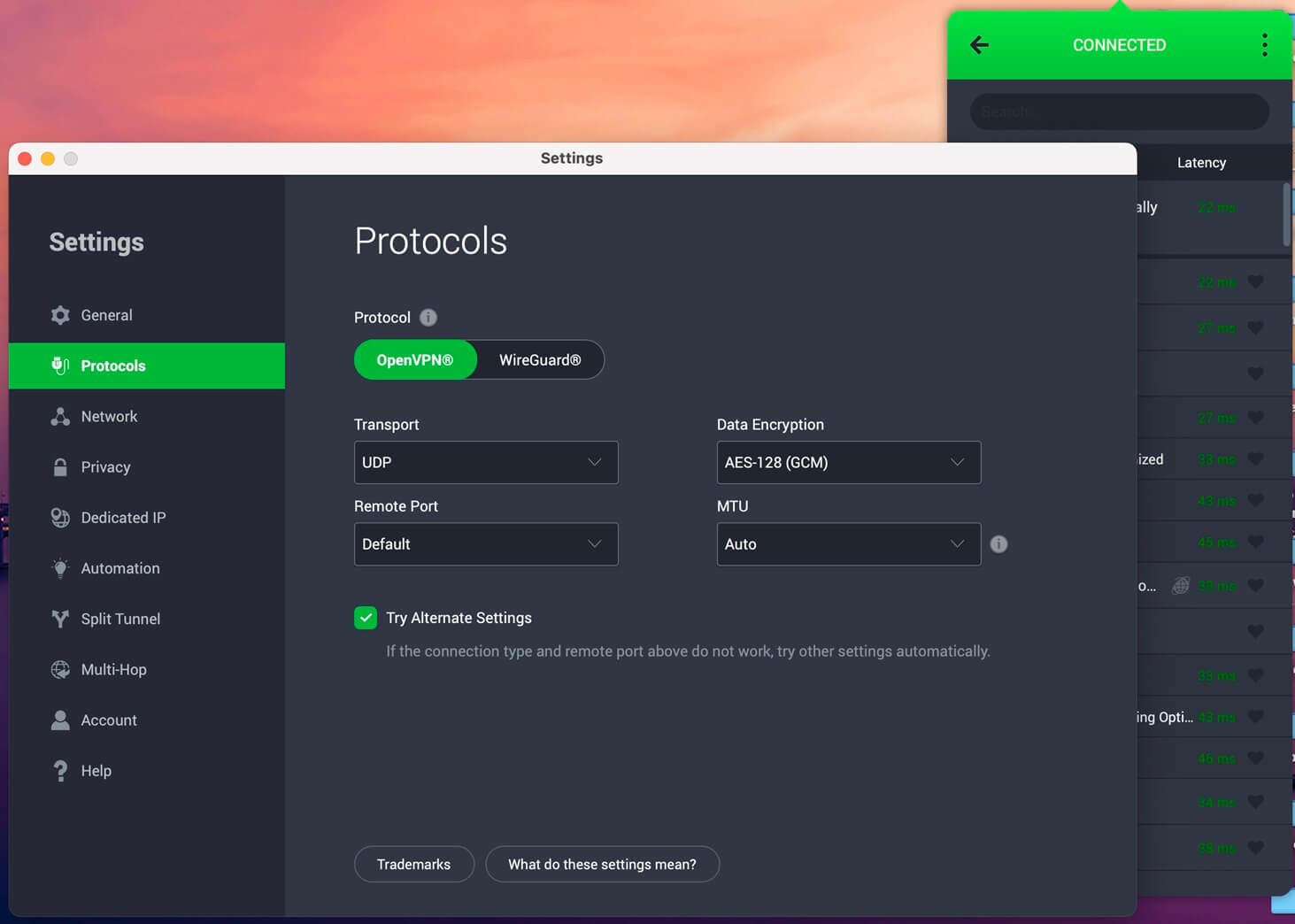
PIA on a Mac
Pros
- Unlimited devices
- MACE ad blocker
- Shadowsocks obfuscation
- Port forwarding
- Court-tested no-log policy
Cons
- Not free forever
- Cluttered Mac app
- Weaker streaming access
Private Internet Access sets no limit on simultaneous connections, so one subscription covers every Mac, iPhone, and PC in a household. On our Mac, it lost 12.7% of its speed on WireGuard, with the Japanese server the weakest at 141.61 Mbps, and it unblocked 9 of the 14 streaming services, with Netflix Japan and HBO Max among the failures.
On d3ward’s ad-block test, MACE stopped 96% of the domains, more than any other blocker we measured. Shadowsocks disguises traffic on filtered networks, and a SOCKS5 proxy covers torrent clients. You can also set the MTU size and ports, which our PIA review walks through. Subpoenas in US court cases produced no user logs, and Deloitte has audited the policy three times.
Dedicated IP addresses are available in 26 locations, and an antivirus costs $1.45 a month, though only for Windows. The Mac app looks as dated and cluttered as the Windows one, and PIA’s streaming record is the weakest of the four paid VPNs.
Best 100% Free VPNs for Mac (No Credit Card)
If paying first doesn’t suit you, these two never charge. Expect fewer locations, no streaming from Hide.me, and a data cap on PrivadoVPN.
1. Hide.me: Free MacBook VPN With No Data Cap
Pros
- No data cap
- Choice of locations
- WireGuard support
Cons
- P2P is blocked
- Netflix blocks it
- Slow on US servers
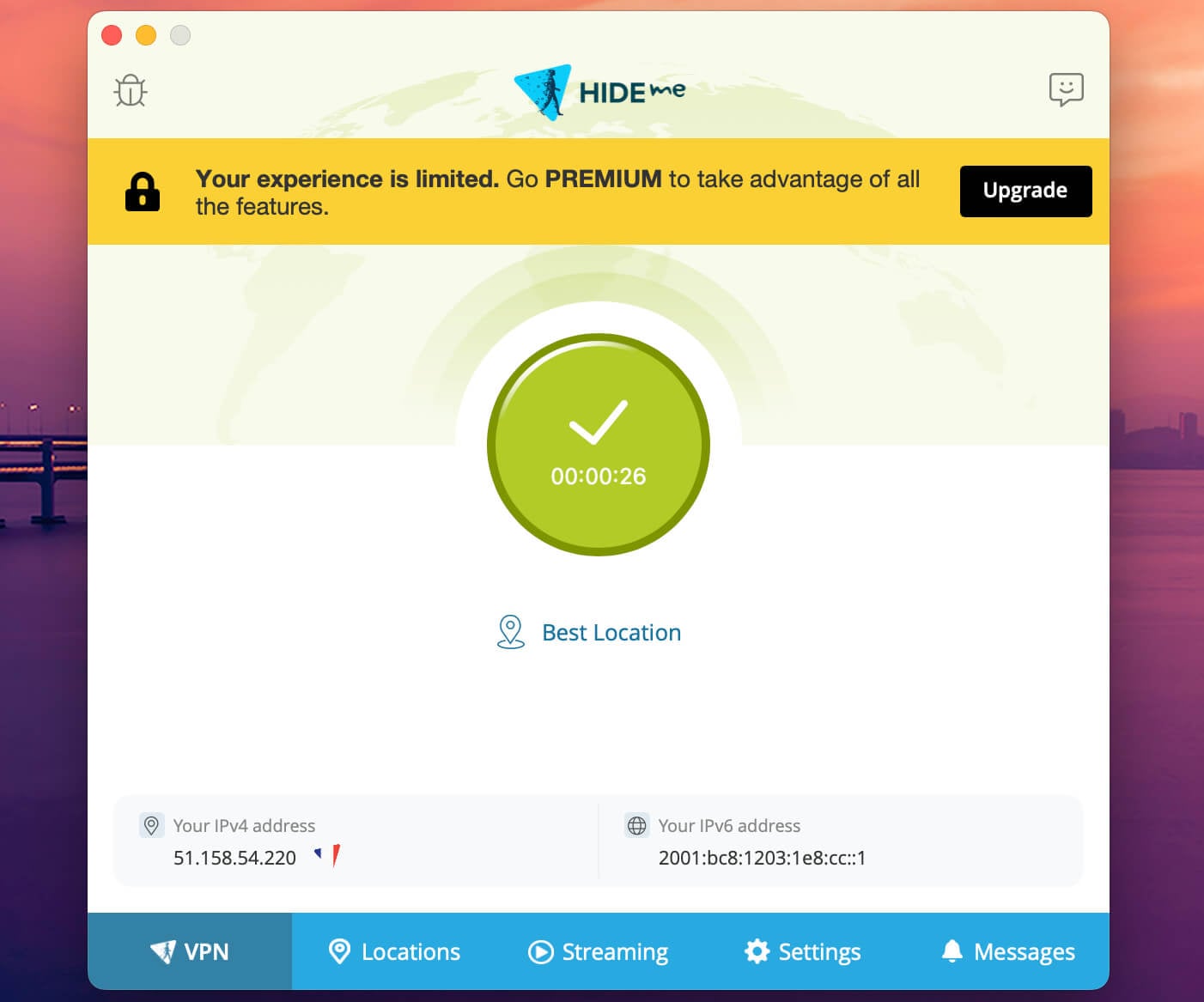
Hide.me‘s free Mac app offers unlimited data and eight locations in seven countries to choose from. The company is Malaysian, and an outside audit has checked its no-log policy. The app supports WireGuard and OpenVPN. Free accounts lose MultiHop, ad blocking, and the Bolt proxy.
On our Mac, the free plan measured 155.74 Mbps on the UK server and only 108.31 Mbps on the US one. That’s a 30.6% average speed loss, which shows on large downloads. Netflix and other streaming services blocked it, and P2P traffic isn’t allowed on the free plan. Hide.me works as a backup to Proton VPN’s free plan, though it trails NordVPN and ExpressVPN, which lost 7.2% and 7.8% of their speed on the same Mac.
2. PrivadoVPN: Free MacBook VPN for Streaming and Torrenting
Pros
- Fastest free plan on our Mac
- Netflix US and iPlayer unblocked
- Torrenting is allowed
- Kill switch and split tunneling
Cons
- 10 GB of monthly data
- Allowance renewed by hand
- No independent audit
- One device at a time
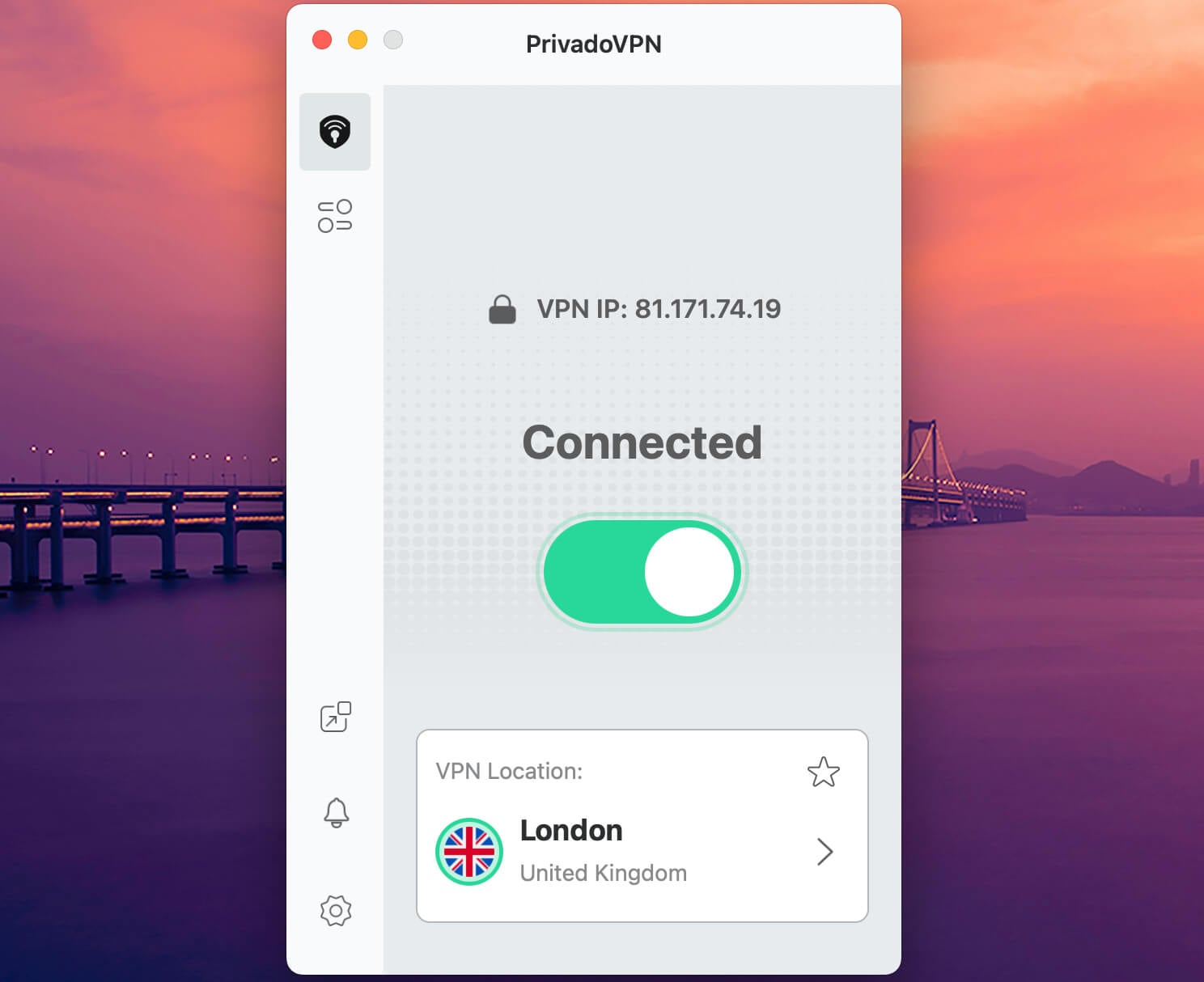
PrivadoVPN‘s free plan lost only 9.5% of its speed on our Mac, with the UK server at 180.15 Mbps, close to NordVPN’s paid result. A free account was enough to unblock Netflix US and BBC iPlayer, and torrenting is allowed. On the Mac, the free plan keeps the kill switch and split tunneling. Free users pick from 13 locations in ten countries.
The 10 GB monthly allowance is the problem. It cuts streaming and torrenting sessions short, and you have to renew it by hand each month. After that, the app drops to 1 Mbps emergency servers. The company operates from Iceland, and its no-log policy has never been audited. Our PrivadoVPN review covers the paid plan, which costs about the same as NordVPN and PIA.
Other Free Plans We Tested on the Mac
Three more free plans went through the same Mac test. Windscribe’s free plan lost 10.2% of its speed across UK and US servers and covers unlimited devices, within 10 GB a month. Hotspot Shield’s free plan offers one US location, which lost 25.3% of its speed. TunnelBear’s free plan now picks the location for you, Romania and the Netherlands in our test, and allows 2 GB a month.
Where Free Mac VPNs Fall Short
Free Mac plans trail the most dependable premium VPN services on every count we measured:
- Streaming and torrenting. Proton VPN’s and Hide.me’s free plans block torrenting and unblocked no streaming service in our tests. PrivadoVPN’s free plan permits torrenting and unblocked Netflix US, until its 10 GB is used up. NordVPN’s paid app unblocked every streaming service in our set and allows P2P on any server.
- Speed. On our Mac, the free plans lost between 9.5% (PrivadoVPN) and 30.6% (Hide.me) of their speed, compared to 7.2% for NordVPN. Each free server has more users on it, and the companies prioritize paying customers.
- Security and privacy. Proton VPN, Hide.me, and PrivadoVPN publish no-log policies, while Hola VPN and Turbo VPN log activity, and Hola sells data. The safe free plans still reserve extras for paying users, such as Secure Core on Proton VPN and MultiHop on Hide.me.
- One device at a time. The free plans from Proton VPN, Hide.me, and PrivadoVPN protect one device, so connecting an iPhone disconnects the Mac. The paid VPNs cover at least 10 devices, and PIA sets no limit.
- Small server networks. The free plans cover seven to ten countries, while the four paid VPNs cover 91 to 152.
iCloud Private Relay Isn’t a Free VPN
Private Relay comes with Apple’s paid iCloud+ plans. It covers Safari, DNS lookups, and unencrypted traffic from other apps, while a VPN encrypts everything the Mac sends. Websites see a different IP address, but it stays in your general area, and there’s no country to choose. On our iPhone, Private Relay changed the IP address and still showed our location, so it can’t unblock another country’s catalog.
How to Set Up a Free VPN on a Mac
Both methods take a few minutes, whether you use a refund on a paid VPN or a free VPN service.
Try NordVPN Risk-Free for 30 days
Free Mac VPNs for up to 30 Days (Refund)
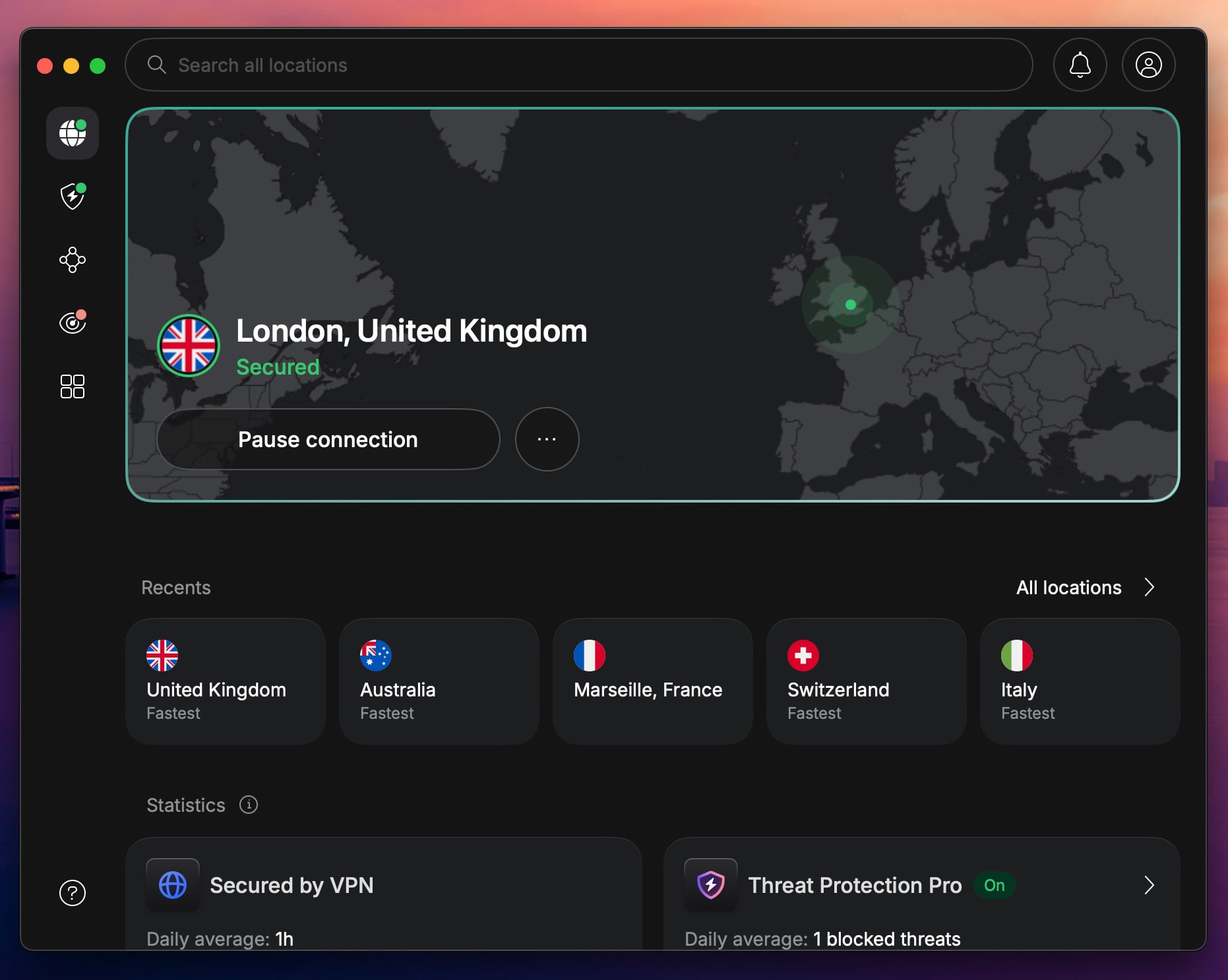
- Subscribe to one of the paid VPNs. NordVPN is our top pick.
- Download the setup file from the VPN’s website to your Mac.
- Open the pkg file and follow the steps on the screen to install the VPN.
- Open the app and log in with your email and password.
- Open the server list and click the server you want to use.
- After a few seconds, you’ll be connected.
- Contact the VPN’s support within the first 30 days and request a refund.
100% Free VPNs for Mac (No Credit Card)
- Visit the Proton VPN, Hide.me, or PrivadoVPN website.
- Download the setup file for free.
- Install the VPN by following the steps on the screen.
- Open the app and sign up with your email and password.
- Connect to a server and start browsing.
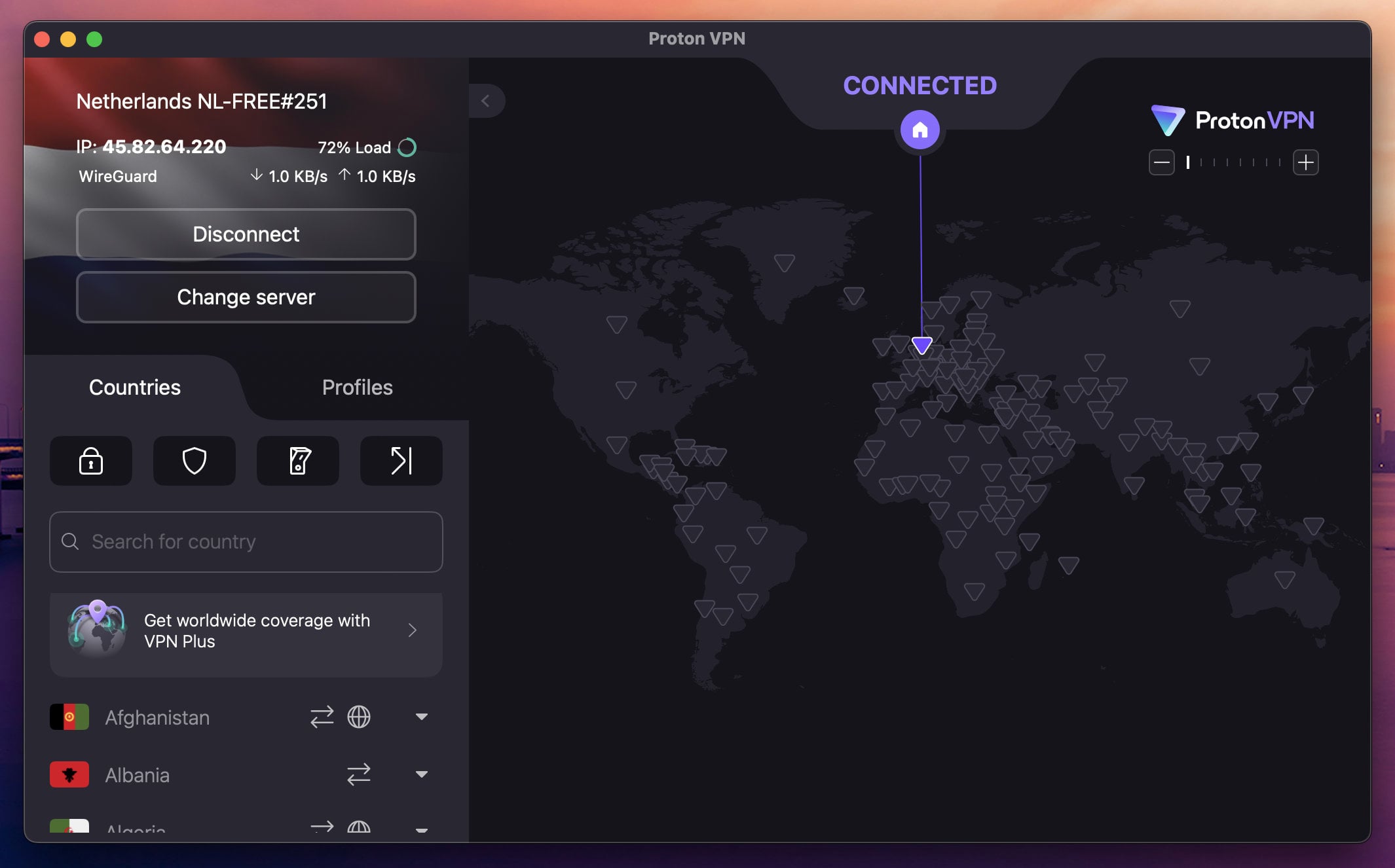
A free plan involves no refund. Registration is free, and the three free plans stay free for as long as you use them.
Best Free VPN for Mac: Conclusion
Choose by how much you’ll use the Mac. For a month of streaming and downloads, NordVPN on its 30-day refund is the pick. It had the smallest speed loss on our Mac, and no streaming service we tried blocked it. Proton VPN, ExpressVPN, and PIA work the same way, with ExpressVPN fastest to Japan and PIA covering unlimited devices.
For light, ongoing use, Proton VPN’s free plan remains our recommendation, with no data cap and a Swiss no-log policy. It assigns the server for you, though, and Netflix blocks it. Hide.me adds a choice of location, and PrivadoVPN is the fastest free option when 10 GB a month is enough.
FAQ About Free VPN for Mac
What is the best free VPN for MacBook?
Proton VPN is the best free VPN for MacBook, with unlimited data and a Swiss no-log policy. NordVPN offers more, including streaming and server choice, free for 30 days through its refund.
Is there a free VPN for Mac with no subscription?
Yes. Proton VPN, Hide.me, and PrivadoVPN offer free macOS apps that require only an email address and password, with no card and no renewal date.
Where is it safe to download a free VPN for Mac?
From the VPN company's own website or the Mac App Store. Copies on download portals can be modified, and an unofficial installer can contain malware or remove the encryption.
Does Proton VPN's free plan work with Netflix on Mac?
No. Netflix US blocks Proton VPN's free servers, and the free plan assigns servers at random, so switching rarely helps. The paid plan unblocks Netflix US.
Is iCloud Private Relay a free VPN for Mac?
No. Private Relay requires a paid iCloud+ plan, mostly covers Safari, and keeps the IP address in the user's own region, so streaming catalogs from other countries stay blocked.