No VPN lowers your latency. We measured six of them inside Counter-Strike 2 on a fixed London server. Every one added ping: 42 ms unprotected, 57 ms on the best VPN, 67 ms on the worst. That 15 ms is the real cost of a gaming VPN. It is smaller than the category admits and larger than the marketing pretends. The server you connect to decides your latency.
The same CS2 test on an American server read 241 ms with no VPN. Distance cost 199 ms; the tunnel cost 15 to 25. A VPN earns its place in gaming for DDoS protection, ISP throttling, region-locked games, and cheaper store pricing; not for ping.
Best Gaming VPN 2026: The Shortlist
- NordVPN: Best gaming VPN overall, and the best on distant servers
- ExpressVPN: Lowest in-game ping measured, and steadiest under load
- CyberGhost: Lowest idle ping, with the longest refund window
- Proton VPN: Best privacy, and the only free plan worth using
- Surfshark: Covers every console and PC in the house
- Private Internet Access: Port forwarding for hosted game servers
Gaming VPN Ping Tested Inside CS2
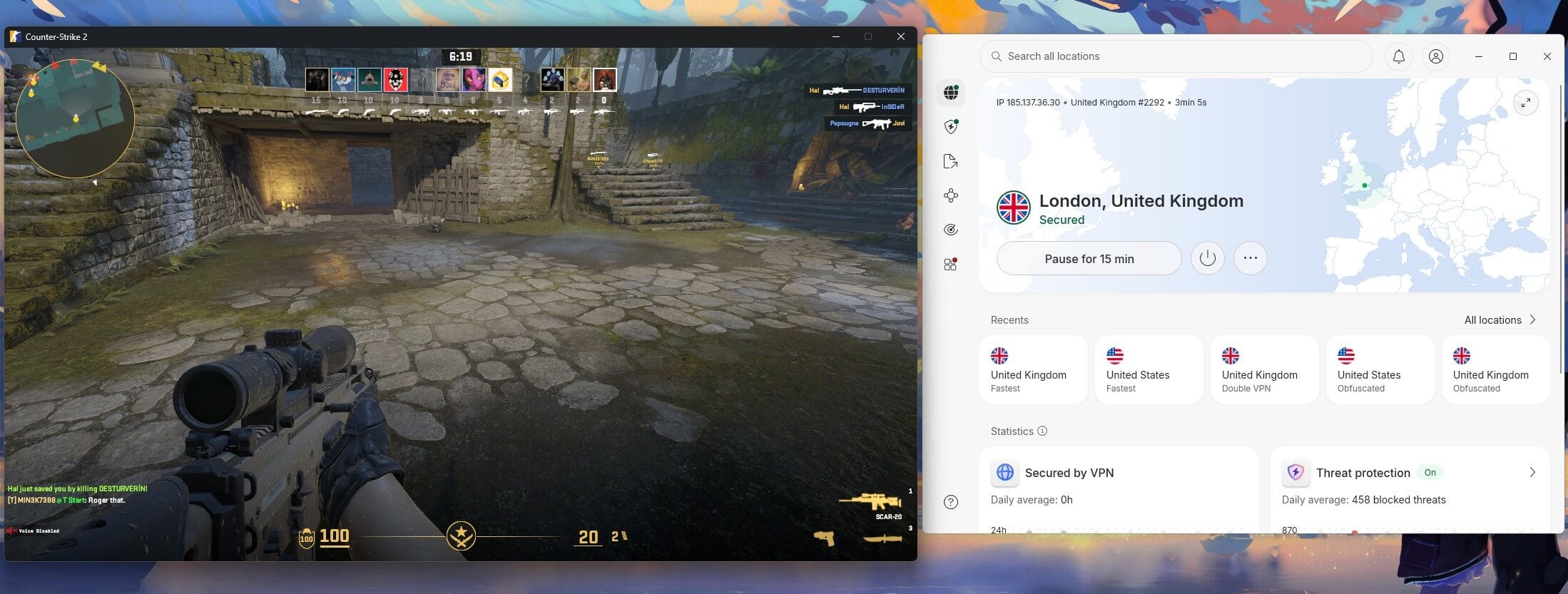
Speed tests measure a VPN against a speed test server. Games don’t use speed test servers, so we read the ping the game itself reports. We favorited one London Counter-Strike 2 community server and one American server. Each VPN connected to a matching location, and we recorded the figure CS2 displayed.
| VPN | London server | American server |
| No VPN | 42 ms | 241 ms |
| ExpressVPN | 57 ms | 274 ms |
| NordVPN | 58 ms | 262 ms |
| CyberGhost | 60 ms | 264 ms |
| Proton VPN | 62 ms | 268 ms |
| Private Internet Access | 66 ms | 284 ms |
| Surfshark | 67 ms | 285 ms |
The whole field falls within 10 ms on the London server, so the VPN you pick moves your ping very little. The jump from London to America costs 199 ms before any VPN is involved, roughly 10 times what the tunnel adds. One rule follows from that. Connect to a VPN server near the game’s data center.
A distant game server feels distant regardless. Our guide to lowering ping covers the settings that matter more than the VPN choice.
Gaming VPN Latency Compared Across Three Regions
The in-game figures cover one connection. These cover three, measured on a 190.36 Mbps connection on Windows 11 from Europe, over Ethernet, with the baseline at 10 ms.
| VPN | UK | US | Japan |
| CyberGhost | 39 ms | 121 ms | 256 ms |
| NordVPN | 41 ms | 134 ms | 215 ms |
| ExpressVPN | 42 ms | 129 ms | 223 ms |
| Proton VPN | 45 ms | 135 ms | 218 ms |
| Private Internet Access | 48 ms | 150 ms | 270 ms |
| Surfshark | 51 ms | 144 ms | 241 ms |
CyberGhost is quickest to a nearby server and slowest to Japan. NordVPN reverses that, giving up 2 ms on the British connection to gain 41 ms on the Japanese one. That difference decides the pick for players on Asian or Oceanic servers.
Ping Under Load Is the Figure That Decides a Match
Idle ping is measured on an idle connection. Nothing is idle when a game patch downloads or somebody else starts streaming. These readings come from one session on the British server, with the connection saturated.
| VPN | Download ping | Upload ping |
| No VPN | 30 ms | 45 ms |
| ExpressVPN | 69 ms | 75 ms |
| NordVPN | 72 ms | 78 ms |
| Private Internet Access | 84 ms | 101 ms |
| CyberGhost | 84 ms | 114 ms |
| Proton VPN | 86 ms | 92 ms |
| Surfshark | 90 ms | 94 ms |
Every VPN roughly doubles ping once the connection is busy. Only 21 ms separates the best from the worst on download. Treat these as the scale of the cost instead of a ranking, since repeat measurements on the same servers varied more than the VPNs varied from each other.
The 6 Best VPNs for Gaming in 2026
Each VPN was measured on the same connection, in the same session, for gaming and for online games generally.
1. NordVPN: Best Gaming VPN Overall

Pros
- Best latency to distant servers
- Meshnet for LAN play
- Steady under load
- Widest country coverage
- Smart DNS for consoles
Cons
- High renewal price
- Busy interface
NordVPN took the American CS2 server at 262 ms, the lowest of the six, and matched that on the speed test with 215 ms to Japan, 41 ms better than CyberGhost on the same connection. If your games are hosted a long way from home, this is the one. Meshnet is the feature no rival matches for gaming. It builds an encrypted network of up to 60 devices that LAN-capable games treat as a local network, so co-op titles work across cities without port forwarding.
The rest suits gaming too. A 7.8% download loss across three locations, NordLynx built on WireGuard, Threat Protection Pro for malware, and a kill switch that passed both failure modes in our NordVPN review. Consoles connect through a router or Smart DNS, and the subscription covers 10 devices. The Basic plan costs $3.49 a month with a 30-day money-back guarantee. It renews at $139.08 a year, the steepest increase here.
2. ExpressVPN: Lowest In-Game Latency
Pros
- Lowest CS2 ping measured
- Best ping under load
- Simple app to switch servers
- Obfuscation on by default
Cons
- No port forwarding
- Highest renewal here
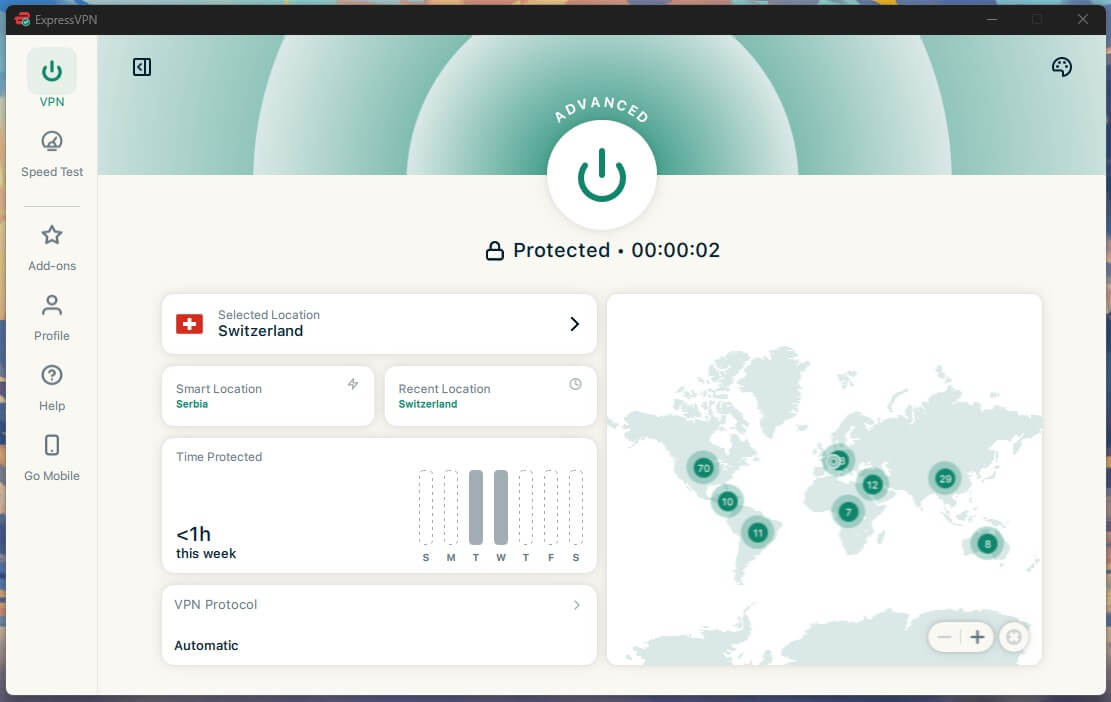
ExpressVPN recorded 57 ms on the London CS2 server, the lowest of the six. It also recorded the best figures under load, at 69 ms down and 75 up. Those numbers matter for a player on European servers. It also loses the least speed alongside NordVPN, at 7.8% across three locations. Every Lightway connection applies obfuscation automatically, which helps on a campus or office network that blocks VPN traffic. Our ExpressVPN review covers the app in full.
Limits exist. There is no port forwarding, and multi-hop is still unavailable, though it matters more for privacy than gaming. Consoles require a router or MediaStreamer (Smart DNS), and ExpressVPN has helpful guides to complete the setup. The Basic plan costs $2.99 a month and renews at $99.95 a year. But the initial 2-year plan packs 4 free months and is refundable for 30 days.
3. CyberGhost: Lowest Idle Ping and the Longest Refund
Pros
- Lowest ping to nearby servers
- 45-day money-back guarantee
- Free trial without a card
- Low starting price
Cons
- Slowest on distant servers
- Only seven devices
- No obfuscation
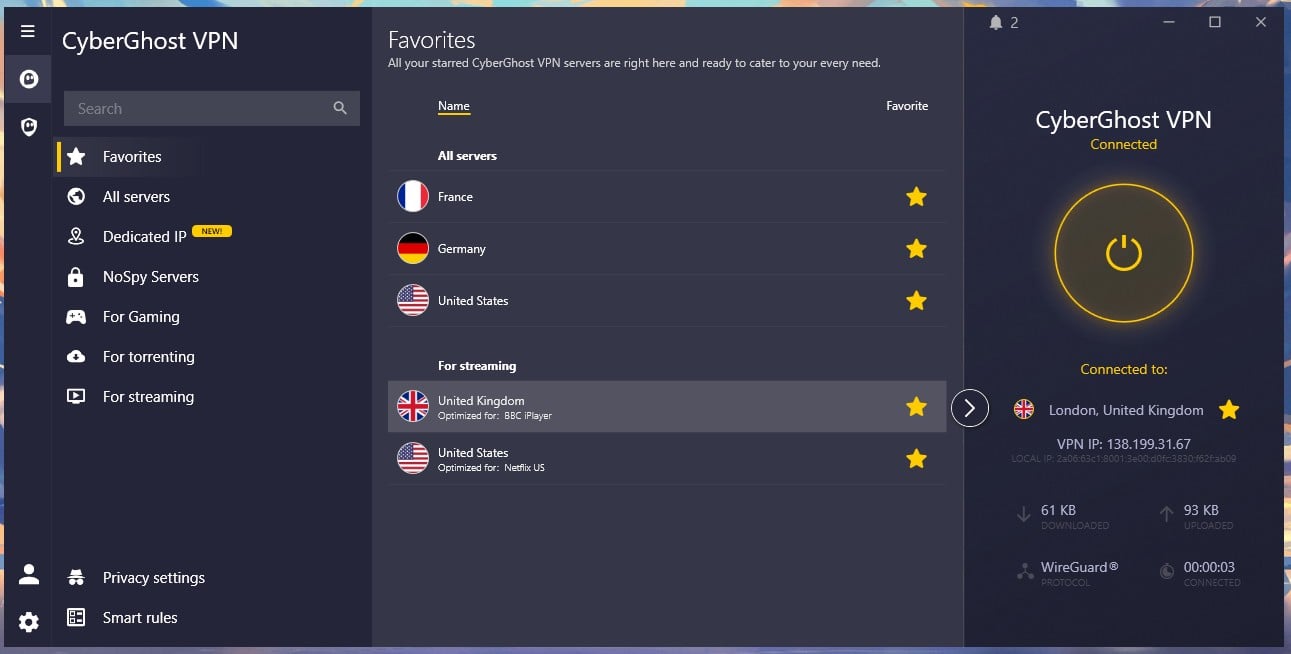
CyberGhost recorded 39 ms to the British server, the lowest idle ping of the six, and 60 ms inside CS2. Nearby connections are where it is comfortable. Japan at 256 ms is where it is not, so it suits players on European servers and not those gaming across an ocean. It also has the most forgiving trial terms: 45 days to change your mind, plus 24 hours on Windows and macOS with no card required.
Our CyberGhost review has the rest, including the gaming servers, which we tested and cover further down. Seven devices is the lowest allowance of the six gaming VPNs, and there is no obfuscation, so a network that blocks VPN traffic will block this one. The 2-year plan costs $1.99 a month during the current sale.
4. Proton VPN: Best Privacy and a Usable Free Plan
Pros
- Free plan with unlimited data
- Port forwarding
- Strong Japanese ping
- Swiss jurisdiction
- Profiles for quick switching
Cons
- Mid-table in CS2
- No Smart DNS
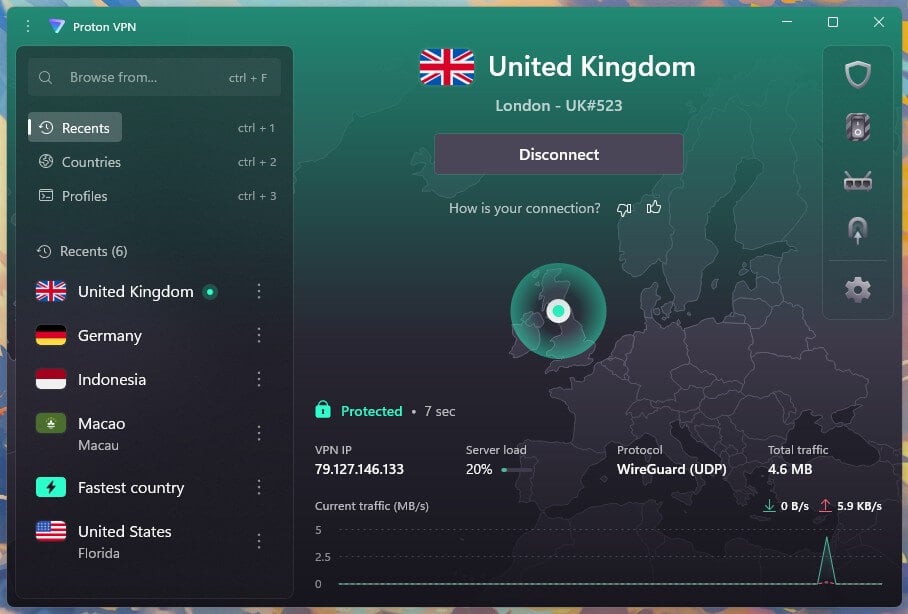
Proton VPN came fourth in CS2 at 62 ms and second to Japan at 218 ms, so it copes with long distances well. Profiles are the gaming-friendly touch. Save a server and protocol combination, then switch to it in two clicks when you move between regional servers. The free plan is the other reason it is here. Unlimited data, no ads, and a country chosen for you, which makes it the only free option worth trying.
Everything else is in our Proton VPN review, including Secure Core, the famous NetShield ad blocker, and the open-source apps. There is no Smart DNS, so consoles require a router. The paid plan costs $2.99 a month.
5. Surfshark: Covers Every Device in the House
Pros
- Unlimited devices
- Antivirus in higher plans
- Low starting price
- Fast on nearby servers
Cons
- Highest ping measured
- Slow to connect
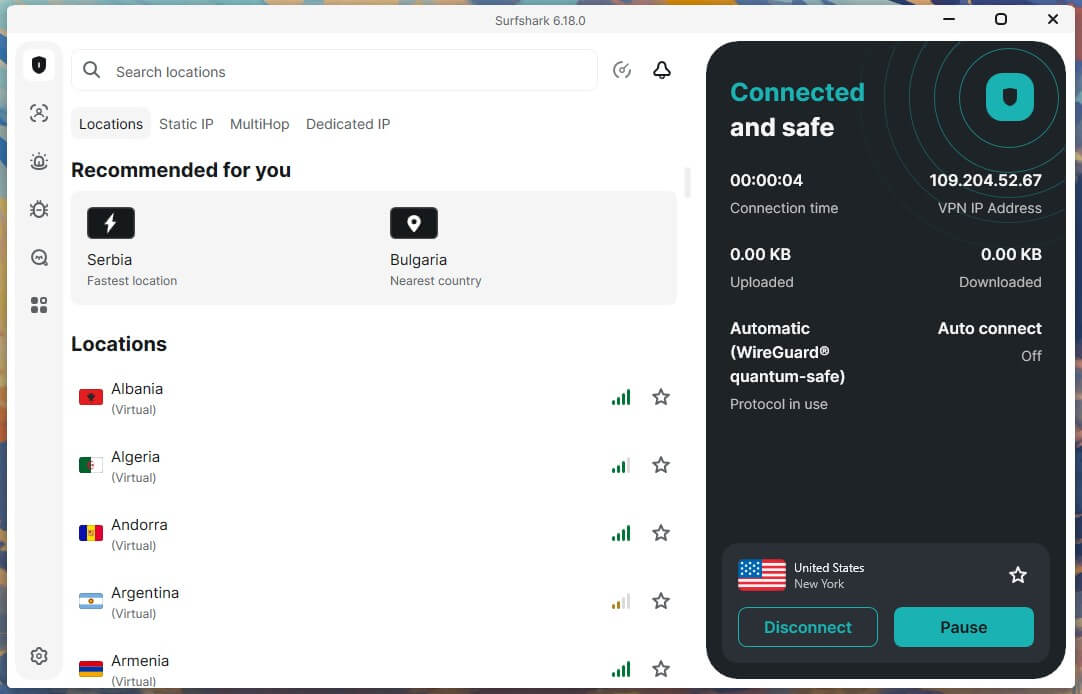
Surfshark recorded the highest CS2 figures of the six, 67 ms in London and 285 ms on the American server. It is 10 ms behind the leader, which a casual player will not feel and a competitive one will. Coverage is what it offers instead. Unlimited devices on every plan, so a household with two PCs, a console, a handheld and a phone pays once. Download speed is strong nearby.
Surfshark lost only 1.8% on the British server in our Surfshark review. The antivirus arrives on the One plan for 30 cents more. Connections take 4 to 5 seconds, the slowest here, and 10 seconds through MultiHop. The Starter plan costs $2.49 a month and is, in my book, the most cost-efficient option for gamers who don’t want antivirus and advanced protection of any kind.
6. Private Internet Access: Port Forwarding for Hosted Servers
Pros
- Port forwarding included
- Unlimited devices
- Shows ping per location
- Lowest price here
Cons
- Weak on distant servers
- Dated interface
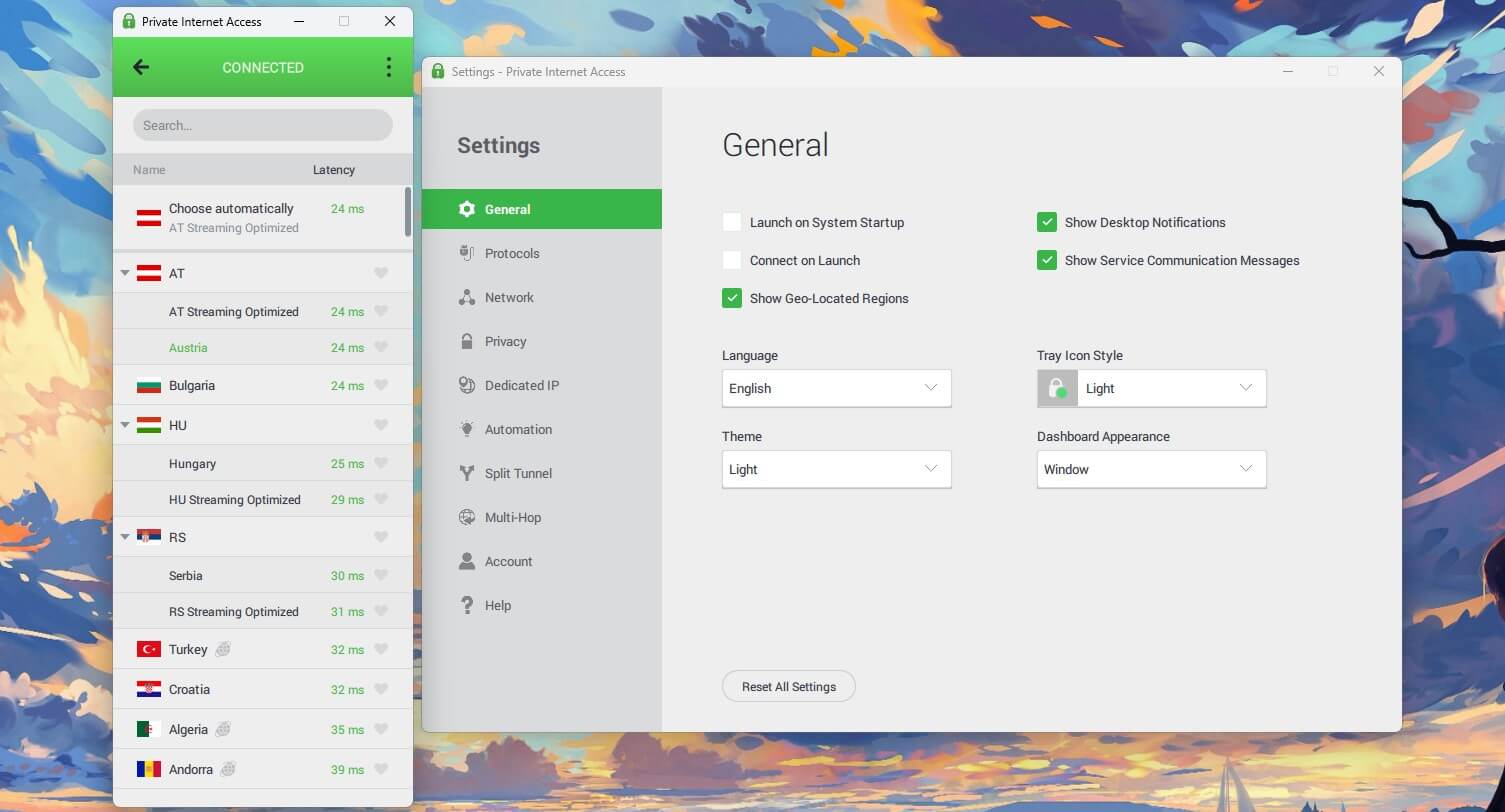
PIA is the only VPN here, alongside Proton VPN, with port forwarding, for hosting a game server instead of joining one. It is unavailable on American servers, so use a Canadian or European location. The app lists the ping beside every location, which turns picking a server into a two-second decision. It covers unlimited devices, and the protocol settings go deeper than the rest, as our PIA review sets out.
Distance is the weak point: 270 ms to Japan and 284 ms in CS2 on the American server, both the worst of the six. The desktop app also looks a decade old. The 2-year plan costs $1.99 a month during the current sale, and our low-cost ranking covers the rest of that small price bracket.
Do Gaming Servers Actually Lower Ping?
Several VPNs label servers for gaming. We tested the claim directly: a labeled gaming server and a standard server in the same city, back-to-back, on CyberGhost. Both returned 30 ms. The gaming server was 5.62 Mbps slower on download, and under load the difference was 4 ms on upload latency, which no player will feel.
A gaming label makes a server easier to find in a long list. It doesn’t shorten the distance, and distance decides ping. Pick by location instead, and use a VPN that shows the ping next to each one.
Which VPN Is Best for Gaming Without Ruining Ping?
On the evidence here, ExpressVPN costs the least in-game on a nearby server at 57 ms, and NordVPN costs the least on a distant one at 262 ms. The spread across all six is 10 ms on the London server. So any of the six is fine for ping. The decision should turn on everything else.
Distant game servers point to NordVPN. A full household points to Surfshark. Hosting a server points to PIA. The longest refund window points to CyberGhost.
Gaming VPN vs Game Accelerator: Which One Wins?
Game accelerators like ExitLag, NoPing, and WTFast solve a different problem from a VPN. An accelerator moves game traffic onto private network paths chosen for speed, with no encryption. It costs roughly as much as a VPN subscription for that single job. A VPN encrypts everything on the device, hides your IP address from other players, and covers streaming, torrenting, and browsing alongside games.
A VPN increases ping instead of reducing it. If your only problem is a bad connection to one game’s servers, an accelerator addresses that directly. If you want what a VPN protects against and can accept 15 to 25 ms, a VPN covers far more ground for the same money. Using both at once is counterproductive, since the accelerator cannot see past the tunnel to choose a path.
What a Gaming VPN Actually Does
- DDoS protection. Opponents who pull your IP address from a peer-to-peer lobby can flood your connection. With a VPN, the flood hits the VPN company’s infrastructure instead of your router.
- ISP throttling. Encrypted traffic cannot be identified and slowed selectively, so this is the one case where a VPN genuinely improves a connection. Our guide to stopping ISP throttling covers how to confirm it is happening.
- Region-locked games and servers. Titles release in some countries months before others, and some servers accept only local addresses. Changing your IP address opens both.
- Store pricing. Game and item prices vary by country, and changing your VPN location shows the local store. Check the platform’s terms first, since some treat this as a violation.
- IP bans. A new address from the VPN restores access when a game bans by IP address instead of by account.
Best VPN Settings for Gaming
- Use the fastest protocol. WireGuard, or the versions built on it like NordLynx, and Lightway on ExpressVPN. OpenVPN connects more slowly and increases ping for no gaming benefit.
- Pick the server by the game’s location, not yours. The CS2 figures show why: the same VPN cost 15 ms on a London server and 33 ms on an American one.
- Switch the kill switch on. It stops your real address from appearing if the tunnel drops mid-match, and some apps leave it off until enabled.
- Use split tunneling for downloads. Excluding a launcher keeps patch downloads off the VPN, so they don’t compete with your match. Our split tunneling guide explains the setup.
Is a Free VPN Good for Gaming?
Mostly no, because of higher latency. Free VPNs operate small networks, so their servers stay congested. Congestion shows up as the ping spikes a player notices. Proton VPN’s free plan is the exception worth trying, with unlimited data and no ads.
The country is chosen for you, which removes the one decision that matters for ping. Everything else in the category caps data. Our free gaming VPN guide covers what is actually and really usable.
Game-Specific VPN Guides
- Call of Duty: Black Ops 7
- Best VPN for Warzone
- Battlefield 6
- Roblox
- Bot lobbies in Black Ops 6
- Xbox and PlayStation region changes
- Gamdom
Best VPN for Gaming: Conclusion
NordVPN is the pick for most players, with the lowest ping to distant servers, Meshnet for LAN games, and a kill switch that passed both failure tests. ExpressVPN costs the least ping on nearby servers and stays steadiest when the connection is busy. None of them lowers your ping.
On a London server, the tunnel cost 15 to 25 ms. On an American one, the distance cost was 199 ms before any VPN was on. Pick the server near the game, expect to pay about 15 ms for the protection, and ignore any VPN sold as a ping reducer.
Frequently Asked Questions
Does a VPN lower ping for gaming?
No. A VPN adds ping because traffic passes through an extra server first, typically 15 to 25 ms on a nearby connection. Throttled connections are the exception.
What is the best VPN for gaming?
NordVPN. It keeps ping lowest on distant game servers, includes Meshnet for LAN-capable games, and loses under 8% of download speed.
Do gaming VPN servers reduce ping?
No. A gaming label makes a server easier to find in a long list. It doesn't shorten the distance to the game server, and distance decides ping.
Will a VPN get a gaming account banned?
No, not for using it. Buying games through a cheaper regional store breaches the terms of service on Steam, PlayStation Network, and Xbox, so check before switching regions.
Is a free VPN good for gaming?
Rarely. Free VPNs operate congested servers that cause ping spikes, and most cap data. Proton VPN's free plan is the usable exception.
Should a gamer use a VPN or a game accelerator?
A VPN, for most players. It covers DDoS protection, region locks, and store pricing for the same money. An accelerator only helps where an internet provider uses a slow path to one game.