Every free VPN pays for itself somehow, and how it does that decides whether you can game on it. The better free plans limit your data, your devices, or your choice of server, and leave the connection itself alone. The worse ones fund themselves with ads, throttle your speed, and route you through servers so busy that ping jumps every few seconds.
Online play is an unusual job for a VPN. A match uses very little data, but it depends on a steady connection, and one lag spike in the middle of a fight can cost you the round.
So which free VPN for gaming keeps ping low enough to play, and what does each one take away in exchange for costing nothing? We tested the free plans worth installing, plus one paid VPN you can use free for a limited time.
Top Free Gaming VPN for 2026
- NordVPN: Best for ranked play, free through its trials and money-back guarantee
- Proton VPN: Best for unlimited free data with no ads
- PrivadoVPN: Best for choosing a free server close to the game
- Windscribe: Best for gaming on several devices at once
- Hide.me: Best for unlimited data with free server choice
- Hotspot Shield: Best for casual mobile games
Free Gaming VPNs Compared
Ping comes from a nearby UK server and a distant US server, and lower is better. Proton VPN’s free plan assigned us a Dutch server instead of a British one.
| VPN | Free data | Free locations | Ping (UK / US) | Devices |
|---|---|---|---|---|
| NordVPN (trial) | Unlimited | 152 countries | 41 / 134 ms | 10 |
| Proton VPN | Unlimited | 10 countries, assigned automatically | 32 ms (Netherlands) / 253 ms | 1 |
| PrivadoVPN | 10 GB every 30 days | 13 locations in 10 countries | 37 / 133 ms | 1 |
| Windscribe | 10 GB a month with a confirmed email | 10 countries | 55 / 139 ms | Unlimited |
| Hide.me | Unlimited | 7 countries | 44 / 151 ms | 1 |
| Hotspot Shield | 500 MB a day on PC, unlimited on mobile | US only | No UK server / 150 ms | 1 |
Best Free VPNs for Gaming
1. NordVPN: Best Free VPN for Gaming Overall
Pros
- Meshnet for LAN games over the internet
- Lowest ping to distant servers in our tests
- Full server network during the trial
- Trials on Android and the website
- No data cap
Cons
- Paid subscription once the trial ends
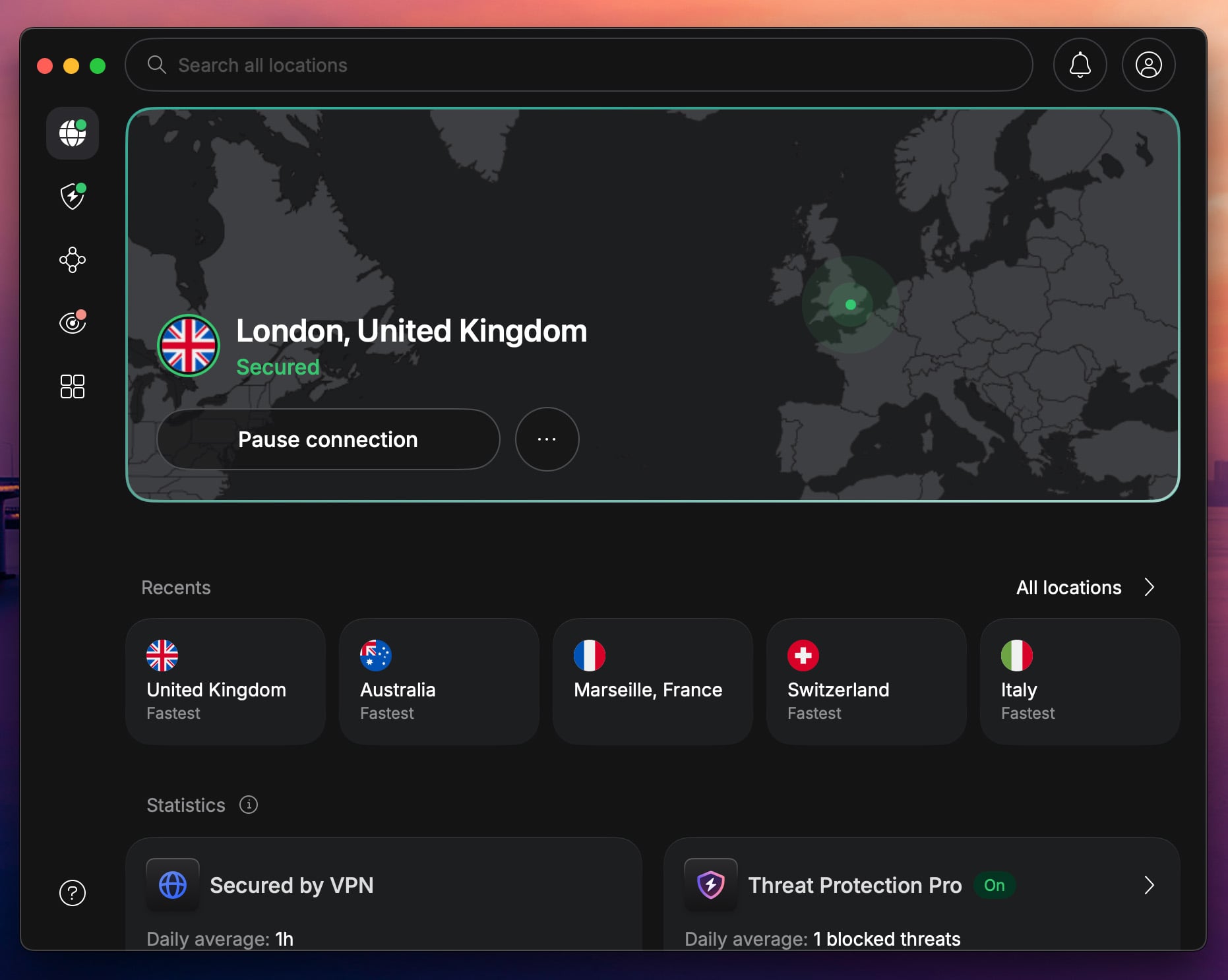
NordVPN isn’t free forever, but for a few days, and for a month under its 30-day money-back guarantee, you can game on it with no limits on data, speed, or server choice.
Google Play offers a 3-day NordVPN free trial on Android, and NordVPN’s website offers a 7-day trial in the US, UK, Canada, Australia, and several European countries. Ping is the main reason it ranks first. In our ping tests, NordVPN added little delay on nearby servers and recorded the lowest ping on distant ones, with 215 ms to Japan.
That makes it the strongest choice when your friends play on another continent. Meshnet adds something no free plan offers: it builds an encrypted network between your devices and your friends’ devices, and games that only support LAN play treat it as one local network.
For consoles, NordVPN supports router installs and Smart DNS. The trial requires a payment card, so cancel before it ends if you only want the free days. After that, NordVPN’s Basic plan is about $3.50 a month over two years.
2. Proton VPN: Best Free Plan With No Data Cap
Pros
- Unlimited free data
- No ads on the free plan
- Faster distant servers on paid plans
- Disguises VPN traffic on every plan
- Independently audited no-logs policy
Cons
- Free plan assigns your server
- One device on the free plan
Proton VPN’s paid VPN Plus plan adds what the free plan lacks for gaming: a choice of servers in 149 countries, ten devices, and VPN Accelerator, which improved speeds on distant servers in our tests. Its paid ping came close to NordVPN’s, and VPN Plus costs about $3 a month on a two-year term.
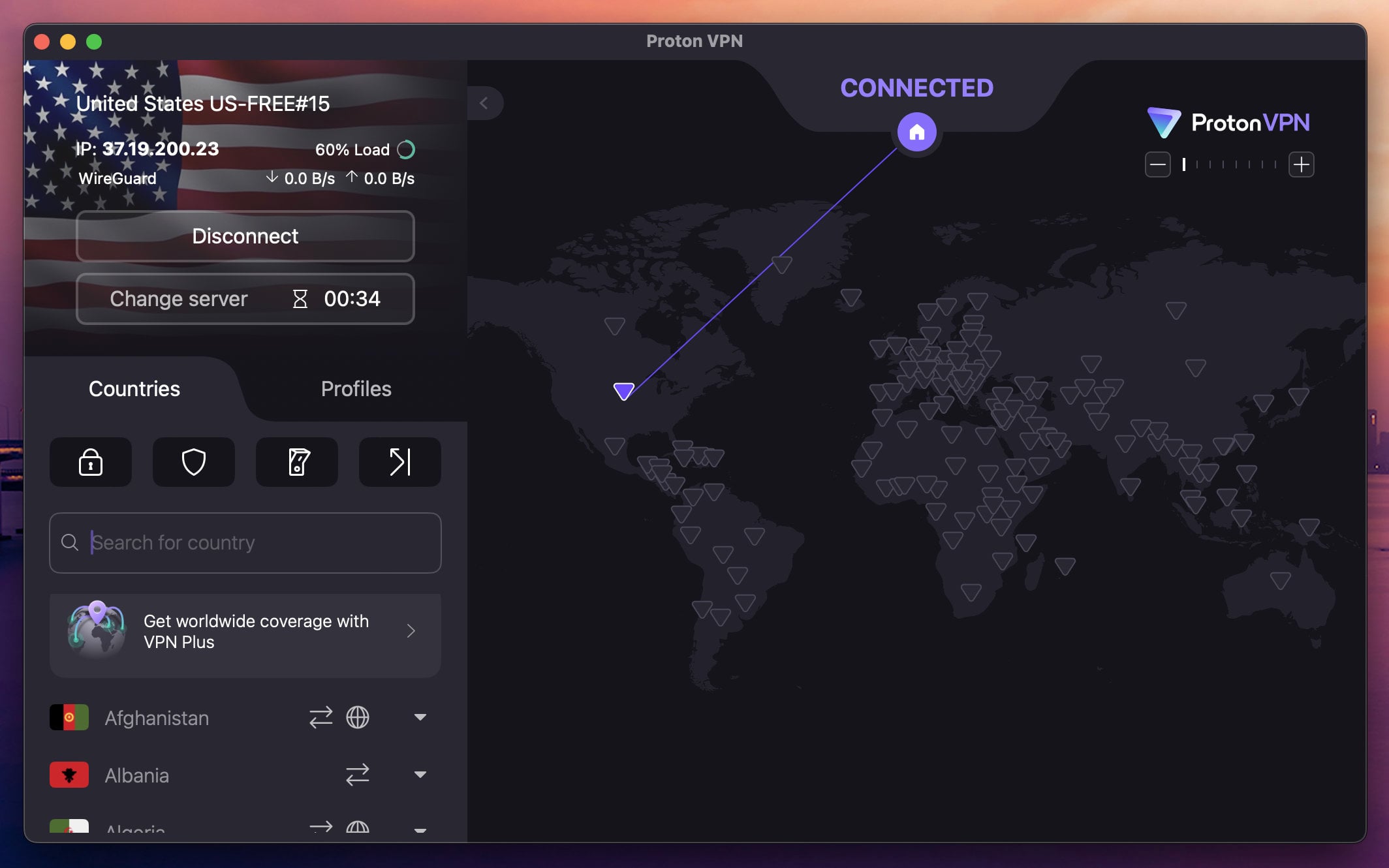
Still, the free plan is the strongest truly free option for long sessions, because nothing limits your data and there are no ads. It covers ten countries: the US, Canada, Mexico, the Netherlands, Switzerland, Norway, Poland, Romania, Japan, and Singapore.
However, Proton VPN assigns the server, so you can’t choose the region your game’s servers are in. In practice, the draw decides your ping. The free plan put us on a Dutch server with a 32 ms ping, while a US server it assigned was several times slower and too laggy for shooters.
You can reconnect to try for a closer server, but after four or five switches in a row, the app makes you wait 45 minutes. On Android, Guest mode uses the free plan without an account, while computers and iPhones require a free account.
3. PrivadoVPN: Best Free Server Choice for Gaming
Pros
- Choose your own free server
- Fast free servers
- Kill switch on the free plan
- Split tunneling for free
Cons
- Monthly data allowance
- Allowance must be renewed by hand
- No published independent audit
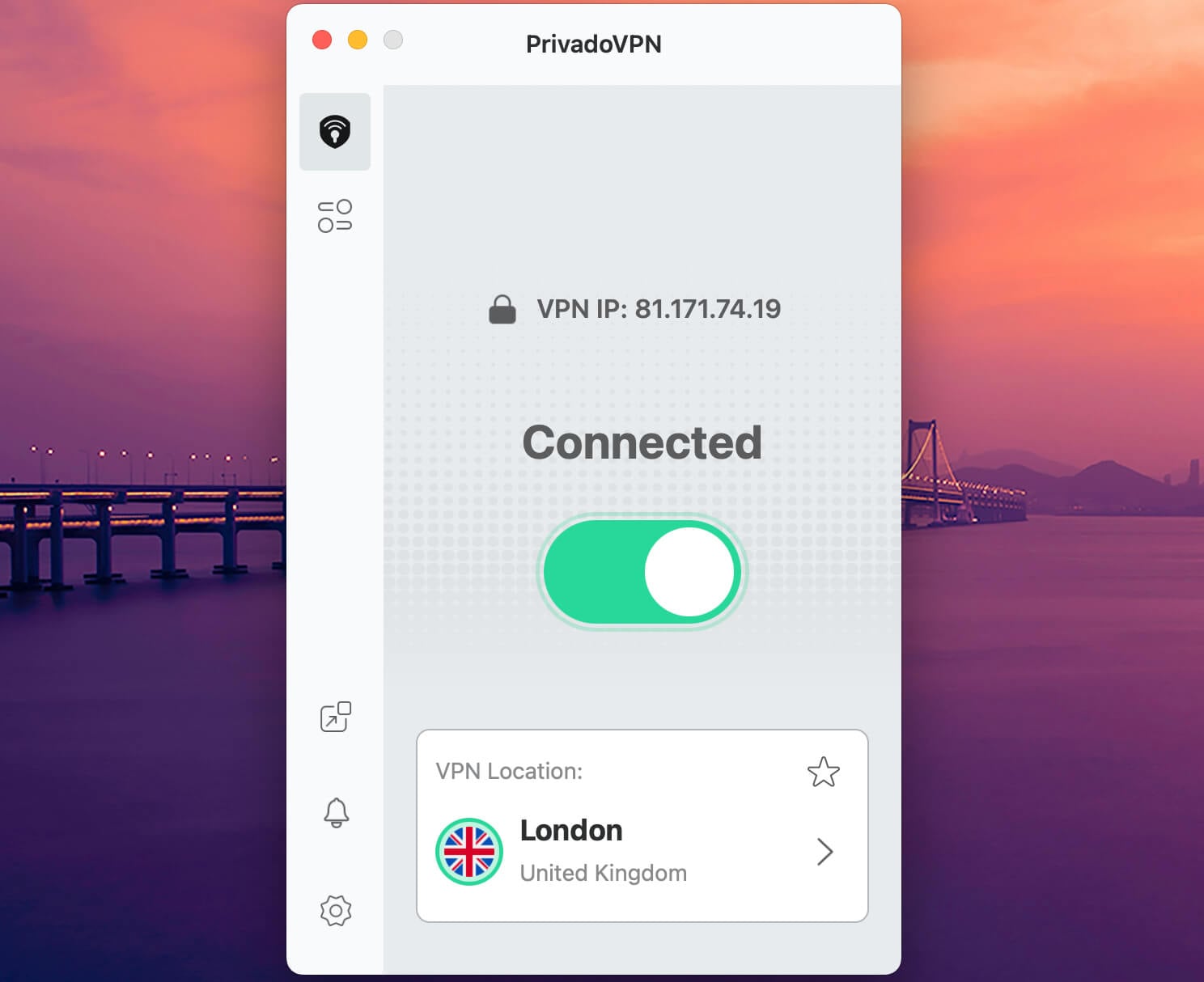
PrivadoVPN lets free accounts choose their own server, so you can connect close to the game’s servers instead of taking whatever the app assigns. Its free list covers 13 locations in 10 countries, including the UK, Germany, France, the Netherlands, the US, Canada, Mexico, Brazil, and Argentina.
Its speed surprised us. The free servers showed the smallest speed loss of any free VPN we tested, and its UK server returned a 37 ms ping, the lowest free ping we recorded. As a result, it’s the free VPN to use for competitive play near home.
Data is the limit. Free accounts receive 10 GB every 30 days on one device, and you have to renew the allowance by hand each month. Once it’s used up, the app moves you to emergency servers at 1 Mbps, which is too slow for online play, so keep game downloads outside the VPN with split tunneling.
PrivadoVPN is based in Iceland and hasn’t published an independent audit.
4. Windscribe: Best Free VPN for Gaming on Several Devices
Pros
- No device limit on the free plan
- Choose your own free server
- Every protocol, including traffic disguise
- Independently audited apps and servers
Cons
- Monthly data allowance
- Connection cuts off at the limit
- Settings can confuse beginners
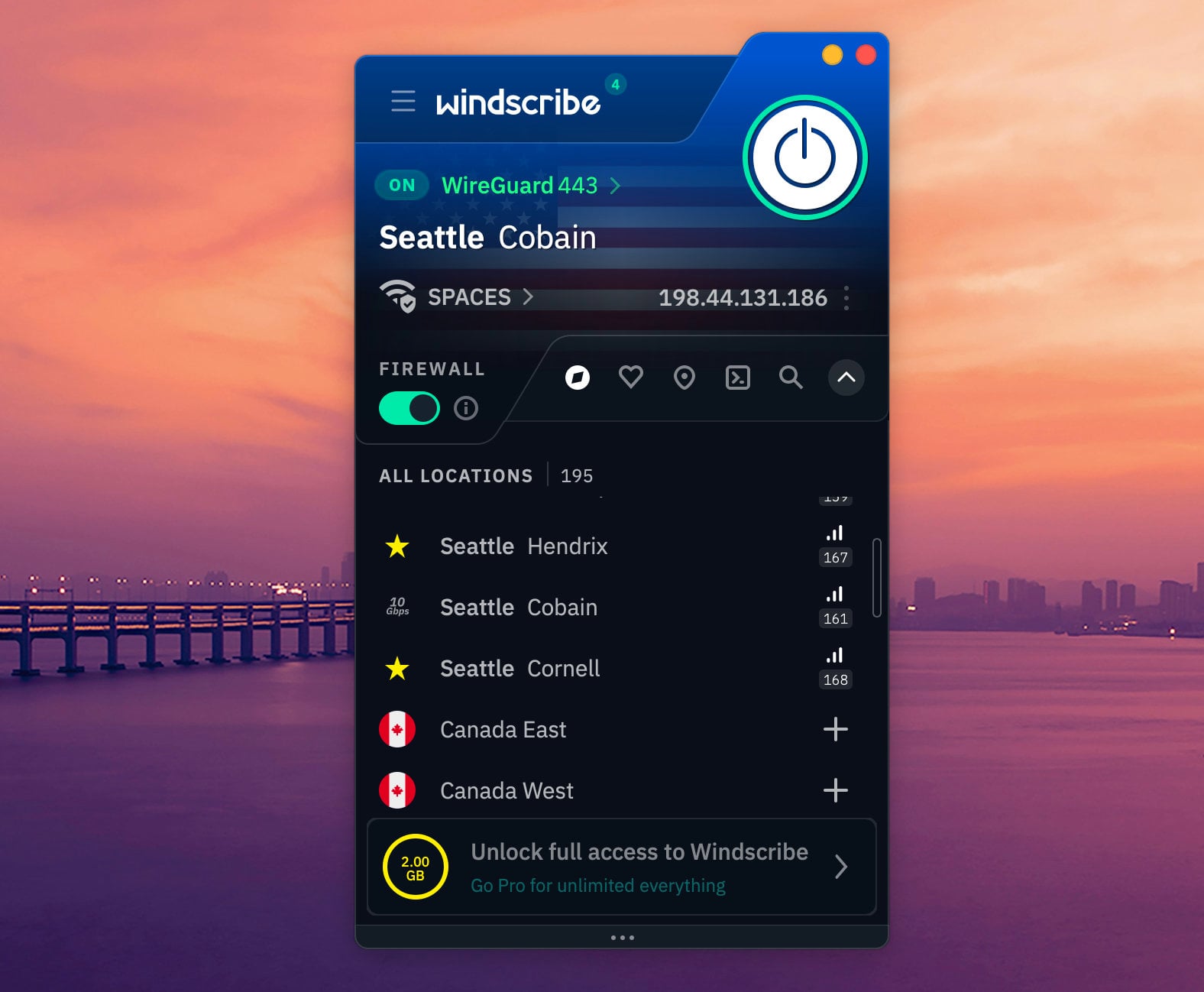
Windscribe is the free VPN for households where more than one person plays. Its free plan has no device limit, so a PC, a laptop, and a phone can connect at once, and you can choose among free servers in ten countries. Its free servers were nearly as fast as PrivadoVPN’s.
Ping on its UK server came in at 55 ms, higher than PrivadoVPN or Hide.me, but low enough for most online games. Its apps have also been independently audited, which few free VPNs can say. The allowance is 10 GB a month once you confirm your email address, or 2 GB without one.
Unlike PrivadoVPN, Windscribe cuts the connection once the data is used up, so keep launchers and patches off the VPN. Its settings menus can feel crowded at first, but the default settings work without changes.
5. Hide.me: Best Uncapped Free Plan With Server Choice
Pros
- No data cap
- Selectable free locations
- Disguised connections on Windows
- No payment card required
Cons
- Larger speed loss on free servers
- Blocks P2P on the free plan
- One device only
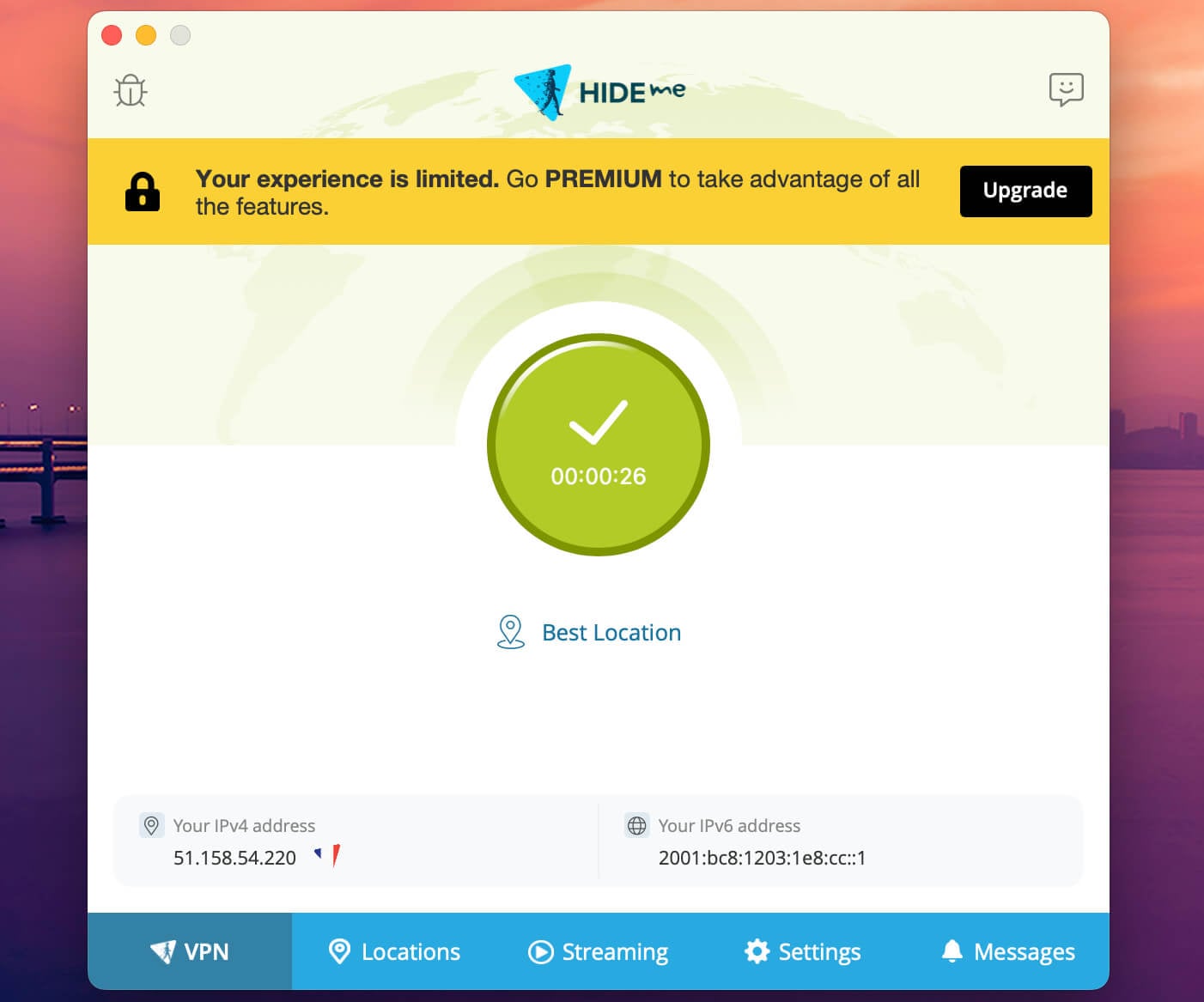
Hide.me removed the data cap from its free plan, and free accounts still choose their server from seven countries: Finland, France, Germany, the Netherlands, Switzerland, the UK, and the US. That combination is rare. Proton VPN offers unlimited data with no server choice, while PrivadoVPN offers server choice with a cap.
Ping on its UK server was 44 ms, low enough for competitive play. Its free servers lost far more download speed than PrivadoVPN’s or Windscribe’s, though, so large patches take longer over the VPN, and the US server was slower again.
Signup requires an email address, and the free plan covers one device and blocks P2P transfers. Hide.me’s paid plans remove those limits and add a far larger server network.
6. Hotspot Shield: Best for Casual Gaming on a Phone
Pros
- Unlimited data on mobile
- Fast proprietary protocol
- One-button interface
Cons
- Single US location
- Ads on the free plan
- Daily data limit on PC
- Records some connection data
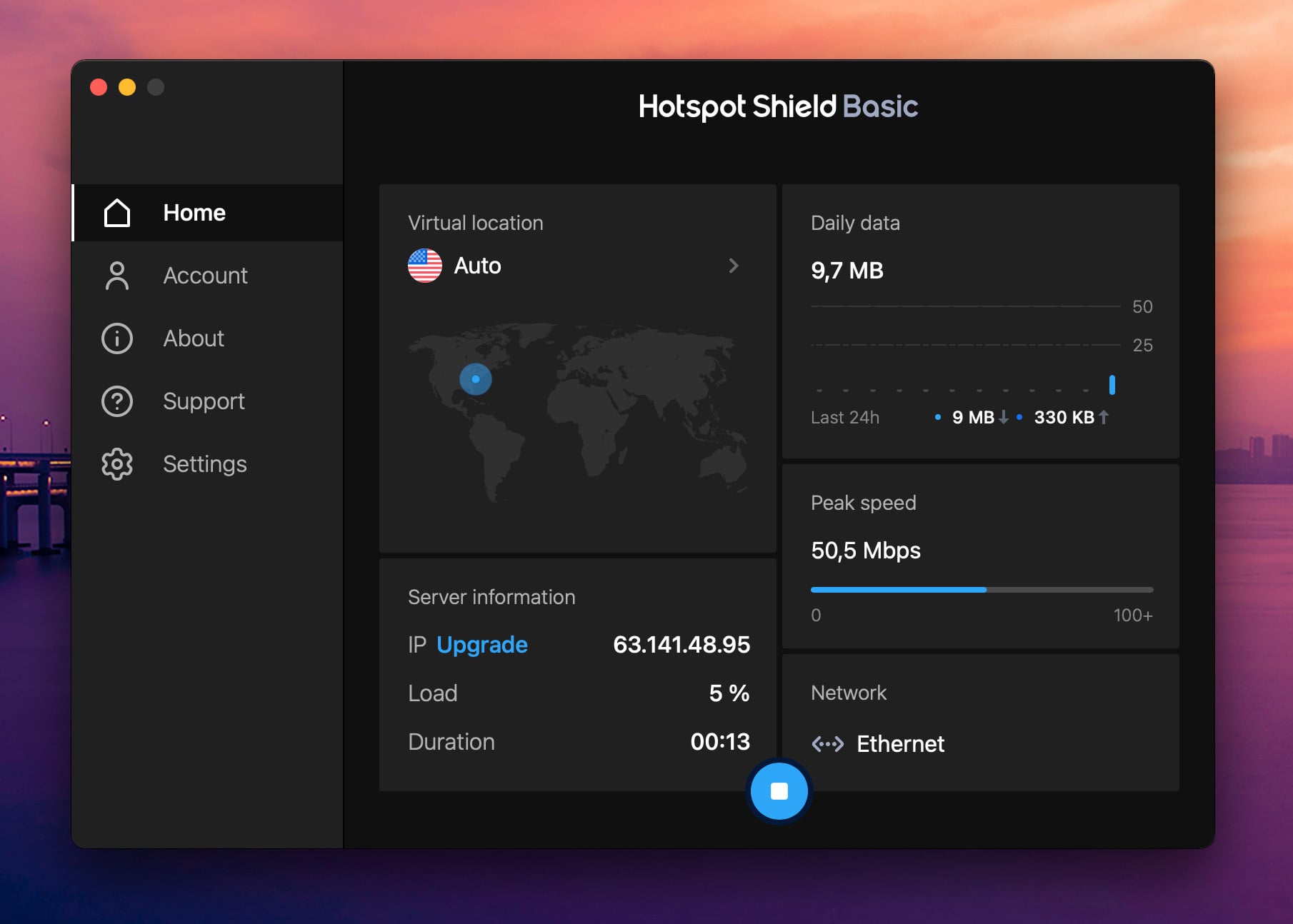
Hotspot Shield’s free plan makes the most sense on a phone. On iOS and Android, data is unlimited in exchange for ads. By contrast, the Windows app limits free accounts to 500 MB a day, which covers only a few hours of match time.
Every free account connects to one US location. Players in North America connect to a nearby server, but from our test PC in Europe, ping to that server was 150 ms. Turn-based and casual mobile games tolerate that delay; fast shooters don’t.
Gaming and streaming modes are paid features, and Hotspot Shield’s privacy notice says it records some connection data, such as anonymized domain names and session length. For that reason, keep the free plan for casual play. Hotspot Shield Premium removes the ads and limits and adds more than 125 locations.
Can a Free VPN Lower Ping for Gaming?
Rarely. Every VPN puts a server between you and the game, and in our tests, each one added roughly 25 to 45 ms on nearby servers. A VPN lowers ping only when your ISP sends game traffic along a badly chosen path, and the VPN’s network takes a shorter one. Free plans make that harder in two ways.
- First, server choice decides how much delay you add, and only PrivadoVPN, Windscribe, and Hide.me let free accounts choose. Proton VPN assigns the server, and Hotspot Shield connects everyone to the US.
- Second, free servers are shared by many users, so evening traffic can push ping up just when most people play.
For the lowest ping, connect to the free server closest to the game’s data center, even if another one is closer to you. For ranked play across regions, our gaming VPN rankings compare paid VPNs on in-game ping.
How Much Data Does Online Gaming Use on a Free VPN?
Less than most people expect. Most online games use roughly 50 to 150 MB an hour, because the connection sends player positions and inputs instead of video.
So a 10 GB monthly allowance covers about 70 to 200 hours of match time. Voice chat on Discord adds only a little on top. Downloads are what break that budget. A modern game can take 50 GB to 150 GB, and a single patch can exceed 20 GB, so one install would use up several months of a free allowance.
Split tunneling, which lets you decide which apps use the VPN, solves it. Keep the game itself inside the VPN, and leave Steam, the Epic Games Launcher, and console updates outside it. PrivadoVPN and Windscribe include split tunneling on their free plans.
Broadcasting is a different story. Streaming your gameplay uploads several gigabytes an hour, which no capped free plan can sustain.
Free Gaming VPNs for PC, Android, and Consoles
On a gaming PC, every VPN in our ranking has a Windows app. Hotspot Shield is the exception on PC because of its daily data limit, so PrivadoVPN, Windscribe, or Hide.me are better for longer sessions.
On Android, Proton VPN is the simplest start, because Guest mode requires no account. Hotspot Shield’s unlimited mobile data also makes it usable for casual mobile games, and NordVPN’s 3-day trial installs from Google Play.
Consoles don’t support VPN apps, so a free VPN works on a PlayStation or Xbox only through a connection shared from a Windows PC. If you want to use a VPN on a PS5 without a PC running beside it, a router install or Smart DNS on a paid plan is simpler.
Can You Use a Free VPN for Cloud Gaming?
Not really. Cloud services such as GeForce NOW and Xbox Cloud Gaming stream video to your device instead of game data.
NVIDIA requires 25 Mbps for GeForce NOW at 1080p and 60 FPS, which works out to about 11 GB an hour, so a 10 GB allowance lasts less than one session. Unlimited free plans have a different problem. GeForce NOW requires a ping under 80 ms to its data center, and NVIDIA recommends under 40 ms.
A free server in another country, or one Proton VPN assigns on another continent, pushes ping past that and makes input lag obvious. Cloud gaming through a VPN works best on a paid plan with a server in the same country as the cloud data center.
Summary
Online matches use so little data that even a capped free VPN covers weeks of evening play. Ping is the harder part, since a free plan helps only when it lets you connect near the game’s servers. For ranked play, NordVPN‘s trials and 30-day money-back guarantee let you use its full network before you pay anything.
Among plans that remain free, Proton VPN has no data cap, but its assigned server decides whether it’s fast enough. PrivadoVPN and Windscribe let you choose the server instead, as long as game downloads bypass the VPN. Hide.me lifts the cap at the cost of speed, and Hotspot Shield fits casual play on a phone.
Frequently Asked Questions
Is it safe to use a free VPN for gaming?
Yes, if the VPN comes from a company that also sells a paid plan, such as Proton VPN or PrivadoVPN. Free VPNs funded by ads or data sales often log activity.
Which free VPNs should gamers avoid?
Gamers should avoid Hola VPN, which routes other users' traffic through members' devices, and free VPNs with daily limits of a few hundred megabytes or a history of selling user data.
Is a VPN free trial the same as a free VPN?
No. A free trial unlocks the full paid service for a few days and usually requires a payment card, while a free plan never ends but limits data, servers, or devices.
Can you use a free VPN on a Nintendo Switch?
No, not directly. The Switch has no VPN app support, so the VPN has to run on a computer that shares its connection with the console.