Neither the PS4 nor the PS5 accepts a VPN app. Sony has never built the option in, and no amount of searching the console settings will produce one. That decides everything about putting a VPN on a PlayStation. The connection has to be handled on your router, on a PC the console connects through, or at the DNS level.
We tested more than 30 services across all 3 methods. Setup comes first, then the 5 that worked, then what happens without paying.
Best VPN for PS4 and PS5: Top 5 for October 2026
- NordVPN: Best overall VPN for PlayStation
- Proton VPN: Strongest privacy plus open ports
- ExpressVPN: Easiest router option
- Private Internet Access: Most customizable VPN
- Surfshark: Cheapest PS VPN for a full household
How to Use a VPN on PS4 and PS5
Here are the three methods I recommend.
Router Installation: Full Protection Option
Putting the VPN on your router covers the console and everything else on the network at once, with encryption intact. Your home IP address stays hidden from other players, and that’s the mechanism behind DDoS and doxxing protection on a console with no firewall of its own. Check that your router accepts VPN firmware first, since many rented ISP models don’t.
NordVPN publishes a compatibility list and per-model guides. Open your router’s control panel in a browser, usually at an IP address printed on the underside of the unit, then follow the guide for your model. Once it’s done, connect the PS4 or PS5 to that router, and it’s covered. ExpressVPN sells a router with the VPN built in, which removes the firmware step for users who’d rather not flash their own hardware.
Our roundup of router VPNs covers the hardware side.
Virtual Router: Flexible Option
If your router won’t take VPN firmware, share the connection from a Windows PC. Install the VPN on the PC, open Control Panel, then Network and Sharing Center, then Change adapter settings. Right-click the VPN connection, open Properties, go to Sharing, and allow other network users to connect through it, selecting the VPN adapter from the drop-down.
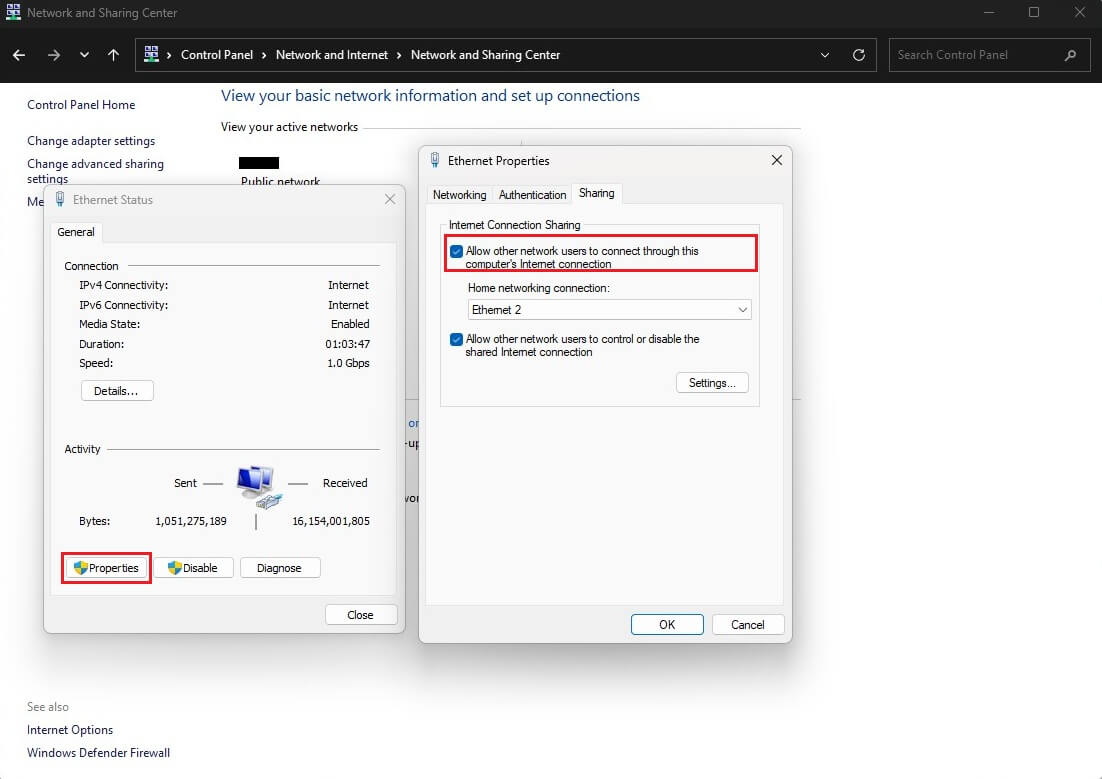
Connect the PS5 to the PC with an Ethernet cable, then connect the VPN on the PC. The console picks up the protected connection with no settings changed on the PlayStation itself.
Smart DNS: Geo-Unblocking Only
Smart DNS changes which country streaming services think you’re in. There’s no encryption, so it gives you no DDoS or doxxing protection, and no privacy from your ISP. For streaming on a console, it’s the quickest option.
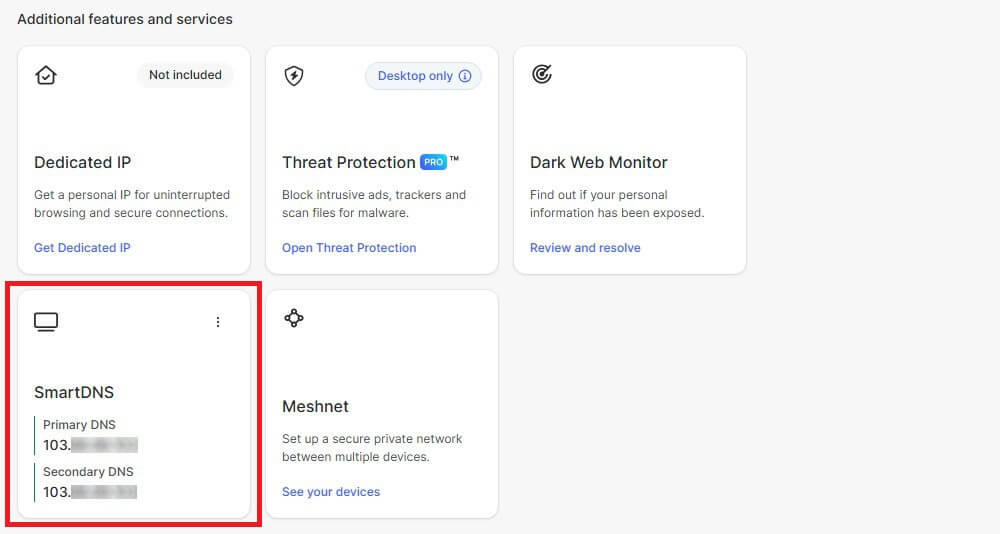
Here are the steps required:
- Find your IPv4 address at a service such as WhatIsMyIP.com.
- Sign in to your NordVPN account and open the Smart DNS tab.
- Select Enable, then Activate Smart DNS.
- On the console, open Settings, Network, Set Up Internet Connection.
- Choose your network, then Advanced Settings, DNS Settings, Manual.
- Enter the primary and secondary DNS values NordVPN gives you.
Does OpenVPN Work on PS4 and PS5?
No, for the same reason as everything above. OpenVPN is software, and a PlayStation accepts no software Sony hasn’t approved. The .ovpn configuration files every VPN has are useless on the console. They’re not useless elsewhere. A router that accepts an OpenVPN configuration takes the same file, and so does a Windows or Mac machine sharing its connection.
In both cases, the console connects through that hardware and never handles the protocol itself. WireGuard is the better choice in either place, since it connects faster and costs less speed overall.
Best VPN for PlayStation: Detailed List
Each was tested through a router and through a Windows PC, on both consoles, with ping measured against an unprotected connection.
| NordVPN | Proton VPN | ExpressVPN | PIA VPN | Surfshark | |
| Best for | Meshnet and speed | Privacy and open ports | Router setup | Tuning and ping data | Whole households |
| Network | 9,500+ servers, 149 countries | 20,000+ servers, 148 countries | 214 locations, 113 countries | 26,000+ servers, 91 countries | 4,500+ servers, 100 countries |
| Console setup | Router, PC, Smart DNS | Router, PC | Router, PC, Smart DNS | Router, PC, Smart DNS | Router, PC |
| Port forwarding | No ❌ | Yes ✅ | No ❌ | Yes ✅ | No ❌ |
| Speed loss | 7.8% | Recovered by Accelerator | Under 10% | Occasional spikes | Varies by server |
| Devices | 10 | 10 | 10 on Basic | Unlimited | Unlimited |
| Price | $3.49/mo | $2.99/mo | $2.99/mo | $2.19/mo | $2.49/mo |
| Refund | 30 days | 30 days | 30 days | 30 days | 30 days |
1. NordVPN: Best VPN for PS4 and PS5
Pros
- Meshnet LAN parties
- Smart DNS for consoles
- Per-model router guides
- 10 Gbps server hardware
- Malware filtering
- 149 countries covered
Cons
- Pricier second term
- Busy desktop app
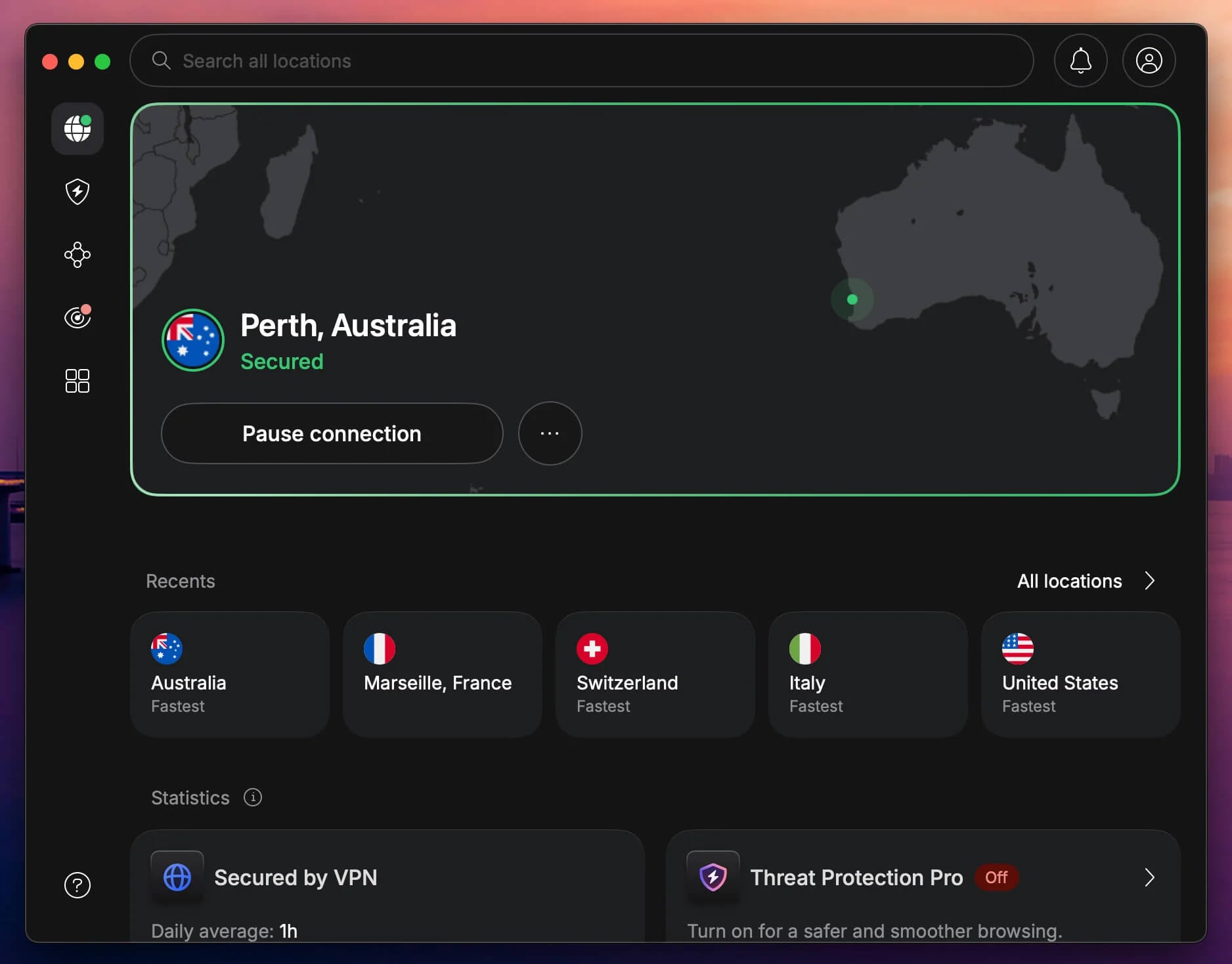
Meshnet puts NordVPN at the top. It links devices directly over the internet as though they shared a LAN, so friends in different countries can host the kind of local multiplayer session that normally needs all the players in the same room. Speed decides how a console feels, and NordVPN cost 7.8% of our baseline on average.
It’s small enough that ping stayed within a few milliseconds of the unprotected connection on nearby servers. NordLynx is doing that work. For setup, it covers all 3 methods. Smart DNS is included for streaming, the router guides are model-specific, and the Windows app shares a connection cleanly. Our wider gaming VPN rankings and full NordVPN review go further.
A 27-month term on NordVPN Basic comes to $94.23, and the Plus tier adds a password manager and malware scanning. All plans are fully refundable for 30 days, so you have the time to test NordVPN thoroughly.
2. Proton VPN: Best for Privacy and Port Forwarding
Pros
- Port forwarding
- Accelerator for long hops
- Swiss data laws
- Source code published
- 20,000+ servers
Cons
- Smart DNS missing
- Router setup by hand
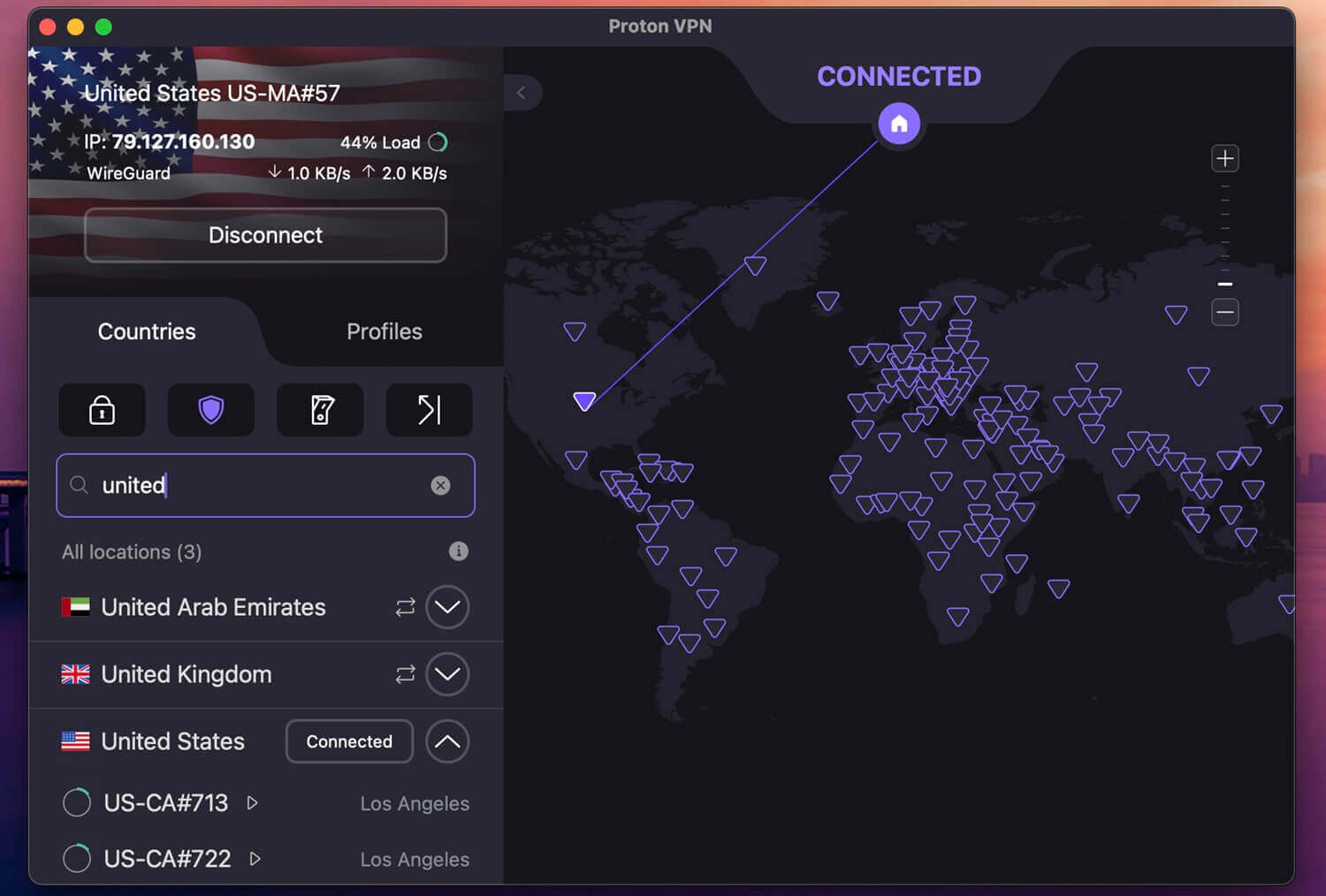
Port forwarding earns Proton VPN second place. Opening a port improves peer-to-peer matchmaking in games that rely on it, and cuts the NAT warnings that a VPN otherwise causes on a console. Few VPNs offer it. VPN Accelerator claws back speed over long hops, which decides whether a game on another continent is playable. WireGuard handles the rest pretty well.
Our testing found stable ping with only occasional spikes. With no Smart DNS, router or PC sharing are the only ways onto the console, and the router work is manual instead of guided. Our Proton VPN review covers the Swiss jurisdiction and the audit record. Paying for 2 years brings it to $71.76, refundable for 30 days.
3. ExpressVPN: Easiest Router Setup
Pros
- Aircove VPN routers
- MediaStreamer Smart DNS
- Lightway on routers
- KPMG verification
- Beginner-friendly setup
Cons
- Renewal price jumps
- Limited manual options
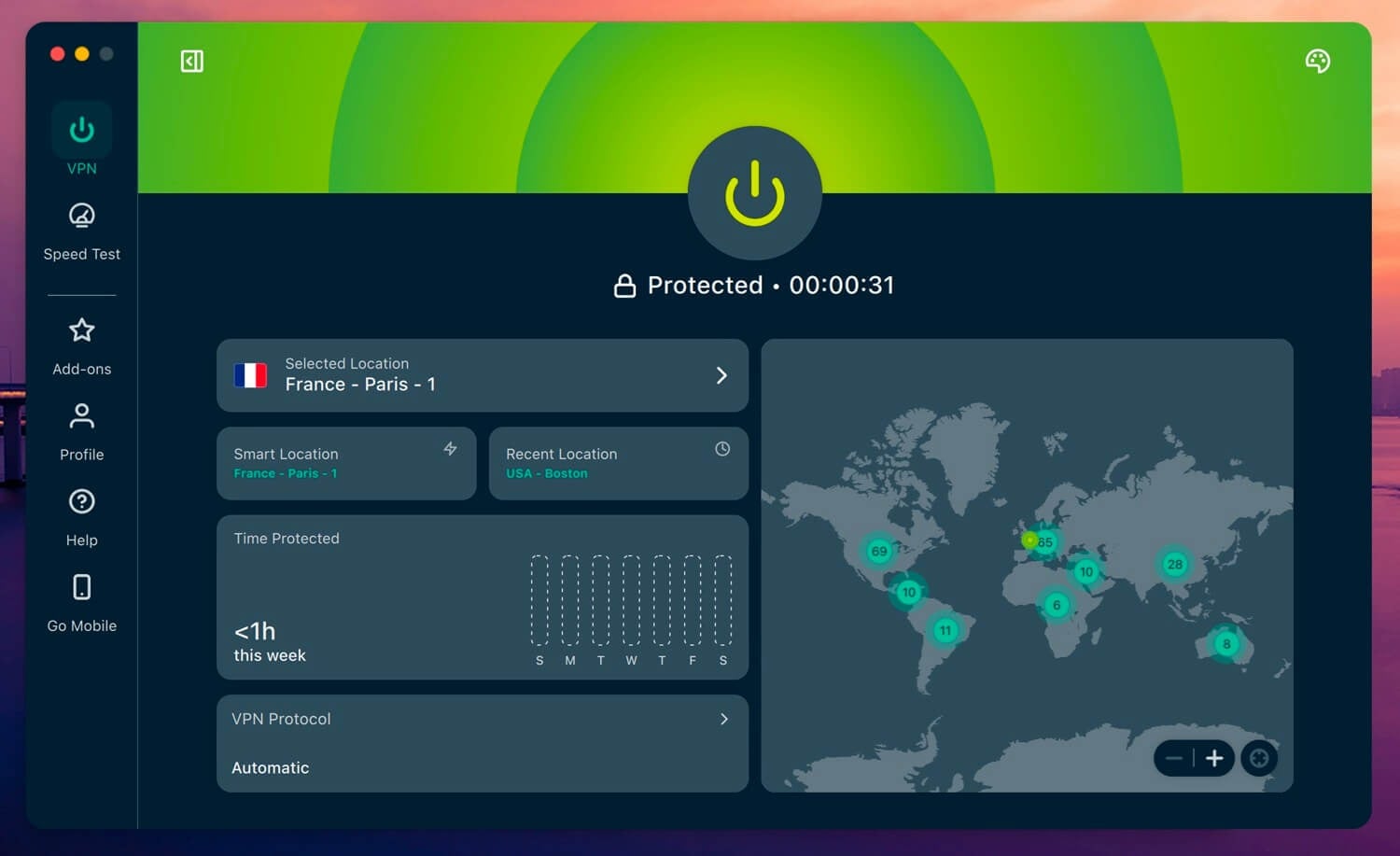
ExpressVPN removes the hardest part of console setup because it sells the Aircove, a router with the VPN inside. No firmware flashing, no compatibility list to check, and the console connects to it like any other Wi-Fi network. MediaStreamer is the Smart DNS side, useful for streaming apps on the PlayStation where encryption isn’t the point. Lightway keeps latency low through a router.
Windows users get a Lightway Turbo toggle that increases connection speeds on the PC-sharing method, and it doesn’t affect a router setup. The network covers 113 countries from 214 locations, and KPMG verified the no-logs policy in February 2025. The Basic tier bills 28 months at once, $83.72, then $99.95 each year.
4. Private Internet Access: Most to Configure
Pros
- Ping shown per server
- Port forwarding
- Tunable encryption
- No connection limit
- Shadowsocks built in
Cons
- Plain interface
- Middling speeds
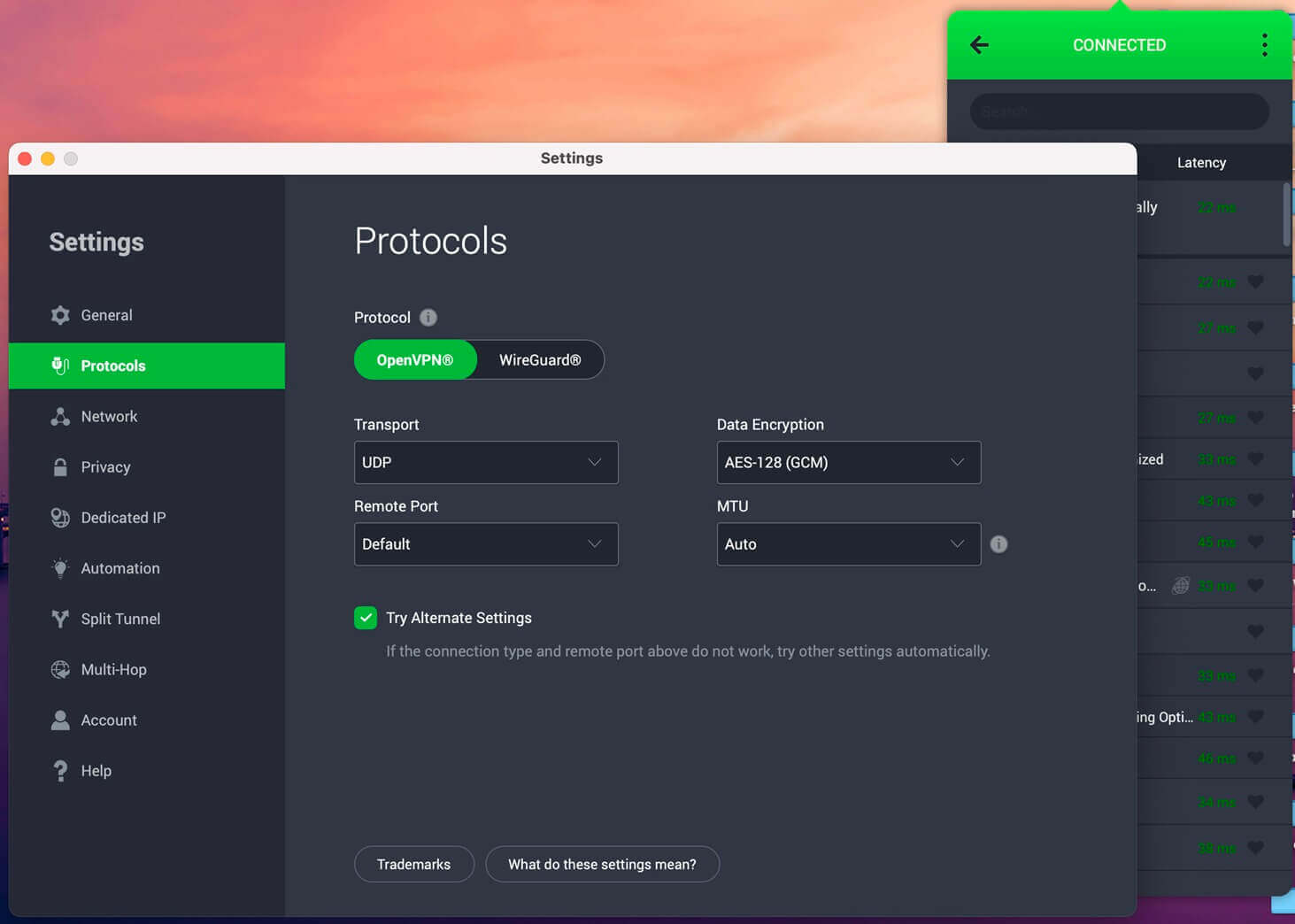
Private Internet Access shows the ping value next to every server. Picking by that number keeps delay down without trial and error. Encryption strength is adjustable, so you can drop from 256-bit to 128-bit and recover a few milliseconds, and port forwarding is available for the same matchmaking reasons as Proton VPN. Shadowsocks disguises the traffic so that a network can’t interfere with it.
Speed came in below the top two in our tests, with occasional spikes that never made a session unplayable. There’s more in our NordVPN and PIA comparison. Long plans are priced at $2.19 monthly, with no cap on connected devices.
Try Private Internet Access Now
5. Surfshark: Cheapest for a Whole Household
Pros
- No device cap
- Rotating IP
- Antivirus on One
- 30+ Netflix libraries
Cons
- Inconsistent server speeds
- Costly month-to-month
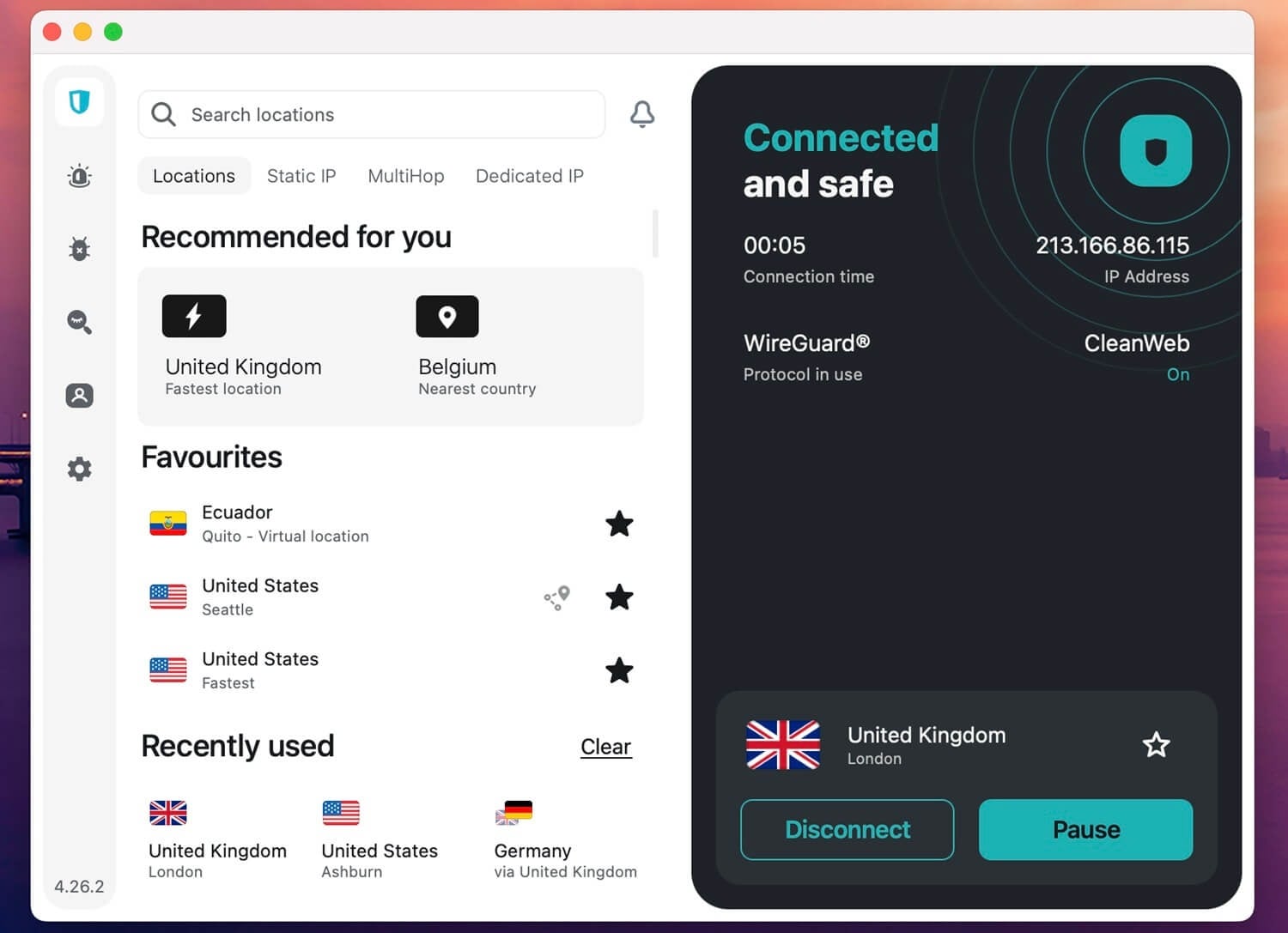
Surfshark counts no devices, which changes the arithmetic when a console shares a house with phones, laptops, and a second TV. One subscription covers the router, the PC doing the sharing, and everything else at the same time. Surfshark retired its Smart DNS, so a router or a Windows PC are the two ways to the console. We tested both on a PS5, and they were reliable and working well.
Speeds dipped on some servers and stayed high on others, so a nearby server does more for you here. Its streaming record is the strongest, opening more than 30 Netflix libraries, useful if the console doubles as the living room streaming box. Our Netflix VPN rankings and Surfshark review have the details. Surfshark Starter is $2.49 monthly across a 27-month term, and One costs $2.79.
Is There a Free VPN for PS4 and PS5?
There are free VPNs, and almost none of them can get onto a PlayStation. The obstacle isn’t speed or data caps; it’s configuration files. A router needs manual setup credentials, and nearly every VPN keeps those behind the paid tier, Proton VPN and Windscribe included. Without them, there’s no way to put a free plan on a router, which removes the method that protects the console.
That leaves PC sharing. A free plan installed on a Windows machine can share its connection to a PS4 or PS5 over Ethernet, and that works. Proton VPN’s free tier suits it best, because it applies no data cap. The catch: the country is assigned for you, and the plan covers 1 device, which the PC uses up. For gaming specifically, free plans disappoint. Many people share the servers, and the ping shows it.
For streaming on the console, they’re serviceable. Our fastest VPN testing covers what free plans give up (spoiler: quite a lot compared to paid VPNs).
How We Picked the Best PS5 and PS4 VPN
Every service was installed on a router and on a Windows PC, then tested on both consoles. We measured ping against an unprotected connection, checked whether changing the apparent location worked for streaming apps and the PlayStation Store, and confirmed that a kill switch and leak protection were present. VPNs without router documentation didn’t make the list.
Conclusion
NordVPN heads the list for Meshnet and for costing the least speed of the 5, and on a console that difference is felt in every match. Proton VPN gives you port forwarding and the strongest privacy position. ExpressVPN sells a router with the work already done. PIA shows you the ping before you commit to a server. Surfshark covers the whole house for one price.
Router installation protects the console, PC sharing does the same with no hardware to buy, and Smart DNS unblocks streaming while leaving you exposed to everything a VPN handles. For a second console in the house, our Xbox VPN guide covers it, and changing your PSN region is a separate job worth reading up on.
FAQ About PlayStation VPNs
🆓 What is the best free VPN for PS5?
Proton VPN, used through a Windows PC sharing its connection. The free tier applies no data cap, though the country is assigned automatically and only 1 device is covered. Router setup requires a paid plan.
⏱️ Can a PlayStation VPN decrease latency?
Yes, sometimes. Encryption adds a few milliseconds, so a nearby server is the goal. Where an internet company throttles gaming traffic or sends it the long way around, a VPN can improve ping by avoiding that path.
🦈 Can I use Surfshark on PS5?
Yes, through a router or a PC sharing its connection. Surfshark no longer offers Smart DNS, so those are the 2 options. No console accepts a VPN app directly.
🌐 Does OpenVPN work with PlayStation 5?
No. The console accepts no third-party software, so configuration files can't be installed on it. Those same files work on a router or a computer, and the PlayStation then connects through that hardware.
🛡️ Does a VPN stop DDoS attacks on PlayStation?
Yes, when it hides the console's home IP address. Attackers need that IP address to flood a connection, and a router- or PC-shared VPN replaces it. Smart DNS offers no such protection, since it doesn't apply encryption.