People usually look for a Roblox VPN after a specific problem. It might be a public Wi-Fi network they don’t trust, a suspicious link that could expose their IP address, or lag that won’t go away. A good VPN protects against the first two, but it helps with lag only in certain cases.
Roblox doesn’t allow VPNs for accessing the game where it’s blocked or for unlocking restricted features, though. Our picks for privacy, safety, and low ping are just below.
Best Roblox VPNs in 2026: Quick Picks
- NordVPN: Best overall, with the lowest average ping in our gaming tests
- Proton VPN: Best for privacy, with open-source apps and malicious-site blocking
- ExpressVPN: Best for beginners, with a one-button app and low ping to the US
- Surfshark: Best value with built-in ad blocking, plus no limit on devices
- Private Internet Access: Best budget option, with servers in every US state
Roblox VPNs Compared
We tested ping on each VPN’s UK, US, and Japanese servers in one session, from a Windows 11 PC in Europe, using WireGuard or each VPN’s own protocol:
| VPN | Ping to UK server | Ping to US server | Ping to Japanese server | Devices |
| NordVPN | 41 ms | 134 ms | 215 ms | 10 |
| Proton VPN | 45 ms | 135 ms | 218 ms | 10 |
| ExpressVPN | 42 ms | 129 ms | 223 ms | 10-14 |
| Surfshark | 51 ms | 144 ms | 241 ms | Unlimited |
| Private Internet Access | 48 ms | 150 ms | 270 ms | Unlimited |
Our 5 Roblox VPN Picks in Detail
1. NordVPN: Best Roblox VPN Overall
Pros
- Dark Web Monitor alerts for leaked logins
- Large server network
- Kill switch for the whole device
- Apps for Windows, Mac, iPhone, and Android
Con
- Phishing protection requires the Complete plan
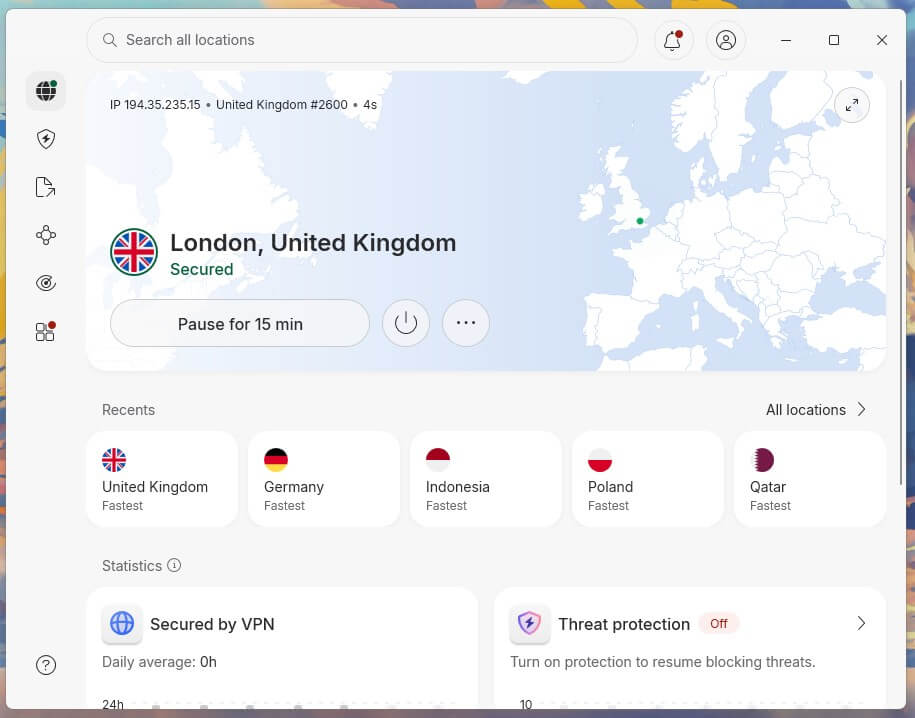
NordVPN had the lowest average ping in our tests, with the lowest ping on the Japanese server. It also had the lowest ping on the UK server, with ExpressVPN and Proton VPN close behind. It tops our list of VPNs for gaming in general as well. Its other strength for Roblox is protection from fake sites.
NordVPN’s researchers found nearly 200 Roblox phishing domains active in a single week of July 2026, built to steal logins and Robux. Threat Protection Pro blocks known malicious sites like these. It’s part of the Complete plan, so families who want that protection should choose the Complete plan over the Basic one.
Ten devices can connect at once, and a router install covers consoles too. NordVPN’s Basic plan costs roughly $3.50 a month when you commit to two years, and you can request a refund within 30 days.
2. Proton VPN: Best for Privacy
Pros
- Secure Core for extra privacy
- Stealth for networks that block VPNs
- Split tunneling on Windows and Android
- Annual independent no-log audits
Con
- Slightly higher ping on nearby servers
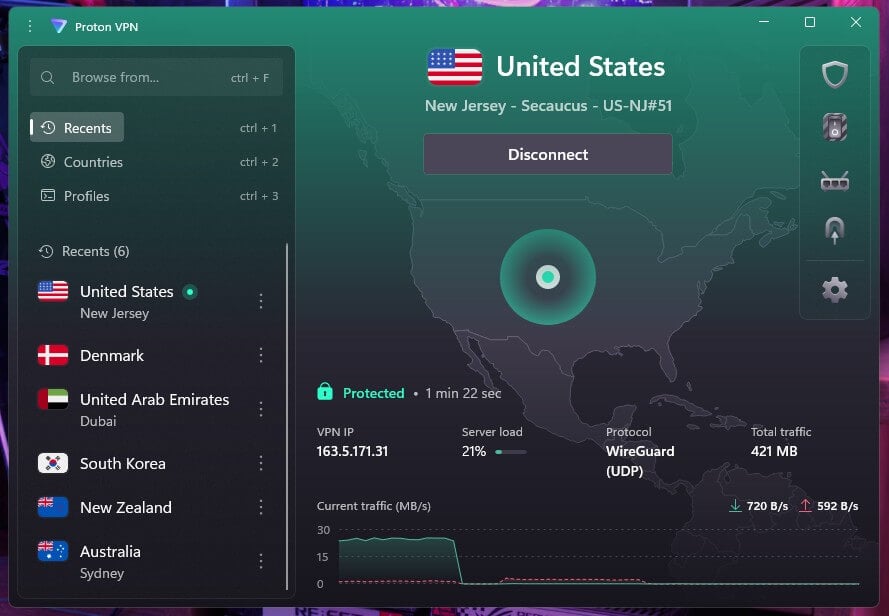
Proton VPN came close to NordVPN on long-distance servers, with VPN Accelerator enabled to help on far-away connections. Nearby, it added a few milliseconds more than NordVPN and ExpressVPN, though no Roblox player would notice the difference. Privacy is the main reason to pick it.
Proton VPN operates under Swiss law, publishes its app code as open source, and has its no-log policy checked by independent auditors. That record puts it among the most secure VPNs we’ve tested. NetShield also blocks malicious and phishing sites, along with most ads and trackers.
Our Proton VPN review covers its apps and pricing in more depth.
3. ExpressVPN: Best for Beginners
Pros
- Lightway protocol for low ping
- Router app for consoles
- Kill switch passed our restart test
- Apps on every major platform
Cons
- No multihop servers
- Tracker blocking starts on the Advanced plan
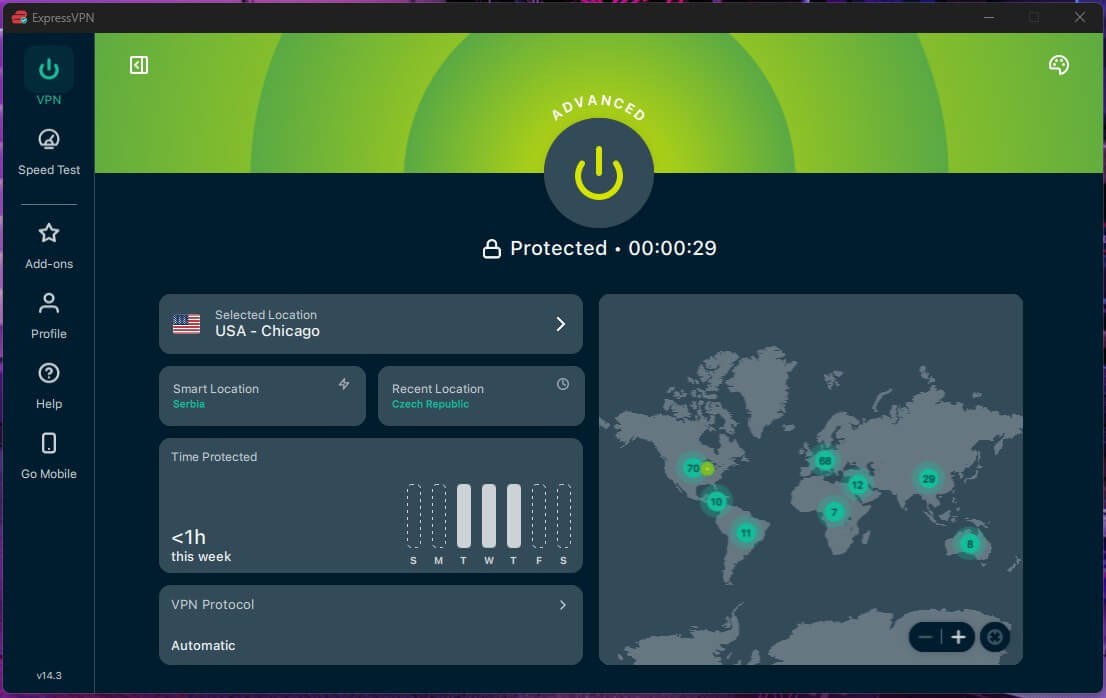
ExpressVPN had the lowest ping on our US servers and matched NordVPN nearby. It ranks with the fastest VPNs we’ve tested for games. The app is a single button, so a first-time user can connect in seconds. On Windows, Mac, and Android, split tunneling lets you send only Roblox through the VPN.
You can also keep Roblox outside it while the browser remains protected. ExpressVPN has no multihop servers, though most players won’t miss them. Ad and malicious-site blocking comes with every plan, but trackers are blocked only from the Advanced plan up.
The two-year Basic plan comes to about $3 a month, and the higher tiers cover more devices.
4. Surfshark: Best Value With Built-In Ad Blocking
Pros
- Alternative ID for private sign-ups
- Double VPN connections
- Antivirus on the One plan
- Apps on every major platform
Cons
- Higher ping on nearby servers
- Occasionally slow to connect
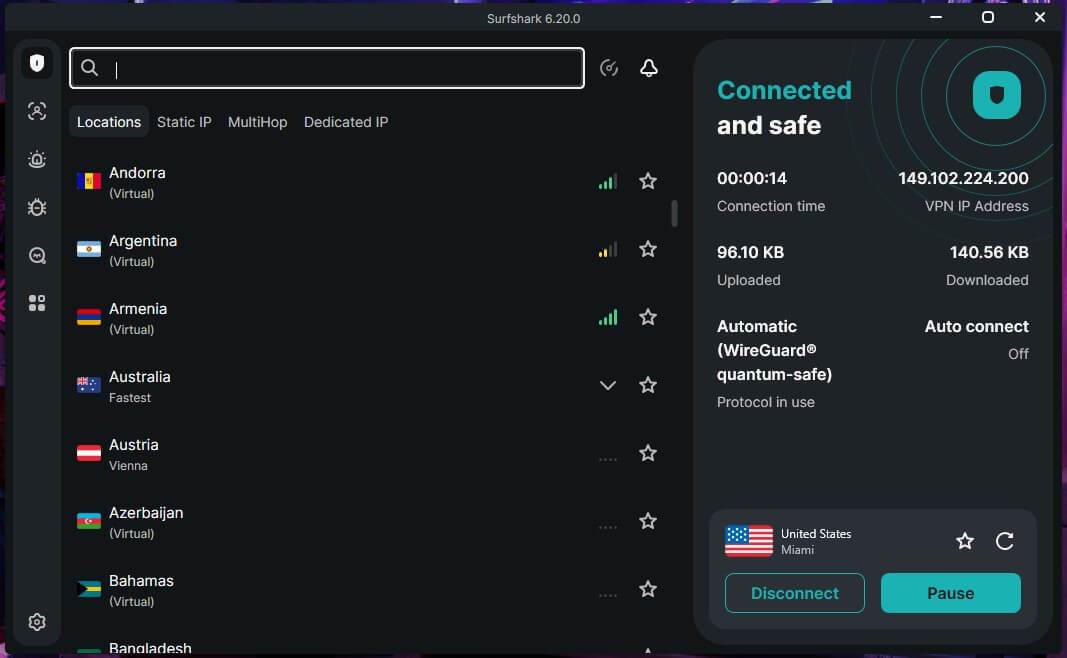
Surfshark’s CleanWeb feature blocks ads, trackers, and malicious sites, and it’s included in every plan at a low price. One subscription also covers every device in a household. Surfshark is a strong VPN for multiple devices when several people play Roblox.
Its ping was a little higher than NordVPN, Proton VPN, and ExpressVPN on nearby servers, though still comfortable for Roblox. It was also occasionally slow to connect in our tests, and canceling a stuck attempt is the quickest fix. Keep the Rotating IP option disabled while you play.
Changing the IP address mid-game can drop the connection. Surfshark’s Starter plan is around $2.50 a month over two years, less than NordVPN’s Basic plan.
5. Private Internet Access: Best Budget Option
Pros
- Open-source apps
- Advanced kill switch
- Adjustable encryption settings
- Dedicated IP add-on
Cons
- Higher ping on distant servers
- Dated, cluttered interface
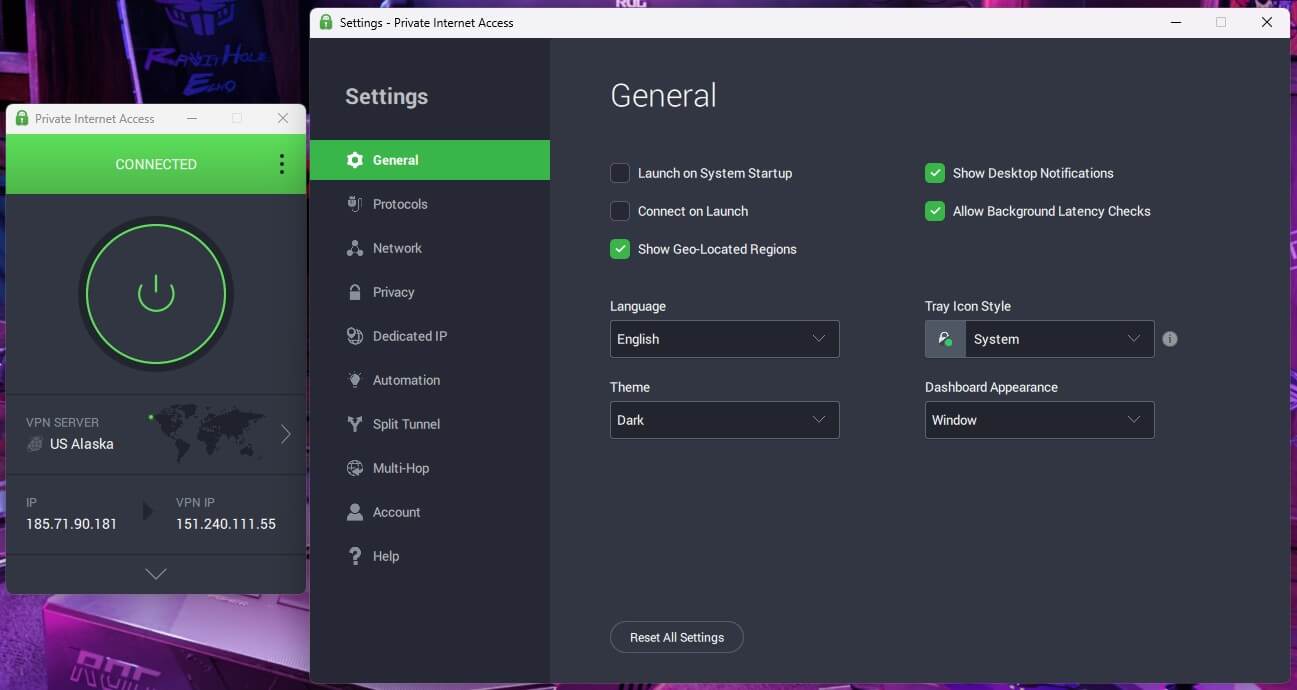
Private Internet Access offers servers in all 50 US states, so US players can always pick one close to home. The app also shows the ping for each server, which makes the fastest server easy to find. Distance is its weak point. PIA had the highest ping on our US and Japanese servers, so stick to servers in or near your own country.
Its interface also looks dated and cluttered, though MACE blocked more ads and trackers than any other blocker we tested. PIA costs around $2 a month on a long-term plan, and one subscription covers unlimited devices.
What a VPN Does for Roblox Players
A VPN does more than unblock websites. For Roblox players, it helps in these situations:
- Ping: Roblox connects you to the nearest of its data centers. A VPN server near you adds a little delay, while a distant one increases ping. A VPN lowers ping only when your internet provider slows game traffic or sends it over a longer path.
- IP privacy: Roblox hosts its own game servers, so other players don’t see your IP address during normal play. Exposure usually comes from links in chat, Discord servers, and third-party sites, and a VPN changes the IP address they would log.
- Phishing: fake Roblox login pages and free Robux offers are common, and VPN blockers stop many of them.
- Public Wi-Fi: a VPN encrypts the connection at a café, hotel, or airport.
A VPN also has drawbacks: it can’t stop attacks aimed at Roblox’s own game servers, which disconnect every player in that game.
Roblox Restrictions by Country
Roblox’s Community Standards prohibit using a VPN to hide your location to gain unauthorized access to Roblox, a specific feature, or an account. Using one for privacy, security, or a better connection is fine. Using one to play where Roblox is blocked, or to restore disabled chat, breaks those rules. It can also break local law.
These restrictions were in place as of November 2026:
| Country | Restriction | Since |
| Turkey | Blocked by court order | August 2024 |
| Qatar | Blocked | August 2025 |
| Oman | Blocked | June 2025 |
| Iraq | Blocked | October 2025 |
| Egypt | Blocked | February 2026 |
| Saudi Arabia and the UAE | Text and voice chat disabled | September 2025 |
| Kuwait | Available again, with chat disabled | October 2025 |
| Jordan | Chat rooms blocked | September 2025 |
| Indonesia | Accounts for under-16s deactivated | March 2026 |
| China | No local version since it closed | December 2021 |
How to Play Roblox With a VPN
Connect to a VPN server in your own country, or the closest one available, then open Roblox and join a game. Roblox picks a data center near the server’s location, so a nearby server keeps ping low. If a game feels slower than usual, change your VPN location to another nearby city, or disconnect and compare.

Split tunneling offers a middle ground. With Roblox excluded from the VPN, the game connects directly while your browser and Discord remain protected from the links that expose IP addresses. On a phone, connect the same way in the VPN’s iPhone or Android app, though split tunneling by app works on Android only.
Roblox on Xbox and PlayStation
Consoles don’t support VPN apps, so the options are a VPN installed on your router or a connection shared from a PC. Smart DNS, which some VPNs offer for consoles, doesn’t help with Roblox. It changes only DNS, so Roblox still sees your IP address and picks the same data center.
Our guide to using a VPN on Xbox walks through the router setup, which works the same way for PlayStation.
Age Checks, Bans, and Parental Controls
Since January 2026, Roblox requires an age check before a player can chat. It uses a short selfie video for facial age estimation, provided by Persona, with a government ID or a parent’s confirmation as alternatives. Roblox says the images are deleted after processing.
Since June 2026, younger players also have separate account types with tighter limits on chat and games. A VPN changes none of this, because the checks are tied to the account. The same goes for bans. A VPN doesn’t lift an account ban, and creating a new account to avoid one breaks Roblox’s rules.
Banned players can appeal through Roblox’s support site instead. For parents, Roblox’s own parental controls set chat, spending, and content limits, while a VPN adds encryption on shared and public Wi-Fi.
What About Free VPNs?
Free VPNs tend to have data caps, few server locations, and busy servers, which add up to high ping in a game. Proton VPN’s free tier removes the data cap, but you can’t choose the server country. For regular play, a paid VPN with a nearby server and a 30-day money-back guarantee is the safer choice.
Verdict
A VPN won’t turn a slow connection into a fast one. Roblox also doesn’t allow it as a way to play where the game is blocked or to unlock restricted features. It does help with privacy and safety, though. It hides your IP address from links and third-party sites, blocks phishing pages, and protects your connection on public Wi-Fi.
On a nearby server, the added delay is barely noticeable. NordVPN is our first choice, with the lowest average ping in our tests and protection against known Roblox phishing sites on its Complete plan. Proton VPN is the pick for privacy, ExpressVPN for beginners, and Surfshark for ad blocking on a budget.
Roblox VPN FAQ
Can Roblox ban an account for using a VPN?
Yes, if the VPN is used to access Roblox where it's blocked or to restore a disabled feature such as chat. Using a VPN for privacy or security doesn't break Roblox's Community Standards.
Can a VPN lower ping in Roblox?
Yes, but only sometimes. A VPN can't shorten the distance to Roblox's servers, yet it can avoid ISP throttling or a congested network path, which occasionally lowers ping.
Does a VPN work with Roblox on mobile?
Yes. VPN apps for iPhone and Android work with the Roblox app just as desktop apps do on a PC. Choosing a server in the player's own country keeps ping close to normal.
Does a VPN make Roblox safer for kids?
Yes, to a degree. Scam-site filtering in a VPN catches many fake Robux and login pages aimed at young players, though it doesn't replace Roblox's parental controls for chat and spending.
Does a VPN protect against DDoS attacks on Roblox?
Yes, partly. A VPN hides the home IP address from IP-logging links and third-party sites, though it can't protect Roblox's own game servers.
Is it safe to use a VPN on Roblox?
Yes, with a reputable paid VPN. Lesser-known free VPN apps sometimes collect browsing data, while a trusted VPN encrypts traffic on public Wi-Fi and blocks known phishing sites.