
It’s 8 p.m., kickoff is minutes away, and the sports channel in your IPTV app keeps spinning while every website still loads normally. That pattern usually has one of two causes: your ISP has spotted video traffic and slowed it down, or the service streams that channel only to viewers in its own country.
A VPN addresses both from the same starting point. Your traffic leaves the device encrypted, so the ISP can’t tell a live stream from a web page, and the server you connect to decides which country the IPTV service sees. Whether the channel then runs smoothly depends on how much speed the VPN costs and whether the service detects it.
These five VPNs kept live TV running in our tests, and two free ones are worth a look too.
Top VPNs for IPTV in 2026 Ranked
- NordVPN: Best Overall, with Smart DNS for smart TVs and set-top boxes
- Proton VPN: Best for Privacy, with Swiss jurisdiction and a Fire TV app
- ExpressVPN: Best for Easy Setup, with apps for Fire TV, Apple TV, and routers
- Private Internet Access: Best Low-Cost Option, with no limit on devices
- Surfshark: Best Value for Streaming, with ad blocking on every plan
IPTV VPNs Compared
Here’s how the five paid VPNs and the two free plans compare, with speed shown as the average loss in our tests.
| Countries | Average Speed Loss | P2P Allowed | Simultaneous Connections | Starting Price | |
| NordVPN | 152 | 7.8% | Yes | 10 | About $3.50/mo |
| Proton VPN | 149 | 10.2% | Yes | 10 | About $3/mo |
| ExpressVPN | 113 | 7.8% | Yes | 10-14 | About $3/mo |
| PIA VPN | 113 | 12.7% | Yes | Unlimited | Around $2/mo |
| Surfshark | 100 | 9.6% | Yes | Unlimited | About $2.50/mo |
| PrivadoVPN Free | 10 | 9.5% | Yes | Single | Free |
| Proton VPN Free | 10 | 19.3% | No | Single | Free |
Best IPTV VPNs: Our Top 5 in Detail
1. NordVPN: Best Overall VPN for IPTV
Pros
- Unblocked every streaming service we tested
- Smart DNS for MAG boxes and smart TVs
- Fast enough for 4K live channels
- Apps for Fire TV and Android TV
- Independently audited no-logs policy
- Blocks malware on higher plans
Cons
- Much higher renewal price
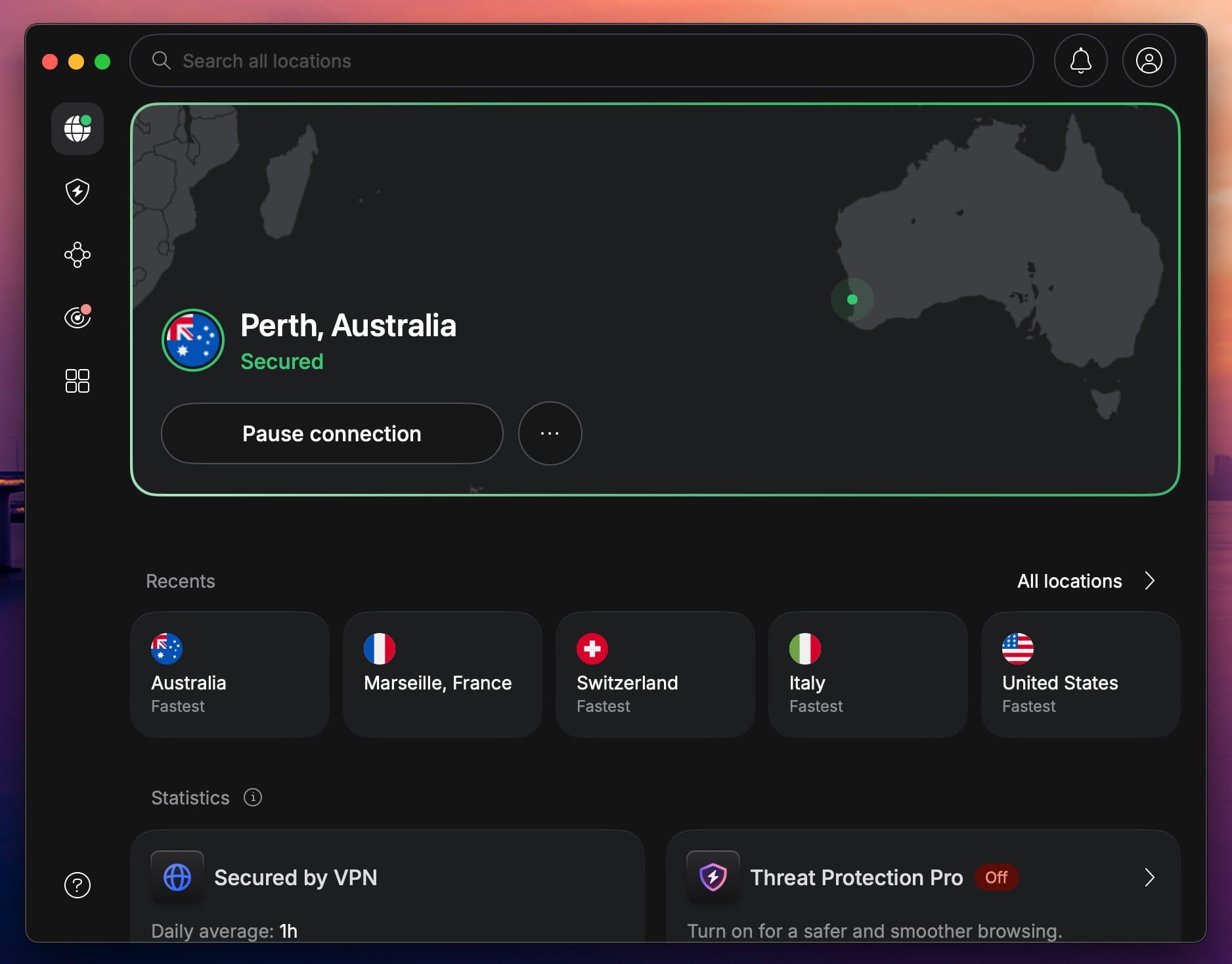
NordVPN unblocked every streaming service in our tests, including the free live channels on Pluto TV and the UK’s BBC iPlayer, Channel 4, and ITVX. Its UK servers will also unblock ITVX abroad for anyone away from home. Pluto TV detected it now and then, but switching to another US server fixed it.
Speed decides how live TV feels, and NordVPN tied for the fastest result we recorded, a 7.8% average speed loss. In practice, a 4K channel won’t buffer because of the VPN. On top of that, its Smart DNS changes your location through the DNS settings alone.
As a result, a MAG box or a smart TV without a VPN app can still reach geo-blocked channels. The Fire TV Stick and Android TV boxes get the full app instead, and one subscription covers ten devices. As for price, the two-year Basic plan costs about $3.50 a month, with a 30-day money-back guarantee.
The renewal price is much higher, though, so the two-year term is the better deal, since it keeps the low rate the longest. For more protection, the Complete plan adds next-gen antivirus, which blocks malware before it reaches your devices.
2. Proton VPN: Best Private VPN for IPTV
Pros
- Swiss privacy with an audited no-logs policy
- Optional routing through a second, hardened server
- Blocks ads, trackers, and malware
- Apps for Fire TV and Apple TV
- Unblocked BBC iPlayer and Channel 4
Cons
- Couldn’t unblock Pluto TV or ITVX
- No Smart DNS
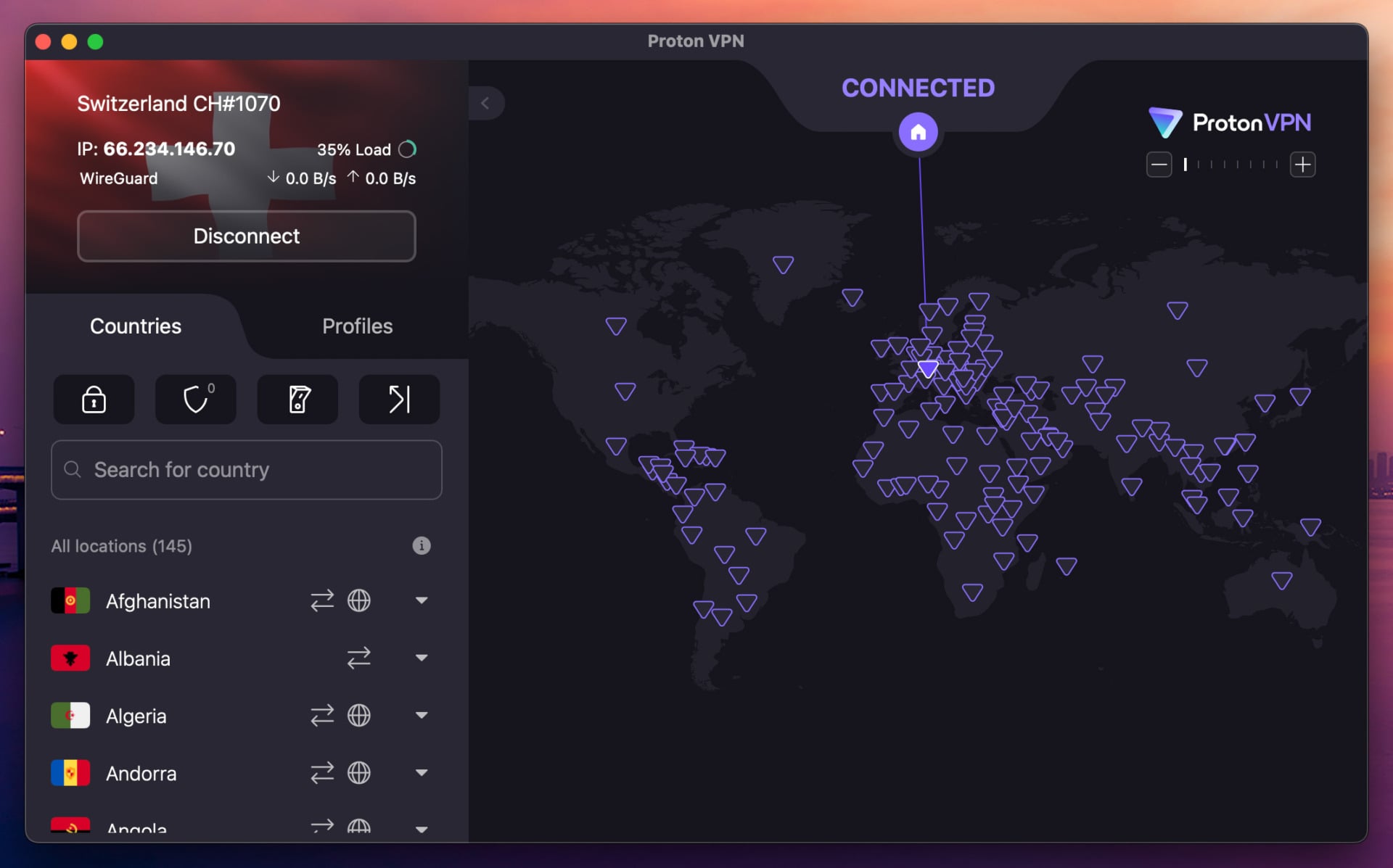
Proton VPN comes from the team behind Proton Mail and is based in Switzerland, and its no-logs policy is independently audited every year. Its Secure Core servers send your traffic through a hardened server in a privacy-friendly country, such as Switzerland or Iceland, before it exits.
As a result, even a compromised exit server can’t trace a stream back to you. For live TV, it’s strong but not complete. It unblocked BBC iPlayer, Channel 4, Peacock, and the US, Canadian, and Japanese Netflix libraries, and a 10.2% average speed loss is fast enough for 4K.
However, it failed on Pluto TV and ITVX, so if free US channels are on your list, NordVPN or Surfshark is a better fit. Proton VPN also has a Fire TV app for the newer sticks, and NetShield blocks ads, trackers, and malicious sites on paid plans.
The catch for set-top boxes is the lack of Smart DNS, so a box with no app store has to go through a VPN router instead. On a two-year VPN Plus plan, Proton VPN costs about $3 a month for ten devices.
3. ExpressVPN: Easiest IPTV VPN to Set Up
Pros
- Simple apps for Fire TV and Apple TV
- Unblocked ITVX and Prime Video
- Quick to connect
- Smart DNS on every plan
- Router app and its own VPN router
Cons
- No multi-hop servers
- Higher cost on renewal
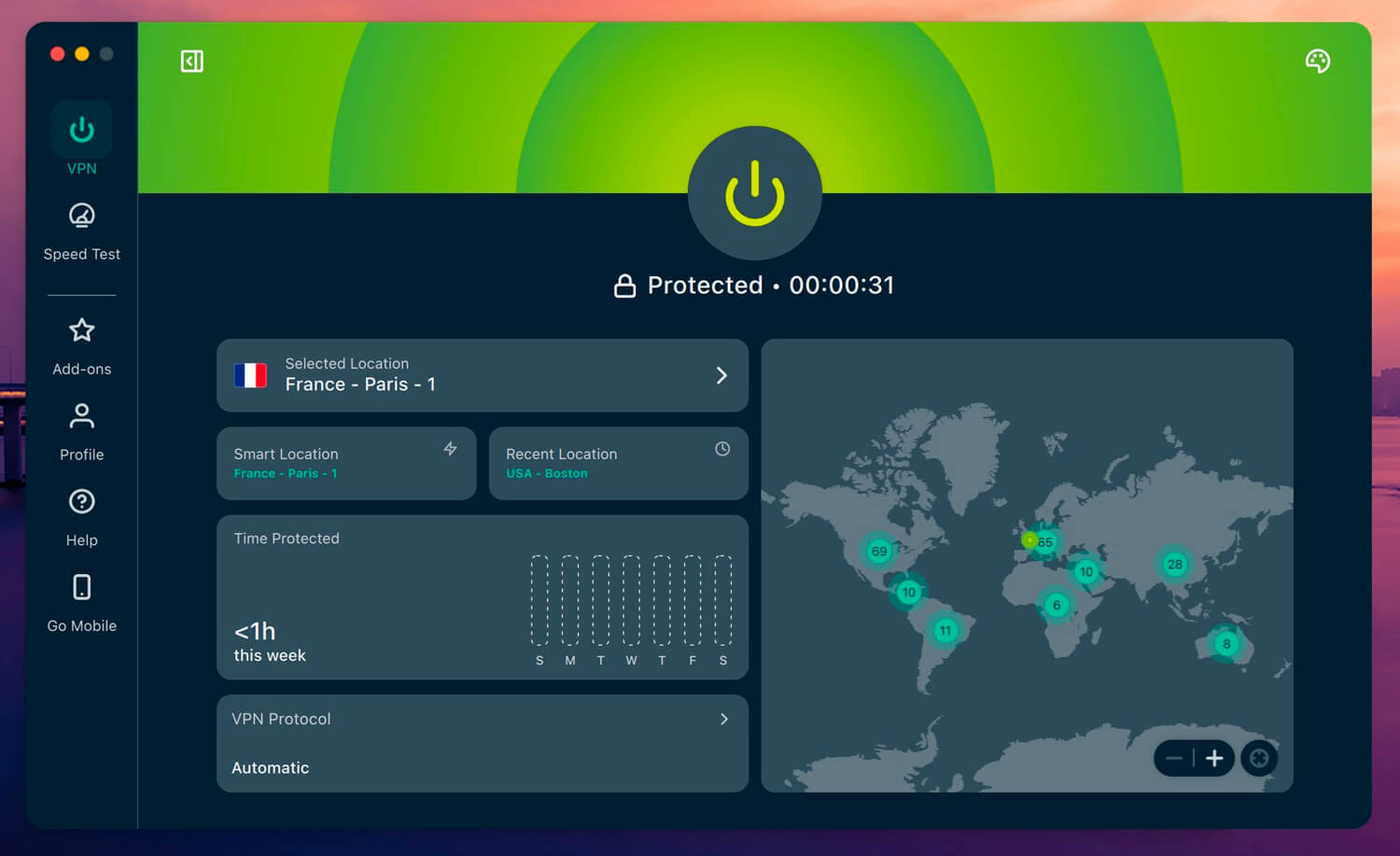
ExpressVPN is the easiest of the five to set up on a TV device. Its apps for Fire TV, Android TV, and Apple TV have very few settings, and on the Automatic protocol, it connected in a second or two in our tests. For anyone who just wants the channel list working, that simplicity is the main draw.
It also matched NordVPN in our streaming tests, unblocking every service, including BBC iPlayer and Hulu. ITVX and Prime Video detected it a few times, but switching servers fixed it. With the same 7.8% average loss, it tied NordVPN for the fastest result, which is comfortably fast enough for 4K.
For devices without app support, MediaStreamer, ExpressVPN’s Smart DNS, is included on every plan, and its Aircove router runs the VPN for the whole house. The downside is the lack of multi-hop servers; if you want a second encrypted server in the chain, Proton VPN’s Secure Core does that job.
On the two-year Basic plan, ExpressVPN costs $3 a month and covers ten devices, and higher plans increase that to 12 or 14.
4. Private Internet Access: Best Low-Cost IPTV VPN
Pros
- Unlimited devices
- Low long-term price
- Smart DNS for smart TVs
- Strong ad and tracker blocking
- Fire TV and Android TV apps
Cons
- Couldn’t unblock Hulu or Prime Video
- Cluttered desktop app
Private Internet Access (PIA) is the best affordable VPN for IPTV in a busy household. It costs around $2 a month on its longest plan and sets no limit on devices, so every TV, phone, and box in the house can connect on one subscription. Its streaming results were mixed, however.
PIA unblocked BBC iPlayer, Channel 4, ITVX, and Pluto TV, as well as US channels on Peacock. By contrast, it couldn’t unblock Hulu, Prime Video, HBO Max, or Netflix Japan. For that reason, Hulu + Live TV subscribers should choose NordVPN or ExpressVPN instead.
It was also the slowest of the five, with a 12.7% average speed loss, which still covers HD live TV. On the plus side, MACE blocked more ads and trackers than any other VPN blocker we tested, and PIA has Smart DNS and a Fire TV app.
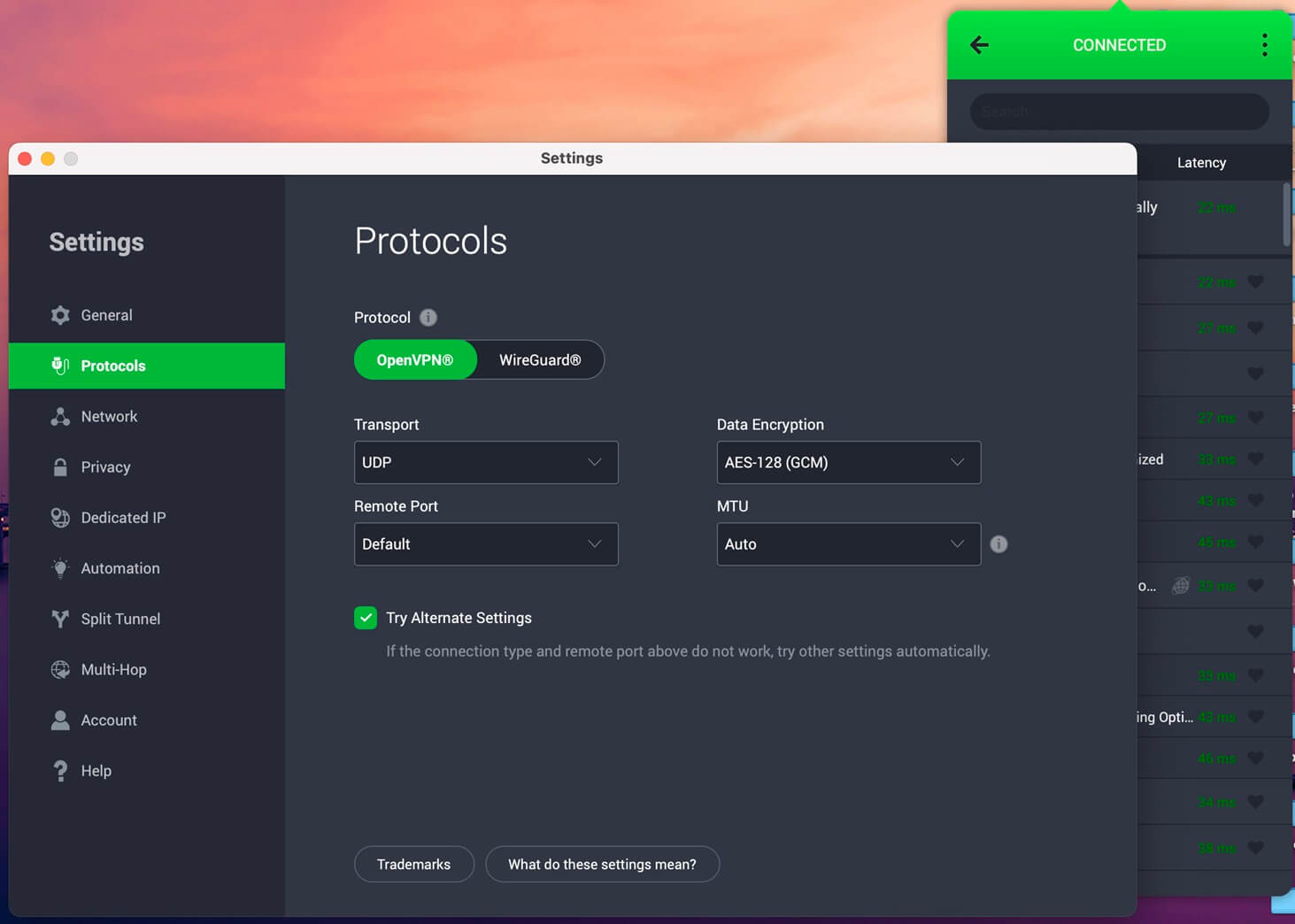
The Windows app looks cluttered and defaults to OpenVPN, so switch to WireGuard in the settings for faster streams.
Try Private Internet Access Risk-Free
5. Surfshark: Best Value IPTV VPN for Streaming
Pros
- Unblocked Hulu, Prime Video, and Pluto TV
- Blocks ads and trackers on every plan
- Very fast UK servers
- Low long-term price
- Unlimited devices
Cons
- Couldn’t unblock ITVX
- No Smart DNS
- Slow to connect at times
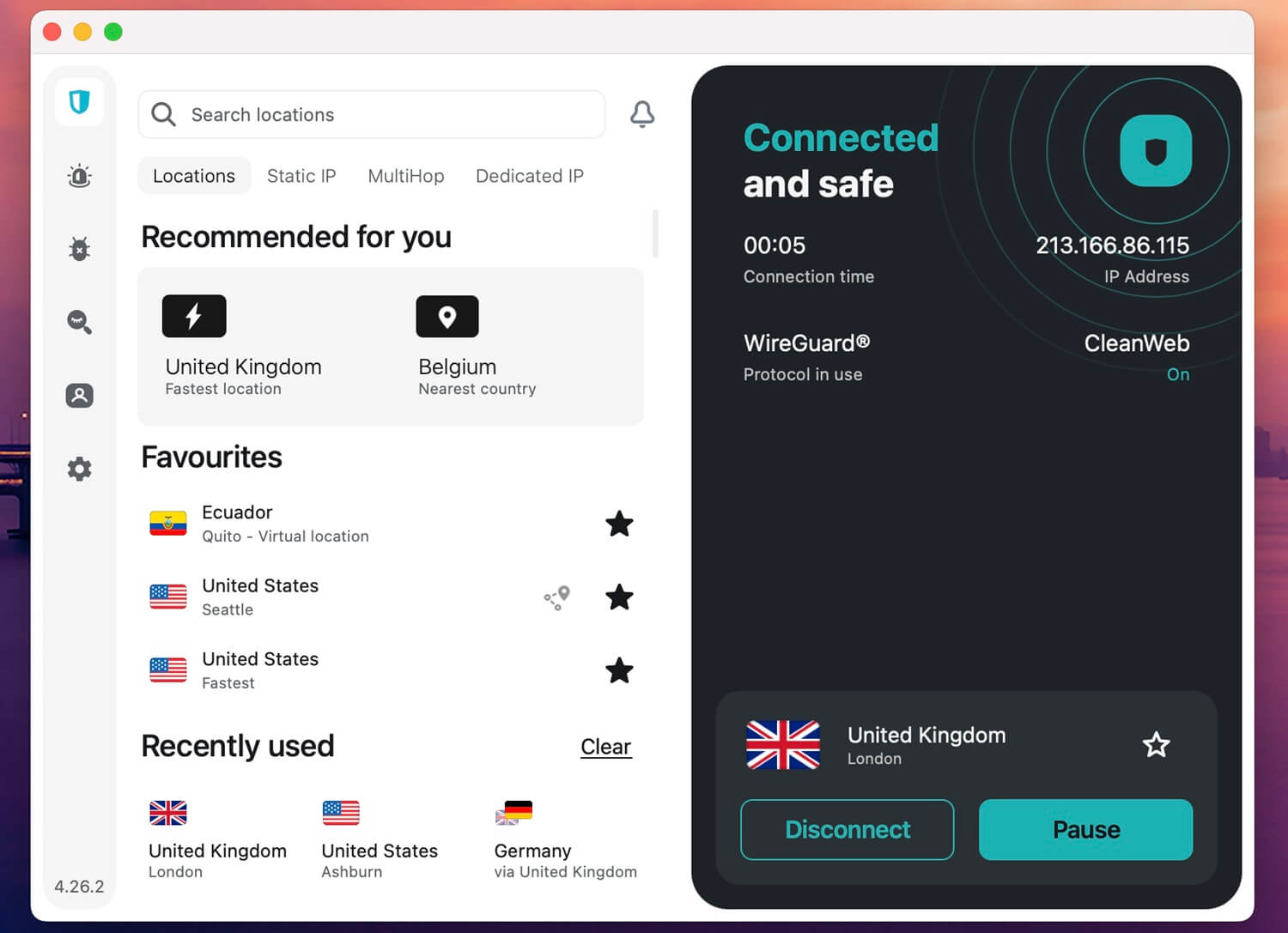
Surfshark is the value choice for streaming. It unblocked 13 of the 14 streaming services in our tests, including Pluto TV, Hulu, and Prime Video, and only ITVX blocked it. So for ITV, use NordVPN or ExpressVPN, and for nearly everything else, Surfshark does the job at a lower price. Its speed backs that up.
Surfshark’s UK servers were the fastest UK servers we tested, a plus for BBC iPlayer and Channel 4, and its overall average loss was a modest 9.6%. Now and then, it took a few seconds longer than usual to connect, but streams were smooth once it did.
Beyond streaming, CleanWeb, its ad and tracker blocker, is part of every plan, and NoBorders mode disguises VPN traffic on restrictive networks, which puts Surfshark among the most reliable VPNs for China.
Surfshark dropped Smart DNS, though, so a smart TV without app support has to share a connection from a router or a PC. Prices start at about $2.50 a month on the two-year plan, with unlimited devices.
Free VPNs for IPTV: Which Ones Work?
We don’t usually recommend a free VPN for IPTV. Most limit your data, offer few servers, and get detected by streaming services, so live TV runs out of allowance or fails to load. Of the free plans we tested, two are worth considering, and only one is good at unblocking.
PrivadoVPN: Best Free VPN for IPTV Unblocking
Pros
- Unblocked Netflix US and BBC iPlayer
- Choice of US and UK servers
- Fast for a free VPN
Cons
- Monthly data cap
- Couldn’t unblock ITVX or Prime Video
- One device at a time
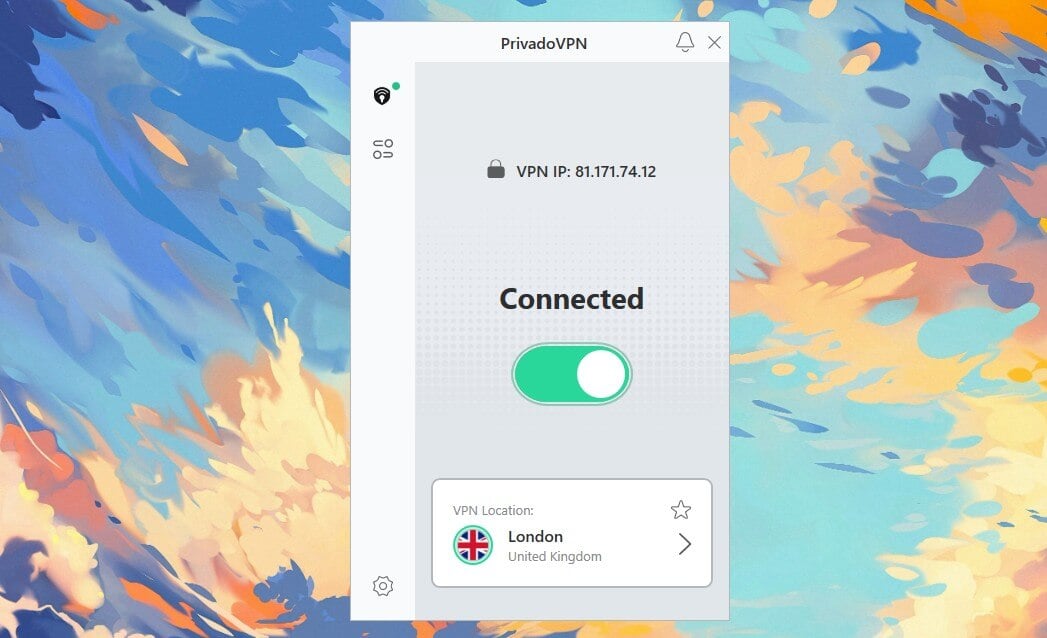
PrivadoVPN’s free plan unblocked Netflix US, BBC iPlayer, Channel 4, Pluto TV, and Peacock. Unlike most free VPNs, it lets you choose from 13 locations in ten countries, including the US and the UK. Its speed was close to a paid VPN, too, with a 9.5% average loss.
Data is the catch. The free plan includes 10 GB a month, about five hours of HD, and you renew that allowance by hand each month, which gets tiresome. On the other hand, the Iceland-based VPN allows torrenting and has Scramble obfuscation for networks that block VPNs.
Proton VPN Free: Unlimited Data, Weak Unblocking

Pros
- No data limit
- Fast for daily browsing
- Obfuscation on the free plan
Cons
- No server or country choice
- Couldn’t unblock Netflix US
- Blocks P2P traffic
Proton VPN’s free plan has no data cap, which makes it tempting for long viewing sessions. For IPTV, however, it’s a poor fit. You can’t choose a server or a country, and after a few quick server changes, the app makes you wait 45 minutes before the next one.
It also couldn’t unblock Netflix US in our tests, and BBC iPlayer is out of reach because the free plan has no UK servers. It’s still a private, fast VPN for browsing, with Stealth obfuscation and one device at a time. For streaming, the free VPNs that work with Netflix are a better starting point.
Why Use a VPN With IPTV
Most IPTV services work without one, but a VPN fixes the most common IPTV problems. Here’s what it does for live TV:
- Unblocks geo-restricted channels. A server in another country unblocks that country’s catalog and live channels. For instance, the same trick lets you change your Netflix region or reach sports streams restricted to one market.
- Keeps home TV working abroad. Broadcasters stream to their own country only, so travelers lose access as soon as they leave. An Australian server, for example, lets you watch 9Now from overseas.
- Unblocks services your country doesn’t offer. Some networks and institutions block IPTV services, and some services sell only in one market. A Canadian IP address, for example, is what Crave requires outside Canada.
- Protects your privacy. Not every IPTV service is safe, and a shady one may collect your data. On top of that, your ISP can log what you stream, and encryption stops it from seeing which channels you watch.
- Stops ISP throttling. Some ISPs slow down video traffic at busy times. A VPN on your smart TV or IPTV box hides that traffic, so the ISP can’t single it out.
How to Set Up a VPN for IPTV
It takes a few minutes on most devices, as long as you follow this order:
- Install the VPN app on the device that runs your IPTV app, such as a Fire TV Stick, an Android TV box, a phone, or a computer.
- Choose a server in the country where the service operates, such as the UK for BBC iPlayer. If you only want to avoid throttling, the nearest server keeps your speed highest.
- Leave the protocol on Automatic. The apps choose a fast, lightweight protocol on their own.
- Connect first, then open the IPTV app. If it was already running, close it completely so it reads your new location.
The Fire TV Stick has its own quirks, from app store access to memory limits, and the best VPNs for Firestick cover them in detail. A MAG box, a Formuler box, or a smart TV without an app store requires a different method.
In that case, Smart DNS from NordVPN, ExpressVPN, or PIA changes the device’s location through its DNS settings, but without encryption. For privacy too, install the VPN on your router, and every device on your network is covered.
Finally, split tunneling helps if only the IPTV app should use the VPN. You can send the IPTV app through the VPN while your other apps keep your normal connection and local speed.
IPTV Not Working With a VPN? Try These Fixes
When channels won’t load or keep buffering on the VPN, one of these fixes usually solves it:
- Switch servers in the same country. The service may have flagged that server’s IP address, and a different server often unblocks it.
- Clear the IPTV app’s cache. Apps store your old location, so clearing the cache or data in the device settings makes them check again.
- Use the VPN’s browser extension for web players. In our tests, the NordVPN, ExpressVPN, and Surfshark extensions unblocked services their desktop apps couldn’t.
- Get a dedicated IP address. Some IPTV services lock a subscription to one IP address, and a dedicated IP from NordVPN keeps it the same each time you connect.
- Try a closer server. If the channel starts but buffers, a nearer server with a lower ping usually stops it.
You might also see IPTV players advertise a built-in VPN. These are usually a proxy run by the app’s developer, with no published no-logs policy or audit, so a standalone VPN is the safer choice.
Legal IPTV Services Worth Using
A VPN doesn’t change whether an IPTV service is legal. Many IPTV services are licensed, such as Pluto TV and Xumo, but others resell pirated channels at a low price, and that’s where most viewers get caught out. Distributing those streams is illegal almost everywhere, and some countries, such as Italy, now fine the viewers too.
Before you pay, look for a well-known company, an official app in the Google Play or Amazon app stores, and a price close to what licensed services charge. These legal IPTV services pass that test:
- Hulu + Live TV
- Fubo
- YouTube TV
- Sling TV
- Pluto TV
- Tubi
- Samsung TV Plus
Most are paid, but Pluto TV, Tubi, and Samsung TV Plus are free. With a US server, you can also unblock Pluto TV abroad legally and watch its live channels, with a few ads here and there.
Conclusion
Two things decide an IPTV VPN: live channels that unblock on the first try, and a way to reach the set-top box under the TV. NordVPN covers both best. It unblocked every service we tested, matched ExpressVPN as the fastest, and its Smart DNS works on MAG boxes and smart TVs with no app store.
Proton VPN is the choice for viewers who put privacy first, if Pluto TV and ITVX aren’t essential. Meanwhile, ExpressVPN is the simplest to set up on a Fire TV or an Apple TV. If several people watch at once, Private Internet Access and Surfshark cost less and set no device limit. Free VPNs are a stopgap at best.
Frequently Asked Questions
Do you need a VPN for IPTV?
No, IPTV works without a VPN, but a VPN solves its most common problems. It stops ISPs from throttling video, unblocks region-locked channels, and hides viewing activity from the network operator.
Is it legal to use a VPN with IPTV?
Yes, using a VPN with IPTV is legal in most countries. The IPTV service itself still has to be licensed, because a VPN doesn't make pirated channels legal to stream or resell.
Can you use a free VPN for IPTV?
Yes, but with limits. PrivadoVPN's free plan unblocks some geo-restricted services within a monthly data cap, while Proton VPN's free plan offers unlimited data but picks the server itself.
Which VPN server location is best for IPTV?
A server in the IPTV service's home country works best, for example a UK server for British channels. For throttling problems alone, a nearby server in any country keeps speeds higher.
What is the best VPN protocol for IPTV?
WireGuard and protocols built on it, such as NordLynx and Lightway, are usually best for IPTV. They're fast and light on low-power devices, and automatic protocol settings normally choose them.
Does a VPN slow down IPTV?
Yes, but only a little with a fast VPN. Modern protocols keep streams smooth in HD and 4K, and a VPN can even help where an ISP throttles video.
Can you use a VPN on an IPTV box without an app store?
Yes, a MAG box or similar device can use Smart DNS from NordVPN or ExpressVPN to change its location. For encryption as well, the VPN has to run on the router instead.
Are IPTV apps with a built-in VPN safe?
No, not usually. Built-in VPNs in IPTV players rarely publish a no-logs policy or an audit, so a reputable standalone VPN such as NordVPN or Proton VPN is the safer option.