A Canadian on a winter trip to Florida opens Crave to catch the new episode of an HBO series and sees a region error instead of the show. Americans hit the same wall when friends up north recommend Shoresy or Heated Rivalry. Crave is licensed for Canada only, and it checks where every connection comes from before a single show starts.
So can you watch Crave in the US, the UK, or Australia? Yes, as long as Crave sees a Canadian IP address, and a VPN changes your IP address in a few clicks. Paying for Crave from abroad is trickier, and that part takes a little planning. Here are the four easy steps and VPNs that unblocked Crave in our tests.
How to Watch Crave Outside Canada: 4 Steps
- Subscribe to NordVPN, Proton VPN, or ExpressVPN, the three best VPNs in our tests.
- Install the VPN on the phone, computer, or TV you watch Crave on, and sign in.
- Connect to a server in Canada. Montreal, Toronto, and Vancouver work the same way.
- Open crave.ca or the Crave app, sign in, and start watching.
Why Crave Doesn’t Work Outside Canada
Crave only works in Canada. Bell Media licenses its HBO series, Showtime shows, Hollywood movies, and Crave Originals for Canadian viewers, so the service checks your IP address first. Load crave.ca from New York, London, or Sydney, and a geo-restriction message appears in place of the video.

Being Canadian doesn’t change that. A paid subscription, a Canadian credit card, and a home in Montreal count for nothing once you cross the border. Crave goes by the location of your IP address alone. Downloads are the one exception: titles saved in the Crave app while you’re still in Canada keep working abroad, and the Crave Premium plan includes them.
The good news is that an IP address is easy to change. Connect to a VPN server in Canada, and Crave treats your device as local. The same method works for CBC Gem and other Canadian services when you want to watch Canadian TV abroad.
How to Watch Crave in the US With a VPN
Subscribe to NordVPN first. It was the quickest VPN we tested on Crave, and on a two-year plan, it costs under $3.50 a month. Then install the app on your phone, computer, or streaming device, open it, and log in.
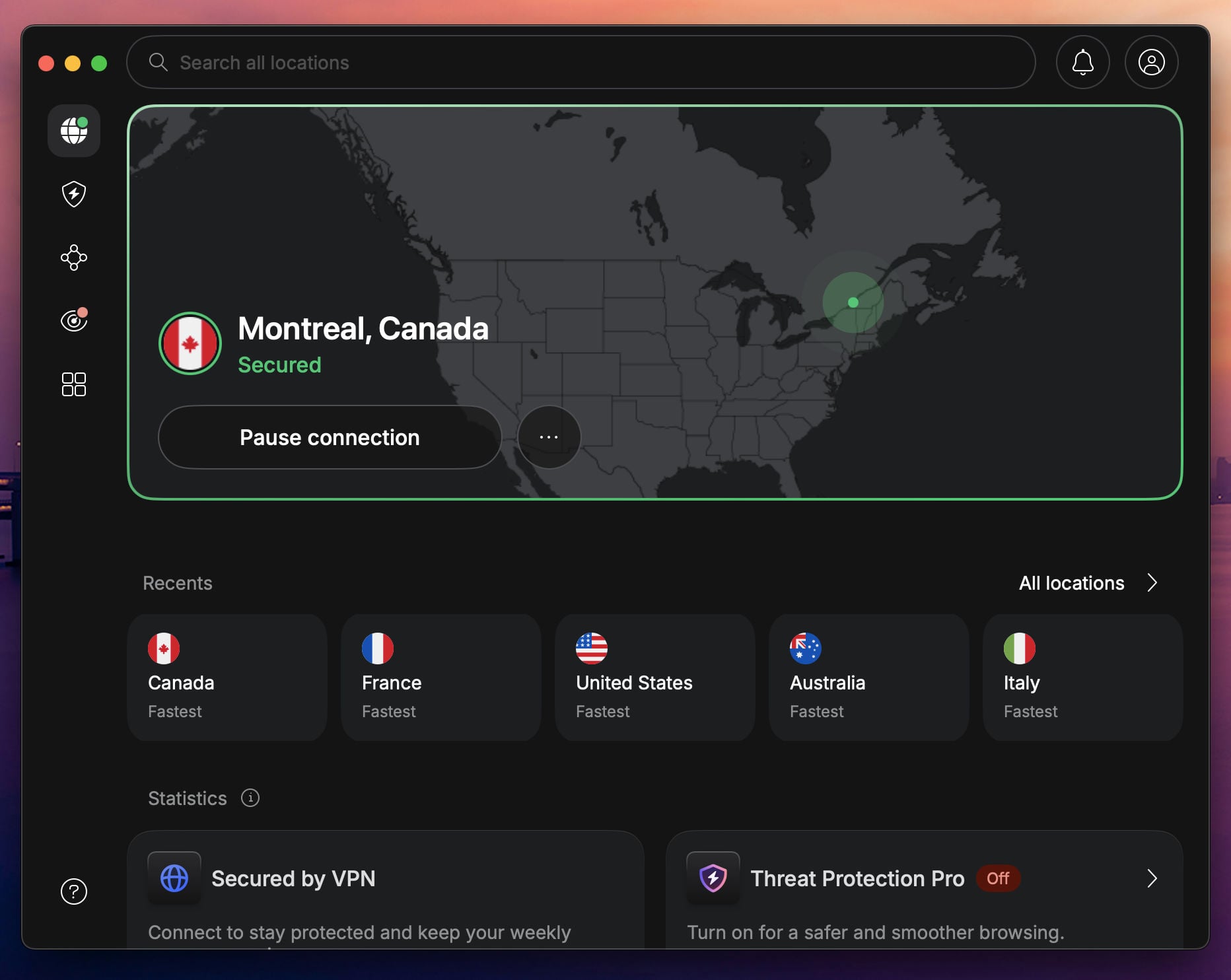
Next, open the server list and find Canada. Click it to connect. NordVPN picks a fast Canadian server for you, and you get a Canadian IP address within seconds. If you’d rather choose the city, expand Canada in the list and pick one.
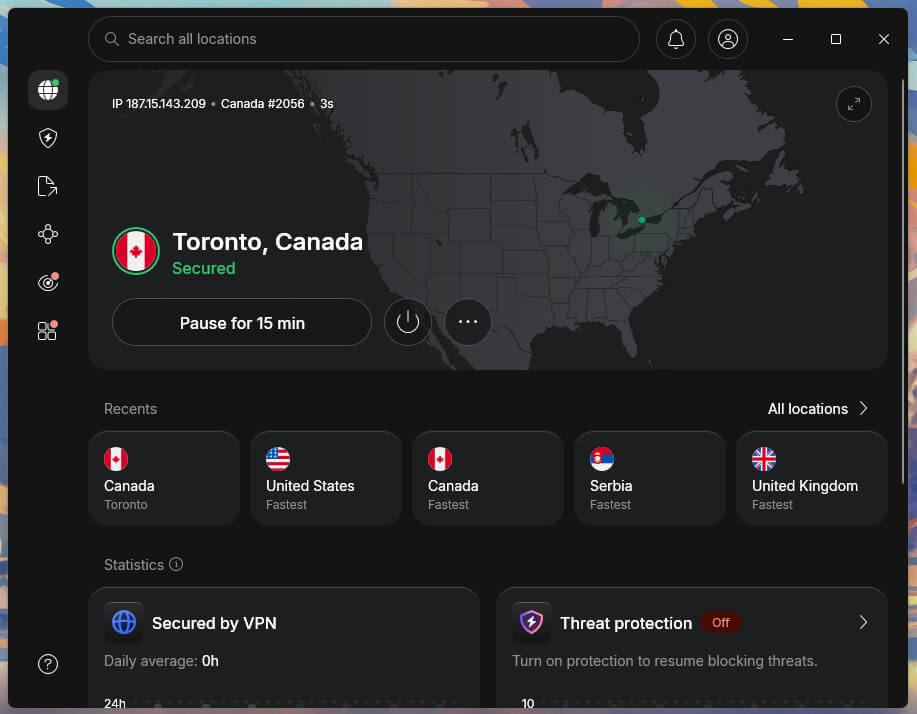
Now reload crave.ca or launch the Crave app and sign in. The episode should start right away, with no region message in its place.
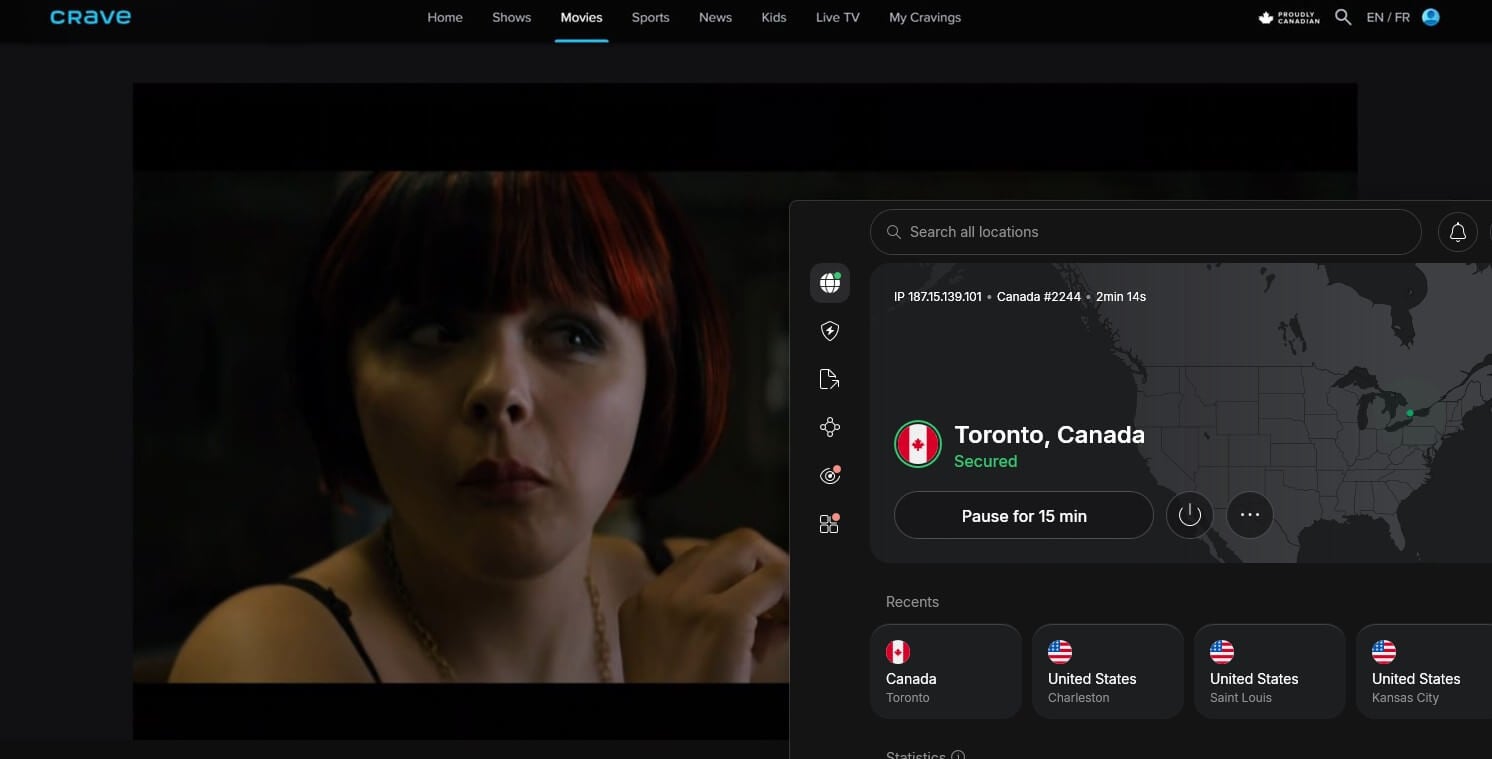
The Crave apps for iPhone and Android work the same way, as long as the VPN connects before you launch them.
How to Subscribe to Crave From Outside Canada
A VPN unblocks Crave, but it doesn’t pay for it. Crave’s checkout requires a Canadian payment method, and cards issued outside Canada usually don’t go through. That part has nothing to do with your IP address, so plan the subscription around it.
An existing account is the easiest case. Canadians who subscribe before a trip, or who get Crave through a Canadian TV provider such as Bell, Rogers, or Telus, can sign in from abroad with their usual details once the VPN is connected.
Crave also sells gift cards on its website, so a friend or relative in Canada can buy one and send you the code to redeem at checkout. A free Crave account is another option for live TV. It requires only an email address and a password, and it includes the live CTV and Noovo channels at no cost.
The HBO catalog, movies, and Crave Originals still require a paid plan. If CTV is the channel you want, our guide to watching CTV in the USA covers it in more detail.
Crave on Smart TVs, Phones, and Consoles Abroad
Crave’s apps are listed only in Canadian app stores, so install the Crave app before you leave Canada if you can. A phone or TV set up abroad won’t find it in the local store. Already traveling? The crave.ca website works in any desktop browser, and an HDMI cable puts the picture on a hotel TV.
Streaming sticks are simpler. NordVPN, Proton VPN, and ExpressVPN have apps for Fire TV and Apple TV, so you connect to Canada on the device and launch Crave as usual. Roku and most game consoles don’t support VPN apps.
For those, set up the VPN on your router, and every device on your home network uses the Canadian connection. ExpressVPN has its own router app, which keeps that setup short.
Crave VPNs Compared
Many VPNs have Canadian servers. In our tests, NordVPN, Proton VPN, and ExpressVPN unblocked Crave on theirs with no detection screen, so speed and extras decide between them.
| VPN | Crave result | Canadian servers | Speed loss (Toronto server) | Devices per plan |
|---|---|---|---|---|
| NordVPN | Unblocked, no detection | 430+ in 4 locations | 22.2% | 10 |
| Proton VPN | Unblocked, no detection | 639 in Montreal, Toronto, Vancouver | 29.9% | 10 |
| ExpressVPN | Unblocked, no detection | 4 locations: Montreal, Toronto (2), Vancouver | 27.8% | 10-14 |
Free VPNs can work too. Windscribe and PrivadoVPN unblocked Crave on their free plans in our tests, but their free plans limit monthly data to a few HD episodes. That’s fine for checking that your account works abroad, and a paid VPN is the better fit for a whole season. Most free VPNs we recommend come with similar data limits.
Best VPNs That Unblock Crave Abroad
1. NordVPN: Best for Crave on Every Device
Pros
- Wide choice of Canadian servers
- No detection on Crave
- SmartPlay unblocks streaming services automatically
- Next-gen antivirus blocks ads and malware
- Covers phones, PCs, and TVs
Con
- App takes some learning for beginners
NordVPN came out fastest in our Crave tests. It lost about 22% of its speed on a Toronto server, which leaves far more than a 4K stream requires. NordLynx, its own protocol built on WireGuard, keeps that loss low. SmartPlay, a built-in Smart DNS tool that works in the background, steps in if a streaming service tries to detect the VPN.
It’s the best VPN for streaming we’ve tested, and Crave was no exception. One subscription covers 10 devices, so your phone, laptop, and Fire TV can stay connected to Canada at the same time. Its next-gen antivirus also filters malicious sites and ads, which helps on airport or hotel Wi-Fi.
Its no-logs policy has been independently audited several times, which makes NordVPN one of the most trustworthy VPNs. The app has more settings than a beginner wants. For Crave, the Canada option in the server list is all you’ll use.
2. Proton VPN: Best for Privacy While You Stream
Pros
- Hundreds of Canadian servers
- NetShield blocks ads and trackers
- Secure Core privacy servers
- Independently audited no-logs policy
- Apps for Apple TV and Fire TV
Cons
- No Smart DNS option
- Busier interface than most
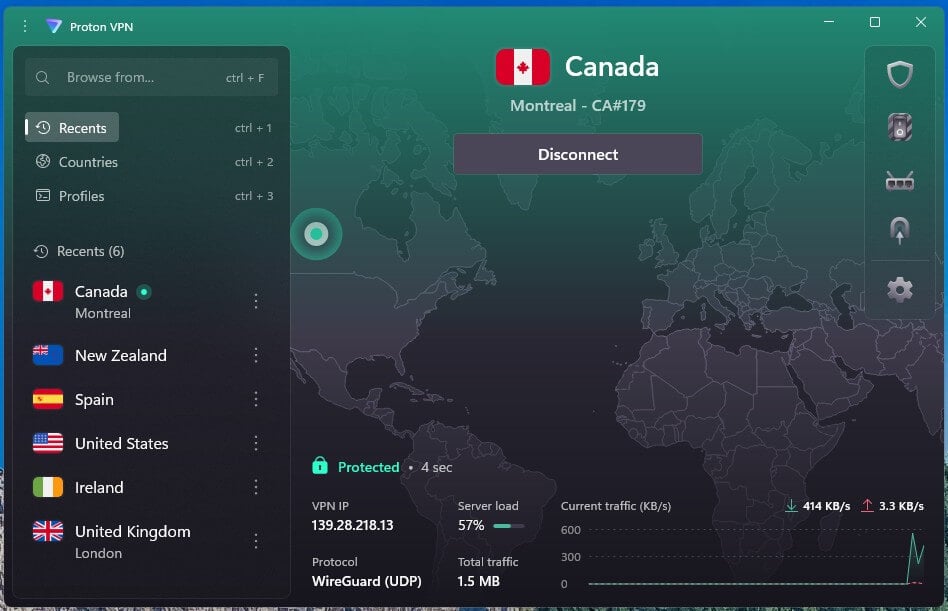
With Proton VPN, I saved a streaming profile for Canada with NetShield, its ad and tracker blocker, enabled, so Crave is one click away. A Toronto server showed a 30% speed loss, still invisible in HD or 4K. On US servers, the same subscription also unblocked HBO Max.
Privacy is where Proton VPN stands out. It’s based in Switzerland, its no-logs policy is independently audited, and Secure Core sends your traffic through a second server in a privacy-friendly country before it connects to the Canadian server.
Its Stealth protocol disguises VPN traffic, which helps on hotel or office networks that block VPNs. There’s no Smart DNS, so set Proton VPN up on your router for a console or Roku. The interface is busier than NordVPN’s, but the saved profile removes the guesswork after the first setup.
3. ExpressVPN: Best for Plug-and-Play Apps
Pros
- Simple apps on every platform
- Lightway protocol connects quickly
- Four Canadian server locations
- Dedicated router app
- Works on smart TVs and streaming sticks
Cons
- Few extras beyond the VPN
- Higher renewal price
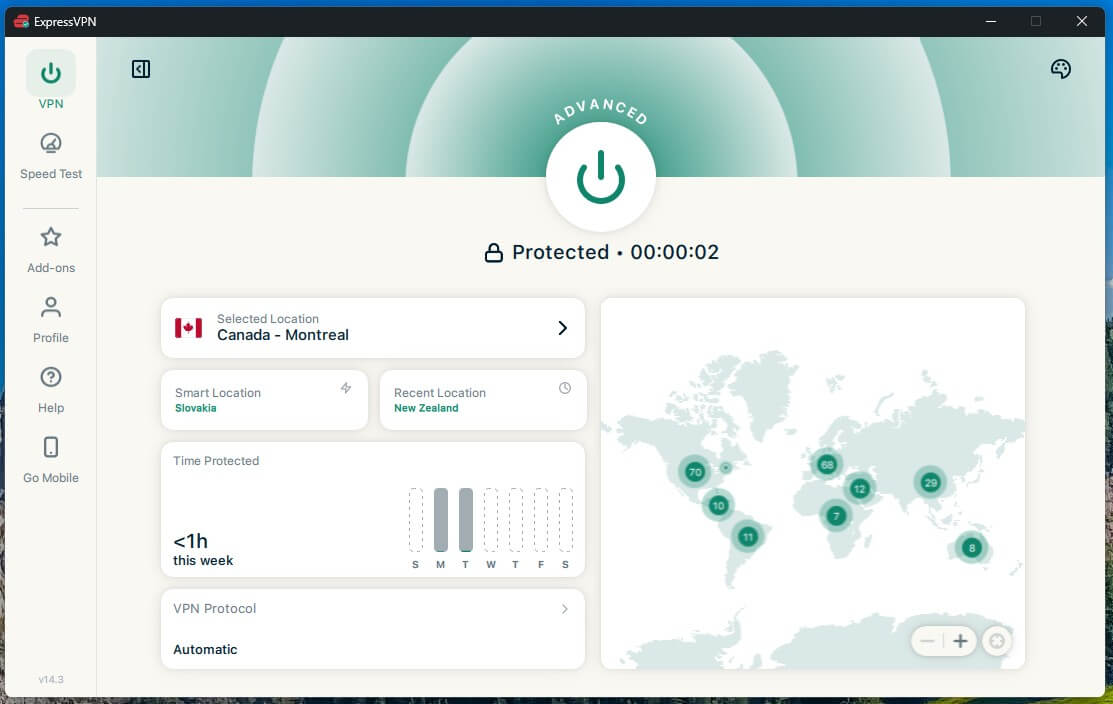
ExpressVPN has the easiest apps we’ve used: launch one, choose Canada, and connect. Lightway, its own protocol, connects in a second or two. The speed loss on a Toronto server was about 28%, which you won’t notice once an episode starts.
The same subscription unblocks BBC iPlayer on a UK server, handy if British shows are next on your list. Depending on the plan, one ExpressVPN subscription covers 10 to 14 devices, and the router app puts a Roku or a console on the Canadian connection without a manual setup.
ExpressVPN has fewer extras than NordVPN or Proton VPN, but if Crave is the goal, the simpler app is the upside. The renewal price is higher than the first term, so a two-year plan keeps the lower rate the longest.
How to Fix Crave’s Region Error on a VPN
A region error with the VPN connected usually means Crave picked up something other than your IP address. These fixes clear it in most cases:
- Switch to another Canadian city. If a Toronto server doesn’t work, connect to Montreal or Vancouver.
- Clear cookies and cache in your browser, or use a private window, so Crave forgets your earlier location.
- Block location access in the browser settings for crave.ca.
- Close the Crave app fully and relaunch it after the VPN connects.
- Check for a DNS leak on a site such as dnsleaktest.com. A leak reveals your actual ISP to Crave.
If none of these work, contact the VPN’s live chat. Support teams can suggest a Canadian server that works with Crave.
Final Thoughts
Connect a VPN to a server in Montreal, Toronto, or Vancouver, sign in, and the HBO series and Crave Originals you pay for work abroad as they do at home. NordVPN is the one we’d install as the fastest, most capable option for streaming, though Proton VPN and ExpressVPN worked just as reliably.
The subscription is the part that takes planning. Crave only accepts Canadian payment methods, so Canadians heading abroad should subscribe and set up the app before they leave. Download a few episodes for the flight, too, and the VPN is the only thing left to set up on arrival.
Frequently Asked Questions
Is Crave available in the US?
No. Crave is licensed only for Canada, so it blocks connections from US IP addresses. Viewers in the US can unblock it with a VPN on a Canadian server and an active account.
Can you get a Crave subscription in the US?
Not directly. Crave’s billing is limited to Canadian cards and accounts, so most US cards fail. Subscribing in Canada, signing in through a Canadian TV provider, or redeeming a gift card works instead.
Does Crave have a free trial?
No, Crave doesn’t currently offer a free trial. A free account still includes the live CTV and Noovo channels, while HBO series, movies, and Crave Originals require a paid subscription.
Why does Crave show a proxy error with a VPN?
Crave has spotted that the IP address belongs to a VPN, or the browser revealed the true location. Switching to another Canadian server and clearing cookies usually fixes the error.
Can you watch Crave in Australia or the UK?
Yes, with a VPN connected to a Canadian server and a Crave account. The same method works in India, Mexico, and most other countries where Crave isn’t offered.
Is it legal to watch Crave with a VPN?
Yes, using a VPN is legal in the US, Canada, the UK, and Australia. Streaming Crave through one may break its terms of use, which usually leads to a blocked stream.
Which VPN works best with Crave?
NordVPN is the best VPN for Crave, with hundreds of fast Canadian servers and SmartPlay for streaming. Proton VPN is a strong alternative thanks to its audited no-logs policy.