
A Canadian IP address unblocks CBC Gem, ICI TOU.TV, TVA+, and Crave abroad, and a VPN server in Canada provides one. Each offers free content, and most of it requires a free account. Two news services skip the block: CTV News and Global News played from Europe with no VPN; CBC News didn’t. Our October tests used Montreal servers on NordVPN, Proton VPN, and ExpressVPN. Each unblocked every Canadian service we signed up for, including STACKTV, the service Global TV redirects to.
Canadian TV Outside Canada: 2026 Steps
- Subscribe to NordVPN, then download its app.
- Connect to the Canadian city closest to you: Montreal, Toronto, or Vancouver.
- Create the free account the service requires, with a Canadian postal code where the form requests one.
- Start a live channel or an episode on the service.
Canadian Streaming Services Compared
| Service | Free content | Account | Result on our VPNs |
|---|---|---|---|
| CBC Gem | Live CBC and on demand | Free, Canadian postal code | Unblocked |
| ICI TOU.TV | Radio-Canada shows | Free, postal code and email code | Unblocked |
| Crave (CTV and Noovo) | CTV and Noovo live | Free, email and password | Unblocked |
| TVA+ | Some live and on demand | None for free content | Unblocked |
| STACKTV (Global TV) | Free live channels | None | Unblocked |
| Citytv | Not tested | Sign-up failed | Not tested |
| Netflix Canada | None | Subscription | Unblocked |
The sign-up details varied by service:
- CBC Gem: the free account requires a Canadian postal code. We used one found online, and it worked.
- Crave: a free Bell Media account requires only an email and password, and it unlocks CTV and Noovo live. The rest of Crave is paid, explained in our Crave VPN guide.
- TVA+: part of the catalog plays with no account, and the locked titles require one.
- Global TV: globaltv.com now sends visitors to STACKTV, which showed a “within Canada” message without a VPN. Its free channels required no sign-in.
- Citytv: sign-up showed “Something went wrong” with and without a VPN. Existing accounts and TV provider sign-ins may still work.
Canadian TV You Can Watch Without a VPN
Check the news first, then use a VPN for the rest. The CTV News and Global News live streams worked from Europe without a VPN, so viewers abroad can often watch them directly. CBC News streams through CBC Gem, which blocked us without a Canadian IP address. For the rest, connect to a Canadian server and pick the city closest to you.

Viewers in the US have a dedicated guide to watching Canadian TV in the USA, and our guide to getting a Canadian IP address covers other uses. The CTV guide has more on Crave’s CTV content. A VPN does the same for American TV outside the US and British channels outside the UK.
Watch ICI TOU.TV Outside Canada
Choose a Canadian server, then create a free CBC/Radio-Canada account and sign in to ICI TOU.TV. The account form requires a first and last name, month and year of birth, gender, and a Canadian postal code, then an emailed validation code. After that, ICI TOU.TV played on the three VPNs.
A Montreal server suits the French-language services. TVA+ played free live content on the same servers with no account, and Noovo’s live channel is free through a Bell Media account on Crave.
Best VPNs for Canadian TV
1. NordVPN: Best for Montreal Server Speed
Pros
- Three Canadian cities
- SmartDNS for TV apps
- Browser extension spoofing
- Double VPN servers
Cons
- Renewal costs jump
- Occasional Windows faults
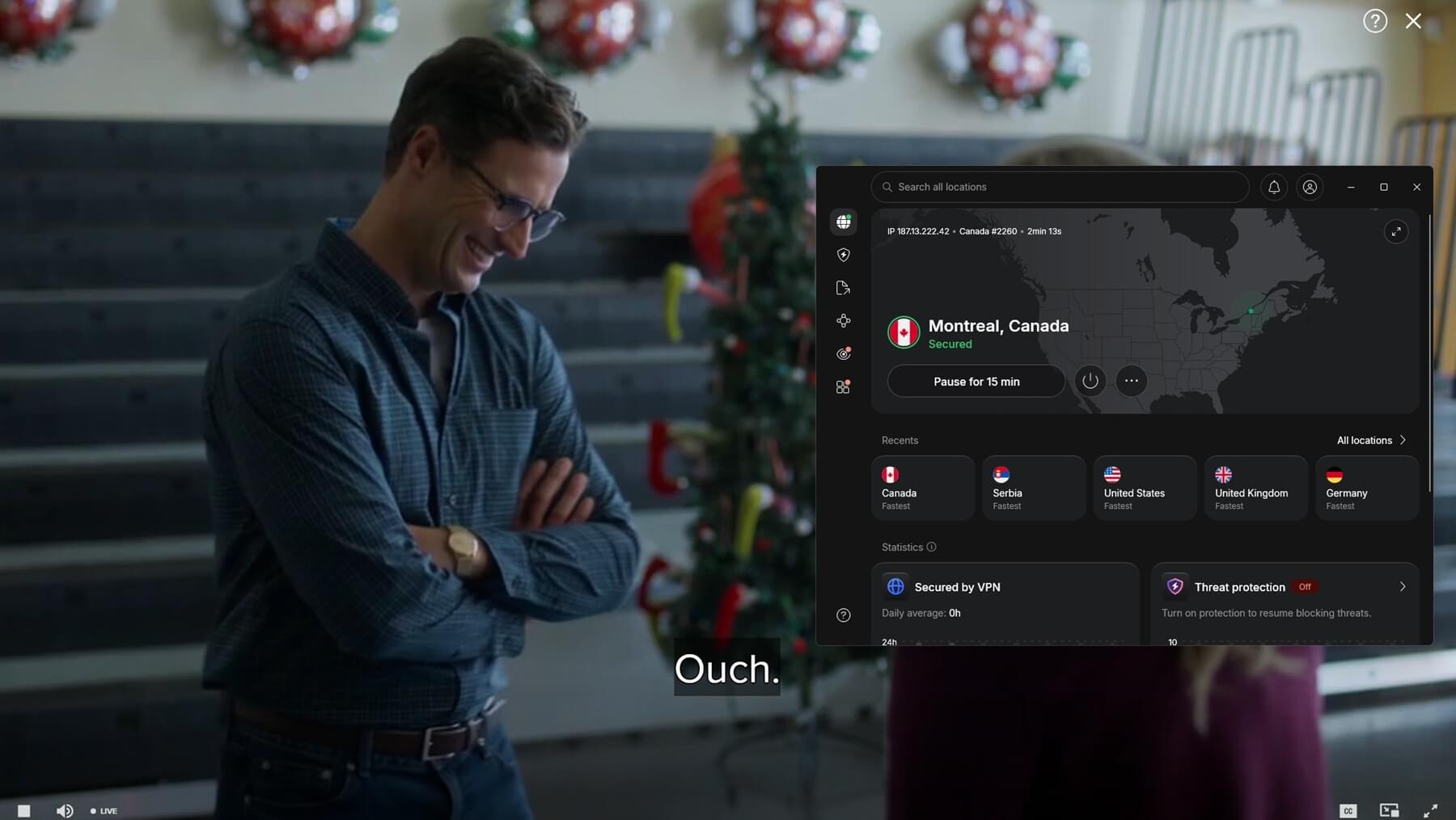
NordVPN measured 152.34 Mbps with 128 ms of ping on its Montreal server, ahead of Proton VPN’s 140.27 Mbps and ExpressVPN’s 139.81 Mbps. It has 466 Canadian servers across Montreal, Toronto, and Vancouver, and it unblocked each Canadian service we signed up for. On Crave’s CTV channels, the three VPNs performed about the same, and NordVPN only loaded videos slightly quicker.
NordVPN also ranks first in our Canada VPN guide. At less than $3.50 a month over 27 months, the Basic plan is NordVPN’s lowest price, and the NordVPN coupon page lists current discounts.
2. Proton VPN: Best for Canadian Server Choice
Pros
- Tor servers built in
- Stealth for strict networks
- Audited every year
- Port forwarding
Cons
- No Smart DNS for TVs
- Day-long email replies
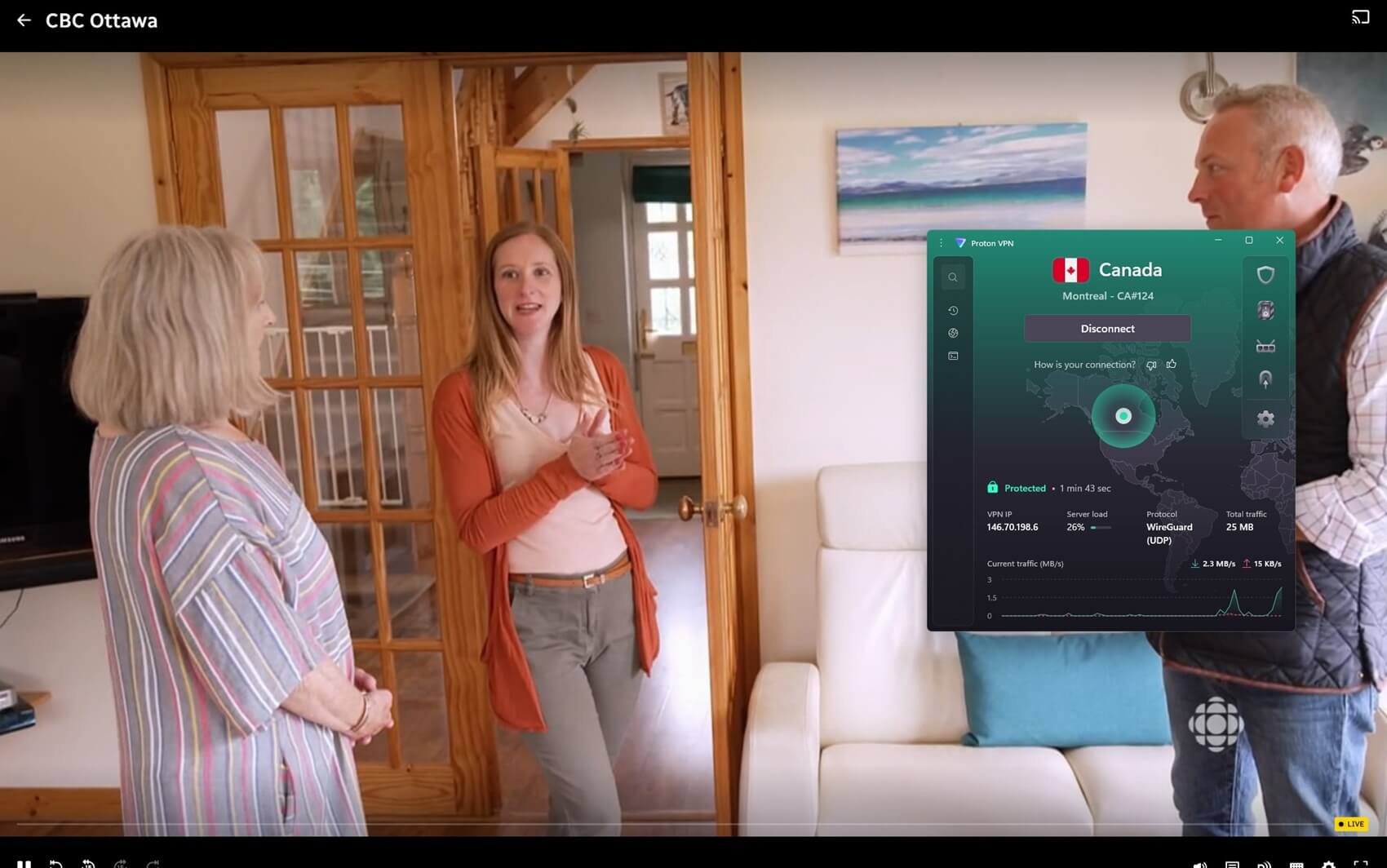
Proton VPN has 639 Canadian servers in Montreal, Toronto, and Vancouver, compared with NordVPN’s 466. Its Montreal server measured 140.27 Mbps with 135 ms of ping, with the same unblocking results as NordVPN. Proton VPN has no Smart DNS, so a smart TV can only use it through the Proton VPN app or a router. Proton VPN is priced in line with the other two, at around $3 a month for a two-year VPN Plus subscription.
3. ExpressVPN: Best for Plug-and-Play Apps
Pros
- tvOS and Fire TV apps
- Automatic protocol setting
- Linux desktop app
- MediaStreamer for TVs
Cons
- Limited customization
- No server count published
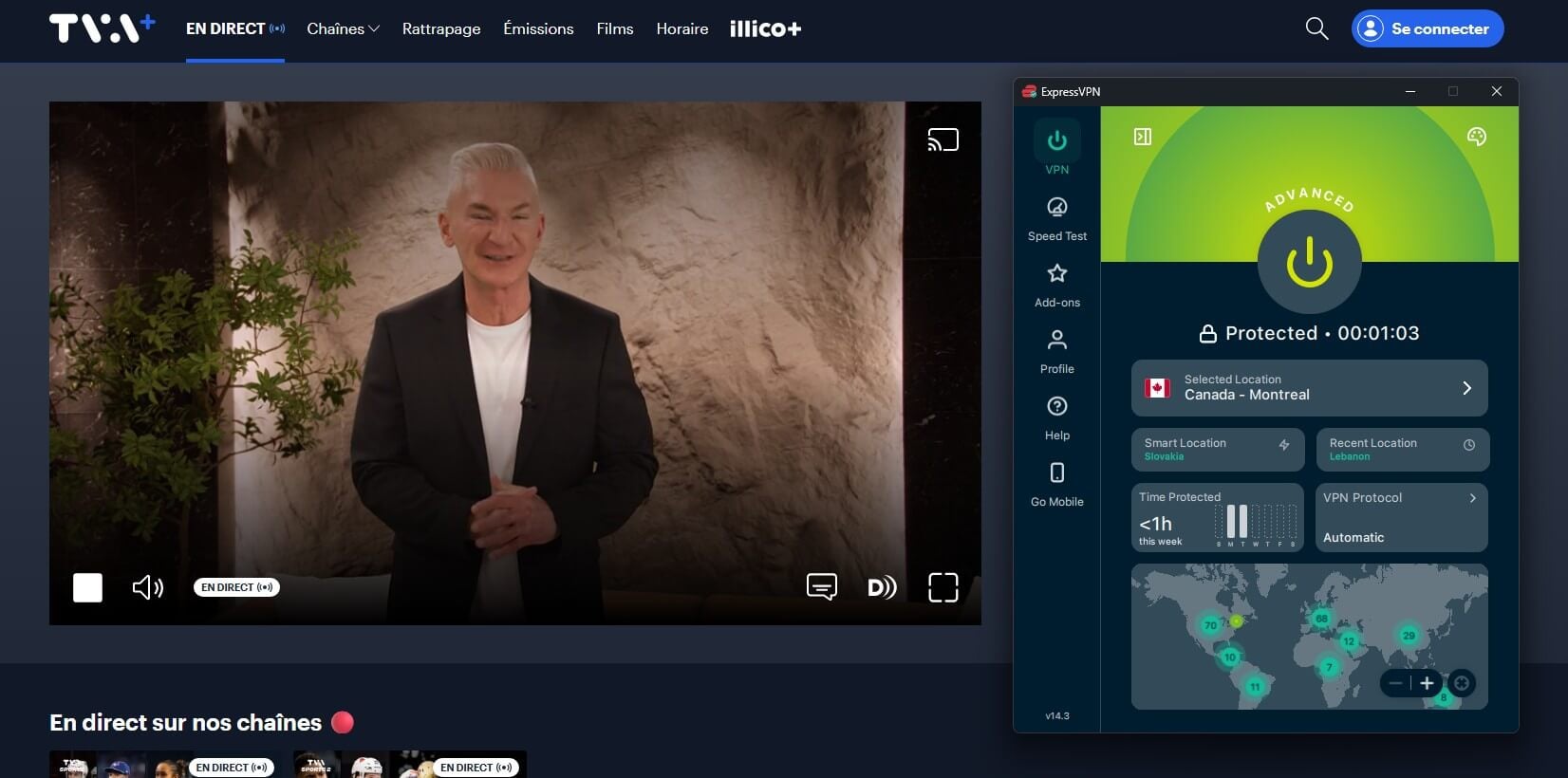
On Windows, ExpressVPN connected in one to two seconds with no protocol to choose, and it offers four Canadian locations: Montreal, Vancouver, and two in Toronto. Its Montreal server measured 139.81 Mbps and 164 ms of ping, and every service we could test played on it. ExpressVPN also offers a graphical Linux app. ExpressVPN’s 28-month Basic plan matches Proton VPN’s two-year rate at just under $3 a month.
Can a Free VPN Unblock Canadian TV?
Yes, within a data limit. The free VPNs from Windscribe and PrivadoVPN unblocked the same Canadian services on their free plans. Each allows 10 GB a month, which covers a few hours of HD video. Since the main Canadian services have free tiers, a free VPN and free accounts cover a lot of Canadian TV at no cost.
Summary
The three VPNs we tested produced identical unblocking results, so the sign-up forms set the effort for each service. CBC Gem won’t register an account without a Canadian postal code. ICI TOU.TV adds a birth date, gender, and an emailed code, and Citytv’s form failed with or without a VPN. TVA+’s free titles, STACKTV, and the Global and CTV news streams require no sign-up.
Among the three, NordVPN ranks first on its 152.34 Mbps Montreal result and slightly faster video loading. Proton VPN offers 639 Canadian servers to choose from, and ExpressVPN connects without any settings to change. Free Windscribe and PrivadoVPN accounts cover occasional viewing within their 10 GB monthly limits.
Watch Canadian TV With NordVPN
FAQs
Can I watch ICI TOU.TV outside Canada?
Yes, with a Canadian IP address and a free Radio-Canada login. Sign-up includes a Canadian postal code, and ICI TOU.TV plays normally once the VPN connects to Canada.
Can I watch CBC News outside Canada?
Yes, but only on a Canadian IP address. CBC News is part of CBC Gem, which blocks foreign viewers, while Global News and CTV News play abroad with no VPN.
Which Canadian TV channels are free to stream?
CBC, Radio-Canada, TVA, CTV, and Noovo offer free live channels or episodes through CBC Gem, ICI TOU.TV, TVA+, and Crave. Most require a free account and a Canadian IP address.
Does CBC Gem require a Canadian postal code?
Yes, a Canadian postal code is mandatory when creating a free CBC Gem account. Streaming also requires a Canadian IP address, since CBC Gem blocks viewers outside Canada.
Do I need a VPN if I'm in Canada?
Not for Canadian channels. A VPN still protects public Wi-Fi connections and unblocks foreign TV channels from Canada, such as British or Australian broadcasters.
Is watching Canadian TV abroad with a VPN legal?
VPNs are legal in most countries, but streaming services may restrict VPN use in their terms. Using one for Canadian channels isn't a criminal offense in most places.