
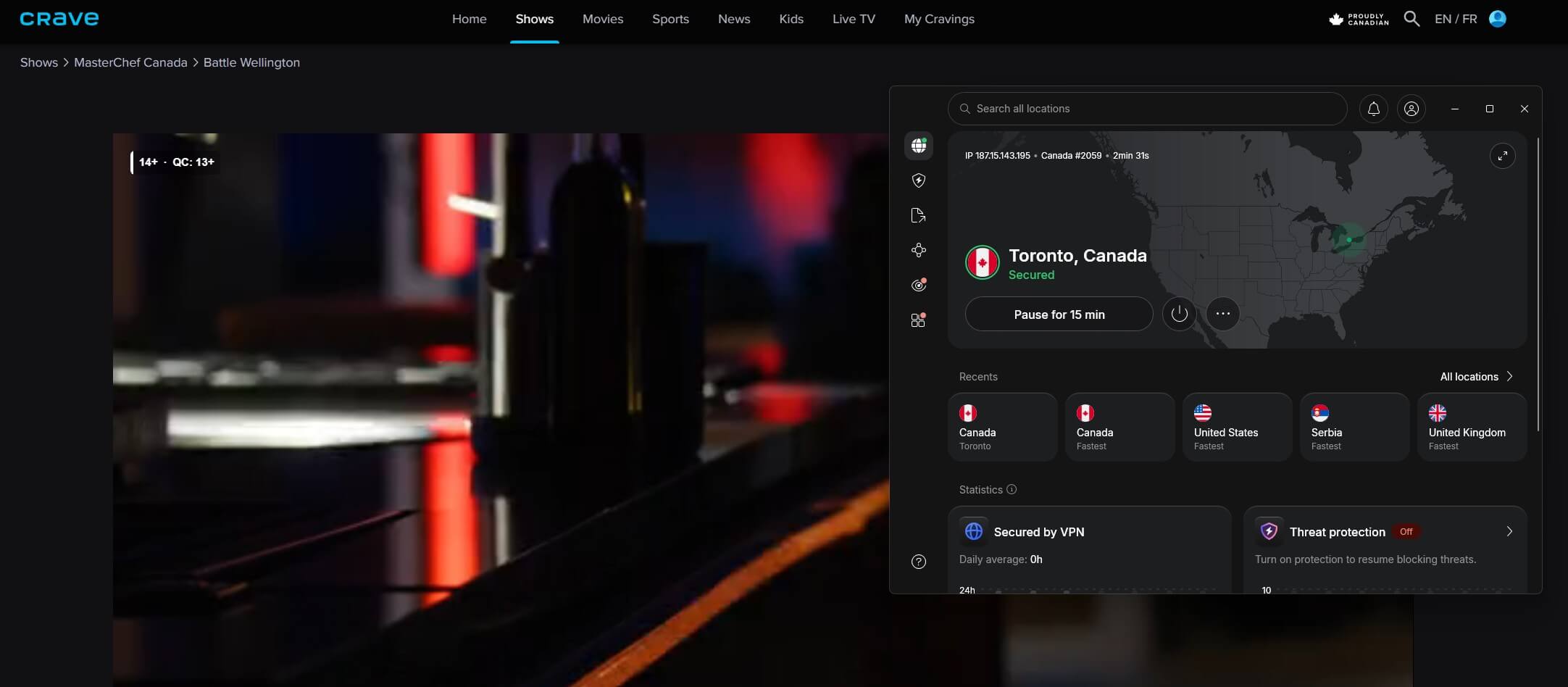
CTV no longer streams on its own website: ctv.ca now redirects to Crave, where a free Bell Media account unlocks the live CTV channel and on-demand CTV shows for Canadian IP addresses. On Toronto servers, Crave didn’t detect NordVPN, Proton VPN, or ExpressVPN. CTV News is the exception: it played on US servers without a Canadian connection.
Stream CTV From America: 2026 Checklist
- Subscribe to NordVPN and log in to the app.
- Connect to Toronto, Montreal, or Vancouver.
- Go to crave.ca and sign up for free.
- Select CTV in the live guide, or choose a CTV show.
Watching CTV on Crave From the US
Connect to a Canadian server first, then sign up at crave.ca. Signing up requires only an email and a password, with no Canadian postal code or payment card. Crave plays only for a Canadian IP address, so keep the VPN connected while you watch. The free account covers two live channels, CTV and Noovo, plus CTV’s on-demand shows and some free Crave episodes, with ads.
CTV2, HBO, Starz, Super Écran, and the four Crave channels show a purchase icon and require a paid Crave plan, which starts at about CA$12 a month. Our Crave VPN guide covers the paid tiers.
What CTV Is and Where CTV.ca Went
CTV is Bell Media’s national English-language network, with CTV2 and specialty channels such as CTV Drama and CTV Comedy alongside it. Much of its prime-time schedule simulcasts US network series. When we tested, the live CTV feed was showing The View, which US viewers already watch on ABC.
From the US, CTV’s value is its Canadian shows and local news. Bell Media retired the CTV app and ctv.ca streaming on April 30, 2026, and moved CTV programming to Crave. For CBC Gem, Global, and Citytv, see our guide to Canadian TV in the USA.
CTV News Plays Without a VPN
CTV News has its own website and app, separate from Crave. It’s free with ads, requires no account, and streams the 24-hour CTV News Channel. It played from Europe without a VPN and on US servers with each VPN we tried, so US viewers can open it directly.
VPN Results for CTV on Crave
Toronto downloads from October. Our baseline from Europe, with no VPN connected, was 190.36 Mbps.
| VPN | Canadian servers | Toronto download | Crave (CTV) | Detection |
|---|---|---|---|---|
| NordVPN | 466 in Montreal, Toronto, Vancouver | 148.18 Mbps | Unblocked | None |
| Proton VPN | 639 in Montreal, Toronto, Vancouver | 133.37 Mbps | Unblocked | None |
| ExpressVPN | Montreal, 2 Toronto locations, Vancouver (count not published) | 137.40 Mbps | Unblocked | None |
Best VPNs for CTV in the USA
- NordVPN: Best for fast Canadian connections, at 148.18 Mbps in Toronto.
- Proton VPN: Best for a large Canadian network, with 639 servers.
- ExpressVPN: Best for multiple Toronto locations, with two to choose from.
1. NordVPN: Best for Fast Canadian Connections
Pros
- SmartDNS on Samsung TVs
- Auto-connect on public Wi-Fi
- Threat Protection Lite
Cons
- Renewal price increase
- Clashes with other VPNs
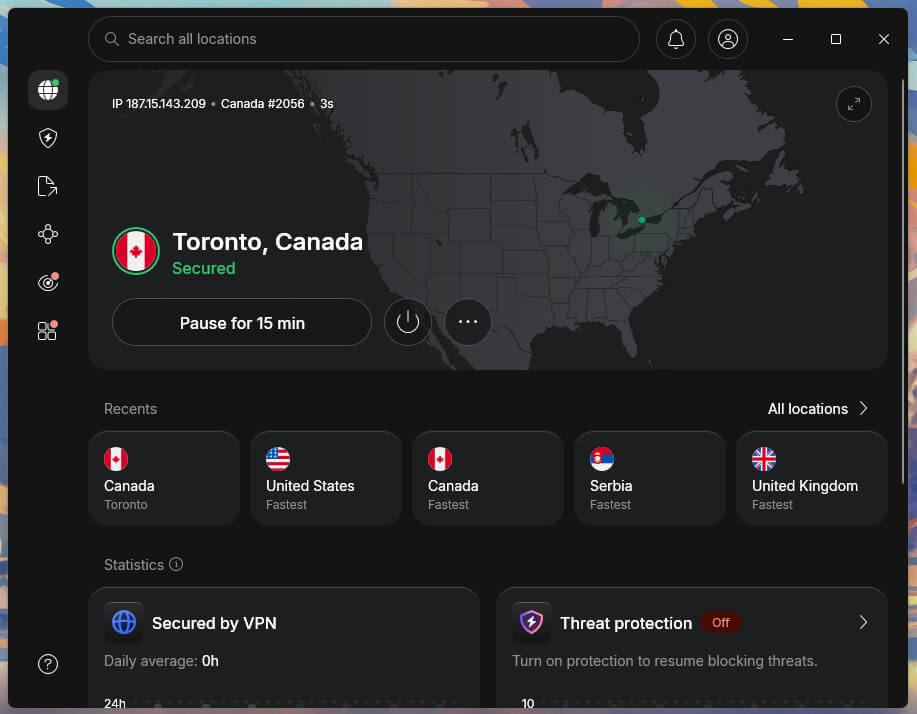
NordVPN had a small lead over the other two: its Toronto server measured 148.18 Mbps, a 22.2% loss, and videos loaded a little faster. It also has a native app for Apple TV, where the Crave app is available. Committing to 27 months puts NordVPN’s Basic plan under $3.50 a month, and monthly billing is about $15.
2. Proton VPN: Best for a Large Canadian Network
Pros
- Large Canadian network
- Secure Core protection
- No-cost tier available
Cons
- Smart TVs require a router
- No post-quantum support
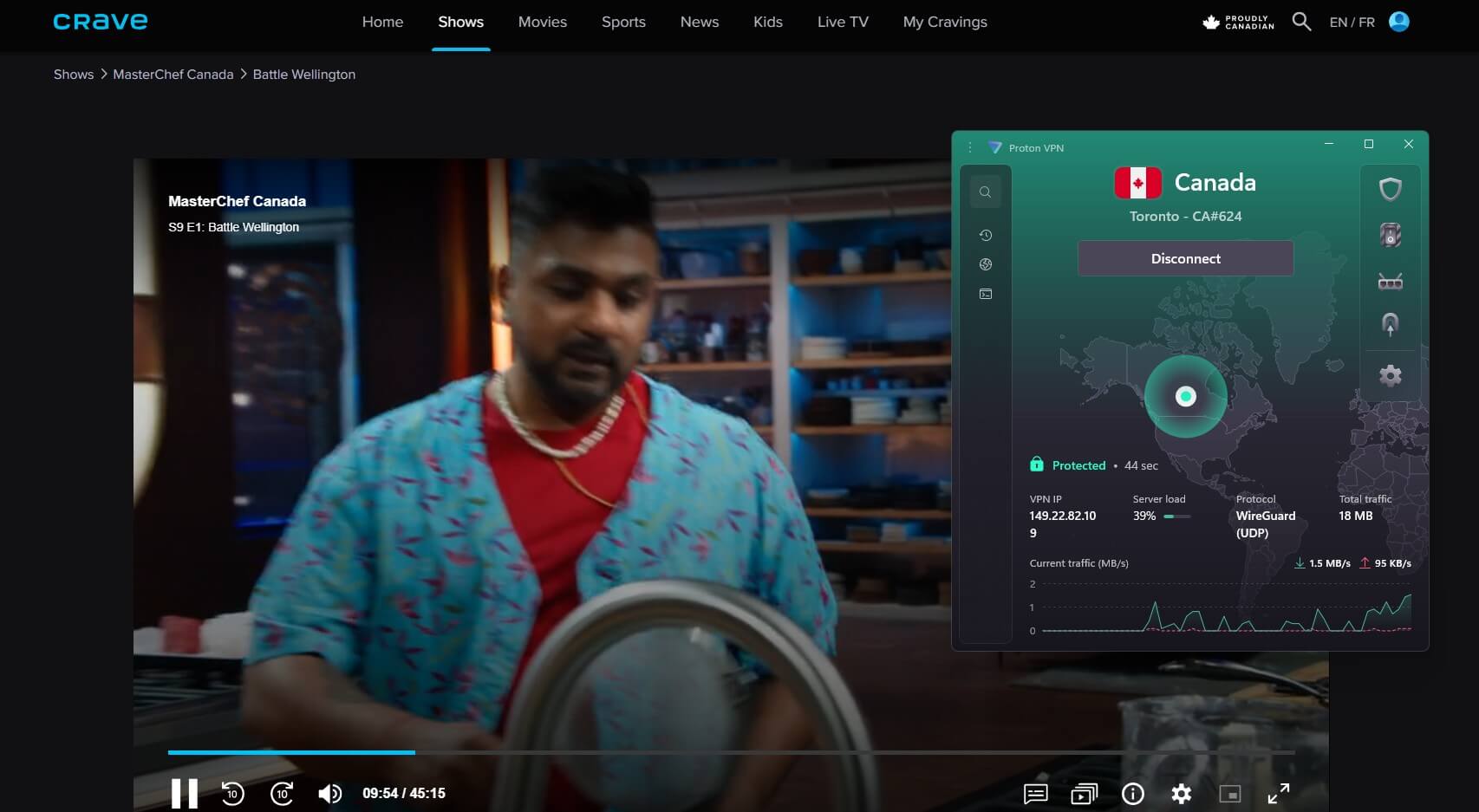
Proton VPN lists 639 Canadian servers across the same three cities, and it unblocked Crave’s CTV content on its Toronto server without detection. The download measured 133.37 Mbps, 29.9% below our baseline. With a two-year commitment, Proton VPN’s VPN Plus plan falls under $3 a month, or about $10 for one month.
3. ExpressVPN: Best for Multiple Toronto Locations
Pros
- MediaStreamer Smart DNS
- Threat Manager blocking
- Router app support
Cons
- Undisclosed server count
- Higher renewal price
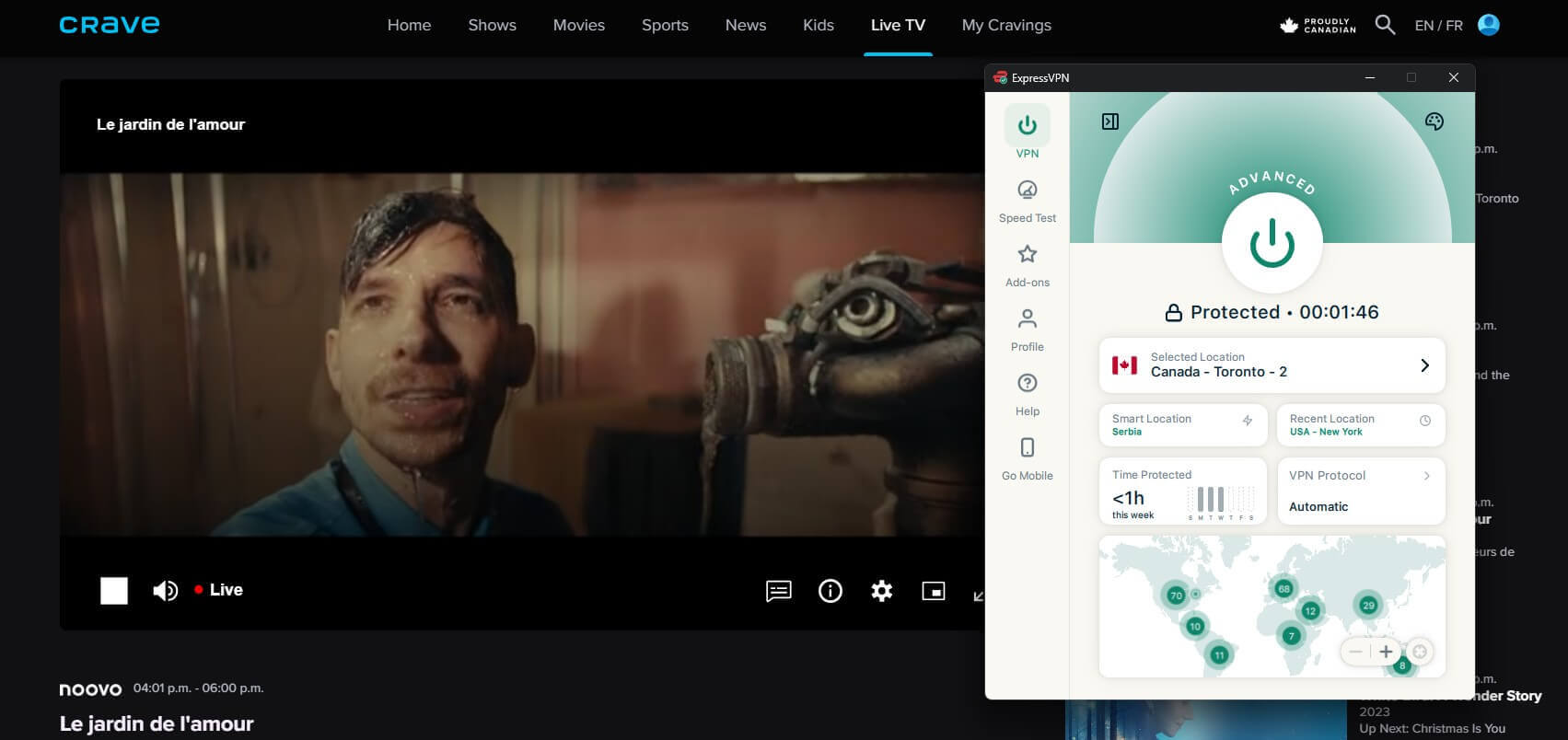
ExpressVPN offers two Toronto locations plus Montreal and Vancouver. Its Toronto server measured 137.40 Mbps, a 27.8% loss, and it unblocked CTV on Crave with no detection. ExpressVPN’s apps are easy to set up on computers, phones, and streaming devices. ExpressVPN’s longest Basic term, 28 months, brings the price below $3 a month. Each renewal year is about $100.
Free VPNs for CTV
Windscribe and PrivadoVPN have Canadian servers on their free tiers, and they unblock Crave’s CTV content just like the paid VPNs. HD streaming consumes up to 3 GB an hour, so their 10 GB monthly allowance lasts about three hours. Our list of the best free VPNs with Canadian servers covers their other limits.
If Crave Shows an Error
- A generic error page: Crave shows it to non-Canadian IP addresses instead of a region message. Switch the VPN to a Canadian location and reload.
- A purchase icon on a channel: that channel belongs to a paid Crave plan.
- A stream stops after the VPN disconnects: reconnect to Canada and start the video again.
Verdict
With CTV now on Crave, watching the live channel from the US requires only a free Crave login and a Canadian server. The three VPNs did the job equally well, so choose based on the extras. NordVPN adds SmartDNS for smart TVs, Proton VPN adds Secure Core and Swiss privacy protections, and ExpressVPN keeps setup simple. For news only, skip the VPN and use CTV News. The Canadian TV abroad guide is for Canadians traveling overseas, and the VPN rankings for Canada cover use at home.
CTV in the USA FAQs
Can you watch CTV in the USA?
Yes, CTV streams on Crave for Canadian IP addresses. NordVPN and Proton VPN unblock it on Canadian servers, and a no-cost Crave login covers the live channel.
Is CTV free to watch online?
Yes, Crave's free tier streams CTV live and offers its on-demand shows with ads. Other channels, such as HBO and Starz, belong to Crave's paid plans.
What happened to CTV.ca and the CTV app?
Bell Media retired both, and CTV programming now streams only on Crave. Old ctv.ca links send visitors to the Crave home page.
Can you watch CTV News in the US?
Yes, CTV News streams free at ctvnews.ca and in the CTV News app, without an account or a Canadian IP address. Its live coverage includes CTV News Channel.
What is the CTV television network?
CTV is Canada's largest private English-language TV network, owned by Bell Media. Its schedule mixes Canadian news and series with simulcasts of US network shows.
Does a free VPN work with CTV?
Yes, free Windscribe and PrivadoVPN accounts unblock CTV on Crave through Canadian servers. Each allows only 10 GB of data a month, enough for a few hours of HD.