
The best free VPN for Firestick is NordVPN, thanks to its 30-day money-back guarantee that unblocks the major streaming apps and has some of the fastest speeds with no restrictions. Want something totally free? Go for Proton VPN, a 100% free Firestick VPN with unlimited data, though it comes with far more trade-offs.
A free VPN for Firestick usually means compromises, but that changes if you lean on a money-back guarantee from NordVPN, ExpressVPN, or Surfshark. And if you’re fine cutting a few corners, Proton VPN, Hide.me, and Hotspot Shield can do the job.
Best Free VPN for Firestick and Fire TV: Updated for October 2026
- NordVPN – Best free VPN for Firestick overall (30-day trial)
- Proton VPN – Best really free VPN with unlimited data
- ExpressVPN – Fastest free Firestick VPN (30-day trial)
- Surfshark – Streaming-ready VPN for Firestick (30-day trial)
- Hide.me – Free VPN for Fire TV for security and streaming
- Hotspot Shield – Free Firestick VPN to access US streaming services
Compare the Best Free VPN for Firestick
| NordVPN | Proton VPN | ExpressVPN | Surfshark | Hide.me | Hotspot Shield | |
| Free Access | 30-day money-back guarantee | 30-day money-back guarantee or free forever | 30-day money-back guarantee | 30-day money-back guarantee | Free forever | Free forever |
| Fire OS App | Yes ✅ | Yes ✅ | Yes ✅ | Yes ✅ | Yes ✅ | Yes ✅ |
| Vega OS App | Yes ✅ | No ❌ | No ❌ | Yes ✅ | No ❌ | No ❌ |
| Data Limit | None ♾️ | None ♾️ | None ♾️ | None ♾️ | None ♾️ | 500 MB/day |
| Unblocks Streaming | Yes, all major platforms | All major platforms on paid, limited on free | Yes, all major platforms | Yes, all major platforms | Limited on free | Only some US platforms |
| Speeds | Fastest | Very fast on paid, throttled on free | Fast | Fast | Throttled | Good |
Best Free VPN for Firestick 2026: Detailed Comparison
These picks work across the Fire OS Firesticks that most people own, covering every generation except the original 2014 model. One thing to know: Amazon’s newest sticks, the Fire TV Stick 4K Select and Fire TV Stick HD, run the new Vega OS, which doesn’t support Android apps.
VPN support there is still very limited, with only a couple of providers (and no free options yet) available, so if you own one of those, a free VPN isn’t really on the table for now. For everyone else, after testing more than 50 providers, here’s why these 6 made our 2026 list:
1. NordVPN: Best Free Firestick VPN for 30 Days
Pros
- Native Fire TV (Vega OS) app
- Works with all streaming services
- Servers in 149 countries
- Advanced security features
- Audited no-logging policy
- Some of the best speeds
Con
- Not free forever
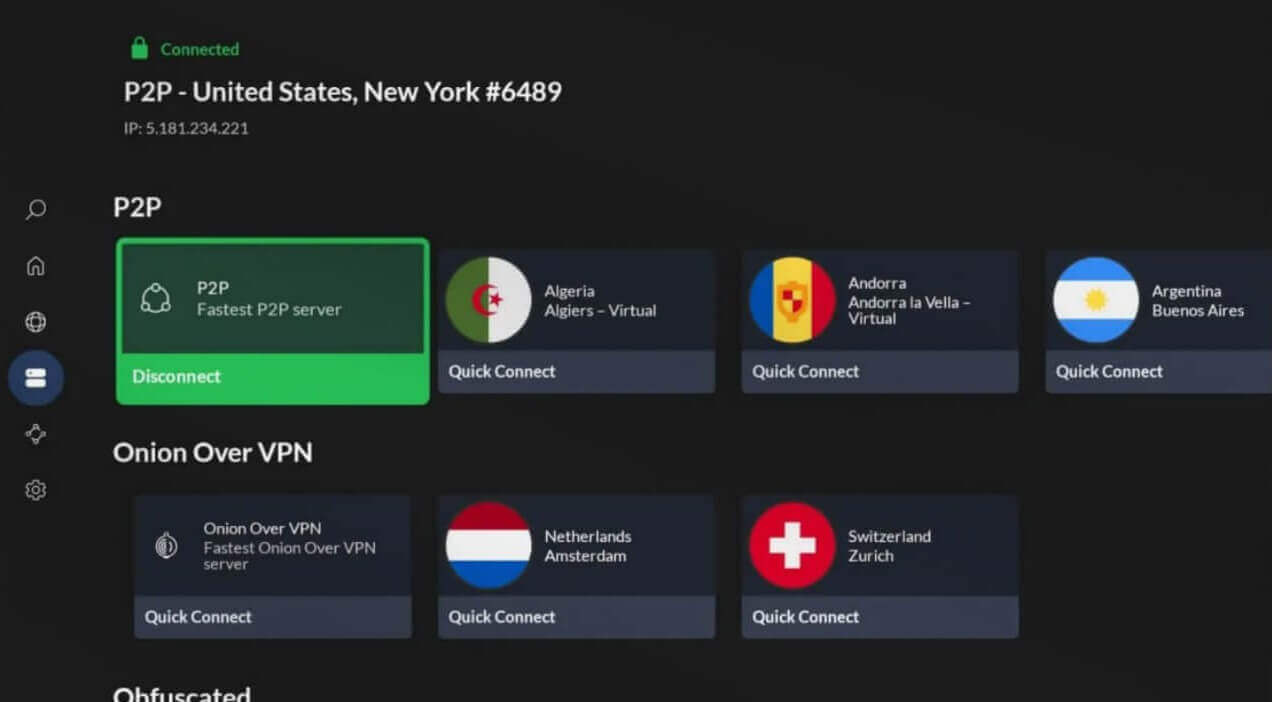
NordVPN is the best VPN for Firestick, but it’s not free forever. But it can be a free VPN for Firestick with a 30-day money-back guarantee. It’s known for its consistently fast speeds and solid security, making it ideal for watching content on Netflix, Hulu, BBC iPlayer, and Amazon Prime Video. In our opinion, it is also the best VPN for accessing Hulu outside the US. During our testing, videos loaded with no buffering, and we tested Ultra HD whenever it was available.
The app was easy to install on our second-generation Fire TV Stick. Plus, it even works on Vega OS, the newest Fire OS replacement. NordVPN offers a variety of specialty servers for restrictive environments. You can use obfuscated servers to access streaming services in China or Russia, for instance. NordVPN covers 149 countries with 9,500+ servers, so you can access popular streaming services like BBC iPlayer and Kayo Sports while outside Australia.
NordVPN has no data caps. While it doesn’t have a free plan, you can use the 30-day money-back guarantee and a 3-day free trial, limited to mobile users. You can find the steps in our guide on how to try NordVPN for free. If you decide to pay, NordVPN starts at $3.49 per month, offering good value with premium streaming performance. While not entirely free, it’s an affordable VPN for Firestick users.
Try NordVPN Risk-Free for 30 days
2. Proton VPN: 30-Day Guarantee + Totally Free VPN for Firestick
Pros
- Unlimited data (free/paid)
- Intuitive Firestick VPN app
- Many security features
- Unblocks Netflix catalogs
- Consistently fast speeds
Cons
- No server selection in the free Fire TV VPN
- No Vega OS app yet
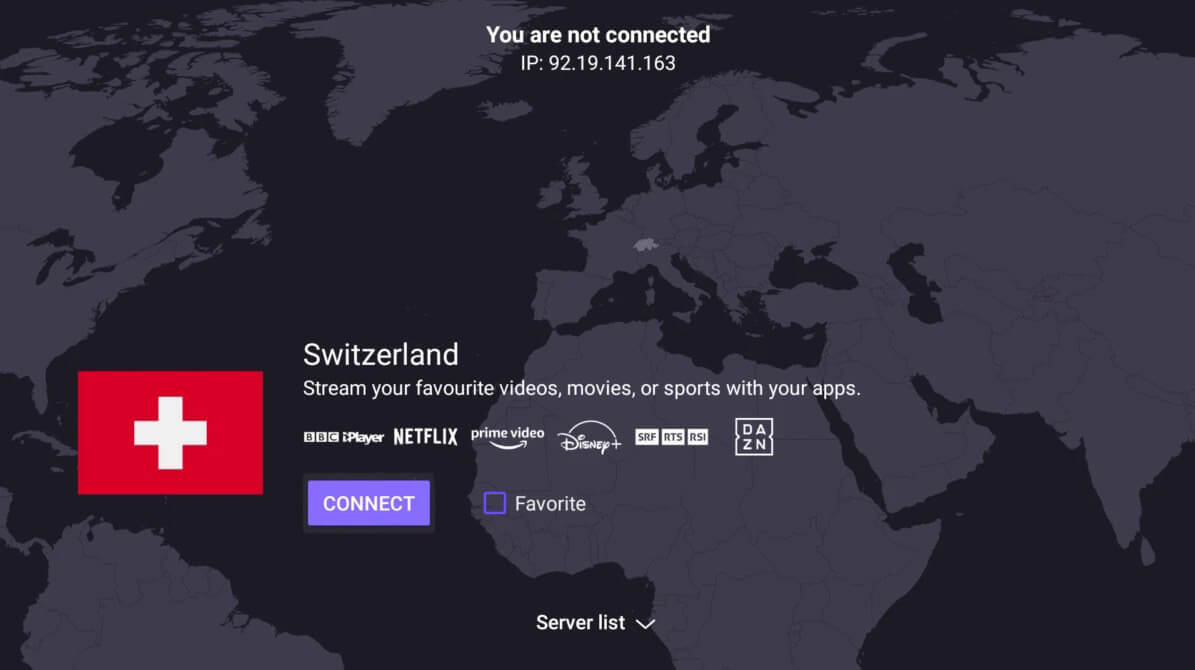
Proton VPN is one of the few free VPN for Firestick that offers unlimited data on its free plan for streaming content. While the free plan is generous with data, it won’t unblock many streaming services. Proton VPN’s free US server works with Amazon Prime US and Netflix US 50% of the time. For more reliable streaming, upgrading to a paid plan or a premium VPN for Fire TV Stick, like NordVPN, is recommended. Proton VPN also provides a native free Fire TV app.
The app automatically connects to the best server and shows the load on each. Our gripe is that we can’t pick the server location we want, unless we upgrade to the paid plan. The same goes for simultaneous connections. Proton VPN limits you to one, but if you pay, you get 10. If you need more consistent streaming support and additional features, Proton VPN’s paid plan starts at about $3 per month. If you’d rather settle for the free version, be ready for compromises.
The paid plan fixes many things. It suddenly unblocks Netflix, iPlayer, Prime Video, and all other major streaming services. It’s also way faster, using WireGuard + VPN Accelerator. On Windows and macOS, the paid version unlocks torrenting, as well. I advise the paid version, free for 30 days with a money-back guarantee. In this case, you’ll also get its famous Secure Core servers for two encryption layers and NetShield to block tracking and ads.
3. ExpressVPN: Fast Free VPN for Fire TV (30-Day Trial)
Pros
- User-friendly Firestick app
- SmartDNS service
- Fast and stable speeds
- Built-in tracker/ad blocker
- Strong privacy and security
Cons
- Not free forever
- No Multi-Hop servers
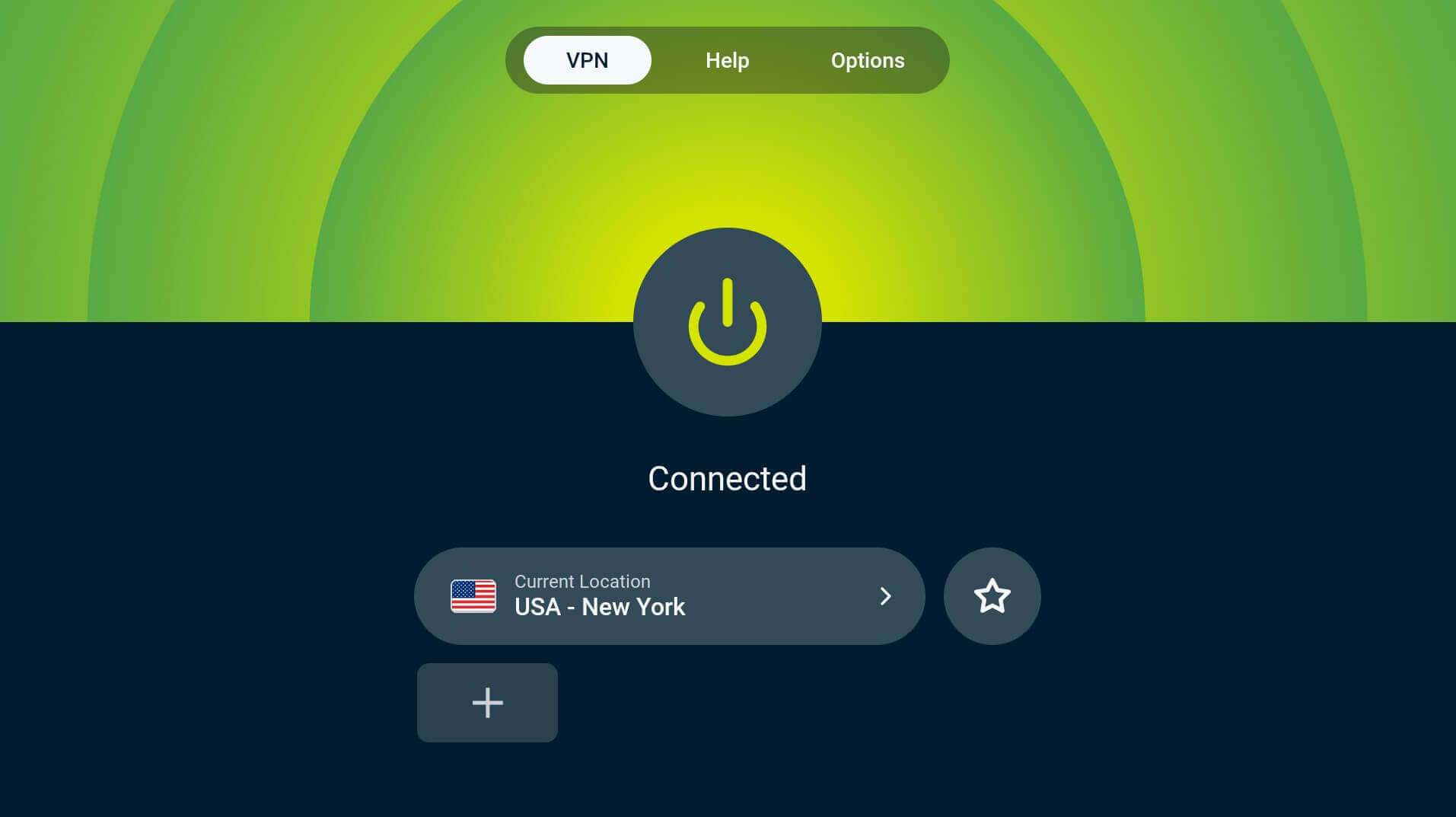
ExpressVPN is regarded as one of the best free VPN for Amazon Fire TV Stick in 2026, but only with a 30-day money-back guarantee or a 3-day free trial on iOS/Android. ExpressVPN is famous for stable performance for streaming, speed, and security. One of its standout features is the dedicated, user-friendly Fire TV Stick app. The app’s Shortcuts feature makes it convenient, enabling one-click access to streaming apps right after you connect.
ExpressVPN has a massive server reach, with 3,000+ servers across 113 countries, making it easy to stream international sports, movies, or TV shows. There’s SmartDNS, which works on the first generation of Fire TV Stick and other devices that don’t support VPNs. ExpressVPN effectively unblocks streaming platforms, including Prime Video, Netflix, and Hulu. We consider it one of the best VPNs for ESPN+ and great for watching the Super Bowl on free channels.
It has fast speeds thanks to the Lightway Turbo protocol, which uses multiple tunnels to enhance performance and stability. ExpressVPN starts at $3.19 per month for the biennial Basic plan with 4 free months. If you want an excellent VPN for Fire TV Stick for free, use its 30-day money-back guarantee.
Try ExpressVPN Risk-Free for 30 days
4. Surfshark: Streaming-Optimized Free VPN for Firestick
Pros
- Very affordable ($1.99/mo)
- Servers in 100 countries
- Impressive unblocking prowess
- Unlimited devices
- Antivirus protection
Cons
- Not free forever
- Occasional speed drops
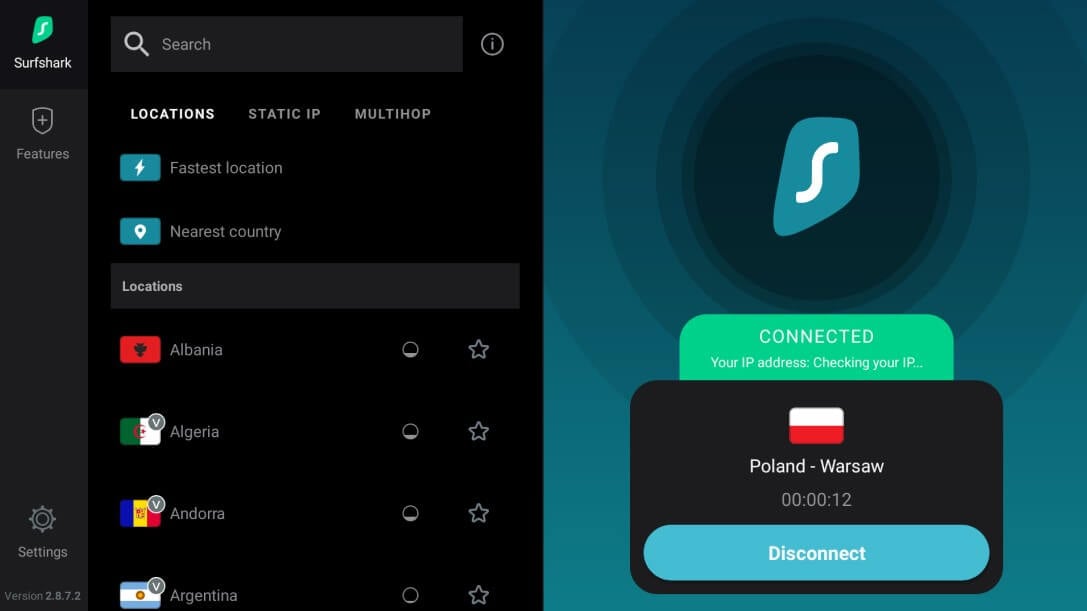
Although it’s not a true free VPN for Firestick, Surfshark is made for streaming. Its low-cost and easy-to-use app makes it a strong contender for privacy without breaking the bank. Surfshark’s native Fire TV (Vega OS) app is easy to use, but its streaming prowess is the highlight. Surfshark works with over 30 Netflix libraries and unblocks Prime Video, Disney Plus, Hulu, BBC iPlayer, and others. Accessing the Prime Video catalog of another country is a breeze with Surfshark.
Surfshark nearly matches the speed of NordVPN, our #1 pick. The server fleet of over 4,500 servers offers ample uncongested options. Privacy-wise, this VPN uses bank-grade encryption and Multi-Hop servers to double your privacy. If you get the One plan, you can even enjoy a built-in antivirus. One of Surfshark’s biggest advantages is its unlimited device connections. In comparison, a typical free Firestick VPN offers one; very inconvenient.
Surfshark doesn’t have a free version, so to test it, you first must subscribe. The good news is that the Starter plan is only $2.49 per month for two years, so it’s really affordable. Plus, you have a 7-day trial on mobile devices and a 30-day money-back guarantee for all plans.
Try Surfshark VPN Risk-Free for 30 days
5. Hide.me VPN: Secure 100% Free VPN for Firestick
Pros
- WireGuard for speeds
- Audited no-logs policy
- Unlimited data for free
Cons
- Only eight locations
- Torrenting is blocked
- Not working with BBC iPlayer
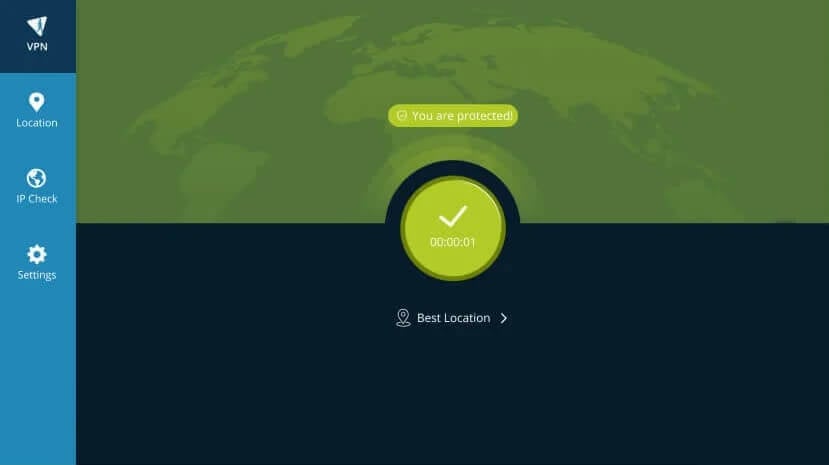
Hide.me VPN is good for privacy-conscious users who want a feature-rich, free VPN for Firestick in 2026. It has unlimited data and security features that rival paid VPNs. The free plan offers 8 server locations, including the US, Canada, the Netherlands, Germany, and a few more. While the paid version doesn’t offer a free trial, it has a 14-day money-back guarantee. When it comes to speed and performance, Hide.me won’t impress everyone.
It’s fast enough, but slower than premium VPNs like NordVPN and Proton VPN. It works well for browsing but struggles with high-bandwidth activities. The free version doesn’t unblock Netflix and BBC iPlayer, so if unblocking content is your priority, you might want to consider other VPNs. This is also true if you need a VPN that can work with YouTube TV. Hide.me VPN also includes split tunneling and a kill switch, typically only found in paid services.
Unfortunately, the free version also blocks torrenting. Hide.me’s free VPN is also easy to set up on Fire TV Stick, with a modern, ad-free interface that provides a seamless user experience. However, the free version doesn’t support simultaneous connections.
6. Hotspot Shield: Free VPN for Firestick With Fast US Servers
Pros
- Good-looking Fire TV app
- Solid speeds for a free VPN
- Unblocks Netflix US
Cons
- 500 MB of data a day
- Only US servers
- Possible logging issues
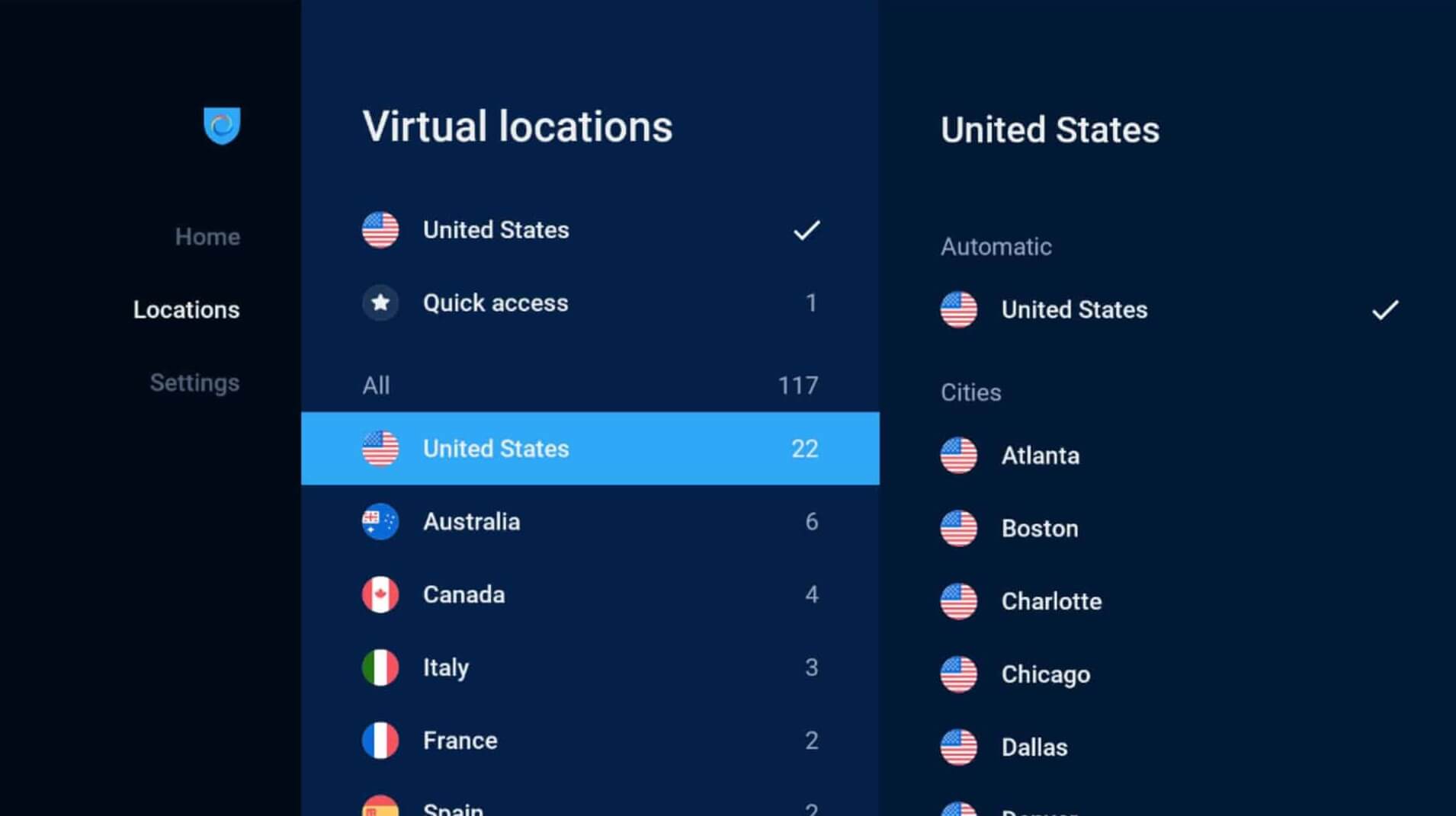
Hotspot Shield is known for being fast, but its free Firestick VPN has limitations for streaming on Fire TV Stick. Unlike premium VPNs, the free plan gives access to one location in the US, which hinders the ability to sidestep geo-blocks. The free plan is ad-supported to maintain your VPN connection. While this is convenient for short browsing sessions, it’s not ideal for uninterrupted streaming. Despite the limitations, Hotspot Shield’s speed impressed us.
However, due to the limited server locations, Netflix often detects and blocks the VPN. As a result, it’s unreliable for accessing region-specific content. For those looking for a fast VPN with basic encryption features, Hotspot Shield’s free plan is useful for browsing or downloading large files. However, if you’re serious about streaming on Fire TV Stick, the free version’s limitations are crippling. Upgrading to a premium plan also isn’t an option due to the very high prices.
Problems With Free VPN Firestick
While using a free VPN for Firestick may seem tempting in 2026, the reality is that most free VPNs have significant drawbacks. Here’s what to expect:
Limited Bandwidth and Data Caps
Even the best free VPN for Firestick may restrict your data. TunnelBear offers 2 GB, Hotspot Shield 500 MB a day, and Windscribe limits you to 10 GB. Using a VPN for Firestick free of charge has its limits, but this has to be the worst. Don’t expect to stream for more than a few hours a month in HD.
Incompatible with Firestick
A free VPN may also not work with Firestick in the first place, so it’s basically useless. Urban VPN is a notable example. While it offers unlimited data on desktop and mobile devices, it doesn’t have a dedicated app for Fire TV Stick, meaning it can’t be installed and used effectively on the platform.
🚨 Quick Warning: Most free VPNs for Firestick also don’t work with the newest Vega OS that replaced the older Fire OS. While NordVPN, our #1 option, is fully compatible with Vega OS, Proton VPN, Hide.me, and Hotspot Shield all lack native Vega OS apps, something to keep in mind before actually trying them.
Slow and Unstable Speeds
Speed is essential when streaming, and most free VPN for Fire Stick can’t provide the fast connections you need for smooth playback. Free VPNs operate on overcrowded servers, leading to slowdowns, buffering, and reduced video quality. For a seamless experience on Firestick, invest in a faster (premium) VPN.
Compromised Privacy
Privacy should be a top priority when using any Firestick free VPN, but many free services sacrifice it. Hola VPN is notorious for logging user data and selling it to third parties. If you use Firestick for streaming, especially with third-party apps, your online activity could be exposed to hackers or legal authorities.
Inconsistent Unblocking of Streaming Services
Free VPNs are often blocked by Netflix, Hulu, Disney+, and other streamers. Most free VPN services lack the resources to continually update their IP addresses, which Netflix and other platforms easily detect and block. Premium VPNs like NordVPN constantly rotate IP addresses to evade detection.
However, free VPNs frequently fail to unblock these services. While the idea of a free VPN for Firestick is appealing, most free services have severe limitations, making them unsuitable for an optimal Fire TV Stick experience. For this reason, we recommend using NordVPN for free for 30 days, which you can do below.
Why Use a Free VPN for Firestick in 2026?
If you want to get the most out of your streaming device, a trusted free Firestick VPN is a must. Here’s why you should use one and how it helps your cause:
- Bypass Geo-Blocks and Access Global Content. Streaming platforms like Netflix, Hulu, Disney+, and Amazon Prime limit their content libraries based on location. With a VPN, you can place yourself in countries like the US, UK, or Japan to unlock a variety of shows and movies.
- Avoid ISP Throttling for Seamless Streaming. Internet Service Providers often slow down your connection during high-demand periods, especially when you’re streaming. A VPN encrypts your connection, preventing your ISP from seeing what you’re up to and stopping them from throttling your bandwidth.
- Unlock Region-Restricted Apps. Some of the best apps for streaming sports or international shows aren’t available in all regions. Apps like BBC iPlayer, Hotstar, or even certain versions of Netflix can be challenging to access due to geo-blocks. A VPN changes your virtual location, letting you download and use these apps.
- Maintain Privacy on Kodi and Third-Party Apps. These apps often provide access to unofficial streams, which could lead to potential copyright infringements. With a VPN, your streaming activity is hidden, keeping you safe from repercussions.
Best Free VPN for Firestick: Conclusion
A really free VPN for Firestick is tempting, but ultimately limited and not suited for heavy streaming. Slow speeds, data caps, and fewer server locations are only some of the issues. If seamless streaming is the goal, sticking with NordVPN, Proton VPN, ExpressVPN, and Surfshark are your best bet.
They offer robust security, fast speeds, and unlimited data, plus a money-back guarantee so you can test them risk-free. If paying isn’t an option, a free VPN for Firestick like Proton VPN’s free version, Hide.me, or Hotspot Shield can still do the job, if you set your expectations accordingly. Just note that the free picks are Fire OS only for now.
Try NordVPN Risk-Free for 30 Days
FAQ on Free VPN Firestick
🆓 Can I use a free VPN for Firestick without a subscription?
Yes, you can. Pretty much all free Firestick VPN options operate without a subscription. You just need to download one, sign up, and enjoy it. While you may need an account, you don't need to subscribe or pay anything. Some VPNs, like Proton VPN, even have a guest mode usable without an account.
📺 How to install VPN on Firestick free?
To install a VPN on Firestick free, simply go to the Amazon App Store and download it to your Fire TV Stick. Launch it, sign up or sign in, and you're set. If a VPN doesn't have native support for Fire OS or Vega OS, you may need to sideload it by downloading the APK from the VPN's official website.
💂♂️ What is the best free VPN for Firestick UK?
The best free VPN for Firestick UK is NordVPN, if you want a 30-day trial option. It's pretty much unlimited, with access to all UK services anywhere. However, if you want a totally free VPN for Firestick UK, Proton VPN is great since it's free forever, offers unlimited data, and is safer than some premium options.
✅ Is there a free VPN for Firestick?
Yes, there's a free VPN for Firestick, but it's not as good as a premium VPN because it's limited in speed, bandwidth, security, and unblocking prowess. If you can afford it, you should always invest a few dollars in a paid, instead of a free Firestick VPN.