Urban VPN’s Windows app connected almost instantly and downloaded a Linux torrent at up to 7.9 MB/s. On its Urban VPN LinkX protocol, a UK server measured 185.11 Mbps, yet the default Auto setting gave 1.12 Mbps on another UK server. Five of the eight streaming services we tried blocked it. Without a kill switch on the free version, traffic leaked in our cable-pull test. With the app closed, its background services used 518 MB of data in a day.
Urban VPN
Urban VPN connects almost instantly, and its LinkX protocol measured close to our full connection speed. The free version has no kill switch and leaked DNS on a US server. It failed five of eight streaming services, and Urban's privacy policy permits selling browsing data. It isn't a VPN we recommend for private browsing.
Pros
- No account required
- Near-instant connections
- Fast LinkX protocol
- Torrenting works
- Unblocks Netflix US, iPlayer
- IPv6 and WebRTC protected
Cons
- Policy permits data sales
- No kill switch
- US server leaked DNS
- Uses data while closed
- Disney+ and Hulu blocked
- Android capped, iPhone paid
- No independent audit
- Slow on Auto setting
How Is Urban VPN Free?
Urban VPN says Premium subscribers fund the free service, and its own documents show what free users pay with instead. The install terms treat a promise of no data collection as a Premium feature. Urban’s privacy policy describes its parent company as a data broker. It permits selling identifiers, browsing activity, and profiles built from them to business customers.
It also counts AI chatbot prompts and replies among the data it shares with those customers in aggregated form. That works against the point of using a VPN. Our tests added three more findings:
- Idle data: with the Windows app disconnected and closed, its background services used 518 MB over 24 hours. With “Keep background services running while the app is off” disabled, the same period used about 64 MB. The setting is enabled by default.
- Android: free accounts are limited to 100 MB a day. The alternative to paying is Safe Browsing. It uses Android’s Accessibility permission to send visited URLs, a persistent device ID, approximate location, and the app in use to Urban’s servers.
- iPhone: the free app opened straight to a Premium paywall.
An earlier version of Urban’s Why Free page described free users sharing their connection with others. The current page credits Premium subscribers instead, and the UK and US servers we used belonged to hosting companies, OVH and PureVoltage. Our free vs paid VPN comparison explains how other free services are funded.
Is Urban VPN Safe?
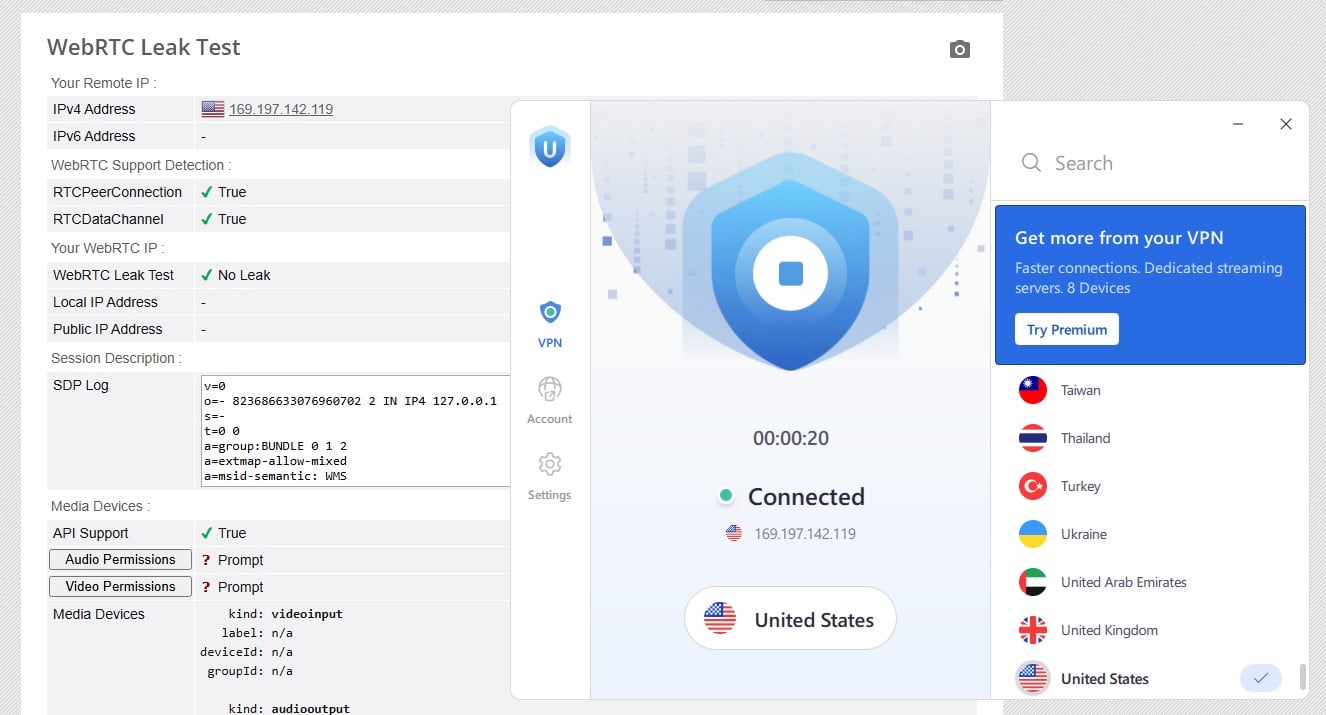
No, not for private browsing: it leaked DNS requests on its US server, and the free app lacks a kill switch. On browserleaks.com, the UK server showed only its own IP address and Google’s resolvers in London. On the US server, our own ISP’s DNS resolver in Europe appeared next to Google’s, which exposes the sites visited to that ISP. IPv6 and WebRTC stayed hidden on both servers.
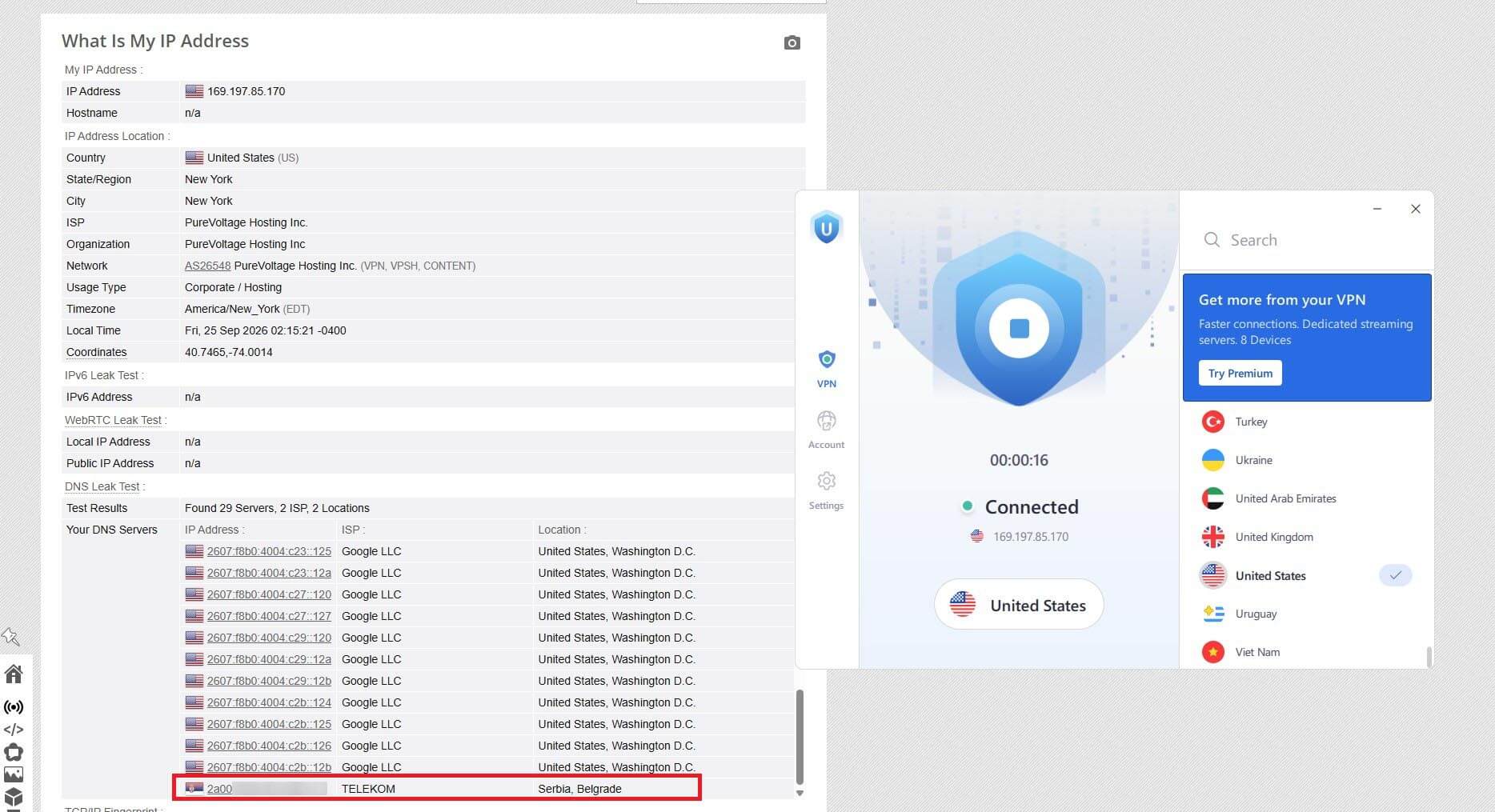
In a cable-pull test with a continuous ping, traffic went out unprotected once the connection came back. No outside firm has audited its logging claims either.
It’s operated by Urban Cyber Security Inc., a Delaware company whose terms fall under New York law. Its privacy policy lists data transfers to Israel and the US. Our no-logs VPN guide lists audited VPNs.
The Chrome Extension
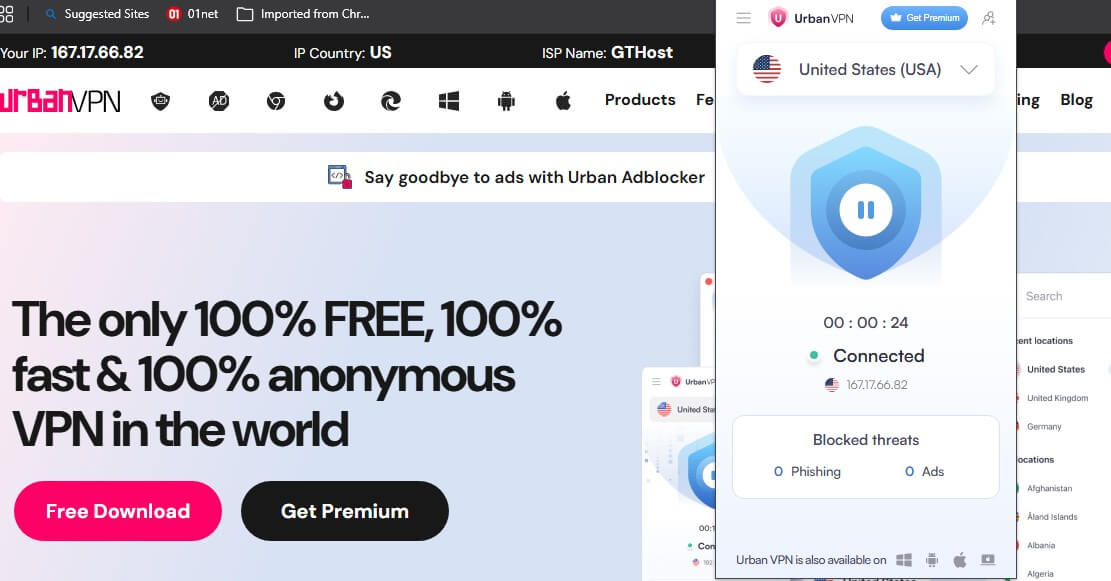
Urban VPN Proxy, the Chrome extension with 7 million users, enables its Advanced VPN Protection filters from the first connection. With them enabled, Urban processes visited URLs, ad clicks, and clickstream data, and WebRTC protection stays disabled until the user enables it.
In December 2025, Koi Security reported that the extension had captured AI chatbot conversations since a July 2025 update. Our guide to Urban VPN alternatives covers the extension’s permissions and replacements.
Speed, Protocols, and Torrenting
Urban VPN’s speed depends on the protocol and on the server the app assigns. We measured on a Windows 11 PC in Europe in our October tests, against a 190.36 Mbps baseline. On one London server:
- Urban VPN LinkX: 185.11 Mbps down, 18.57 Mbps up, 42 ms ping
- UDP: 29.05 Mbps down, 9.70 Mbps up, 42 ms ping
- TCP: about 0.2 Mbps on FAST.com after five attempts, and Speedtest couldn’t find a server
On the default Auto setting, the app picked different servers and measured 1.12 Mbps in the UK, 89.27 Mbps in the US, and 120.83 Mbps in Japan, a 63.0% average loss. Ping was 177 ms in the US and 276 ms in Japan. Select LinkX under Settings before connecting. A Linux Mint torrent in qBittorrent downloaded at 5 to 6 MB/s on a UK server and peaked at 7.9 MB/s.
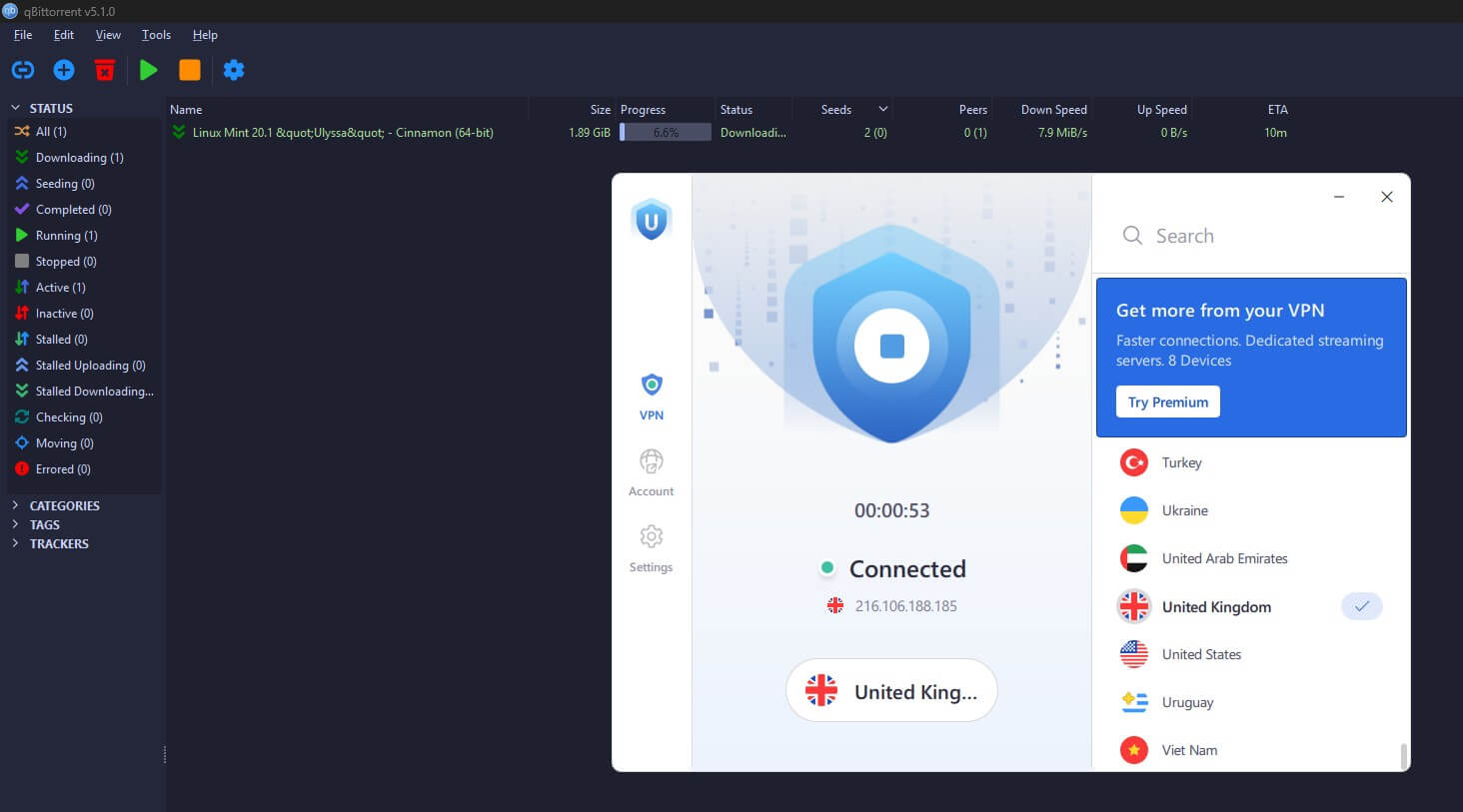
After the Auto results, we didn’t expect it. With no kill switch, a dropped connection shows the real IP address to other peers. For regular downloads, our torrenting VPN guide is a better starting point.
Streaming Results
Tested in our October round on the Windows app, with cookies cleared before each service.
| Streaming service | Server | Result |
|---|---|---|
| Netflix US | US | Unblocked |
| BBC iPlayer | UK | Unblocked, buffered heavily |
| ITVX | UK | Unblocked |
| Prime Video | US | Blocked |
| Disney+ | US | Blocked |
| Hulu | US | Blocked |
| HBO Max | US | Blocked |
| Netflix Japan | Japan | Detected |
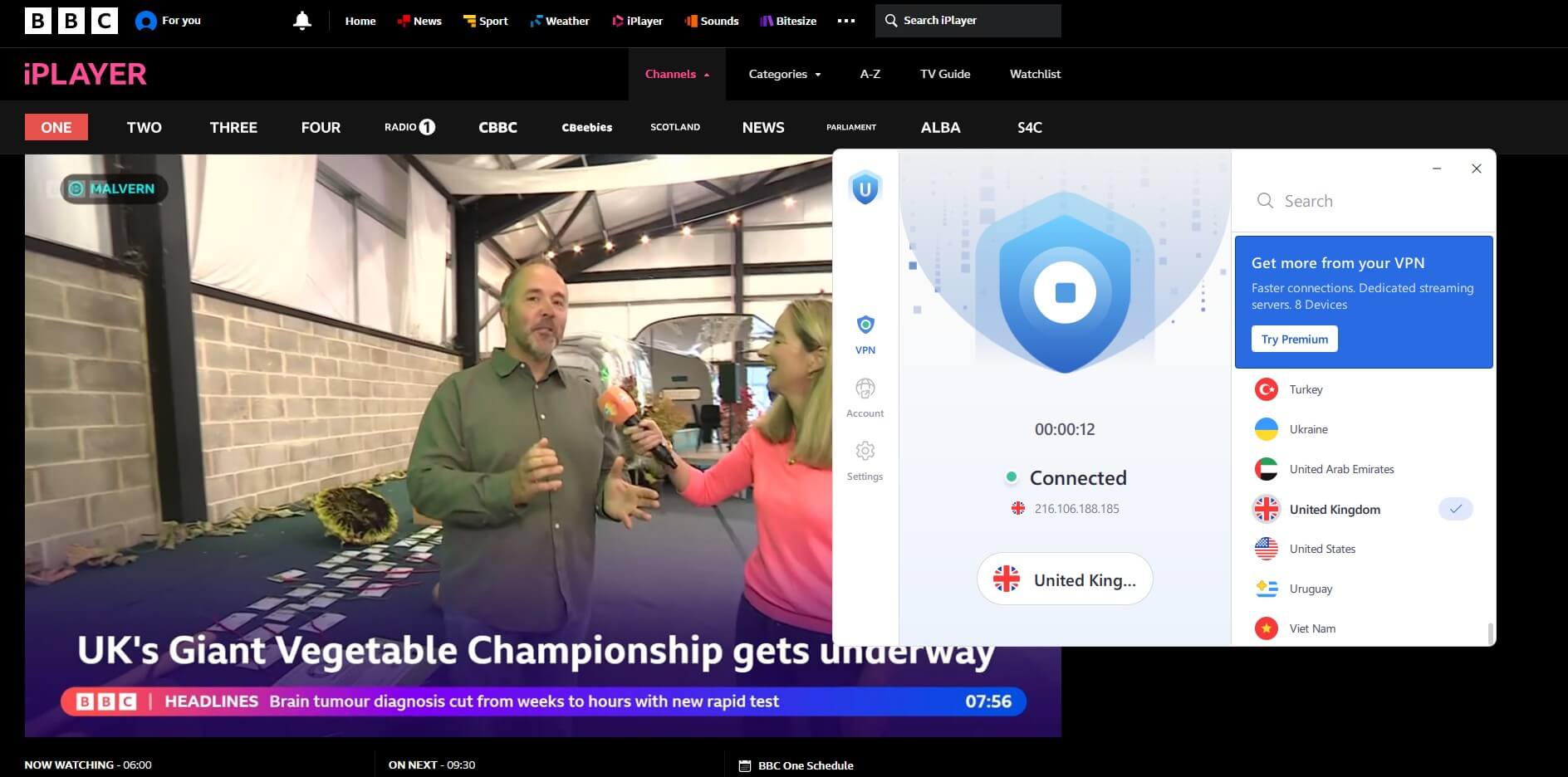
Beyond BBC iPlayer, Netflix US, and ITVX, the results disappointed us. The Urban VPN app lists countries only, with no choice of server, so a blocked IP address can’t be swapped for a specific alternative. For the US catalog, our list of VPNs that unblock Netflix is more reliable. Our guide to Paramount+ outside the US covers that service.
Apps on Windows, Android, and iPhone
The Windows app is simple and quick, and it connected faster than some premium VPNs we’ve used. Its Settings menu has three options: the protocol, launch at startup, and background services, and the last two are enabled by default. The free version has no kill switch or split tunneling, which we expected from a free VPN.
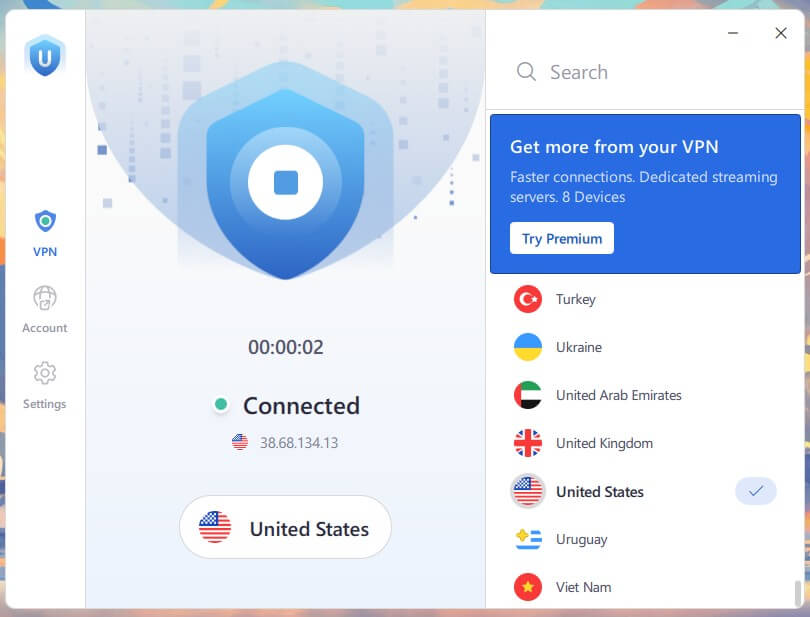
The app used about 90 MB of RAM while connected and lists 87 countries. The Android app caps free use at 100 MB daily, a few minutes of HD video, and it includes a built-in browser. With the VPN connected, Urban’s own privacy policy page showed a security block, so we couldn’t read the policy through Urban’s connection.
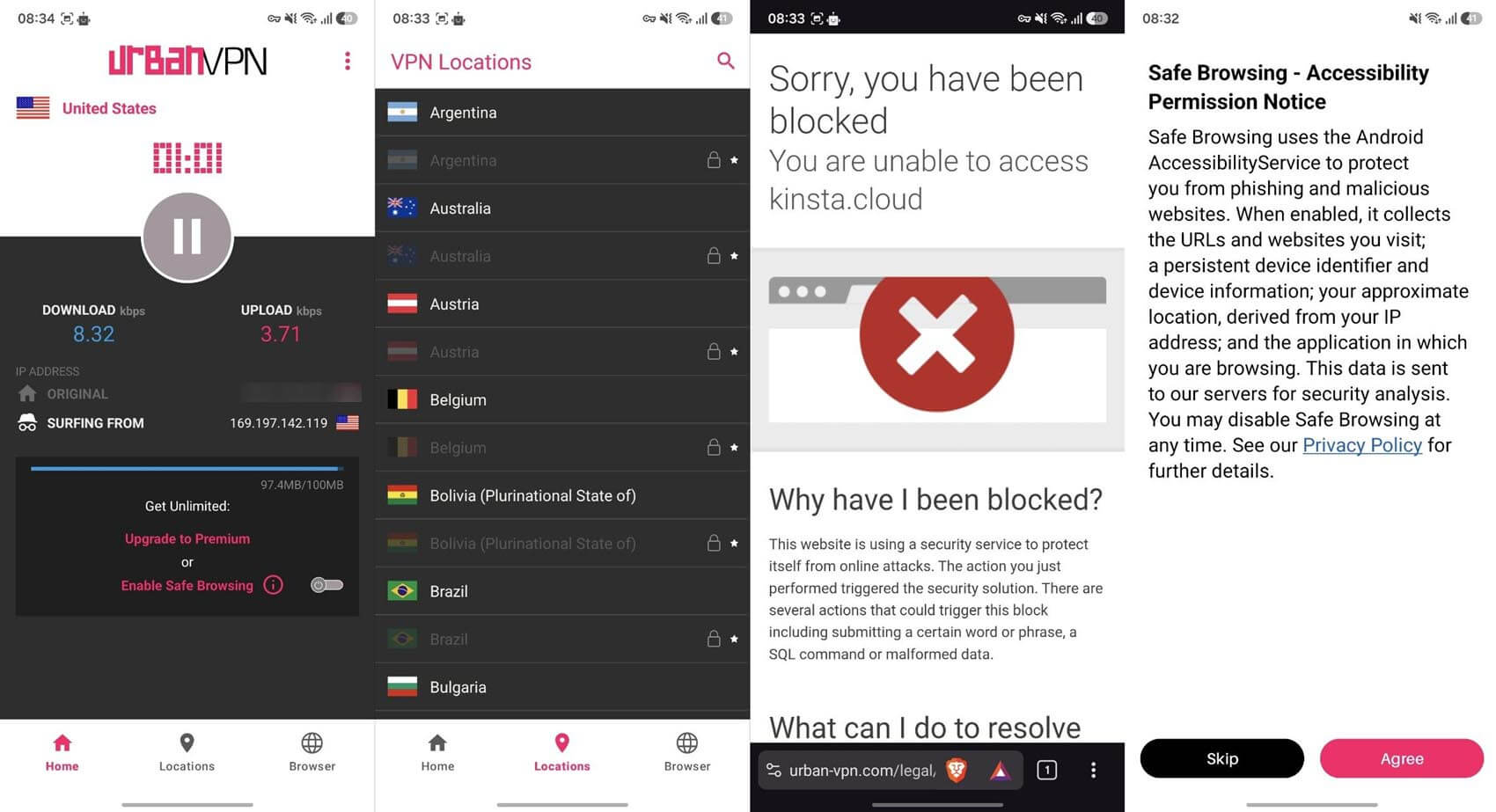
On iPhone, Urban VPN is Premium-only. Our rankings of Android VPNs and iPhone VPNs list free and paid options that work on both.
Urban VPN Premium Plans
- 1 month: $12.99
- 6 months: $6.98 a month, $41.88 up front
- 1 year: $4.95 a month, $59.40 for the year
Every Premium plan covers 8 devices and 87 countries, and adds WireGuard, Double VPN, and a kill switch, with a 30-day money-back guarantee. We didn’t test Premium. It fixes some of what the free version lacks. Surfshark’s Starter plan still costs less, about $67 for its first 27 months, with no device limit.
Verdict
Urban VPN is usable for a quick torrent over LinkX, and an occasional BBC iPlayer or Netflix US session. For privacy, it’s the wrong tool, given the leaks, the missing kill switch, and a policy that lets Urban sell browsing activity. Speed is a lottery unless you choose LinkX by hand. For privacy, start with NordVPN, which has an independently audited no-logs policy and a kill switch that passed our cable-pull test.
Proton VPN offers an audited no-logs policy on its VPN Plus plan and a limited free tier that doesn’t cap data. More options are in our free VPN rankings and our overall VPN rankings.
Frequently Asked Questions
Is Urban VPN free without a subscription?
Yes, Urban VPN requires no subscription or account on Windows, macOS, or the Chrome extension. The iPhone app is the exception and requires Premium from its first screen.
Is Urban VPN safe to use?
No, Urban VPN isn't suited to private browsing. Its free version lacks a kill switch, its privacy policy permits selling browsing data, and no independent audit has verified its logging claims.
How much data does Urban VPN allow for free?
Urban VPN has no data limit on computers or in its Chrome extension. Free Android accounts are limited to 100 MB a day unless Safe Browsing is enabled, which shares visited URLs with Urban.
Is Urban VPN a P2P VPN?
No, not according to Urban's current documents. They credit Premium subscribers with funding the free service, though its Windows background services use data while the app is closed.