From Tokyo or Sydney, the closest US servers on any VPN’s list are in Los Angeles. For an Angeleno on a trip, that’s good news: an LA server is usually the quickest way to look American online again, with the same Netflix catalog and local news you’d get at home.
The same servers matter to people who never leave the city. Free Wi-Fi is everywhere in LA, from the airport to the café on the corner, and protecting yourself on it is one of the main reasons to use a VPN: it keeps what you send unreadable to the stranger at the next table.
Speed on LA servers, however, varied widely from one VPN to the next in our tests. Here are the top 5 that impressed us the most in 2026.
Top 5 VPNs With Los Angeles Servers
- NordVPN: Best overall, with the quickest Los Angeles server we tested
- Proton VPN: Best for privacy, with open-source apps and Swiss jurisdiction
- ExpressVPN: Best for travelers, with several locations around LA and quick connections
- Private Internet Access: Best on a budget, with no limit on devices
- Surfshark: Best for streaming, with servers in LA, San Jose, and San Francisco
Los Angeles VPNs Compared
Every VPN here offers a Los Angeles location, but they differ in how many other California cities they cover and in what they cost after the first term. Speed loss is the average of our UK, US, and Japanese server results.
| VPN | California locations | Average speed loss | Free plan | Long-term price |
|---|---|---|---|---|
| NordVPN | Los Angeles, San Francisco | 7.8% (NordLynx) | No | About $3.50/mo |
| Proton VPN | Los Angeles | 10.2% (WireGuard) | Yes, server chosen for you | Just under $3/mo |
| ExpressVPN | Los Angeles, Santa Monica, San Francisco | 7.8% (Lightway) | No | Just under $3/mo |
| PIA | Los Angeles, Silicon Valley | 12.7% (WireGuard) | No | About $2/mo |
| Surfshark | Los Angeles, San Jose, San Francisco | 9.6% (WireGuard) | No | About $2.50/mo |
The Best VPNs for Los Angeles in 2026
1. NordVPN: Best VPN for Los Angeles Overall
Pros
- Fastest Los Angeles server we tested
- Every state on its US server list
- Netflix US and free US channels unblocked
- Kill switch for public Wi-Fi
- Browse through your home PC with Meshnet
Cons
- Higher price after the first term
- Long server list to learn
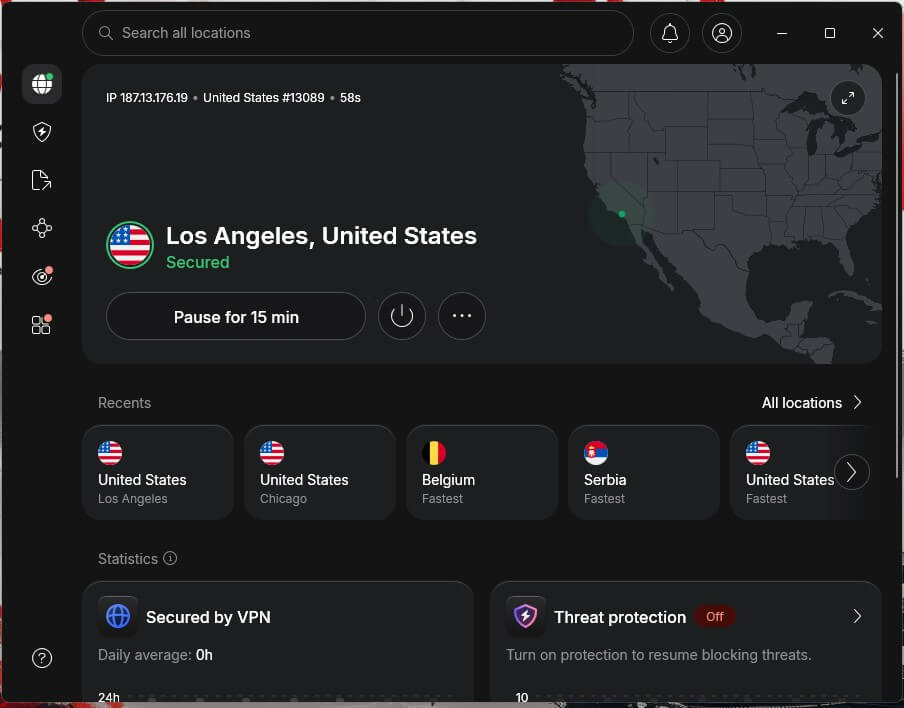
NordVPN’s Los Angeles server lost just 7.4% of our speed, the smallest loss of the three LA servers we tested. On that server, Netflix US and the free US channels we tested, including CBS News 24/7, ABC News Live, NBC, PBS, and Fox, worked, so an LA resident on a trip keeps the same evening TV.
Within the city, the appeal is different. NordLynx, NordVPN’s own protocol, can add post-quantum encryption to your connection on coffee shop or hotel Wi-Fi, and the app’s kill switch blocks traffic if the VPN drops.
With Meshnet, a laptop abroad can use your home PC in Los Angeles as its connection, which helps when a bank or a work portal trusts only your home network. The server list is long and split into categories, so type “Los Angeles” in the search bar and connect from the results.
The current NordVPN discount applies through the button below, and the Basic plan comes to roughly $3.50 monthly when you commit for two years.
2. Proton VPN: Best for Privacy in LA
Pros
- Swiss jurisdiction
- Open-source apps
- Secure Core routing
- Free plan with no data cap
- Netflix US unblocked on its LA server
Cons
- Slowest Los Angeles server we tested
- Smart TVs require a router setup
- Free plan can’t select LA
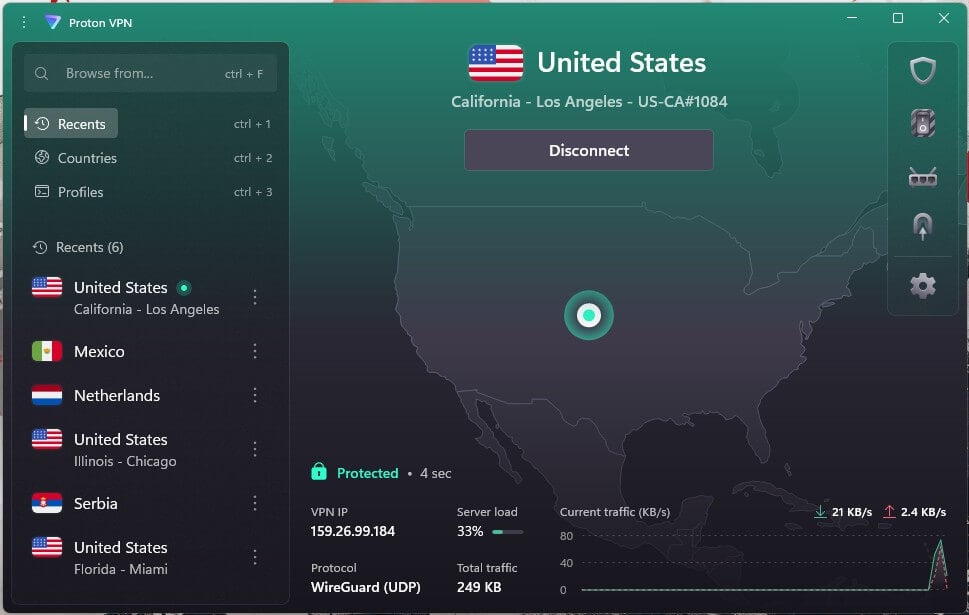
Proton VPN is the choice for privacy. Switzerland is home to the company, every app’s code is public for researchers to inspect, and an outside auditor reviews its no-logs policy annually. With Secure Core enabled, your traffic first enters a Proton VPN server in Switzerland, Iceland, or Sweden, then leaves through Los Angeles.
Its LA server was the slowest of the three we tested there, though Netflix US and the same free news channels worked on it. Proton VPN groups its US locations by state, so if a stream stutters, choose another California server or one in a neighboring state. The free plan has no data cap and includes US servers.
However, it chooses the server for you, so it can’t promise a Los Angeles IP address. That makes it a good free option for browsing safely on public Wi-Fi around the city. The VPN Plus plan is a little under $3 a month on the two-year term.
3. ExpressVPN: Best for Travelers Connecting to LA
Pros
- Several locations in Los Angeles County
- Connects in a second or two
- Obfuscation with no setup
- RAM-only servers
- Simple one-button apps
Cons
- Few settings to adjust
- No second-server option
- High renewal price
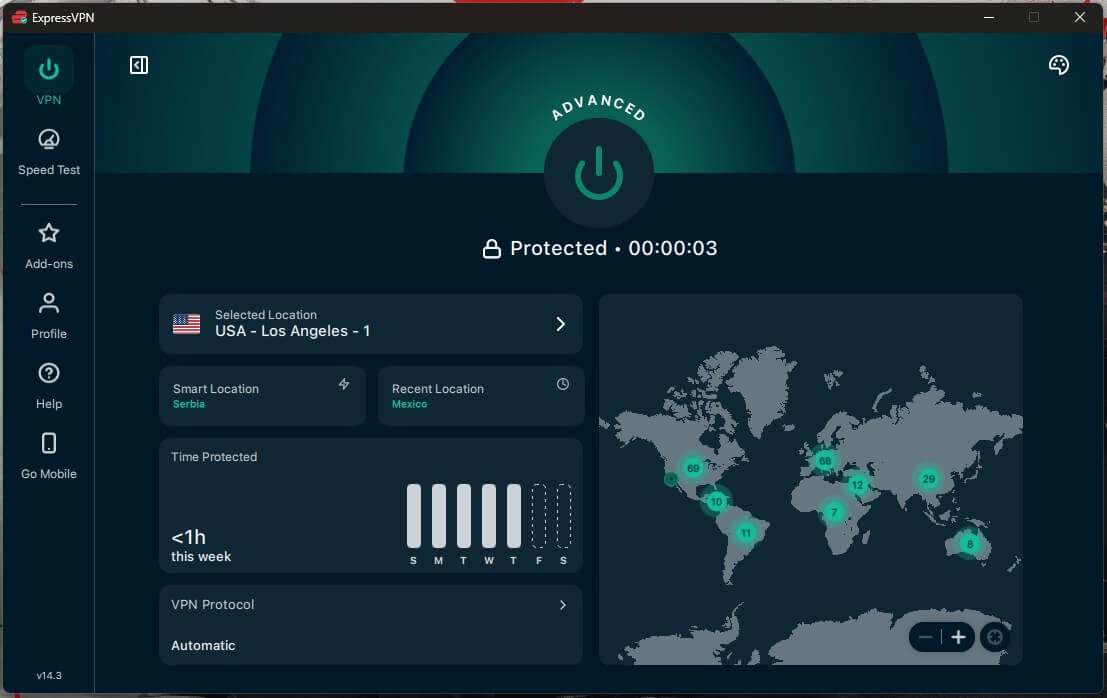
ExpressVPN lists several server locations across Los Angeles County, plus Santa Monica and San Francisco. Its LA server lost about a quarter of our speed in testing, which still left enough for 4K, and Netflix US and the free US channels worked there too.
It also connected faster than any VPN we tested, usually in a second or two. That makes it a good fit for travelers. Obfuscation, which disguises VPN traffic, is on for every connection, so a hotel or airport network that blocks VPNs abroad usually doesn’t detect it.
Its servers keep everything in memory, so a restart wipes them, and independent audits back its no-logs claims, as detailed in our ExpressVPN review. It keeps settings to a minimum and skips multi-hop entirely, so NordVPN or Proton VPN suits those who like to fine-tune.
ExpressVPN’s Basic plan is slightly less than $3 a month on the longest term. Higher plans are available, with more simultaneous connections and a few extras, but with higher renewal prices that may not suit everyone.
4. Private Internet Access: Best Cheap VPN for Los Angeles
Pros
- Lowest long-term price of the five
- Covers every device in a household
- A server in each US state
- No-logs claim proven in court
- Filter for ads and malicious sites
Cons
- Dated, cluttered app
- Failed on Prime Video and HBO Max
- US jurisdiction
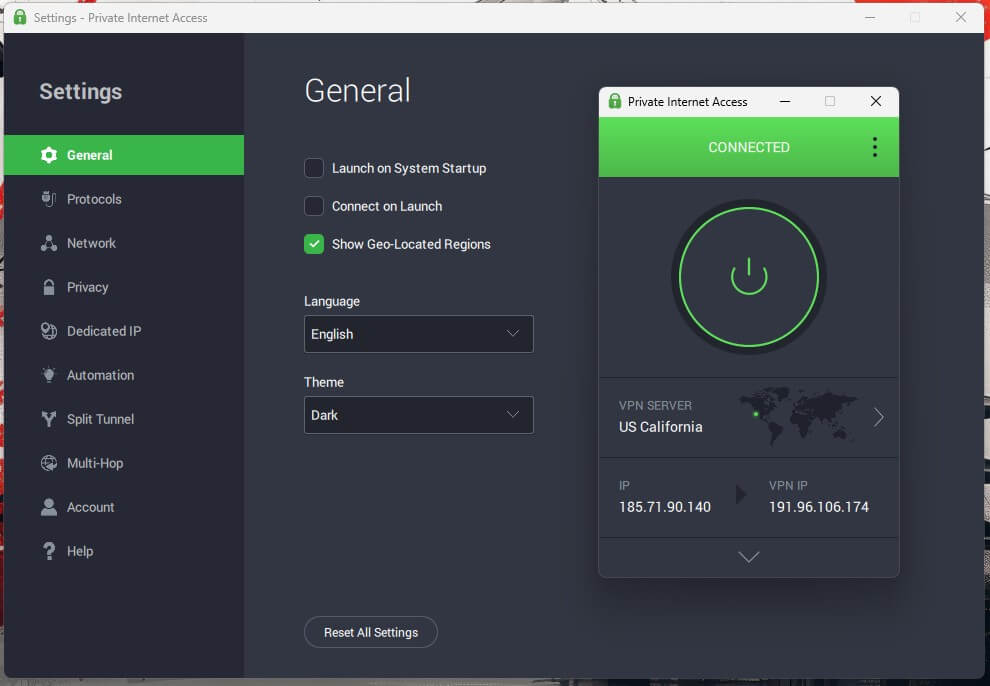
PIA is the cheapest VPN on this list at around $2 a month on its longest plan, and one subscription covers every phone, laptop, and TV in the house. It offers a Los Angeles location and a Silicon Valley one, plus a server in every US state, so a trip to Las Vegas or Seattle doesn’t leave you without a nearby option.
Speed was the lowest of the five, with a 12.7% average loss that still handles 4K. Netflix US worked, but it failed on Prime Video and HBO Max. US court cases have shown that PIA keeps no user records, and its MACE filter removes ads and known malicious sites.
The Windows app looks dated and doesn’t choose a protocol for you, so switch it to WireGuard in Settings for the best speed. If Netflix is the main reason you subscribe, our list of VPNs for Netflix has PIA’s stronger rivals.
See price at Private Internet Access
5. Surfshark: Best for Streaming on a Budget
Pros
- Los Angeles, San Jose, and San Francisco servers
- Dedicated IP address available in LA
- Strong streaming results without an extension
- CleanWeb ad blocking
- One account for any number of devices
Cons
- Some connections are slow to start
- TVs require a router install
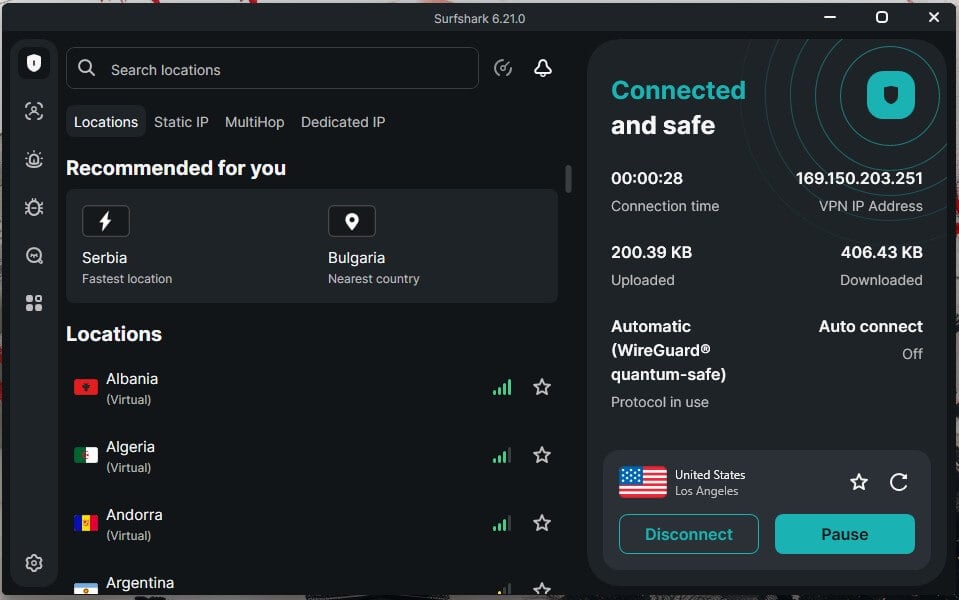
Surfshark has three California cities on its server list, Los Angeles, San Jose, and San Francisco, and its 9.6% average speed loss placed it close to the leaders. Its desktop app unblocked every streaming service in our tests except ITV, which makes it a strong low-cost option for watching US services from abroad.
A dedicated IP address is available in Los Angeles as an add-on, so your bank or a work tool sees the same LA IP address every time you sign in. CleanWeb blocks ads, trackers, and malicious sites, and every plan covers unlimited devices.
Surfshark took longer than the others to connect at times, so wait for the confirmation before you open a stream. Without Smart DNS, a TV that has no Surfshark app requires a router install. Its Starter plan is roughly $2.50 a month if you pay for two years upfront.
Connecting to a Los Angeles Server
Sign up for NordVPN, install the app on your phone, computer, or TV, and sign in. Then search for Los Angeles in the server list and connect, and within a few seconds you’ll have a US IP address based in LA.
Open the streaming site or app after you connect, not before, so it reads your new location. If it still shows your old region, clear the browser’s cookies and cache and reload.
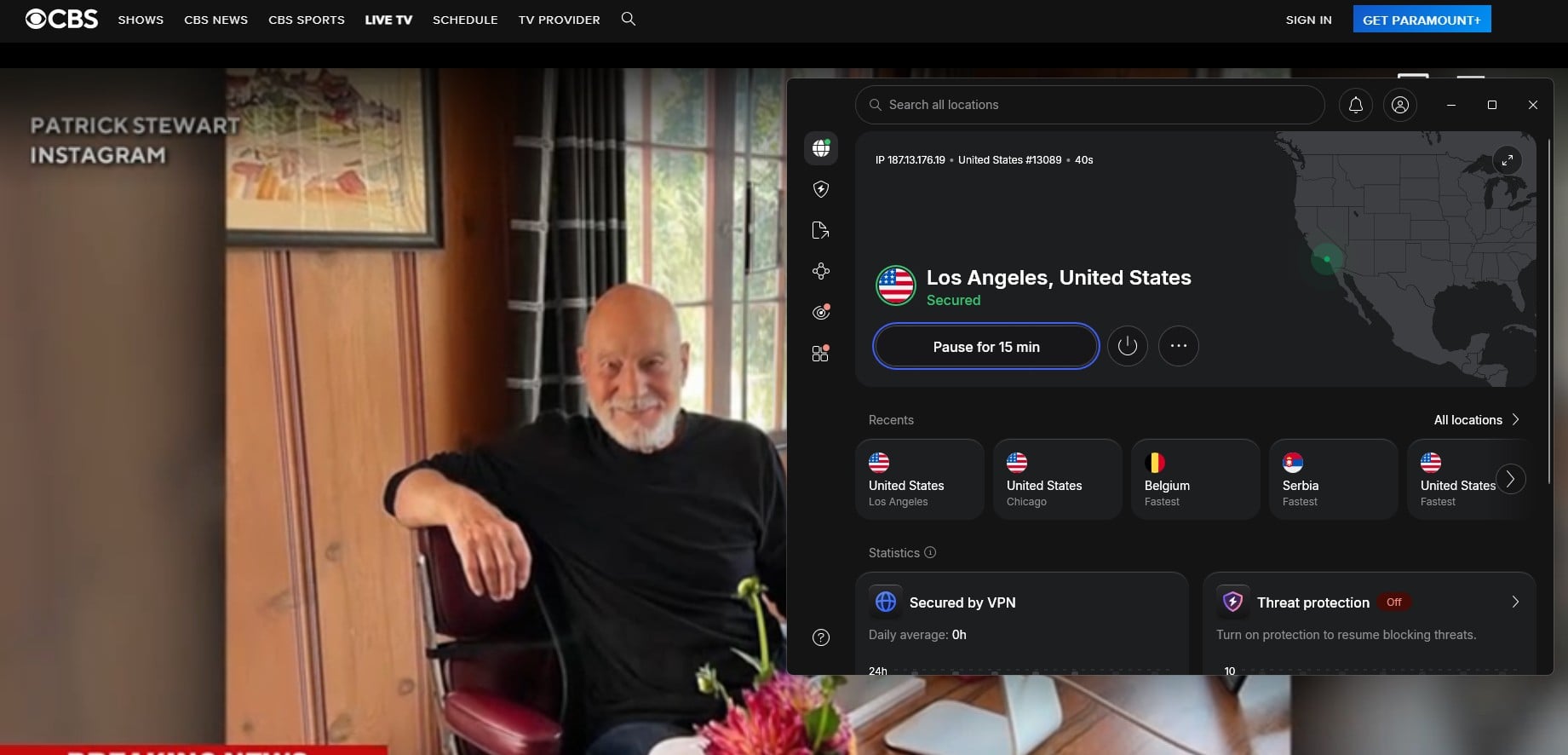
CBS treats a viewer with an LA IP address like any other US viewer, so the same method helps you watch CBS abroad. Locals can reverse the method. From Los Angeles, connect to a server in the UK to unblock Netflix UK, or to any other country whose catalog you want, then switch back to an LA server for everyday browsing.
For an IP address from elsewhere in the state, our guide to the best VPNs for California covers the other cities.
Protecting Yourself on Public Wi-Fi in LA
LAX, all 72 branches of the Los Angeles Public Library, and most coffee shops offer free Wi-Fi, and on an open network anyone nearby can set up a hotspot with a convincing name.
How a VPN works is simple: it encrypts everything before it leaves your phone, so a fake network named after the airport’s own sees scrambled data instead of your passwords. The encryption also hides the sites you visit from your ISP.
At home, that same encryption can help with throttling. An ISP that slows video traffic at busy times can’t tell what you’re watching through a VPN, and stopping ISP throttling is often as simple as connecting before you stream.
Set the app to connect automatically on unknown networks, so it’s already on before your phone starts syncing at the gate.
Using LA Servers From Asia and Australia
A 1960s office tower downtown, One Wilshire, is one of the largest carrier hotels in the world, a building where hundreds of networks connect, and undersea cables from Japan and Australia come ashore at nearby Hermosa Beach.
That’s why so much traffic between Asia and the US passes through Los Angeles. For a visitor from Seoul, Manila, or Auckland, an LA server usually has the lowest ping of any US location, which keeps video calls, online games, and remote work tools responsive.
It works the other way too: an Angeleno abroad can still use services back home, and a viewer in the US can connect to an Indian server to watch Hotstar from outside India.
Watching LA Sports Away From Home
Local sports are the most tightly location-locked part of LA television. SNLA+, the streaming version of Spectrum SportsNet LA for Dodgers games, is sold only to fans in the Dodgers’ home territory; Lakers games on Spectrum SportsNet are limited to the local market too, and Kings games now stream on DAZN only within Southern California and Hawaii.
For a subscriber on a trip, a VPN connected to a Los Angeles server is the usual way to watch: it provides an LA IP address, which a browser stream reads as home.
Phone apps often check your device’s GPS location as well, so use a laptop browser when you can, and keep in mind that these services tie subscriptions to the home area in their terms. Abroad, there’s sometimes a simpler option for baseball.
The international version of MLB.TV carries most Dodgers games with far fewer blackouts than at home, and it requires no VPN.
Is There a Good Free VPN for Los Angeles?
For privacy on public Wi-Fi, yes. Proton VPN’s free plan has no data cap and keeps no logs, and it’s among the best free VPNs for iPhone too. However, it assigns a server automatically from a short list of countries, so you can’t ask for Los Angeles, and it won’t unblock streaming services.
Hotspot Shield’s free app does list Los Angeles, but on our Android phone each connection started with an ad and unlocked only a short session, and its privacy policy allows more data collection than we’d accept.
If you need an LA IP address for streaming, a paid plan with a money-back guarantee is the safer way to try it. And all five VPNs above refund within 30 days.
Verdict
In Los Angeles itself, keep the VPN connected on any Wi-Fi you don’t control, such as LAX, a hotel, or a café, and let the kill switch handle dropped connections. Abroad, connect to Los Angeles before opening a US streaming app, and clear its cookies if it still sees your old region. NordVPN does both jobs best.
Its LA server lost the least speed in our tests. It unblocked Netflix US and every free channel we tested there, and Meshnet lets you browse through your own home PC when a service expects your usual connection.
Los Angeles VPN FAQs
Which VPNs have servers in Los Angeles?
Los Angeles appears on the server lists of NordVPN, Proton VPN, ExpressVPN, Private Internet Access, and Surfshark. ExpressVPN and Surfshark also cover other California cities, such as San Francisco and San Jose.
Can you get a Los Angeles IP address with a free VPN?
No, not reliably. Proton VPN's free plan chooses the server automatically, so it can't guarantee Los Angeles, and free apps that offer an LA server usually limit sessions or show ads.
What is the cheapest VPN with Los Angeles servers?
Private Internet Access is the cheapest VPN with Los Angeles servers on a long-term plan. It covers unlimited devices, though its apps look dated next to NordVPN's or ExpressVPN's.
Do you need a VPN on public Wi-Fi in Los Angeles?
Yes, on open networks at airports, hotels, and cafés. A VPN encrypts traffic before it leaves the device, so a fake hotspot or another user on the same network can't read it.
Is a Los Angeles server good for gaming from Asia?
Yes, usually. Much of the internet traffic between Asia and the US enters through Los Angeles, so LA servers tend to offer players in Asia or Australia the lowest US ping.
Will a Los Angeles VPN server slow down your internet?
Yes, slightly. Every request takes a detour through the Los Angeles server, so users far from California notice more delay, while those nearby barely see a difference.