Falling prices are rare in today’s tech landscape, yet storage continues to move in the opposite direction. Engineers now pack staggering amounts of data into compact hardware at costs that would have sounded absurd only a few years ago. A single terabyte once felt extravagant. Today, multi-terabyte drives are commonplace, and capacities that once belonged in enterprise server rooms are available for home offices and creative studios.
Massive Storage Solution
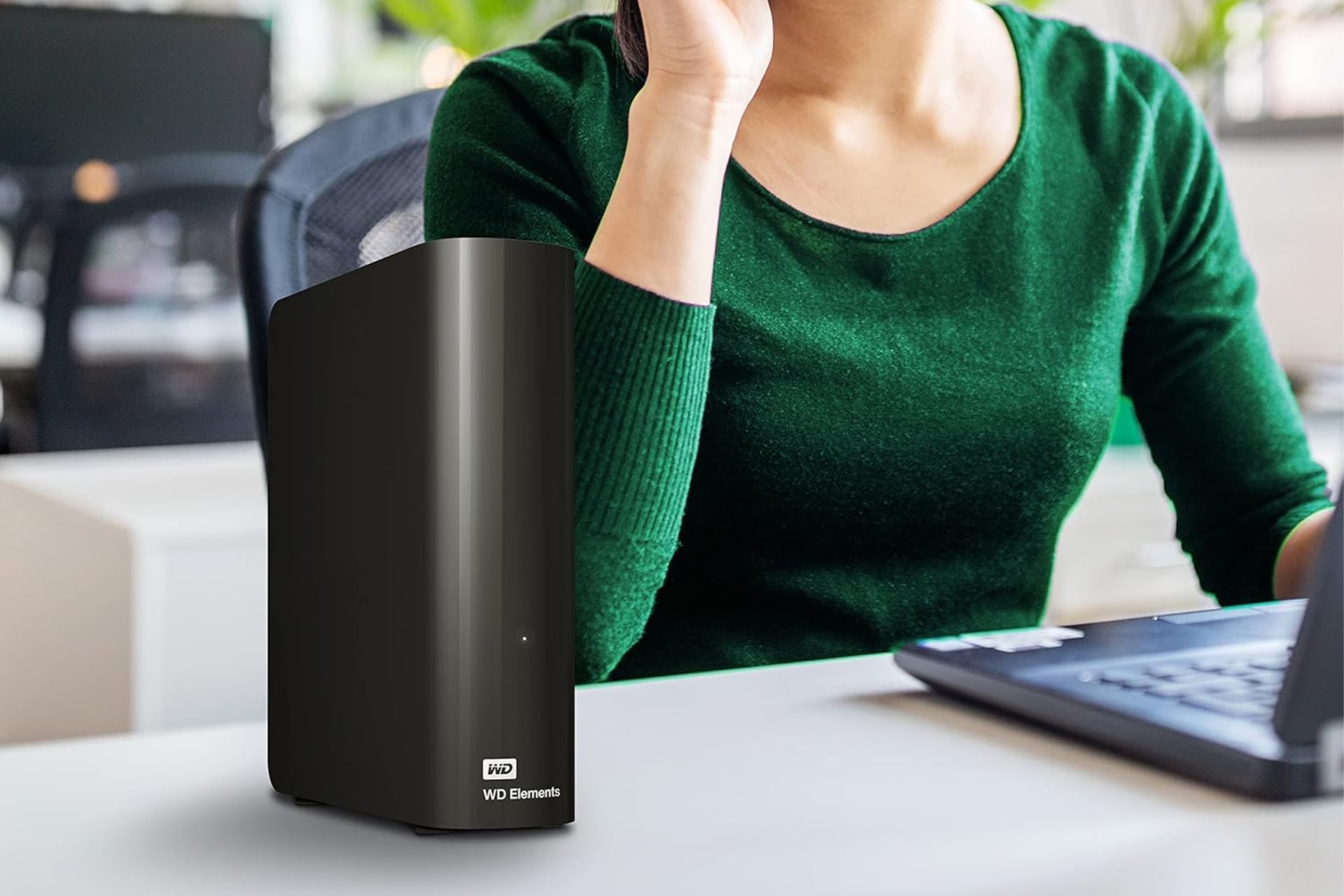
A standout example comes from Western Digital. The company’s 16TB external hard drive has dropped to $318 on Amazon, down from its usual $360 price. That 12% discount shaves off $42 and brings the cost to roughly two cents per gigabyte. On a per-byte basis, that’s an impressive value, especially for users juggling massive media libraries or long-term backups.
Even more striking, 16TB is not the ceiling. Western Digital also offers a 26TB configuration. The larger model typically sells for $600, but a limited-time 7% discount lowers the price to $558, trimming $42 from the total. For creators who routinely work with 4K or even 8K footage, that scale of storage can mean the difference between constant file shuffling and a streamlined workflow.
High-capacity external drives fill a specific need. Video editors, photographers, and audio producers often accumulate terabytes of raw material in short order. Game libraries, system backups, and archival projects also consume space quickly. A drive in the 16TB to 26TB range can act as a central vault, housing finished projects alongside active work without forcing difficult decisions about what to delete.
Plug and Play
Despite the size, setup remains simple. Plug the drive into a USB Type-A 3.0 port on your computer, then open your file manager—File Explorer on Windows or Finder on macOS. The new drive appears alongside existing storage devices. From there, files can be dragged and dropped between locations just as they would be with any internal drive.
Mac users should take an extra step before storing important data. Formatting the drive through Disk Utility ensures compatibility with macOS. Open Disk Utility after connecting the drive and follow the on-screen prompts. Any existing files on the drive will be erased during formatting, so this process should happen before transferring data.
At $318 for 16TB and $558 for 26TB, Western Digital’s discounted drives offers a compelling option for anyone seeking huge amounts of storage. For professionals managing enormous files or anyone building a long-term digital archive, the value proposition in this Amazon discount is difficult to ignore.