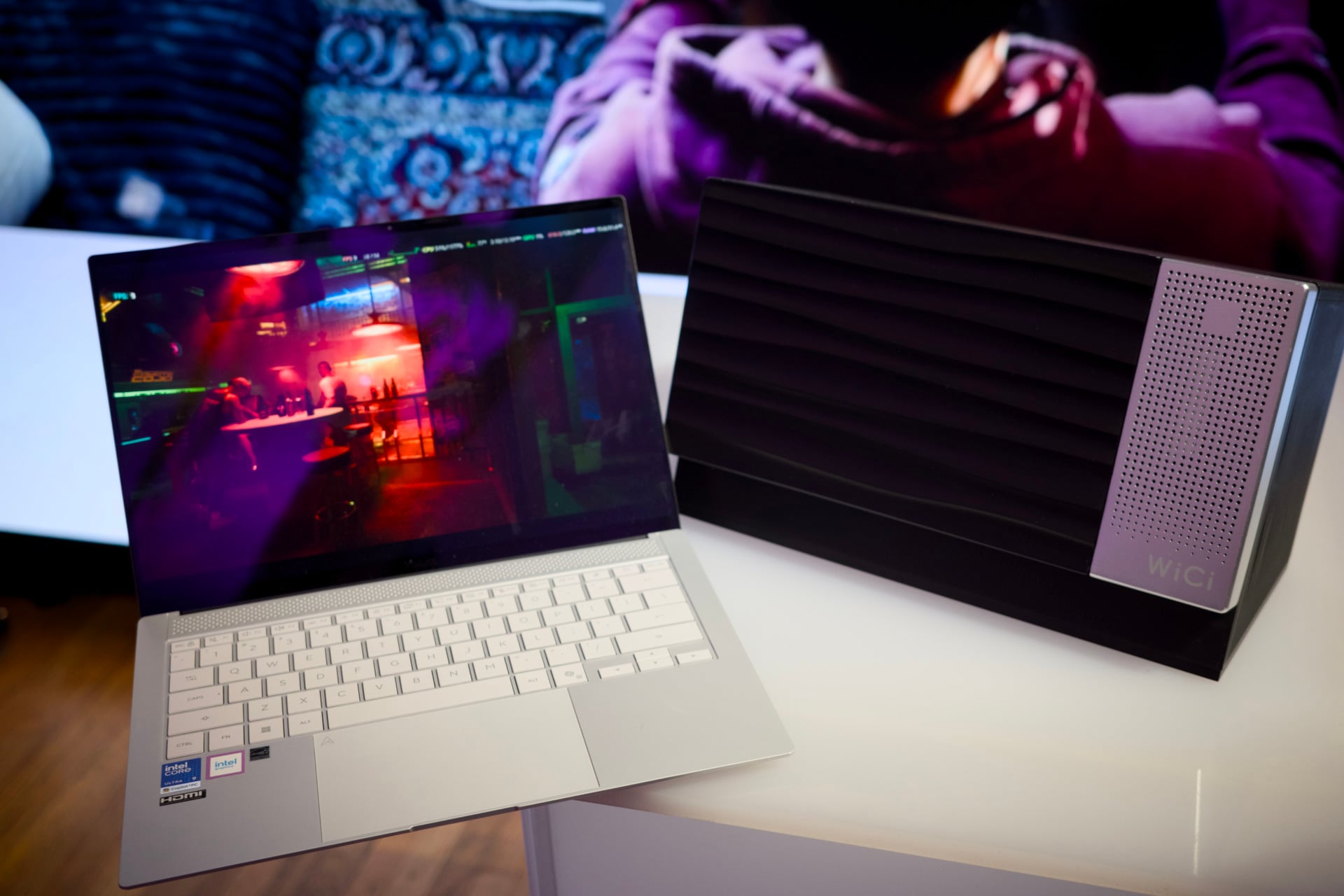
Many big tech firms are trying to convince you that cloud-based AI needs all that GPU horsepower more than your home PC. At the same time, I’ve grown more curious of a few small companies who want to propose an alternative to yet another cloud subscription. That’s where we come to the WiCi One—essentially an eGPU stapled to a lower-end PC capable of beaming graphics processing horsepower over a Wi-Fi connection. It won’t actually turn every PC in your household into the ultimate gaming rig. However, the makers are proposing the idea we could turn “personal computing” into a kind of “communal computing.”
If you’re immediately skeptical, you’re well within your rights. An external graphics processing unit (eGPU) isn’t a new idea. We’ve seen many varieties of big local computing boxes as well as mobile GPUs built for gaming, video editing, rendering, and—yes—even AI work. But all of those demand some sort of wired connection. The WiCi One instead purports to connect to your PC over Wi-Fi 7 and use a number of specially designed protocols to give you that local computing power from across the room.
Why do you need that? Perhaps if you don’t want to sit next to a giant box full of loud, steaming fans to do your work. Also, your low-end PC may not have the necessary ports to connect to another eGPU; running an eGPU also means you can save your laptop or other device battery life without having to run a mobile GPU natively. In other cases, you could even have multiple people working off the same GPU at once—like a troop of scouts huddled by the campfire for a singular spot of warmth.
But I know what you’re actually thinking. Can you use a WiCi One for gaming? The answer may be more complicated than you were hoping for.
You see, the WiCi One uses a Wi-Fi 7 connection to your PC to stream all the GPU’s data. A typical Wi-Fi 7 4×4 connection can, at best, max out at around 11.5Gbps. Compare that to a basic Thunderbolt 4 connection, which hits 32Gbps through PCIe. The modern Thunderbolt 5 standard can do twice as much at 64Gbps. The gulf is enormous, and that’s when you’re not dealing with any other issues like latency when you’re streaming data wirelessly.
I spoke with WiCi’s co-founder and CEO Zili Meng about what kind of work went into making the Wi-Fi connection better tuned for transmitting this high-traffic GPU data. He told me the company designed its own protocols and firmware to try to minimize any impact from other signal interference, like all the other devices in your home that are also connected to Wi-Fi or Bluetooth. The company also worked to limit the back-and-forth data transmission and duplication that’s normal for a graphics card communicating across a PCIe connection.
“We need to have these devices talk to each other using a very weak link, way weaker than PCIe,” Meng said. “So we need to minimize the data transmission.”
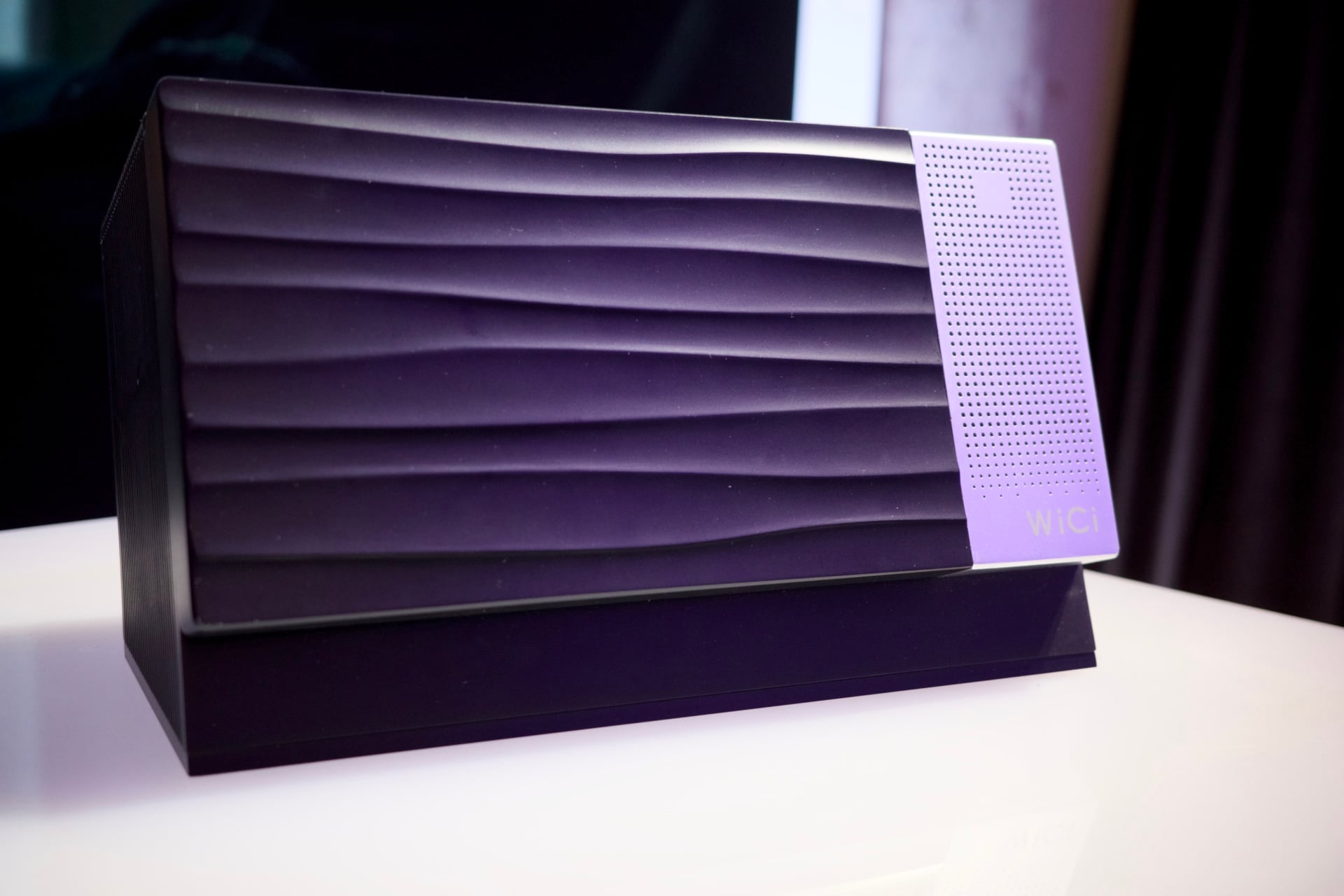
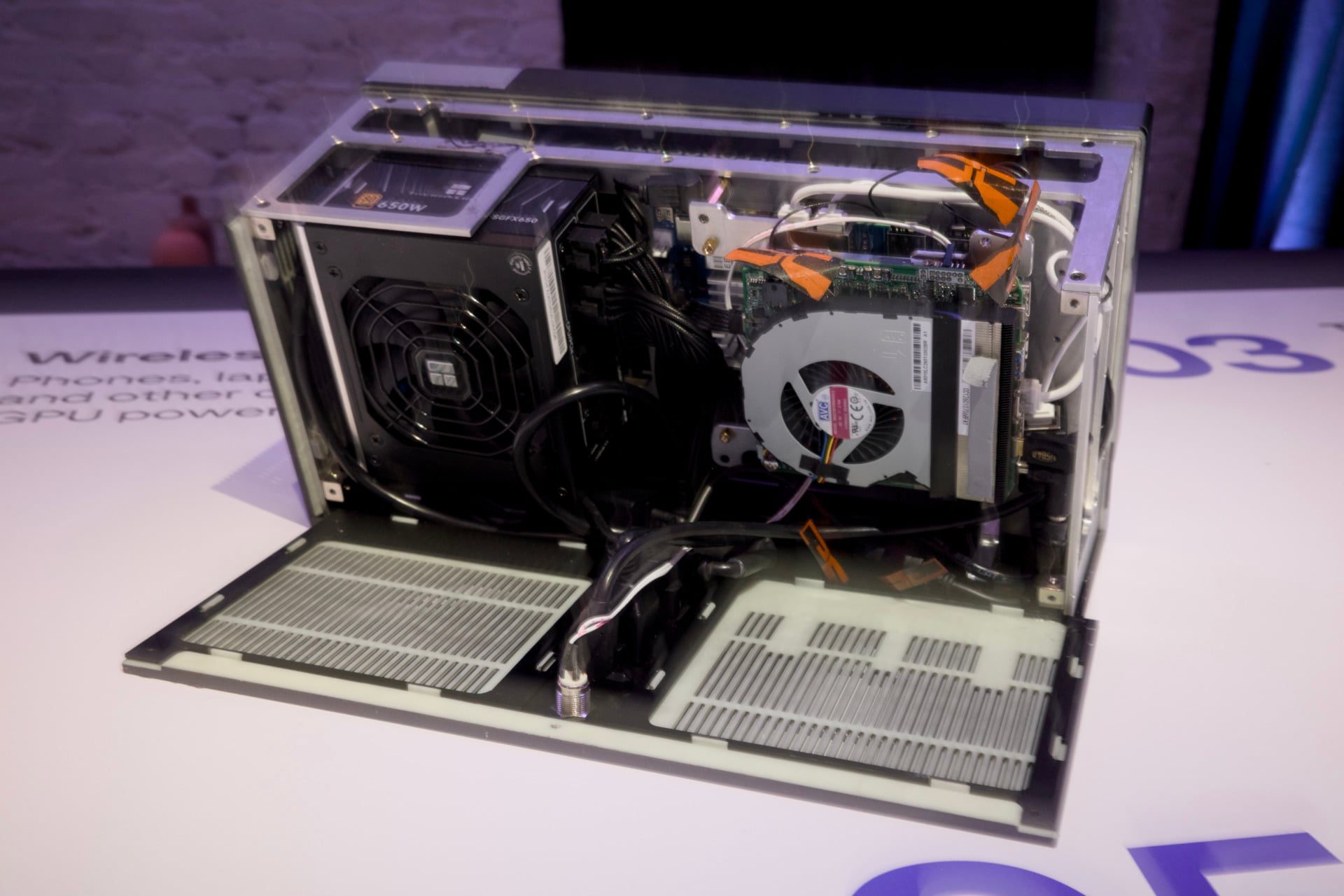
The WiCi One is essentially its own computer. It has its own motherboard, storage, and memory pool, and both models look like either a speaker or a toaster, depending on how hungry for music or toast you are any given day. There are two models WiCi plans to sell. The first is a $2,600 version that packs an RTX 5060 Ti GPU, an Intel Core 3 100U, and a 1TB SSD. The big Daddy RTX 5090 configuration costs $10,000 and comes with a full Intel Core Ultra 7 255H and 4TB of storage. These rigs are also running some serious power demand under the hood. The lower-end version is making use of a 650W desktop PSU. The version powering the RTX 5090 demands a 1,000W power supply.
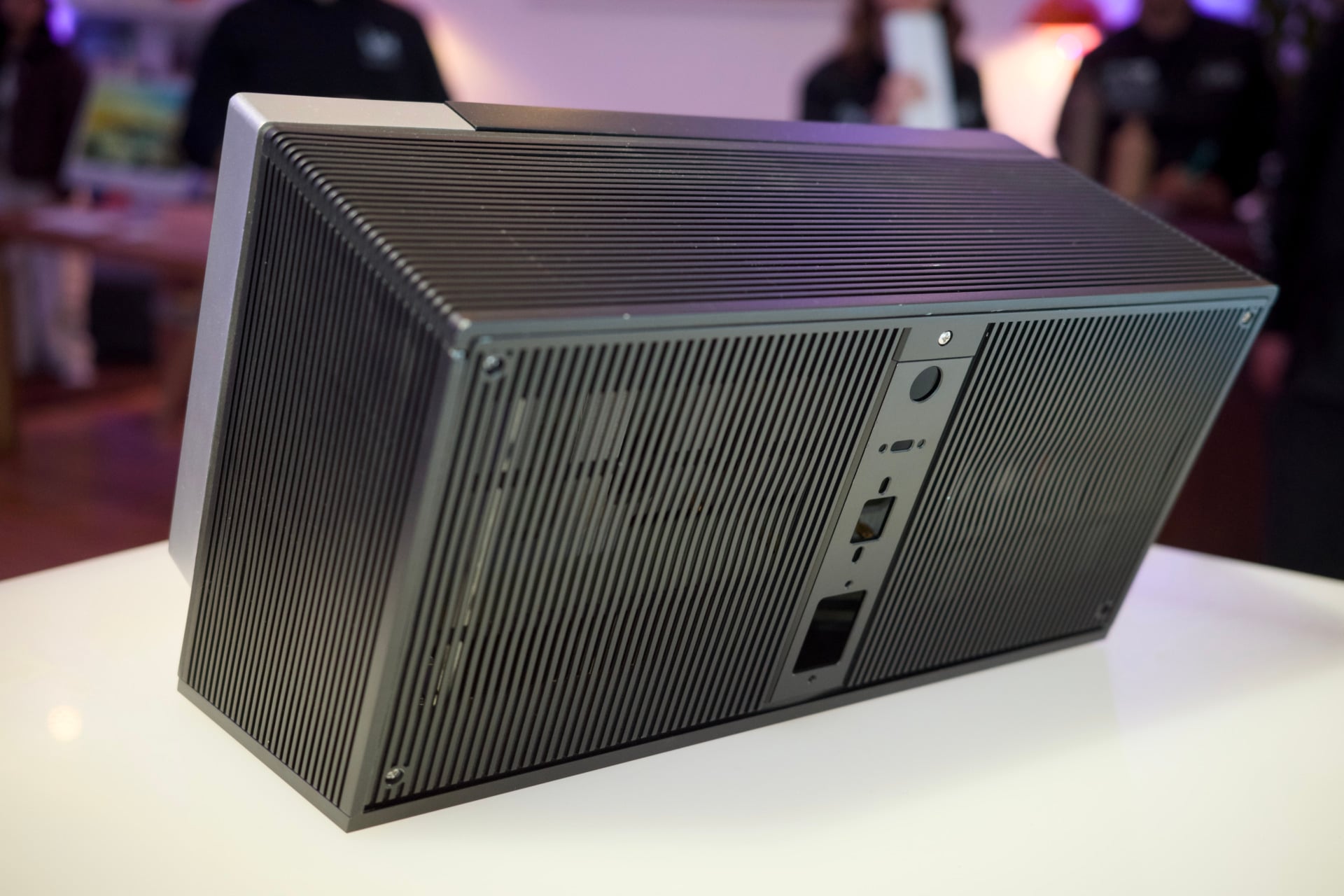
Meng showed me the RTX 5090 version of the WiCi One managing to run the DeepSeek-V4.1 AI model—a very demanding model—to correctly identify the number of “R”s in the word “strawberry.” That itself is not a very intriguing demo. In addition, I played Cyberpunk 2077 from about seven feet away, though I was only running the game at 1080p and relying on DLSS frame generation to actually achieve a stable framerate. I also saw the framerate massively fluctuate between 100 and 200 fps with these same settings.
Then, when I turned off frame generation and boosted the game’s graphics settings with path tracing, I was suddenly getting closer to 10 fps in benchmarks. What’s more interesting is how, the closer I got to the eGPU, the better performance I achieved, with nearly a 30% jump from across the room to standing right next to the rig. Admittedly, a coffee bar in the middle of Manhattan—where WiCi showed me its eGPU—isn’t the best place to test a device that may be impacted by signal interference.
Meng himself said that gaming may not be the best way to use the WiCi’s wireless capabilities. That’s why the WiCi One also includes a Thunderbolt 4 port if you want to run it like a traditional eGPU. Creators, on the other hand, may be able to use the GPU for small stints, such as when they need to render a 3D scene or export lengthy 8K video. Based on my short demo, the WiCi One still needs work before its eventual planned launch in December. It’s also giving me an ounce more hope we can have a world where local compute isn’t subordinated to the whims of the tech oligarchs and their pet AI.