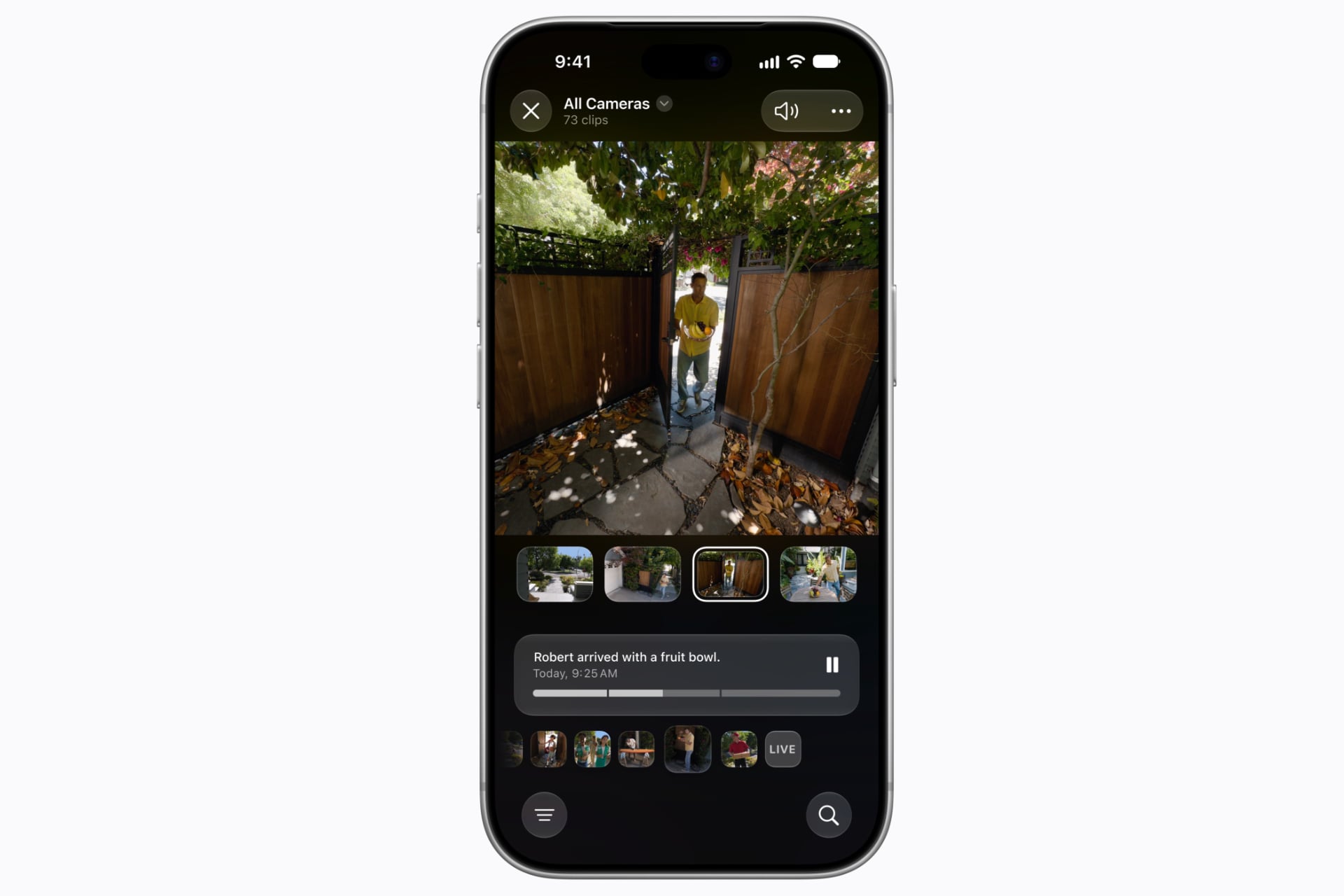
Apple has finally launched its big Siri AI upgrade for its entire software ecosystem, and for Apple Home users, that means big, AI-powered changes for how their security cameras might work. Happily, the company isn’t raising prices on the existing subscriptions that enable these features and thereby forcing customers who don’t want them to pay up anyway. But for those who do want to open their wallets, it’ll get expensive, fast.
The new Apple Intelligence-powered security camera capabilities will only work for HomeKit Secure Video-compatible devices—recent examples include Aqara’s Camera Hub G350 and Doorbell Camera G400—and not those that only support live streaming through Apple Home, like those offered by Arlo. Happily, the features are opt-in, so those who want them will need to explicitly turn them on, either via a splash screen that may appear in the Home app after you update your 2nd-gen-or-later Apple TV 4K and/or HomePods to tvOS 27 or HomePod Software Version 27 (it didn’t, for me), or in the app’s Home Settings menu.
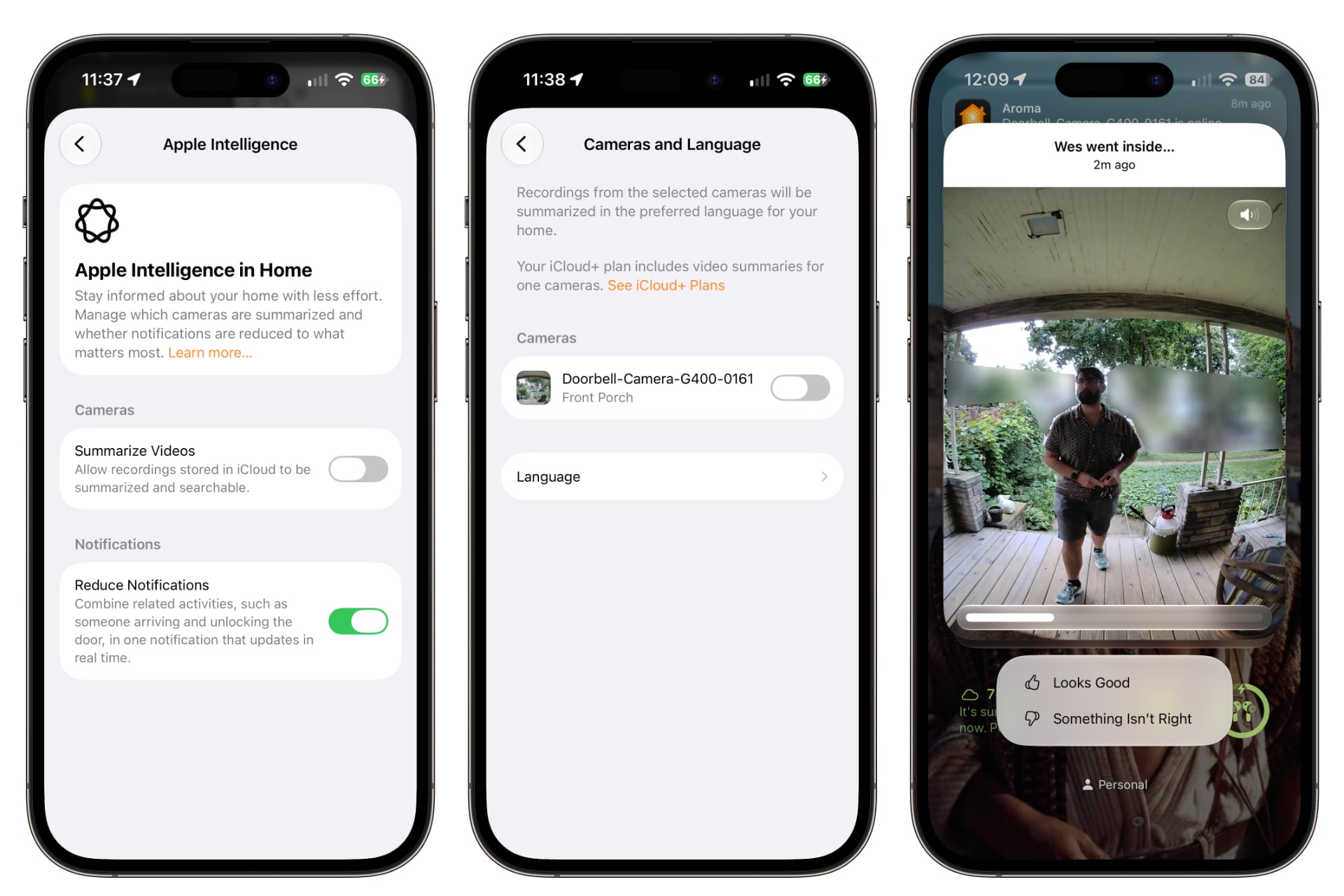
After you update, you’ll get a new Apple Intelligence option in the Home Settings that contains a “Summarize Videos” toggle. Flip that on—then visit a sub-menu to pick which cameras you want it to work for—and you’ll get features like natural language search of footage and descriptive notification summaries that tell you what happened when a camera detected something.
These descriptions are a lot more specific than before. I haven’t tested extensively yet, but a screenshotted summary from a story from The Verge about the update shows one description: “A cat walked by and walked through the yard. Birds walked around the yard. Chickens walked around the yard.” I don’t think I care about how many birds visited my yard, but I definitely like the idea of being able to search videos to find out if and when a package was delivered.
The sting, if you’re interested in the AI security camera features, is in the pricing. You’ll need to pay for at least a $10-per-month, 2TB iCloud+ plan, which only covers a single camera. The price quickly skyrockets if you want to add more cameras. Apple charges $30 per month for a two-camera, 6TB iCloud+ plan and $60 for a 12TB subscription that includes up to five cameras. That’s a lot when compared to, say, the Google Home Premium Advanced plan, which is just $20 a month for similar features and carries no limit to the number of cameras it covers.
It’s nice that Apple isn’t just cramming its AI features into its lower-tier plans and raising prices, the way Google did at first for its Google Home Premium plans. But unless you need all the extra iCloud storage and iCloud+ features like Private Relay and Hide My Email, those prices are hard pills to swallow. Still, rolling them into existing subscriptions and pricing tiers as optional features seems smart, considering the generative AI propensity for misinterpreting events or confidently presenting false information. I know I don’t want to specifically pay for a feature that might lie to me.
All of this is subject to change. As Apple notes in a support page on its site, “Supported camera counts and other iCloud+ plan features may change over time.” The company doesn’t say whether the counts will go up or down, but based on the undefined limits in a separate Apple Intelligence Usage Terms page, it feels like the company is hedging against the potential for rising costs of generative AI affecting how much it’s willing to offer.
iOS 27 and its related operating systems are all available now. To update your HomePods to HomePod Software Version 27, make sure your iPhone or iPad is already on iOS 27/iPadOS 27, then open the Apple Home app, tap a given HomePod, and look for an “Update” button at the top of the screen. For the Apple TV 4K, go to Settings > System > Software Updates and click “Update Software.”