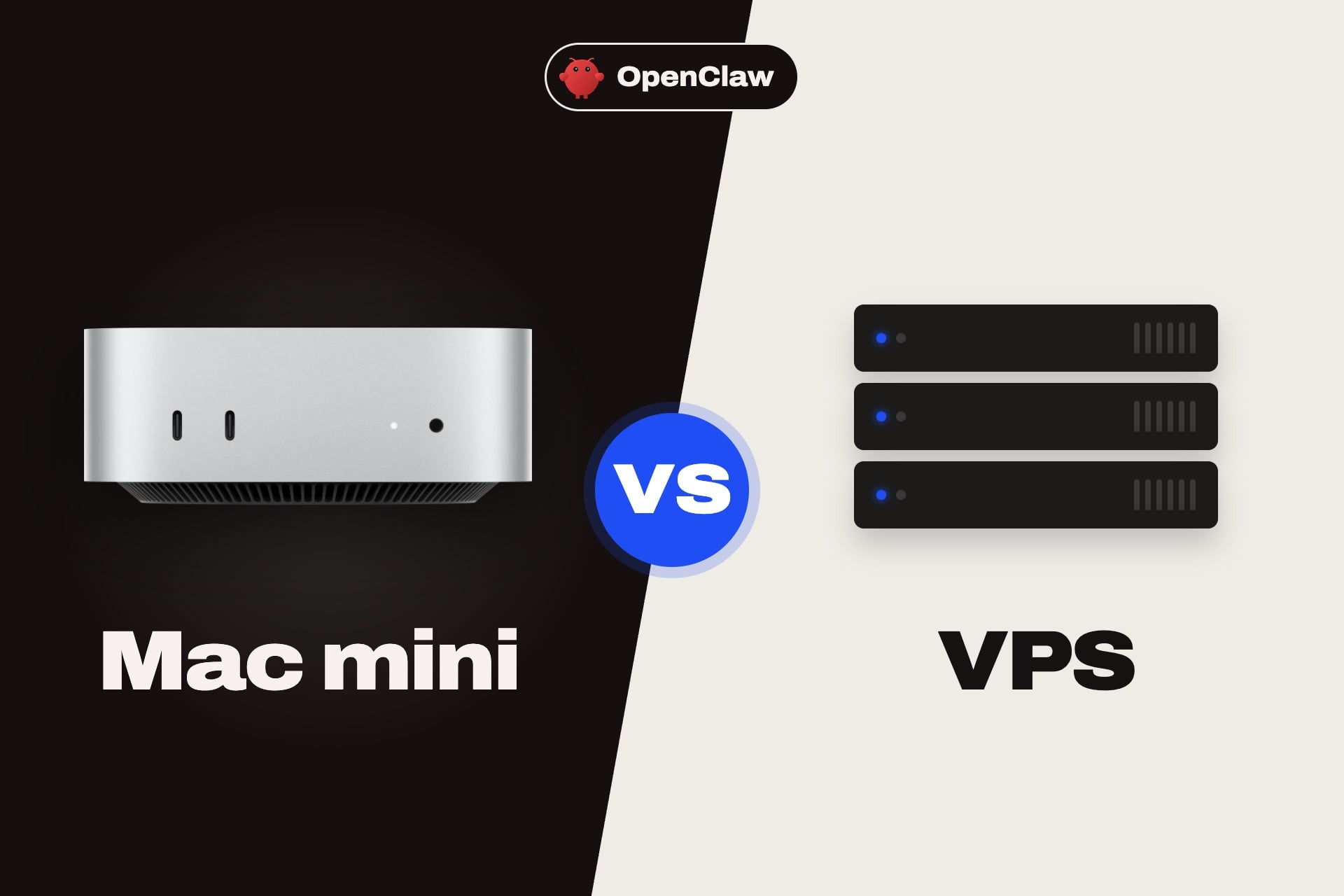
A Mac mini or a VPS: that is the question most people ask before they set up OpenClaw because the agent needs a machine that stays on all day. Guides about an OpenClaw Mac mini setup are everywhere so many people assume it is the only way, and it is not. For most readers, a small VPS is the better choice: It costs less, it stays online, and it keeps the agent away from your home network. A Mac mini wins in two cases: you want to message the agent over iMessage, or you want to run AI models on the same machine.
OpenClaw’s own documentation says the same thing: It calls a Mac mini a popular always-on host, and it says that a small VPS, a home server or a Raspberry Pi-class box also works. In this guide we compare the two on cost, setup, uptime, security, iMessage and local models, and we rank the best VPS for OpenClaw. Our assessment rests on OpenClaw’s documentation, Apple’s published data and the plan pages of each host.
Mac Mini or VPS for OpenClaw: Quick Verdict
- Choose a VPS if you use cloud AI models such as Claude, ChatGPT or Gemini. It costs about $5 to $10 a month.
- Choose a Mac mini if you need iMessage, want to run local models with Ollama or LM Studio, or want everything to stay in your home.
- You can also use both: run the gateway on a VPS and connect a Mac for iMessage. Jump to our top VPS picks.
Mac Mini vs VPS for OpenClaw at a Glance
OpenClaw runs a gateway process on a machine you control, and the language model does the reasoning, either at a provider such as Anthropic or OpenAI, or on your own hardware. The table shows how a Mac mini and a VPS compare on the points that matter.
| Point | Mac mini at home | VPS | Our pick |
|---|---|---|---|
| Upfront cost | $899 for the new M6 base model | $0, you pay monthly | VPS |
| Running cost | About $7 to $53 a year in electricity | About $5 to $10 a month | Mac mini, if you use it for years |
| Cost over three years | About $919 to $1,057 | About $276 to $396 | VPS |
| Uptime | Depends on your power and internet | Data center power and network | VPS |
| iMessage | Works, because the Mac runs the Messages app | Needs a Mac, connected over SSH | Mac mini |
| Local AI models | Good, thanks to Apple silicon and unified memory | Poor, since cheap VPS plans have no GPU | Mac mini |
| Isolation from your devices | Same home network as your other devices | Separate server, easy to wipe and rebuild | VPS |
| Setup time | About 30 minutes, plus a monitor at first | Minutes with a template or one-click app | VPS |
| Scaling | Fixed hardware | Upgrade RAM and CPU in a few clicks | VPS |
Best VPS for OpenClaw
If you decide on a VPS, the choice comes down to one-click setup, price and root access. OpenClaw needs a Linux server that stays online, with at least 2 GB of RAM and ideally 4 GB or more if you use cloud models. We ranked four hosts, and our OpenClaw hosting guide covers them and more in detail.
If you only read one section, read this one. Our pick for most people is Hostinger’s KVM 2 plan, which has 8 GB of RAM for $8.99/mo on a 24-month term, and OpenClaw installs from a template. A 30-day money-back guarantee lets you test the setup and code GIZMODO takes another 10% off.
1. Hostinger: Best VPS for OpenClaw
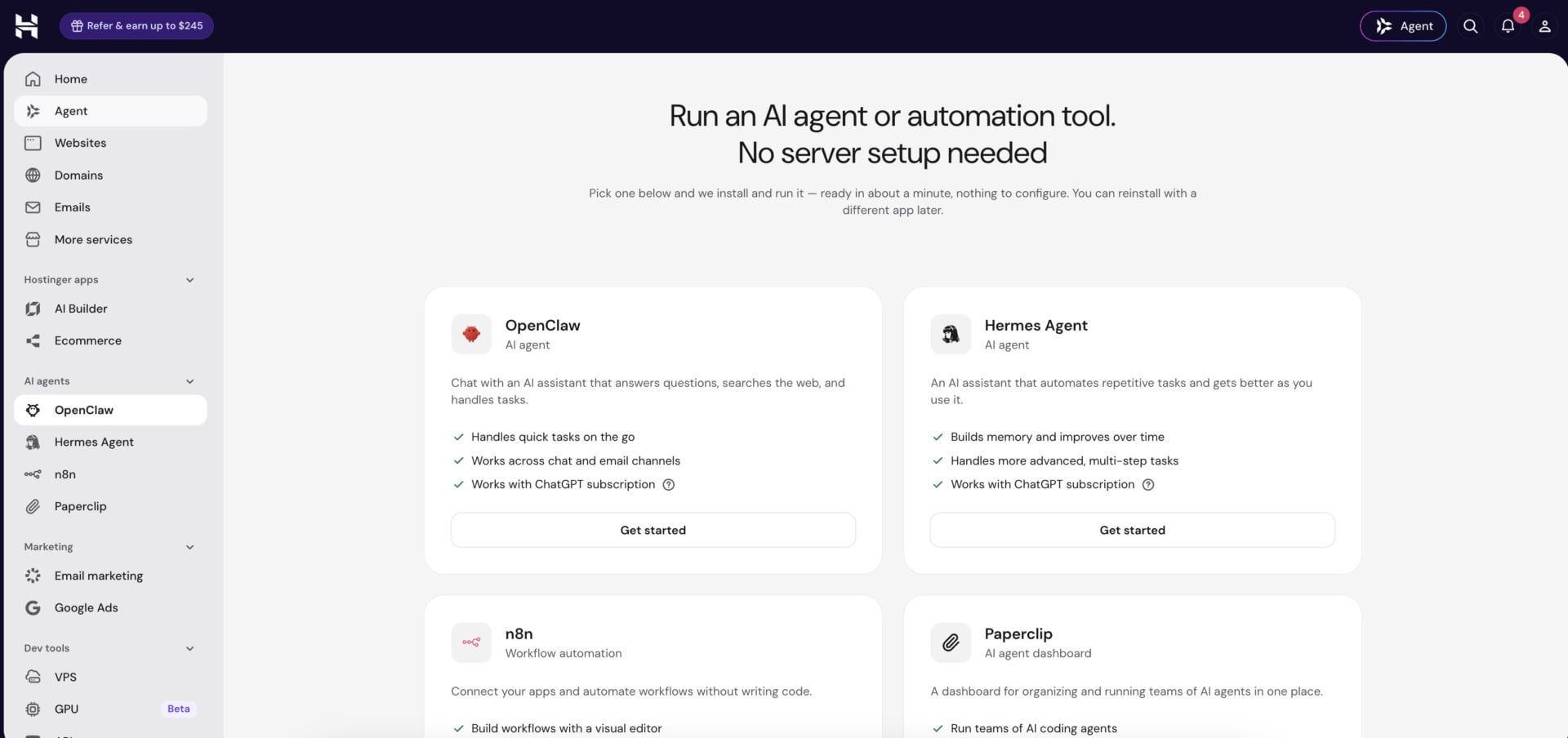
Hostinger is the best VPS for OpenClaw because the agent installs from a template, so you skip the manual setup. On a 24-month term, KVM 1 costs $6.49/mo with 1 vCPU, 4 GB of RAM and 50 GB of NVMe storage, and KVM 2 costs $8.99/mo with 2 vCPUs, 8 GB and 100 GB. Code GIZMODO brings them to $5.84 and $8.09 per month, and renewals are $11.99 and $14.99.
Every VPS has root access, weekly backups, an AI web terminal and a 30-day money-back guarantee, and support runs through live chat 24/7. Hostinger also sells an AI agents and automation plan at $5.99/mo on 24 months that runs OpenClaw without any server work. If you want to automate workflows next to your agent, our n8n hosting guide explains how.
Get Hostinger With Code GIZMODO
2. Bluehost: Best for Data Center Choice
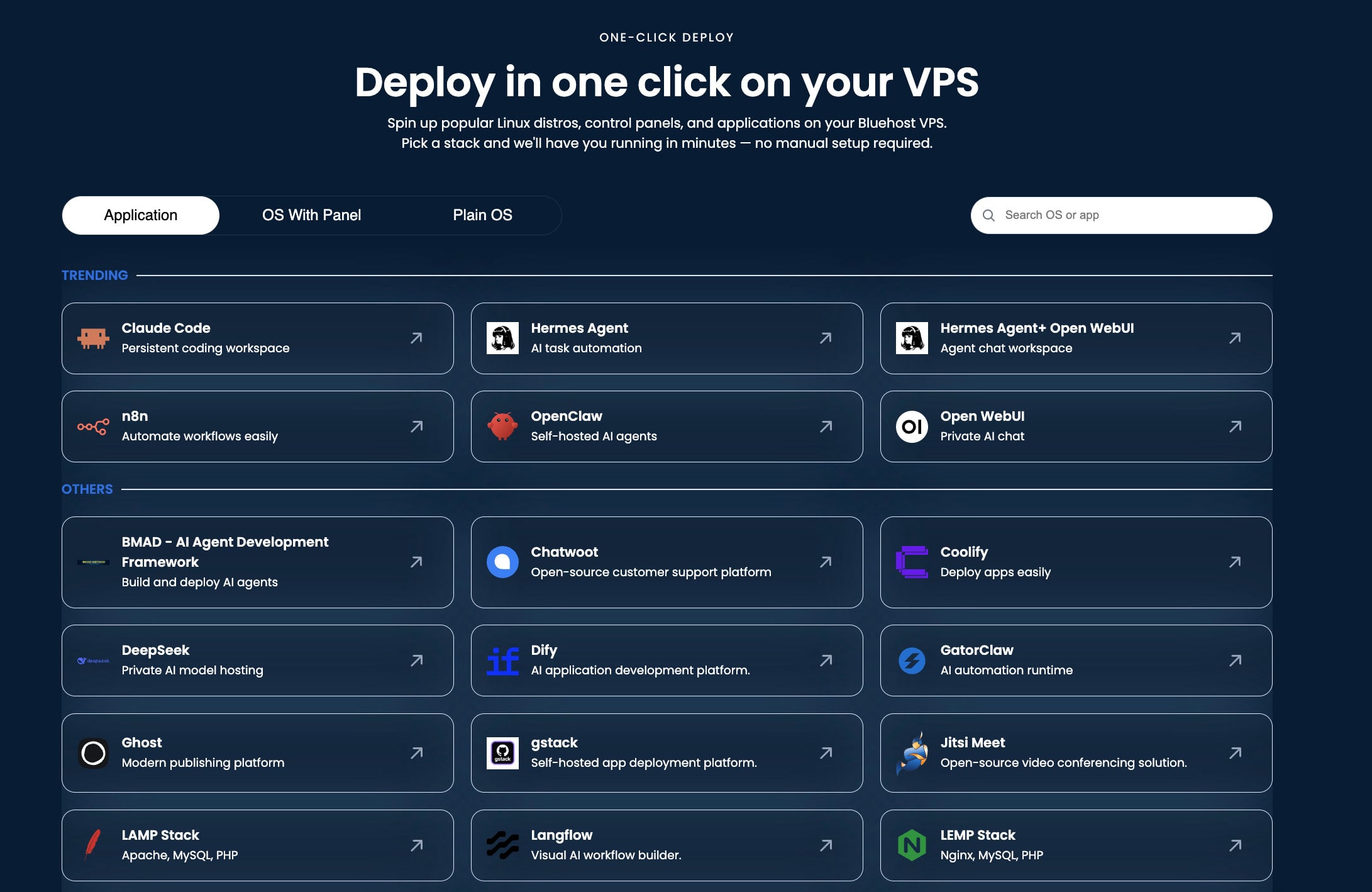
Bluehost lists OpenClaw as a one-click application on its self-managed VPS, and its AI Agent Hosting plan packages the same server at $9.49/mo on 24 months, renewing at $11.99. You get 2 vCPUs, 4 GB of DDR5 memory, 100 GB of NVMe storage, unmetered bandwidth and root access, and you can choose one of nine data centers, which helps if you want the agent close to you.
Self-managed plans do not include 24/7 priority support, so you need to be comfortable fixing problems yourself. Our Bluehost review covers the product.
See Bluehost’s AI Agent Hosting
3. DreamHost: Best Value With Docker
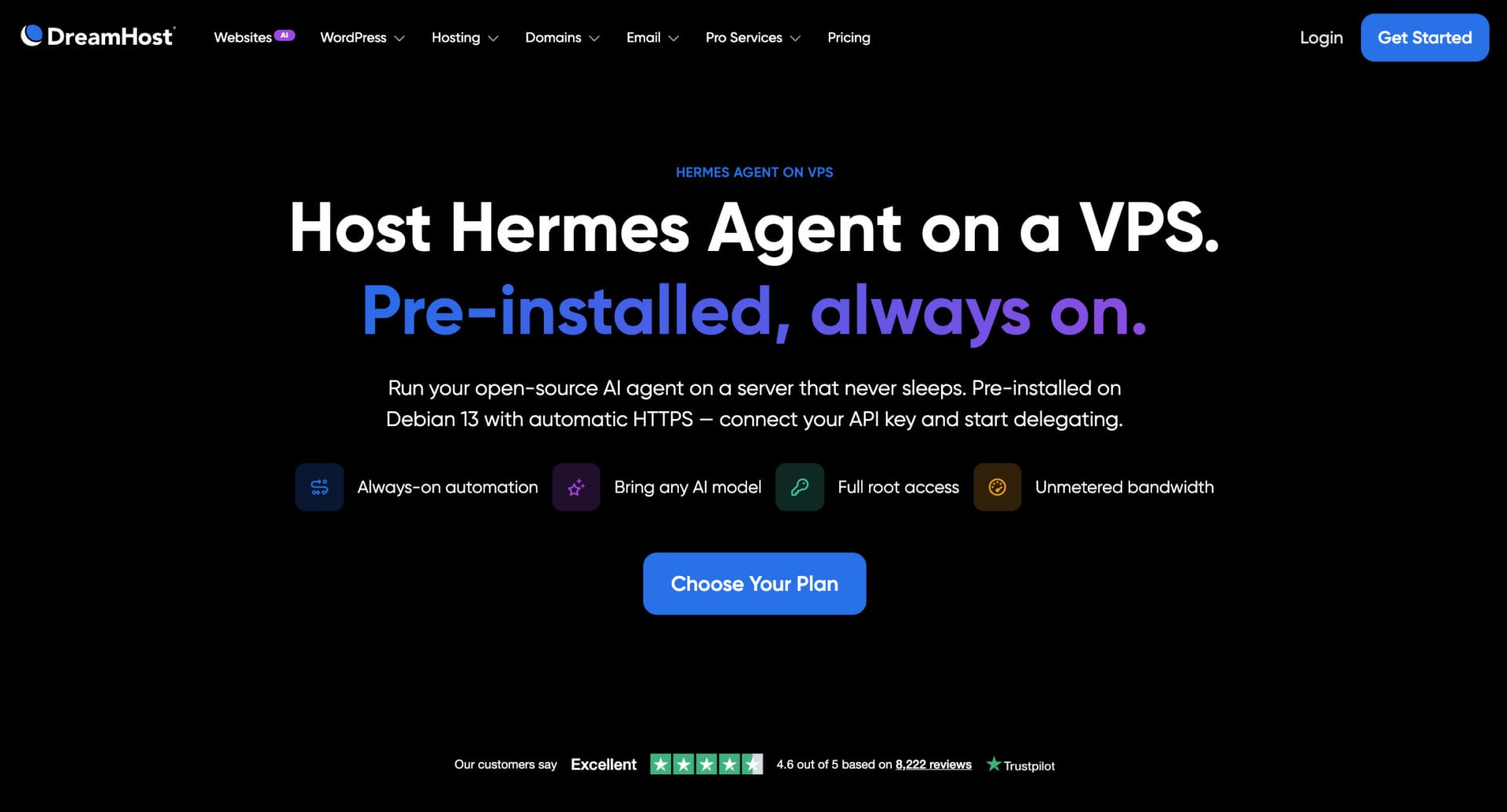
DreamHost’s Stack 4 plan costs $5.99/mo on a two-year term for 2 vCPUs, 4 GB of RAM and 75 GB of NVMe storage, and it renews at $10.99. Stack plans give you full root access, Docker and unmetered bandwidth, so you install OpenClaw with its official script or Docker image. Choose a Stack plan, since a Managed VPS gives no root access.
4. HostGator: Best Budget Option
HostGator has the lowest prices. Snappy 2000 costs $4.18/mo with 2 vCPUs and 4 GB of RAM, and Snappy 4000 costs $8.36/mo with 4 vCPUs and 8 GB. Both include root SSH, API access and unmetered bandwidth. HostGator has no OpenClaw template, so you install the agent yourself, and renewals are about twice the launch price.
What Does It Really Cost? Mac Mini vs VPS
The cost comparison depends on how long you keep the setup, and on whether you use cloud AI models. If you do, you pay the AI provider in both cases, so we leave model costs out and compare only the machine.
A new Mac mini starts at $899 with the M6 chip, 16 GB of memory and a 256 GB SSD. The M5 Pro model starts at $1,699. Apple’s previous M4 entry model cost $599, and Apple no longer sells it, although some retailers still have M4 stock, so check current prices. Electricity adds little. Real-world idle use is only a few watts, and tests of AI work show 30 to 40 watts, which is about $52 a year for 40 watts around the clock at 15 cents per kWh.
| Option | What you pay | Three-year cost |
|---|---|---|
| Mac mini M6, 16 GB | $899 once, plus $7 to $53 of electricity a year | About $919 to $1,057 |
| Hostinger KVM 2, 8 GB | $8.99/mo for 24 months, then $14.99/mo | About $396 |
| Bluehost NVMe 4, 4 GB | $9.49/mo for 24 months, then $11.99/mo | About $372 |
| DreamHost Stack 4, 4 GB | $5.99/mo for 24 months, then $10.99/mo | About $276 |
At the launch price of Hostinger’s KVM 2, it takes more than eight years of VPS fees to equal the price of the Mac mini. Renewal prices are higher than launch prices, so budget for them, but even at the renewal rate a VPS stays cheaper for years. The Mac mini only pays for itself if it replaces AI fees, and that means running local models.
Mac Mini vs VPS for OpenClaw: Pros and Cons
Here is the short version of each option before we go into detail.
Mac Mini at Home
Pros
- Works with iMessage through imsg
- Runs local models on Apple silicon
- No monthly fee after you buy it
- Your data stays at home
- Quiet and low power
Cons
- $899 upfront for the new base model
- Depends on your home power and internet
- Sits on the same network as your other devices
- Fixed hardware that you cannot upgrade
VPS in a Data Center
Pros
- Low monthly price, from about $5
- Data center power and network
- Isolated from your home devices
- Templates and one-click apps at some hosts
- Easy to upgrade RAM and CPU
Cons
- No native iMessage
- Poor fit for local models
- Renewal prices are higher than launch prices
- You manage the server’s security
When a Mac Mini Makes Sense
A Mac mini is the right choice in a few clear cases. In our view, these are the reasons that justify the price.
iMessage
OpenClaw supports iMessage through a tool called imsg, which runs on a Mac that is signed in to the Messages app. Without a Mac, you cannot use iMessage with OpenClaw. If you want to text your agent from your iPhone with the default Messages app, a Mac is required, although it does not have to be the machine that runs the gateway.
Local AI Models
OpenClaw does not need a local model, but it can use Ollama or LM Studio on your own machine. Apple silicon is good at this because the memory is shared between the CPU and the GPU. The base 16 GB Mac mini handles small models of about 7 billion parameters, and tests with larger models need 24 GB or more of memory. The M5 Pro model supports up to 64 GB, which fits larger models.
Smaller and heavily compressed models also raise the risk of prompt injection, so keep an agent with broad access on a stronger model.
Privacy and Local Control
If you want your files, messages and agent memory to stay in your home, a Mac mini is simple to understand. You can run the gateway on loopback only, with no inbound ports, and reach it from your phone through a private network such as Tailscale. It also runs macOS-only tools and lets you use a real, signed-in browser.
Which Mac Mini Is Best for OpenClaw?
The best Mac mini for OpenClaw depends on whether you use cloud or local models. For cloud models, the base 16 GB model is enough, since the heavy work happens at the provider. For local models, buy at least 24 GB of memory, because memory cannot be upgraded after purchase. A Mac mini M5 Pro makes sense only if you plan to run large local models, and then a 48 GB or 64 GB configuration is the better target.
When a VPS Makes Sense
A VPS is the better choice for most people, and the reasons are practical.
A data center keeps the server online through power cuts and internet outages, so the agent answers at 3 a.m. even when you travel. The price is predictable, and you can upgrade the RAM when your needs grow. You can also pick a data center near you or near the services your agent calls.
Isolation is a major advantage. The OpenClaw agent can run commands, read files and use your accounts, so where it lives matters. On a VPS, a mistake affects one disposable server, not your home network, and you can wipe it, rotate your keys and rebuild in minutes. Many VPS plans also offer snapshots and a recovery console.
The trade-offs are no native iMessage and no practical local models, because cheap VPS plans have no GPU. You are also responsible for the server’s security, since a VPS has a public address.
Can You Use Both?
Yes, and OpenClaw supports it. A common setup runs the gateway on a VPS and connects a Mac for the macOS-only parts. For iMessage, you point the configuration to an SSH wrapper that runs imsg on a Mac signed in to Messages. Another pattern runs the gateway on an always-on Mac mini and connects a MacBook as a node.
For most people, we suggest starting on a VPS, because the 30-day guarantees at Hostinger and Bluehost let you test with little risk. If you later need iMessage or local models, you can add a Mac without moving everything.
How to Set Up OpenClaw on a Mac Mini
A Mac mini OpenClaw setup takes about 30 minutes, and the machine runs without a monitor, keyboard or mouse after the first setup.
- Create a dedicated macOS user for OpenClaw, and do not run the agent under your personal account.
- Install Node 24, which OpenClaw recommends, then install OpenClaw with the official installer or npm.
- Run the onboarding command with the daemon option, and accept the defaults on a first install: gateway on localhost, token authentication and Tailscale off.
- Connect an AI provider and a messaging channel such as Telegram or Discord.
- Set the Mac to restart after a power failure and to stay awake, because macOS puts idle machines to sleep.
- Reach the control interface from your phone through a private network, and keep the gateway off the public internet.
How to Set Up OpenClaw on a VPS
An OpenClaw VPS setup is shorter, and on Hostinger and Bluehost it can be a template or a one-click app.
- Order a Linux VPS with at least 4 GB of RAM and connect over SSH.
- Update the system, create a non-root user, and set up SSH keys and a firewall.
- Install OpenClaw with the official script or Docker, or pick the template if your host has one.
- Run the onboarding command, connect an AI provider and add a messaging channel.
- Keep the gateway on loopback and reach it through an SSH tunnel or Tailscale.
- Run the built-in security audit, back up the data folder and update regularly.
If you are weighing OpenClaw against its main rival, read our OpenClaw vs Hermes Agent comparison, and see our Hermes Agent hosting guide for the same server choices.
Other Hardware: Raspberry Pi, Old PCs and Windows
You do not need a Mac mini or a VPS. OpenClaw runs on macOS and Linux, and on Windows through WSL2, so an old laptop, a mini PC or a Raspberry Pi-class board can host it. The hardware requirements are modest when you use cloud models: 2 GB of RAM is the practical minimum, and 4 GB is comfortable. These options cost less than a Mac mini, although home power cuts, home internet and network exposure apply to all of them.
OpenClaw on a Raspberry Pi suits experiments with cloud models, since the agent needs only modest memory in that case. It is a poor choice for local models. A VPS keeps all of these risks away from your home, and our VPS hosting guide compares more providers.
Our Recommendation
Start with a VPS. It is cheaper over three years, it stays online, and it keeps an agent with access to your accounts away from your home network. Choose Hostinger for the simplest setup, Bluehost if you want a choice of nine data centers, DreamHost for the best value with Docker and HostGator for the lowest price. Our OpenClaw hosting guide compares all of them in detail.
Buy a Mac mini only if you need iMessage, if you want to run local models, or if keeping everything at home matters more to you than cost. If you want both, run the gateway on a VPS and add a Mac later. And if you are not sure yet that OpenClaw is the right agent, our comparison with Hermes Agent helps you decide before you pay for a server.
Try Hostinger With a 30-Day Guarantee
FAQ
Do I Need a Mac Mini to Run OpenClaw?
No. OpenClaw runs on macOS, Linux and Windows through WSL2, and a small VPS, a home server or a Raspberry Pi-class device works too. The hardware requirements are modest with cloud models, at 2 GB of RAM as a minimum and 4 GB for comfort, and you need a Mac only for macOS-only tools such as iMessage.
Which Mac Mini Is Best for OpenClaw?
For cloud models, the base 16 GB model is enough, because the AI provider does the heavy work. For local models, choose a configuration with at least 24 GB of memory, since you cannot upgrade it later, and consider the M5 Pro for large models.
Is a VPS Cheaper Than a Mac Mini for OpenClaw?
Yes, for most people. A VPS with 4 to 8 GB of RAM costs about $5 to $10 a month on a long term, which is roughly $276 to $396 over three years, while a new Mac mini costs $899 plus electricity. The VPS price rises at renewal, so check it before you buy.
Can OpenClaw Use iMessage on a VPS?
Not directly. OpenClaw supports iMessage through imsg on a Mac signed in to Messages. You can run the gateway on a VPS and point an SSH wrapper to a Mac, which keeps the iMessage part on the Mac.
Can I Run Local Models on a VPS?
You can run very small models on a CPU-only VPS, but they are slow. Cheap VPS plans have no GPU, so a Mac mini or a GPU machine suits local models better, and most people use a cloud model through an API.
Is It Safe to Run OpenClaw at Home?
It can be safe if you take care. Use a dedicated macOS user, bind the gateway to loopback, avoid port forwarding, use pairing and allowlists so only you can message the agent, and run the built-in security audit. A VPS adds isolation from your home devices, which many people prefer.