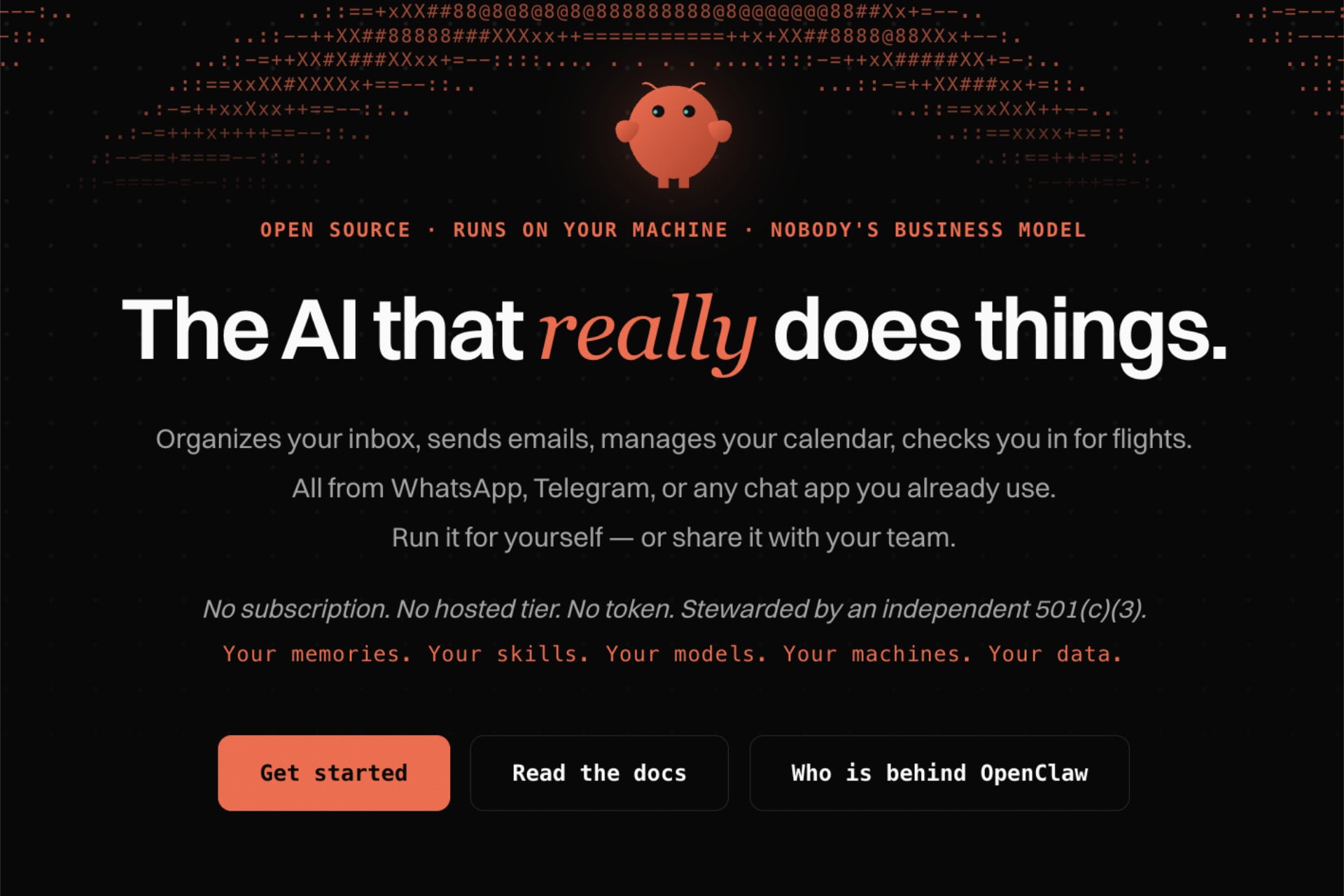
OpenClaw vs Hermes Agent is the comparison most people make when they want a self-hosted AI agent that lives in their chat apps and works around the clock. Both are free, open-source and run on a small server that you control. The difference is in the design: OpenClaw is a gateway-first assistant platform with a huge skill ecosystem, while Hermes Agent is an agent-first runtime that learns from experience and builds its own skills.
In this Hermes vs OpenClaw guide, we compare the two on design, memory, skills, messaging channels, security, setup and hosting needs, and we say which one fits which user. Right after the comparison table, we rank the best web hosting for OpenClaw and Hermes Agent since both need an always-on server. Our assessment rests on the official documentation, release notes and published security research, and we name the source of each figure.
OpenClaw vs Hermes Agent: Quick Verdict
- OpenClaw fits people who want many chat channels, several named agents and the largest library of community skills, and who will harden the setup themselves.
- Hermes Agent fits people who want an agent that remembers, improves its own skills and starts with safer defaults, especially for coding and research work on a remote server.
- Both run on a 4 GB VPS, and the best web hosting for them is Hostinger for most people, with Bluehost and DreamHost as strong alternatives. Jump to our top web hosts.
OpenClaw and Hermes Agent at a Glance
The table below sums up the main differences, and the sections further down explain each one.
| Feature | OpenClaw | Hermes Agent | Our pick |
|---|---|---|---|
| Creator | Peter Steinberger, now under the OpenClaw Foundation | Nous Research | Tie |
| Public launch | November 2025, renamed OpenClaw in January 2026 | February 2026 | Tie |
| Runtime | Node.js, with a gateway and a web Control UI | Python, with a terminal interface and a messaging gateway | Tie |
| Design | Gateway-first assistant platform | Agent-first, self-improving runtime | Depends on use |
| Memory | Markdown files, daily logs and search, isolated per agent | Agent-managed memory, session search and a user profile | Hermes |
| Skills | ClawHub with more than 5,700 community skills (April 2026) | Skills Hub with 643 skills (April 2026), plus skills the agent writes | OpenClaw for breadth |
| Chat channels | More than 50 | Telegram, Discord, Slack, WhatsApp, Signal, email and more | OpenClaw |
| Several named agents | Strong, with routing per channel | Single-agent depth with delegation | OpenClaw |
| Security defaults | Improved in 2.0, with a history of exposed instances and malicious skills | Command approval, DM pairing and container isolation | Hermes |
| Cost | Free software, you pay for the server and the AI model | Free software, you pay for the server and the AI model | Tie |
| Server needs | 2 to 4 GB of RAM for cloud models | 1 to 4 GB of RAM for cloud models | Tie |
Best Web Hosting for OpenClaw and Hermes Agent
Whichever agent you choose, you need a Linux VPS that stays online, with root access and at least 4 GB of RAM. We ranked five hosts on one-click setup, price, root access and support, and we added Hetzner at the end. Our dedicated guides to OpenClaw hosting and Hermes Agent hosting cover each host in more detail.
If you only read one section, read this one. Our pick for most people is Hostinger’s KVM 2 plan, which has 8 GB of RAM for $8.99/mo on a 24-month term, and both agents install from a template. A 30-day money-back guarantee lets you test the setup, and code GIZMODO takes another 10% off.
| Host | Plan | RAM | Launch price | Renews at | How the agents install |
|---|---|---|---|---|---|
| Hostinger | KVM 2 | 8 GB | $8.99/mo on 24 months | $14.99/mo | OpenClaw template and Hermes Docker template |
| Bluehost | NVMe 4 | 4 GB | $9.49/mo on 24 months | $11.99/mo | One-click OpenClaw and Hermes Agent |
| DreamHost | Stack 4 | 4 GB | $5.99/mo on 2 years | $10.99/mo | Hermes pre-installed, OpenClaw through Docker |
| HostGator | Snappy 2000 | 4 GB | $4.18/mo | $9.35/mo | You install both yourself |
| InMotion Hosting | VPS 4 vCPU | 8 GB | $13.99/mo on 24 months | $26.99/mo | Docker-ready root server |
1. Hostinger: Best Web Hosting for OpenClaw and Hermes Agent
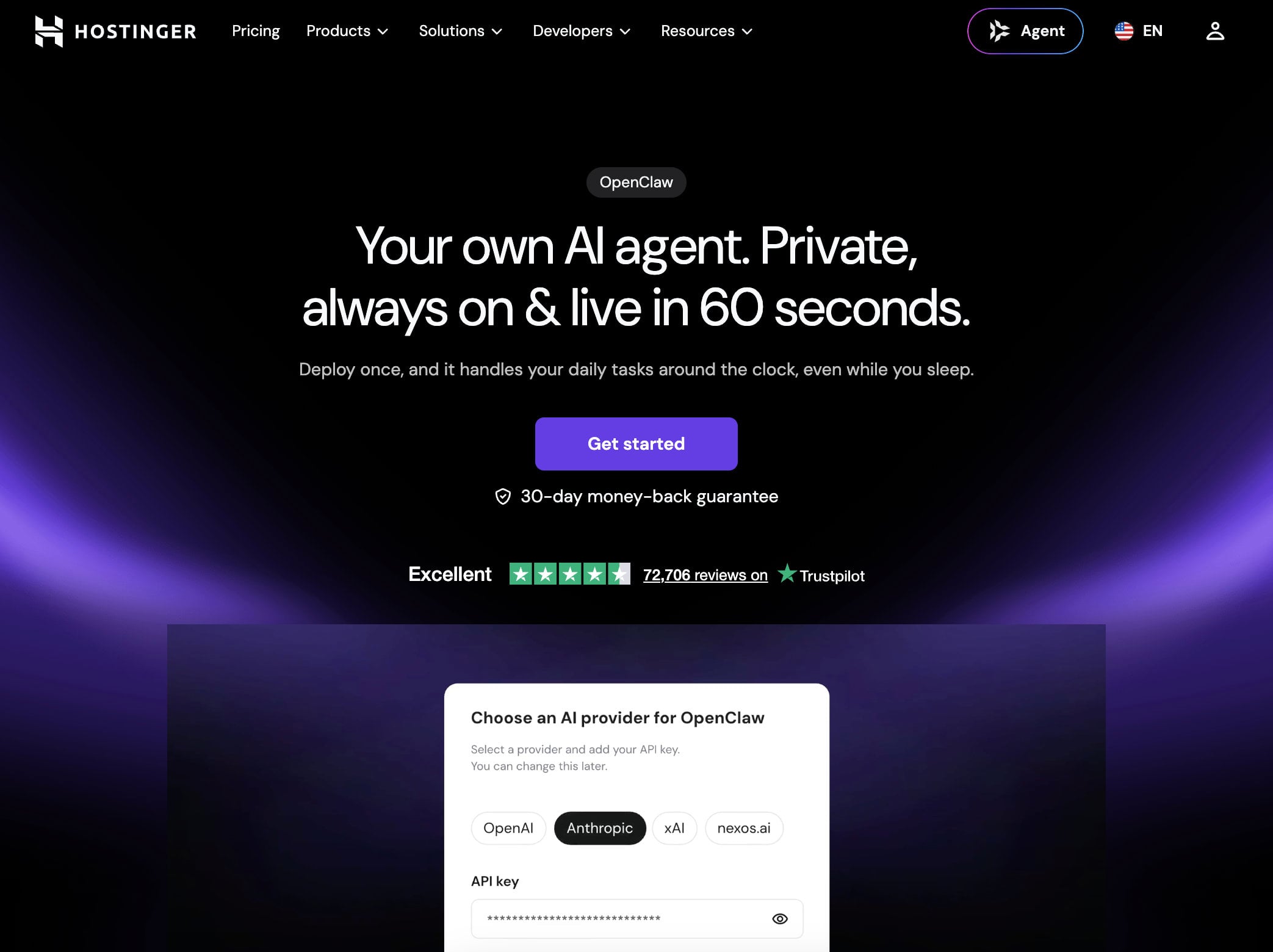
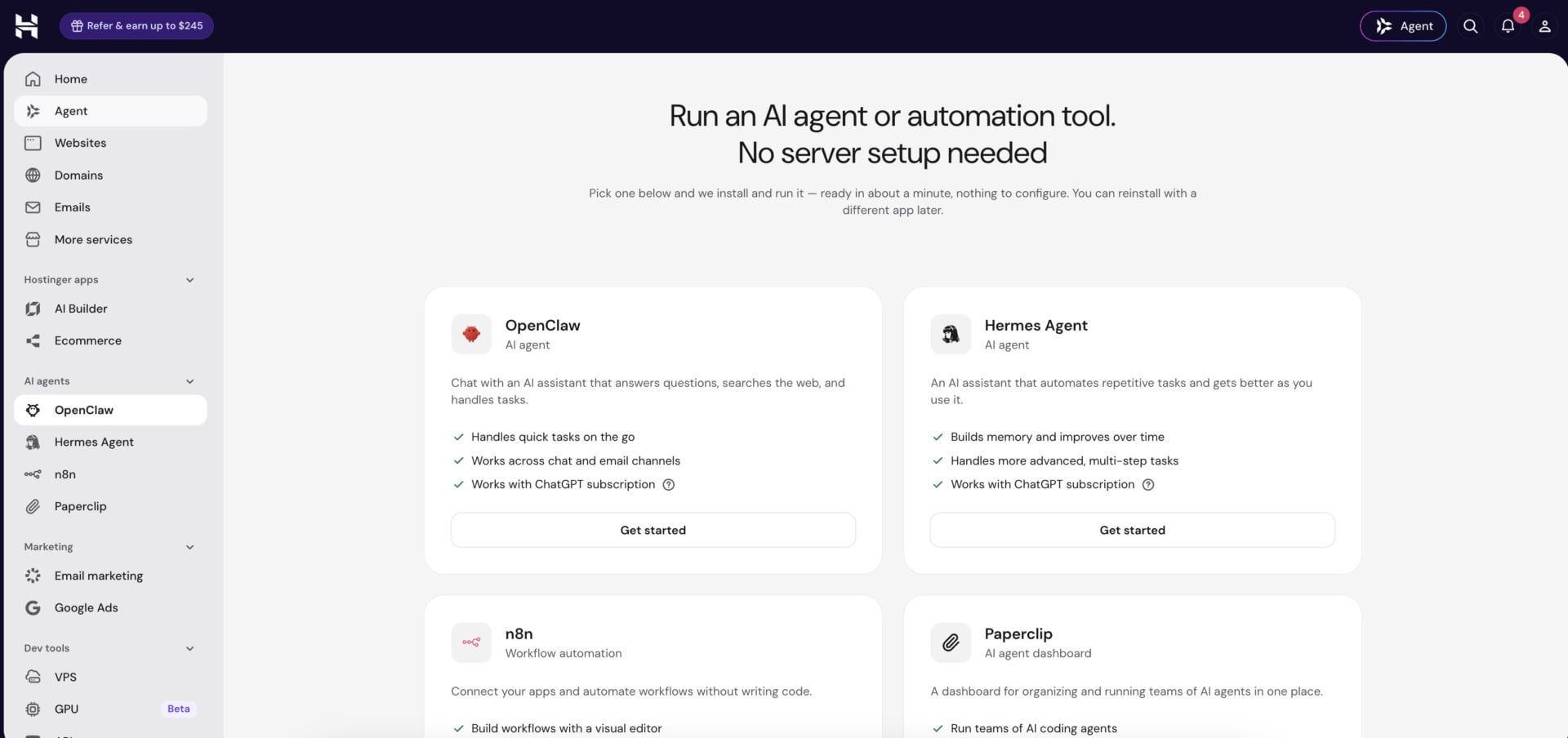
Hostinger is the best web hosting for OpenClaw and Hermes Agent for most people, because both agents install from a template. Its VPS plans include an OpenClaw template, and its Hermes Agent Docker template comes with a browser-based admin panel and support for more than 200 AI models. The AI agents and automation plan runs OpenClaw, Hermes and other agent apps, including n8n, without any server work, and our n8n hosting guide explains how that tool fits next to an agent.
On a 24-month term, KVM 1 costs $6.49/mo with 1 vCPU, 4 GB of RAM and 50 GB of NVMe storage, and KVM 2 costs $8.99/mo with 2 vCPUs, 8 GB and 100 GB. Code GIZMODO takes 10% off, which brings them to $5.84 and $8.09 per month. The AI agents plan costs $5.99/mo on 24 months ($5.39 with the code) and renews at $11.99. Every VPS has root access, weekly backups, an AI web terminal and a 30-day money-back guarantee, and support runs through live chat 24/7. Hostinger also sells an AI Builder for websites, and our guide to the best AI website builders compares it with Wix and others.
Deploy OpenClaw or Hermes on Hostinger
KVM 2 is our pick, since 8 GB of RAM leaves room for browser automation or a second agent. Bandwidth is capped at 4 TB on KVM 1 and 8 TB on KVM 2, while Bluehost, DreamHost and HostGator advertise unmetered bandwidth.
2. Bluehost: Best for One-Click Choice and Data Centers
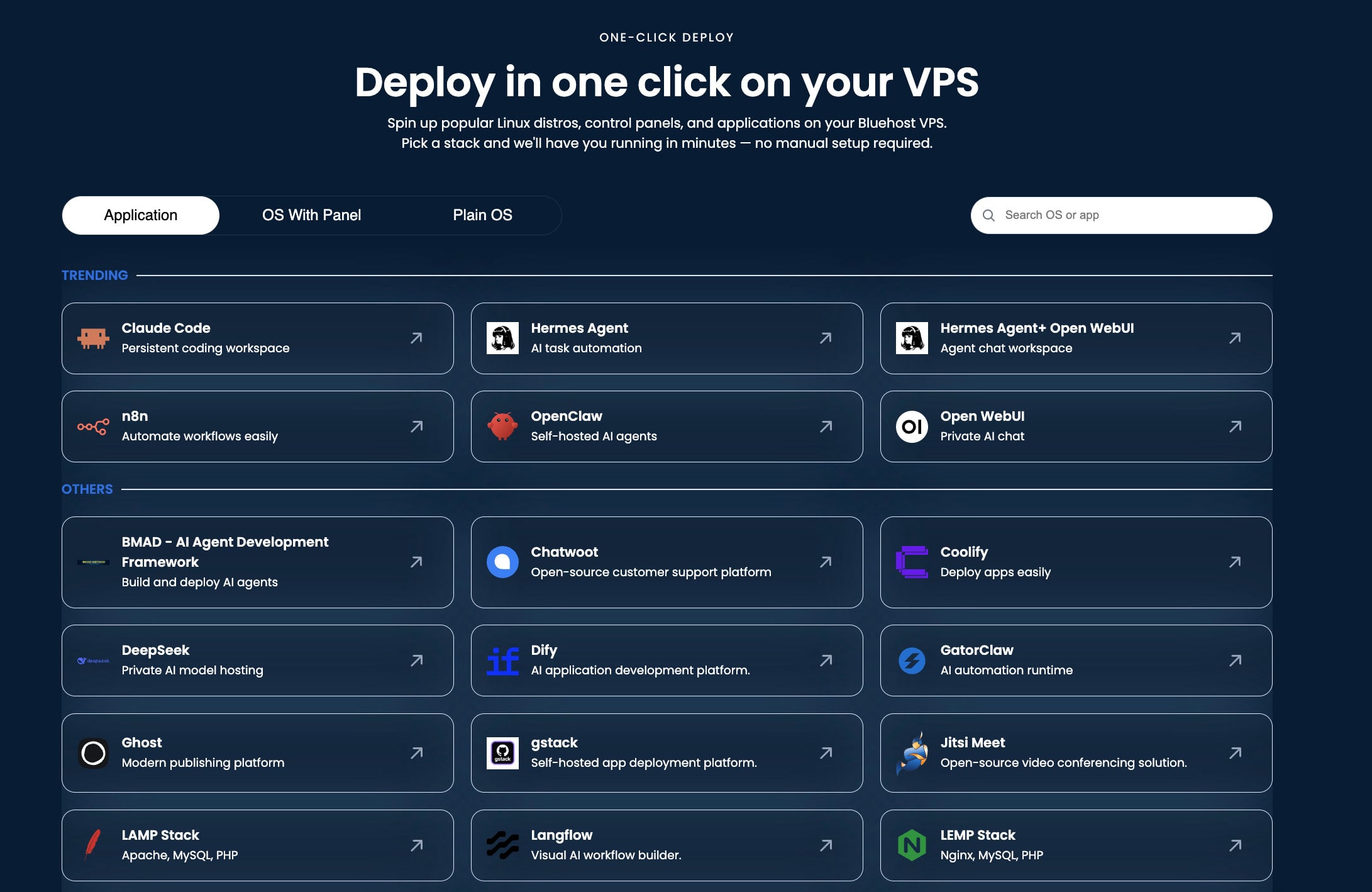
Bluehost’s self-managed VPS lists OpenClaw, Hermes Agent and Hermes with Open WebUI as one-click applications, and its AI Agent Hosting plans package the same server for $9.49/mo on 24 months, renewing at $11.99. You get 2 vCPUs, 4 GB of DDR5 memory, 100 GB of NVMe storage, unmetered bandwidth and root access, and you can pick one of nine data centers at checkout.
The entry plan, NVMe 2, costs $4.69/mo with 2 GB of RAM, and NVMe 4 is the size we recommend. Self-managed plans do not include 24/7 priority support, so you need to be comfortable fixing problems yourself (our Bluehost review covers the product in full).
See Bluehost’s AI Agent Hosting
3. DreamHost: Best for a Pre-Installed Hermes Agent
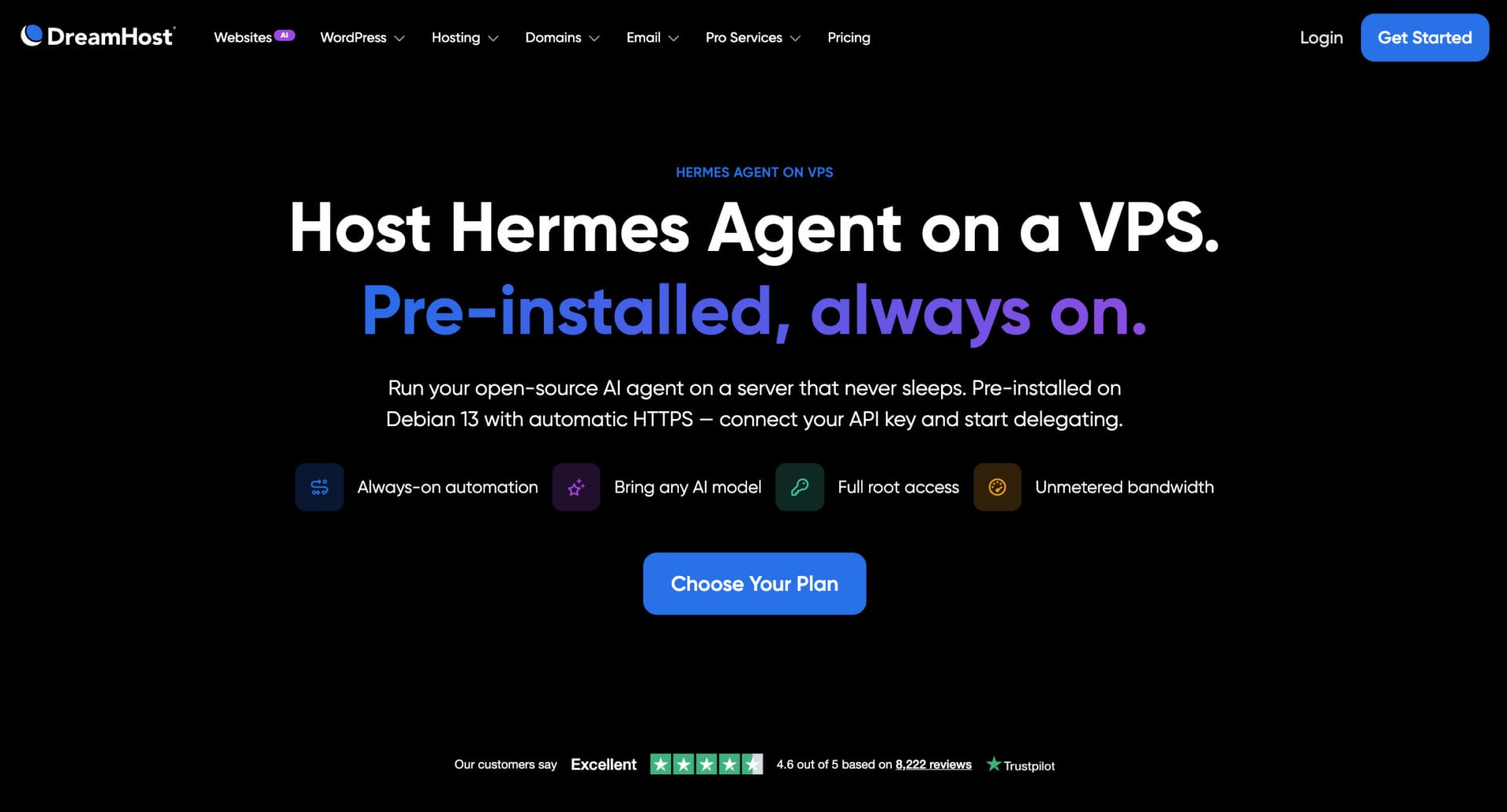
DreamHost sells a VPS image with Hermes Agent pre-installed on Debian 13, with its web dashboard running behind a Caddy reverse proxy with automatic HTTPS. Stack 4 costs $5.99/mo on a two-year term for 2 vCPUs, 4 GB of RAM and 75 GB of NVMe storage, and it renews at $10.99. Monthly billing costs $8.99/mo for the first three months, then $15.99.
DreamHost’s Stack plans give you full root access, Docker and unmetered bandwidth, so OpenClaw installs through Docker on the same server. Choose a Stack plan, since a Managed VPS gives no root access. Support covers hardware and network, and there is no phone line.
4. HostGator: Best Budget Root Server
HostGator has the lowest prices in this guide. Snappy 1000 costs $2.64/mo with 1 vCPU and 2 GB of RAM, Snappy 2000 costs $4.18/mo with 2 vCPUs and 4 GB, and Snappy 4000 costs $8.36/mo with 4 vCPUs and 8 GB. All include root SSH, API access and unmetered bandwidth on AMD EPYC processors.
HostGator has no one-click template for either agent, so you install them with the official scripts or Docker. Renewals run about twice the launch price, so budget for the second year.
5. InMotion Hosting: Best for Hands-On Support
InMotion’s VPS with 4 vCPUs and 8 GB of RAM costs $13.99/mo on a 24-month self-managed term and renews at $26.99, and it is Docker-ready with root and SSH access. The managed version costs $43.49/mo and adds onboarding help through Launch Assist, security patches and 24/7 human support. InMotion gives a 90-day money-back guarantee on VPS plans, which is the longest in this guide.
It costs more than the others, so it suits people who want a person to help with the first install.
6. Hetzner: A Community Favorite
Hetzner shows up often in community setup guides for both agents, and its cloud servers combine 4 GB or 8 GB of RAM with NVMe storage at low prices. Hetzner raised prices twice in 2026, and its pricing page marked some shared-vCPU plans as unavailable in September, so check the price and the stock for your region before you plan around it.
What Is OpenClaw?
OpenClaw is an open-source, self-hosted AI assistant that connects a language model to your chat apps, files, browser and tools. Its creator, Peter Steinberger, released it in November 2025 under the name Warelay, and it was later called Clawdbot and Moltbot before it became OpenClaw in January 2026. A non-profit OpenClaw Foundation now stewards the project.
OpenClaw runs a gateway on your server, and the gateway routes messages between channels such as Telegram, WhatsApp and Slack and an AI provider like Anthropic, OpenAI or Google. The OpenClaw Foundation released OpenClaw 2.0 (version 2026.8.1) at the end of August 2026, with a rebuilt web interface, simpler onboarding, stronger memory and session continuity, and a security rework. Later releases added plugin installs without a restart and teams of specialist agents.
What Is Hermes Agent?
Hermes Agent is an open-source AI agent from Nous Research, released under the MIT license in February 2026. It is written in Python, and its main idea is a learning loop: the agent creates skills from experience, improves them during use and curates its own memory. It also has a messaging gateway, so you can talk to it from Telegram, Discord, Slack, WhatsApp, Signal, email and other channels.
Hermes Agent grew very quickly. Third-party statistics counted about 249,000 GitHub stars on September 26, 2026. The Hermes Agent vs OpenClaw question comes up often because the two overlap so much on paper. Recent releases added tools such as a learning timeline that shows what the agent has remembered about you, and checks that let the agent verify its own coding work before it reports success.
Design: Gateway-First or Agent-First?
The best short summary of the difference is that Hermes packages a gateway around a learning agent, and OpenClaw packages an agent around a messaging gateway. Hermes Agent and OpenClaw overlap on messaging, memory, browser automation, scheduled tasks and multi-agent workflows, so the overlap is real, and the choice depends on where each project puts its effort.
OpenClaw puts the gateway first: It treats the assistant as something that lives in your chat apps, runs inside a managed workspace and can route different channels to different named agents. That design suits an always-on assistant for messages, reminders and daily tasks.
Hermes puts the agent first: Its documentation spends most of its effort on toolsets, profiles, checkpoints, skills, memory and the security boundaries around code execution, and it works well as a portable agent that operates directly in your project files on a remote machine. That design suits coding, research and long-running tasks.
Memory: Files You Can Read
OpenClaw keeps memory in files under its workspace, such as MEMORY.md for long-term notes, daily logs and a per-agent SQLite index with full-text and vector search. Each agent has isolated memory, and searching across agents is optional. OpenClaw can also nudge the agent to save notes before it compacts a long conversation, and an optional consolidation mode filters noise in the background.
Hermes keeps memory in files under its home folder, with MEMORY.md for the agent’s notes and USER.md for your profile, and a memory tool that lets the agent add, replace and remove entries. April 2026 comparisons describe tight size limits on those files, so the agent has to curate what it keeps. Hermes also searches past sessions and builds a user profile over time, and a recent release added a timeline where you can view, edit and delete what the agent has learned.
We find Hermes’ approach cleaner for a single personal agent, because the memory stays small and you can read it. OpenClaw’s approach is more flexible and suits setups with several agents, although larger memories can collect noise.
Skills and Ecosystem
Skills are the part where the two differ most. OpenClaw says there are thousands of skills to install, and Hermes says the agent will build them itself. OpenClaw’s ClawHub had more than 5,700 community skills in 2026, covering tools from issue trackers to invoice processing and social media scheduling. That breadth is a real advantage, since a skill you need probably exists. OpenClaw skills are static unless you edit them, so you control exactly what the agent can do.
Hermes’ Skills Hub had 643 skills in April 2026, including built-in, optional and community ones, and it follows the open agentskills.io standard so that skills can move between agents. The larger difference is that Hermes creates and refines skills on its own, using a skill-management tool during normal use. The agent grows its own capabilities, which means it adapts, and it also means you should review what it writes.
Messaging Channels and Automation
OpenClaw lists more than 50 channels, so it is the safer choice if you need an unusual messaging app, and you can bind each channel to a different agent. Hermes covers the main channels, including Telegram, Discord, Slack, WhatsApp, Signal and email, which is enough for most people.
For automation, both support scheduled tasks: OpenClaw has cron-style jobs and plugins, and its newer releases add background tasks and teams of specialist agents. Hermes runs cron jobs in fresh agent sessions with attached skills, supports MCP servers and can delegate work to parallel sub-agents. Hermes is cleaner if your tools are already MCP servers, and OpenClaw is stronger for multi-agent routing and operational control.
Setup and Server Requirements
OpenClaw runs on Node, with Node 24 recommended and Node 22.16 or later supported, and the installer sets up a system service so that it restarts with the server. You run the install script or install it with npm, then run the onboarding command and connect an AI provider and a messaging channel. It also runs in Docker. The official documentation suggests keeping the gateway on loopback and reaching it through an SSH tunnel or Tailscale.
Hermes installs with an official script that sets up Python, Node.js and its other dependencies, and it also has an official Docker image. You choose a provider with the model command, run the setup command, then set up and start the gateway for messaging. Nous Research says Hermes can run on a $5 VPS.
Models, Costs and Switching Between the Two
Both are free to use, so the costs are the server, which starts around $5 to $10 a month, and the AI model, which you pay for through an API or a subscription. Hermes supports many providers, including Nous Portal and OpenRouter, and OpenClaw works with the major providers, with newer releases adding sign-in with a ChatGPT account in beta.
You can switch between them without starting over. Hermes has an official migration command that imports OpenClaw settings, memory files, skills, messaging configuration and API keys, and it detects a running OpenClaw process and warns you that one messaging token cannot serve two agents at once. OpenClaw followed with its own migration command in the other direction. That makes the choice reversible, so you can try one and move later. Either agent can also call n8n workflows through a skill or an MCP connection, and our n8n hosting guide covers where to run it.
Which One Should You Choose?
In the Hermes vs OpenClaw decision, the right answer depends on your situation, and the table shows our recommendation for each one.
| Your situation | Better pick | Why |
|---|---|---|
| A personal assistant in chat apps | OpenClaw | More than 50 channels and a mature gateway |
| Several agents for different channels or clients | OpenClaw | Per-agent isolation and routing |
| The biggest library of ready-made skills | OpenClaw | More than 5,700 community skills |
| An agent that learns and improves its own skills | Hermes Agent | Built-in learning loop |
| Coding and research on a remote server | Hermes Agent | Works in project files, remembers across sessions |
| Safer defaults for a first agent | Hermes Agent | Command approval and container isolation |
| Your tools are MCP servers | Hermes Agent | Official MCP support |
| You already use one and want to try the other | Either | Both have migration commands |
Our Verdict
In the OpenClaw vs Hermes Agent question, there is no single winner because the two agents are built for different jobs. OpenClaw is the stronger platform for chat channels, multiple agents and a huge skill library, and Hermes Agent is the stronger agent for learning, memory and safer defaults.
For hosting, Hostinger is our top pick because both agents install from templates, and code GIZMODO takes another 10% off. Our OpenClaw hosting guide and Hermes Agent hosting guide compare the servers in more depth. Bluehost and DreamHost are the best alternatives, HostGator is the cheapest root server, and InMotion suits people who want help with setup.
Try Hostinger With a 30-Day Guarantee
FAQ
Is Hermes Agent Better Than OpenClaw?
It depends on your needs. Hermes Agent has a learning loop, a readable memory and safer defaults, which suits coding and research. OpenClaw has more channels, a much larger skill library and stronger multi-agent routing, which suits an assistant that lives in your chat apps.
Can I Run OpenClaw and Hermes Agent on the Same Server?
Yes, on a server with enough memory, such as 8 GB. Each agent needs its own messaging token, because one token cannot serve two agents at once. Hermes detects a running OpenClaw process during migration and warns you about this.
Is OpenClaw Safe to Use?
OpenClaw can be used safely if you harden it. It has had serious problems, including a critical vulnerability and malicious skills in ClawHub, and OpenClaw 2.0 added permission modes and plugin controls. Run it on a dedicated server, keep the gateway private and install only skills you have checked.
Can I Migrate From OpenClaw to Hermes Agent?
Yes. Hermes has an official migration command that imports your settings, memory files, skills, messaging configuration and API keys, and OpenClaw has a command for the other direction. Take a backup first, and keep in mind that one messaging token cannot serve two agents at once.
How Much Does It Cost to Run Hermes Agent or OpenClaw?
Both are free software. You pay for the VPS, which starts around $5 to $10 a month for 4 GB of RAM, and for the AI model, which you pay for through an API or a subscription. The server prices in this guide run from $2.64/mo for 2 GB to $13.99/mo for 8 GB on long terms.
What Is the Best Web Hosting for OpenClaw and Hermes Agent?
Hostinger is our top pick, because it has templates for both agents, and KVM 2 gives you 8 GB of RAM for $8.99/mo. Bluehost has one-click apps for both, DreamHost pre-installs Hermes, and HostGator is the cheapest root server. Choose at least 4 GB of RAM for either agent.