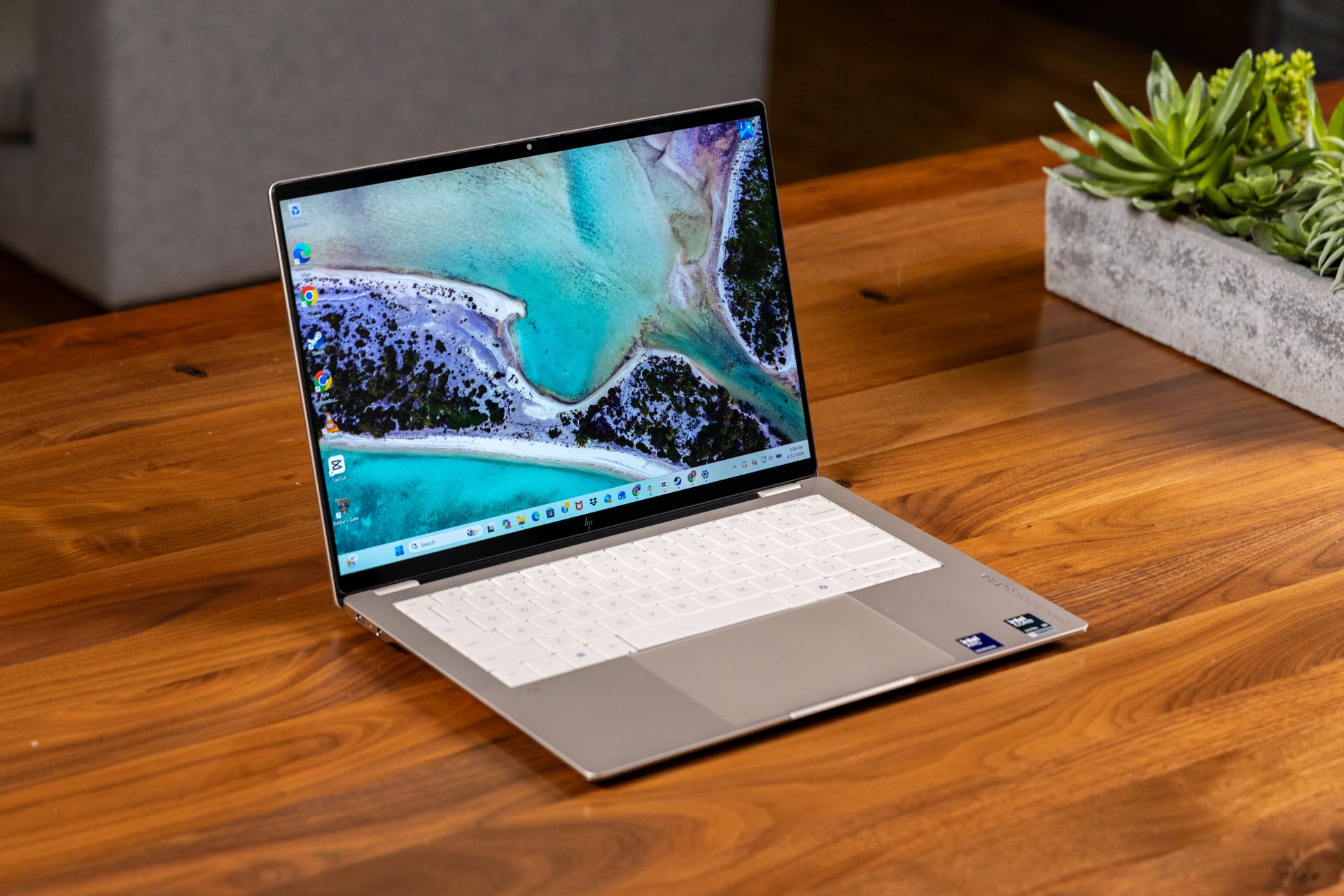
The HP OmniBook Ultra has everything you tell yourself you want from a laptop—the pretty screen, clear audio, and strong performance with a top-end Intel chip. It comes in a shell so thin and light that I’d describe it as “frisbee-like,” except that I have no desire to remove this sturdy all-aluminum chassis from my lap, let alone toss it anywhere. (Though it definitely wouldn’t shatter if I did.)
Now, if only HP would stop shoving endless bloatware into its goddamn laptops and desktops, I could actually wholeheartedly recommend this product.
I mention the eye-roll-inducing software bloat—such as the insistence that every one of these laptops needs an HP Smart printer app—because if there’s anywhere HP’s top-end OmniBook falters, it’s in annoying little features like this, which are characteristic of laptops that (used to) cost thousands of dollars less. The keyboard is fine to type on, but “just fine” doesn’t cut it when this laptop, configured with the Intel Core Ultra X9 388H and 2TB of SSD storage, as my review unit was, costs $2,400 from Best Buy (and more if you buy directly from HP). The lowest-end Intel Core Ultra 7 356H configuration of the OmiBook Ultra starts at $1,200, but you can get the laptop for closer to $2,000 with only 512GB of storage and the same chip. (We hate to see such a high price for such a limited SSD.) There are also several Qualcomm Snapdragon X2 variants, but they’re not that much less expensive.
HP OmniBook Ultra 14
A great screen and shell are enough to overcome quibbles about the trackpad and about performance that isn't quite peak.
Pros
- Colorful, bright OLED touchscreen
- Super sturdy chassis
- Good performance with top-end Intel chip
- Solid sound for this size of laptop
Cons
- Performance doesn't match other Intel Series 3 laptops
- Less oomph on trackpad
- Slightly mushy keyboard
- All those annoying pre-installed apps
The OmniBook Ultra almost manages to eclipse my qualms by stacking enough high-quality components on top of each other. I took this PC all the way to Taipei, Taiwan, for Computex 2026. An entire week of traipsing through convention halls and setting down to type in any available nook or cranny will quickly reveal whether a laptop is up to snuff. The Omnibook Ultra held its own, not the least because of its excellent battery life and bright OLED display. But because of its niggling issues—and HP’s love affair with pointless printing apps—it lands just shy of my top tier.
A ‘premium’ laptop that actually feels premium
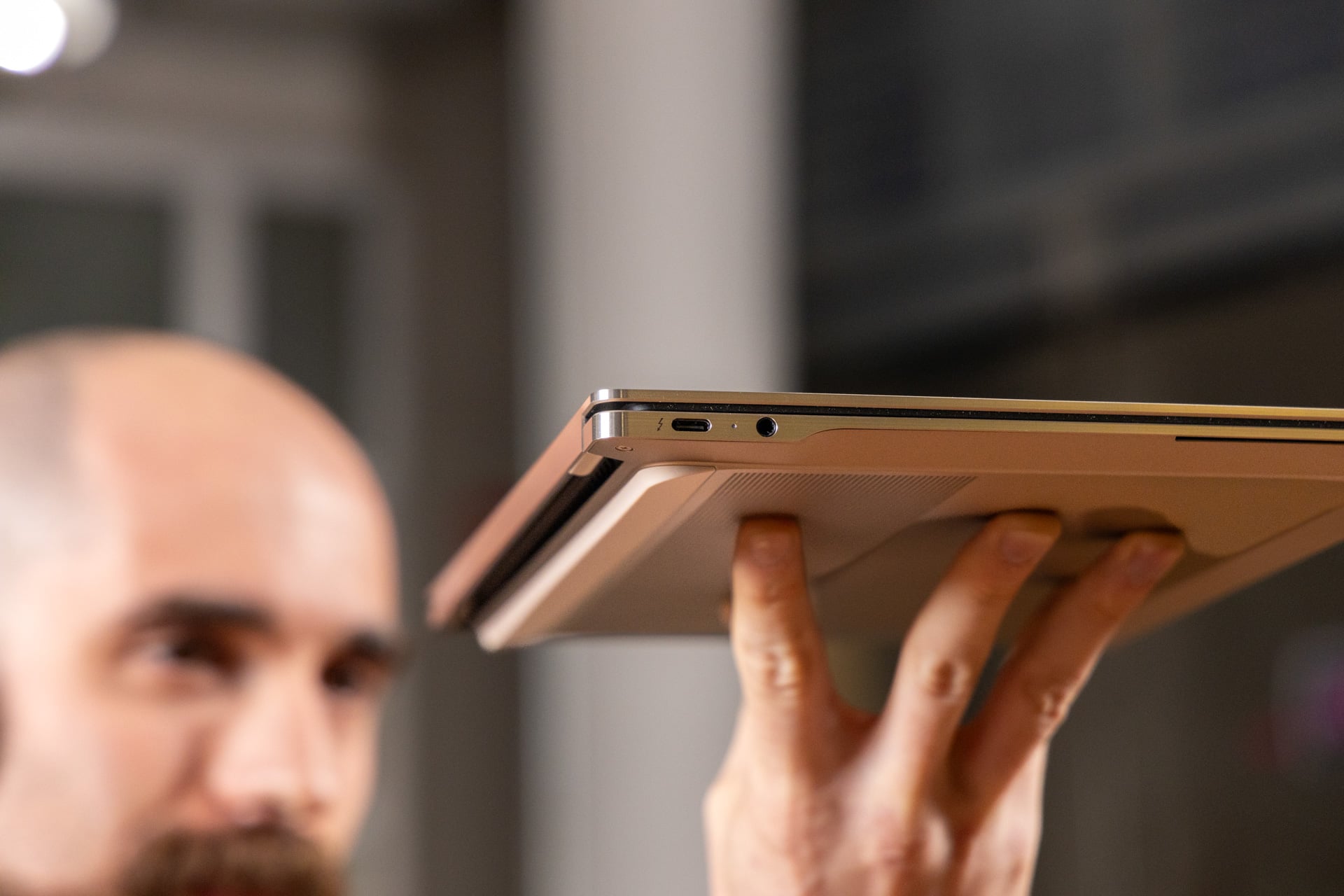
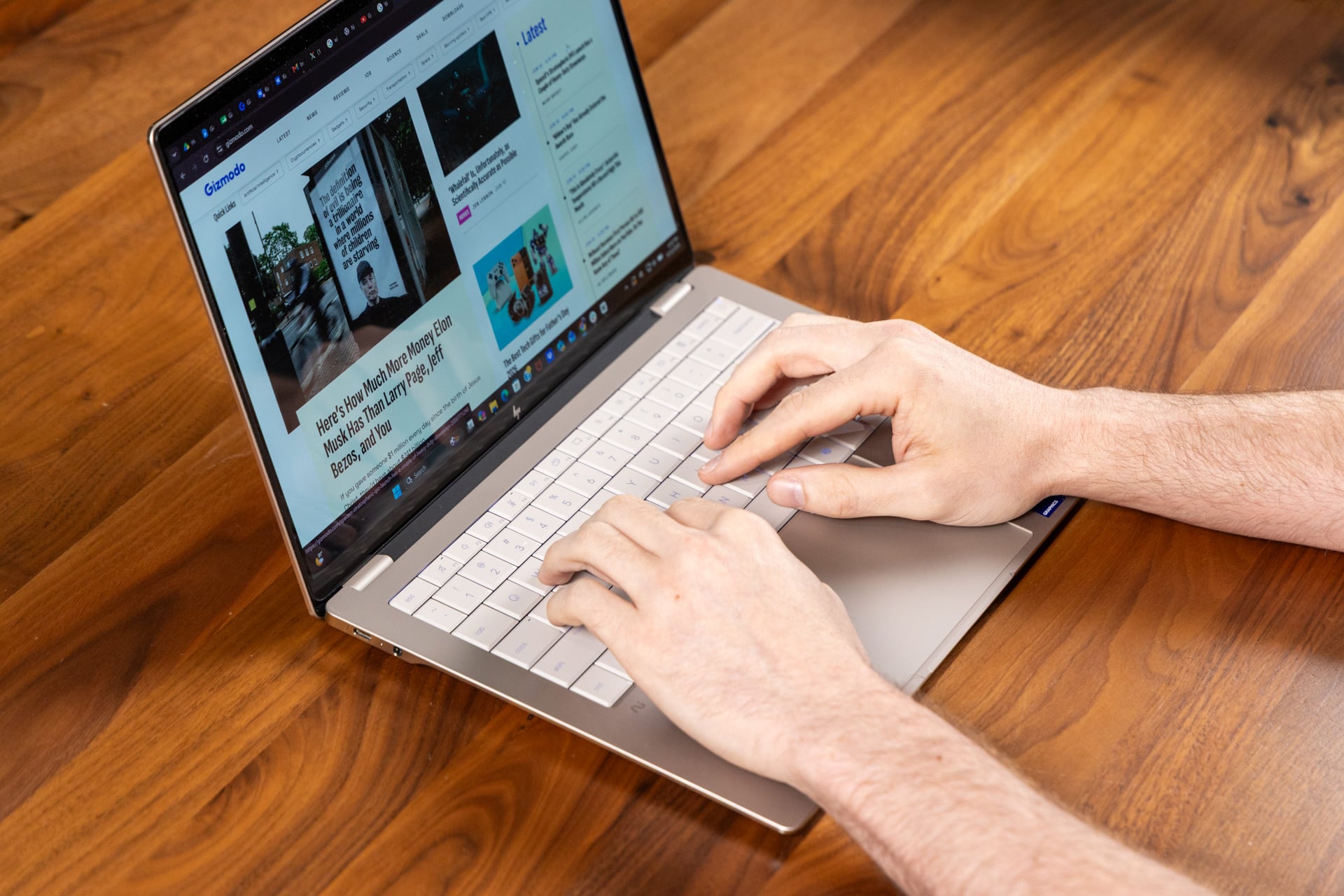
I know why you came here. You were looking for a premium work laptop after wincing at Dell’s high-quality, all-aluminum XPS 14 with its awkward seamless keyboard and thinking, “What else is out there?” The answer is a high-quality, all-aluminum OmniBook Ultra with an easier-to-use, though slightly mushy, keyboard. Those soft keys are easy to feel out thanks to their enlarged dish, but the typing experience feels, for lack of a better descriptor, Mac-like. It’s too squishy, and you don’t get the clack or thonk that many Windows users expect at this tier.
The trackpad is also lacking. It’s haptic, meaning it uses a rumble feature, rather than mechanical parts, to replicate a clicking sensation. A touchpad needs to generate a fair amount of force feedback to really sell the classic “click” action. The OmniBook Ultra doesn’t quite get there. On occasion, I just felt like I was tapping a metal plate.
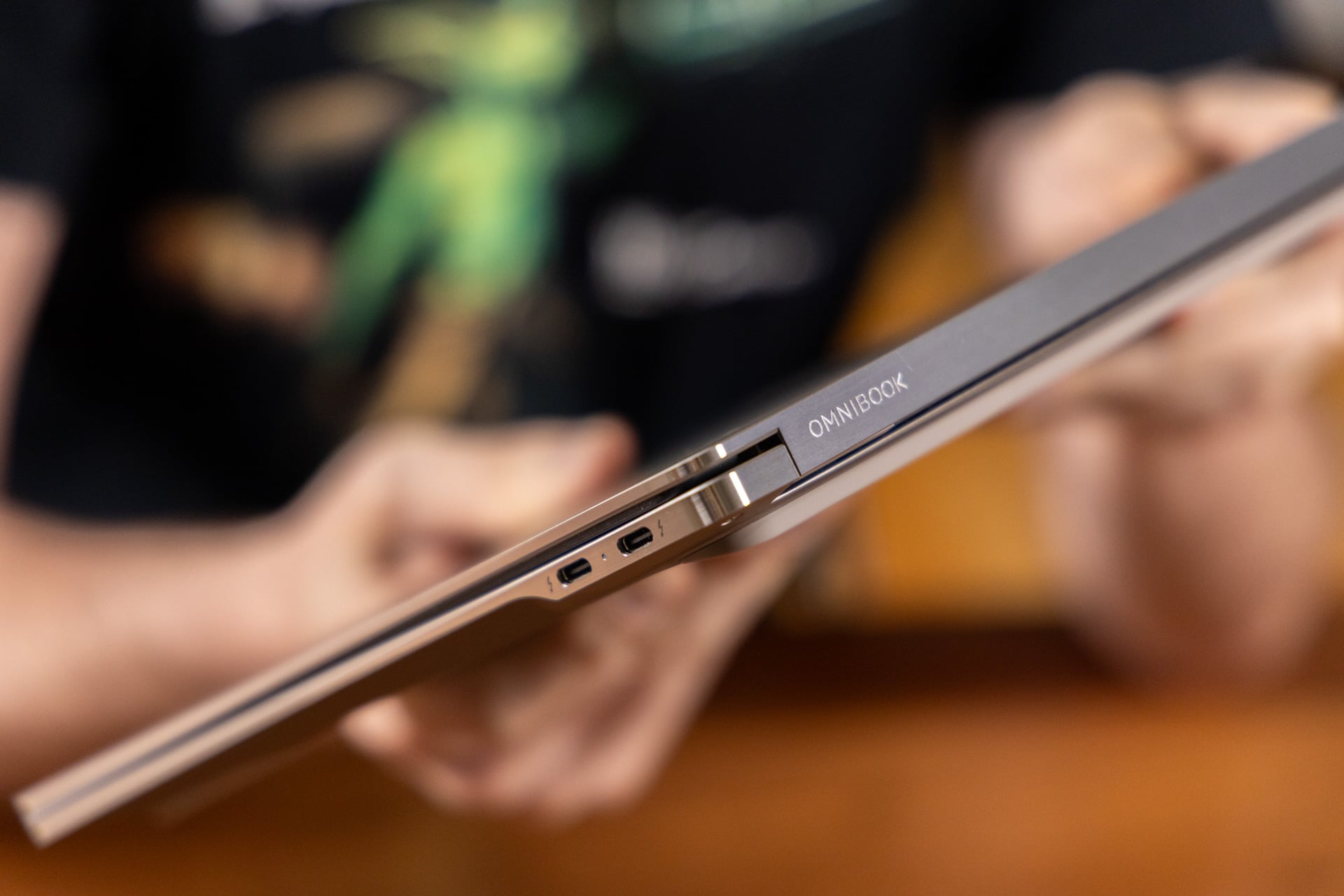 The sleek metal finish on the stamped aluminum chassis makes the OmniBook Ultra feel even more premium. © Raymond Wong / Gizmodo
Those mushy keys and lame trackpad are a real shame, considering just how tough the rest of this laptop is. From the bottom panel and its silicon feet to the palm rest, the OmniBook Ultra’s chassis has almost no give unless I physically strain my forearms to twist it into a pretzel. I can lean my entire weight on the lid, and it barely flexes. That’s excellent, considering the size of this device.
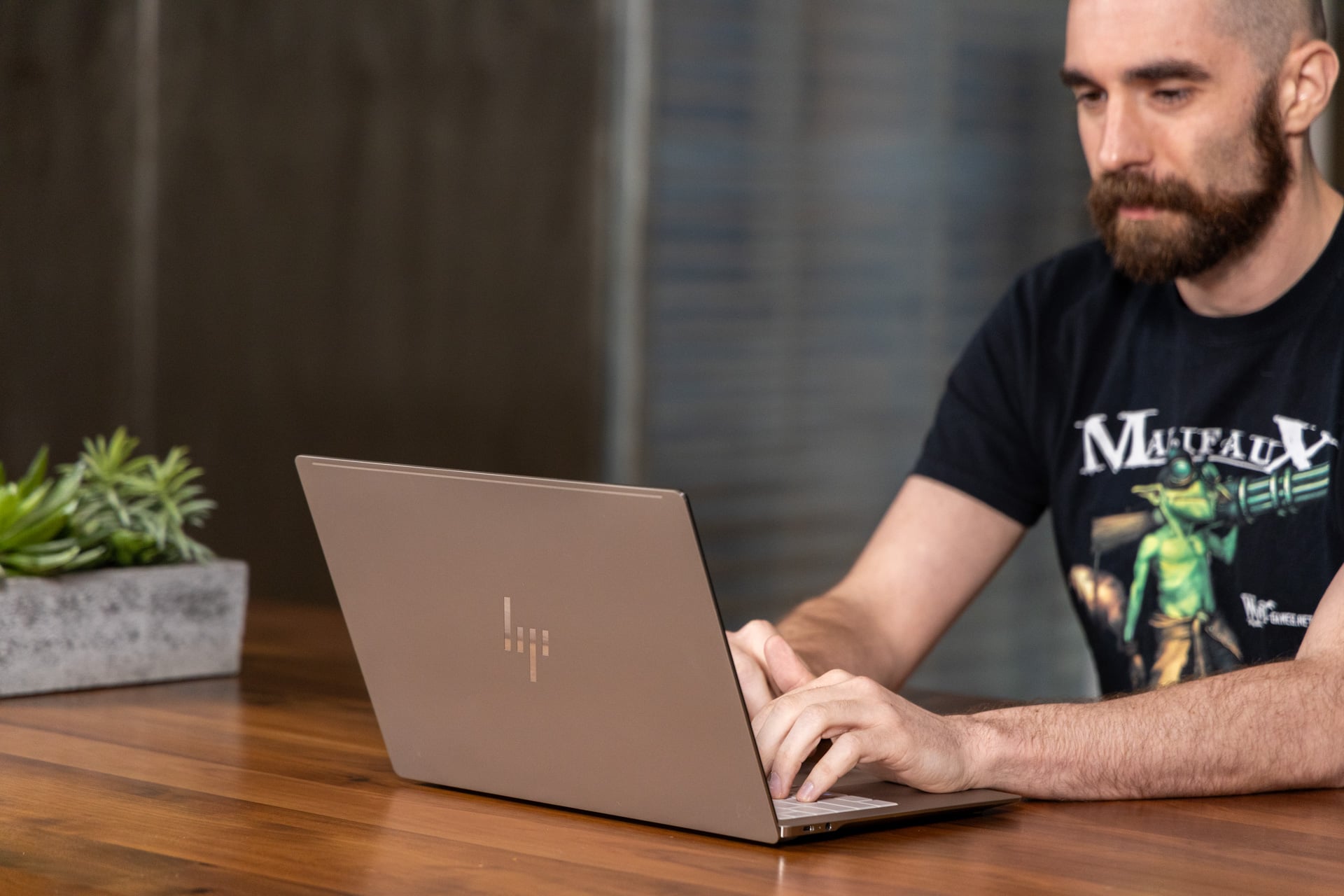
If you’re into a sleek, businessy look, HP’s premium 14-inch laptop will seem extra appealing thanks to its brushed metal sides. It’s extremely thin, at just 0.42 inches when closed, and decently light, too, at 2.83 pounds. It’s not the thinnest and lightest device out there, but you should still be fine as long as you don’t need to slip it under a doorway; I lugged it around in a drawstring bag for a week without any strain on my shoulders.
That thinness does come at the cost of I/O. There are only three Thunderbolt 4 USB-C ports across the whole notebook—two on the right side and one on the left. The lack of Thunderbolt 5 is a limitation of the Intel Core Series 3 chip inside the machine. There’s a headphone jack, as a bonus, but no HDMI port or SD card reader. The limited connectivity meant I had to bring a dock around with me, which somewhat undermined the portability benefits.
See HP OmniBook Ultra 14 at Best Buy
Now that’s what I call OLED
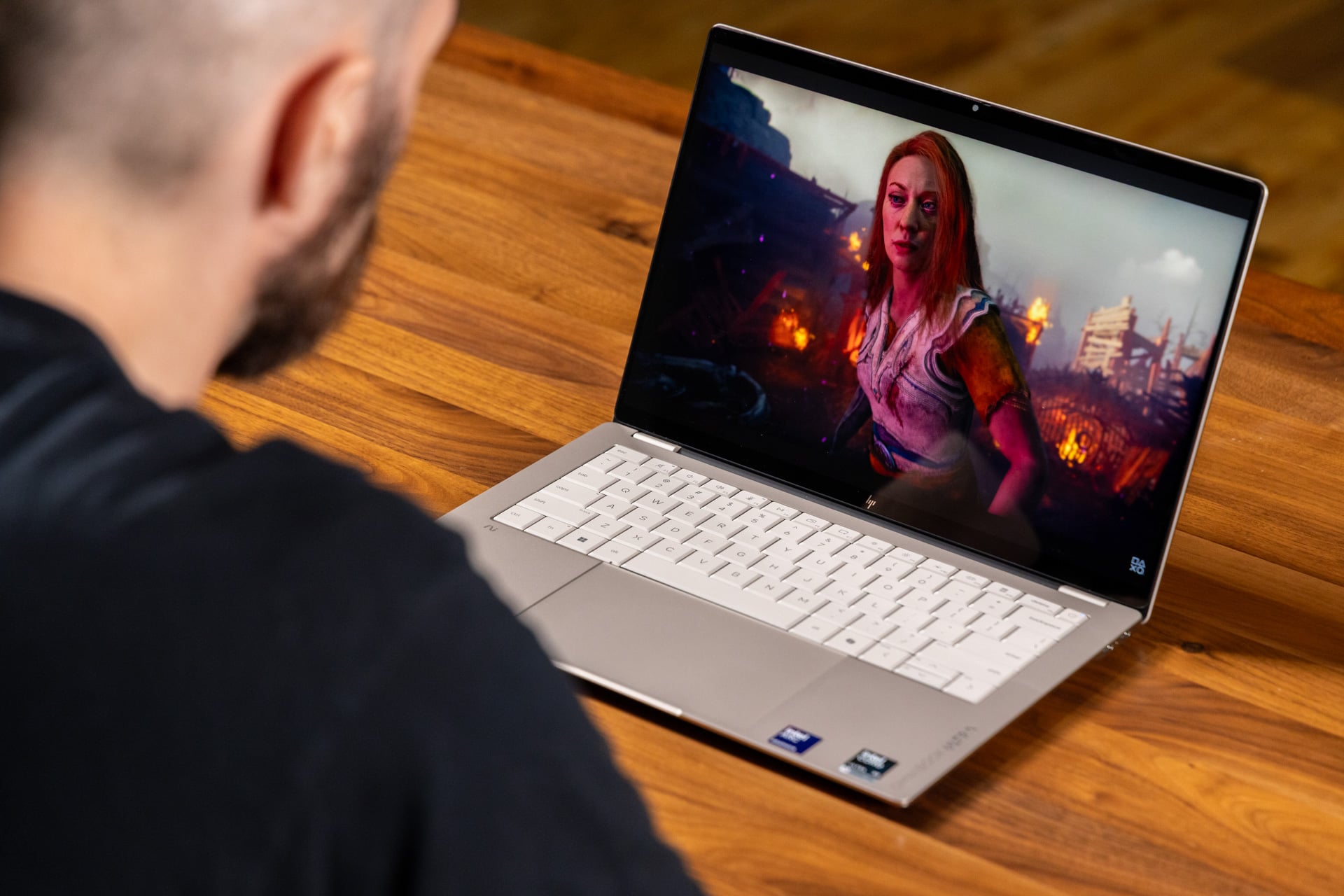
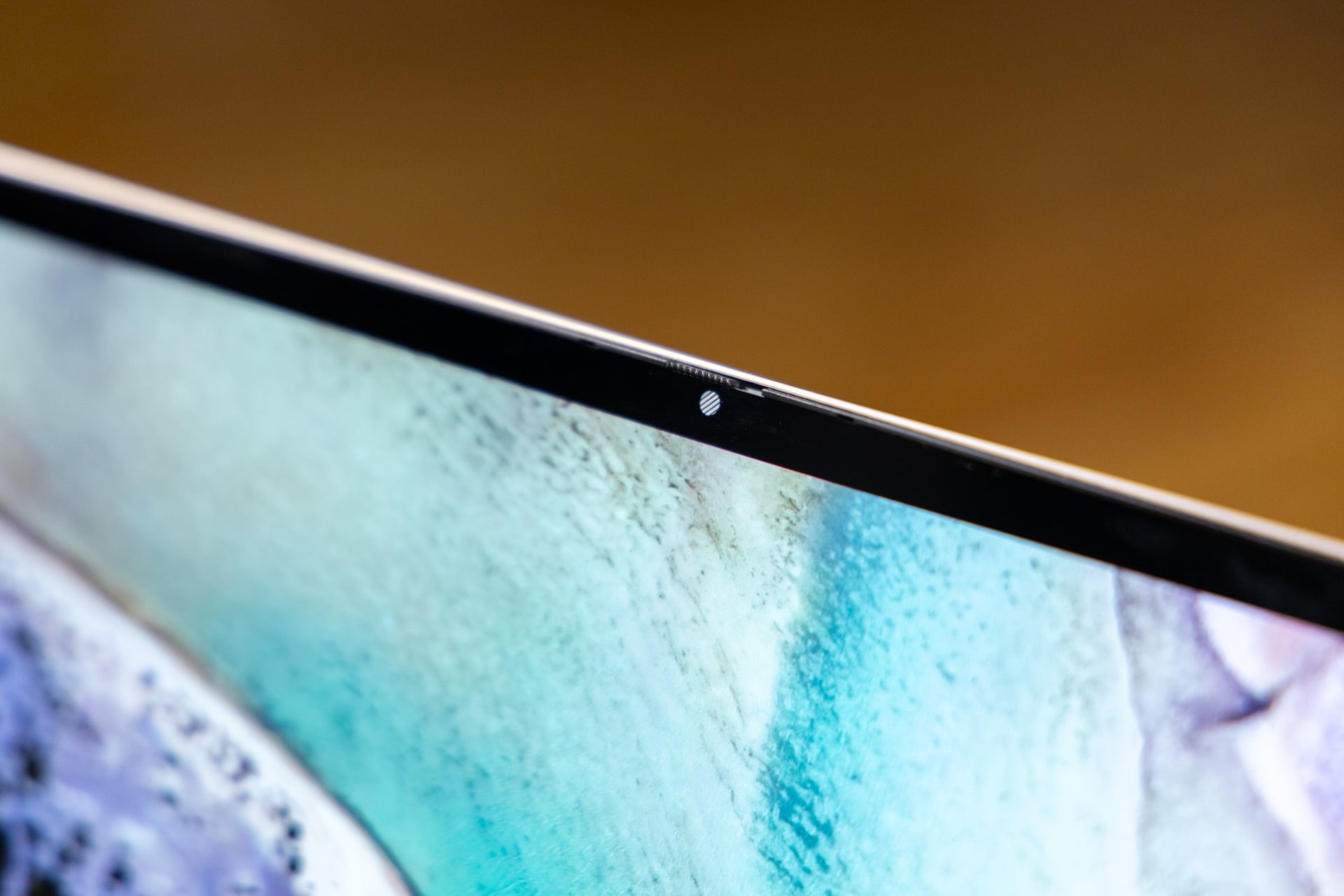
Sure, the OmniBook Ultra isn’t my favorite typing machine, but its screen sure is a looker. The 3K (2,880 x 1,800 resolution) OLED touch panel HP went with is both bright and colorful enough, whether you’re watching content or just staring at boring black text on a white screen.
HP’s display is VESA Certified DisplayHDR True Black 600, which indicates high brightness and full DCI-P3 color support. I found myself reaching for this laptop first when I needed a quick YouTube video to get me out of bed in the mornings. While I’m not one to make much use of touch displays on clamshells, I know others will appreciate its inclusion here. I just wish the lid could fold completely flat, which would make the device easier to treat as a pseudo-tablet.
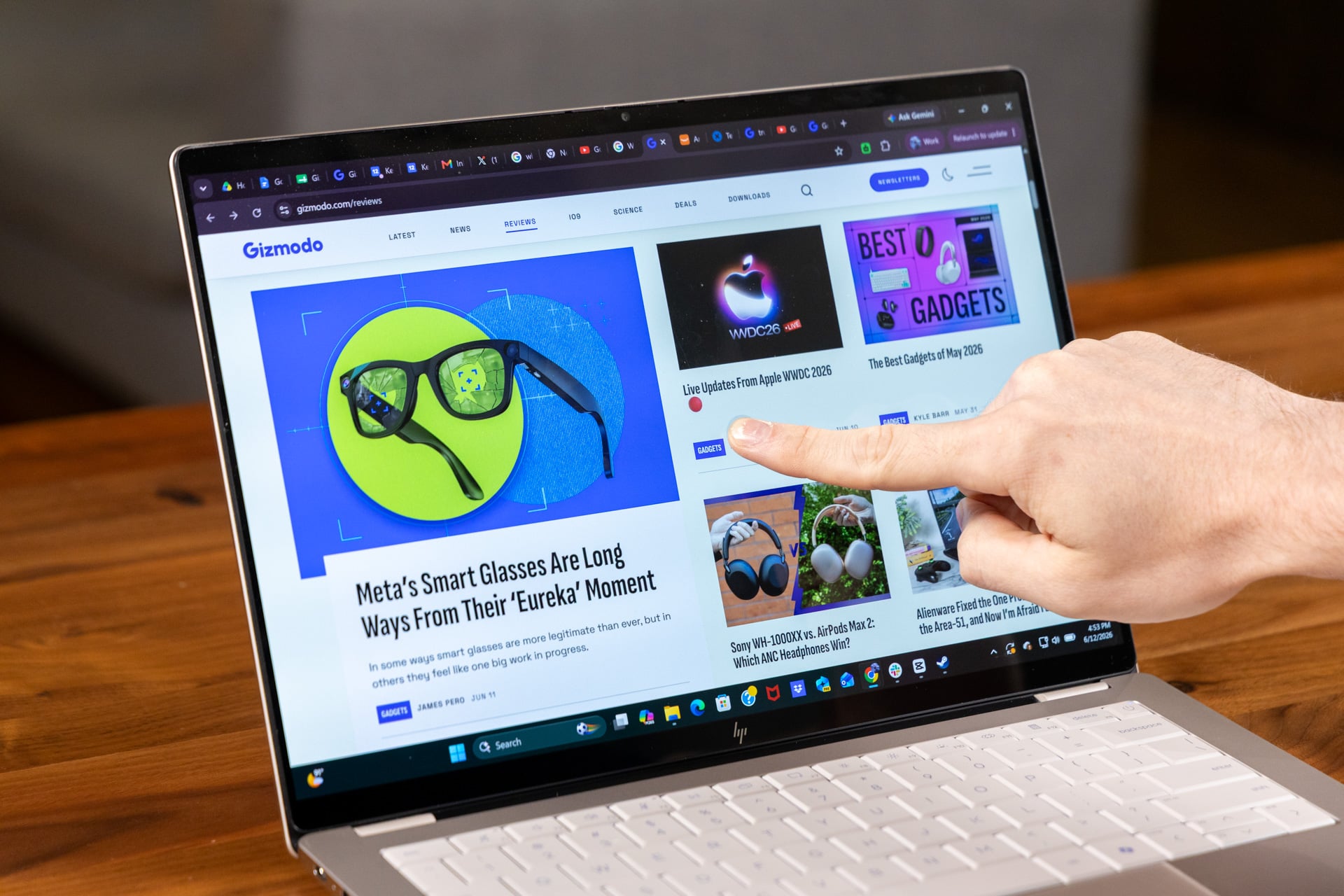
The OmniBook Ultra OLED display comes with a semi-glossy finish, which normally enhances colors at the risk of glare or reflections. While this panel may not be ideal for direct sunlight, I had few problems when taking it from place to place to work. I have seen laptops whose screens are altogether too reflective, like Lenovo’s Legion Pro 7i, and the OmniBook Ultra isn’t nearly that bad. Meanwhile, it maintains the deep contrast I want from an organic light-emitting diode display.
Similarly, the sound I got from this thin laptop was a surprise, given its size. The OmniBook packs four speakers through side-firing grills just under its top lip. The audio sounded clear, without the muffling sensation you may get from down-firing speakers. The audio won’t fill a room, but it’s plenty if you’re taking a work meeting or ducking into a broom closet to watch Netflix when nobody’s looking.
I expected more from the Intel Core Ultra X9
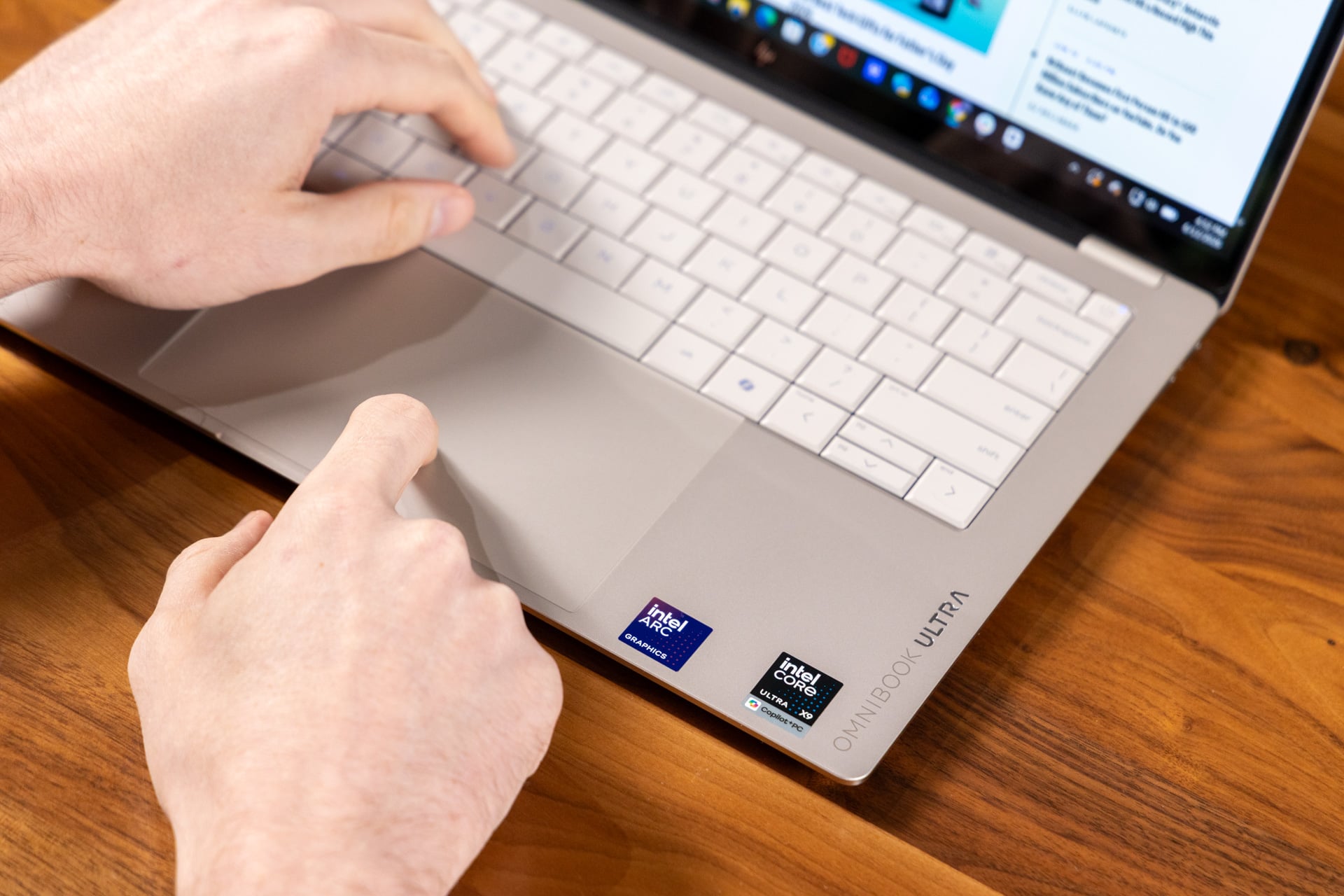
HP wants to sell you on either an entry-level or a “Max” configuration of the Omnibook Ultra, powered by an Intel Core Ultra Series 3 or a Qualcomm Snapdragon X2 chip. I opted for the Intel Core Ultra X9 388H variant, mostly because I wanted to see how much HP could eke out of Intel’s flagship CPU in such a thin, 14-inch shell.
The answer wasn’t what I was hoping for. Don’t get me wrong: this laptop is still very fast. It’s powerful enough for most productivity tasks, a fair amount of 3D rendering, and some light gaming. But I never saw the peak performance I know this chip is capable of. Compared to an Asus Zenbook Duo with the same chip and a thicker shell (plus a higher TDP, or thermal design power), the OmniBook Ultra 14 posted 7% worse scores on Geekbench 6’s multicore benchmark.
The OmniBook Ultra, despite its name, will also perform worse in CPU-based rendering. On Cinebench 2026 tests, which tax the CPU with several rendering passes, the OmniBook was around 8% worse than the Zenbook Duo. In my Blender tests, in which I have each PC render a BMW scene using both the CPU and GPU, the OmniBook was just under 10 seconds slower.
HP has clearly opted for coolness and slimness rather than peak power. The company says the Omnibook hits a 28W TDP at peak performance while running colder than 25 degrees Celsius (77 degrees Fahrenheit). All my griping is just to say you won’t be getting absolute peak X9 performance from this machine. HP’s OmniBook Ultra may not even beat some laptops with lower-end chips, depending on the tasks you put it through.
The Dell XPS 14 with an Intel Core X7 358H, which has the same GPU as the X9, also outperformed the HP Omnibook Ultra 14 on some of our CPU tests, including Geekbench 6. The XPS also beat the Omnibook on 3DMark Speed Way and Steel Nomad real-time graphics benchmarks by nearly 8%. Sure, the Dell XPS is drawing more power than its contemporaries, but even an MSI Prestige Flip 14 AI seems to beat the Omnibook on 3DMark Time Spy, a benchmark that’s more CPU-heavy than others in this category.
CPU-wise, HP’s laptop is slightly less powerful than Apple’s MacBook Pro with M5. But when it comes to GPU performance, the Omnibook easily beats both Apple’s entry-level CPU as well as Qualcomm’s flagship Snapdragon X2 Elite Extreme inside an Asus Zenbook A16. Though you won’t see sky-high numbers, this system is certainly capable of gaming.
For example, I managed 22 fps when running Cyberpunk 2077 at high settings and at the maximum resolution of 2,880 x 1,800 without upscaling. When employing XeSS, Intel’s upscaler, from around 1080p, I could eke out 45 fps. If you drop the game to that lower resolution, you can easily hit a playable framerate. The same goes for a title like Total War: Warhammer III: playable, if you finagle both graphics and resolution.
Use this laptop for a long, long time
There are other benefits to running Intel’s latest x86 processors with a lower power envelope. Namely, this notebook will last you a surprisingly long time. During regular use, with the brightness at around the halfway point and the power set to the Windows 11 “balanced” profile, I managed more than five hours of continuous use, including multiple tasks such as writing and photo editing.
While I was running around Taipei, the OmniBook Ultra was a constant companion; I could always expect to have enough battery left to pump out another blog post. Knowing the chassis was sturdy enough to survive life inside my chaotic pack was another plus.
HP’s “Ultra” laptop comes so close to being my top pick for those looking for a thin, light design. If I hadn’t had to deal with a metric ton of bloatware from HP, McAfee, and Microsoft itself, I would feel right at home on this industrial-grade notebook. A Dell XPS 14 with the same X9 processor costs $3,000 from Best Buy. At $2,400, the OmniBook Ultra is a better deal overall for top-end specs. (Of course, $2,400 wouldn’t be a good deal in any year other than this one.)
Buying your next PC isn’t just getting more expensive; it’s also getting more complicated. This year, we’re all being forced to shop around more than usual to find the performance we expect. But when you’re digging through store pages or hunting for deals, remember that you still have to consider everything about a laptop, even such niggling details as the potential gripes with the trackpad or the presence of preloaded junk. At these high price points, those little things, stacked up, can easily take “good enough” to “not worth the money.”