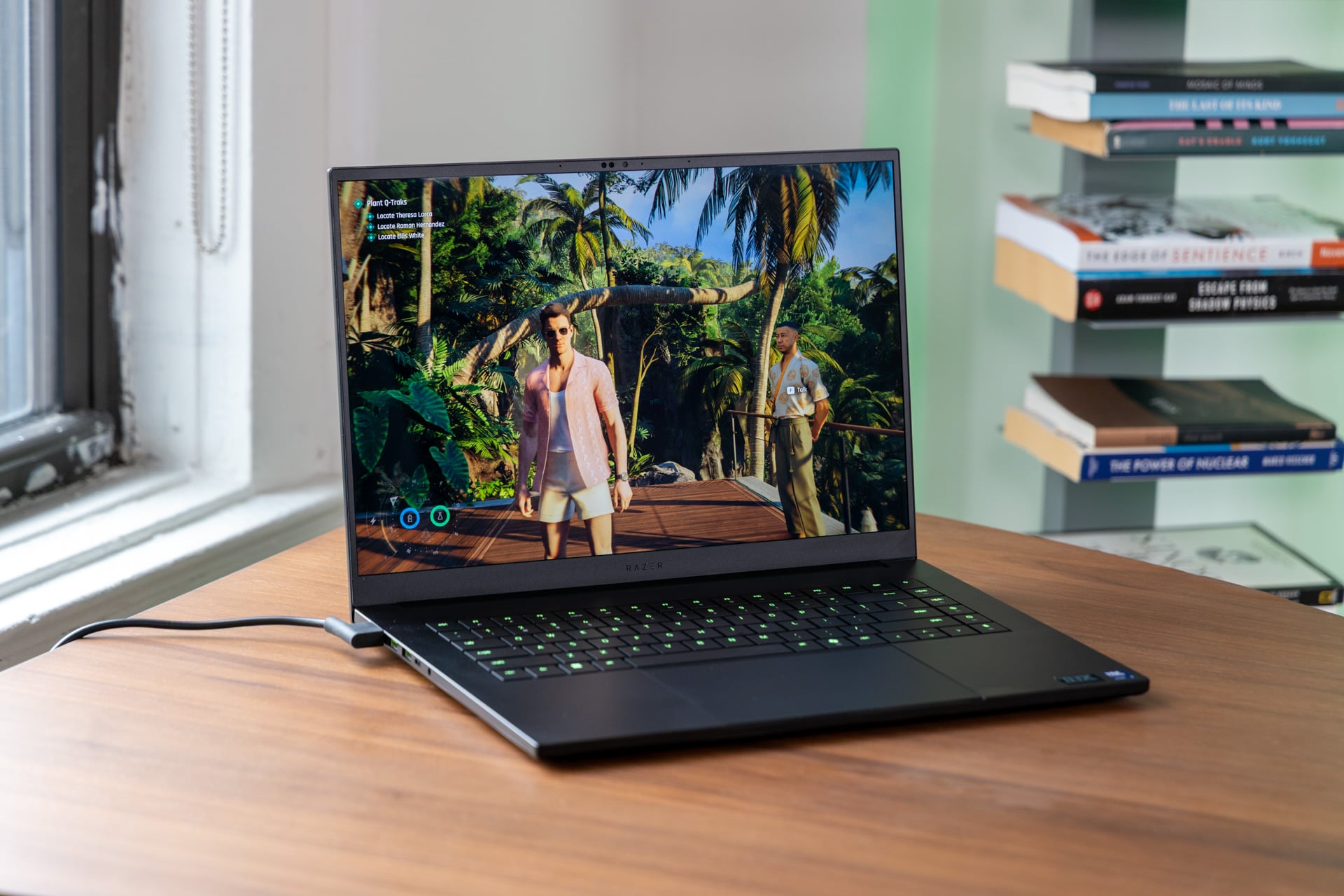
Razer’s big black rectangle, the Blade 16, is the best it’s ever been. And as you may have guessed, especially if you know anything about the ongoing RAM crisis, the revised Razer Blade 16 for 2026 is the most expensive it’s ever been as well. For the low-low cost of nearly $5,000, you can own what is currently the best power-for-portability gaming laptop available today.
Razer took a few licks last year when it debuted its “slimmest-ever” Blade 16 (2025). Most complaints focused on the laptop’s chassis. The Razer Blade’s thin body and lowered wattage led to the laptop getting hot and underperforming against larger machines. But here’s the real problem with last year’s Blade 16—and by extension, every other gaming laptop. How can you call something “portable” if its battery life won’t last you even a few measly hours of work when away from an outlet?
Razer made the right call, left behind AMD (which used to be the efficient choice), and opted for Intel’s latest Panther Lake chips, a CPU series originally built for lightweight laptops. The Intel Core Ultra Series 3 processors can’t perform on par with the highest-end laptop chips, but they are way more power efficient. Even though this laptop packs an Nvidia GeForce RTX 5090 GPU at its peak spec, I still managed to get through most of a workday doing my daily grind of typing, browsing, and photo editing. I can’t say the same for the majority of gaming laptops I’ve used over the last two years.
Razer Blade 16 (2026)
Razer has fine-tuned its 16-inch Blade laptop, and now it offers great performance and a surprisingly solid battery life. It just costs too damn much.
Pros
- Slim chassis
- Beautiful, 240Hz OLED screen
- Performance is on point
- Battery life last most of the workday
- Wide port selection
Cons
- A gag-worthy price
- Bad trackpad
- Middling sound
The new Blade 16 is more portable. It’s just not quite the always-on daily driver you desire. Is any of that semi-portability actually worth the price? Let’s break it down. Razer sent me a Blade 16 for review containing the Intel Core Ultra 9 386H CPU, an RTX 5090 GPU, 32GB of fast 9600MHz LPDDR5X RAM, and 2TB of storage. This configuration costs $4,900.
The Blade 16 (2026) starts at $2,300, though you’ll only receive an AMD Ryzen AI 9 365 CPU and RTX 5060 GPU. If Razer’s new gaming laptop hits the two big “Ps” (power and portability), then it falls down on the third member of the triumvirate—price.
A gaming laptop that won’t break your back

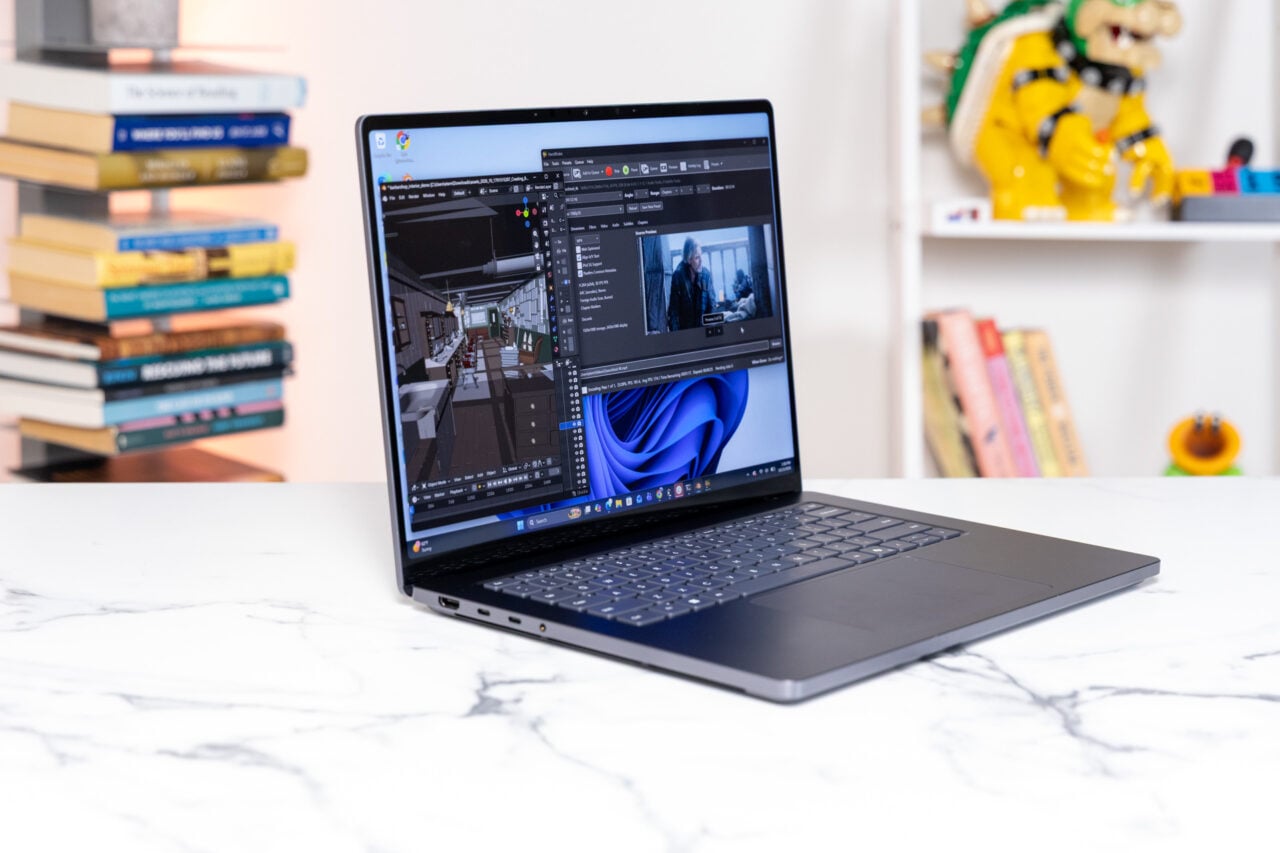
The Blade 16 (2026) has the same 0.59-inch thickness as the last-gen model. To understand why this matters, a 16-inch MacBook Pro is about 0.66 inches in height. Razer managed to contain a lot of components inside this chassis, including a vapor chamber and thermal hood to help keep these components cool. And still, I managed to squeeze the Blade 16 into my backpack’s laptop holder. I can’t say the same thing about the vast number of 16-inch gaming laptops I’ve tested in the last two years.
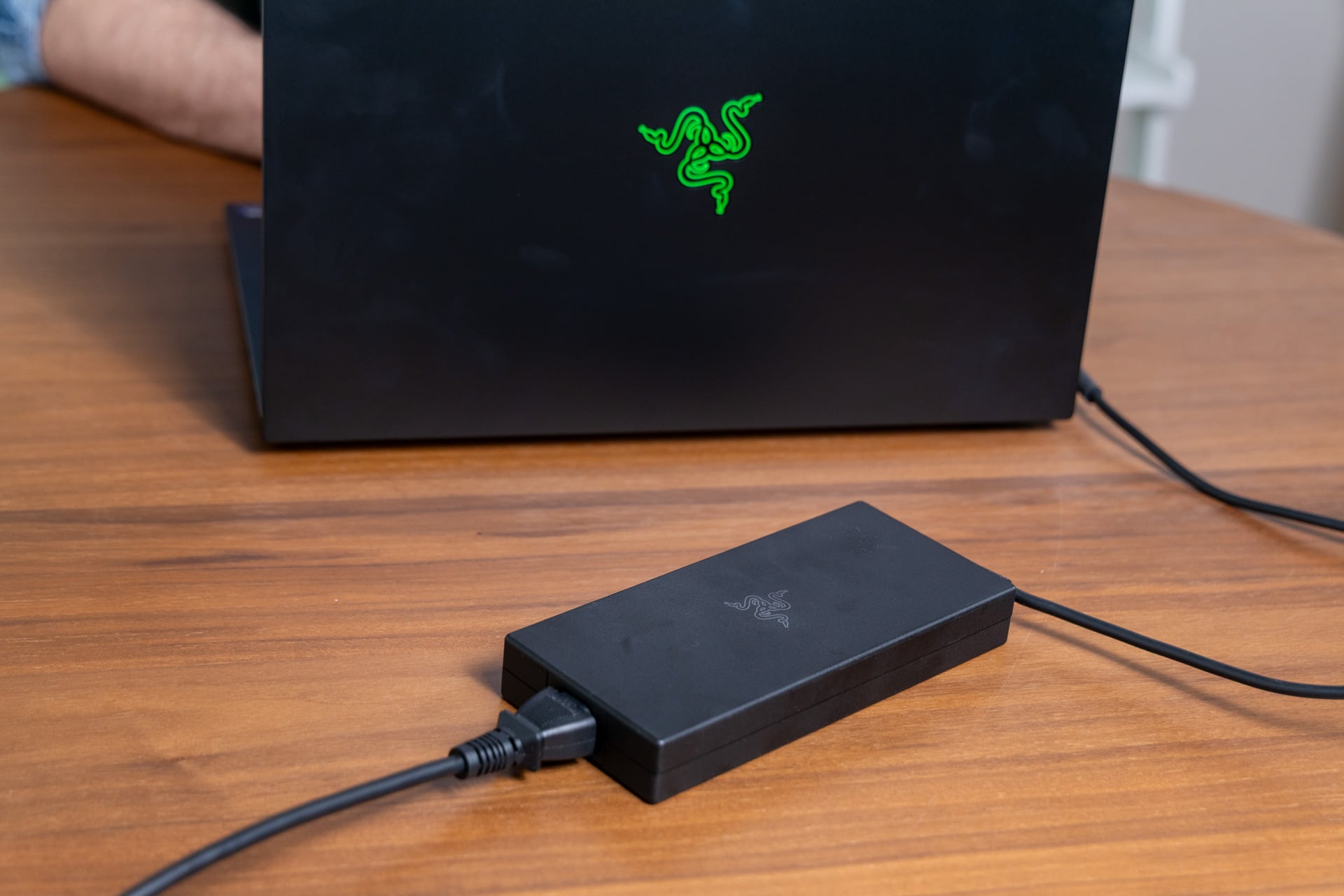
As much as you might appreciate the weight kept to a minimal 4.7 pounds (the same weight as that aforementioned MacBook Pro), you’ll still have to contend with the mass of the 280W power adapter that may become a necessity for gaming on the go. Razer still uses its own proprietary port for its charging unit. Otherwise, you may be able to make use of either of the two USB-C ports. The one on the right is Thunderbolt 4, which maxes out at 100W of power delivery, while the left port can manage 240W with Thunderbolt 5.

I tried charging the laptop with the help of a Framework Laptop 16’s latest 240W USB-C power adapter. Even when you stuff the smaller adapter into the Thunderbolt 5 slot, the PC demands you use the full 280W adapter to get it to run under “Performance” power settings. Razer runs the RTX 5090 GPU inside its 16-inch laptop at 165W of TGP (total graphics power). It’s unclear whether models running an RTX 5080 or lower, which demand less power, could enable users to power their laptop directly through the Thunderbolt 5 port.
The inclusion of Thunderbolt 5 is more noteworthy than you realize. Normally, Intel’s Panther Lake chips only support up to Thunderbolt 4. Razer told Gizmodo it included dedicated chips that enable the USB standard. Even if I can’t run the Blade 16 fully off USB, Thunderbolt 5 is a welcome addition on a laptop that is so power-hungry.
Razer further stacks the deck with I/O on its Blade 16. You receive the bog-standard headphone jack and HDMI, but you also have access to three USB-A 3.2 ports and an SD card slot.
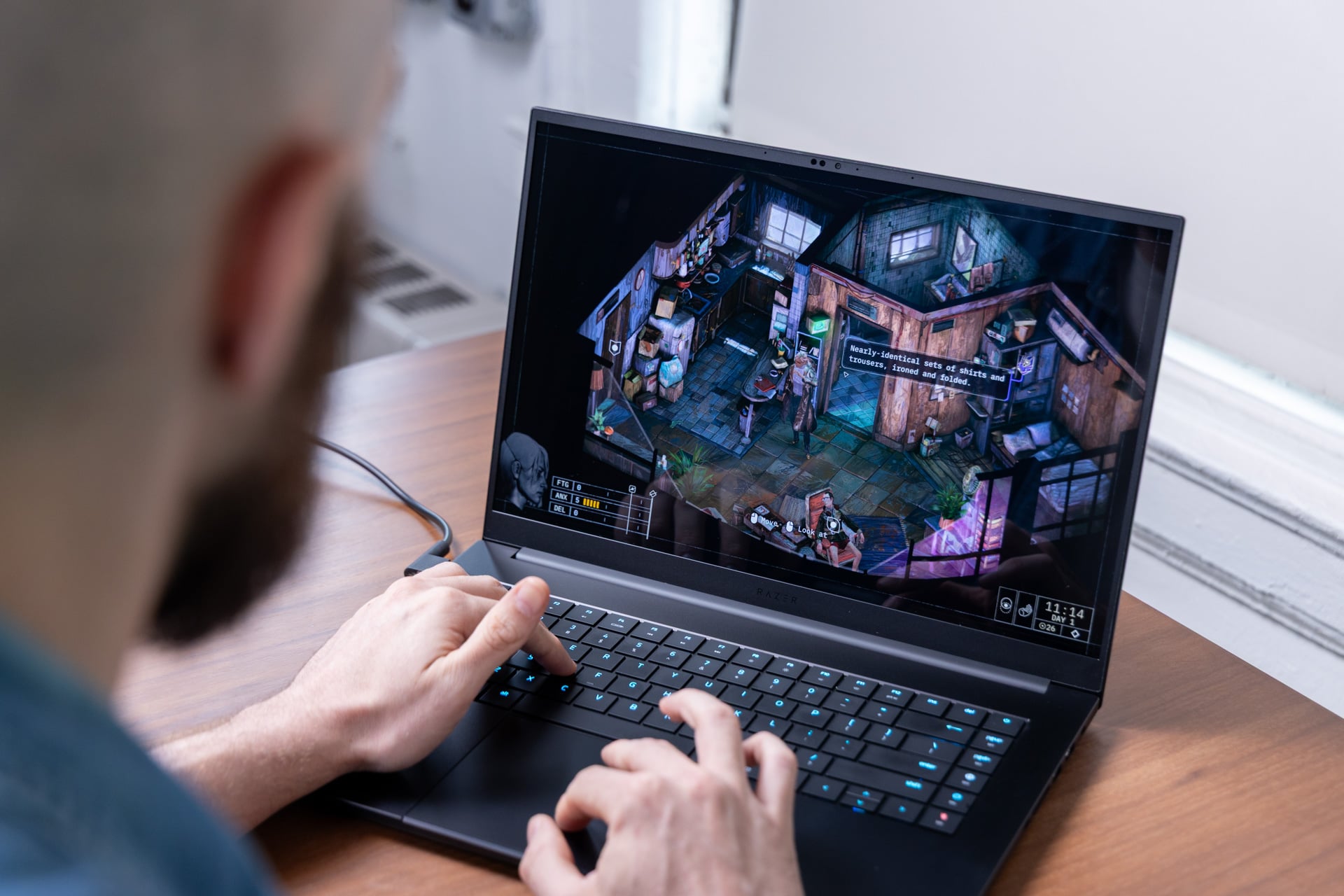
It’s not all gravy. Being this thin mandates that Razer has to take some considerations with the keyboard. You won’t find those premium Cherry MX mechanical switches like you would on the most recent Alienware 16 Area-51 laptops. Instead, you have a suite of square keys with a 1.5mm key travel. The typing experience isn’t all too shabby, despite their low profile. The keyboard has a subtle amount of force you need for each keystroke, meaning that clattering away has a subtle though welcome visceral feel.

As for the trackpad, it’s just plain old annoying. The glass trackpad won’t register clicks until you get an inch below the keyboard. While the pad will recognize multi-gesture controls, Razer still has a major problem with palm rejection. I type so much that I’m constantly required to slam Ctrl+Z to undo some misclick that stuck my text in the wrong place. I had similar problems with the Razer Blade 14 trackpad, and I can’t understand why Razer doesn’t bother to improve such a fundamental aspect of the laptop experience.
If feel is everything to you, then you’ll be happy to know that, during regular use, the Blade 16 doesn’t get too toasty. When you plug in the power adapter and get into some games, the laptop doesn’t get overly hot under my palms. However, the fans will kick up quite a ruckus, enough for my editor to comment on its jet engine noise levels with a concerned look as we set the Blade 16 down to take photos.
Man, that’s a bright (and really reflective) screen
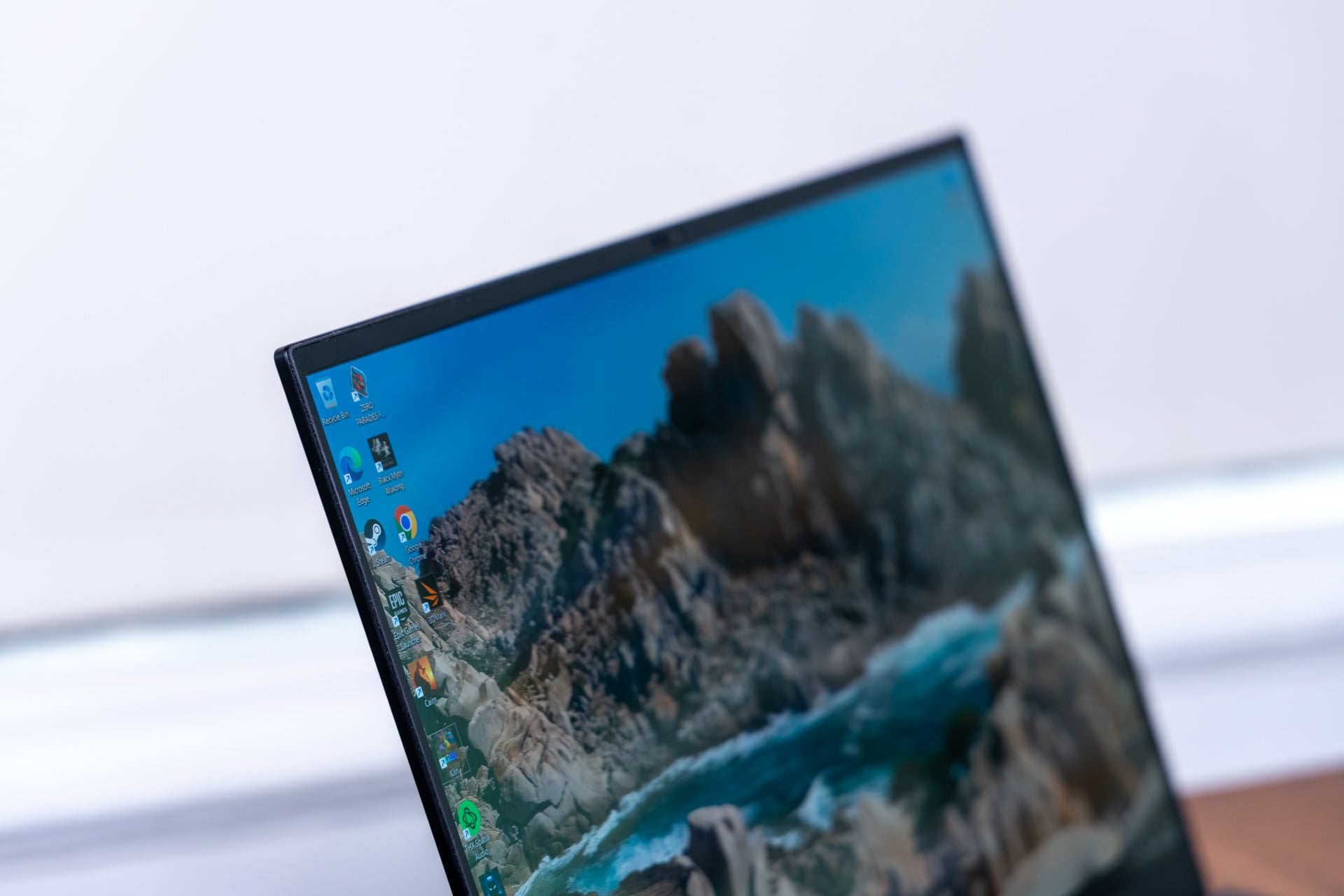
Razer Blade laptops may seem overly dull if you’re not into the black and green Razer aesthetic (to be honest, it’s really started to bore me). If you’re playing in bright sunlight, the keyboard RGB isn’t bright enough to remain legible. Despite all that, this laptop looks gorgeous, and it’s all thanks to the screen.
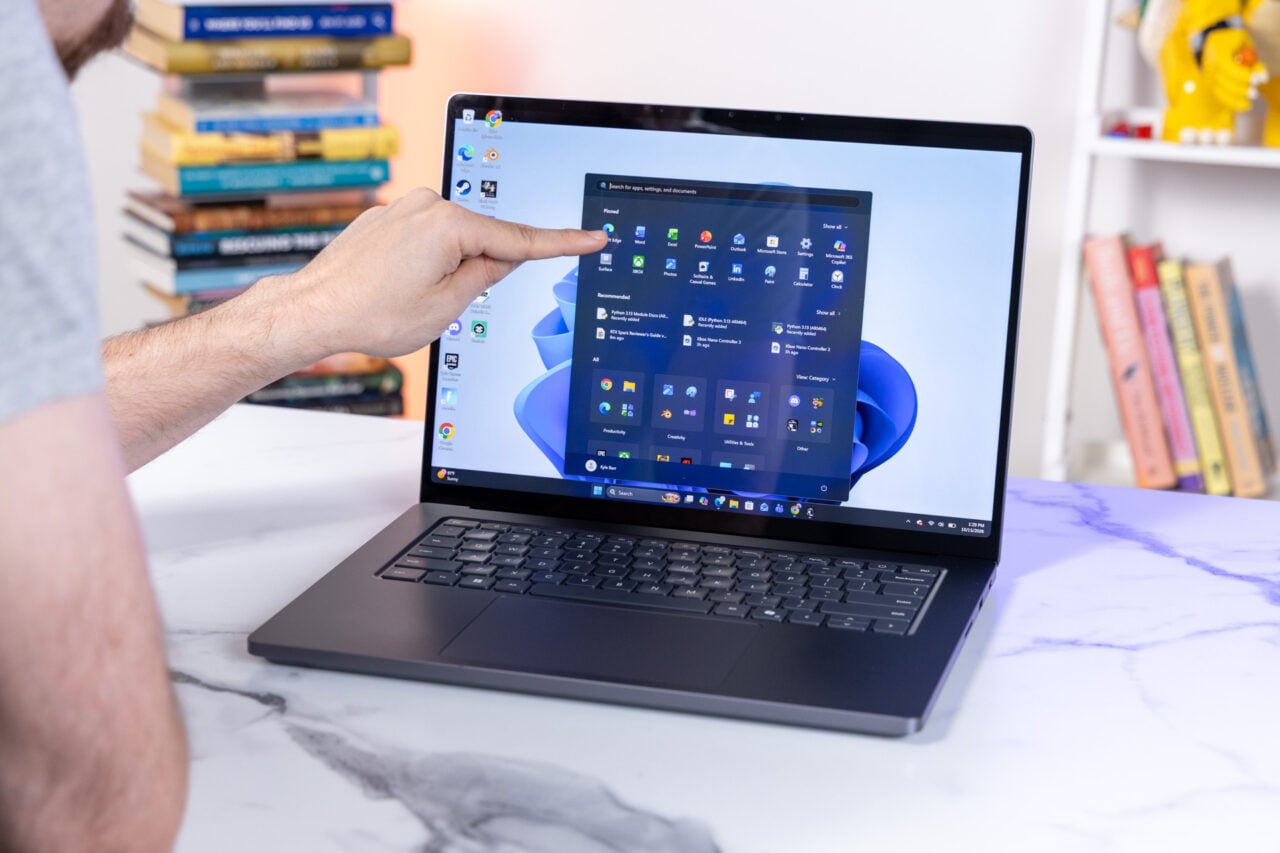
Razer went with a 240Hz OLED panel on its new Blade 16 models, and it’s simply one of the better-looking sub-4K laptop screens you can find right now. Razer claims the screen hits 100% of the DCI-P3 color gamut. It’s also certified VESA TrueBlack HDR1,000. Essentially, that means Razer claims the screen can max out at 1,100 nits in HDR content. All that really means is that this screen is bright enough for both outdoor use and sitting in the dark of your dedicated gamer gopher hole.
Razer’s display also supports variable refresh rate, or VRR, through Nvidia G-Sync. You’ll only ever get use out of that top-end refresh rate if you play games at low graphics settings and resolutions below the max 2,560 x 1,600. I could get some games like Zero Parades: For Dead Spies to hit a maximum 240 fps, but that certainly doesn’t matter for a game about slowly strolling, talking to people (and your various roiling emotions), and feeling depressed about it.

OLED, which stands for organic light-emitting diode, uses thousands of self-emissive lights that enable near-infinite levels of potential contrast. The Razer Blade 16’s screen is built for making your content look its absolute best, and in the right conditions some scenes can be breathtaking. In a title like Persona 3 Reload and Zero Parades: For Dead Spies, the heavy use of blacks in each scene helps the grimy cartoon or pastel tones of each scene pop that much more.
Notice how I said “in the right conditions.” Razer opted for a glossy finish to the screen without any option for a glare filter. In a perfect environment, without much ambient light, the screen is sharp and gorgeous. Once you start moving closer to a window, the display starts to become very reflective until it creates a mirror-like sheen in direct sunlight. It can make working outdoors more difficult. Even setting up next to a window can create some glare issues.
As nice as this laptop is to look at, its sound quality hits just about what I expect for a laptop at this price point. The Blade 16 (2026) includes a six-speaker audio system with a dual-force woofer and two tweeters. It all looks good on paper, but the audio isn’t quite all that bass-filled when you listen to it head-on. The sound has a balanced quality, though if I had any complaints, I would say the audio edges a bit too thin.
The laptop also supports THX Spatial Audio if you’re looking for a spatial audio experience. It’s a feature supported in a few games, like Battlefield 6 or Stalker 2: Heart of Chernobyl, but it also means you’ll have to pay for a separate subscription.
Not peak performance, but it’s no slouch
The thin scale of this laptop belies just how much power you push through the 16-inch Blade. As mentioned, the laptop allows for 165W of power (that’s 140W plus an extra 25W with dynamic boost) to the RTX 5090 graphics. In an ideal environment, the GPU can reach a maximum of 175W TGP. The Razer Blade 16 almost meets the maximum wattage of what the GPU is capable of. Still, cheaper laptops with an RTX 5080 may be able to match its in-game performance.
But then you have to consider the fact that instead of last year’s model that plugged in an AMD Ryzen AI 9 HX 370 CPU, the 2026 laptop is configured with the Intel Core Ultra 9 386H CPU, Intel’s top-end Panther Lake processor that lacks the 12Xe3 core integrated GPU. Of course, Intel’s latest outshines AMD’s last-gen Strix Point chipset. What you should be asking is how it performs next to other, larger laptop chips.
The Intel Core Ultra Series 3 doesn’t quite hit the performance of the refreshed Intel Arrow Lake lineup that arrived earlier in 2026. The Intel Core Ultra 9 290HX Plus inside the $4,000 configuration of the Alienware 16 Area-51 offered close to 18% better multi-core performance in our Geekbench 6 tests. If the question is about CPU rendering capabilities, the new peak Arrow Lake processor is 44% faster than the Core Ultra 9 386H in Cinebench 2026 tests. When I rendered a scene of a BMW in Blender wholly on the CPU, the Alienware laptop was one minute faster than the Blade 16’s 1 minute and 57 second time.

If you run the same Blender test on the GPU, the Razer Blade 16 is in a dead heat with the Area-51 and another laptop like the Asus ROG Zephyrus Duo, a fellow laptop with the same CPU and GPU combo. Intel’s 16-core Panther Lake chip is powerful enough, but its real raison d’être is efficiency.
Once you actually start comparing gaming benchmarks, the new Blade 16 looks that much more compelling. Compared to the Zephyrus Duo, which can only push the RTX 5090 to 135W, Razer’s 16-incher performed 19% better in 3DMark’s “Speed Way” tests and 23% better in “Port Royal” ray tracing benchmarks.
Still, you’ll trade performance for portability. Compared to an Alienware 16 Area-51 with a lower-end RTX 5080, the Razer Blade 16 managed near-equivalent frame rates in benchmarks across games like Cyberpunk 2077, Black Myth: Wukong, and Horizon Zero Dawn: Remastered. The Blade 16 could catch a bare few more frames at either the max 2,560 x 1,600 resolution or at 1080p, but are three extra frames per second worth $900 more? No, not on its own.
All that being said, you can push the nearly $5,000 Razer Blade 16 to play games at their absolute peak, including ray tracing for realistic lighting simulations. You’ll just have to accept you’ll also need to employ Nvidia’s DLSS upscaling. I could run Cyberpunk 2077 at the max resolution on “Ray Tracing Overdrive” graphics settings and manage around 50 fps in gameplay, though that’s only with DLSS on “Auto.” Without upscaling, I can barely make it to 30 fps.
I also played the latest hotness, like Assassin’s Creed Black Flag: Resynced, pushing the game to its absolute limit in terms of visuals. The game looks gorgeous on its own, but under these peak settings it’s simply spectacular, with the sun bounding off the deep blue waters and palm-filled foliage of the Caribbean. In that game, pushing ray tracing as hard as I could, I managed around 45 fps without upscaling and closer to 70 fps with DLSS settings set to balanced.
Battery life is king, but it’s not perfect

The reason you may be willing to sacrifice peak performance of an RTX 5090 laptop is purely for longevity. The Intel Core Ultra Series 3 chips have proved capable of offering the kind of battery life on thin and light laptops to last you through a workday and even beyond.
I couldn’t get a full day of work on a Razer Blade 16. It was closer to 6 hours running at a relatively high brightness setting and on the laptop’s best efficiency power mode. Note: that’s me working continuously without breaks or even a bite to eat. Blogs aren’t going to write themselves, after all.
That longevity is not at all bad considering other gaming laptops may last less than 3 hours when away from an outlet. If I minimize brightness, then I may be able to push the laptop to match a full workday. But that’s exactly my problem with the way most companies run their battery tests. They pretend you’ll accept a subpar experience just to keep your laptop going for longer. If I spend $4,900 on a laptop, nobody has the right to tell me to squint at text on screen or watch my YouTube videos on a dim screen.
And if I spend so much money on one device, I want to use it for a long, long time. Unfortunately, Razer soldered its RAM in place. While you can expand the SSD, you’re otherwise stuck with the memory config you chose. Keep that in mind when you’re buying this expensive machine.
This is one of the laptops that really could operate as a feature-rich workstation or sit at home as a gaming-only machine. The fact that it works so well in both contexts is a credit to the small changes Razer made on its latest Blade 16. But let’s be clear, anybody who wants this machine will have to get past the price.
If I wanted to afford the Razer Blade 16, I could decide to just skip rent for the next four months. I could hold off on paying the next two years of car payments. I could otherwise sell a kidney or my soul (limited edition, though unfortunately damaged). The fact I even considered it for a bare second tells me just how much I enjoy the Razer Blade 16.