Sure, iOS 9 is stealing all the headlines right now, but there’s a good three months until we’re going to be able to get our fingers on it, and in the meantime there’s plenty of usefulness in existing versions of iOS. Today’s tip from the ‘you-might-not-have-known-this’ drawer is falling asleep with iOS playing the soothing sounds of your favorite tunes.
Here’s how it’s done: If you go into the Clock app, then switch to the Timer tab, you’ll notice Stop Playing is one of the options on the When Timer Ends menu. Set the timer accordingly, push Start, and when it runs out your music will come to an abrupt stop. All you need to do is estimate how long it’ll take you to drift off.
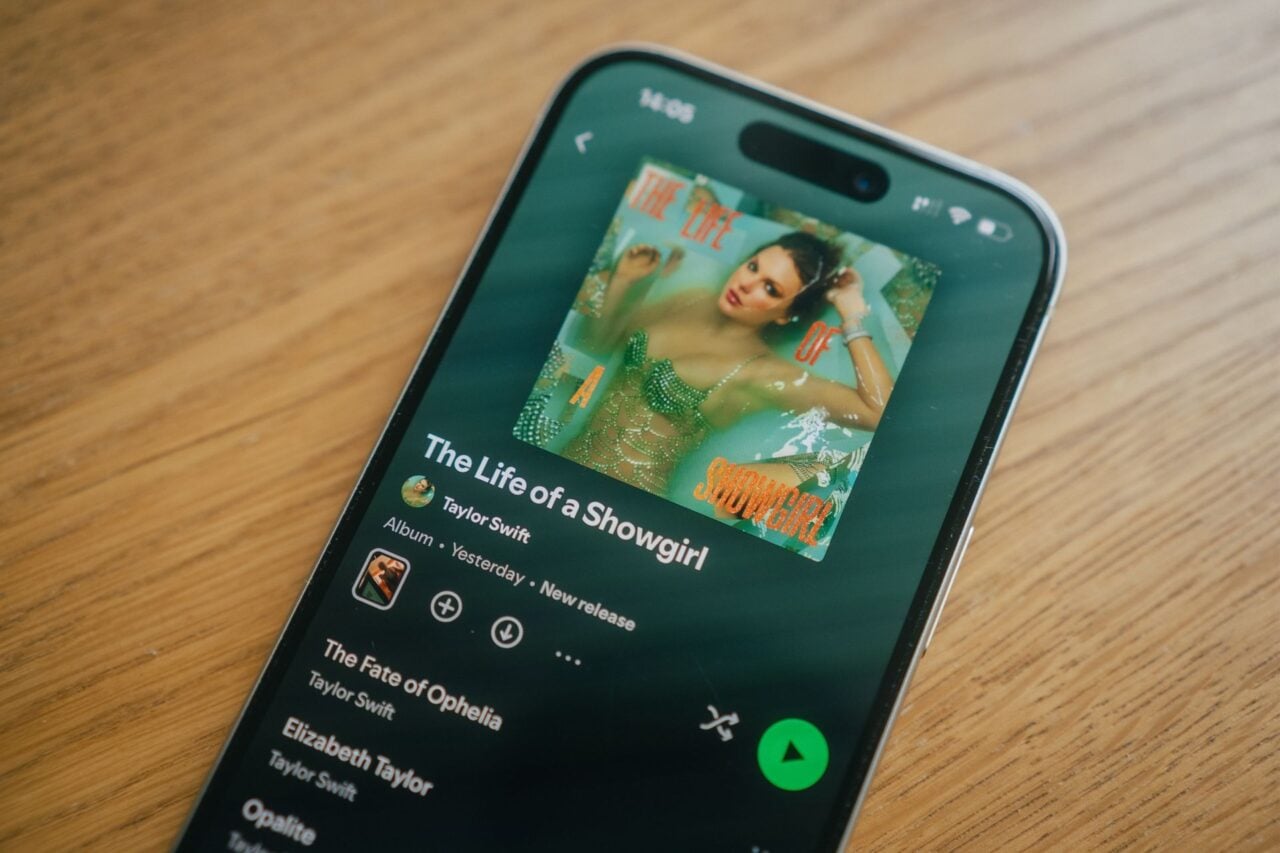
We successfully tested it out with Spotify and Rdio as well as the default Music app on an iPhone so it seems to be compatible with third-party apps. If you like having something on in the background while you doze off, but don’t want music playing all night, it’s a simple fix that doesn’t require extra apps—let’s hope they keep it in for iOS 9.