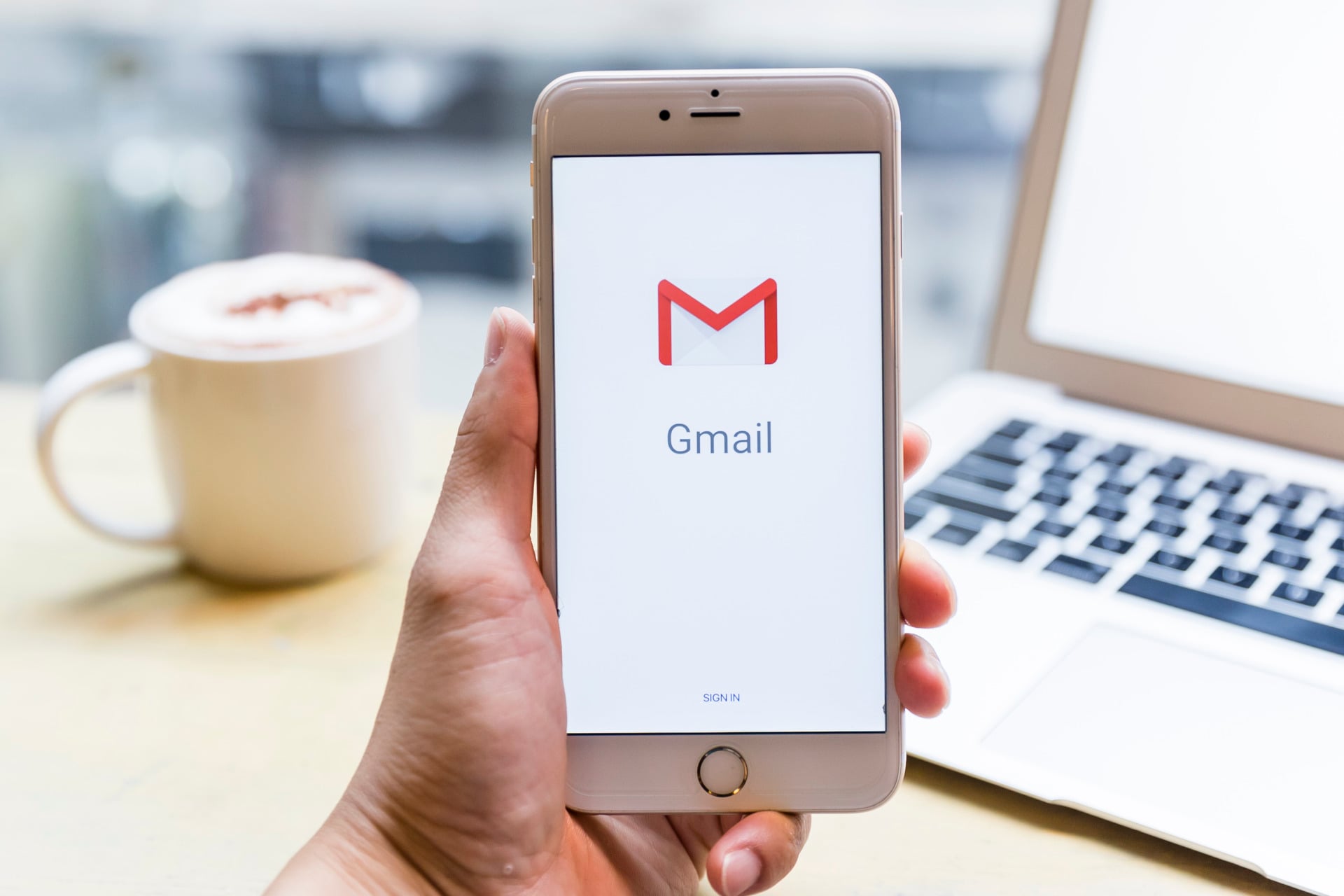
For the first time since Gmail debuted more than two decades ago, all U.S. users can finally change their email addresses.
For years, the only way to get rid of embarrassing old Gmail addresses that you probably came up with in the ignorance and recklessness of youth was to open a new email account from scratch. But opening a new account, especially now, means that you will have to go through the hassle of migrating every old email in your inbox that you are holding on to and every document or photo in your Google Drive.
Now, users will be able to just change the bit that comes before “@gmail.com,” while their old email address will become an alternate. So, if you change your username, you can still use your old account to receive emails and log in to Google Services like Drive, Maps, and YouTube.
Google began gradually rolling out this change in late December, and finally announced on Tuesday that it was officially available for all Google Account users in the United States.
If you want to change your username, here’s how you do it:
- Go to your Google Account Settings by tapping your profile picture or initial and then clicking on “manage your account.”
- Once there, click on “personal info,” then “email.”
- If you’re a U.S. user, you should be able to click on your Gmail account email and see “Change Google Account Email as an option, which will refer you to a new page where you can make the change.
You can only change your username every 12 months, though, so once you make the change, you can’t create a new email for the next year, but you can revert to having your old email address as your primary account.