
ZEE5’s own help pages are blunt about it: a subscription bought in India is valid only in India. JioHotstar and SonyLIV split their services the same way. Each now sells an international version, but those apps have a different catalog, and live cricket and parts of each Indian library remain on the Indian services.
For NRIs, students on exchange, and anyone following a serial from overseas, that leaves a choice between a local app and the full Indian one. The local apps require no setup. The Indian ones require an Indian IP address, and three VPNs provided one reliably in our tests.
Indian TV Abroad: The Setup for 2026
- Subscribe to NordVPN, which has a server in Mumbai.
- Install the app on your phone, computer, or streaming device.
- Connect to India from the server list.
- Open JioHotstar, SonyLIV, or ZEE5 and sign in with your Indian account.
- Choose a channel or a show and start watching.
Which Indian Apps Work Outside India
Indian broadcasters license their apps country by country, so what you get abroad depends on the app and on where you live. Here’s how the main services compare:
| Service | Sold outside India | India-only content |
| JioHotstar | International app in the UK, Canada, and Singapore; JioHotstar catalog on STARZPLAY in the Middle East and North Africa | Live cricket and the full Indian catalog |
| ZEE5 | ZEE5 Global, a separate subscription | The Indian catalog, since Indian plans work only in India |
| SonyLIV | International plans in many countries | Parts of the Indian library, because of regional licensing |
The international apps are the simplest choice where they exist, since they take local payment and require no VPN. Still, they leave out much of what viewers miss. Cricket is the clearest case: the international JioHotstar has no live sports, and our guide to watching JioHotstar abroad covers where the IPL streams instead.
For everything else, the Indian versions remain the only way to get the full catalogs. And using them from abroad requires an Indian IP address.
How to Watch Indian TV Channels Abroad With a VPN
Indian streaming apps check your IP address to decide which catalog to show. Connect to a server in India, and the app reads an Indian IP address, the same as a viewer in Delhi would have. In our tests, JioHotstar, SonyLIV, and ZEE5 worked on the Indian servers of NordVPN, Proton VPN, and ExpressVPN, with no VPN errors.
First, subscribe to a VPN and install it on the device you watch on. Then type India into the app’s search bar and connect. With NordVPN, that puts you on its Mumbai server within a few seconds. Once the app shows you’re connected, open the streaming app and sign in with your Indian account.
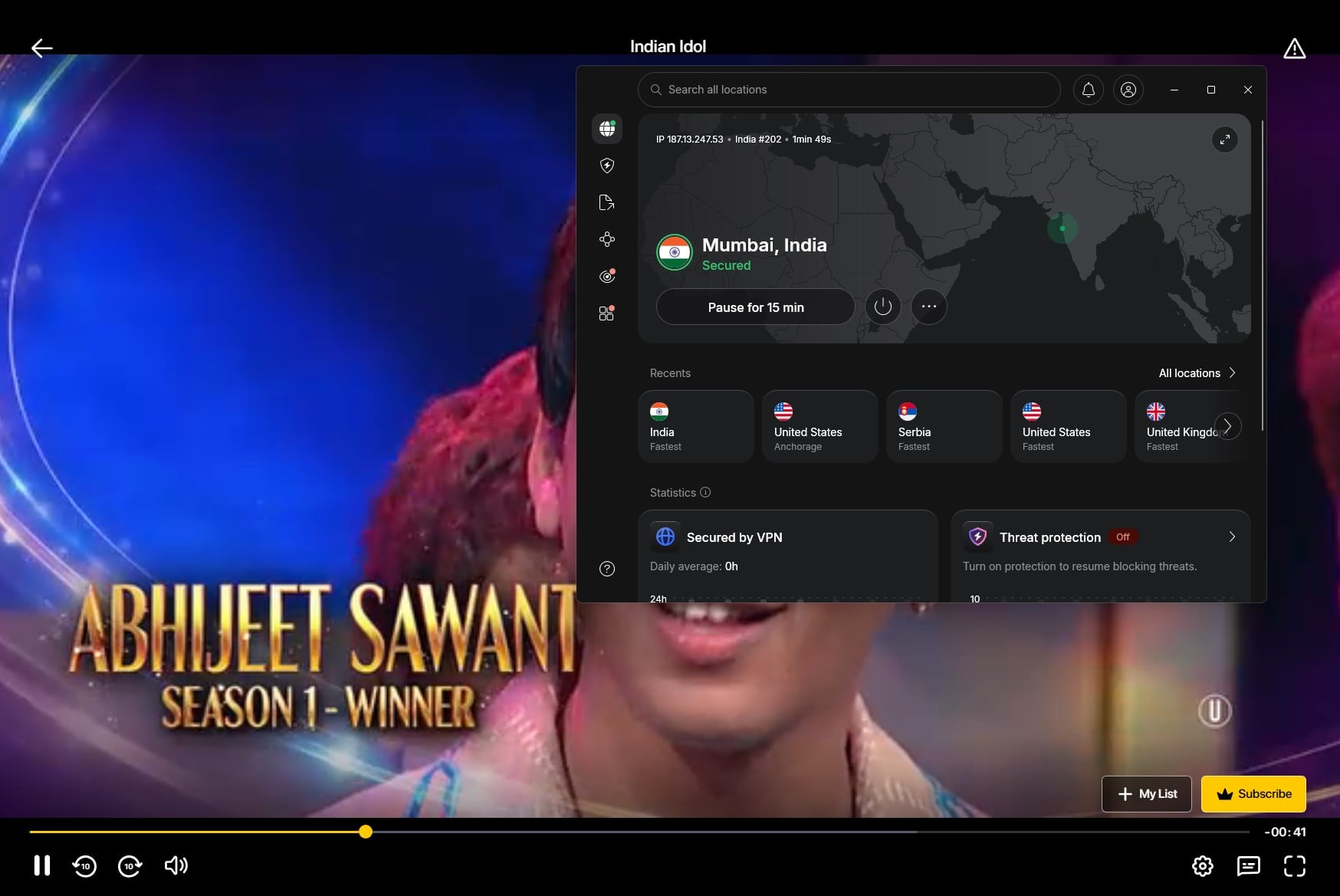
Two things can still get in the way.
- First, Indian plans are usually paid with an Indian card or UPI, and JioHotstar sends its login code by text to an Indian mobile number. For that reason, keeping an existing Indian subscription is easier than starting one from abroad.
- Second, a site may remember your real location from an earlier visit. If a page shows a region error, clear the browser’s cache and cookies and reload it.
In the US, local options with no VPN include Sling TV’s Indian channel packages and Willow for cricket, which our guide to watching Indian TV in the USA covers.
VPNs That Unblock Indian Channels
We tested NordVPN, Proton VPN, and ExpressVPN on their Indian servers with JioHotstar, SonyLIV, and ZEE5, and you’ll find them in the best VPNs for India as well.
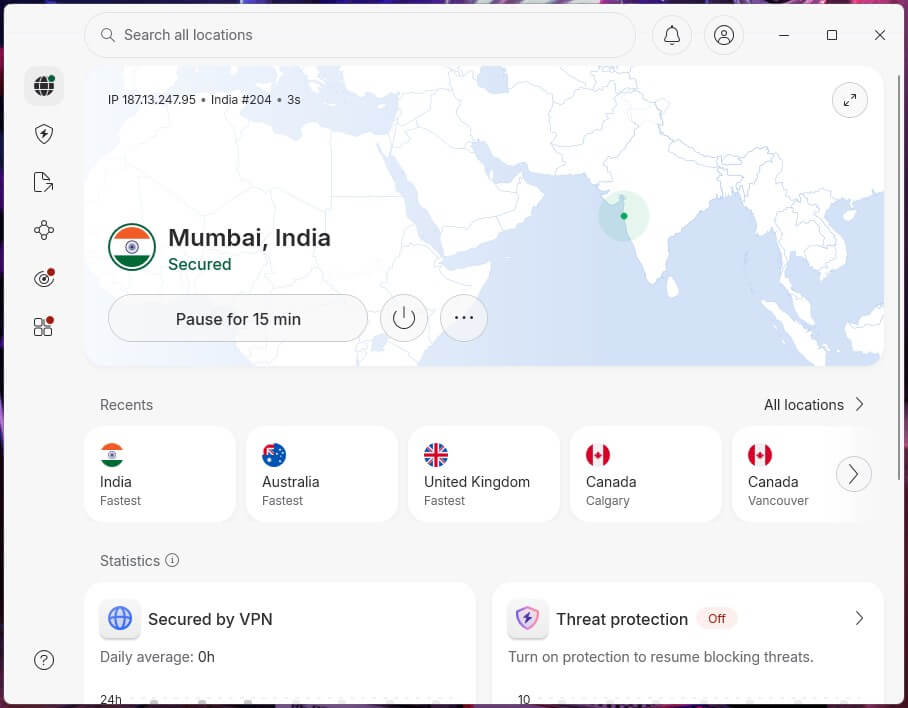
1. NordVPN: Best Overall for Indian TV Abroad
Pros
- Fast Mumbai server
- Apps for Fire TV, Android TV, and Apple TV
- Split tunneling for local apps
- Covers 10 devices
- Malware protection on higher plans
Con
- Higher renewal price
NordVPN had a 10.2% speed loss on its Mumbai server in our tests, so serials and live channels started in HD without buffering. Its apps cover Fire TV, Android TV, and Apple TV, which lets the family watch on the big screen. Many viewers use Indian apps on a phone as well, and NordVPN also tops the best VPNs for Android.
Split tunneling makes daily use easier, since it sends only the Indian apps through the VPN, while your banking app and local streaming services keep your real connection. Up to 10 devices can share one subscription. Pricing starts at about $3.50 a month on the two-year Basic plan, and a 30-day money-back guarantee covers the first month.
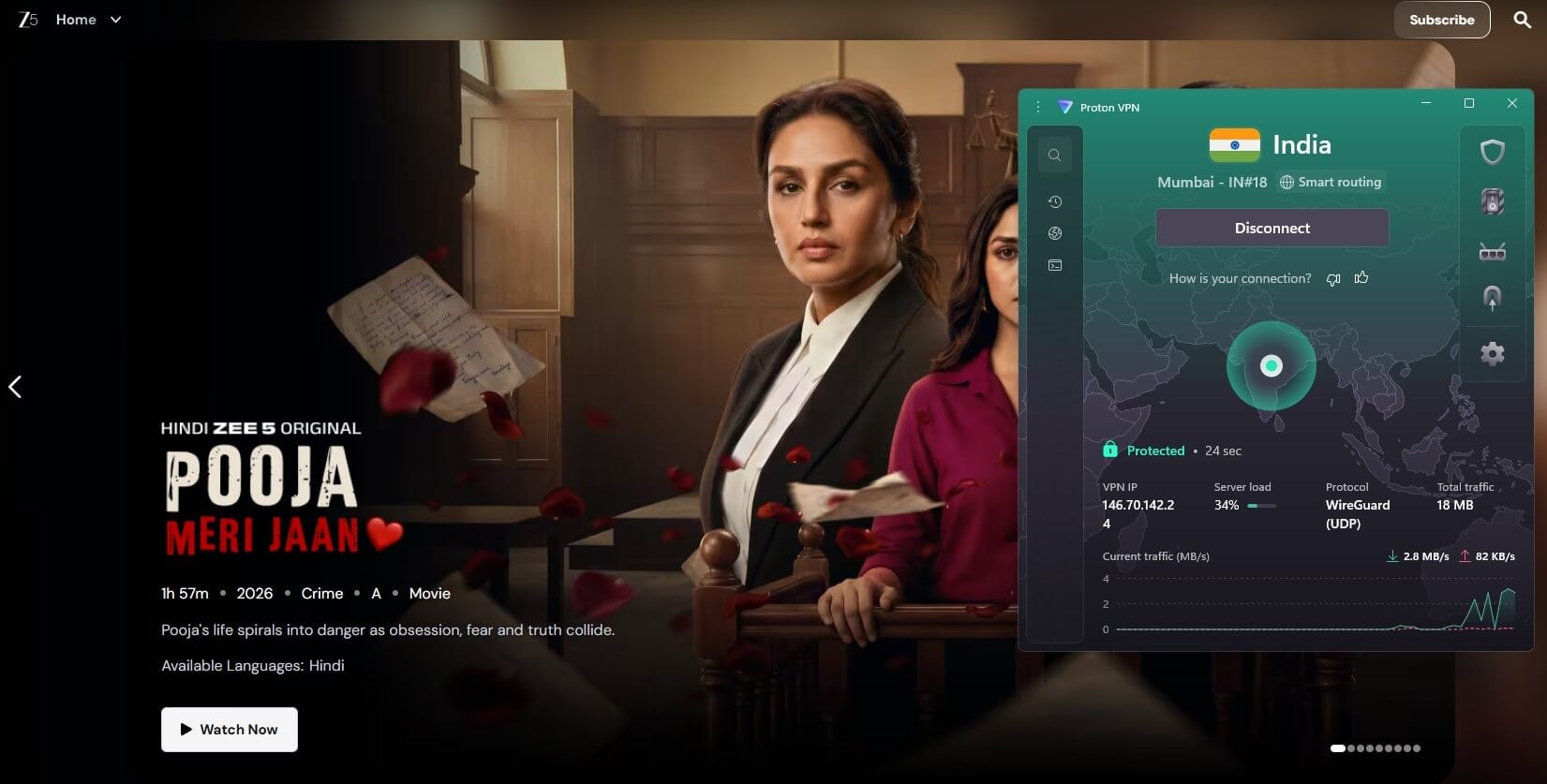
2. Proton VPN: Best for Privacy
Pros
- Works on networks that block VPNs
- Swiss jurisdiction
- Apps for Fire TV and Android TV
- Blocks ads on Indian TV sites
- No bandwidth caps
Cons
- Slower on its Indian server
Proton VPN unblocked JioHotstar, SonyLIV, and ZEE5 on its Indian server too, although that server was slower, with a 45.3% speed loss. Even so, it left more than 100 Mbps, well above what HD streaming requires.
On networks that filter VPN connections, such as some in the Gulf and many on campuses, its Stealth protocol disguises the connection so it isn’t blocked. Proton VPN also ranks among the most secure VPNs, thanks to Swiss jurisdiction, open-source apps, and a no-logs policy audited each year.
Its ad blocker, NetShield, clears many of the pop-ups on ad-heavy Indian TV sites. Two years of VPN Plus work out to about $3 a month, for up to 10 devices.
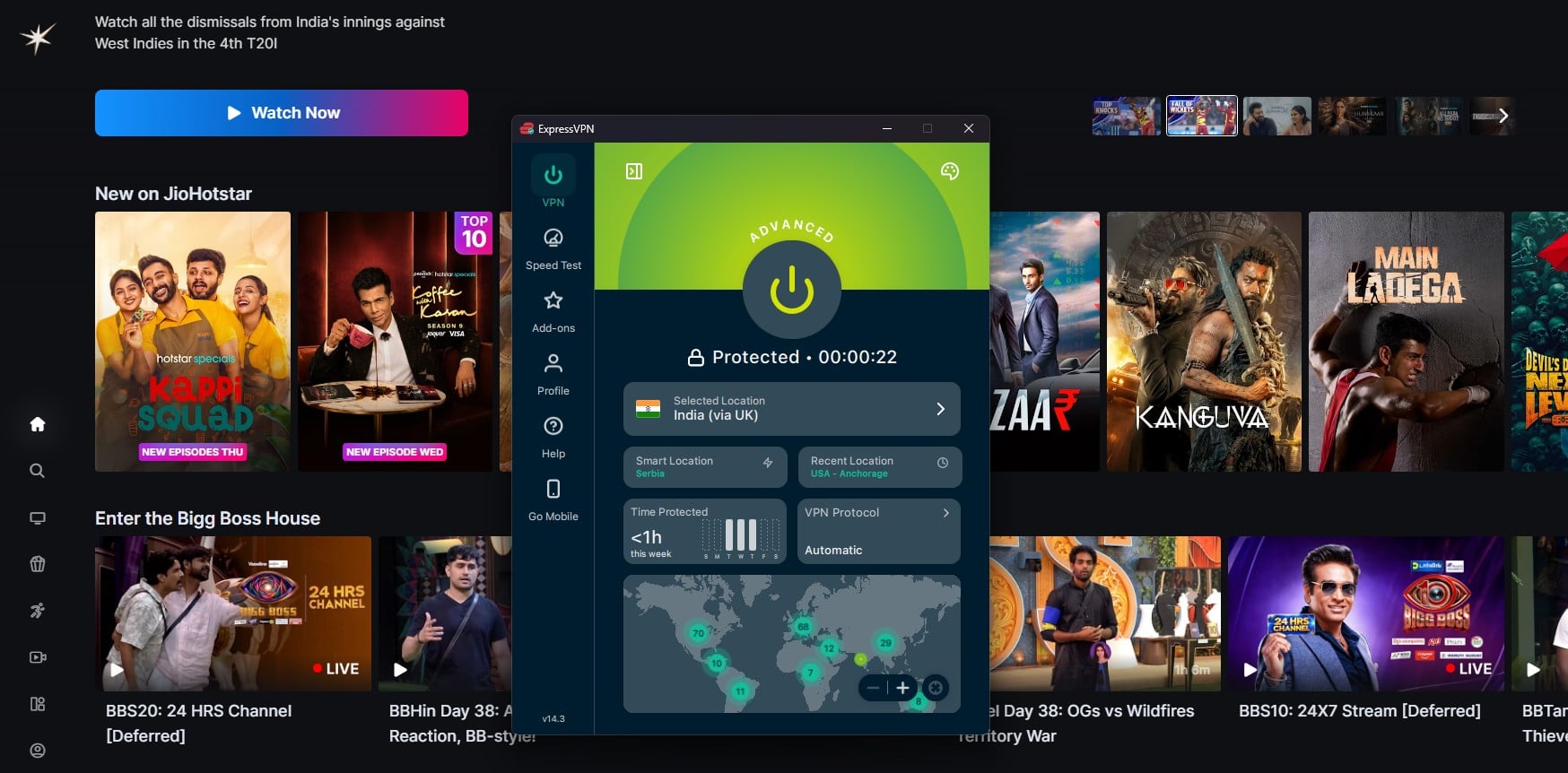
3. ExpressVPN: Best for Fast Streams
Pros
- Two Indian server locations
- Quick connections
- User-friendly apps
- Servers keep no data after a restart
Cons
- Few advanced settings
- No Double VPN
ExpressVPN has two Indian locations, and JioHotstar, SonyLIV, and ZEE5 worked on both. The faster one had a 4% speed loss in our tests, the smallest of the three on Indian servers, and ExpressVPN also ranks among the fastest VPNs we tested. In addition, the app connected in one to two seconds.
Its apps are simple to use on phones, computers, and TVs, so there’s little to configure before a show starts. Depending on the plan, one subscription covers 10 to 14 devices, and independent firms have reviewed its logging practices.
Expect to pay about $3 a month for the Basic plan over two years, with 30 days to ask for a refund. Optionally, you can start a 3-day trial on Android as well.
Can a Free VPN Unblock Indian TV?
No. Windscribe and PrivadoVPN, the free VPNs that did best in our streaming tests, offer no Indian servers on their free plans. Proton VPN’s free plan doesn’t let you choose a country, and its free countries don’t include India. So without an Indian IP address, JioHotstar, SonyLIV, and ZEE5 remain blocked.
Data caps are the other limit, since an evening of HD streaming can use a monthly free allowance. So for Indian TV from abroad, a paid VPN is the safer choice, while the free VPNs for India suit everyday browsing in the country itself.
Conclusion
For most Indian channels, the choice comes down to the app. If the international version has what you watch, use it and skip the setup. If it doesn’t, connect a reliable paid VPN to India, open the Indian app, and sign in with your Indian account.
One thing to know before you watch on a TV: casting from a phone usually doesn’t pass on the phone’s VPN connection, because the TV or Chromecast fetches the stream itself. Install the VPN on the TV, or on a Fire TV or Android TV device, so the stream comes from India too.
Frequently Asked Questions
How can you watch Indian TV channels in the UAE?
JioHotstar's catalog is available in the UAE through STARZPLAY, and ZEE5 Global and SonyLIV sell international plans there. Live cricket and the full Indian catalogs remain on the Indian apps.
Can you watch Indian TV channels in Europe for free?
Partly. Prasar Bharati's WAVES app offers free content aimed at viewers in India and abroad, and several Indian news channels stream live on YouTube. Most entertainment channels require a paid subscription.
How can you watch Indian channels on an Android phone abroad?
Install the streaming app from Google Play, then connect a VPN app to a server in India before opening it. JioHotstar, SonyLIV, and ZEE5 then show their Indian catalogs.
Does an Indian ZEE5 subscription work abroad?
No. ZEE5 limits Indian subscriptions to India because of country-specific licensing. Viewers abroad can buy ZEE5 Global instead, which has a different catalog and separate pricing.
Is it legal to watch Indian TV abroad with a VPN?
In most countries, yes, since using a VPN is legal. However, streaming services' terms often prohibit hiding a viewer's location, so an account that breaks them can be restricted.
Which VPN works best for Indian TV abroad?
NordVPN works best, with a fast Mumbai server that unblocks JioHotstar, SonyLIV, and ZEE5. Proton VPN unblocks the same apps and adds stronger privacy protections, though its Indian server is slower.