I had one mission today: try Google’s “intelligent eyewear” and get a better sense of how “Gemini Intelligence” works on screen-equipped smart glasses. I waited just over an hour at I/O’s “AI Sandbox” and had a demo that ran about seven minutes. I guess that’s better than the 90 seconds I had last year.
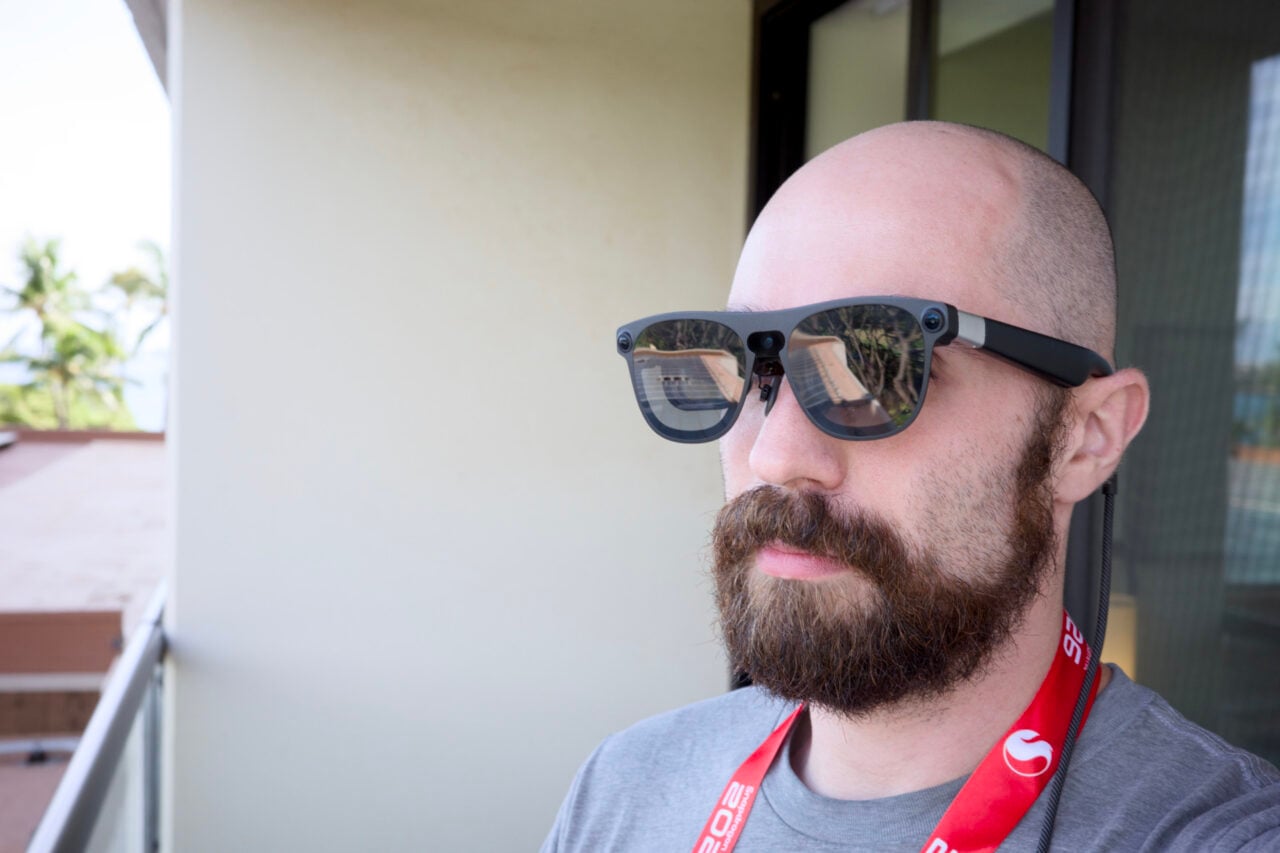
The device I tried was another prototype device—not the audio glasses from Samsung and Gentle Monster or Warby Parker—and had a small screen in the right lens. I don’t know what’s going on, but it feels like Google doesn’t want people to try out the smart glasses long enough that they’ll see the screen’s limitations. Or maybe Google is trying to avoid any comparisons to Google Glass.
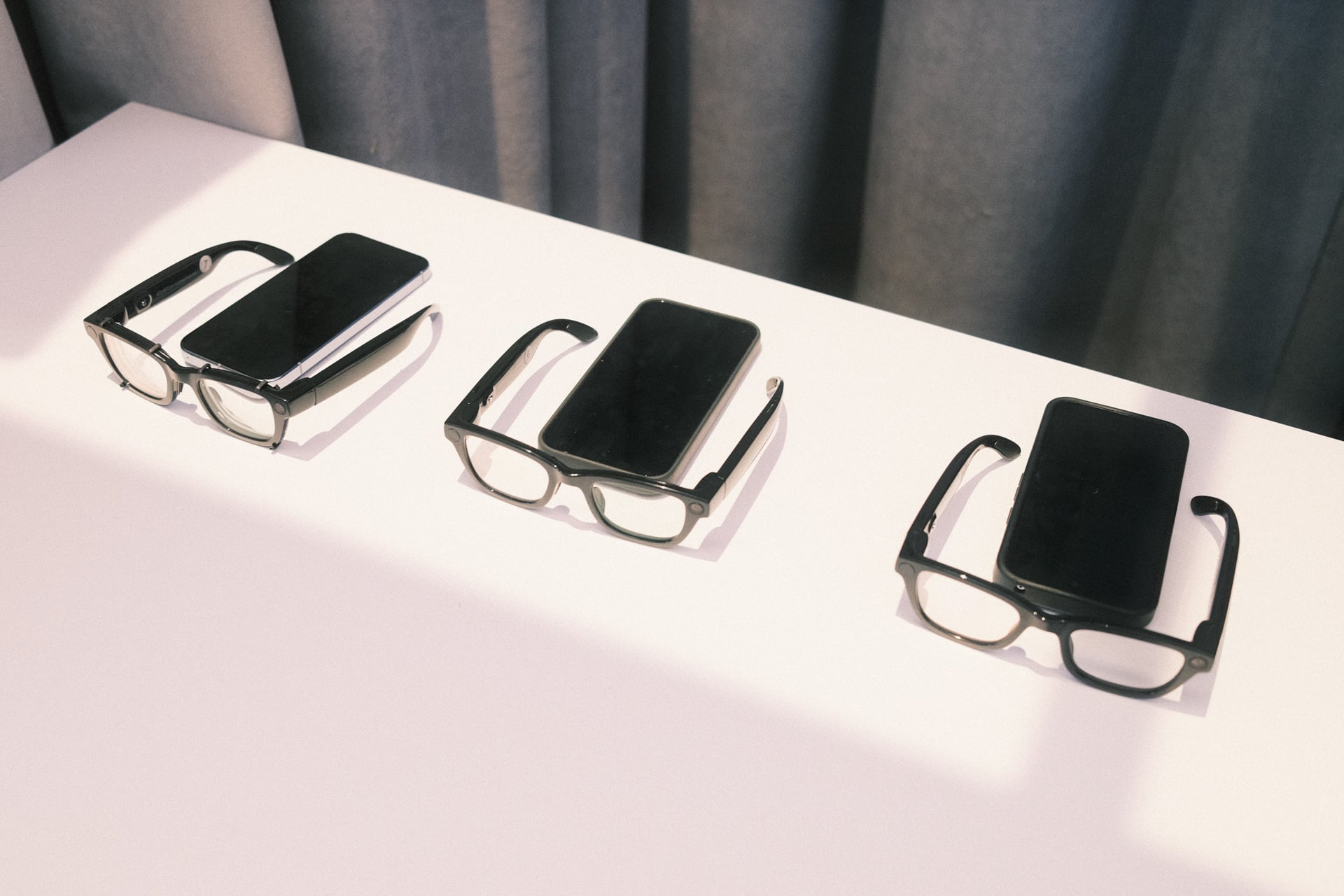
Here’s how my demo went. I looked at an Ozzy Osbourne poster and asked Gemini (long press on the right arm’s touchpad) to play one of his songs. The AI assistant did as commanded. I sat down at a table with a Go board and stones and asked Gemini to tell me about the game. I was brought over to a corner of the booth to briefly look at the screen’s tiny widget showing the weather. Next, I experienced real-time translation. A staff member spoke Korean and the English translation promptly appeared on the screen after she had finished speaking. I wasn’t allowed to speak in English and see a Korean translation. There was no back-and-forth conversation. Finally, I was instructed to take a selfie in front of a mirror and ask Gemini to use Google’s Nano Banana image generator to “put me on the moon.” The result was embarrassing:
I demoed Gemini Intelligence on Google's prototype, screen-equipped smart glasses. I was told to ask Google Nano Banana to take my selfie and then "put me on the moon"
The AI put me on the moon and also made me look more white
Just look at my face. It's completely different pic.twitter.com/ed4aPQrNrS
— Ray Wong (@raywongy) May 20, 2026
Nano Banana put me on the moon… and also made me appear more Caucasian. I definitely didn’t ask Gemini to do that. I hate this photo. What is the point of having smart glasses slop-ify photos like this? What is the real-world utility? It’s a gimmicky party trick that doesn’t even work well.
“Gemini Intelligence”—the ability to invoke the AI assistant to tell you about things the cameras “see”—could be very useful. The real-time translation seems really promising; identifying things and getting information is informative; and playing music from a poster is fun. Plus, Gemini was more responsive this year compared to last. But why isn’t Google showing more examples for the single screen?
It’s making me wonder if Google is intentionally downplaying smart glasses that have a single screen in them. Why? Maybe it’s privacy-related. Or maybe because the screen will have limited utility? The second you get a taste of a screen in smart glasses—even one as tiny as the one in these Google smart glasses—you can’t help but expect more from it. People will want full-blown apps in their peripheral vision, and if Google can’t deliver that, it’s going to be a letdown.
It’s a problem that Meta is going through right now with its Ray-Ban Display. Those smart glasses also have a display in the right lens, but it launched without any third-party apps, which has made them a non-starter for a phone accessory that starts at $800. Meta is remedying the app situation with a new SDK for developers to build web apps, but who knows if that’s actually the right move.
The messaging seems to be: even if your smart glasses have a tiny built-in screen, you won’t really use it often. You’ll be invoking Gemini via audio more. In that way, smart glasses with a single screen—not to be confused with XR smart glasses with better optics like Google’s Xreal Project Aura made for more work and entertainment—may end up working more like a smartwatch, meaning they’re unlikely to ever replace your phone.