I came to Google I/O 2026 to try out Google and Xreal’s “Project Aura” XR smart glasses and I’m happy to report that I got more than 90 seconds with them.
Launching globally this year, Project Aura is a pair of XR smart glasses that run on Google’s Android XR spatial platform. While neither company shared details on pricing or a specific release date yet, media like myself did get to demo them to get a taste of what to expect. They’re exactly as I expected them to be: a halfway point between the displayless smart glasses like Ray-Ban Meta AI glasses (and Google’s and Samsung’s new “audio glasses”) and a more immersive headset like the Vision Pro or Galaxy XR. You get “spatial computing” experience in a pair of compact frames.
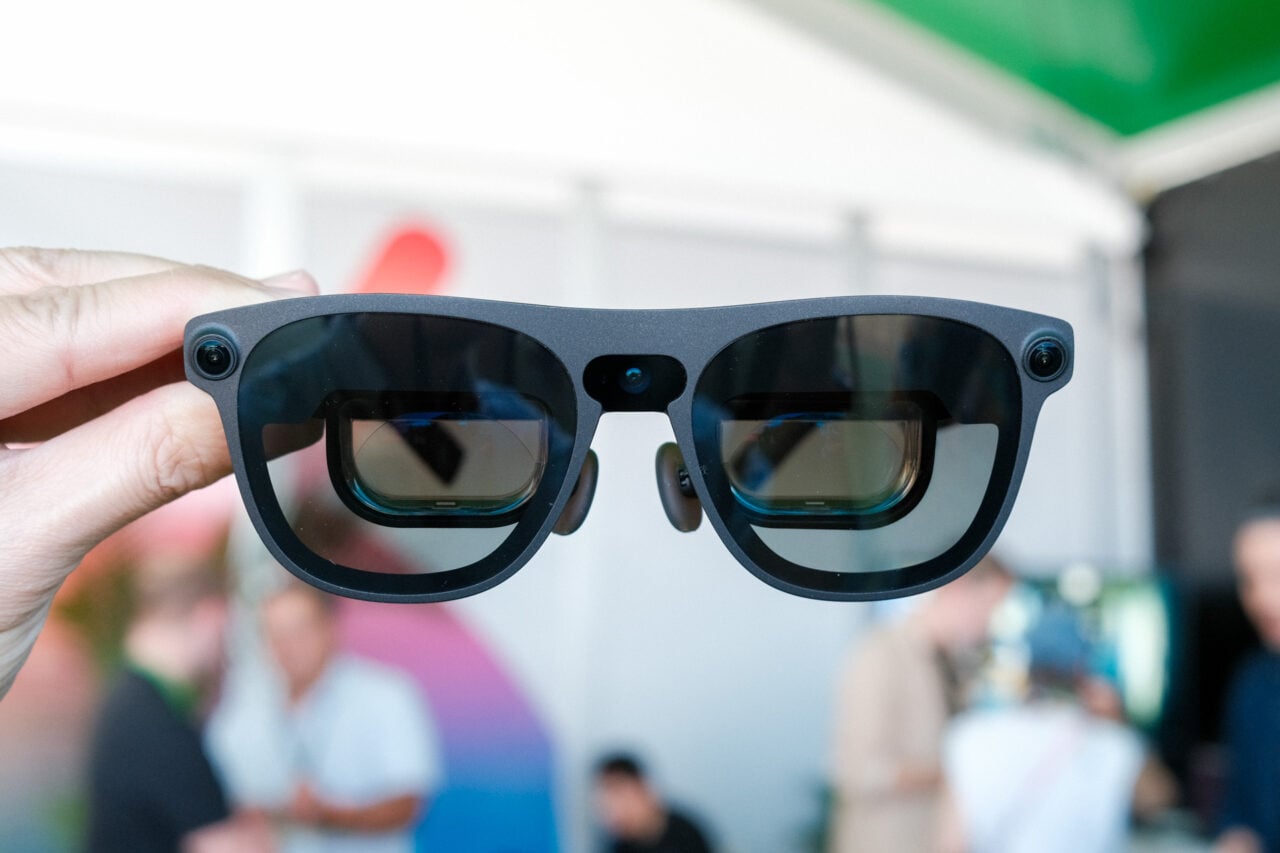
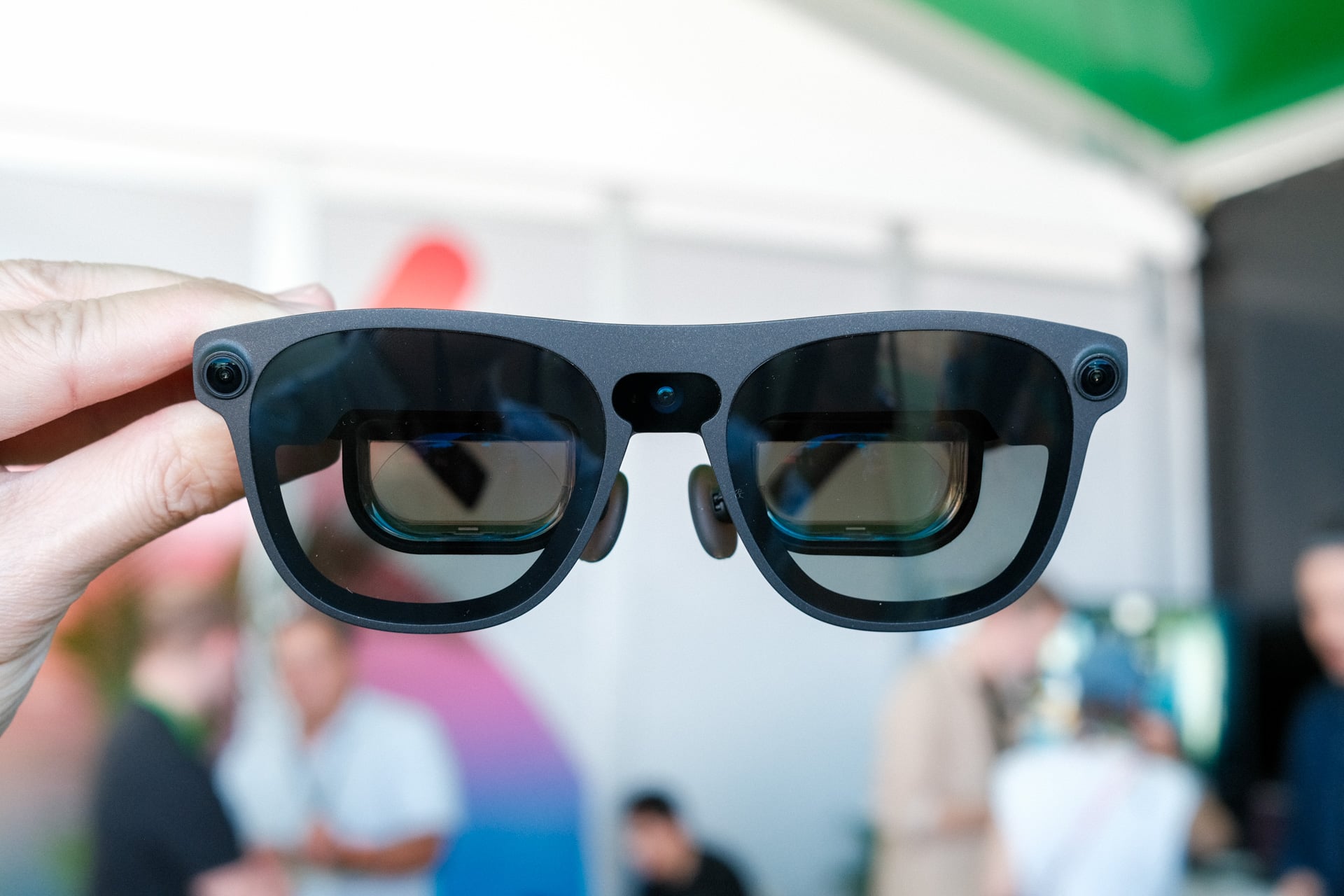
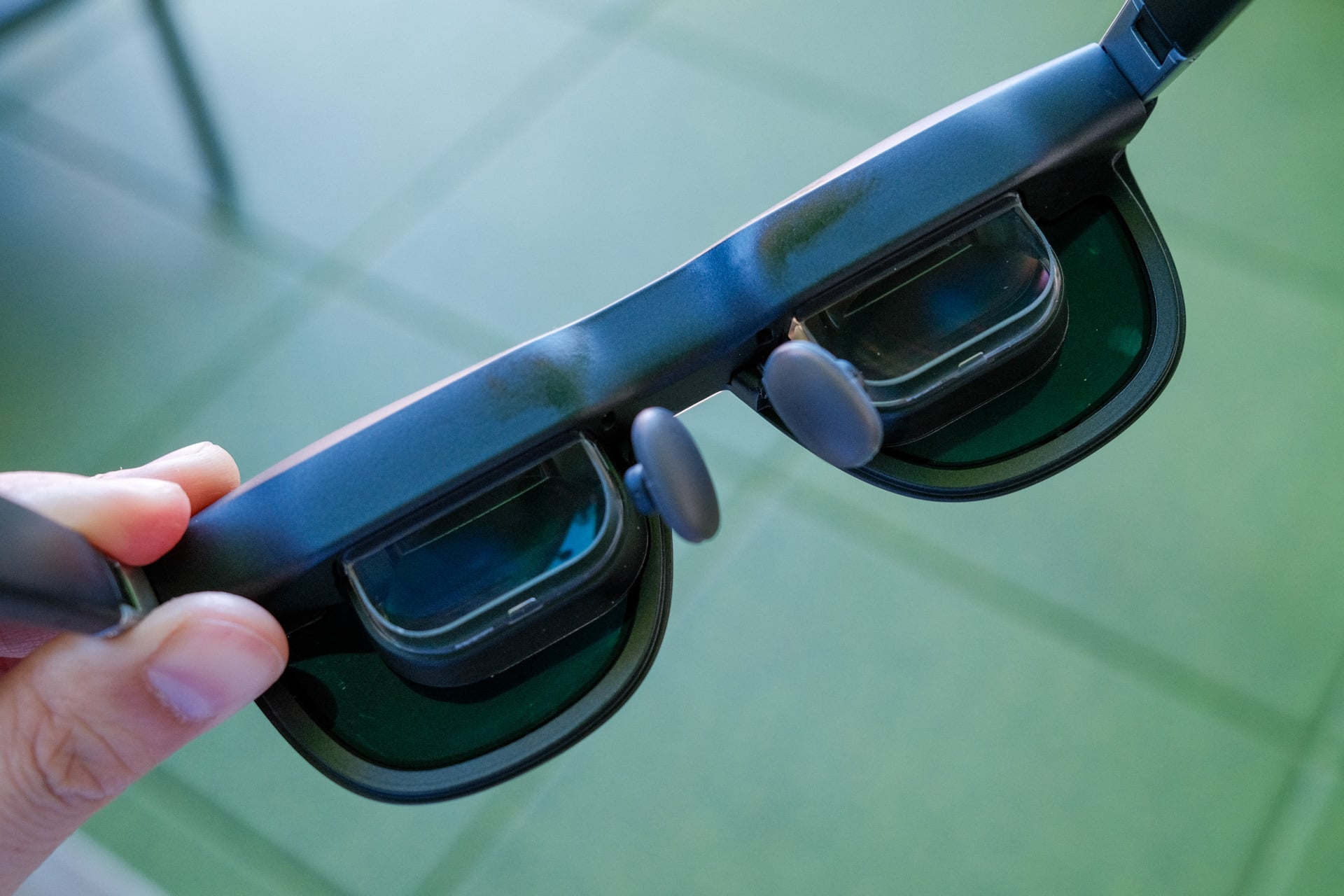
Slipping them onto my face, Project Aura felt no different than Xreal’s One Pro AR glasses. Other than the three cameras (the one in the nose bridge is for photos and videos, and the ones on the sides are used for hand tracking), they looked and felt pretty much the same—super light and not at all uncomfortable. That’s what we want, cause few people are gonna strap a bulky headset to their face.
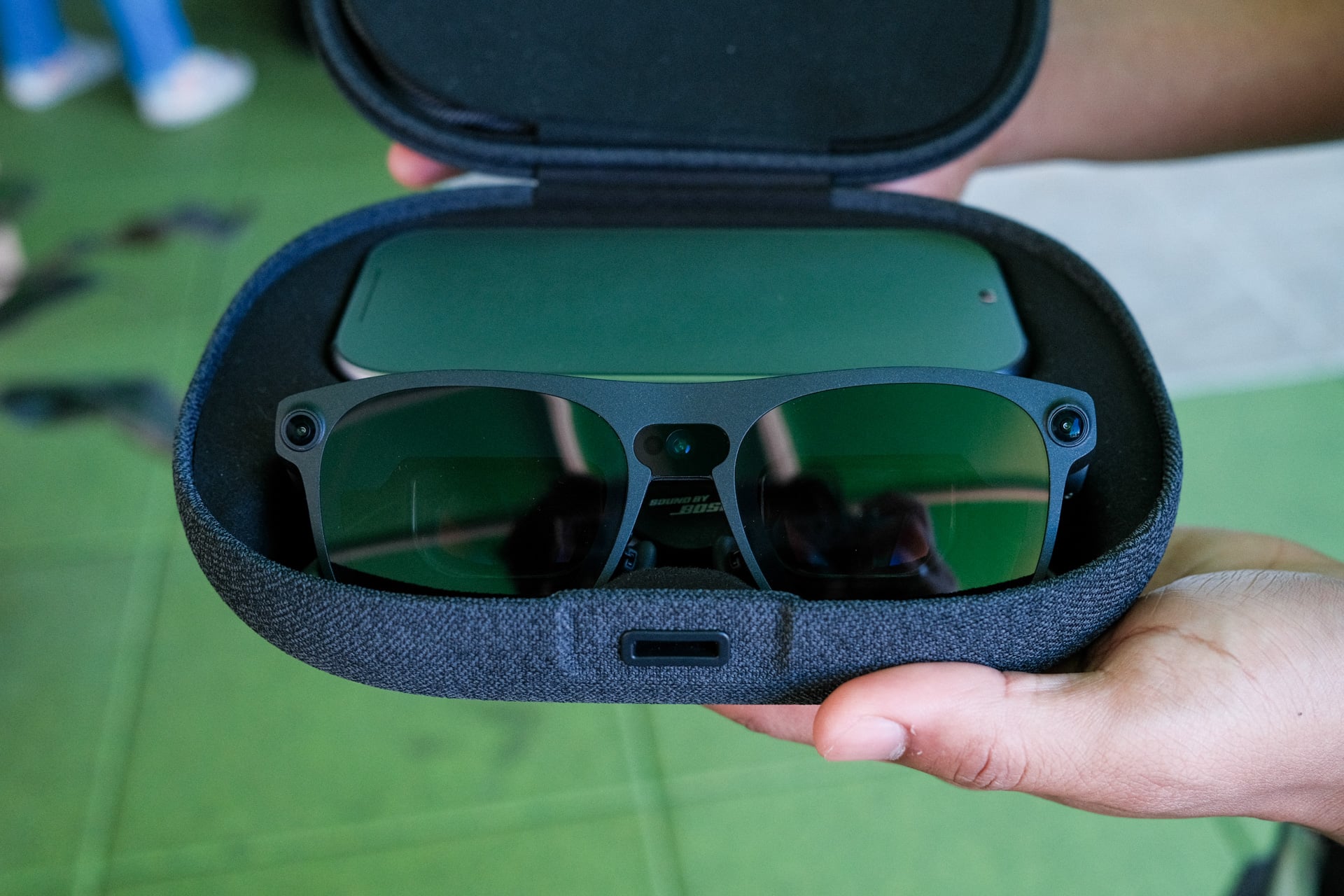
There’s a cable that connects to the left arm that plugs into a “compute puck” that you can then wear around your neck with an attached lanyard. The puck itself resembled the battery pack for the Vision Pro. There’s also a trackpad on the surface of the puck, but I wasn’t able to try that out.
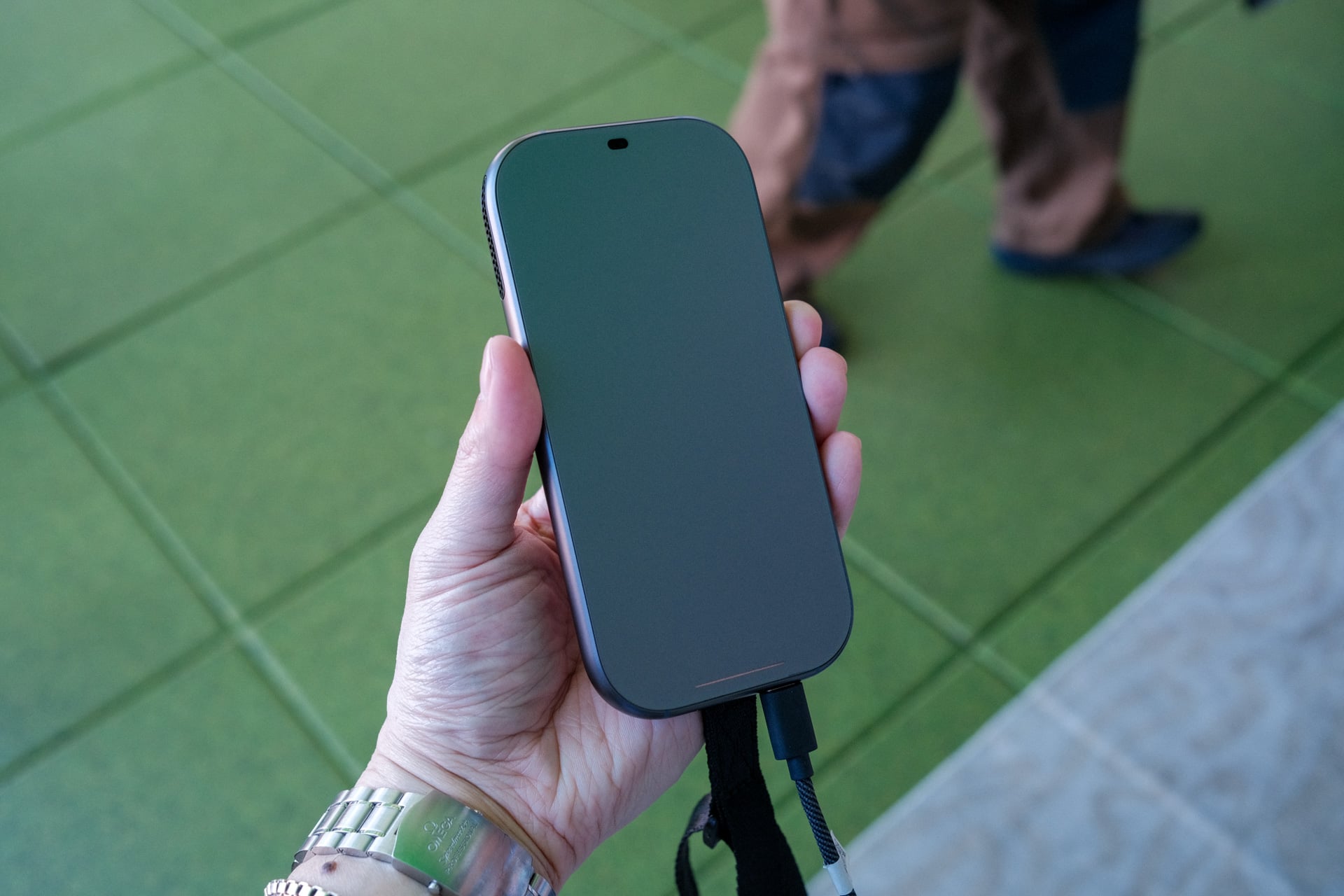
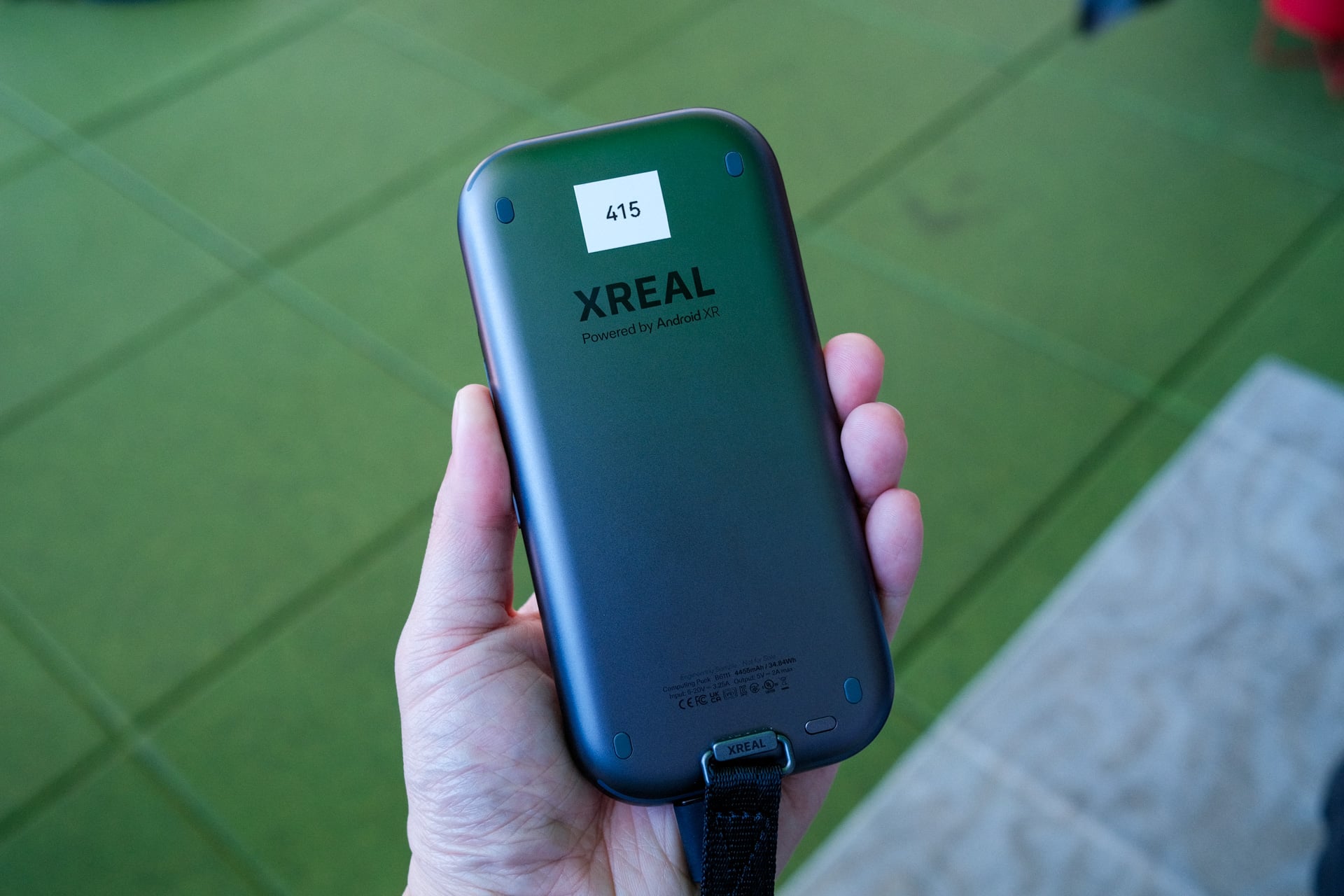
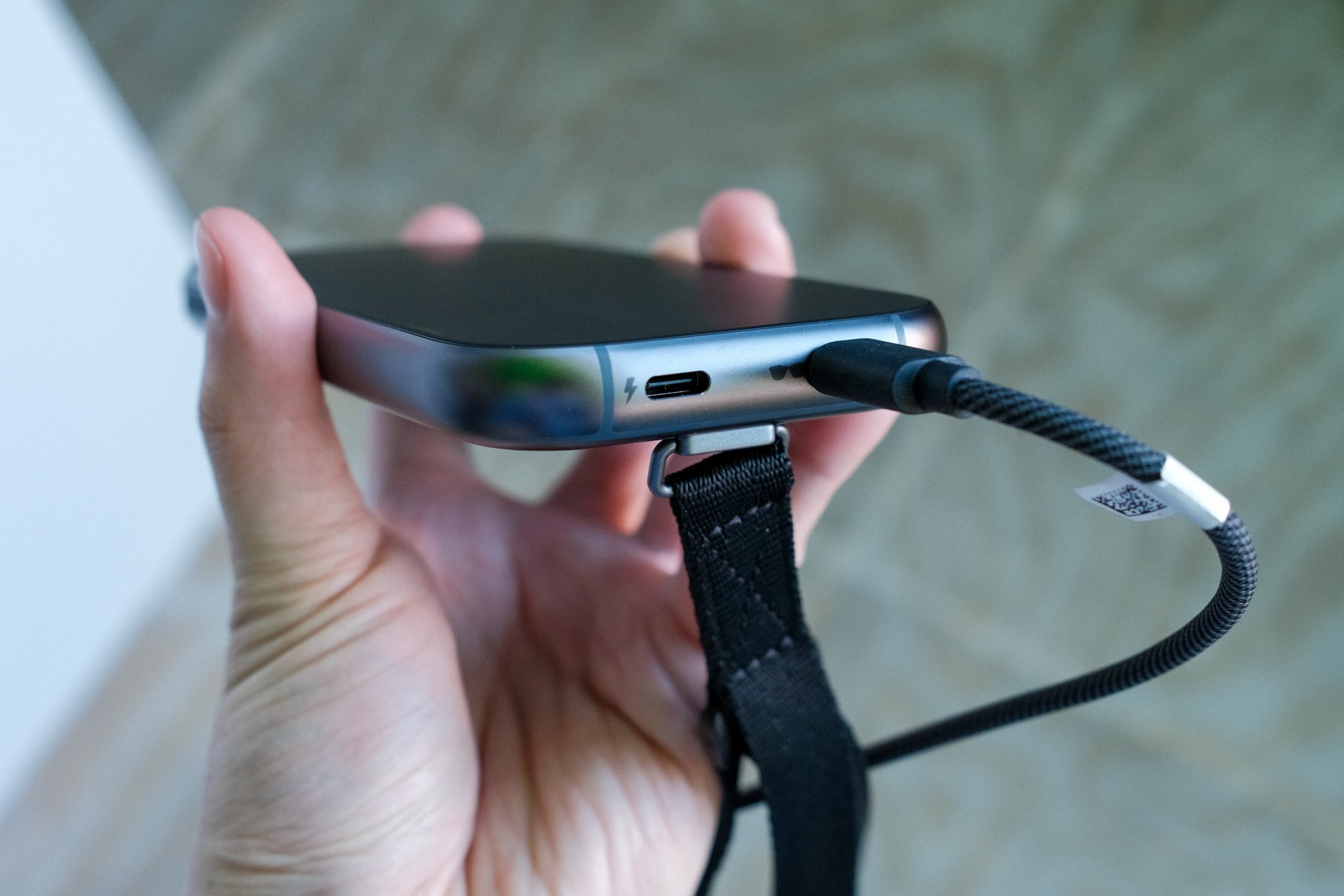
Once set up, I did a short demo to learn how to use the hand tracking. It’s fairly straightforward: just reach out and pinch objects to select them and pinch and hold to drag them around. The one thing that Project Aura doesn’t have is eye tracking, which means you will have to turn your whole head and then reach out to select things within your “spatial” view.
That spatial view is the widest that I’ve seen on a pair of smart glasses, and it makes a huge difference when you anchor a screen or multiple apps in front of your vision. At 70 degrees, the FOV is wide enough to comfortably see three app windows open next to each other. I’m told that up to five app windows can be open at once. At one point, I had three apps open and then a game above them. Just don’t expect the kind of enclosed immersion that you get from XR headsets.
The screens are also pretty bright, too. They’re sharp enough that visuals and text didn’t look pixelated or hard to make out at all. Unfortunately, I don’t have info on display type, resolution, or refresh rate. Adding a high refresh rate, like the 240Hz inside of the Asus ROG Xreal R1 gaming-focused smart glasses, would only add to the cost. For what it’s worth, Xreal has only ever shipped smart glasses with a 1080p resolution and its premium devices have micro OLED panels.
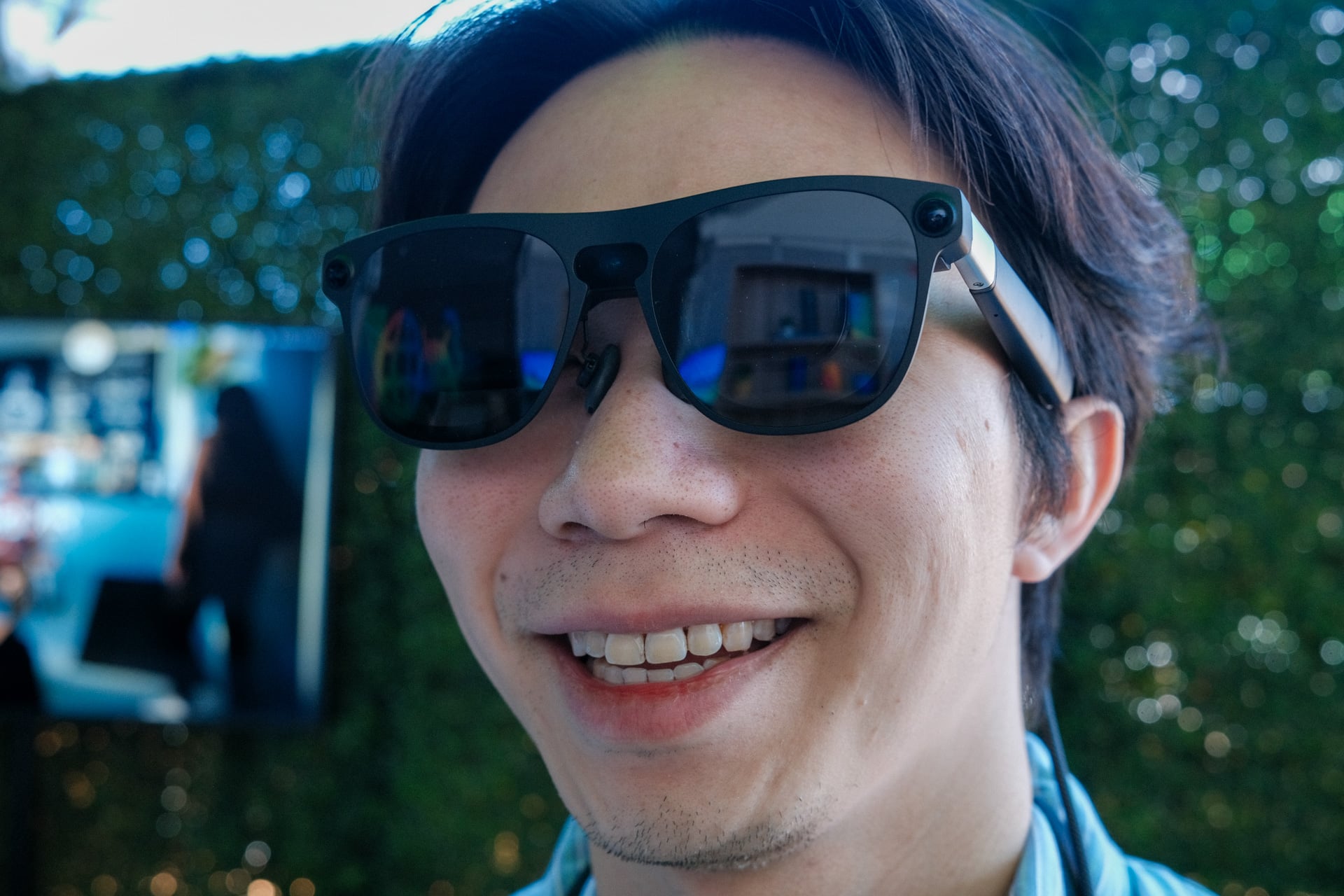
The Project Aura hardware is the best that XR glasses can be right now, and it’ll be the worst it’ll ever be when we look back on them in the future. What’s more important is the XR software experience. How does Android XR and Gemini Intelligence work on Project Aura? Based on my brief demo, it’s a lot less gimmicky than I was expecting.
While the hand tracking wasn’t perfect—there were a few times where I tried grabbing app windows only for the smart glasses to not recognize my hands—it worked well enough. For the most part, I could quickly and easily pinch windows and toss them around in my field of view—all while controlling the amount of dimming I wanted with a press on the red button on the right arm. Grabbing an app’s corner also brought up a way to resize them, similar to clicking on the corner of a window on a desktop. In one demo, I looked at a bunch of objects on a bookshelf, and Gemini could tell me about each one.
My favorite demo was for gaming. We loaded up the role-play game Demeo, and I could make a fist with both hands to grab the whole level and rotate it around or enlarge or shrink it. The pinch gesture was used to grab my character and move them around the board. Opening my right palm brought up a bunch of cards that I could then select with my left hand and then drop onto my character to perform an attack or spell. It was really cool! If the hand tracking ever gets more responsive, I could see some real innovation in gameplay for games like Dungeons & Dragons or Minecraft. It just felt more immersive and intuitive than using a controller or mouse for controls.
I was also shown how Project Aura could be used as an external monitor for a laptop. After plugging a USB-C cable from the laptop into the compute puck, I was able to extend the laptop’s screen to the smart glasses. This was the jankiest of the demos. I wasn’t able to move apps between the physical and virtual screens at all, even though I was told I could.
I’ll cut Google and Xreal some slack for now. Project Aura clearly needs some polish on the Android XR front. I just hope that some of the bugginess gets ironed out before the XR smart glasses launch. We’re almost mid-year, so there’s not a whole lot of time left unless they’re launching closer to the end of the year.
Overall, I will say that I left my demo optimistic. With Apple supposedly designing itself into a corner with the Vision Pro, I have to wonder whether we actually need that level of immersion for spatial computing. How many people are pining for a computing experience that’s more isolating? Not me. At the very least, I can say that the compactness of Project Aura is promising for the XR smart glasses category. Maybe less is more for XR smart glasses and size and comfort will ultimately matter more than visual fidelity. Price will matter too. Few people paid $3,500 for Vision Pro, and few people will pony up for Project Aura if they’re too expensive.