
Encrypted cloud storage scrambles files on your own device before they’re uploaded, so the company storing them can’t read them. Google Drive, OneDrive, and personal Dropbox plans don’t do that: they encrypt your files with keys they keep.
In our October tests, Internxt encrypted every file and still uploaded a 2 GB archive at 94% of our available upload speed, close to unencrypted services. pCloud sells the same protection as a separate add-on. NordLocker, Sync.com, and MEGA include it on every plan.
Best Encrypted Cloud Storage in 2026
- Internxt: Every file encrypted, with the least speed loss we measured
- pCloud: Encrypted Crypto Folder on top of lifetime storage plans
- NordLocker: Encrypted files shared through code-protected links
- Sync.com: Encryption on every plan, with up to a year of file history
- MEGA: The largest free encrypted plan, at 20 GB
Encrypted Cloud Storage Compared
| Service | Files encrypted on your device | Free encrypted storage | 2 GB upload | Upload speed used |
| Internxt | Every file | 1 GB | 15:28 | 94% |
| pCloud | Crypto Folder only, paid add-on | None | 15:14* | 96% |
| NordLocker | Every file | 3 GB | 15:58 | 92% |
| Sync.com | Every file | 5 GB | 16:21 | 89% |
| MEGA | Every file | 20 GB | 16:01 | 91% |
*pCloud’s time is for a standard upload outside the Crypto Folder.
The Best Encrypted Cloud Storage Services
1. Internxt: Best for Encrypting Everything Without Slowing Down
Pros
- Every file encrypted on every plan
- Post-quantum key protection
- 94% of upload speed in our test
- Open-source, audited apps
- Lifetime plans from 1 TB
Cons
- 1 GB free, with a 100 MB file cap
- Prices in euros only
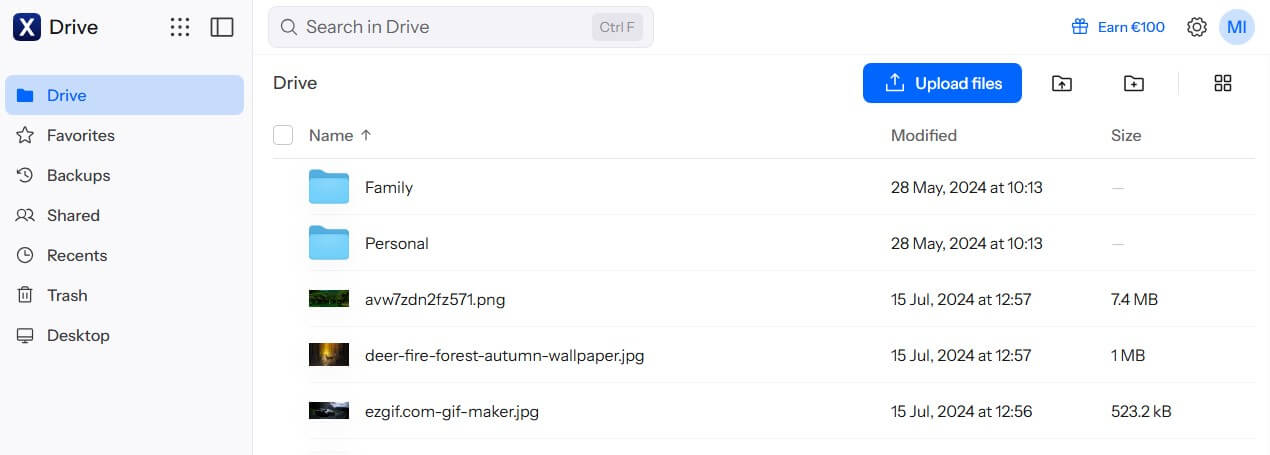
Internxt applies AES-256 to every file on your computer or phone, and the upload begins only after that. Its keys add Kyber-512, a post-quantum algorithm designed to resist future quantum computers. There’s no special folder to set up, and the free plan is encrypted the same way. Its apps are open source, and Securitum, a Polish security firm, has audited the service twice. Encryption barely affected speed.
The 2 GB test upload took 15 minutes 28 seconds, one second behind Google Drive, a service with no device-side encryption. The download trailed Google Drive’s by 5 seconds. The free plan is small, at 1 GB with a 100 MB limit per file. Paid tiers allow single files of up to 10 GB, 50 GB, or 100 GB, depending on the plan, and a lifetime license for the Premium plan’s 3 TB is about €435. Our Internxt review covers its extra privacy apps.
2. pCloud: Best for Encrypting Chosen Files on Lifetime Storage
Pros
- Fastest uploads in our tests
- Crypto Folder on every app
- Lifetime plans for storage and encryption
- Encryption at no extra cost on Business plans
- US or EU data region
Cons
- End-to-end encryption costs extra
- Published flaws with no announced fix
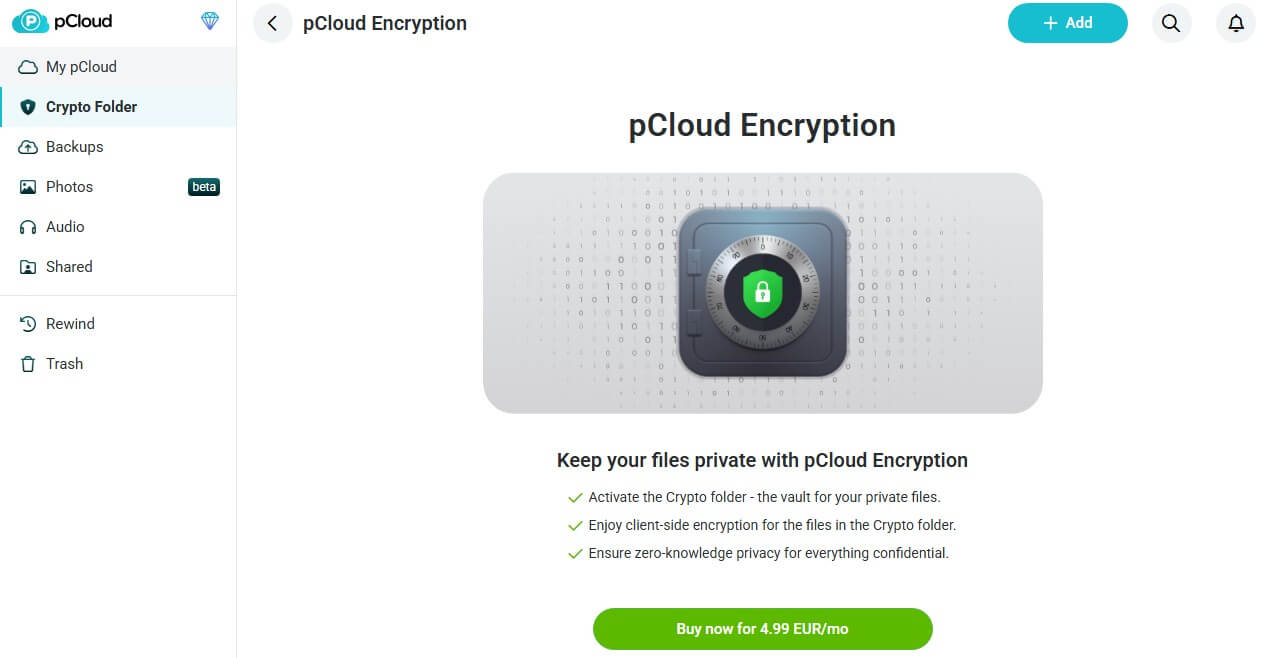
pCloud splits your account in two. Most files are encrypted on its servers with keys pCloud keeps, and only the Crypto Folder is encrypted on your device. Every file placed there receives its own AES-256 key, protected by an RSA-4096 key that opens with a separate Crypto Pass. pCloud can’t reset that pass, so losing it means losing the folder’s contents.
The folder appears in the desktop, phone, and web apps. It’s unlocked by the pCloud Encryption add-on, about $150 as a one-time purchase or about $50 yearly. Business plans include it. Storage itself sells yearly or for life, with 2 TB at about $500 once. ETH Zurich researchers reported in 2024 that a hacked pCloud server could tamper with Crypto Folder files and substitute its own keys. pCloud hasn’t announced a fix.
Our most secure cloud storage ranking covers that research and pCloud’s response. For a few private documents beside a large media library, pCloud is still a strong combination. Each storage size and price is listed in our pCloud review.
3. NordLocker: Best for Sharing Encrypted Files
Pros
- Lockers shared with other users by email
- Recovery key for a lost password
- Code-protected share links
- Free plan with full encryption
Cons
- Deleted files can’t be restored
- Desktop app for Windows only
- Big jump at renewal
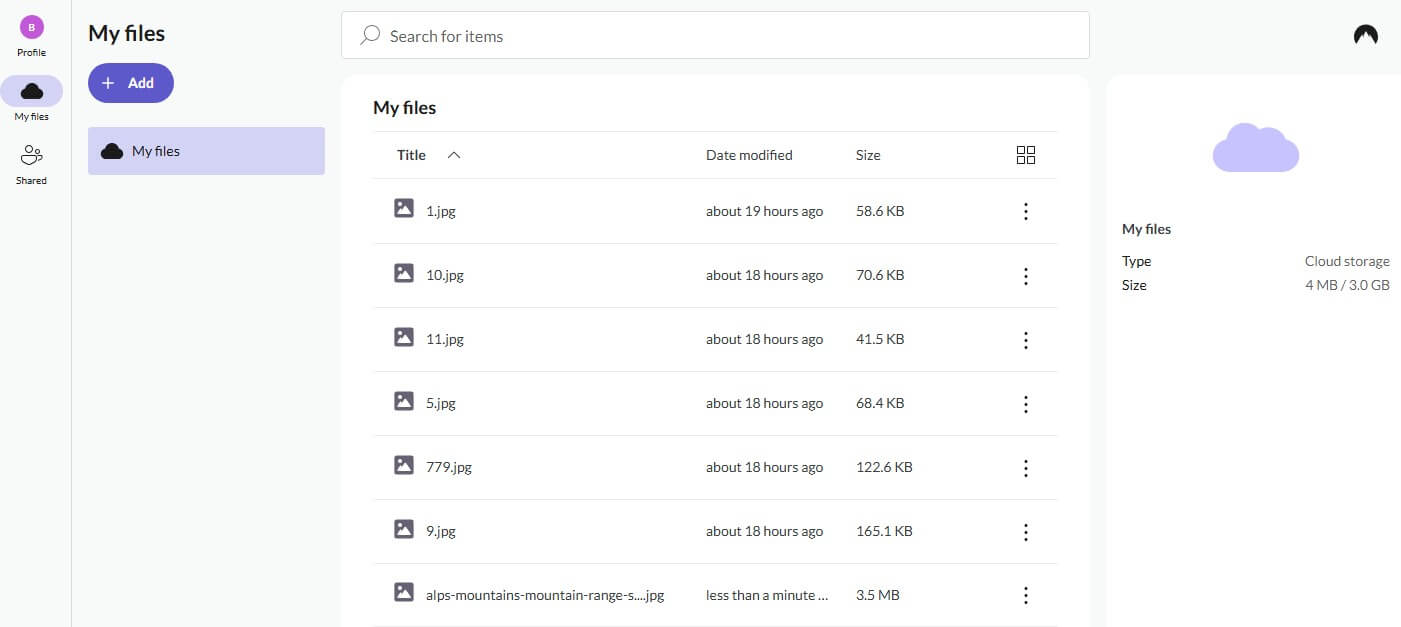
NordLocker comes from Nord Security, the company behind NordVPN. It stores files in lockers, encrypted with AES-256 under a key built from your master password. Share links in our tests came with a generated security code and an end date, and the person receiving the file didn’t require a NordLocker account. Lockers sync to the Windows app, the phone apps, and the web. Uploading our 2 GB archive took 15 minutes 58 seconds, using 92% of the available speed.
The desktop app is Windows-only now, so Mac users rely on the web app. NordLocker also creates a recovery key during signup. Without it, a forgotten master password locks the files away for good. Deleted files skip any trash folder and disappear immediately, so keep a second copy on another drive. The free plan includes 3 GB with the same encryption, and paid plans are cheapest in the first year.
4. Sync.com: Best for Encrypted Files With Long History
Pros
- Encryption on free and paid plans
- Up to a year of file history
- Previews despite the encryption
- Canadian privacy law
Cons
- Slowest upload we timed among the five
- No Linux app
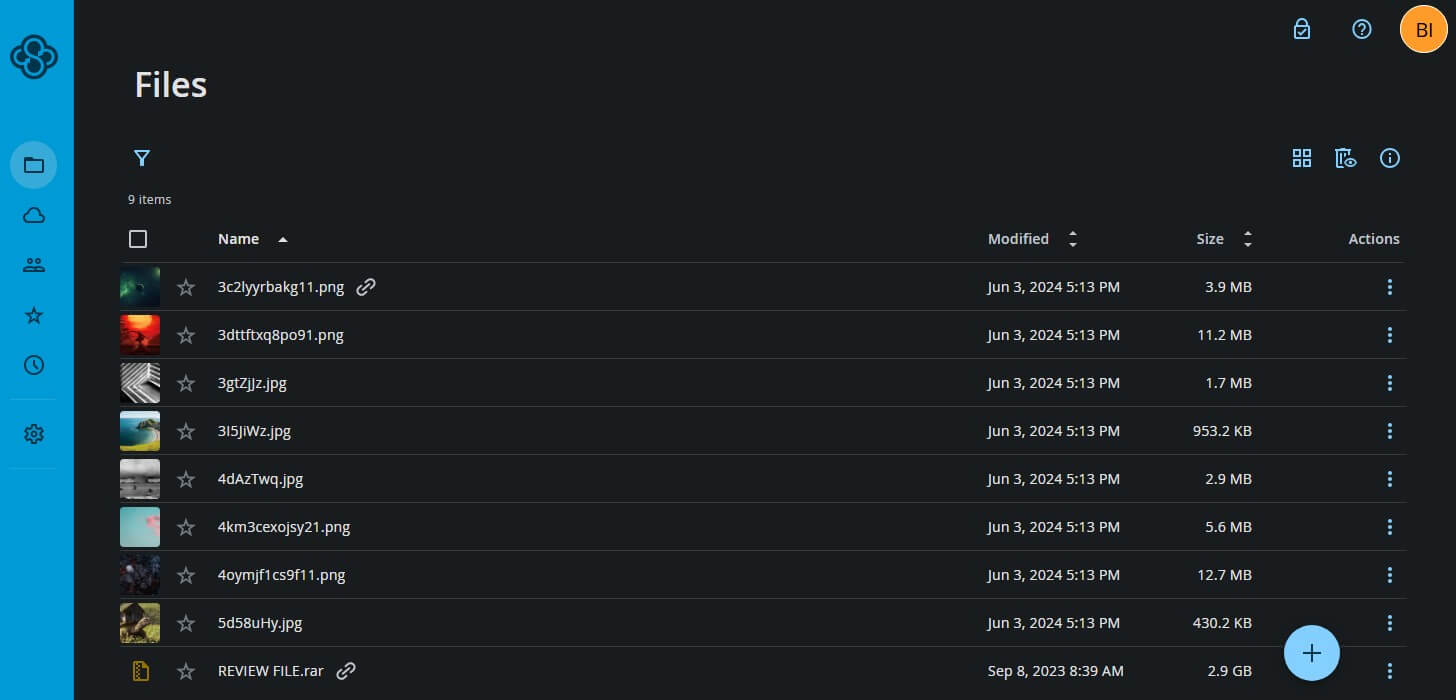
Sync.com encrypts every file before upload, and its web app decrypts documents and photos in your browser, so previews still work. Paid plans keep deleted files and earlier versions for 60 days to a year, depending on the plan. Files are stored in Canada, and the free plan includes 5 GB.
Sync.com’s 2 GB upload used 89% of our upload speed, compared to Internxt’s 94%, and its download came back 18 seconds after Internxt’s. ETH Zurich’s 2024 research also found weaknesses in Sync.com’s design, and the company fixed the share-link issue first. Our fastest cloud storage page compares its times with the rest.
5. MEGA: Best for Free Encrypted Storage
Pros
- 20 GB free, fully encrypted
- Encrypted chat and calls
- Published app source code
Cons
- Download quota on every plan
- Past encryption flaws
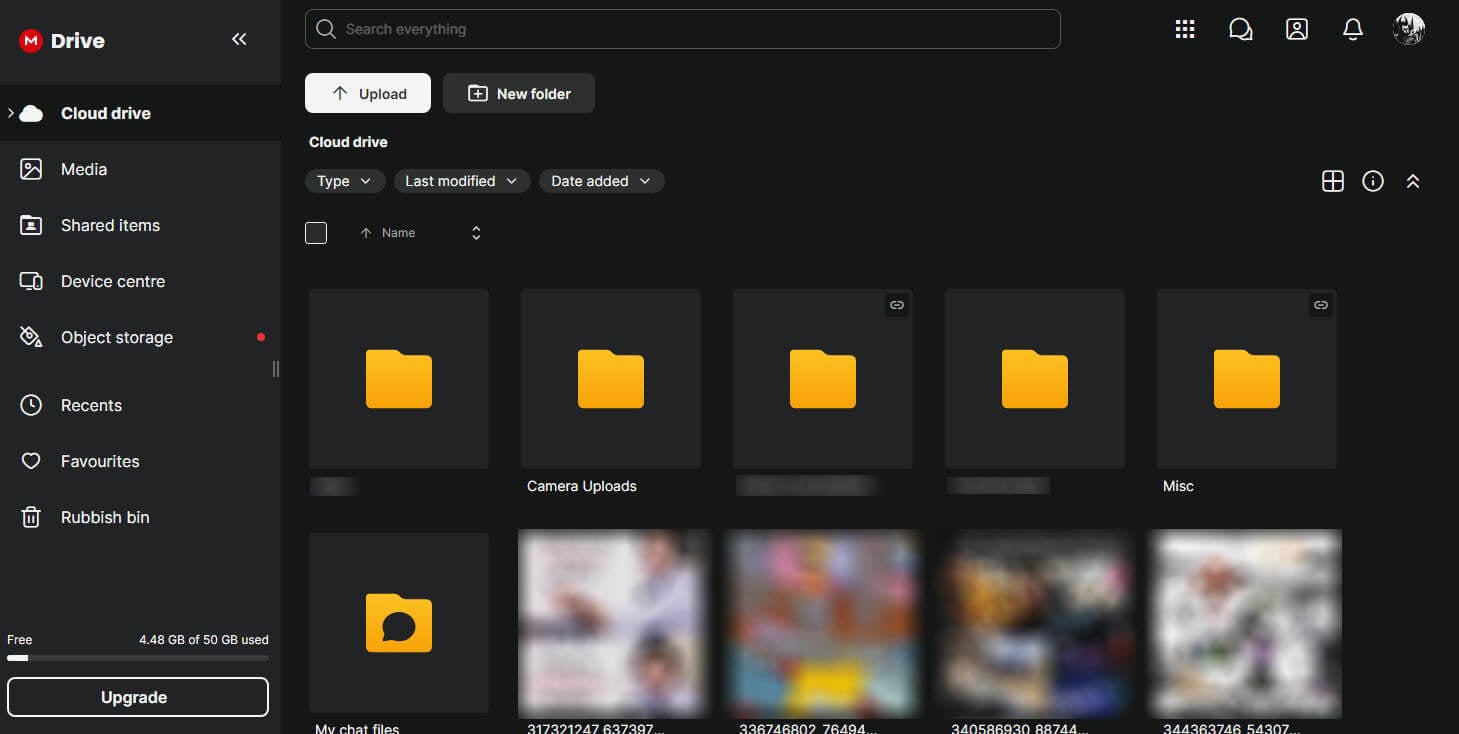
MEGA offers new accounts 20 GB, encrypted the same way as paid storage, and extends that encryption to its chat and video calls. MEGA used 91% of our upload speed on the 2 GB file, and its download finished ahead of NordLocker’s and Sync.com’s. Every MEGA plan limits how much you can download over a set period.
In 2022, researchers at ETH Zurich found that whoever controlled MEGA’s servers could recover users’ keys. MEGA patched those attacks, and later research described further weaknesses. The cheapest paid tier, Essential, adds 200 GB for about $45 a year, and every paid plan includes MEGA VPN and the MEGA Pass password manager.
Does Encryption Slow Down Uploads?
Only slightly. Most of the difference comes from each company’s app. We sent the same 2 GB archive through each desktop app on a Windows 11 PC in Europe, with a 19.69 Mbps upload baseline.
- Without device encryption: Dropbox took 15:16 and Google Drive 15:27, using 96% and 95% of our upload speed.
- With device encryption: Internxt took 15:28, NordLocker 15:58, MEGA 16:01, and Sync.com 16:21, using 89% to 94%.
Internxt’s time was almost identical to Google Drive’s, so the encryption itself costs little. Sync.com’s extra minute comes from a slower app. On fast connections, encryption leans more on the processor, so an older PC may show a bigger difference.
Can Cloud Storage Be Encrypted? Google Drive, Dropbox, OneDrive, and iCloud
Every major service encrypts files on its servers and during transfer, but the company keeps the keys. End-to-end encryption, where only you have them, varies:
- Google Drive: client-side encryption exists only on top-tier Google Workspace business and education plans. Personal accounts can’t use it.
- Dropbox: end-to-end encryption covers team folders on the Advanced and Enterprise plans. Personal plans don’t include it.
- OneDrive: Personal Vault requires an extra sign-in step, but Microsoft still keeps the keys.
- iCloud: Advanced Data Protection encrypts iCloud Drive, Photos, and backups end to end once you switch it on. Our pCloud vs iCloud comparison explains its limits.
How to Encrypt Files Before Uploading Them
Cryptomator, a free and open-source app, encrypts files in your existing Google Drive, Dropbox, or OneDrive folder:
- Install Cryptomator on Windows, Mac, or Linux. Desktop use is free.
- Create a vault in your cloud sync folder and set a strong password.
- Save the recovery key it offers, since Cryptomator can’t reset the password for you.
- Unlock the vault. It appears as a drive, so you can drag your files into it.
The cloud service then stores only encrypted files with scrambled names. The phone apps open vaults for free but require a one-time purchase to add files. For a single upload, 7-Zip’s AES-256 archives with the “Encrypt file names” option also work. A password manager is a safe place for the vault password.
Free Encrypted Cloud Storage
These free plans encrypt files on your device:
| Service | Free encrypted storage | Main limit |
| MEGA | 20 GB | Download transfer quota |
| Sync.com | 5 GB | Slower uploads |
| Proton Drive | Up to 5 GB | Not part of our tests |
| NordLocker | 3 GB | No trash for deleted files |
| Internxt | 1 GB | 100 MB per file |
pCloud’s free account can expand to 10 GB, but its encryption add-on isn’t free. For plans compared on storage, speed, and features, see the free cloud storage rankings.
Encryption Terms in Plain English
- In transit: TLS protects files on the way to the server, the same protection as a banking website.
- At rest: files are encrypted on the company’s servers, but the company keeps the keys and can unlock them.
- End-to-end or client-side: files are encrypted on your device, and only your password unlocks them.
- Zero-knowledge: the company doesn’t store your password or keys, so it can’t read files or reset access.
- Post-quantum: key protection designed to withstand future quantum computers, offered by Internxt.
Conclusion
Decide how much of your storage should be private. If it’s everything, Internxt encrypts each file by default and kept 94% of our upload speed doing it. If only a few documents require it, alongside a big photo or video library, pCloud’s Crypto Folder adds that layer on storage you can buy once. NordLocker works best for sending encrypted files to other people, as long as you keep a backup.
Sync.com adds long file history, and MEGA’s free 20 GB account covers smaller collections of encrypted files. Already paying for Google Drive or Dropbox? Cryptomator adds the encryption those services leave out. The best cloud storage ranking weighs speed, price, and features too.
Frequently Asked Questions
Is Google Drive encrypted?
Yes, but Google keeps the keys. Files are encrypted in transit and on Google's servers, while personal accounts can't add end-to-end encryption without a separate tool such as Cryptomator.
What is the most secure encrypted cloud storage?
Internxt is the most secure encrypted cloud storage we tested. It encrypts every file by default, adds post-quantum keys, is independently audited, and uploaded nearly as fast as services without device encryption.
What happens if I forget my password?
The storage company can't reset it under end-to-end encryption. Access then depends on a recovery key saved at signup. Keep that key offline or in a password manager.
Can I share encrypted files?
Yes. Internxt, NordLocker, Sync.com, and MEGA create share links that decrypt in the recipient's browser, and several add passwords or expiry dates on paid plans.
Is encrypted cloud storage good for businesses?
Yes. pCloud's Business plans include its encryption add-on, Sync.com offers HIPAA-ready plans, and Dropbox now encrypts team folders end to end on its higher business tiers.
Does encryption protect against ransomware?
No. Ransomware encrypts synced files on a computer, and the cloud copies change too. File history and account rollback, offered by pCloud and Sync.com, restore the originals.