
Photo backup is only useful when new pictures upload on their own and stay at full quality. Our tests now cover 20+ cloud services. For photos, I checked how five of them back up a phone and uploaded a 500 MB archive through each desktop app. pCloud is our first choice of cloud storage for photos.
Its phone app offers camera upload the first time it opens, RAW files stay untouched, and 2 TB for life costs under $500. Google Photos has stronger search and editing tools, though it doesn’t encrypt pictures end to end.
Where to Store Photos in 2026
- pCloud: Best overall, with automatic camera upload and lifetime plans
- Internxt: Best encrypted storage for large libraries, up to 5 TB for one payment
- NordLocker: Best for sharing photos privately, with code-protected links
- Google Photos: Best for finding and editing pictures, with 15 GB free
- MEGA: Best free photo storage, with 20 GB and camera uploads
Photo Storage Services Compared
| Service | Free storage | Paid plans from | Original-quality backup | End-to-end encryption | 500 MB upload |
| pCloud | Up to 10 GB | 500 GB, $49.99 a year or $219 lifetime | Yes | Paid add-on | 3:32 |
| Internxt | 1 GB | 1 TB, €285 lifetime | Yes | Yes | 3:34 |
| NordLocker | 3 GB | 500 GB, $35.88 for the first year | Yes | Yes | 3:48 |
| Google Photos | 15 GB, shared with Gmail and Drive | 100 GB, $19.99 a year | Original quality or Storage saver | No | 3:33 (Google Drive) |
| MEGA | 20 GB | 200 GB, about $45 a year | Yes | Yes | 4:00 |
In-Depth Reviews
1. pCloud: Best Overall for Photo Backup
Pros
- Camera upload for photos, videos, or both
- Timeline view with a built-in editor
- Full-resolution originals, including RAW files
- PC picture folders backed up on every plan
- One-time payment for lifetime storage
Cons
- Private photo folder requires an add-on
- Free accounts can’t lock shared albums
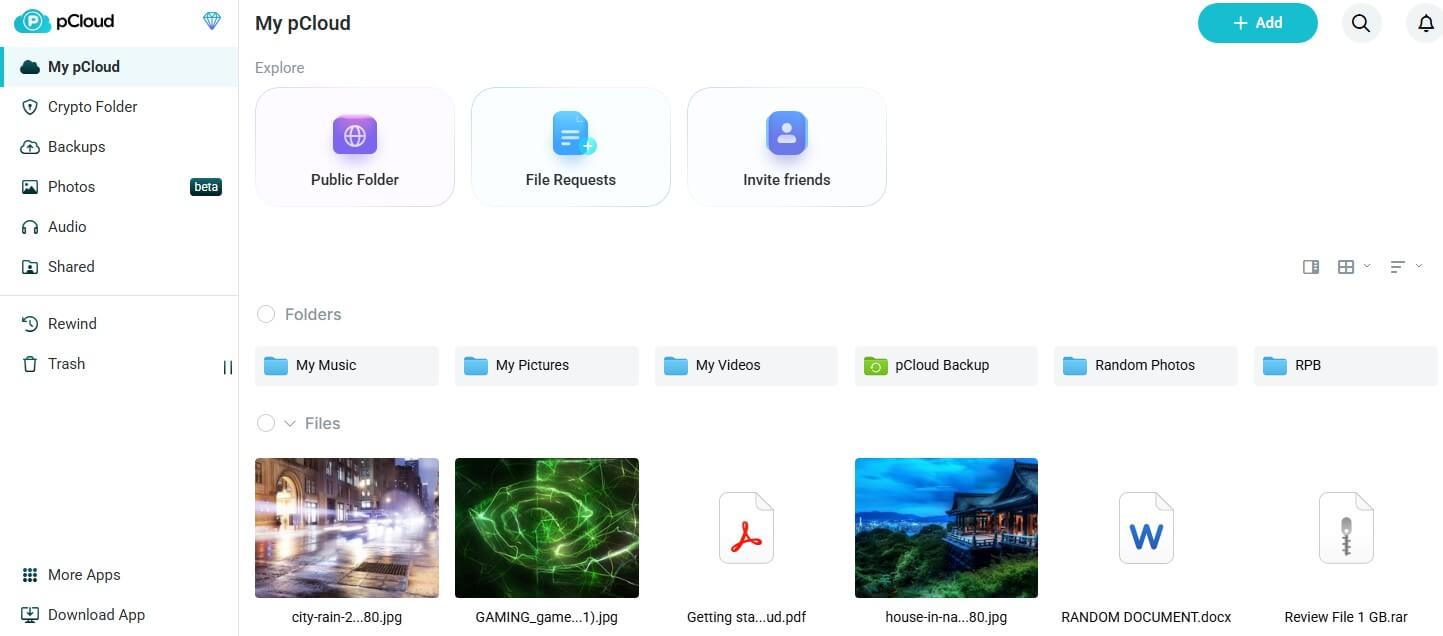
When you first open pCloud’s phone app, it offers to enable Automatic Upload, which sends new photos and videos to your account as you take them. You can limit it to photos or videos, choose which phone folders to include, and keep it off mobile data. On a PC, its Backup tab copies picture folders as well. Every file keeps its original resolution and format, and there’s no limit on file size, so camera RAW files and long clips upload whole.
The Photos section shows pictures by date and adds a basic editor for crops and color. Paid plans add passwords and end dates to shared album links, and the built-in player streams videos stored in the cloud without a download. Uploads came close to our connection’s maximum speed in our October tests. Storage ranges from 500 GB to 10 TB, and 2 TB costs a little under $500 for life.
A family lifetime plan covers up to five people, so one payment protects a whole household’s photos. Our pCloud review walks through the apps and add-ons.
2. Internxt: Best Encrypted Storage for Large Libraries
Pros
- Photos encrypted on your phone or computer
- Lifetime plans as large as 5 TB
- Automatic camera backup on paid plans
- Post-quantum protection
- Code open to public review
Cons
- No photo editing tools
- Small free plan
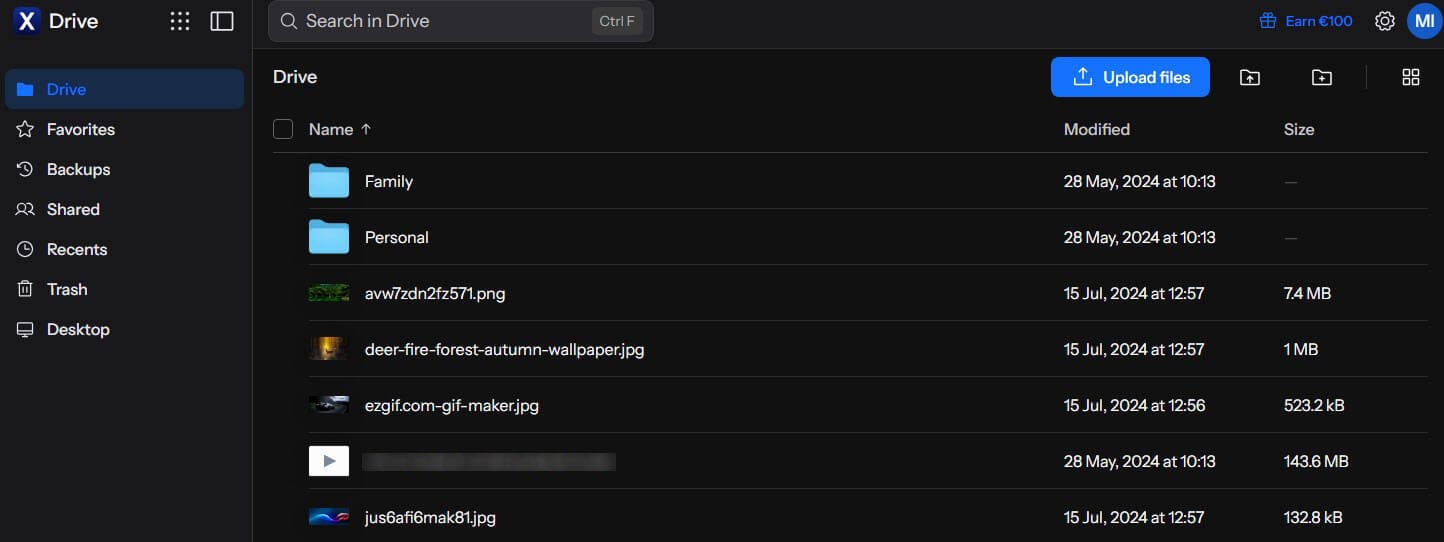
Every picture you add to Internxt is encrypted with AES-256 and a post-quantum algorithm before upload, so the company has no way to view your library. Free accounts have the same protection, and the web and mobile apps still show thumbnails and full-size previews. On paid plans, the phone app backs up the camera roll automatically to Internxt Photos. Free accounts have that option locked, so photos are uploaded by hand.
Single files are capped at 100 MB on free accounts and 10 GB to 100 GB on paid plans, depending on the tier. Its upload time trailed pCloud’s by two seconds in our test. There’s no editor, so edits happen in another app before upload. Five terabytes cost about €585 as a one-time payment, enough for roughly a million phone photos at about 5 MB each. Plan details are in our Internxt review, and our Internxt vs pCloud comparison looks at speed, privacy, and price.
3. NordLocker: Best for Sharing Photos Privately
Pros
- Same protection without paying
- Optional security code on shared links
- Expiry dates on every shared link
- Shared photos open without an account
- Drag-and-drop desktop app
Cons
- Deleted photos can’t be recovered
- No photo editing
- Higher price from year two
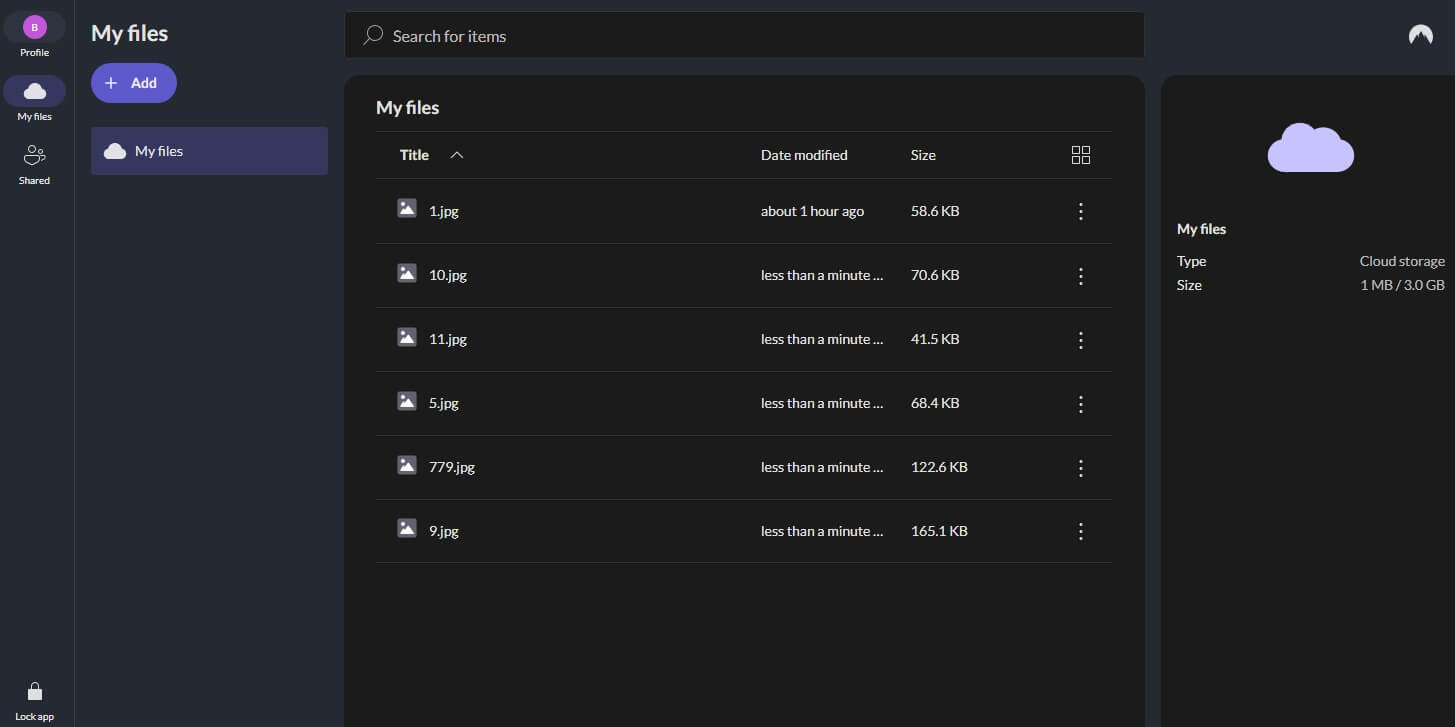
NordLocker locks every photo with encryption tied to a cloud password that only you know. Free accounts are protected the same way, and its phone apps upload the pictures and videos you select, up to 8 GB per file. Sharing is its strength. In our October tests, each shared link came with a security code and a 14-day expiry. The code can be disabled, and the expiry can be changed to a date up to about a year away.
A family album sent to relatives expires on the date you set, and opening it requires no NordLocker account. Our encrypted cloud storage ranking explains zero-knowledge encryption in more depth. A deleted photo can’t be restored, as our test file showed, so keep the originals on a second drive. The 2 TB plan costs about $84 for the first year and renews at about $180. Our NordLocker review has details on the apps.
4. Google Photos: Best for Finding and Editing Pictures
Pros
- Search by people, places, and objects
- Editor with object removal
- Generous no-cost tier
- Partner sharing and shared albums
- RAW files from most cameras
Cons
- No end-to-end encryption
- Storage saver resizes large photos
- Free space shared with Gmail and Drive
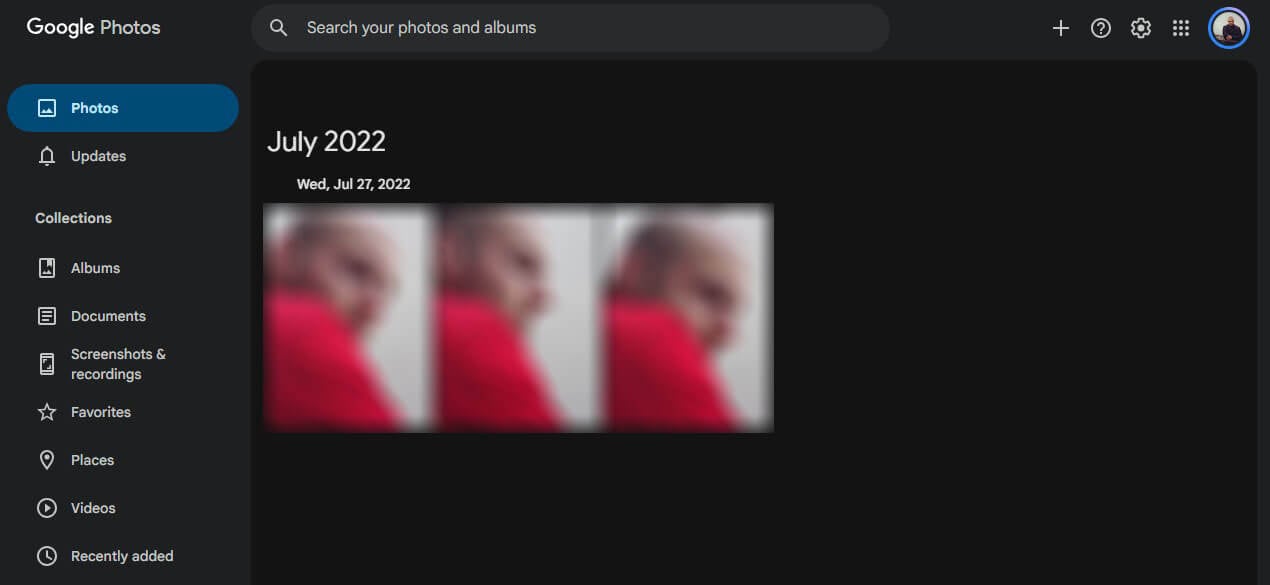
Google Photos finds pictures by the people, places, and things in them, and its editor covers crops, lighting, color, and removing unwanted objects. Most Android phones include it, and on iPhone, backup starts once you enable it in the app. There are two upload settings. Original quality keeps files untouched, while Storage saver resizes photos larger than 16 MP to 16 MP and videos larger than 1080p to 1080p.
Since June 2021, either setting counts against the 15 GB that Google shares across Gmail, Drive, and Photos. Roughly $20 a year buys 100 GB, and 2 TB costs roughly $100, shareable with up to five family members. Google can access stored photos, which keeps it off our list of the most secure cloud storage services.
5. MEGA: Best Free Photo Storage
Pros
- Biggest free plan on our list
- Camera Uploads on iOS and Android
- Zero-knowledge on free accounts
- PC folder backup on free accounts
Cons
- Downloads capped by a quota
- Subscription billing only
- Protected links are a paid feature
MEGA opened our new account with 20 GB, and with Camera Uploads enabled, each new picture and clip from the phone goes to the cloud. End-to-end encryption covers free accounts, which keeps the photos private from MEGA itself, and the desktop app can back up a picture folder on a PC. Our 500 MB archive took 28 seconds longer to upload than on pCloud, the download finished one second behind, and restoring a deleted file from the rubbish bin worked.
MEGA treats a free account as inactive after three months without a login and sends warnings before its data can be deleted, so signing in now and then keeps the photos safe. Paying users can choose 200 GB at about $45 a year or 3 TB, the Pro I plan, at about $113. The MEGA vs pCloud comparison lines up the two paid offers.
How to Back Up Photos to the Cloud
- Install the app on your phone and sign in. pCloud, Internxt, Google Photos, and MEGA work on iOS and Android.
- Enable automatic upload. pCloud offers it when the app first opens, and Internxt includes it on paid plans. Later, it’s under Automatic Upload in pCloud, Backup photos in Internxt, Backup in Google Photos, and Camera Uploads in MEGA.
- Choose the quality and the connection. Select original quality, and allow uploads on mobile data only if your phone plan has room for them.
- Back up a computer too. Add your picture folders in pCloud’s Backup tab, Google Drive for desktop, or MEGA’s Backups section.
- Confirm the upload before deleting. Open the cloud library on another device and check recent photos before clearing space on the phone.
On an iPhone with iCloud Photos enabled, set it to Download and Keep Originals so the full files are on the phone for another service to copy. Our list of iCloud alternatives covers the full move.
Free Photo Storage by Service
| Service | Free storage | Main limit |
| MEGA | 20 GB | Download quota |
| Google Photos | 15 GB | Shared with Gmail and Drive |
| pCloud | Up to 10 GB | Starts at 2 GB |
| Amazon Photos | 5 GB, unlimited photos with Prime | Prime covers only 5 GB of video |
| iCloud Photos | 5 GB | Shared with iPhone backups |
| NordLocker | 3 GB | No trash |
| Internxt | 1 GB | 2-day trash |
At about 5 MB per phone photo, MEGA’s 20 GB fits around 4,000 pictures and Google’s 15 GB about 3,000, before Gmail takes its share. pCloud’s free plan grows to 10 GB through setup tasks and friend invites. More no-cost plans are ranked in our free cloud storage roundup.
Cloud Storage for Photographers and RAW Files
Camera RAW files are several times larger than phone pictures, so a photographer’s library grows into terabytes quickly. pCloud stores RAW files of any size untouched, and its 10 TB lifetime plan costs a single payment of about $1,500. Internxt charges less per terabyte for its largest lifetime plan and encrypts each file.
Google Photos accepts RAW files from most cameras, though they use up its 15 GB quickly. Amazon Photos keeps RAW images at full resolution too. For a Lightroom or Capture One workflow, back up the catalog folder with the photos, which pCloud’s Backup tab does on a schedule.
iCloud Photos, Amazon Photos, and Other Options
- iCloud Photos syncs every picture across Apple devices with no setup, and plans range from 50 GB at $0.99 a month to 12 TB. It has no Android app, and end-to-end encryption requires Advanced Data Protection, which is off by default. Live Photos stay intact there, while pCloud and Internxt stored each one as a separate still image and video in our iPhone test.
- Amazon Photos is a Prime benefit: members store every photo at full size with no cap, and videos share a 5 GB allowance. Without Prime, every account has 5 GB, and extra space starts at $0.99 a month for 50 GB. Neither service sells lifetime storage, and our price comparison of the cheapest cloud storage includes them next to pCloud and Internxt.
- Proton Drive backs up phone photos and videos at original quality with end-to-end encryption, and free accounts have 5 GB. The Drive Plus plan, with 200 GB, costs about $48 a year. OneDrive comes with Microsoft 365, and its Family plan includes 1 TB each for up to six people, plus the Office apps, for about $130 a year. We haven’t tested either service for this ranking.
How We Timed the Uploads
All timings in our October tests come from free accounts, which upload and download as quickly as paid ones. We timed the upload and download of one 500 MB archive in every desktop app. We then deleted it from every account to see whether the trash could bring it back. The test PC was a Windows 11 machine in Europe, and Google Photos figures come from Google Drive, which shares its storage. The fastest cloud storage ranking lists download times too.
Final Thoughts
Match the service to the library. For a phone camera roll that keeps growing, pCloud backs up automatically, keeps originals, and ends the monthly bill with a lifetime plan. For large private archives, Internxt encrypts every picture and sells 5 TB for one payment.
NordLocker is the safest way to send albums to relatives, as long as the originals are backed up on another drive. Google Photos makes old pictures easy to find, and MEGA covers a small library for free. Documents and everyday files are covered in our best cloud storage services ranking.
Frequently Asked Questions
What is the best cloud storage for photos?
pCloud is the best cloud storage for photos. New pictures upload automatically from iOS and Android, originals stay at full quality, and lifetime plans replace yearly payments with one purchase.
Where can I store photos online for free?
MEGA has the largest free photo plan, with 20 GB protected by end-to-end encryption. Google Photos comes next with 15 GB, though Gmail and Drive draw from the same allowance.
How do I back up photos to the cloud?
Install a storage app such as pCloud or Google Photos, sign in, and enable automatic upload. New photos then copy to the cloud on Wi-Fi, at original quality if selected.
What is the safest cloud storage for photos?
Internxt is the safest cloud storage for photos. Pictures are encrypted on the phone or computer with a post-quantum layer, the company can't decrypt them, and its apps are open source.
Is there unlimited photo storage?
Yes, through Amazon Prime. Amazon Photos keeps an unlimited number of full-resolution pictures for Prime members, while video space is limited to 5 GB unless more storage is purchased.
What is the best cloud storage for photographers?
pCloud leads for photographers. It accepts RAW files without a size cap, backs up a Lightroom catalog folder, and sells 10 TB as a one-time lifetime purchase.