iCloud works best when every device in the house is made by Apple. Add an Android phone, and it becomes harder to use, because there’s no iCloud app for Android. Fill the free storage that comes with an iPhone, and the only way to add space is a monthly subscription.
Switching sounds simple, but iCloud does a few things on an iPhone that other services struggle to copy, from backing up the whole phone to keeping Live Photos intact. We’ve reviewed 20+ cloud services, and five iCloud alternatives handle iPhone photos, sharing, and deleted files well enough to replace iCloud Drive and iCloud Photos. Here’s what each one does better, and what you’d lose by leaving.
Best iCloud Alternatives, October 2026
- pCloud: Best iCloud alternative overall, with automatic photo upload from iPhone
- Internxt: Best for privacy, encrypting files before they leave your iPhone
- NordLocker: Best for sending files from an iPhone with code-protected links
- Sync.com: Best for file history, with end-to-end encryption by default
- MEGA: Best for free storage, with encryption on free accounts
iCloud vs the Alternatives
| Service | Free storage | Typical paid plan (US) | One-time payment | End-to-end encryption | Android app |
| iCloud+ | 5 GB | 2 TB, $9.99 a month | No | Optional, with Advanced Data Protection | No |
| pCloud | Up to 10 GB | 2 TB, $99.99 a year or $499 lifetime | Yes | Paid add-on | Yes |
| Internxt | 1 GB | 3 TB, €435 lifetime | Yes | Yes | Yes |
| NordLocker | 3 GB | 2 TB, $83.88 for the first year | No | Yes | Yes |
| Sync.com | 5 GB | 1 TB, $72 for the first year | No | Yes | Yes |
| MEGA | 20 GB | 3 TB, about $113 a year | No | Yes | Yes |
Proton Drive, from the Swiss company behind Proton Mail, is another encrypted cloud service for iPhone users, with 5 GB free and automatic photo backup. We haven’t tested it yet, so it isn’t part of the ranking.
The 5 Best iCloud Alternatives
1. pCloud: Best iCloud Alternative Overall
Pros
- No monthly bill with lifetime plans
- Automatic photo upload from iPhone
- Apps for Android, Windows, Mac, and Linux
- Speedy desktop sync
- Plays videos without downloading
Cons
- Encryption sold as an add-on
- No document editing on the free plan
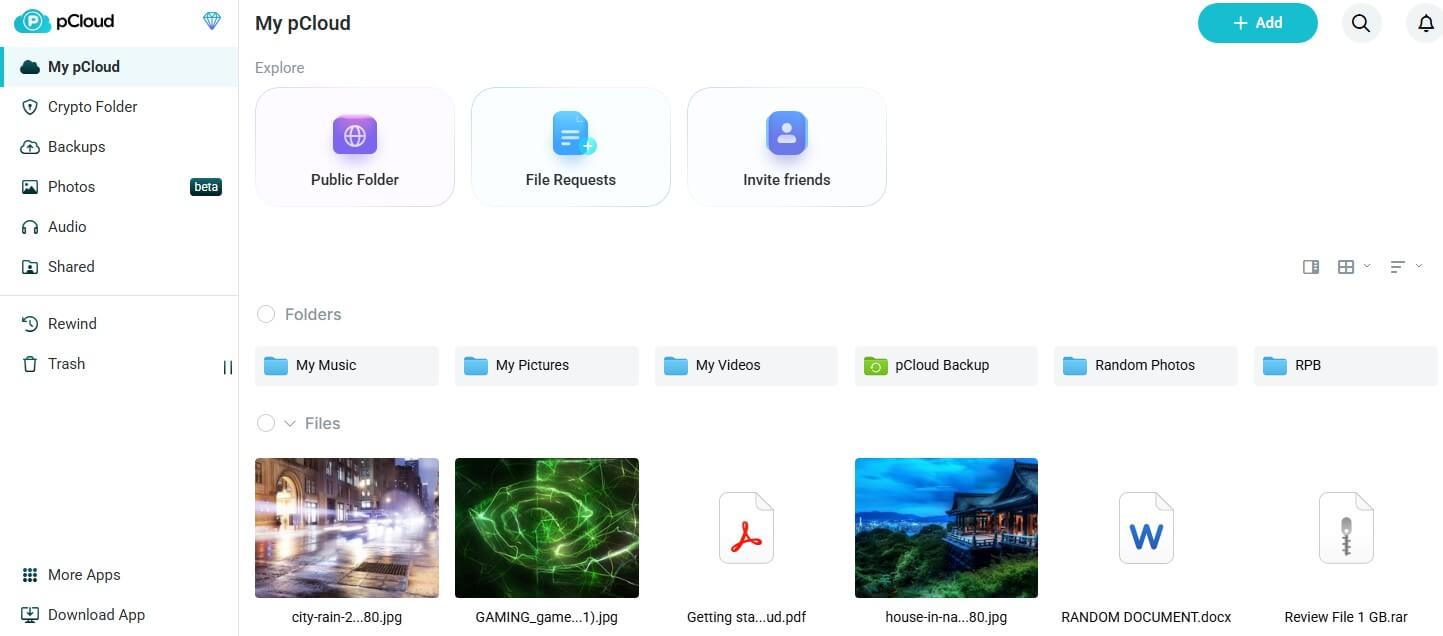
pCloud covers what most iPhone users rely on iCloud for. During setup, its iPhone app offers to upload new photos and videos from the camera roll automatically, and it also shows up in the iOS Files app and creates share links. Its apps cover Android and Linux too, where iCloud has only a web version. In our October tests, pCloud used 96% of our upload speed while sending a 500 MB archive, and its download used 89% of our download speed.
The free plan starts at 2 GB and grows to 10 GB through setup tasks and invites, double iCloud’s 5 GB, and keeps deleted files for 15 days. Roughly four years of iCloud+ 2 TB payments cost about the same as pCloud’s Premium Plus lifetime plan, which covers 2 TB for good. Zero-knowledge protection, where only you have the key to your files, requires pCloud’s separate Encryption add-on, so budget for it if you store ID scans or tax records.
Free accounts can’t edit documents online, so edit files on your device and let sync upload the new version. Our pCloud vs iCloud comparison goes feature by feature, and the pCloud review covers every plan.
2. Internxt: Best for Privacy-Focused Apple Users
Pros
- Encryption works without any setup
- Protection against future quantum attacks
- One-time lifetime plans
- VPN and antivirus on paid tiers
- Transparent, inspectable code
Cons
- Limited free space
- Euro billing for US buyers
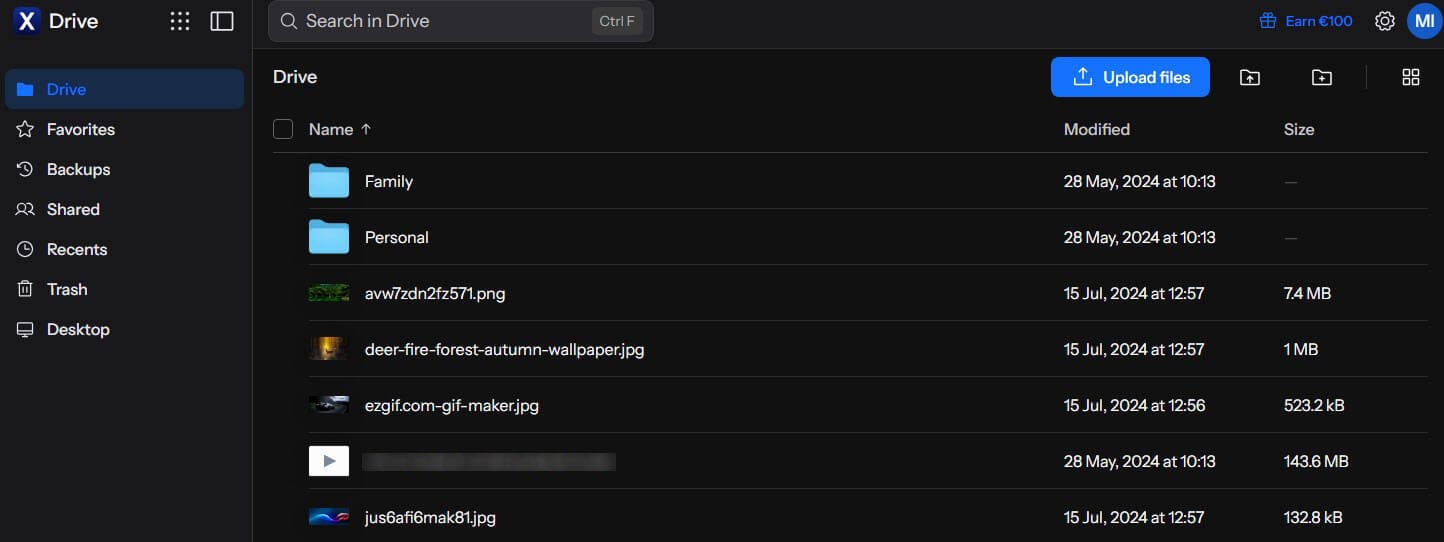
With Internxt, files are encrypted on your device before upload, so even the company can’t read them. On paid plans, its iPhone app also backs up the camera roll automatically. iCloud offers the same protection only after you enable Advanced Data Protection, and Apple withdrew that option in the UK in 2025. Internxt’s upload used 95% of our connection’s upload speed, so the extra encryption step cost almost no time.
Paid plans add a VPN and antivirus, though the VPN is basic next to the best VPN services. The Premium 3 TB lifetime plan costs about €435, charged in euros even in the US, so the final amount depends on the exchange rate. The free plan offers only 1 GB, enough for a few hundred photos, so treat it as a trial and keep your camera roll on a paid plan. Our Internxt review explains each plan.
3. NordLocker: Best for Sending Files From an iPhone
Pros
- Zero-knowledge vault for all files
- Share links that self-expire
- Recipients skip signup
- Apps for iOS, Android, and Windows
Cons
- Deletions can’t be undone
- Older file versions aren’t kept
- Renewal price jump
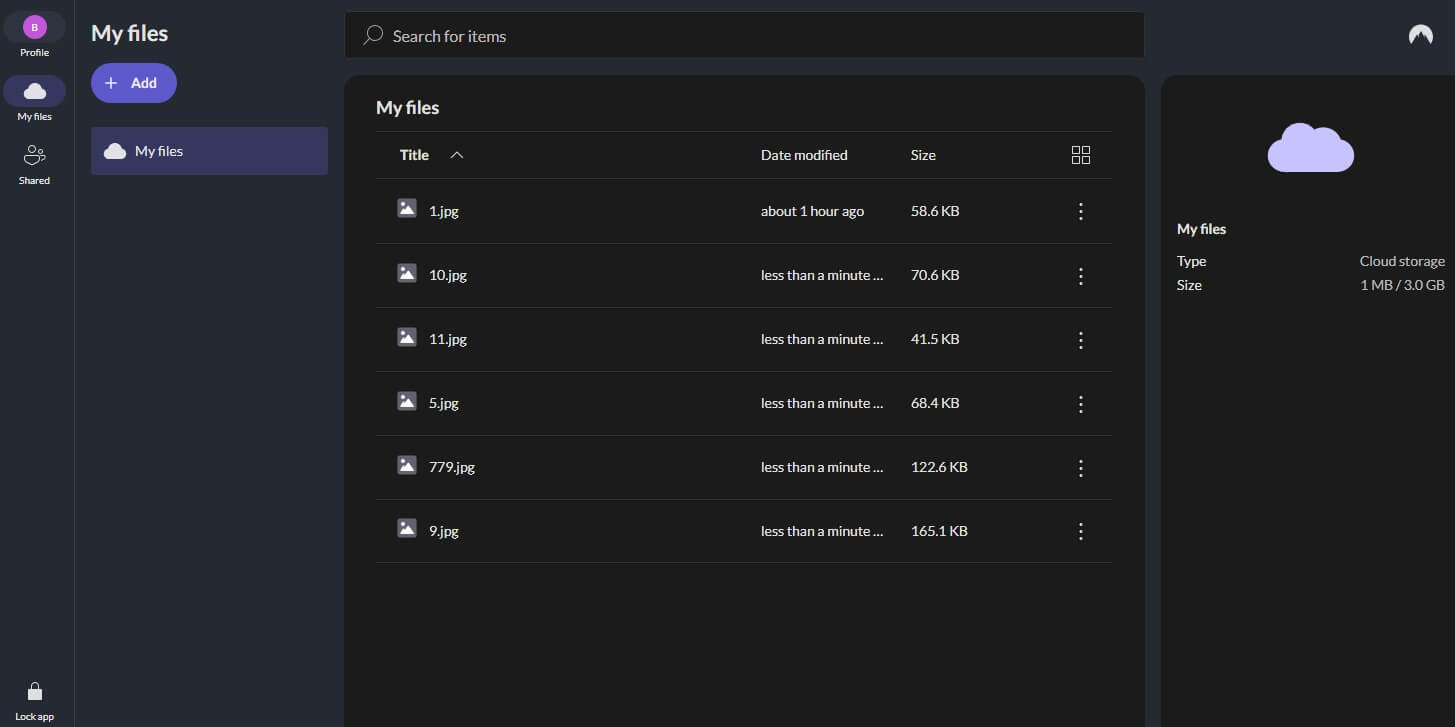
Built by the team behind NordVPN, NordLocker applies end-to-end encryption to every file, including on the free plan. Files sent from its iPhone app go out as links with an end date and an optional code, and the person receiving them doesn’t have to sign up. iCloud Drive’s shared links can’t be locked with a code. NordLocker sent our archive at 89% of our upload speed, about 15 seconds slower than pCloud and Internxt.
You’d notice that only on big uploads. There’s no automatic camera upload, though, so photos go in by hand, and pCloud is the better home for a growing camera roll. When I deleted the test file, it was gone immediately: NordLocker has no trash and no version history, while iCloud Drive keeps deleted files for 30 days.
Keep important files on a second drive as well. Two terabytes renew at about $180 a year after a first year near $84, so set a reminder before the renewal. Our NordLocker review goes through each app.
4. Sync.com: Best for Version History
Pros
- Private by default
- Restores older file versions
- Camera upload on iPhone
- Unlimited storage tier
- Microsoft 365 integration
Cons
- Slower transfers than average
- Higher renewal price
- No PC folder backup
Sync.com keeps earlier versions of files for up to a year on its top plans, so a document you overwrote months ago can still come back. iCloud Drive doesn’t offer that for most files. Sync.com encrypts everything end to end by default, and its iPhone app has a camera upload option. It was the slowest service in our test, at 81% of our upload speed, about 40 seconds behind pCloud on our archive, so allow extra time for a large first upload.
Our deleted archive was restored from Sync.com’s trash. The Personal 1 TB plan renews at about $144 a year after a $72 first year, and Personal Unlimited at about $540 after a $270 first year. The desktop app syncs one folder and doesn’t back up the rest of the PC, so move files into that folder yourself. Sync.com also appears in our ranking of encrypted cloud storage.
5. MEGA: Best Free iCloud Alternative
Pros
- Generous free storage
- Photos backed up as they’re taken
- Encrypted even on free accounts
- Private messaging and video calls
Cons
- Slower uploads
- Transfer quota on free accounts
- Subscription-only pricing
A free MEGA account includes 20 GB, four times iCloud’s free storage, with end-to-end encryption on free accounts too. Camera Uploads in its iPhone app copies new photos and videos from the camera roll. MEGA’s upload used 85% of our connection’s upload speed, about 30 seconds behind pCloud, and only Sync.com was slower. Free users also face a download quota that resets over time, so a large download may have to wait.
The Pro I plan costs about $113 a year for 3 TB, compared to about $100 for pCloud’s yearly 2 TB plan, but MEGA has no lifetime option, so choose pCloud if you’d rather pay once. We compared the two in MEGA vs pCloud.
What iCloud Alternatives Can’t Replace
No third-party service backs up a whole iPhone. iCloud Backup saves apps, settings, and messages, and the only other way is a local backup to a Mac with Finder or to a Windows PC with the Apple Devices app. Live Photos don’t stay intact either. In our iPhone test, pCloud and Internxt saved each Live Photo as a separate photo and video file, while iCloud Photos keeps them together.
If you care about those short clips, leave them in iCloud Photos. Leaving iCloud+ also removes a few extras that come with the paid plans:
- iCloud Private Relay: hides your IP address in Safari.
- Hide My Email: creates random email addresses for signups.
- HomeKit Secure Video: stores recordings from compatible home cameras.
- Family Sharing: splits one plan with up to five other people.
How to Move Photos and Files Off iCloud
- Download your originals. On iPhone, open Settings, tap your name, then iCloud, Photos, and choose Download and Keep Originals. On a computer, iCloud.com can download photos and files in batches.
- Install the new service’s app. Enable its camera upload, which pCloud, Sync.com, and MEGA offer on iPhone, and Internxt offers on paid plans.
- Move your iCloud Drive files. On a Mac, drag them from the iCloud Drive folder in Finder to the new service’s folder. On Windows, use the iCloud for Windows app.
- Check that everything arrived. Then disable iCloud Photos and switch to a smaller iCloud+ plan or the free 5 GB.
Apple can also copy iCloud Photos straight to Google Photos through its Data and Privacy page. If you’re moving to Google, that saves the download step.
Our Test Method
In our October tests, we opened a free account with every service in our ranking. Every upload used the same 500 MB archive and each service’s desktop app, on a Windows 11 PC in Europe. We then downloaded the file, deleted it, and tried to restore it. Our fastest cloud storage ranking has the full results.
Summary
You can move most of what iCloud stores, though not all of it. For photos and everyday files, pCloud is the closest replacement: its iPhone app uploads new photos on its own, it works on Android and Windows too, and its lifetime 2 TB plan costs about as much as four years of iCloud+. For private documents, Internxt encrypts everything without extra settings, and NordLocker adds share links locked with a code, though it can’t undo a deletion.
Sync.com keeps the longest file history, and MEGA offers the most free cloud storage in our ranking. None of them can back up a whole iPhone, and pCloud and Internxt split Live Photos into separate files, so stay with iCloud if you rely on either. Otherwise, the simplest setup is iCloud’s free tier for phone backups, with photos and files moved to pCloud.
Frequently Asked Questions
What is the best iCloud alternative?
pCloud is the cheapest iCloud alternative over time, because a lifetime plan replaces the monthly bill. For a single year, NordLocker and Sync.com cost less, though their renewals are higher.
What is the best free iCloud alternative?
Not always. iCloud is the only service that backs up a whole iPhone, but pCloud, Internxt, and MEGA also work on Android and Windows, with lifetime plans or more free space.
What is the best iCloud alternative for photos?
MEGA is the best free iCloud alternative, with far more free space than iCloud, end-to-end encryption, and automatic camera upload on iPhone. pCloud’s free plan is also larger than iCloud’s.
Can you back up an iPhone without iCloud?
Yes, for users with Android devices or Gmail accounts. Google Drive works on iPhone and Android, but its free space is shared with Gmail, and Google keeps the encryption keys.
Is there a cheaper alternative to iCloud storage?
pCloud is the best iCloud alternative for iPhone, with automatic photo upload and lifetime plans. Internxt is better for privacy-focused users, and NordLocker is best for sending files with protected links.
How do you stop paying for iCloud storage?
Move photos and files to another service, disable iCloud Photos, then downgrade to the free 5 GB plan in iPhone settings. Device backups and messages usually fit within that space.