
Uploading a folder of vacation videos or a work backup can take long enough that you start to wonder whether the cloud service is the problem. Most of the time, the bigger factor is your internet plan: home plans are sold on download speed, and upload speed is often a small fraction of it, so every service eventually hits the same limit.
That still leaves clear differences between services: how close each one comes to that limit, how it handles a file you’ve only edited, and whether encrypting files on your device slows things down. After testing 20+ cloud services, we timed eight of them with the same file to find the fastest cloud storage. Keep reading for the results.
Fastest Cloud Storage in October 2026
- pCloud: Fastest overall, with the lowest combined upload and download time
- Internxt: Fastest service that encrypts every file on your device
- NordLocker: Best balance of speed and protected share links
- Dropbox: Fastest single upload, plus LAN sync between computers
- Google Drive: Best for quick teamwork in Docs and Sheets
Cloud Storage Speed Comparison
Our test file was a 500 MB archive of music and video. We sent it through each service’s Windows desktop app from Europe, or the browser version for TeraBox, then downloaded it to an empty folder.
| Service | Upload | Download | Total | Upload speed used |
| pCloud | 3:32 | 0:24 | 3:56 | 96% |
| Dropbox | 3:31 | 0:26 | 3:57 | 96% |
| Google Drive | 3:33 | 0:24 | 3:57 | 95% |
| Internxt | 3:34 | 0:24 | 3:58 | 95% |
| NordLocker | 3:48 | 0:27 | 4:15 | 89% |
| MEGA | 4:00 | 0:25 | 4:25 | 85% |
| TeraBox | 4:05 | 0:34 | 4:39 | 83% |
| Sync.com | 4:11 | 0:29 | 4:40 | 81% |
Our connection tested at 187.95 Mbps down and 19.69 Mbps up, so even a perfect service couldn’t upload the file in less than about 3 minutes 23 seconds. The top four used at least 95% of our upload speed, about as close to the limit as this connection allows.
Our Top 5 for Speed
1. pCloud: Fastest Combined Upload and Download
Pros
- Lowest combined transfer time in our tests
- Unlimited file sizes
- US or EU data region at signup
- Speed limits adjustable in the app
- Streams music and video from the cloud
Cons
- Paid encryption add-on
- Short refund window
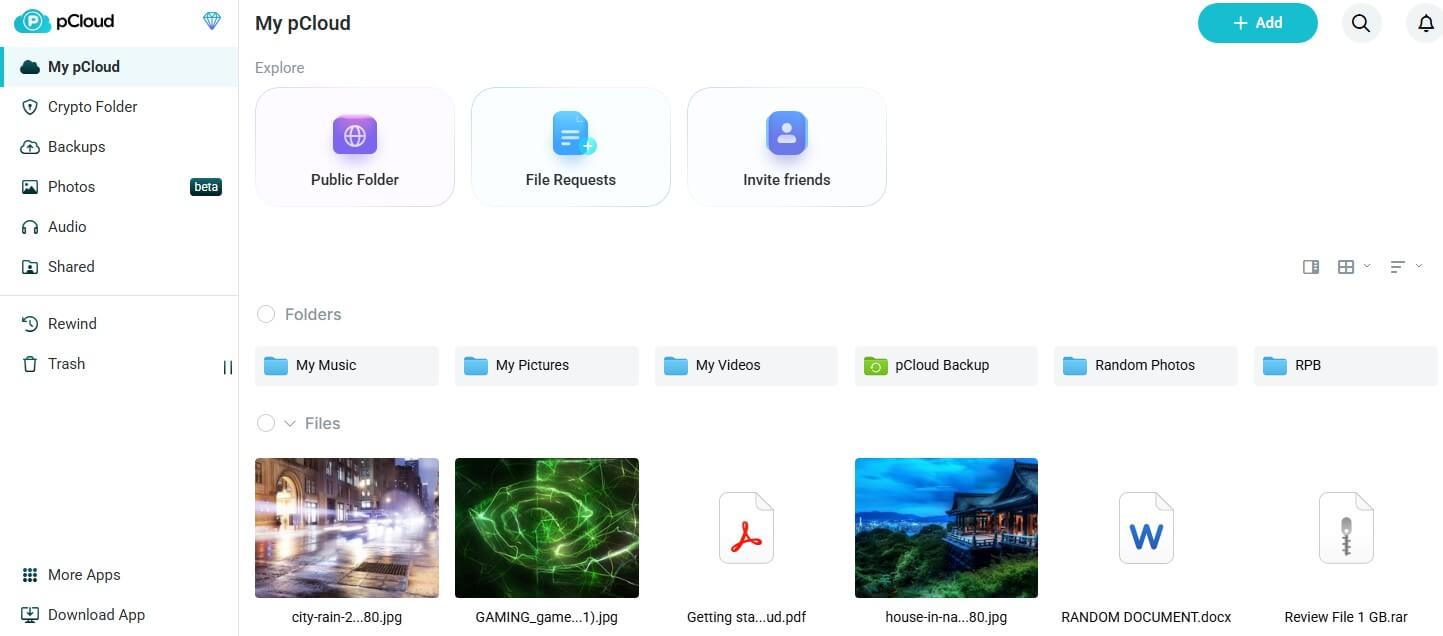
pCloud uploaded our archive in 3 minutes 32 seconds, 9 seconds slower than the fastest possible upload, and downloaded it in 24 seconds. That was the lowest combined time we recorded, though the top four finished within 2 seconds of each other, so you wouldn’t notice the difference day to day. We used its US data region from Europe. New accounts choose US or EU storage at signup, and the closer region usually speeds up transfers.
Large files aren’t a problem either: pCloud sets no file size limit, so a long 4K video uploads in one piece. Its apps also play music and video straight from the cloud, without downloading them first. Paid plans start at about $50 a year for 500 GB, and the 2 TB plan costs just under $500 as a one-time lifetime payment. Zero-knowledge encryption isn’t part of the base price.
With it, only you have the key to your files. pCloud sells it as a separate add-on, and Internxt includes it on every plan. Refunds are possible only within 14 days, so start on the free plan. Our pCloud review covers the plans in detail, and pCloud also ranks among our recommendations for storing videos in the cloud.
2. Internxt: Fastest Encrypted Cloud Storage
Pros
- Encryption without a speed penalty
- Post-quantum protection on every plan
- Lifetime plans on every tier
- Security tools bundled with paid plans
- Open-source code
Cons
- Charges in euros
- Short trash period on cheaper plans
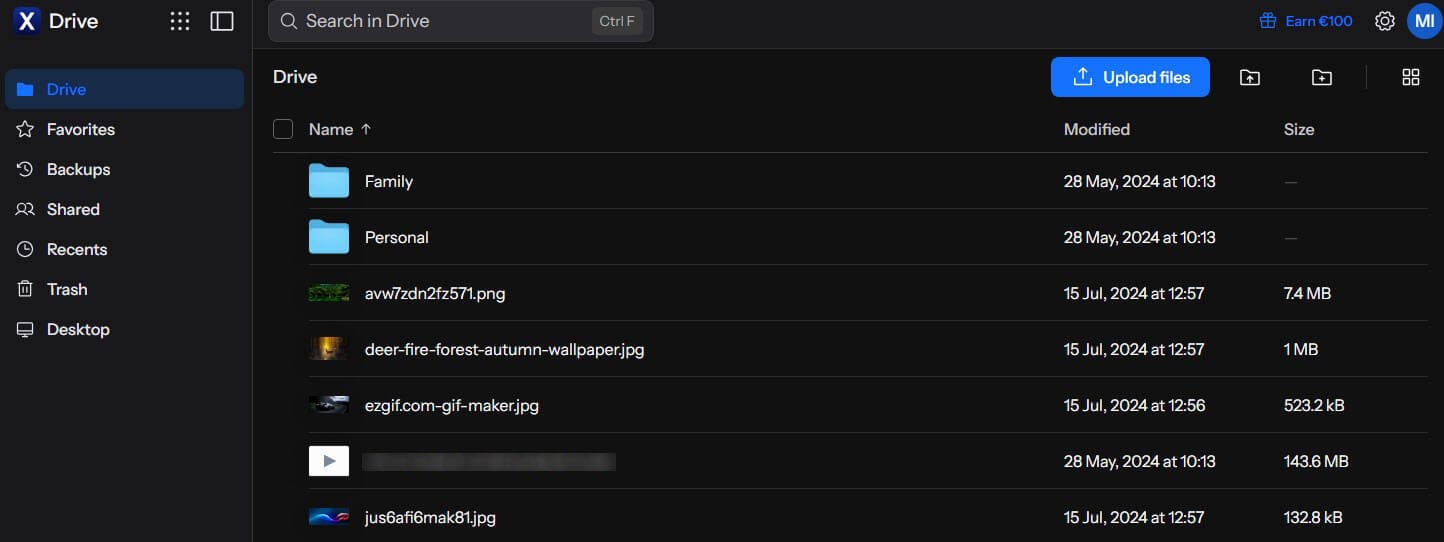
Internxt encrypts files on your device before upload, and it still finished our upload in 3 minutes 34 seconds, with a 24-second download. Being only 2 seconds behind pCloud means its encryption cost almost no time, while NordLocker, MEGA, and Sync.com, which also encrypt files end to end, were at least 14 seconds slower.
It pairs AES-256 with Kyber-512, a post-quantum algorithm built to resist future quantum computers, and its code is open source, so outside experts can check it. Lifetime plans cover 1 TB to 5 TB, and the Premium 3 TB plan costs about €435 once, close to $500 at current exchange rates. Its paid tiers bundle extra security software as well. Billing is in euros, even for US customers, so check whether your card adds a foreign transaction fee.
The Essential plan keeps deleted files for only a week. The Premium plan keeps them for 15 days, so choose it if you delete files often. Our Internxt review covers each plan, and our ranking of encrypted cloud storage compares it with other private services.
3. NordLocker: Best Balance of Speed and Link Security
Pros
- Files encrypted before they leave the PC
- Time-limited share links
- Easy downloads for recipients
- Budget-friendly first year
Cons
- Uploads lag behind full connection speed
- Permanent deletion, no recycle bin
- Steep renewal price
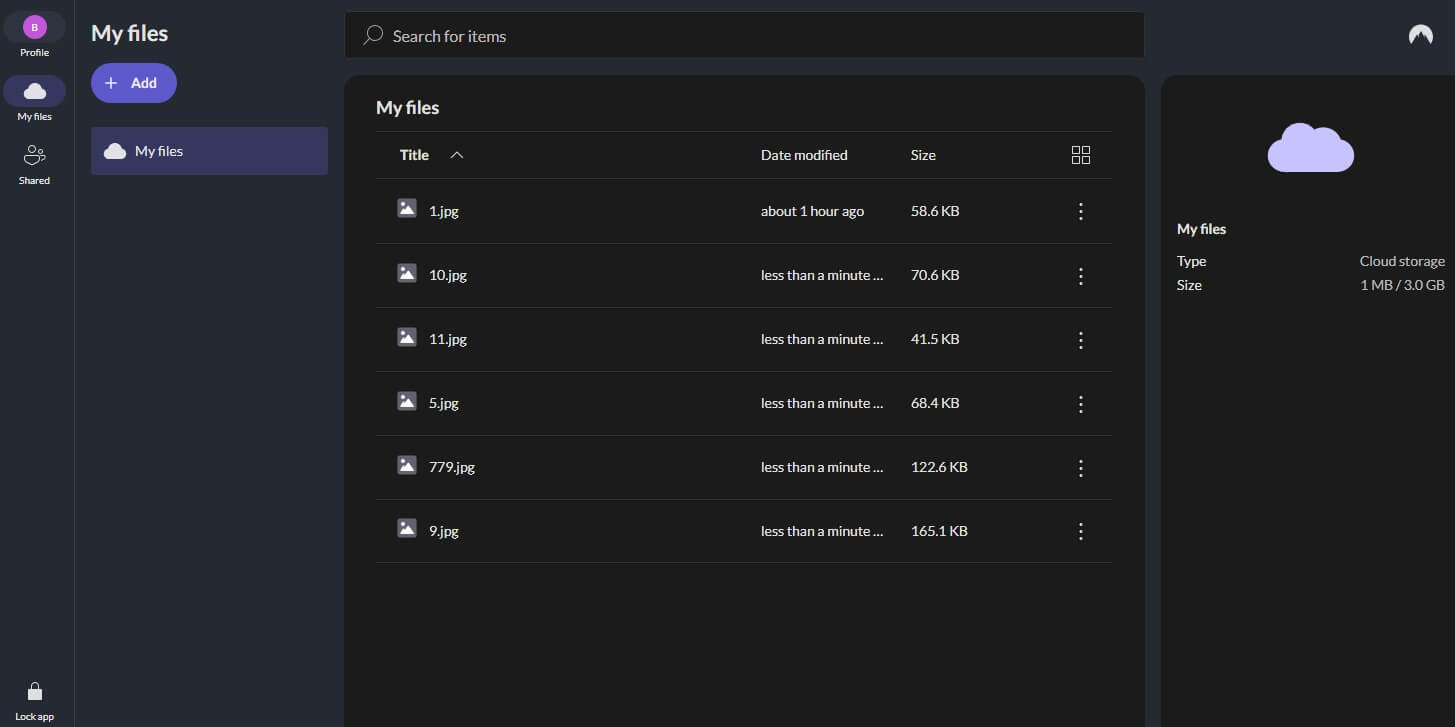
NordLocker uploaded in 3 minutes 48 seconds, using 89% of our upload speed, and downloaded in 27 seconds. That’s 16 seconds behind pCloud, a difference you’d feel only on very large uploads. Dropbox and Google Drive moved the file faster, but neither encrypts files end to end on personal plans. NordLocker’s share links expire and can include a security code that the person receiving the file enters before downloading, and recipients can download without a NordLocker account.
Its 2 TB plan renews at about $180 a year after a first year of about $84, so note the renewal date when you sign up. The weakness we found had nothing to do with speed: when I deleted the test file, it was gone at once, because NordLocker has no trash. Keep a second copy of important files on another drive. NordLocker also appears in our most secure cloud storage ranking.
4. Dropbox: Fastest Single Upload in Our Tests
Pros
- Quickest upload we recorded
- Block-level sync
- LAN sync between computers on one network
- Large-file sending with Dropbox Transfer
- Wide range of app integrations
Cons
- Small free tier
- Password links only on Standard and up
- No end-to-end encryption on personal plans
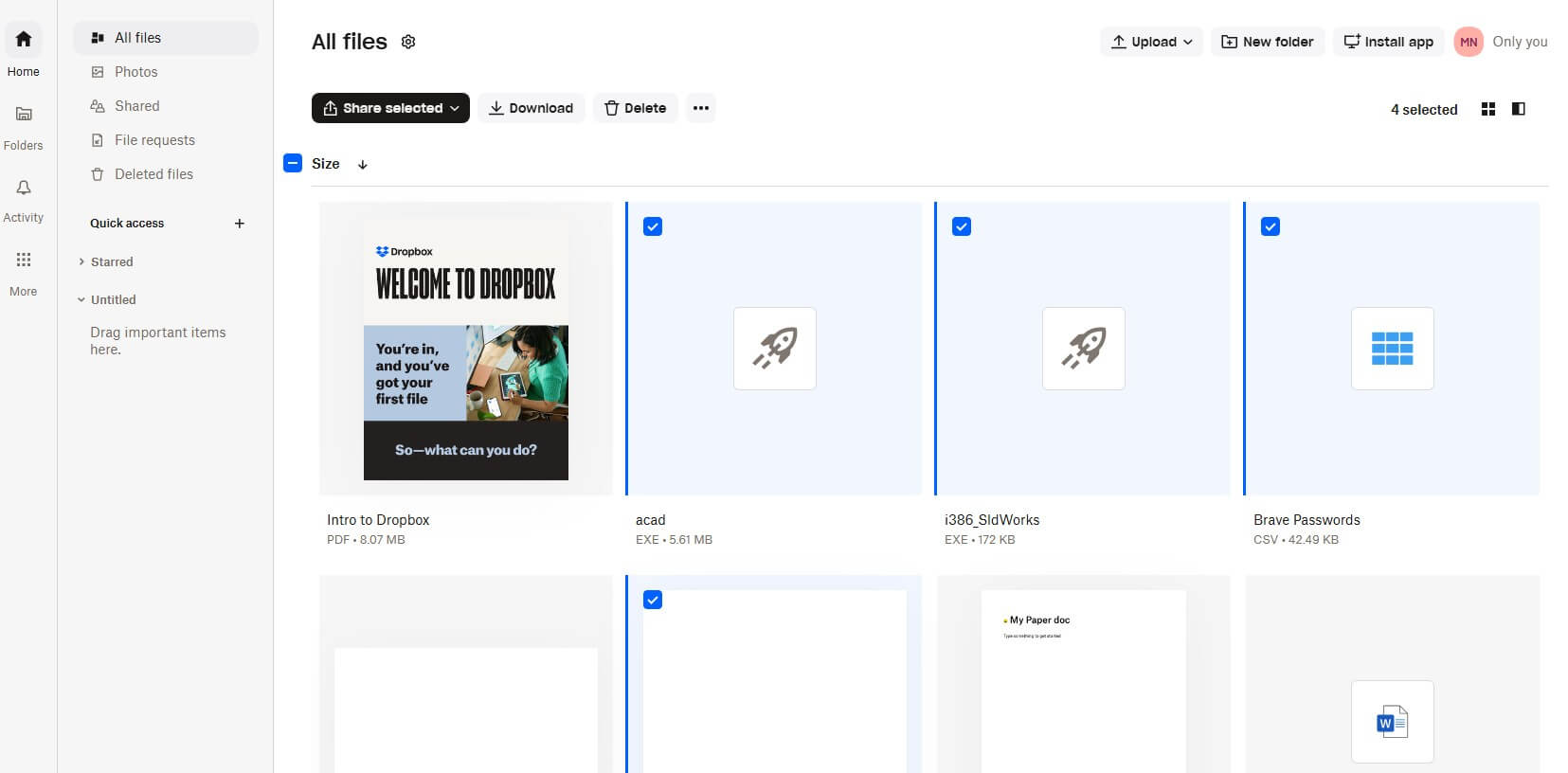
No service uploaded our archive faster than Dropbox, at 3 minutes 31 seconds, 1 second ahead of pCloud, and its download took 26 seconds. Its speed tools help most after the first upload. Block-level sync sends only the changed parts of an edited file, so saving a small change to a large presentation doesn’t upload the whole file again. LAN sync copies files between computers on the same home or office network without going through the internet.
The personal Plus plan costs about $120 a year for 2 TB and includes Dropbox Transfer for sending files up to 50 GB. Link passwords and expiry dates require the Standard plan, at about $15 per user a month on yearly billing. The free plan offers only 2 GB, so Google Drive’s 15 GB is the roomier free start. For sharing sensitive files often, NordLocker or Internxt is the better fit, because they encrypt files end to end.
5. Google Drive: Best for Shared Workspaces
Pros
- Near-full upload speed
- Docs and Sheets edited in place
- Generous free tier
- Storage tiers for every need
Cons
- Daily upload limit for very large transfers
- No zero-knowledge option for personal accounts
- Gmail and Google Photos share the same quota
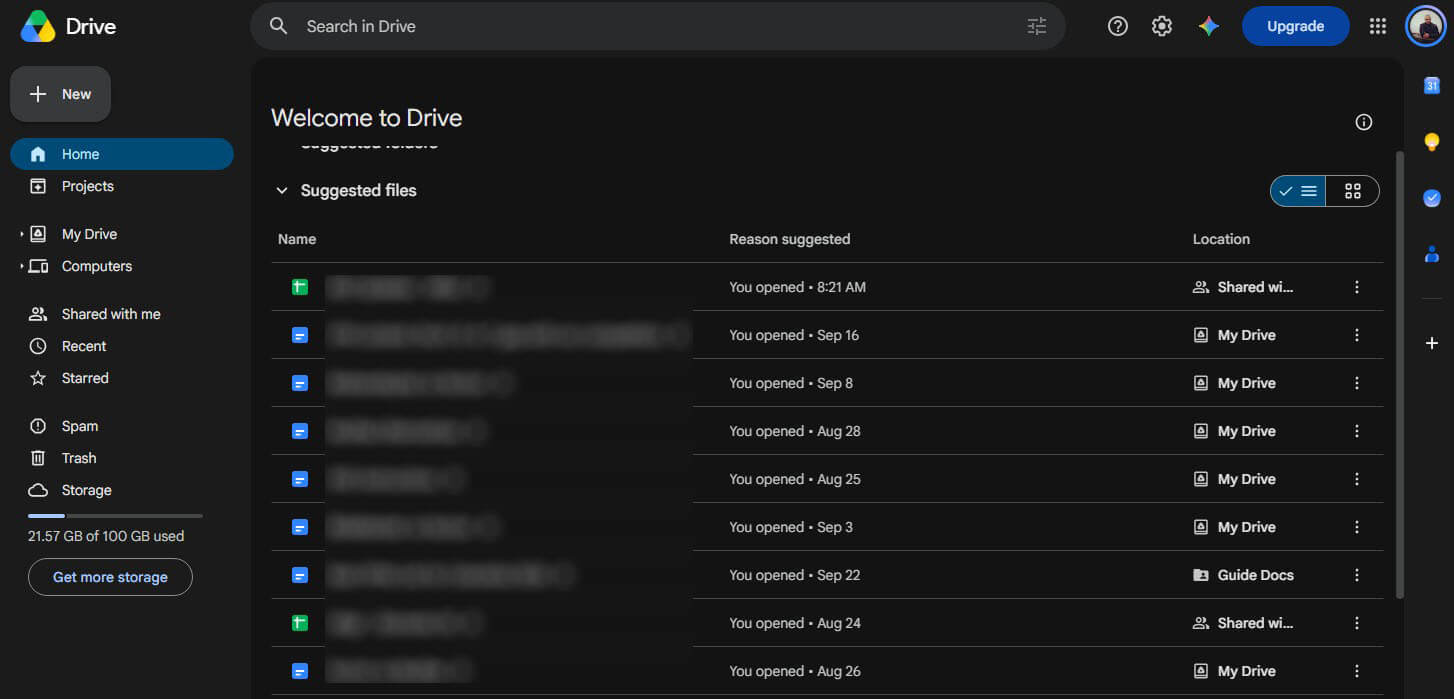
Google Drive for desktop came within 10 seconds of our connection’s upload limit, finishing in 3 minutes 33 seconds. Files in Docs, Sheets, and Slides open and save in the browser, so editing a shared document never waits for a download. Google One’s 2 TB plan costs about $100 a year, and the free plan has 15 GB shared with Gmail and Google Photos, so a full inbox leaves less room for files.
Google caps each account at 750 GB of uploads per day, a limit that affects only very large backups, so spread a huge first upload over two days if you hit it. Google can read stored files, so keep confidential documents on an end-to-end encrypted service. Our guide to free cloud storage compares its 15 GB with other free plans.
Slower Services in Our Speed Test
Three services fell behind the top five, though none was slow enough to cause problems with everyday files:
- MEGA: uploaded in 4 minutes and downloaded in 25 seconds. Free accounts also have a transfer quota that limits how much can be downloaded in a given period, so a large download may pause until it resets.
- TeraBox: uploaded in 4 minutes 5 seconds through the browser, and its 34-second download was the slowest we recorded. Free users can download one file at a time, and faster downloads are reserved for paid plans, so it works best for occasional downloads.
- Sync.com: finished the upload in 4 minutes 11 seconds, using 81% of our upload speed, and the download in 29 seconds. Its end-to-end encryption and unlimited plan are a better match for large private archives than for frequent big transfers.
Why Cloud Uploads Take Longer Than Downloads
Most home internet plans offer far more download speed than upload speed. Our results show it: the archive took between 24 and 34 seconds to download and over 3 minutes 30 seconds to upload on every service. No cloud storage service can upload faster than your connection allows, so a faster home upload speed helps more than switching to another service.
How to Speed Up Cloud Uploads
- Use the desktop app: desktop sync apps upload in the background and resume after interruptions, and they handle large batches better than a browser tab.
- Check the app’s speed limits: Dropbox, pCloud, and Google Drive for desktop let users cap upload speed in their settings. Remove the cap before a large upload.
- Choose the nearest data region: pick the region closest to you when the service offers one, as pCloud does at signup.
- Pause other uploads: backups, video calls, and other devices share the same upload speed.
- Use a wired connection: an Ethernet cable avoids the speed drops that Wi-Fi can cause in larger homes.
Is Free Cloud Storage as Fast as Paid?
Yes, on most services. Every test used a free account, and pCloud, Internxt, NordLocker, Dropbox, and Google Drive transfer at the same speed on their paid plans. Paying adds storage and features, such as longer file history and protected links.
The exceptions are TeraBox and MEGA, which limit free downloads. The fastest free plan in our tests was pCloud’s, which offers up to 10 GB.
Conclusion
Does the cloud service you choose change how fast your files upload? Only slightly, because the top four finished close to our connection’s limit. pCloud was the fastest cloud storage we tested, with the lowest total time, no file size limit, and lifetime plans, though Dropbox, Google Drive, and Internxt were effectively tied with it.
Internxt shows that encrypting files on your device doesn’t have to cost speed, and NordLocker is about 20 seconds slower overall but adds protected share links. Dropbox makes the most sense for files you edit often, thanks to block-level and LAN sync, and Google Drive for teams working in Docs.
Sync.com is slower, but fine for large private archives that rarely change. Our main ranking of the best cloud storage services covers price and features in more depth. For sensitive files, start with Internxt, and for everything else, try pCloud’s free plan and see how close it comes to your connection’s limit.
Frequently Asked Questions
Which cloud storage has the fastest upload speed?
pCloud and Dropbox upload fastest, with Google Drive and Internxt close behind. On a home connection, though, the internet plan’s upload speed limits every service more than the service itself.
Which cloud storage is fastest for syncing files?
Dropbox is the fastest for syncing edited files, because block-level sync uploads only the changed parts, and pCloud supports block-level sync too. Dropbox’s LAN sync also copies files between nearby computers.
What is the fastest free cloud storage?
pCloud is the fastest free cloud storage, with uploads close to a home connection’s limit. Most free accounts transfer at the same speed as paid ones, though TeraBox and MEGA limit free downloads.
Why are cloud uploads so slow?
Cloud uploads are slow because most home internet plans offer far less upload speed than download speed. That upload speed limits every service, so a faster internet plan helps more than switching.
Does encryption slow down cloud storage?
Barely. Internxt encrypts every file on the device before upload and still keeps pace with the fastest services, so on-device encryption costs almost no time on a typical home connection.
Is cloud storage faster than an external hard drive?
No, an external hard drive copies large files much faster, because it doesn’t depend on an internet connection. Cloud storage is better for access on every device and protection against theft or fire.