Cloud security problems tend to arrive in one of three ways: a phishing email steals a password, ransomware locks a laptop’s folders, or a company admits that strangers could see other users’ files. Each of those is a different risk, and a service that handles one well can still leave you exposed to another. Which service suits you depends on the threat you’re guarding against.
Some services focus on keeping intruders out and getting files back after an attack, while others lock files on your device so that even the company can’t read them. We’ve tested 20+ cloud services, and these five did the best job of keeping files safe. Here’s how they compare, starting with the strongest all-rounder.
Most Secure Cloud Storage, October 2026
- pCloud: Best overall, with strong account protection and an undo for ransomware
- Internxt: Best for sensitive documents, with independently audited encryption
- NordLocker: Best for locking files behind a password only you know
- Sync.com: Best for health and privacy compliance, with long file recovery
- MEGA: Best for encrypted chat and calls alongside free storage
Security Features Compared
| Service | End-to-end encryption | Two-factor login | Deleted files kept | Version history | Protected share links |
| pCloud | Paid add-on | Yes | 30 days (15 on free plans) | 30 days, 365 with add-on | Password and expiry on paid plans |
| Internxt | Every plan, with post-quantum layer | Yes | 2 to 30 days, by plan | Premium and Ultimate plans | Password on paid plans |
| NordLocker | Every plan | Yes | Not kept | None | Security code and expiry date |
| Sync.com | Every plan | Yes | 30 to 365 days, by plan | 30 to 365 days, by plan | Password and expiry on paid plans |
| MEGA | Every plan | Yes | 7 to 30 days free, up to 10 years on Pro | Up to 100 versions, every plan | Password and expiry on paid plans |
How Each Service Protects Your Files
1. pCloud: Best Overall for Security and File Recovery
Pros
- Multiple copies across separate server locations
- Dallas or Luxembourg storage, chosen at signup
- Account-wide Rewind after ransomware
- Optional year-long file history
- Two-factor login
- Swiss data protection law
Cons
- Encryption add-on costs extra
- Link passwords only on paid plans
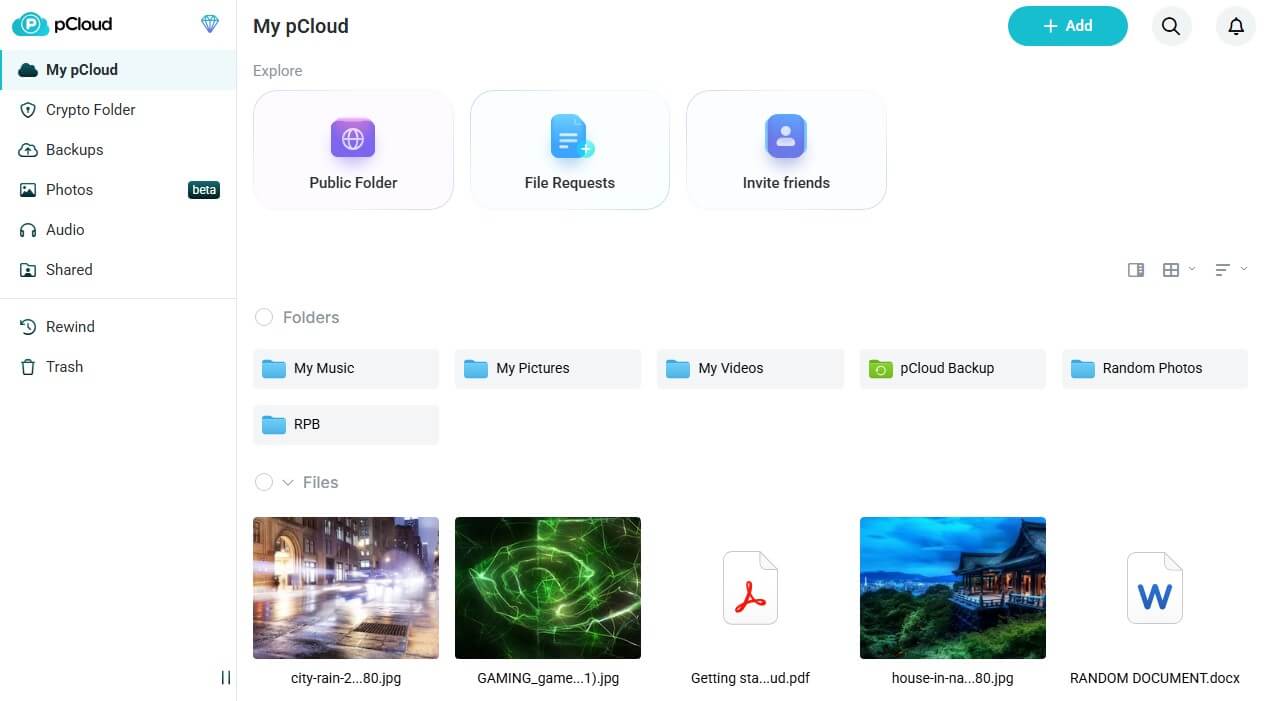
pCloud encrypts stored files with 256-bit AES, a common encryption standard, and protects transfers with TLS, which also secures HTTPS websites. Every upload is copied to three or more server locations, at least five times over, so a broken drive can’t destroy your only copy. At signup, you choose whether files are stored in Dallas, Texas, or in Luxembourg, and two-factor login adds a one-time code to each sign-in. I restored our deleted test file from the trash, which covers the last 30 days on paid plans.
With Rewind, you can return the account or a few folders to their state on an earlier date. That can undo a ransomware attack on synced folders. The Extended File History add-on stretches that window to a year. Standard encryption leaves the keys with pCloud. For zero-knowledge protection, where only you have the key, the pCloud Encryption add-on costs about $150, paid once.
A 2024 ETH Zurich study found that a compromised pCloud server could insert files into an encrypted account or swap in its own keys to read later uploads. pCloud called the attacks theoretical, and we found no announced fix. In February 2026, some users also reported strangers’ file and folder names showing up in their accounts.
pCloud told affected customers the exposure was limited, though we found no public announcement. For the most sensitive documents, Internxt is the safer home. Our full pCloud review covers each plan.
2. Internxt: Best for Sensitive Documents
Pros
- Zero-knowledge on free and paid plans
- Post-quantum key protection
- Two independent security audits
- Source code open to inspection
- Spanish company under the GDPR
Cons
- Deleted files kept only days on cheaper plans
- Link passwords locked on free accounts
Internxt encrypts every file with AES-256 and Kyber-512 before the upload begins. Kyber-512 is a post-quantum algorithm, built to stay secure even against future quantum computers. The keys stay with you, so Internxt can’t read your documents, even on a free account. Connections use TLS 1.3, and the company is based in Spain, under the EU’s GDPR privacy law.
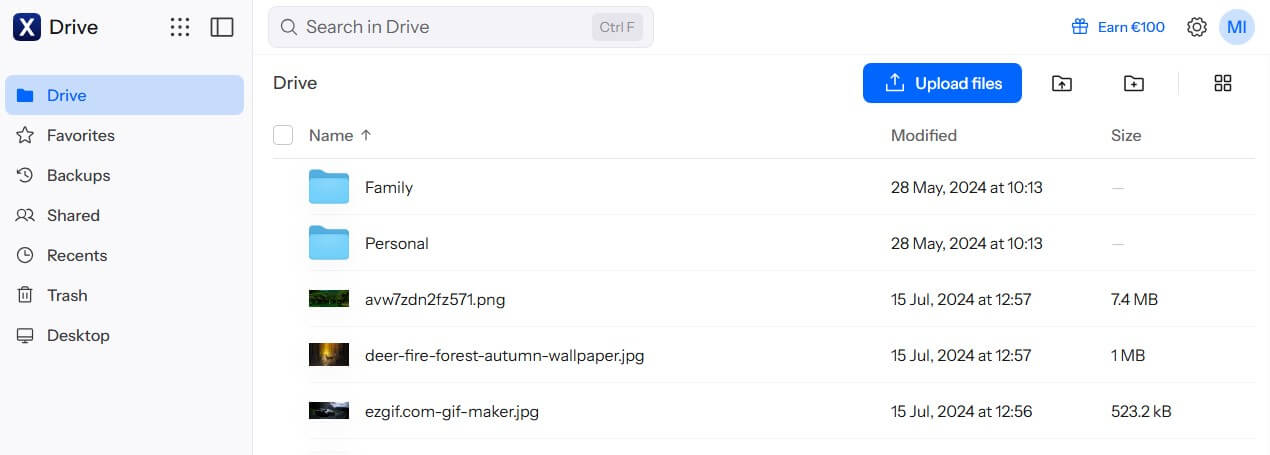
The apps’ source code is public on GitHub, so outside experts can check Internxt’s claims. Securitum, a Polish security testing firm, has audited the platform twice, most recently in 2025. Two-factor login is available in the web app. Recovery depends on the plan. Restoring the test file from Internxt’s trash worked, but free accounts keep deleted items for only 2 days, and paid plans extend that to between 7 and 30 days.
If you delete files often, the Premium and Ultimate plans keep them longest and add version history for PDF, Word, Excel, and CSV files. Lifetime plans start at about €285 for 1 TB, paid once. Every plan is listed in our Internxt review.
3. NordLocker: Best for Locking Files Behind a Cloud Password
Pros
- No paywall on encryption
- Cloud password never stored by NordLocker
- Recovery key for a forgotten password
- Code-protected share links
- Two-factor login through Nord Account
Cons
- Instant, permanent deletion
- Earlier versions not kept
- Higher price after year one
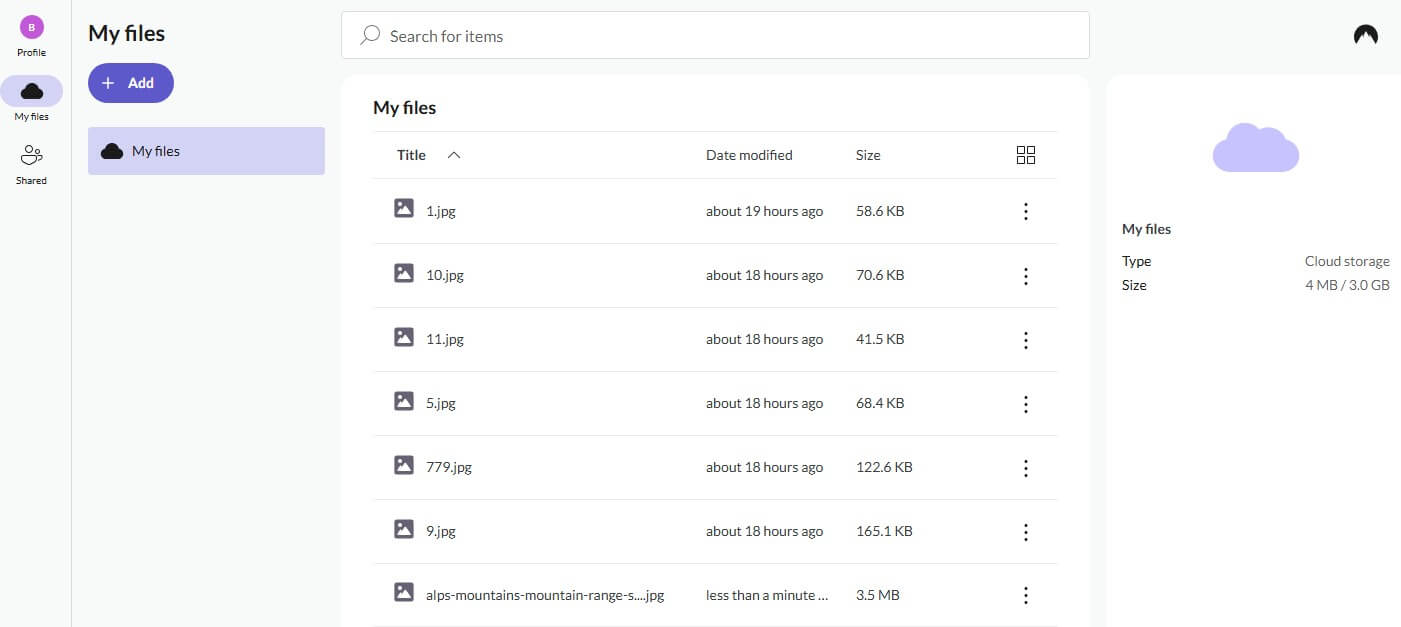
NordLocker encrypts files with AES-256, using a key made from a cloud password that only you know. It scrambles that password with Argon2 and never stores it. At signup, it also creates a recovery key for a forgotten password. Store it offline: if you lose the key and the password, even NordLocker can’t unlock the files.
Each share link I created came with a security code, which can be turned off. By default, a link stops working after 14 days, though the limit stretches to about a year. Two-factor login is available through the Nord Account. Recovery is the weak point. Our test file was gone the moment I deleted it. NordLocker has no trash or earlier versions, so keep important documents on another drive as well.
A 500 GB plan costs about $60 a year after a first year of about $36, so budget for the renewal. The full NordLocker review covers its apps.
4. Sync.com: Best for HIPAA and Privacy Compliance
Pros
- Zero-knowledge encryption by default
- HIPAA and PIPEDA compliance on higher plans
- Up to a year of file recovery
- Remote lock-out for lost devices
- Files stored in Ontario, Canada
Cons
- Long upload and download times
- Shorter recovery window on the cheapest plan
- Price increase after the first year
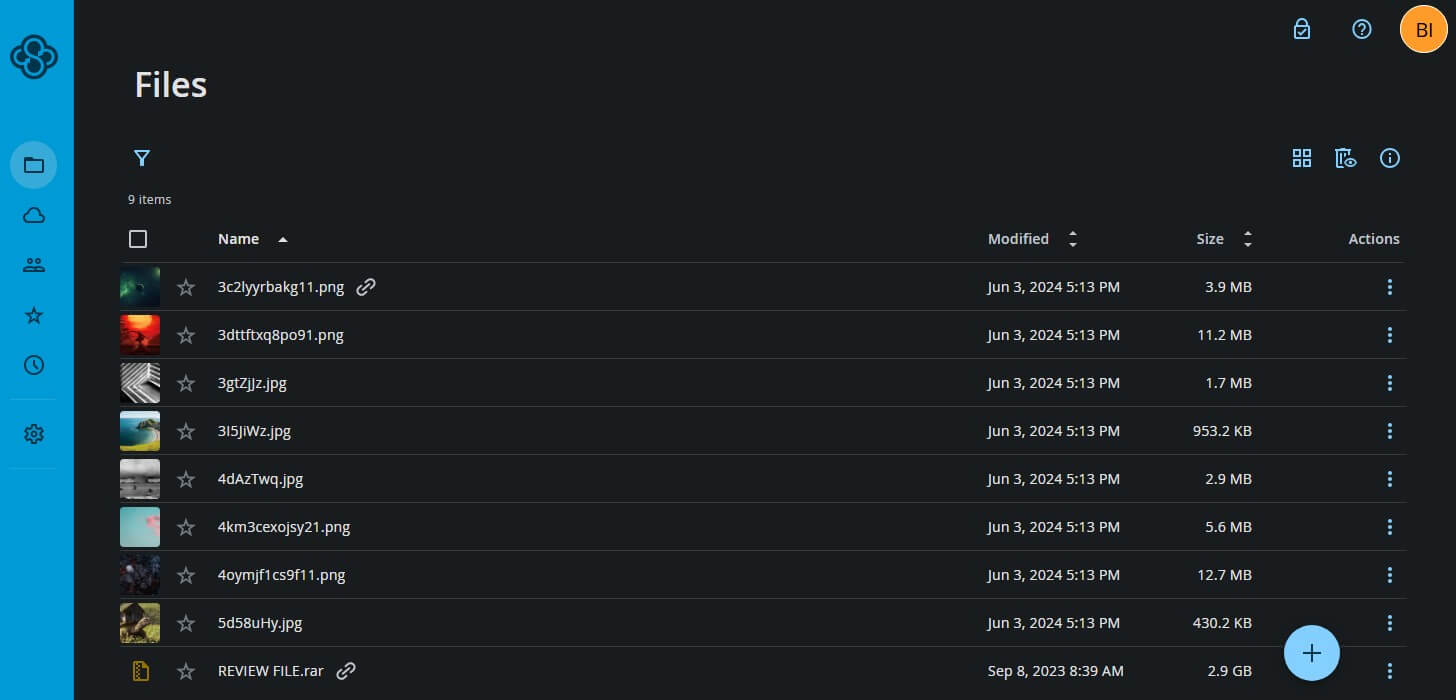
Sync.com encrypts files end to end by default, even on free accounts, so only you have the keys. It stores data in Ontario under Canada’s PIPEDA privacy law. Higher plans add HIPAA compliance, the US standard for healthcare data, and the company also lists GDPR and SOC 2 compliance. ETH Zurich’s 2024 study covered Sync.com too: a compromised server could add folders to an account, change file names, and replace encryption keys, and shared links exposed decryption keys.
Sync.com later announced a fix for the link issue and said it would patch the others. Trash and file history last 60 days on the Personal 1 TB plan, 180 days on Pro Solo 5 TB, and 365 days on the unlimited plans. I restored our deleted test archive without trouble. A lost or stolen device can also be locked out of the account remotely.
Speed is the trade-off: its 500 MB upload took 39 seconds longer than pCloud’s, so allow extra time for a large first upload. The fastest cloud storage comparison lists every service’s times. The Pro Solo 5 TB plan costs about $336 a year after a first year of about $168, so compare the renewal price before you commit. Our Sync.com review covers the other plans.
5. MEGA: Best for Encrypted Chat and Calls Alongside Storage
Pros
- Secure chat and meetings built in
- Large encrypted free plan
- Authenticator-app login codes
- Published client source code
Cons
- Protected links require a paid plan
- Download quota on every plan
- No virtual drive in the desktop app
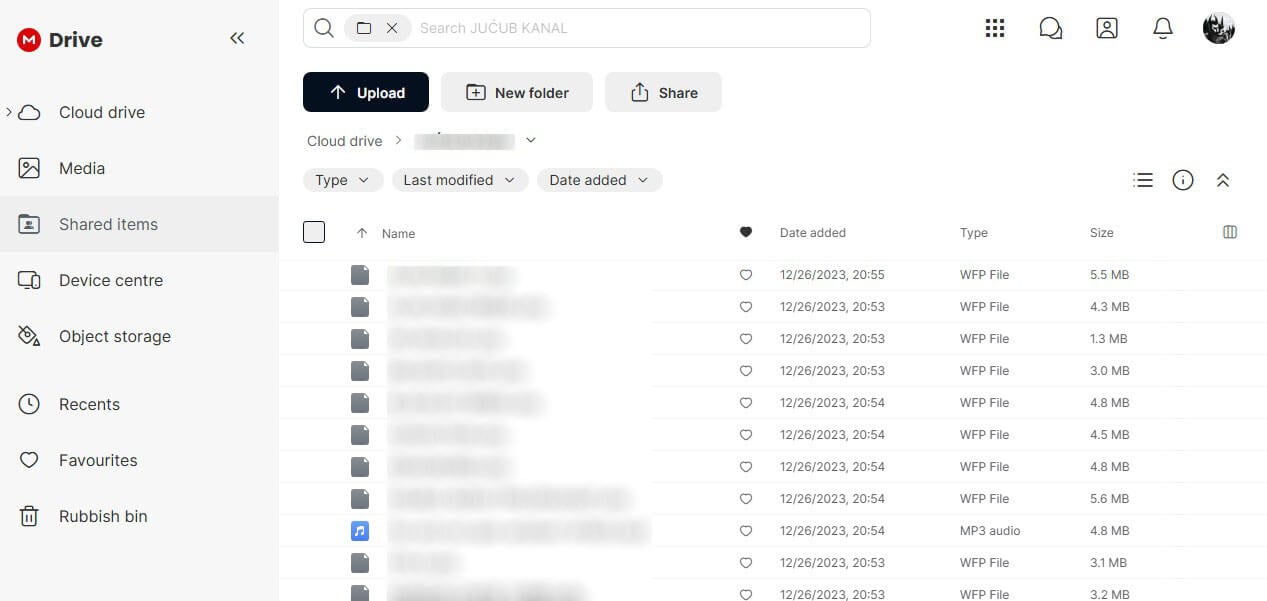
MEGA encrypts files, chats, and video calls end to end, with keys protected by your password. New free accounts start with 20 GB, encrypted the same way, and two-factor login works with an authenticator app. The company is based in Auckland, New Zealand, and publishes its app source code for outside review. In 2022, ETH Zurich researchers showed that an attacker in control of MEGA’s servers could recover a user’s private key and decrypt stored files.
About three months after the report, MEGA patched the two attacks that exposed data and said it knew of no compromised accounts. Follow-up research in 2023 described further attacks on the patched design. I recovered our deleted file from MEGA’s Rubbish Bin, which keeps items for 7 to 30 days on free accounts and up to 10 years on Pro plans. MEGA keeps up to 100 versions of each file on every plan, and Rewind on Pro plans restores folders as they were up to 60 days back.
A password or an end date on a shared link is a Pro feature, so choose a Pro plan if you share private files. Paid plans start with Essential, about $45 a year for 200 GB, and include the MEGA VPN and MEGA Pass apps. Downloads count against a transfer quota, from 2.4 TB a year on Essential, or about 200 GB a month, so check it if you share large files often. Our MEGA vs pCloud comparison puts it next to our top choice.
Other Encrypted Services: Proton Drive and Tresorit
Proton Drive comes from the Swiss company behind Proton Mail and Proton VPN. It encrypts every file end to end, even on the free 5 GB plan. Its phone apps back up photos and videos automatically, and the Drive Plus plan adds 200 GB for about $48 a year.
Tresorit, also based in Switzerland, sells end-to-end encrypted storage mainly to businesses. It was the least affected service in ETH Zurich’s 2024 study, where researchers flagged one weakness in how it checks other users’ public keys. We haven’t put either service through our tests yet, so neither appears in the ranking.
Security Features to Look For
- Encryption keys: Google Drive, Dropbox, and standard iCloud accounts encrypt files with keys the company keeps. Zero-knowledge services encrypt on your device first, as our guide to encrypted cloud storage details. iCloud adds that protection only when Advanced Data Protection is enabled, a setting covered in our iCloud alternatives guide.
- Account protection: every service in our ranking supports two-factor login. On zero-knowledge services, check how account recovery works before you forget a password.
- File recovery: a trash folder, version history, and account rollback undo deletions and ransomware damage, so compare how long each plan keeps deleted files.
- Sharing controls: passwords, expiry dates, and the option to revoke a link limit who opens a file after it leaves your account.
- Data location: Swiss, EU, and Canadian privacy laws restrict how companies use stored files. pCloud lets you choose the US or the EU, Internxt is based in Spain, and Sync.com uses Canadian data centers.
- Transparency: published source code and independent audits are the strongest evidence that security claims are accurate, the same kind of proof behind a trustworthy no-log VPN.
Private Cloud Storage: Self-Hosted or Zero-Knowledge?
Businesses use the term private cloud storage for servers they own and manage, often a NAS (a network drive from Synology or QNAP) or a Nextcloud installation. For individuals, it usually means a zero-knowledge service that stores files the company can’t read. A NAS keeps files on a device at home or in the office, so no company keeps a copy, but the owner takes on the security work: firmware updates, an off-site backup, and protected remote access.
Skipping that work is risky: ransomware campaigns have targeted internet-facing NAS devices, including QNAP models hit by DeadBolt in 2022. Large video collections are a common reason to buy one, and our guide to cloud storage for videos covers online services that stream them.
Zero-knowledge services such as Internxt and NordLocker take over that maintenance without gaining access to the files, so a common setup pairs a home NAS with an encrypted cloud account as the off-site copy.
Encrypted Folders and Vaults
Two of the services offer a separate space for chosen files:
- pCloud Encryption: files moved into the Crypto Folder are encrypted on your device and open only with a separate passphrase.
- Sync Vault: an archive folder that doesn’t sync to your devices, so deleting a local file leaves the stored copy untouched.
How We Checked Security
For our October tests, we signed up for the five services on a Windows 11 PC in Europe and sent a 500 MB archive through every desktop app. We set up share links to see which protections were available, and deleting the archive afterward showed which services could restore it. Two-factor login, data locations, audits, and paid-plan recovery features come from each company’s documentation.
Conclusion
pCloud offers the most complete protection we found against a stolen password, a failed drive, or ransomware. Copies across several server locations guard against hardware failure, and Rewind can roll the account back after an attack. If your main concern is the storage company reading your files, Internxt encrypts every file before upload and has two audits behind it.
NordLocker protects a small set of confidential files well, and its code-protected links work for documents you send to an accountant or lawyer, though a deletion there can’t be undone. Sync.com is built for businesses that must meet health or privacy rules, with up to a year of file recovery, and MEGA adds encrypted chat to its free plan.
For speed and price comparisons, see our best cloud storage guide. Turn on two-factor login the day you sign up, and print its recovery codes.
Frequently Asked Questions
What is the most secure cloud storage?
pCloud is the most secure cloud storage overall, with copies across several data centers, two-factor login, and Rewind to undo ransomware. For documents the company must never read, Internxt is the better choice.
Which cloud service is best for storing sensitive documents?
Internxt is the best cloud service for sensitive documents. It encrypts every file on the device before upload, publishes its source code, and has passed independent security audits.
What is private cloud storage?
Private cloud storage is storage that only its owner controls. For businesses, that usually means their own servers or a NAS, and for individuals, a zero-knowledge service that can’t read stored files.
Is a NAS more secure than cloud storage?
Not by default. A NAS keeps files at home, away from any company, but its owner must handle updates, off-site backups, and remote access, and ransomware has targeted poorly protected NAS devices.
What is a cloud locker?
A cloud locker is an encrypted online storage space for private files, protected by a password or key that only the owner knows. NordLocker is a well-known example, encrypting each file before upload.
What is the safest way to store files online?
The safest way to store files online is a zero-knowledge service with two-factor login turned on. A second copy on another drive also protects against accidental deletion, ransomware, and account problems.