
Video fills cloud storage faster than any other kind of file. A wedding film, a year of family clips, or an hour of 4K from a phone can take up more space than years of documents, and uploading it from home can take a whole evening. That leaves two practical questions before you choose a service: will it accept a file that big, and how long will the upload take?
Cloud storage for videos also has to be useful after the upload, whether you want to play a clip on your phone, send footage to a client, or keep an untouched master copy for years. Five services stood out for video in our testing. The ranking starts with the service that handled large files best.
Best Cloud Storage for Videos, October 2026
- pCloud: Best overall, with no file size limit
- Internxt: Best for encrypted video archives, with lifetime plans
- NordLocker: Best for sending private footage, with expiring code-protected links
- Dropbox: Best for video editors, with client review tools
- Sync.com: Best for unlimited video storage, encrypted by default
Upload Times and File Limits Compared
| Service | Maximum file size | Largest personal plan | 2 GB upload | 2 GB download | Free storage |
| pCloud | No limit | 10 TB | 15:14 | 1:45 | Up to 10 GB |
| Internxt | 10 GB to 100 GB, depending on the plan | 5 TB | 15:28 | 1:51 | 1 GB |
| NordLocker | 10 GB on Windows, 8 GB on web and mobile | 2 TB | 15:58 | 2:00 | 3 GB |
| Dropbox | 2 TB with the desktop app | 3 TB | 15:16 | 1:48 | 2 GB |
| Sync.com | No fixed cap | Unlimited | 16:21 | 2:09 | 5 GB |
Top 5 Cloud Services for Video
1. pCloud: Best Overall for Video Storage
Pros
- No maximum file size
- Quickest large-file upload in our tests
- Streams clips without a download
- Lifetime plans for big archives
- Scheduled backup of PC drives
Cons
- Monthly traffic limit on shared links
- Encryption add-on sold separately
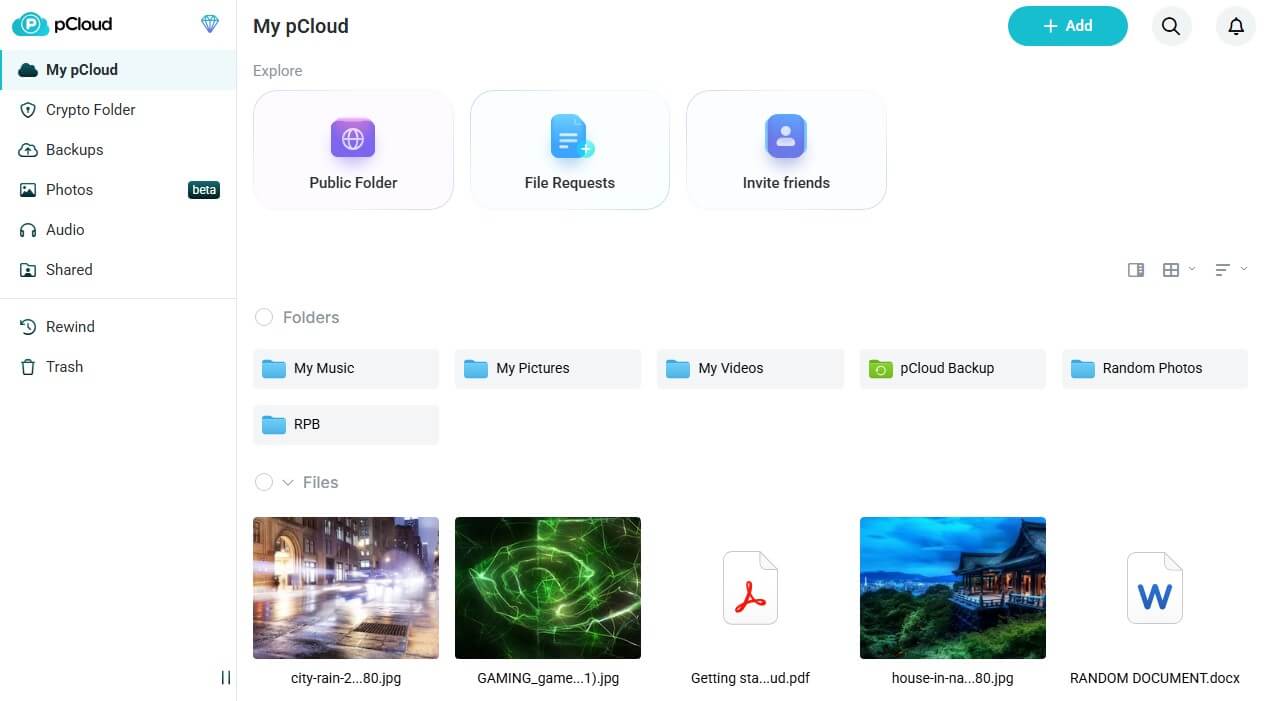
pCloud accepts video files of any size, so long recordings and full project exports upload as single files. Our 2 GB test file, about the size of 11 minutes of 4K iPhone video, went up in 15 minutes 14 seconds, the quickest in our test, and came back down in 1 minute 45 seconds, also the fastest.
The built-in player streams clips in the browser and the phone apps without a download, and the Backup tab keeps chosen PC folders or whole drives in sync with the cloud. Shared links come with a monthly download allowance, 4 TB on the 2 TB plan and 20 TB on the 10 TB plan, which limits how much footage clients can pull from your links. Extra traffic is available to buy if clients download a lot.
Ten terabytes cost about $1,500 for life, or about $300 a year on yearly billing. Files are encrypted on pCloud’s servers, but the company manages the keys. For unreleased projects, buy the encryption add-on for about $150, paid once, so only you have the key. Every plan and add-on is in our pCloud review.
2. Internxt: Best for Encrypted Video Archives
Pros
- Footage encrypted before upload
- One-time pricing for large archives
- Quantum-resistant encryption layer
- Security extras bundled with paid tiers
Cons
- File size cap varies by plan
- Minimal free storage
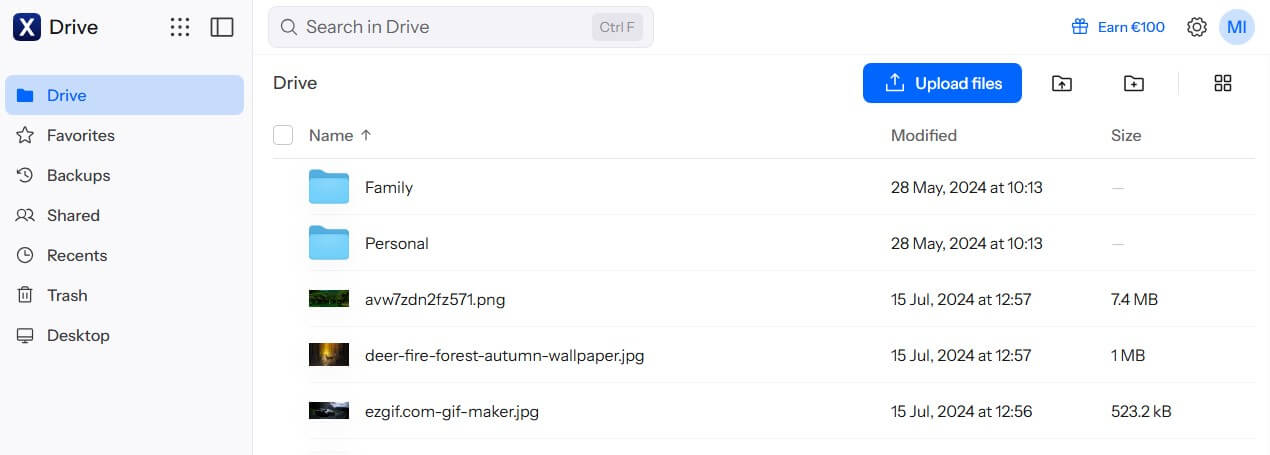
Internxt encrypts every clip on your computer before upload, with an extra post-quantum layer built to resist future quantum computers, so raw footage and unreleased projects stay private from the company. The protection is the same on every plan, including free accounts. Larger plans accept larger files: the Essential plan allows 10 GB per file, Premium 50 GB, and Ultimate 100 GB.
The Premium plan’s limit fits over four hours of 4K iPhone recording at 30 fps, so choose the Premium or Ultimate plan if you record long events. Internxt’s 2 GB upload finished 14 seconds after pCloud’s, a difference you’d barely notice. A 5 TB lifetime plan costs about €585, or roughly €117 per terabyte, paid once.
The free plan’s 1 GB is enough only to try the apps with a short clip. Plan prices are broken down in our Internxt review. Internxt also ranks in our cloud storage for photos guide.
3. NordLocker: Best for Sending Private Footage
Pros
- Every file locked with your key
- Security code on shared clips
- Links set to expire
- Clients open files without signing up
- Desktop drive for drag-and-drop uploads
Cons
- No trash or earlier versions
- Lower per-file limits
- Limited plan sizes
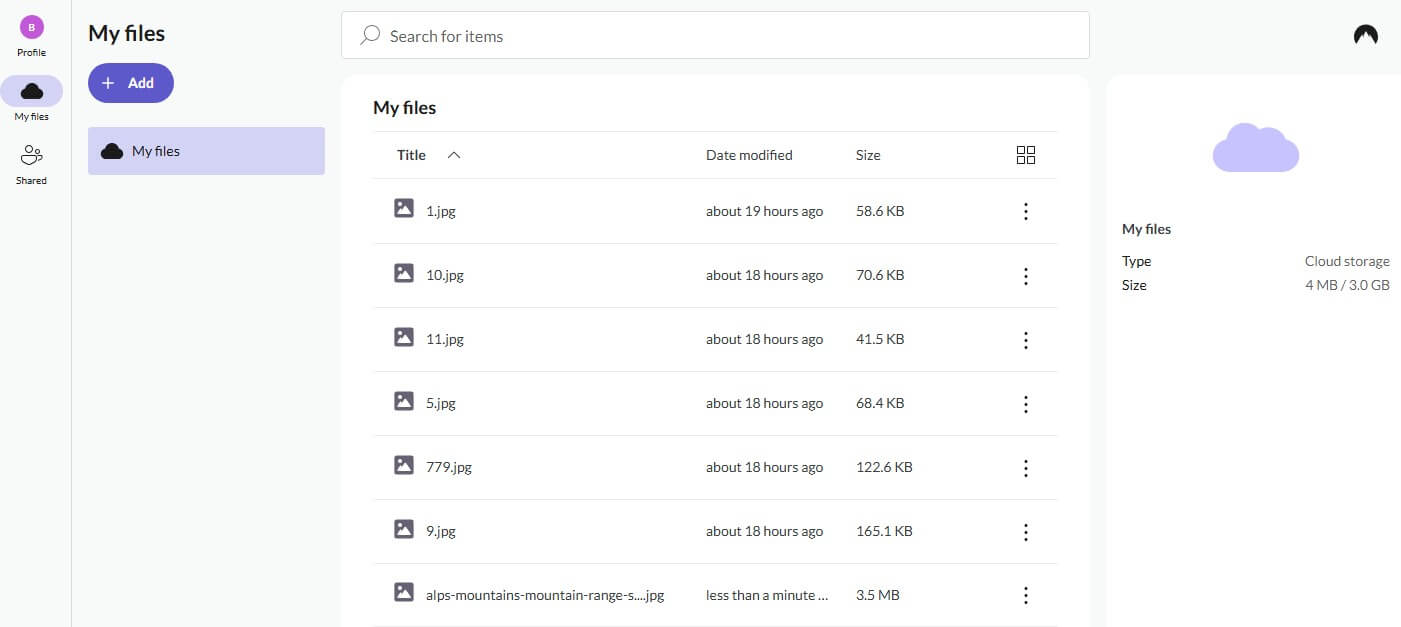
NordLocker is built for client work, where finished footage goes to people outside your account. When I shared a test clip, the recipient had to enter a code NordLocker generated, and the code can be turned off. Links expire after 14 days by default, and I set one to last almost a year. No NordLocker account was required to download. Single files are limited to 10 GB on Windows and 8 GB on the web and phones.
The Windows limit equals about 50 minutes of 4K iPhone video, so split longer recordings or keep them on pCloud. Our 2 GB upload took 15 minutes 58 seconds on NordLocker. Deletions are permanent, with no trash to recover from, so keep master files on a second drive. Plans stop at 2 TB, which costs about $180 a year after a first year of about $84.
Move to pCloud or Sync.com once an archive passes 2 TB. Our NordLocker review goes through the desktop and phone apps.
4. Dropbox: Best for Video Editors
Pros
- Very large files through the desktop app
- Quick uploads with small and large files
- Dropbox Transfer for client deliveries
- Frame-by-frame comments with Replay
- Office and editing app integrations
Cons
- Encryption keys kept by Dropbox
- Yearly or monthly billing only
- Costs more per terabyte
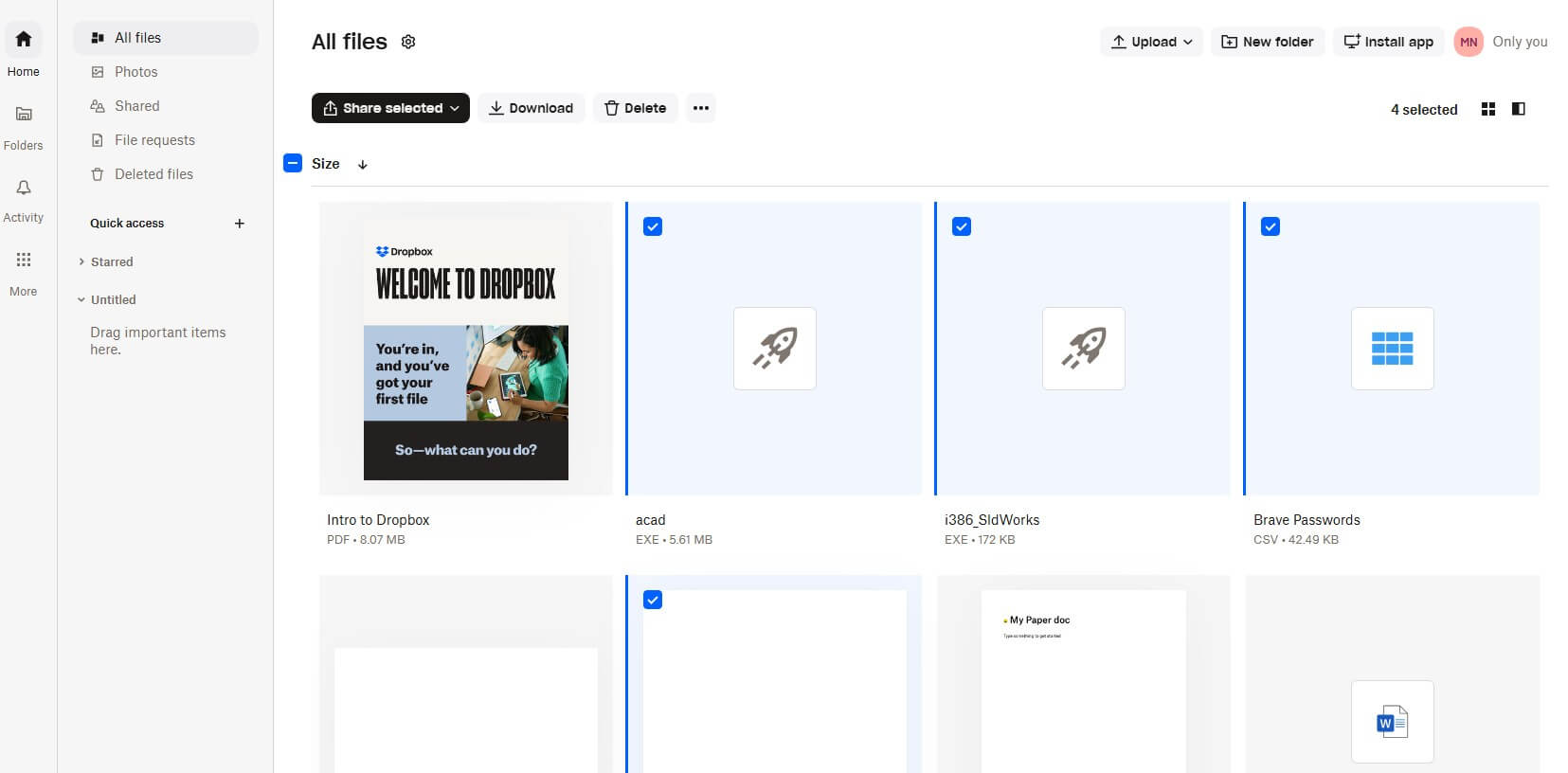
Dropbox uploaded our 2 GB file in 15 minutes 16 seconds, and on the smaller 500 MB test, no service beat its 3 minutes 31 seconds. Its desktop app accepts single files as large as 2 TB, while browser uploads larger than 375 GB can time out, so use the app for big exports. Dropbox Transfer sends up to 50 GB on the Plus plan and 100 GB on the Standard plan.
The Standard plan also lets you password-protect a transfer, and the Replay add-on lets clients comment on exact frames. The Plus plan offers 2 TB for about $120 a year with 30 days of version history, and the Standard plan costs about $180 a year for one person, with 3 TB and 180 days of history. There’s no lifetime option, so large archives cost more over time than on pCloud.
Dropbox keeps the encryption keys, so keep confidential footage on Internxt or NordLocker. Its trash returned our deleted test file intact. Our Dropbox vs pCloud comparison covers the trade-offs.
5. Sync.com: Best Unlimited Video Storage
Pros
- No storage cap for one user
- Encryption on from the first upload
- Up to a year of deleted-file recovery
- Password-protected share links
Cons
- Slowest large-file download in our tests
- Desktop app slows on very large files
- Higher renewal price
Sync.com‘s Personal Unlimited plan removes the storage limit for a single user. Expect about $540 a year after a first year of about $270, so the bill doubles at renewal. Encryption is end to end from the first upload, meaning Sync.com can’t see your footage. Deleted footage stays recoverable for a full year on unlimited plans.
There’s no fixed limit on file size, though Sync.com’s help pages warn that desktop transfers can slow down past 40 GB per file, so split very long recordings. Sync.com’s 2 GB download was the slowest in our tests, but 2 minutes 9 seconds is still quick for a file that size. The upload took 16 minutes 21 seconds.
Smaller libraries cost less: 1 TB is about $144 a year after a first year of about $72. Our list of cheap cloud storage compares that with other budget plans.
How Long Does a Video Upload Take?
Upload speed decides the wait, and home connections usually upload far slower than they download. Apple’s file size estimates for iPhone video in its High Efficiency format:
- 1080p at 30 fps: about 60 MB per minute, or 3.6 GB per hour
- 4K at 30 fps: about 190 MB per minute, or 11.4 GB per hour
- 4K at 60 fps: about 440 MB per minute, or 26.4 GB per hour
Our connection has 19.69 Mbps of upload speed. At that rate, an hour of 4K at 30 fps would take about 80 minutes to upload to pCloud, and an hour at 60 fps about three hours. Downloads take a fraction of that time. For big uploads, start the transfer overnight through the desktop app. Google Drive and MEGA results appear in the fastest cloud storage ranking.
Free Video Storage
Free plans fit short clips and phone videos:
- MEGA: 20 GB with end-to-end encryption, and a download quota on free accounts. Our MEGA vs pCloud comparison covers its paid plans.
- Google Drive: 15 GB, shared with Gmail and Google Photos.
- pCloud: up to 10 GB, with no file size limit and the same streaming player as paid plans.
- TeraBox: 1 TB free, listed as a limited-time offer, with a 4 GB cap per file and 480p playback on free accounts.
TeraBox’s free space is large, but it has no end-to-end encryption. The company makes money from ads and upgrade prompts, the same model behind most free VPNs, so keep private videos elsewhere. Our free cloud storage ranking also covers Dropbox, Proton Drive, and OneDrive.
Video Storage vs Video Hosting
Cloud storage keeps the original file as recorded, for backup, editing, and delivery to clients. Hosting platforms such as YouTube and Vimeo convert uploads into streaming versions for viewers, so the copy people watch isn’t the original.
Many creators keep masters in cloud storage and publish a copy to a hosting platform. Hosting and storage are separate kinds of cloud service, and our guide to what cloud storage is explains the difference.
Editing Video From the Cloud
Editing apps work best with footage on a local drive. A common setup keeps the active project on an SSD, syncs it to the cloud as a backup, and sends review links to clients. pCloud Drive and Dropbox can show cloud files on the computer without downloading every clip. Teams that edit directly from shared storage use streaming file systems built for it, such as LucidLink.
Our 2 GB Upload Test
Our October test used one 2.16 GB file, timed as an upload and a download through every desktop app on a Windows 11 PC in Europe. The connection’s download speed was 187.95 Mbps before the tests, so downloads finished in about two minutes while uploads took over 15. Every service except NordLocker let us recover the file after deletion.
Summary
Where should your videos go? For a growing family or creator archive, choose pCloud: it accepts files of any size, uploaded our 2 GB file fastest, and stores 10 TB for one payment. Internxt keeps unreleased projects encrypted at a lower one-time price per terabyte, and its larger plans accept files up to 100 GB. NordLocker protects finished clips sent to clients, as long as you keep the masters on another drive.
Dropbox covers review and delivery for editing teams, with frame-accurate comments through Replay. Sync.com removes the storage cap if you don’t mind slower uploads and a higher renewal price. Before your first big upload, check your connection’s upload speed with a free speed test, so you know whether an hour of footage takes one hour or three. Then send the most important footage first.
Frequently Asked Questions
What is the best cloud storage for videos?
pCloud is the best cloud storage for videos. It sets no file size limit, streams clips in its apps without a download, and offers lifetime plans for large video archives.
Where can I store videos for free?
MEGA has the most practical free plan for videos, with end-to-end encryption and automatic camera uploads. Google Drive and pCloud also have free plans, and pCloud’s sets no file size limit.
What is the best cloud storage for large video files?
pCloud is the best cloud storage for large video files, because it sets no maximum file size. Dropbox is a strong alternative for editors, accepting very large files through its desktop app.
Is there unlimited video storage?
Yes. Sync.com’s Personal Unlimited plan removes the storage cap for one user and encrypts every file end to end, though its price rises after the first year and its uploads are slower.
What is the difference between video storage and video hosting?
Video storage keeps the original file for backup, editing, and delivery. Video hosting, such as YouTube or Vimeo, converts uploads into streaming versions for viewers, so the copy people watch isn’t the original.
How much cloud storage do I need for video?
It depends on resolution and frame rate. High-resolution phone footage fills storage several times faster than Full HD, so people who record often at the top camera settings should choose a multi-terabyte plan.