Two terabytes on Dropbox Plus cost $119.88 a year. pCloud charges $99.99 a year for the same space, or $499 once for a lifetime license. In our October tests, the two finished a 2 GB upload two seconds apart, so speed isn’t a reason to choose one over the other.
How each service works will. pCloud adds password-protected links on every paid plan, a music and video player, and optional end-to-end encryption. Dropbox adds LAN sync and connects to Microsoft 365, Google Workspace, and a large directory of work apps. pCloud won four of our seven rounds, Dropbox won one, and two were ties.
pCloud vs Dropbox: Quick Comparison
| pCloud | Dropbox | |
| 2 TB price | $99.99 a year or $499 once | $119.88 a year |
| Storage for one person | 500 GB, 2 TB, 10 TB | 2 TB on Plus, 3 TB on Standard |
| Free storage | 2 GB, up to 10 GB | 2 GB, three devices |
| 2 GB upload / download | 15:14 / 1:45 | 15:16 / 1:48 |
| Link passwords and expiry dates | Every paid plan | Standard plan and up |
| File history | 15 days free, 30 days paid, a year with an add-on | 30 days on Plus, 180 on Standard, a year with an add-on |
| Sync features | Block-level sync, sync any folder | Block-level sync, LAN sync |
| End-to-end encryption | Crypto Folder, paid add-on | Advanced plan only, three or more users |
| Data location | US or EU, chosen at signup | US for personal accounts |
| Refund window | 14 days | Only where required by law |
Apps and Syncing
Desktop apps cover Windows, Mac, and Linux on both services, and each also has iPhone and Android apps and a web version. pCloud Drive adds the account to File Explorer or Finder as a separate drive, and Dropbox adds it as a folder. Both can keep files online-only until you open them. Both phone apps can upload new photos and videos automatically.
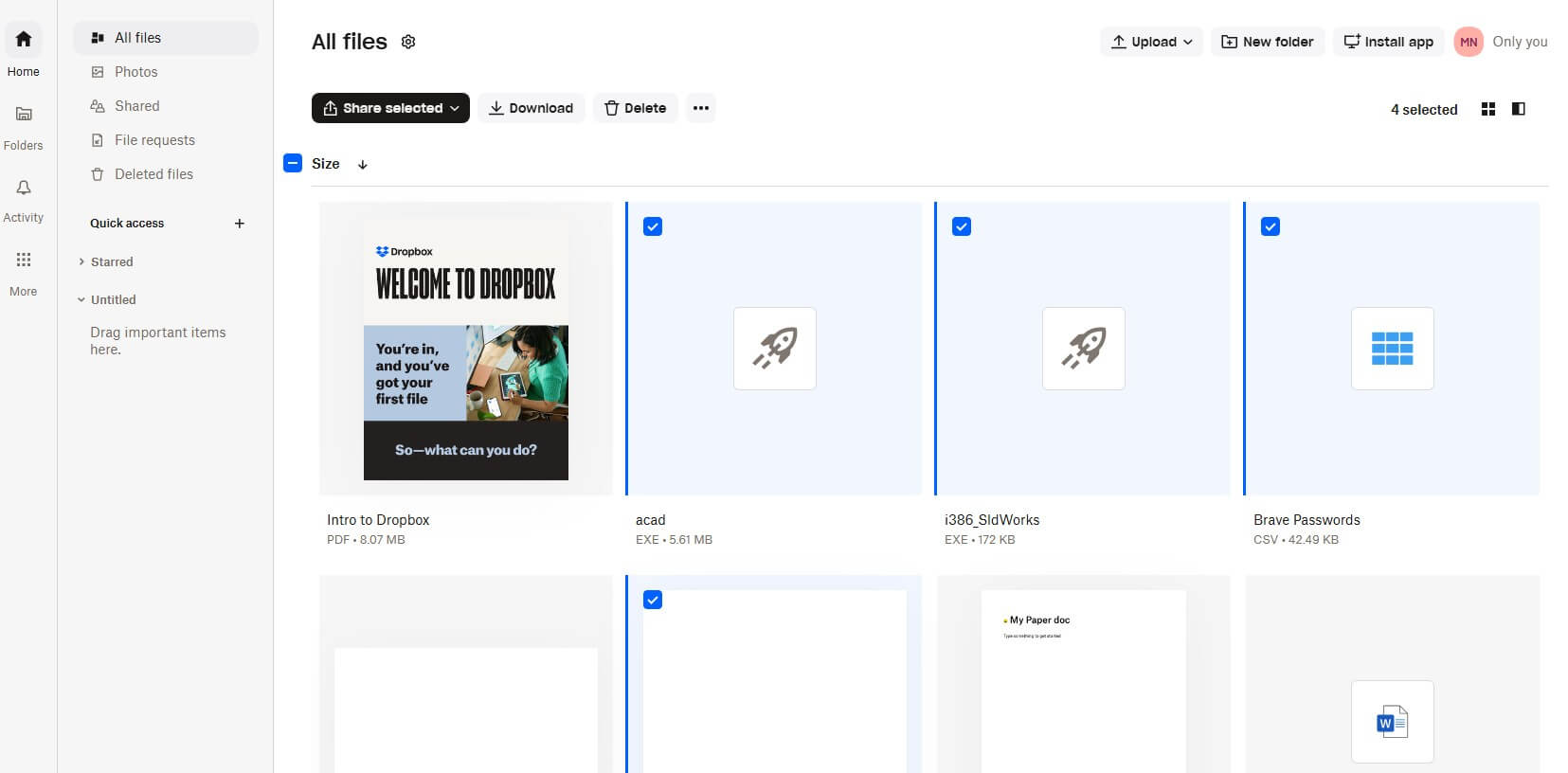
Both services use block-level sync, which uploads only the edited parts of a file, so a small change to a large document sends far less data. Dropbox adds LAN sync, so computers on the same home or office network exchange files directly.
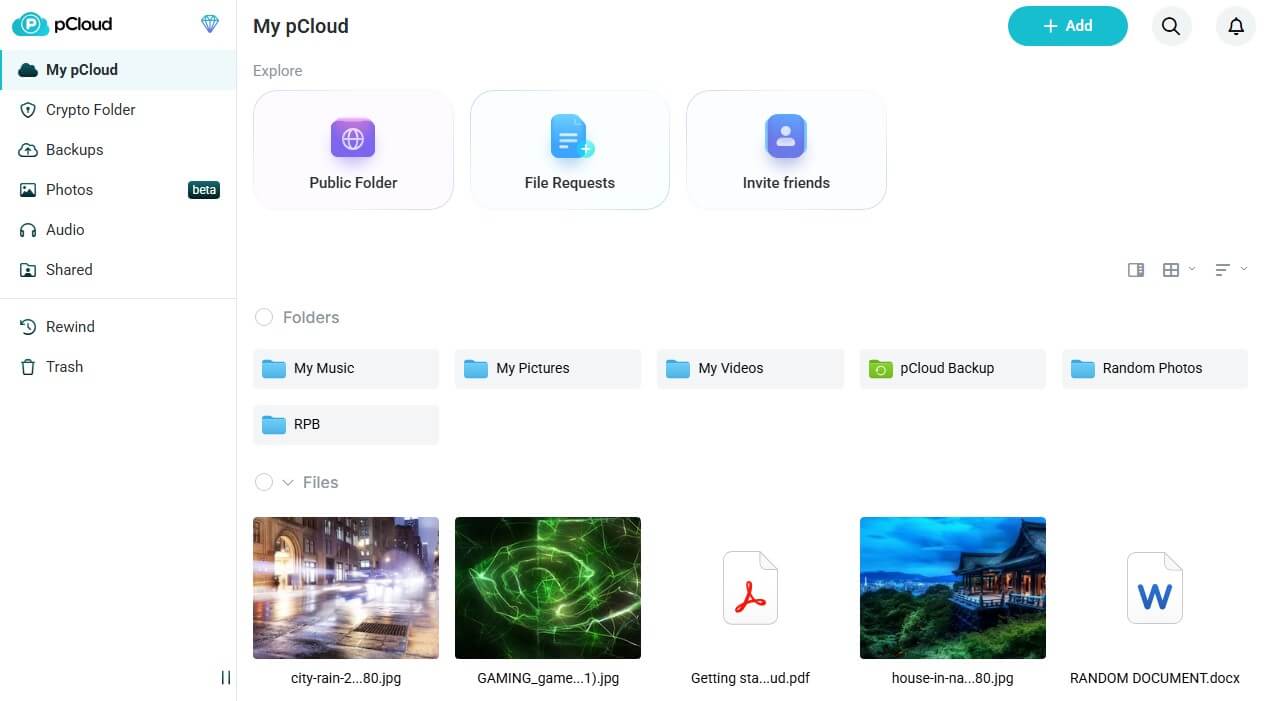
pCloud‘s Sync tab pairs any local folder with a cloud folder. Its Backup tab copies chosen folders or whole drives, including on free accounts.
Winner: Tie
Both upload only the changed parts of edited files. LAN sync helps offices with several Dropbox computers, and pCloud can sync or back up any folder on a PC.
Sharing and File Recovery
Sharing
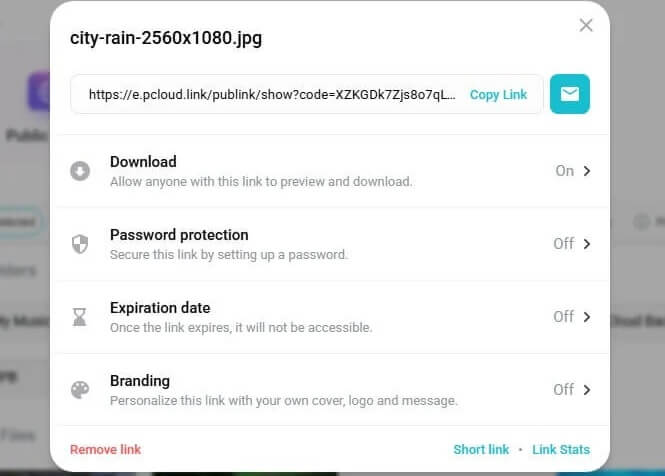
From the 500 GB Premium plan up, pCloud share links can have a password and an expiry date. Paid links can also show your own logo and cover image. Links report their download counts, and pCloud’s file requests let other people upload into one folder. Other people can download up to 4 TB a month from links on the 2 TB plan.
Dropbox Plus links have no password or end date. Password protection starts with the Standard plan, at $15 per user a month on yearly billing, or $180 a year for one person. Standard also sends 100 GB at a time with Dropbox Transfer, compared to 50 GB on Plus, and both plans offer file requests.
File History
- pCloud: 15 days on free accounts, 30 days on paid plans, 180 days on Business, and a year with the Extended File History add-on
- Dropbox: 30 days on Plus, 180 days on Standard, and a year on Advanced, or a year on other plans with the Extended Version History add-on, from $3.99 a month
Both can return the whole account to an earlier date, with Rewind on pCloud and Dropbox Rewind on paid Dropbox plans.
Winner: pCloud
pCloud protects links on its cheapest paid plan. On Dropbox, link passwords start at $180 a year with the Standard plan.
Collaboration and Work Apps
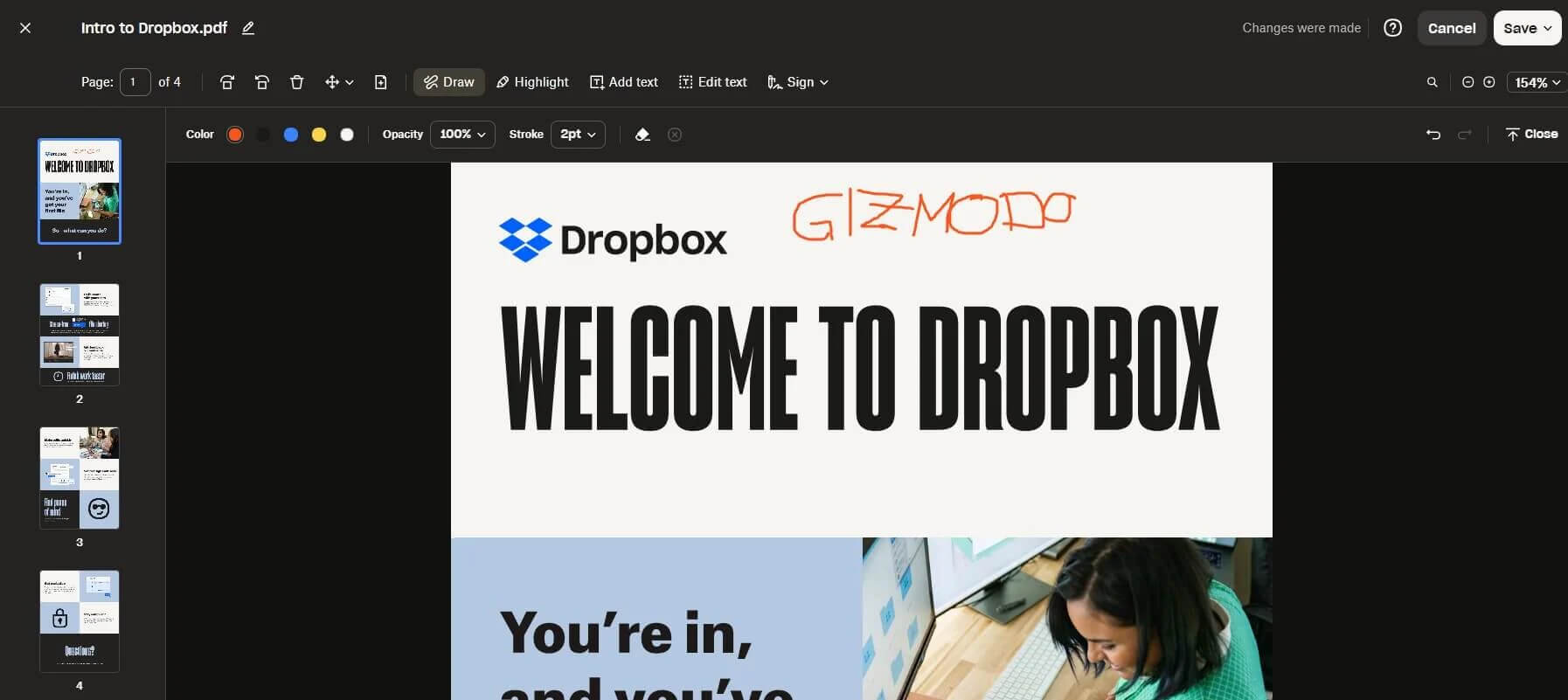
Dropbox opens Word, Excel, and PowerPoint files in Microsoft’s web apps and works with Google Docs, Sheets, and Slides. The Plus plan includes PDF editing and e-signatures, and the App Center connects tools such as Slack, Zoom, Canva, and Zapier. Video teams can add Replay, from $10 a month, where clients leave comments on exact frames.
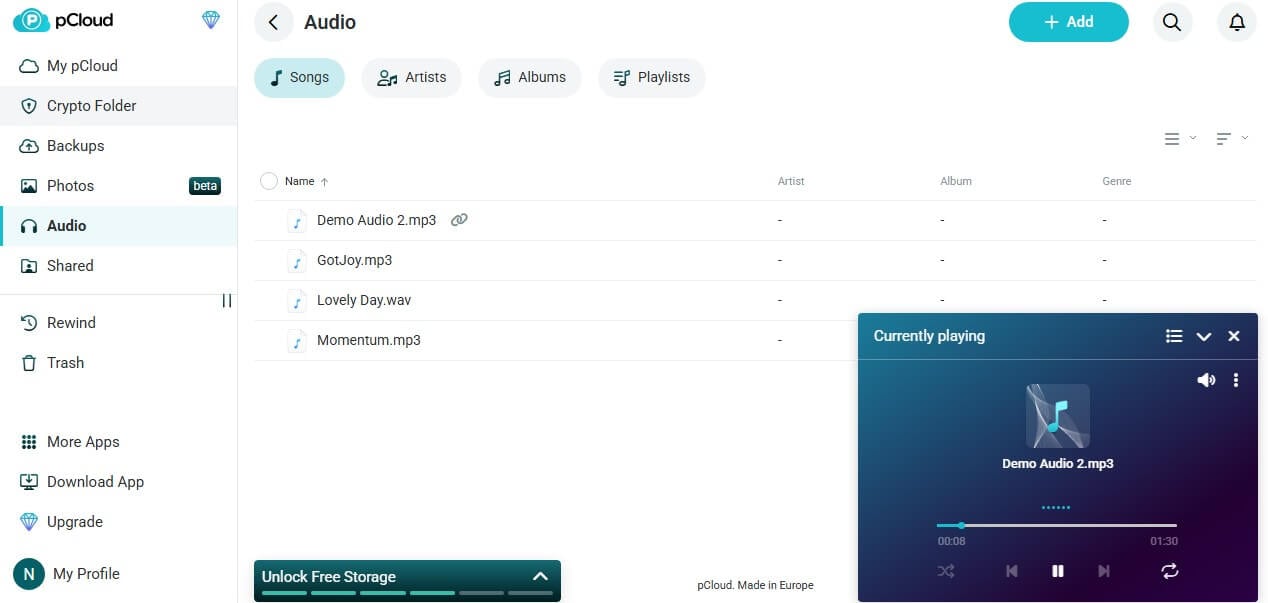
pCloud added pCloud Docs in September 2026. It edits Word, Excel, and PowerPoint formats, PDFs, Markdown, and text in the browser on paid plans. Invited users in the same data region can work on a file at once. There’s no app directory. pCloud’s extras focus on media: a music player with playlists, video streaming, pCloud Photos, and WebDAV access for players such as Kodi.
Winner: Dropbox
Dropbox connects to the office apps most teams already use, and its app directory has no pCloud equivalent. pCloud Docs covers basic editing, and pCloud is stronger for music and video.
Speed Test: pCloud vs Dropbox
Both desktop apps uploaded and downloaded a 500 MB archive and a 2 GB file during our October tests. We used a Windows 11 PC in Europe. Before the tests, Speedtest recorded 19.69 Mbps up and 187.95 Mbps down.
| pCloud | Dropbox | |
| 500 MB upload / download | 3:32 / 0:24 | 3:31 / 0:26 |
| 2 GB upload / download | 15:14 / 1:45 | 15:16 / 1:48 |
| 2 GB total | 16:59 | 17:04 |
Dropbox won the 500 MB upload by one second, and pCloud was quicker in the other three transfers, by two or three seconds. Both used 96% of our upload speed on the 2 GB file. pCloud and Dropbox face six other services in our fastest cloud storage results.
Winner: Tie
The results were within three seconds in every transfer, a difference too small to notice on a home connection.
Security and Privacy
pCloud
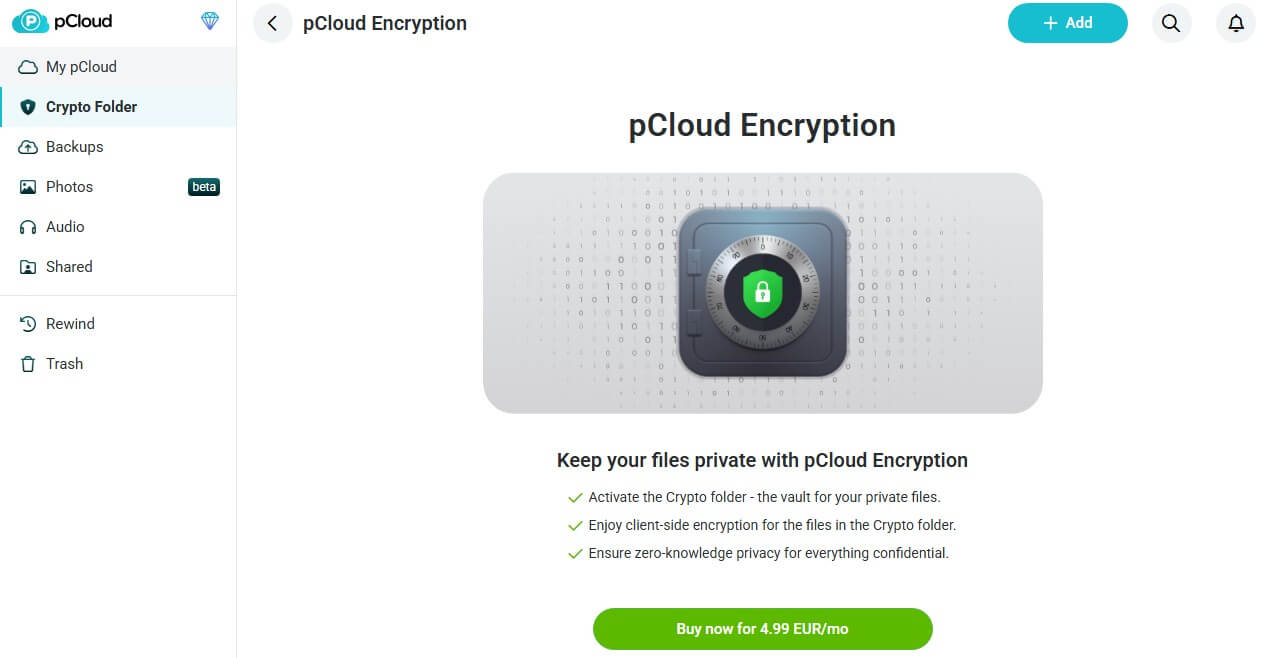
pCloud, based in Switzerland, lets new users store files in the US or the EU. Files are encrypted with AES-256 on its servers and with TLS in transit, and pCloud manages those keys. The pCloud Encryption add-on encrypts a Crypto Folder on your device, for $150 once, $49.99 a year, or $4.99 a month.
Two issues remain on pCloud’s record. ETH Zurich’s 2024 findings against the Crypto Folder have no announced fix, and a February 2026 error exposed file and folder names between some accounts. pCloud told affected users the error was limited in scope.
Dropbox
Dropbox is a US company, and personal accounts are stored in the US. It uses AES-256 and TLS and keeps the keys. End-to-end encryption appears only on the Advanced plan, at $24 per user a month, which requires at least three users. Dropbox’s security record includes three major incidents:
- 2012: passwords for 68 million accounts were stolen.
- 2022: a phishing attack exposed 130 internal code repositories.
- 2024: a breach exposed Dropbox Sign customer data.
Winner: pCloud
Only pCloud lets an individual encrypt files end to end and store them in the EU. For storage that encrypts everything by default, see our encrypted cloud storage picks.
Prices and Plans
pCloud sells each size yearly or once:
- Premium 500 GB: $49.99 a year or $219 once
- Premium Plus 2 TB: $99.99 a year or $499 once
- Ultra 10 TB: $299.99 a year or $1,499 once
- Family 2 TB: $749 once for up to five people
Dropbox bills monthly or yearly:
- Plus 2 TB: $119.88 a year, or $11.99 month to month
- Standard, from 3 TB: $15 per user a month on yearly billing, or $18 monthly, for one person or more
- Advanced, from 15 TB: $24 per user a month on yearly billing, or $30 monthly, for three people or more
Five years of Dropbox Plus add up to $599.40 for 2 TB. pCloud’s lifetime license is $499, with nothing more to pay after that. pCloud refunds within 14 days. Dropbox’s checkout states that charges aren’t refunded on cancellation unless the law requires it, though our Basic account was offered a 30-day Plus trial. Our pCloud pricing page breaks down family, business, and sale prices.
Winner: pCloud
pCloud’s 2 TB plan costs about $20 less a year, and its lifetime licenses end the subscription.
Free Plans Compared
On pCloud, a free account opens with 2 GB. Each of five setup tasks adds 1 GB, and inviting friends unlocks the final 3 GB, for a maximum of 10 GB. Deleted files stay in the trash for 15 days, and free accounts unused for 12 months are deleted. Dropbox Basic starts at 2 GB on three devices, and each friend referral adds 500 MB, up to 16 GB extra. Our deleted test file came back from its trash.
Winner: pCloud
pCloud’s free plan grows to 10 GB after five setup tasks and three invites, with no device limit. Dropbox would require 16 referrals for the same space. MEGA’s 20 GB and other bigger free plans are compared in our free cloud storage ranking.
Moving From Dropbox to pCloud
pCloud’s web app can copy a whole Dropbox account without downloading it first. Open Backups, connect Dropbox, and pCloud imports the files in one step. Shared links from Dropbox stop working once the files are gone, so create new ones in pCloud. Our Dropbox alternatives guide covers other services and the manual method.
Verdict: pCloud for Personal Storage, Dropbox for Teams
- pCloud is the better buy for one person or a family. Its 2 TB plan is cheaper, and a one-time license replaces the subscription. Share links can have passwords from the cheapest paid plan, and only pCloud offers end-to-end encryption to individuals. It also matched Dropbox’s speed in our tests.
- Dropbox is the better tool for teams that edit documents together every day. Microsoft 365 and Google Workspace editing, LAN sync, and its app directory save time that pCloud can’t. For a growing photo, music, or video library, choose pCloud.
Frequently Asked Questions
Is pCloud better than Dropbox?
Yes, for personal storage. pCloud is cheaper for 2 TB, offers lifetime plans and optional end-to-end encryption, and matched Dropbox's speed, while Dropbox is better for team collaboration.
Is pCloud cheaper than Dropbox?
Yes. pCloud's 2 TB plan is $99.99 a year, compared to $119.88 for Dropbox Plus, and the same space also sells for a single $499 payment.
Is pCloud safer than Dropbox?
Yes, with its paid Crypto Folder. pCloud lets individuals encrypt files on their own devices and keep data in Europe, while Dropbox keeps the keys on personal plans.
Can pCloud import files from Dropbox?
Yes. pCloud's Backups section connects to a Dropbox account and copies its files directly, without downloading them to a computer first.
Which is faster, pCloud or Dropbox?
Neither, in practice. pCloud uploaded a 2 GB file in 15 minutes 14 seconds and Dropbox in 15 minutes 16 seconds, and downloads were three seconds apart.