Dropbox is still fast: it uploaded our 2 GB test file in 15 minutes 16 seconds, two seconds behind the quickest service we timed. The reasons to switch are cost and privacy. Its free plan stops at 2 GB on three devices, 2 TB costs about $120 a year, and personal plans lack end-to-end encryption.
pCloud matched Dropbox’s speed in our October tests and charges a one-time $499 for 2 TB, about four years of Dropbox Plus. It can also copy a whole Dropbox account across in one step.
Best Dropbox Alternatives in 2026
- pCloud: Dropbox’s speed with one-time pricing
- Internxt: Every file encrypted, from €285 for life
- NordLocker: Protected share links on the free plan
- Sync.com: Encrypted sync and sharing with long file history
- MEGA: 20 GB free and 3 TB for about €100 a year
- Google Drive: Shared document editing and 15 GB free
Dropbox vs the Alternatives
| Service | Free storage | Comparable plan | End-to-end encryption | 2 GB upload / download |
| Dropbox | 2 GB, three devices | 2 TB: about $120 a year | Team folders on business plans | 15:16 / 1:48 |
| pCloud | Up to 10 GB | 2 TB: $99.99 a year or $499 once | Paid add-on | 15:14 / 1:45 |
| Internxt | 1 GB | 3 TB: about €435 once | Every file | 15:28 / 1:51 |
| NordLocker | 3 GB | 2 TB: about $84 the first year | Every file | 15:58 / 2:00 |
| Sync.com | 5 GB | 1 TB: about $72 the first year | Every file | 16:21 / 2:09 |
| MEGA | 20 GB | 3 TB: about €100 a year | Every file | 16:01 / 1:50 |
| Google Drive | 15 GB | 2 TB: $99.99 a year | No | 15:27 / 1:46 |
Each service moved the same 2 GB file through its desktop app on our Windows 11 test PC in Europe.
The Best Dropbox Alternatives, Reviewed
1. pCloud: Best Dropbox Alternative Overall
Pros
- Faster than Dropbox in both directions
- One-step import from Dropbox
- 2 TB for $499 once
- Up to 10 GB free on unlimited devices
- Password-protected links on paid plans
Cons
- Fewer third-party app integrations
- End-to-end encryption costs extra
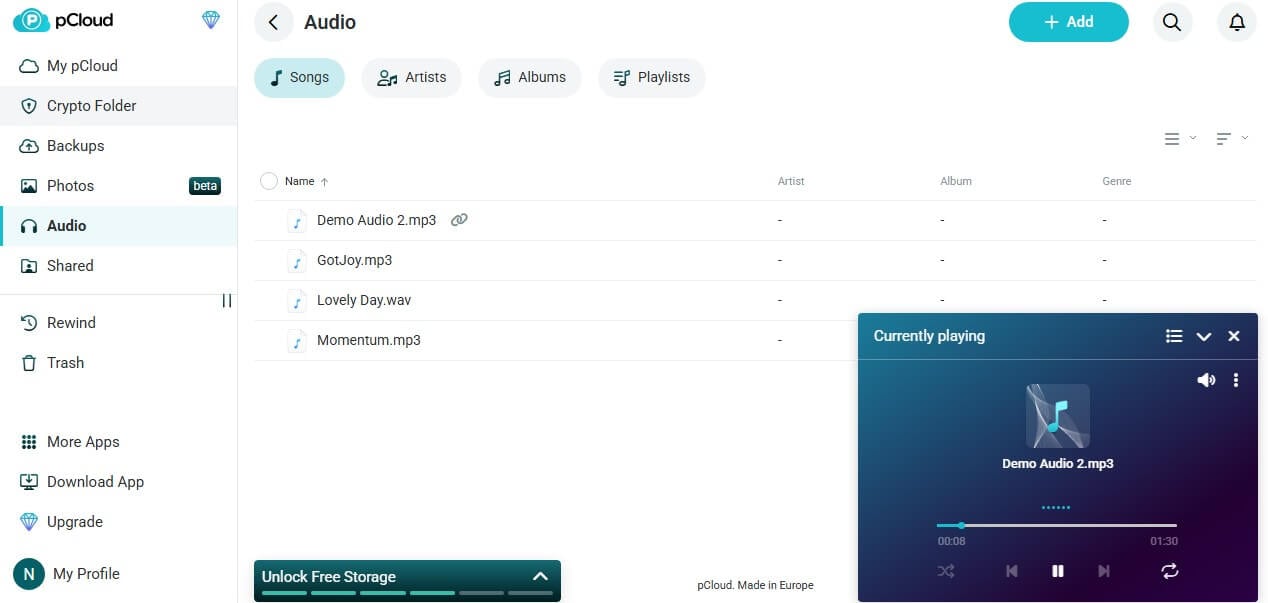
pCloud and Dropbox were almost tied on speed. pCloud’s 2 GB upload took 15 minutes 14 seconds and its download 1 minute 45 seconds. Those were the only results in our test that beat Dropbox in both directions. Switching is simple: pCloud’s web app pulls an existing Dropbox library into the account through its Backups section. The difference is the bill.
Dropbox Plus costs about $120 a year for 2 TB. pCloud’s Premium Plus plan charges $99.99 for the same space, or $499 for a lifetime license. Every paid pCloud plan can protect links with passwords and expiry dates. Dropbox Plus can’t. End-to-end encryption is optional, through a Crypto Folder add-on priced at about $150. Our pCloud vs Dropbox comparison goes deeper.
2. Internxt: Best for Encrypting What Dropbox Can Read
Pros
- Every file encrypted end to end
- Post-quantum key protection
- Rclone and WebDAV on Ultimate
- Version history on Premium and Ultimate
- One-time lifetime plans
Cons
- Only 1 GB free
- Few integrations with other apps
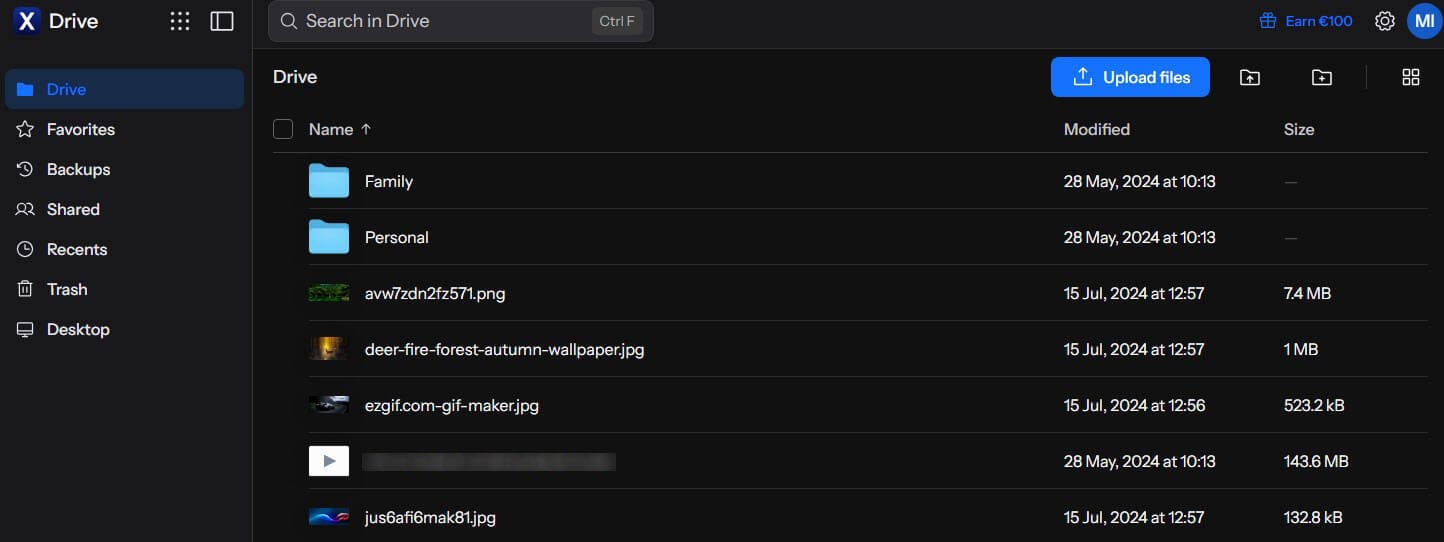
Dropbox’s personal plans keep the keys to your files. Internxt encrypts each file locally, before the upload starts, with AES-256 and the post-quantum Kyber-512 algorithm, so the company can’t open them. Internxt’s 2 GB upload finished in 15 minutes 28 seconds, 12 seconds after Dropbox’s, with every file encrypted on the way. The Ultimate plan supports rclone and WebDAV.
With them, a Dropbox account can be copied straight into Internxt without downloading it first. Higher plans also save older versions of common documents, including PDFs and Office files. Lifetime licenses cost about €285 for 1 TB and about €435 for 3 TB, charged in euros. Our Internxt review compares the three paid plans.
3. NordLocker: Best for Sharing Files Securely on a Budget
Pros
- End-to-end encryption on every plan
- Security-code links, including on the free plan
- 2 TB cheaper than Dropbox Plus in year one
- Recovery key for a lost password
Cons
- No trash or version history
- Windows-only desktop app
- 2 TB maximum
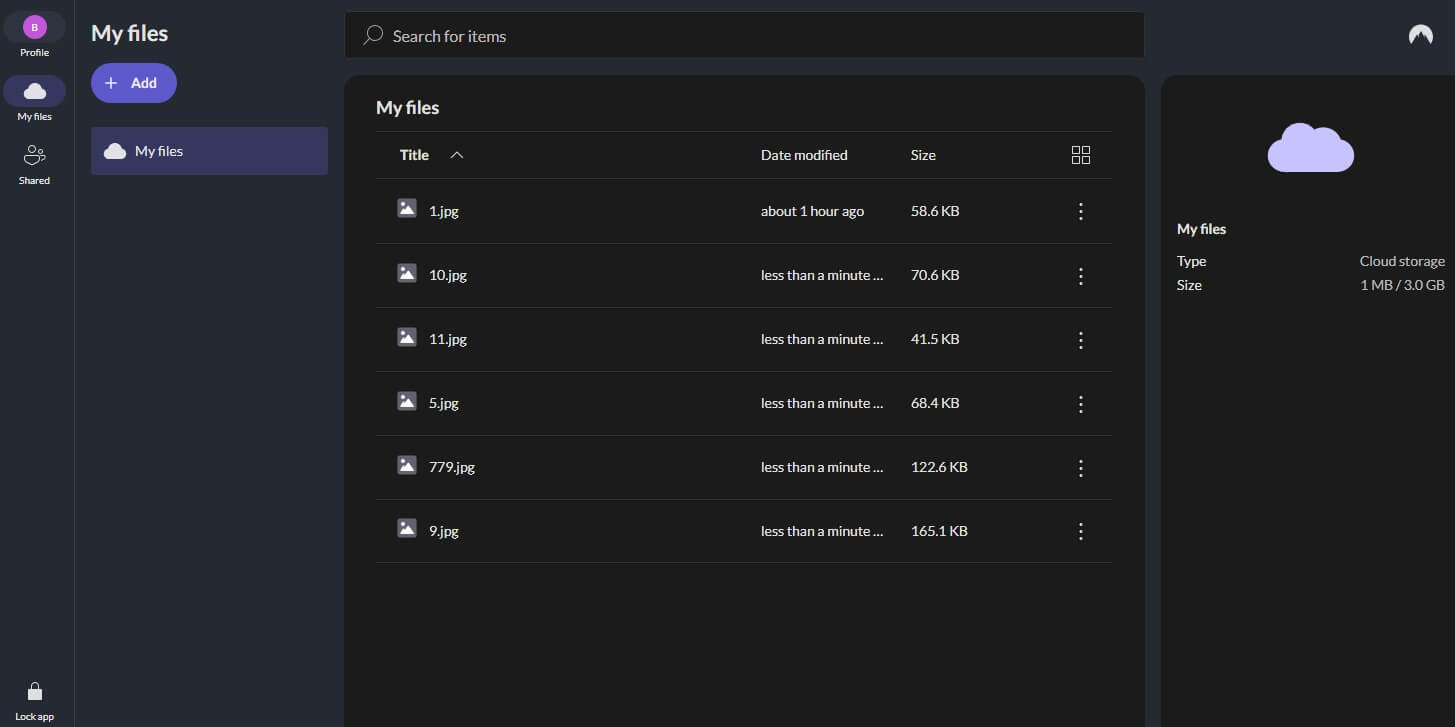
Dropbox charges for protected links. Each NordLocker link is locked with a security code and expires after a set period, on the free 3 GB plan as well. Recipients download without creating an account, and every file is encrypted end to end. NordLocker’s 2 GB upload lasted 15 minutes 58 seconds.
The 2 TB plan costs about $84 for its first year before rising to about $180. Dropbox restores deleted files for 30 days on Plus, while NordLocker deletes them immediately, so keep a backup. Each app is covered in our NordLocker review.
4. Sync.com: Best Encrypted Replacement for Dropbox’s Sync and Share
Pros
- Dropbox-style shared folders and file requests
- End-to-end encryption on all plans
- 60 days to a year of file history
- Data stored in Canada
Cons
- Slowest transfers in our test
- No Linux app
- Higher price from the second year
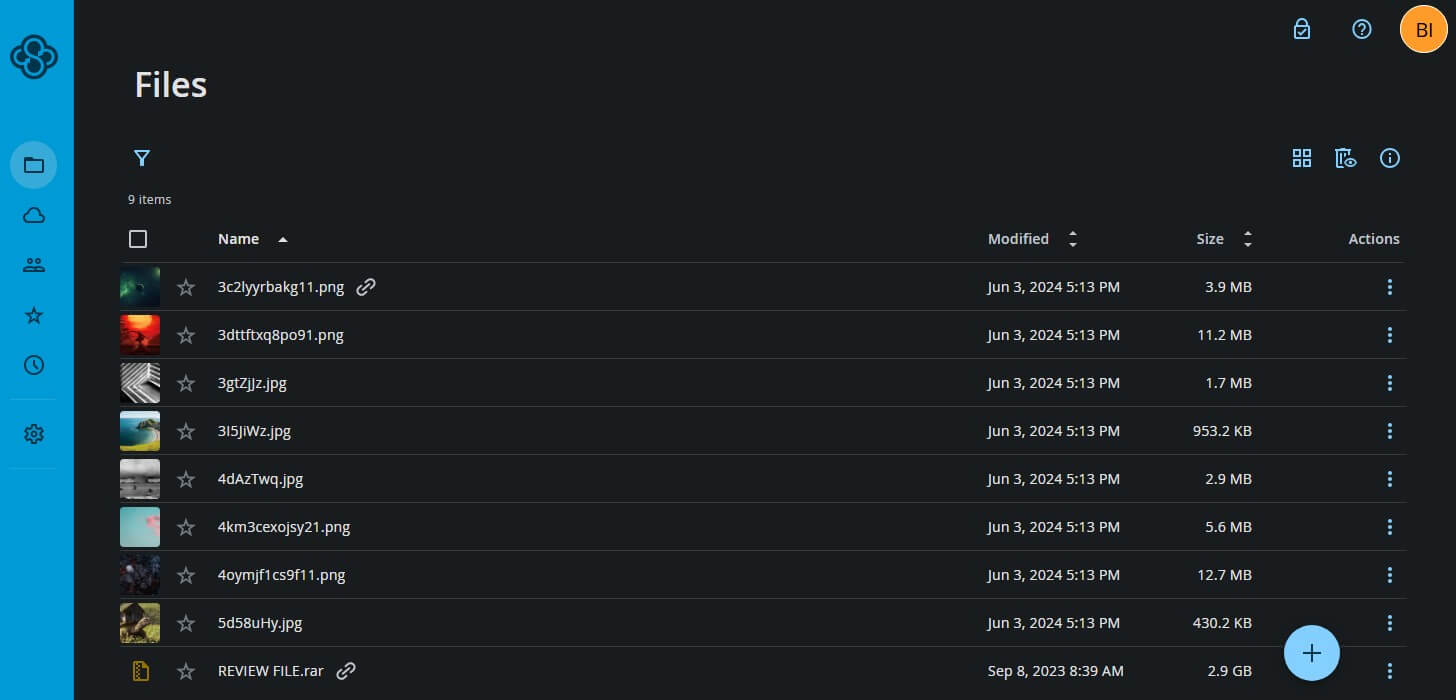
Sync.com works the most like Dropbox, with a sync folder, shared team folders, file requests, and link controls. Unlike Dropbox, it encrypts each file end to end. Its file history also runs longer than Dropbox Plus’s 30 days: 60 days on the 1 TB plan, and up to 365 days on bigger plans. Speed is the trade-off: the upload ran 65 seconds longer than Dropbox’s, at 16 minutes 21 seconds, and the download took 2 minutes 9 seconds.
First-year prices are about $72 for 1 TB and about $168 for 5 TB on Pro Solo, rising to about $144 and $336 at renewal. Our fastest cloud storage page ranks the services by speed.
5. MEGA: Best Free Dropbox Alternative
Pros
- 20 GB free, compared to Dropbox’s 2 GB
- End-to-end encryption by default
- 3 TB for about €100 a year
Cons
- Transfer quota on downloads
- Patched encryption flaws in 2022
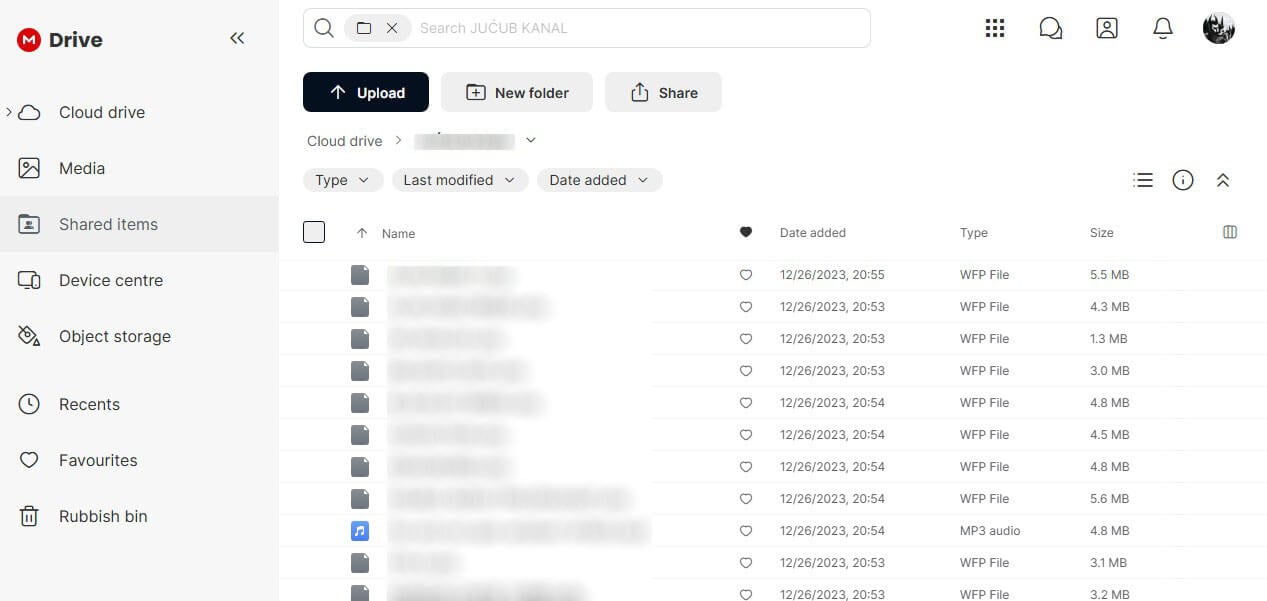
New MEGA accounts start with 20 GB of encrypted storage, and Pro I adds 3 TB at roughly €100 per year. Dropbox’s 3 TB Standard plan costs $180 a year for one person. Dropbox’s personal plans also lack the end-to-end encryption MEGA applies to every file. Our 2 GB file took MEGA 16 minutes 1 second to upload and 1 minute 50 seconds to download.
Downloads are capped by a transfer quota that resets over time. MEGA fixed the encryption flaws ETH Zurich researchers reported in 2022. Other free plans are compared on our free cloud storage page.
6. Google Drive: Best for Team Document Editing
Pros
- Docs, Sheets, and Slides built in
- 15 GB free
- 2 TB for $99.99 a year
Cons
- No end-to-end encryption
- Free storage shared with Gmail and Photos
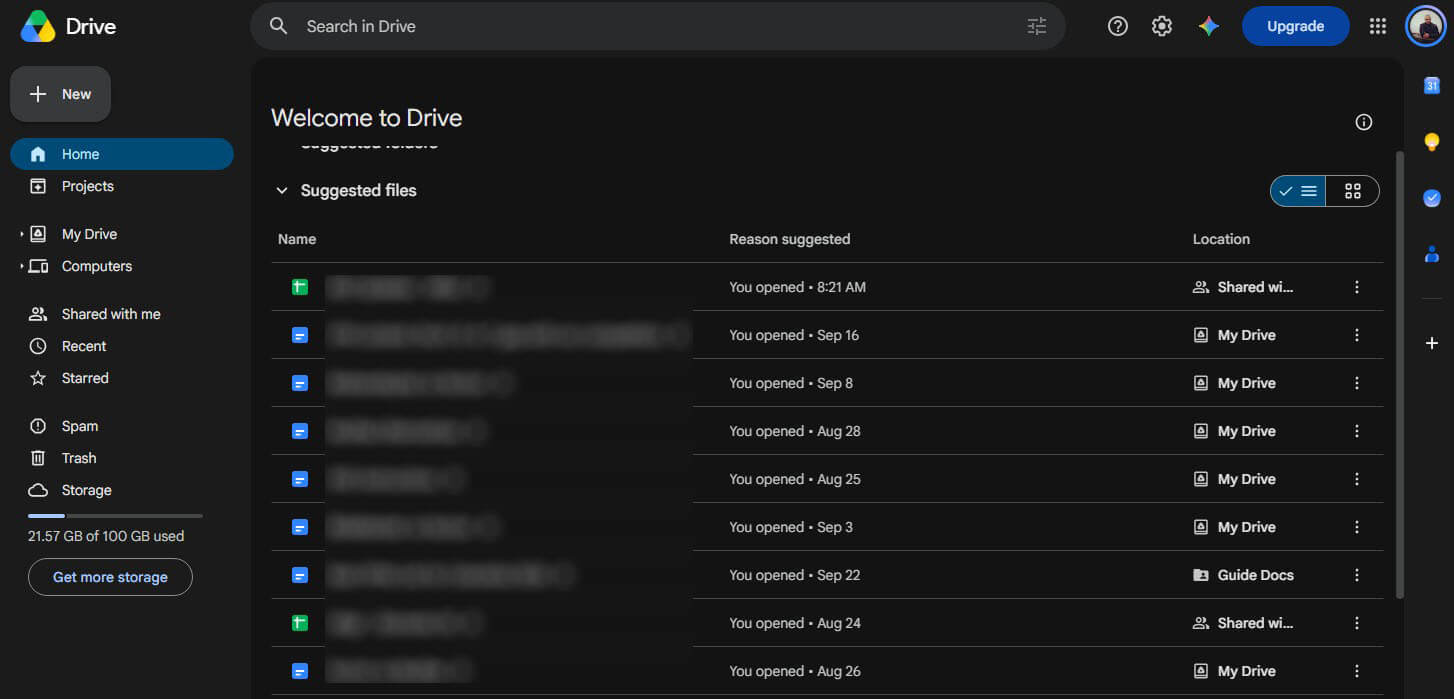
For teams that switch for collaboration, Google Drive is the closest swap. Several people can edit the same Docs, Sheets, or Slides file at once, and Office files open without conversion. The free 15 GB is shared with Gmail and Google Photos. Its 2 GB upload time, 15 minutes 27 seconds, was 11 seconds slower than Dropbox’s.
The Google AI Plus plan includes 2 TB for $99.99 a year and adds Gemini features. Like Dropbox, Google can decrypt what you store, so our encrypted cloud storage guide is the better starting point for private documents.
Why People Leave Dropbox
- A small free plan: Dropbox Basic has 2 GB and syncs to only three devices.
- Price: Dropbox Plus costs about $120 a year for 2 TB, and the Standard plan $180 a year for one person with 3 TB.
- No end-to-end encryption for individuals: Dropbox added it in 2024, but only on the Advanced and Enterprise plans, which require three or more users.
- Security history: passwords and email addresses for 68 million accounts were stolen in 2012, attackers copied 130 internal code repositories after a 2022 phishing attack, and a 2024 breach exposed Dropbox Sign customer data.
Dropbox still does several things well. Block-level sync sends only the edited portions of a file, and LAN sync shares files directly between computers on one home or office network. It also connects with more third-party apps than the alternatives we tested. Teams built around those features have good reason to stay.
How to Transfer Your Files From Dropbox
- In the Dropbox desktop app, right-click the Dropbox folder and choose Make available offline, so every file downloads to your PC.
- For pCloud, skip the download: open Backups in pCloud’s web app, connect Dropbox, and let it copy the account.
- For other services, install the new desktop app and copy the files from your local Dropbox folder into its folder.
- Re-create shared links in the new service, since Dropbox links stop working once the files are removed.
- Downgrade to Dropbox Basic last. Syncing stops once an account exceeds the free 2 GB.
Final Thoughts
Dropbox’s speed and integrations are still among the best, so the case for leaving rests on paying less or getting privacy it doesn’t offer. pCloud covers the first without losing speed, with lifetime pricing and a direct import from Dropbox. Internxt covers the second, encrypting every file at nearly the same upload speed.
NordLocker adds protected links that Dropbox charges for, and Sync.com keeps Dropbox’s shared folders and file requests while encrypting everything. MEGA leads on free storage, and Google Drive fits teams that edit documents together. Our OneDrive alternatives guide covers the other big name people switch from.
Frequently Asked Questions
What is the best free alternative to Dropbox?
MEGA. New accounts start with 20 GB, encrypted end to end, compared to Dropbox's 2 GB. Google Drive offers 15 GB, and pCloud's free plan can expand to 10 GB.
Is any cloud storage faster than Dropbox?
Yes, but only slightly. pCloud beat Dropbox's 2 GB upload by two seconds and its download by three. Google Drive and Internxt trailed Dropbox by 11 and 12 seconds.
Is Dropbox end-to-end encrypted?
No. Dropbox protects stored files with encryption keys it controls, and its end-to-end option covers only team folders on the Advanced, Business Plus, and Enterprise plans.
What is cheaper than Dropbox?
Google Drive and pCloud both charge $99.99 a year for 2 TB, about $20 less than Dropbox Plus. NordLocker's first year of 2 TB is about $84.
Can I transfer my files from Dropbox to pCloud?
Yes. pCloud's web app connects to a Dropbox account under Backups and copies its files across, so they don't have to be downloaded to a computer first.
Is Google Drive better than Dropbox?
Yes, for collaboration and free storage. Google Drive starts with 15 GB free and has built-in document editing, while Dropbox has faster sync of edited files and more third-party integrations.