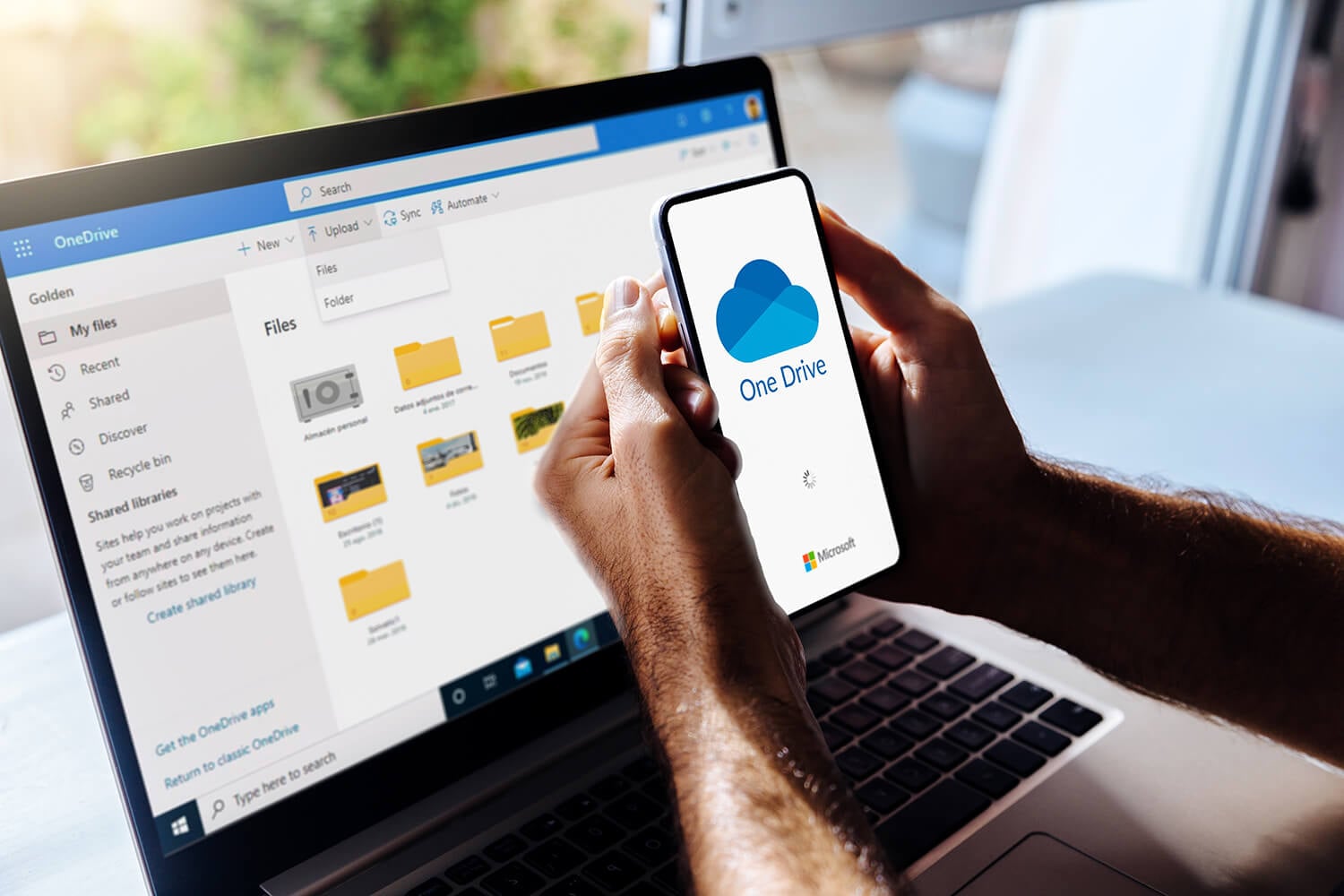
A Microsoft account comes with 5 GB of free OneDrive storage. Windows 11 can fill it on day one by backing up the Desktop, Documents, and Pictures folders during setup. Beyond 100 GB, more space comes only with a Microsoft 365 subscription, and 1 TB costs $99.99 a year with Microsoft 365 Personal. pCloud sells 2 TB for $499 once, about the price of five years of that plan, and it had the fastest upload in our October tests.
Best OneDrive Alternatives in 2026
- pCloud: Lifetime storage and Office editing in the browser
- Internxt: Encrypted storage with PC backup on paid plans
- NordLocker: Encrypted files in a Windows drive
- Sync.com: Up to a year of file history
- MEGA: 20 GB of free storage, compared to OneDrive’s 5 GB
OneDrive and Its Alternatives Compared
| Service | Free storage | Larger plan | End-to-end encryption | 2 GB upload |
| OneDrive | 5 GB | 1 TB: $99.99 a year | No | 15:31 |
| pCloud | Up to 10 GB | 2 TB: $99.99 a year or $499 once | Paid add-on | 15:14 |
| Internxt | 1 GB | 3 TB: about €435 once | Every file | 15:28 |
| NordLocker | 3 GB | 2 TB: about $84 the first year | Every file | 15:58 |
| Sync.com | 5 GB | 5 TB: about $168 the first year | Every file | 16:21 |
| MEGA | 20 GB | 3 TB: about €100 a year | Every file | 16:01 |
Times are for one 2 GB upload per service, done with the desktop apps on our Windows 11 test PC in Europe.
The Best OneDrive Alternatives, Reviewed
1. pCloud: Best OneDrive Alternative Overall
Pros
- Fastest upload and download in our tests
- Lifetime plans from 500 GB
- Office files editable in the browser
- Direct import from OneDrive
- Apps for Linux too
Cons
- End-to-end encryption costs extra
- 14-day refund window
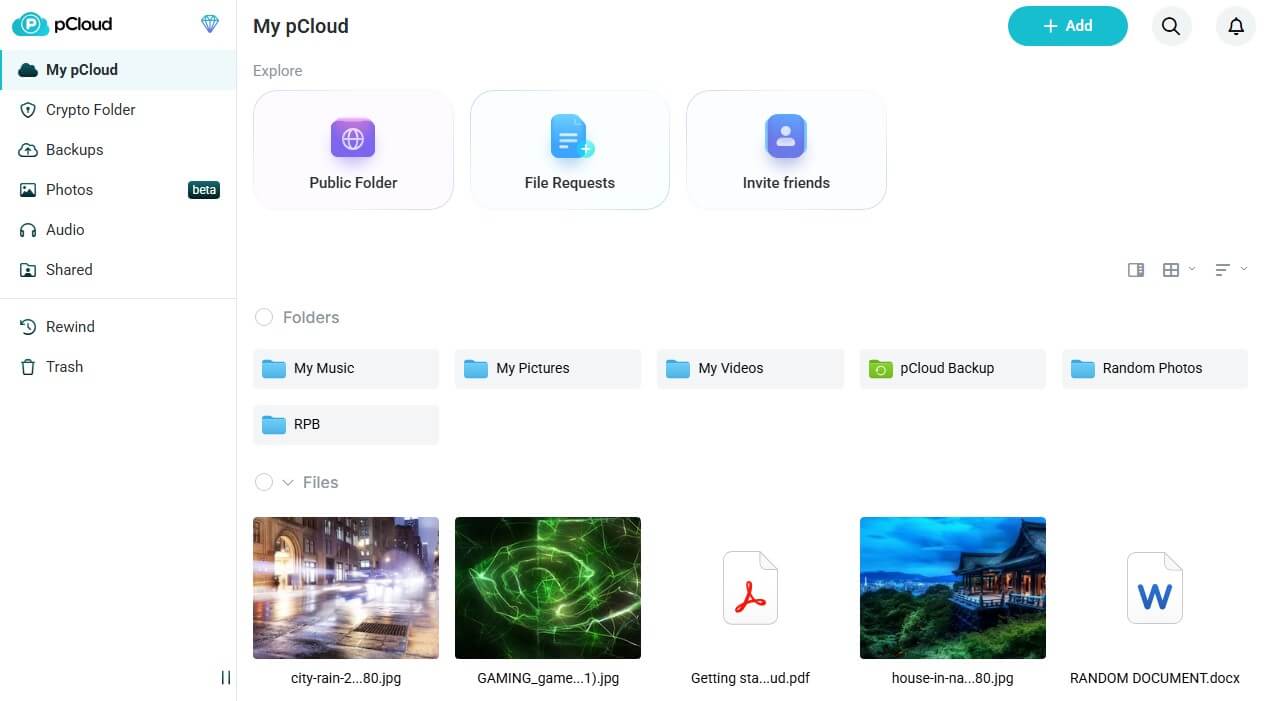
pCloud was the quickest in both directions in our test. It uploaded the 2 GB file in 15 minutes 14 seconds and downloaded it in 1 minute 45 seconds. pCloud Drive shows up in File Explorer as a separate drive, so files open from the cloud without filling the disk, much like OneDrive’s Files On-Demand. The web app can copy an existing OneDrive library across in one step. Paid pCloud accounts can also edit Office files in the browser with pCloud Docs.
That covers basic document work without a Microsoft 365 subscription. The Premium Plus 2 TB plan costs $99.99 a year, the price of 1 TB on Microsoft 365 Personal, or $499 once. Files are encrypted on pCloud’s servers, and end-to-end encryption for its Crypto Folder is an add-on of about $150. Full pricing is in our pCloud review.
2. Internxt: Best for Encrypting Everything You Store
Pros
- End-to-end encryption on every plan
- PC folder backup on paid plans
- Network drive mapping on Ultimate
- Open-source, audited apps
- One-time lifetime pricing
Cons
- 1 GB free, with a 100 MB file cap
- Billing in euros only
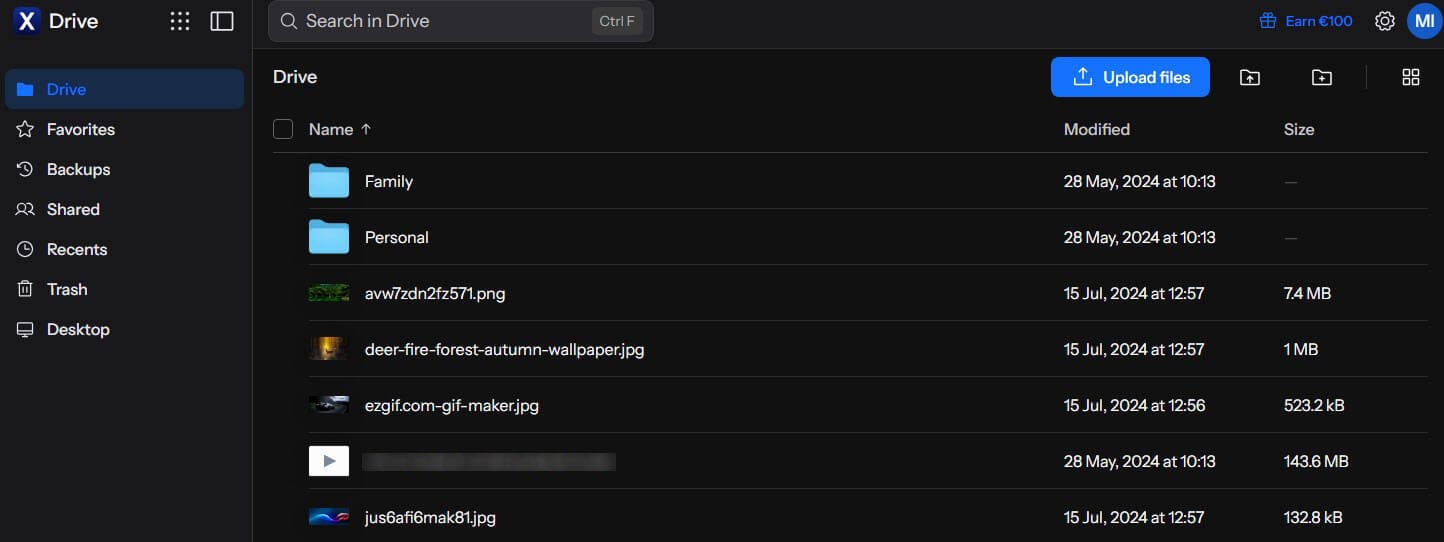
Microsoft can technically open files stored in OneDrive. Internxt can’t, because its apps encrypt every file on your PC or phone first, combining AES-256 with the post-quantum Kyber-512 algorithm. That covers the free plan too. Encryption cost little speed. Its time for the 2 GB upload, 15 minutes 28 seconds, was three seconds quicker than OneDrive’s, even with every file encrypted.
Paid plans add computer backup, a replacement for OneDrive’s Folder Backup, and the Ultimate plan maps storage as a network drive in Windows. One-time payments begin at roughly €285 for the 1 TB Essential plan, and the 3 TB Premium plan is about €435. US customers also pay in euros. The VPN and antivirus that come with paid plans are covered in our Internxt review.
3. NordLocker: Best for Encrypted Files on Windows
Pros
- Encrypted drive in File Explorer
- Recipients download without an account
- Share links with security codes
- 3 GB free with full encryption
Cons
- No trash or version history
- Desktop app only for Windows
- Higher price after year one
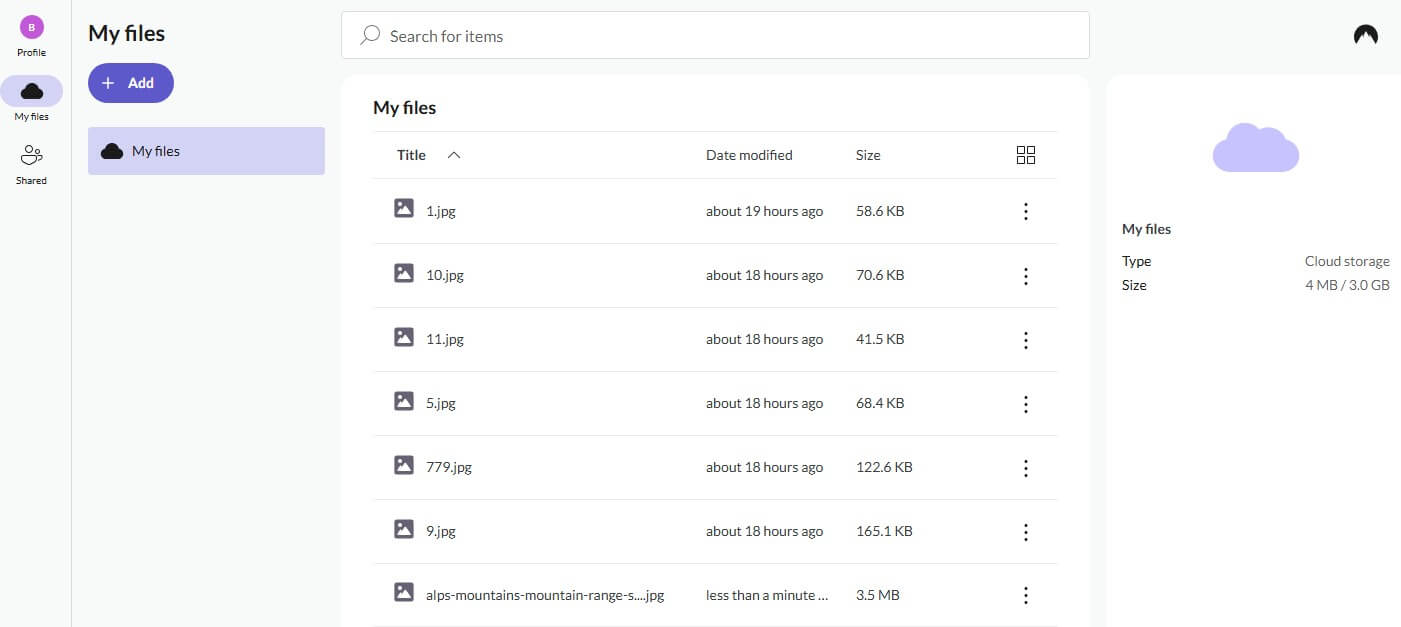
NordLocker mounts as a drive in File Explorer, and dragging files into it works the same way as with OneDrive. Files are encrypted before upload, and only your master password, or the recovery key, unlocks them. Each share link comes with a security code and an end date. Its 2 GB upload finished after 15 minutes 58 seconds. Deleting a file in NordLocker removes it for good, with no recycle bin or version history.
OneDrive’s recycle bin keeps it for 30 days. Keep a second copy of important documents. NordLocker’s 2 TB plan is about $84 in its first year, then about $180 per renewal. Each app is tested in our NordLocker review.
4. Sync.com: Best for Long File History
Pros
- End-to-end encryption on all plans
- Up to 365 days of file history
- Account rewind after mistakes
- HIPAA-ready business plans
Cons
- Slowest upload we timed
- No Linux app
- Steeper renewal price
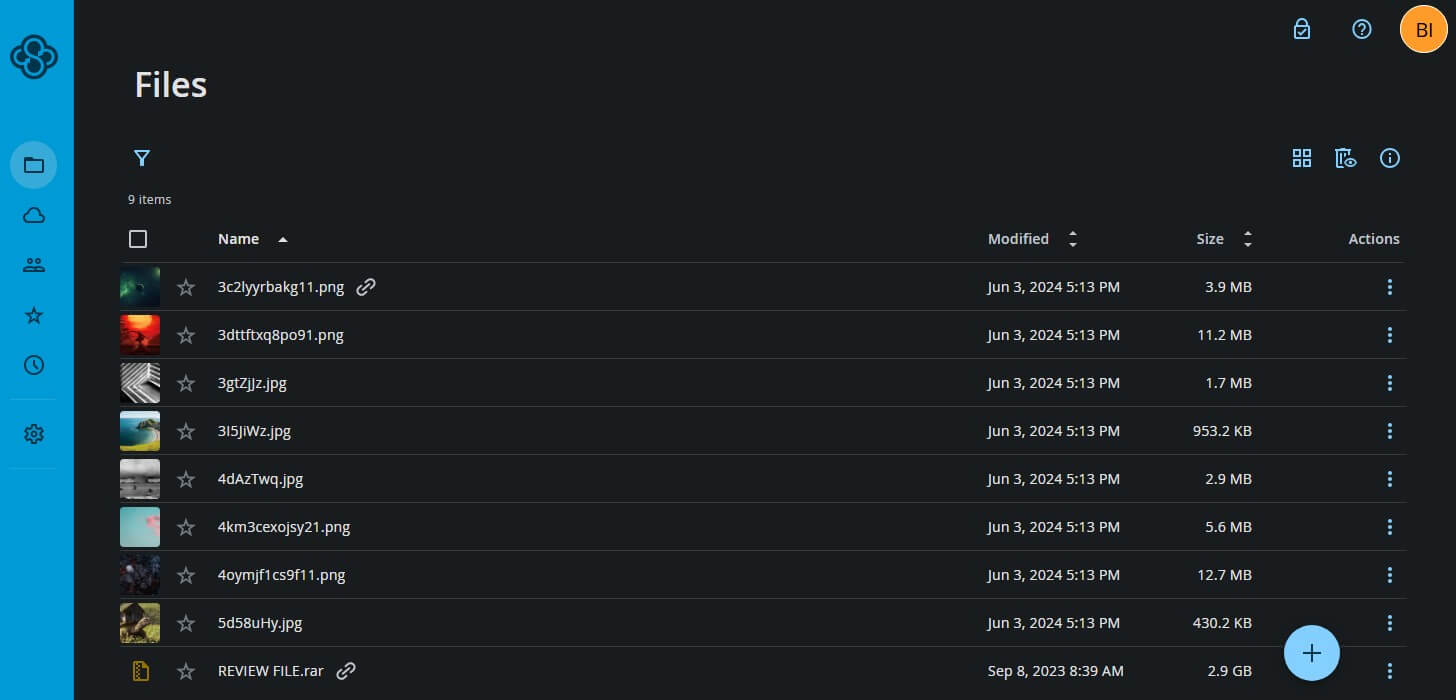
Sync.com stores removed files and previous versions for 60 days on the cheapest 1 TB plan and up to a year on larger plans. Its Rewind tool resets the full account to a past point in time. Every file is encrypted before upload, and the data is stored in Canada. Its 2 GB upload lasted 16 minutes 21 seconds, 67 seconds behind pCloud.
The Personal 1 TB plan is about $72 for the first 12 months, and Pro Solo 5 TB about $168. They renew at about $144 and $336. Recovery options across services are compared in our most secure cloud storage guide.
5. MEGA: Best Free OneDrive Alternative
Pros
- 20 GB free, encrypted end to end
- Apps for Linux too
- Encrypted chat and calls
Cons
- Download quota on every plan
- Past encryption flaws
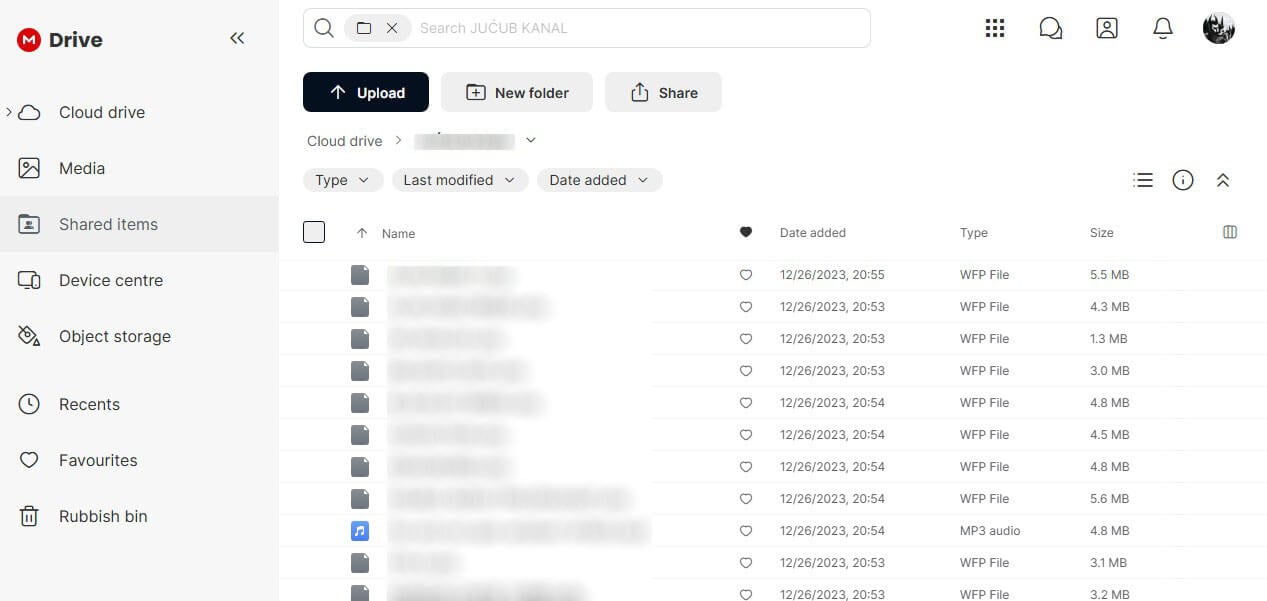
MEGA starts new accounts with 20 GB, compared to OneDrive’s 5 GB, and encrypts all of it end to end. MEGA’s results for the 2 GB file were 16:01 up and 1:50 down. Downloads also count toward a transfer allowance that resets periodically.
ETH Zurich researchers found flaws in MEGA’s encryption in 2022, and MEGA patched them. MEGA’s paid tiers begin at 200 GB for about €48 annually, and Pro I includes 3 TB for about €100. The free cloud storage ranking lists more no-cost options.
Google Drive and Dropbox for Office Users
Two mainstream services cover OneDrive’s Office side more closely, though neither encrypts files end to end:
- Dropbox: opens Word, Excel, and PowerPoint files in Microsoft’s web apps. It uploaded our 2 GB file in 15:16. The free plan has 2 GB, and 2 TB on the Plus plan costs about $120 a year.
- Google Drive: starts with 15 GB free and edits Office files in Docs, Sheets, and Slides. Its 2 GB upload time was 15:27. Google One’s 100 GB plan costs $19.99 a year, the same as Microsoft 365 Basic, and 2 TB costs $99.99 a year.
Why People Leave OneDrive
- Automatic Folder Backup: Windows 11 turns it on during setup with a Microsoft account, so Desktop, Documents, and Pictures start syncing and can fill the free 5 GB.
- Storage tied to Microsoft 365: the largest plan without Office apps is 100 GB. Microsoft increased the price of Microsoft 365 Personal from $69.99 to $99.99 a year in January 2025, when it added Copilot.
- No end-to-end encryption: Personal Vault adds a second sign-in step, but Microsoft still keeps the keys.
- No Linux app: OneDrive covers Windows, Mac, phones, and the web only.
OneDrive still has strengths. Speed isn’t a reason to switch. OneDrive uploaded our 2 GB file in 15 minutes 31 seconds, 17 seconds behind pCloud and faster than NordLocker, MEGA, and Sync.com. It also accepts files of up to 250 GB and, on paid plans, can roll an entire account back by up to 30 days.
Microsoft 365 Family includes 1 TB each for six people, plus desktop Office apps, for $129.99 a year. A family that uses Office every day may be better off staying.
How to Switch From OneDrive
- Click the OneDrive icon, open Settings, go to Sync and backup, and select Manage backup. Turn off Desktop, Documents, and Pictures.
- In File Explorer, right-click the OneDrive folder and choose Always keep on this device, so every file downloads.
- Install the new service’s desktop app and copy the files into its folder or drive. pCloud can also import from OneDrive directly.
- Check that the files open, then go to OneDrive’s Settings, select Account, and click Unlink this PC.
- Cancel the Microsoft 365 storage last. An account over the free 5 GB becomes read-only, and Microsoft can delete files after six months.
Final Thoughts
The main reason to leave OneDrive is the subscription. Storage beyond 100 GB only comes with Microsoft 365, and its price keeps rising. pCloud ends it with a one-time 2 TB plan, the fastest transfers we measured, and Office editing in the browser. Internxt adds what OneDrive never offered, end-to-end encryption on every file, without slowing uploads.
NordLocker fits Windows users who want an encrypted drive in File Explorer, as long as they back up important files to a second location. Sync.com is the choice for months of file history, and the 20 GB free plan from MEGA is enough for a small library. Households that depend on desktop Office apps may find Microsoft 365 Family good value. Pairing it with an encrypted service for private files is a sensible middle ground.
Frequently Asked Questions
What is the best free alternative to OneDrive?
MEGA, with 20 GB of free storage encrypted end to end. Google Drive offers 15 GB without that encryption, and pCloud's free plan can grow to 10 GB.
How do I stop OneDrive from backing up my desktop?
Open OneDrive's Settings, choose Sync and backup, then Manage backup, and turn off the Desktop folder. Documents and Pictures can be switched off on the same screen.
Is OneDrive end-to-end encrypted?
No. OneDrive encrypts files in transit and on Microsoft's servers, but Microsoft keeps the keys. Personal Vault only adds an extra verification step before those files open.
Is there cheaper storage than Microsoft 365?
Yes. pCloud's 2 TB lifetime license is a one-time $499, about the same as five years of 1 TB on Microsoft 365 Personal. Its yearly 2 TB plan matches Personal's $99.99 price.
Can I edit Word files without OneDrive?
Yes. pCloud Docs edits Word, Excel, and PowerPoint files in the browser on paid plans, and Google Docs opens Office files directly from Google Drive.
Does OneDrive work on Linux?
No, Microsoft doesn't offer a OneDrive app for Linux. pCloud and MEGA both have Linux desktop apps that sync folders and work with the same account on other devices.