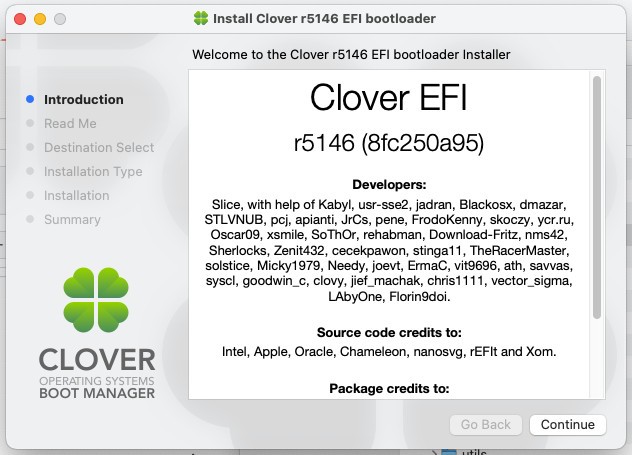
Whether a computer has BIOS or UEFI capabilities, users can use Clover Bootloader to boot macOS alongside Windows and Linux. The Hackintosh community relies on Clover Bootloader because it enables users to install macOS successfully on non-Apple computers.
The customizable nature of CloverBootloader stands out, as it enables users to modify configuration files and select themes, and to inject macOS drivers via kexts during boot. The tool lets users determine which software launches, select boot options, and apply startup patches, while providing native-like system functionality.
The system character of Clover differs from its competitors because it duplicates macOS' expected operating environment for Apple computer platforms. The tool operates between your machine’s firmware and the loaded operating system without affecting their original state.
CloverBootloader offers benefits especially useful when users install multiple operating systems, modify kernel settings, or initiate system recovery interfaces. After becoming accustomed to its many options and settings, CloverBootloader becomes a flexible yet powerful tool that provides structure while ensuring reliability in setups that might otherwise be unpredictable.
Why Should I Download CloverBootloader?
People who have attempted to run macOS on unauthorized hardware systems understand the complex and demanding nature of this process. CloverBootloader is a primary solution that enables users to add macOS functionality to their self-built computers and laptops by applying the required platform patches. The software functionality extends past macOS capabilities.
CloverBootloader delivers exceptional control over multiboot systems beyond basic boot manager tools like GRUB or Windows Boot Manager, but also serves macOS users running non-Apple-built hardware. Through Clover, you gain full control to set up OS boot processes, implement kernel patches, and manage partitions.
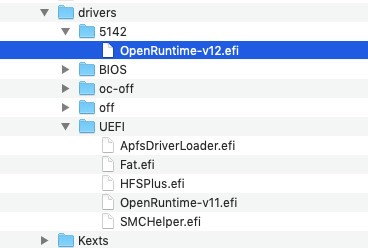
An impressive feature of Clover is its kext injection during macOS boot. MacOS Hackintosh users can benefit greatly from kext injection, as the operating system fails to detect certain Hackintosh components, such as wireless cards and audio devices. Through Clover, users can install necessary drivers temporarily or permanently to ensure consistent system bootups.
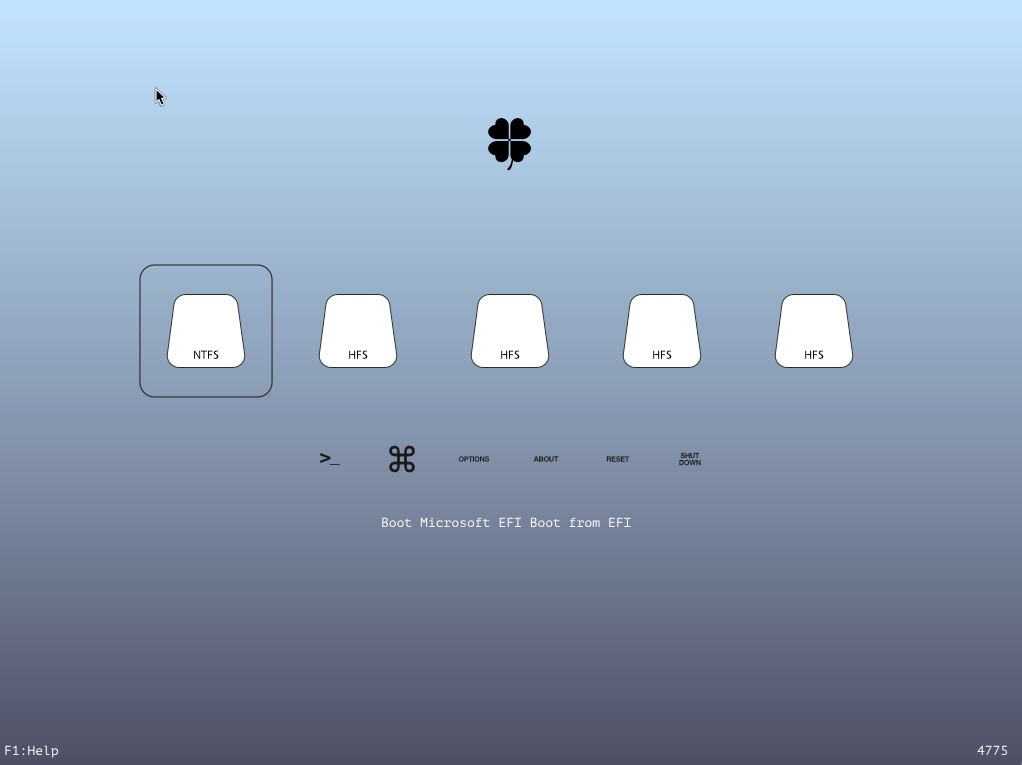
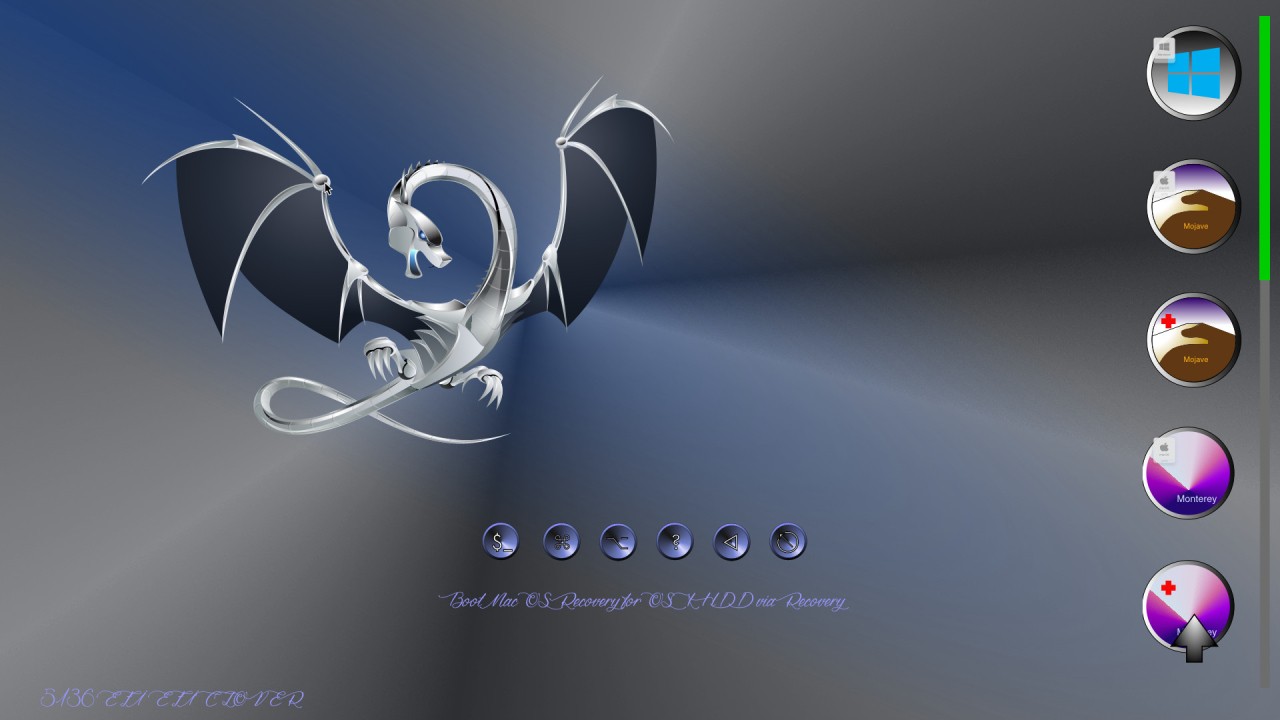
Clover provides users with clear navigation and extensive configuration options that allow perfect control over every boot setup aspect when handling dual or triple setups. The system enables users to configure flags for macOS boot operations, manage timeout controls, and sort boot entries, alongside a theme application that enhances menu aesthetics for better usability.
People love Clover because it delivers a genuine native feel for systems that have never been intended to use a Clover boot manager. People who prioritize a flawless user experience should choose Clover because it acts as the adhesive that keeps the machine running effectively despite various system issues. The tool stores user-selected choices while filtering out boot elements, providing a sophisticated, refined interface that performs better than typical workarounds.
Users should anticipate that Clover operates with a learning process. The learning process requires file configuration editing skills, especially for config.plist, and proficiency with the Clover Configurator tool. Understanding its operation will give you a full sense of the power Clover enables you to access.
Those who wish to take full control of boot setup consider this tool essential. Through Clover, users can access macOS, Linux, and Windows operating systems and combine them in a unified environment alongside multiple storage drives.
Is CloverBootloader Free?
Anyone can use CloverBootloader for free. As an open-source community initiative, CloverBootloader continues as a free project managed by its developer base.
Users can access all CloverBootloader features at no cost, and anyone who wants to customize their boot environment can do so easily.
What Operating Systems Are Compatible with CloverBootloader?
Multiple operating systems can use CloverBootloader, but its main purpose is to load macOS alongside Linux and Windows. The bootloader supports UEFI as well as legacy BIOS, giving it the flexibility to work across multiple hardware platforms.
Standard personal computers use CloverBootloader for dual- and multiboot operations, as Hackintosh users originally did. Installation via the operating system is not necessary, since CloverBootloader runs from an EFI partition that activates before the OS launches. The partition format GPT provides optimal results for Clover operation, while it also works with MBR partitions.
What Are the Alternatives to CloverBootloader?
OpenCore Legacy Patcher has established itself as an appropriate substitute bootloader system that caters to macOS users, especially. Many Hackintosh enthusiasts consider OpenCore the superior bootloader because it offers modern security and high stability compared to Clover. The bootloader aligns closely with Apple's standards, thus delivering superior support for the latest macOS versions. The configuration steps for OpenCore Legacy Patcher follow strict rules yet produce systems that boot without issues. Switching over to OpenCore provides users with a sense of technical longevity, yet requires extensive information review and waiting time throughout installation.
Users who seek a boot manager that emphasizes ease of use and good appearances should consider rEFInd as an alternative to Clover or OpenCore. Users who operate with Windows, Linux, and macOS should utilize rEFInd because it shows bootable partition choices through its graphical interface while exclusively working on UEFI systems. However, rEFInd supports only basic patching functions like Clover or OpenCore, making it suitable for simpler Hackintosh scenarios or systems that are relatively UEFI-compatible. People who only need an attractive interface for operating system selection should choose rEFInd, as it provides reliable boot menu functionality.
The application known as Patched Sur must be noted despite its unconventional nature because it enables Big Sur installation on machines that Apple does not officially support. The tool functions as a compatibility bypass agent to let users install macOS on computers that meet the minimum requirements. The tool operates beyond Clover and OpenCore in Hackintosh system creation processes, but helps preserve outdated Apple machines abandoned by the company. Patched Sur functions as a supporting tool for Clover instead of challenging its role as a Hackintosh setup solution.