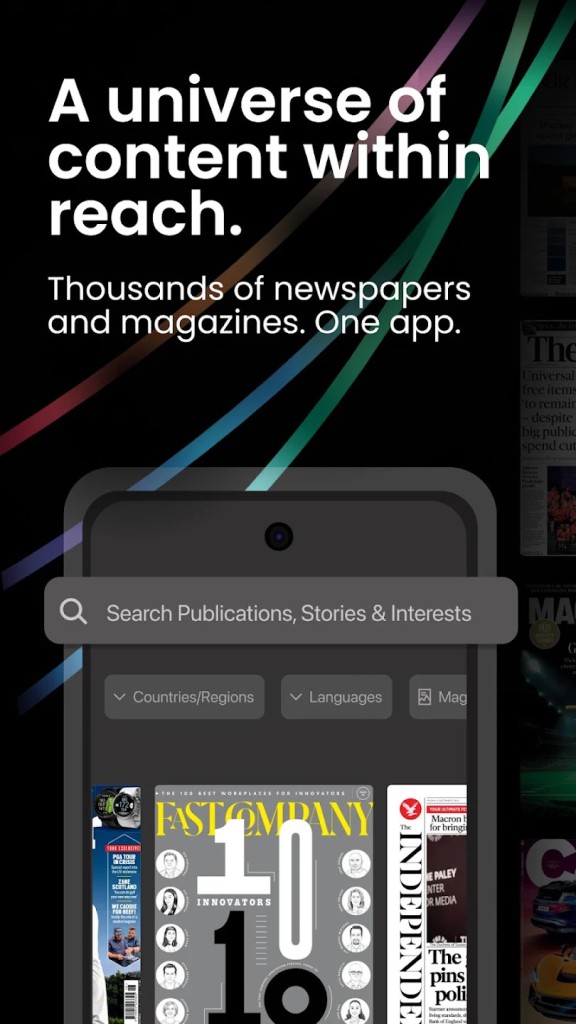
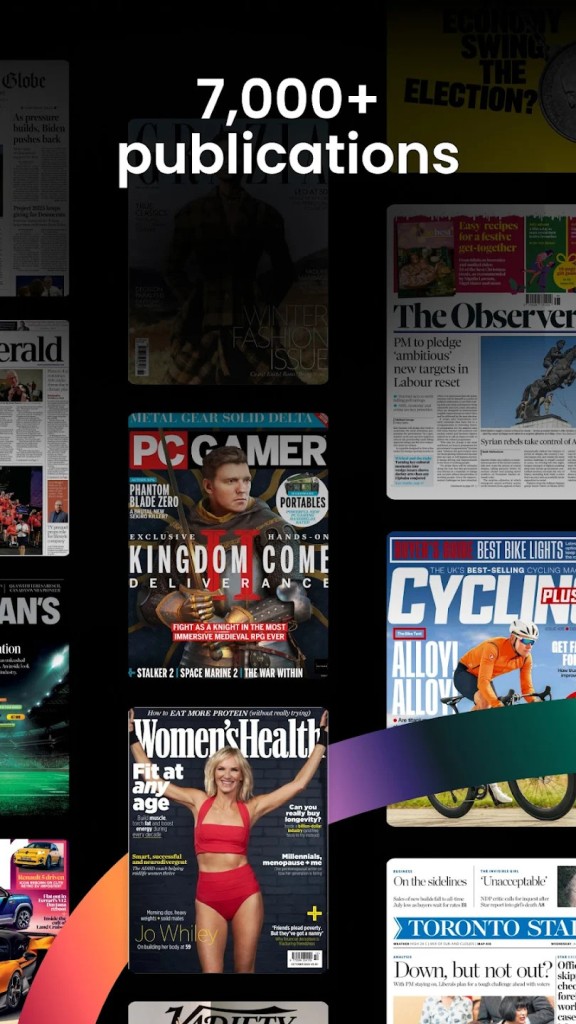
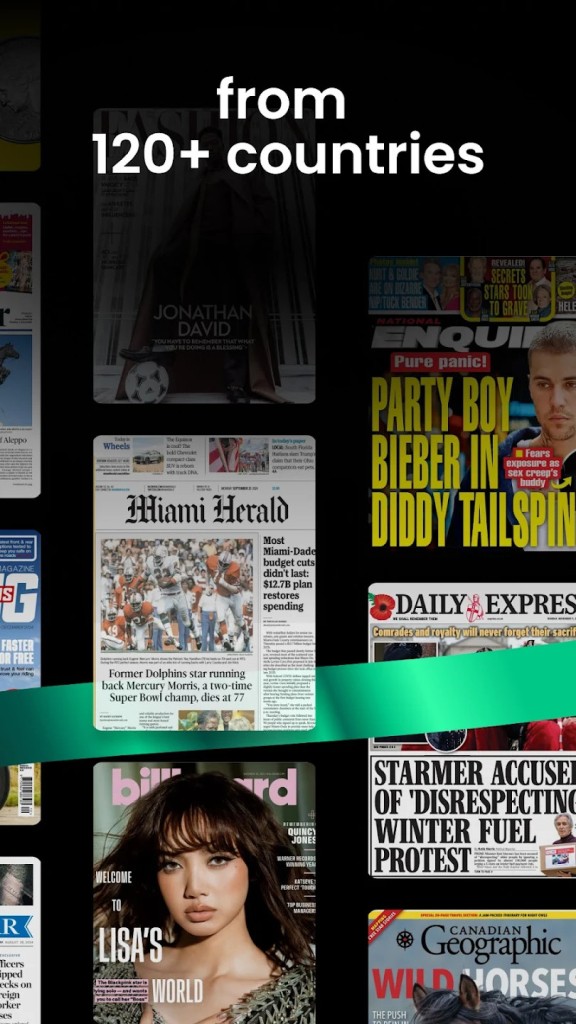
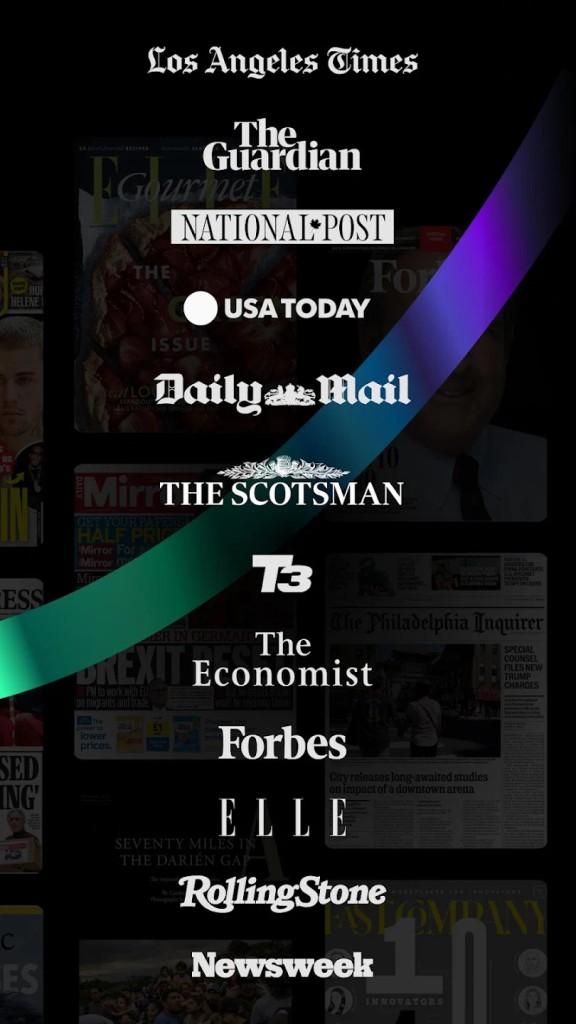
PressReader is a digital platform that gives you access to thousands of newspapers and magazines from around the world in one convenient place. Instead of hopping between multiple websites, apps, or newsstands, PressReader puts everything in a single library you can carry in your pocket. From well-known global publications to local community papers, the platform brings together a diverse mix of voices and topics, covering everything from breaking news and business to lifestyle and travel.
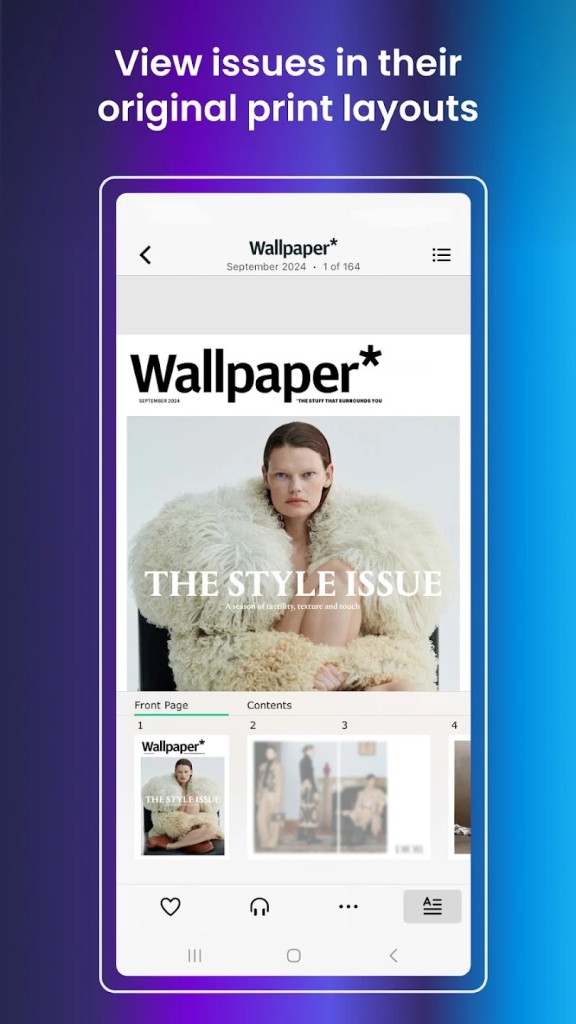
What makes PressReader unique is the way it reproduces print editions digitally. You’re not just reading a text-only feed like many news apps provide. Instead, you get full replicas of the actual print versions, complete with layouts, images, and ads. This makes the experience feel closer to flipping through a physical newspaper or glossy magazine, but with the convenience of digital access.
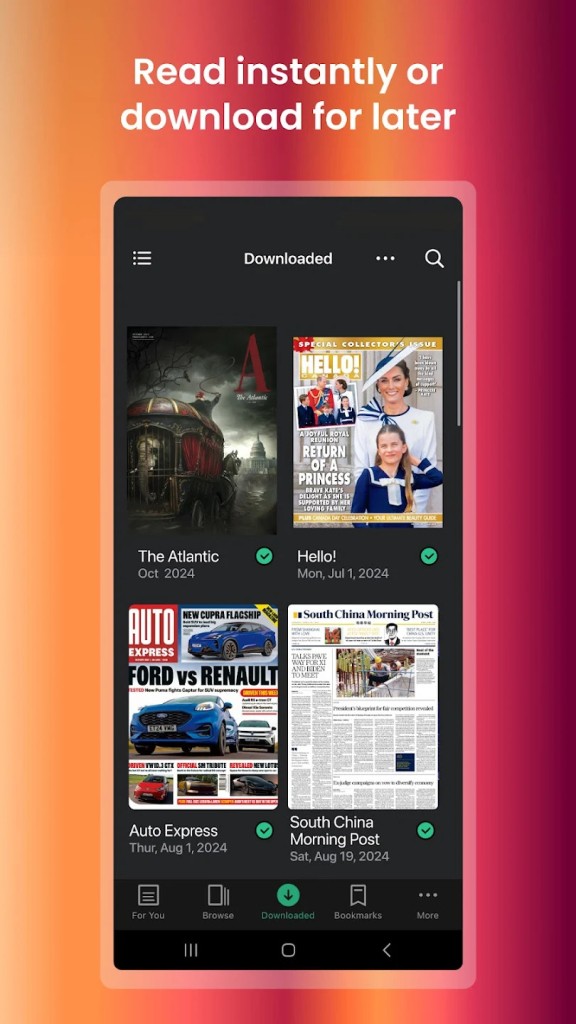
For readers who enjoy both casual browsing and targeted searches, PressReader hits a sweet spot. You can dive into a publication page by page, zoom in on articles, or use its smart tools to search across thousands of issues. The app also supports offline reading, so if you download your favorites in advance, you can keep reading even without an internet connection.
Why should I download PressReader?
There are plenty of reasons why PressReader has become popular with people who love to stay informed. First, it offers sheer variety. With more than 7,000 newspapers and magazines in its catalog, you’re unlikely to run out of things to read. Whether you want to keep up with international politics, learn about new tech trends, or flip through the latest fashion spreads, it’s all right there.
Second, PressReader is convenient. Think about how often you’ve tried to read a newspaper article online, only to run into paywalls or cluttered websites. With PressReader, your subscription covers all the content in one place, eliminating those frustrating roadblocks. You can jump from The Washington Post to Vogue to a local Canadian paper without juggling multiple accounts.
Another reason is personalization. The app lets you follow specific topics or publications, and its recommendation system helps surface stories that align with your interests. For example, if you’re into finance and global economics, PressReader will bring those stories to the front. If you’d rather see sports scores and travel features, you can adjust accordingly.
There’s also an eco-friendly angle. By moving to digital editions, you reduce paper waste while still enjoying the traditional look and feel of a print publication. It’s a way of supporting journalism without the clutter of stacks of old newspapers lying around your house.
And finally, PressReader can actually save you money. If you were to buy several magazines or newspapers individually, the costs would add up quickly. PressReader bundles access into a single subscription, which is often far more affordable than paying for each separately.
Is PressReader free?
PressReader isn’t completely free, but it does offer different ways to access its content. There’s a free app download, which lets you explore the platform and read some sample articles. However, to unlock full access to its library, you typically need a subscription.
That said, there are clever ways to get PressReader content without paying directly. Many public libraries and hotels partner with PressReader, offering complimentary access to their patrons and guests. For example, some libraries provide remote login credentials so members can read at home, while certain airlines or lounges give travelers free access during their journey. This makes PressReader one of those services that’s widely available if you know where to look.
If you decide to subscribe on your own, PressReader offers individual plans that provide unlimited access to its full catalog. The exact pricing depends on your region, but compared to the cost of multiple separate subscriptions, it often feels like a good deal.
So while it’s not “free” in the sense of unlimited access for everyone, PressReader is flexible. Between free trials, library connections, hotel perks, and direct subscriptions, most people can find a way to use it that fits their budget.
What operating systems are compatible with PressReader?
The advantage of PressReader is that it can be used on different operating systems, and thus, you are not bound to a particular machine. It exists in the form of a web platform, so it can be accessed on any computer using a modern browser, Windows, macOS, or even Linux. It is not difficult to read on a desktop or laptop without having to install additional software.
In addition to the web, PressReader also has mobile applications. It is available in the Apple App Store on iPhones and iPads and the Google Play Store on Android phones and tablets. The apps are highly optimized to enable you to zoom the text, save articles, and download issues to read them when you do not have internet access.
It also has a Windows version in the Microsoft Store. This also renders it highly convenient to those users who cannot stand the idea of reading through a browser. By these multi-platform selections, you are able to read on your phone throughout your ride to work, then continue where you left off on your laptop or tablet at a later time.
This degree of compatibility also means that PressReader will fit into your everyday schedule no matter what kind of device you use, which is particularly convenient for people who are always switching between their job tech gear and personal setups.
What are the alternatives to PressReader?
Although PressReader is strong, it is not the only alternative to reading digital news and magazines. Three that are worth considering are Google News, Flipboard, and Feedly.
Google News is likely to be the most popular news aggregator. It can gather feeds of content from thousands of sites and can sort the content into personalized feeds depending on your likes and likes history. It is free and incredibly fast, with no replica of print newspapers or magazines like PressReader. Rather, it is more of snippets and rapid headlines that are connected to the websites where publishers are.
Flipboard is less textual. It allows you to scan the contents of a magazine format, customizing materials to slick, scrollable bundles. The users are also able to make their own custom magazines, involving assembling stories on specific issues. It is interesting and interactive, yet once again, it does not give access to the full layouts of the traditional publications as PressReader does.
Feedly is best suited to individuals who prefer to have a more customizable and hands-on approach to news. It is an RSS aggregator, and that is why it is possible to select and choose which websites and blogs to follow. This makes it an effective instrument that can be used by professionals who desire to follow industry-specific sources. It, nevertheless, takes more configuration and, similar to the others, does not give complete copies of magazines and newspapers.