A UK TV licence pays for BBC iPlayer, but it only covers you while you’re in the country. Take a holiday in Spain or start a job in Toronto, and iPlayer treats you like any other overseas visitor, with a region message where BBC One used to be.
The BBC’s rights to most of its programs stop at the UK border, and iPlayer enforces that by checking the IP address your device connects from. That same check is the way back in. A VPN with UK servers gives you a British IP address, and iPlayer then works as it does at home, live channels included.
However, the BBC detects many VPNs, and a few of its rules still apply when you’re abroad, starting with the TV licence. Setting it up takes about five minutes.
BBC iPlayer Outside the UK, Step by Step
- Subscribe to NordVPN, or another VPN with UK servers that works with the BBC.
- Install the app on your phone, laptop, or TV, and sign in.
- Connect to a UK server to get a British IP address.
- Sign in to BBC iPlayer, confirm you have a TV licence, and start a live channel or a show.
Why BBC iPlayer Doesn’t Work Outside the UK
BBC iPlayer is funded by the UK license fee and licensed for UK viewers only. The BBC buys and sells programs country by country, so a drama on iPlayer may belong to a different broadcaster in the US or Australia. To keep those deals intact, iPlayer reads your IP address before every stream and blocks connections from outside the UK.
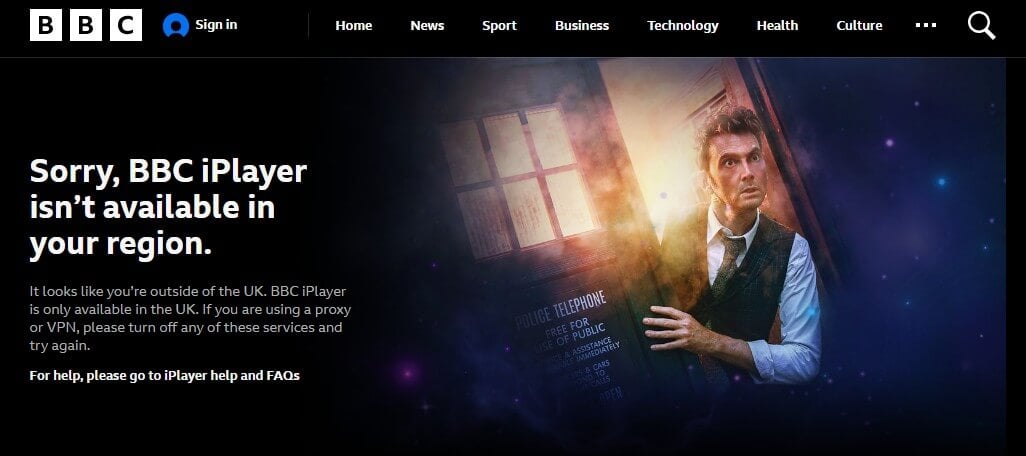
Abroad, you get a geo-restriction message saying iPlayer isn’t available in your region. The same screen asks proxy and VPN users to disable them, which tells you the BBC looks for VPN traffic too. Paying for a license doesn’t change this, because the BBC requires you to be in the UK to stream iPlayer.
Europe is no exception. EU rules that let subscribers take paid streaming services on holiday never covered iPlayer, because it’s free, and they stopped applying to UK services after Brexit. So iPlayer blocks viewers in Spain, France, or Portugal the same way it blocks viewers in the US.
How to Watch BBC iPlayer Abroad With a VPN
A VPN sends your traffic through one of its servers and swaps your IP address for one from that server’s country. Connect to a server in London or Manchester, and iPlayer sees a UK viewer. Choose a VPN with reliable UK servers, because iPlayer is good at detecting weaker VPNs even when they show a British IP address.
1. Set Up the VPN
Subscribe to NordVPN first. Free VPNs rarely work here, and every NordVPN subscription comes with a 30-day money-back guarantee. We’d go with NordVPN’s two-year Basic plan, which has the lowest monthly price.
Enter your email address, choose a payment method, and download the NordVPN app for your device. It’s available for phones, tablets, computers, and TVs, and we used the Windows VPN app for this guide.
2. Connect to a UK Server
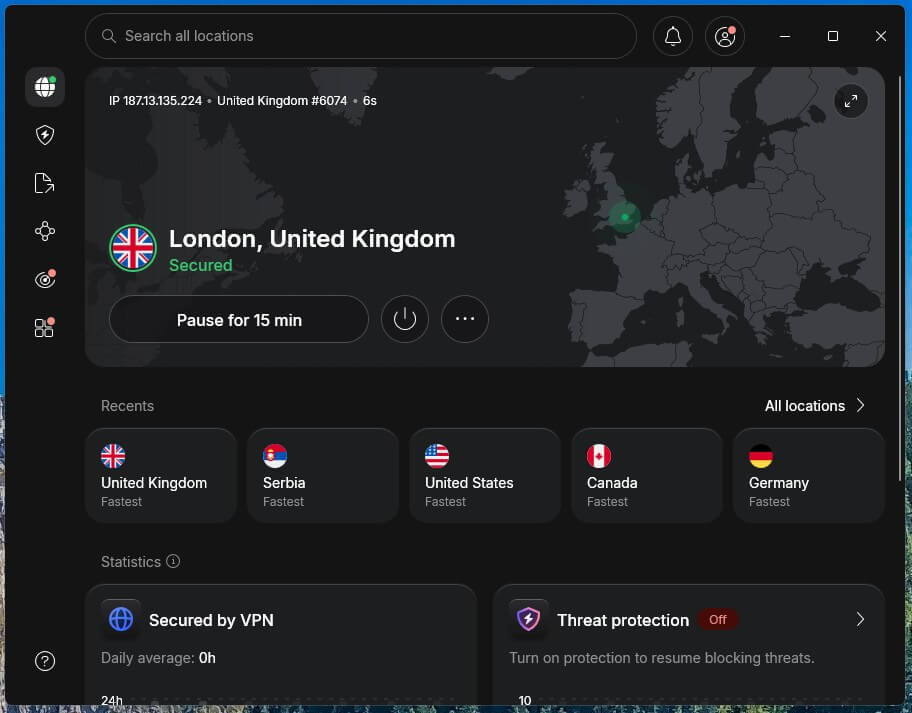
Open the app, type “United Kingdom” in the search bar, and click it under Countries. NordVPN picks the fastest UK server and shows a Secured message within a few seconds.
3. Sign In and Start Watching
Go to BBC iPlayer and sign in. A new BBC account requires an email address, date of birth, and UK postcode. Before your first stream, iPlayer asks whether you have a TV licence, which UK law requires for all iPlayer viewing, live or on demand. After that, live BBC One and the on-demand catalog stream as they do in the UK.
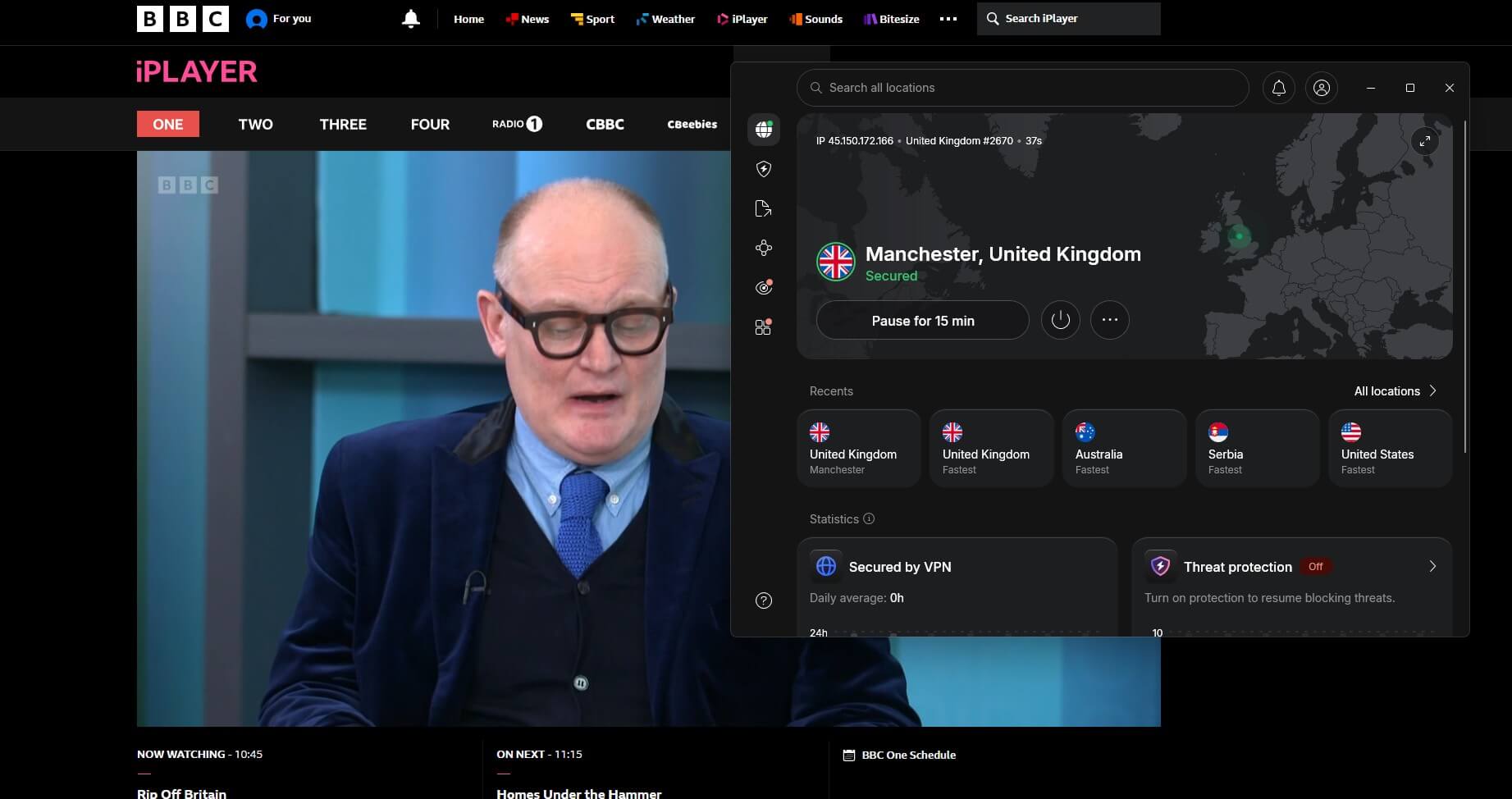
iPlayer is also the UK’s official home of Wimbledon, so the same steps cover big live events. If a page still shows the region message, clear your browser’s cookies and reload, because iPlayer can remember your earlier location.
BBC iPlayer on a TV or Fire TV Stick Abroad
A big screen in a holiday rental works too, as long as the VPN is installed on the device that plays iPlayer. On a Fire TV Stick, Android TV, or Apple TV, install the VPN app, connect to the UK, then open the iPlayer app.
NordVPN, Proton VPN, and ExpressVPN offer apps for those devices. Samsung and LG TVs don’t support VPN apps. ExpressVPN’s MediaStreamer, a Smart DNS service that changes the location the TV reports without encrypting traffic, is the simplest option on those sets.
Otherwise, a VPN set up on your router covers every device on the home network, including consoles.
BBC Programs You Can Watch Abroad Without a VPN
The BBC does offer a few legal options outside the UK, though none of them is iPlayer:
- iPlayer downloads. On a phone or tablet, you can download programs while you’re still in the UK and watch them abroad. They only play on that device and expire when the program leaves iPlayer.
- BritBox International. BBC Studios’ paid service streams BBC and other British shows in the US, Canada, Australia, and the Nordic countries, with a different catalog from iPlayer.
- BBC Player. A paid BBC app in parts of Asia, including Singapore, Malaysia, and Taiwan.
- BBC News. BBC.com offers news and some video worldwide, with a paywall in the US and Canada.
None of these includes live BBC One or the full iPlayer catalog, which still require a UK IP address. Our country guides cover the local options in more detail:
Three VPNs That Unblock BBC iPlayer Abroad
We tested live BBC One and on-demand shows on three UK servers per VPN, and NordVPN, Proton VPN, and ExpressVPN unblocked iPlayer every time. Our full BBC iPlayer VPN ranking covers two more and the fixes to use when a server gets detected.
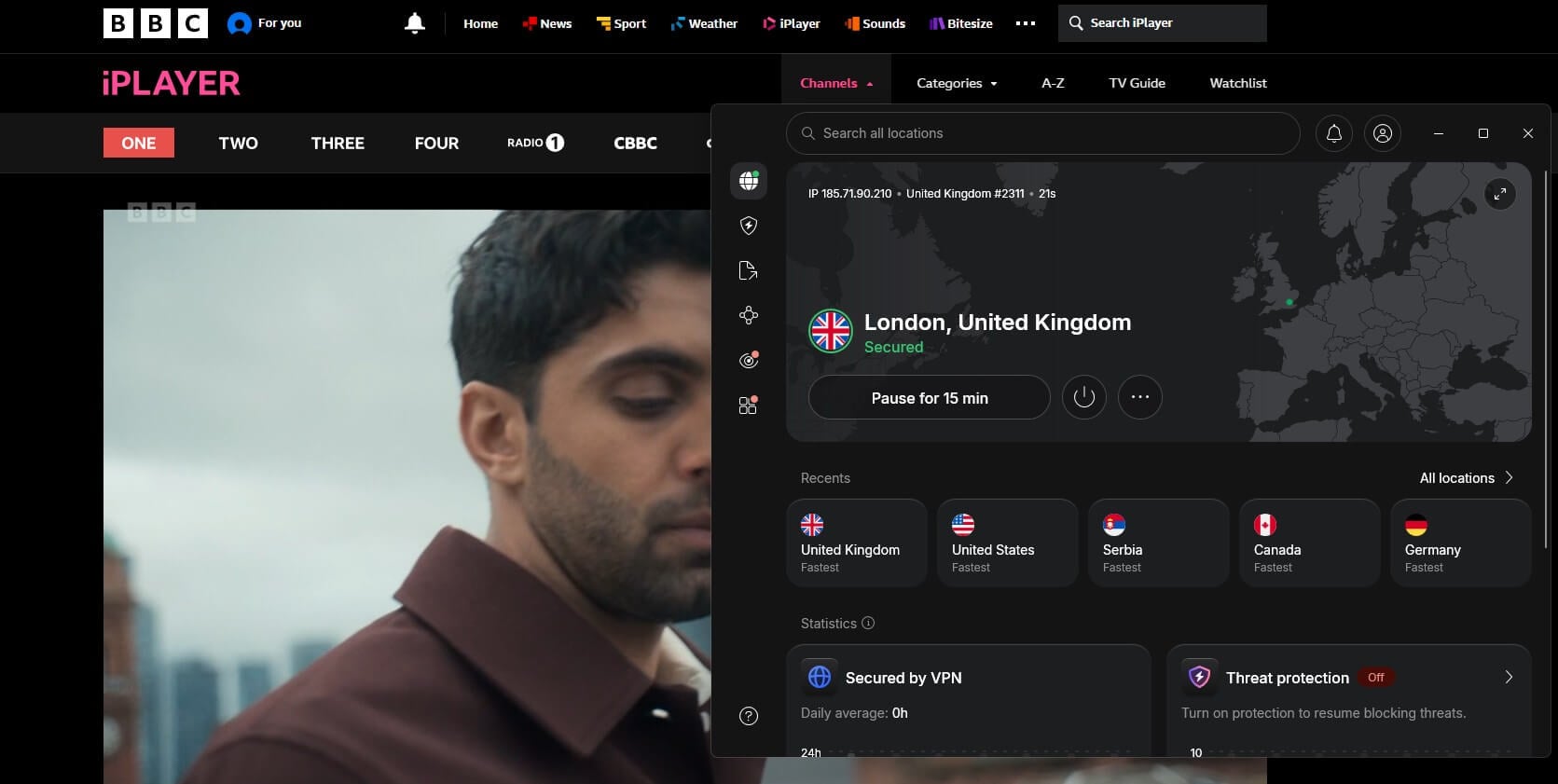
1. NordVPN: Best for Live BBC Channels Abroad
Pros
- iPlayer worked on London, Manchester, and Edinburgh servers
- Browser extensions for Chrome and Firefox
- Next-gen antivirus for holiday Wi-Fi
- Meshnet connects your devices while away
- Apps for Fire TV, Apple TV, and Android TV
Cons
- Price increases at renewal
NordVPN has more than 440 servers in London, Manchester, Glasgow, and Edinburgh, so if iPlayer detects one server, switching to another British city takes seconds. It lost about 3% of our speed on UK servers, which made no visible difference on live sport in HD.
Its browser extension, with location spoofing enabled, also unblocked services in our tests that the desktop app couldn’t, and the same subscription lets you change your Netflix region. Meshnet links your own devices over an encrypted connection.
Abroad, you could browse through your computer at home or send a downloaded file from your laptop to your phone. The top VPN in our rankings costs less than $3.50 a month with a two-year Basic subscription, which covers ten devices.
2. Proton VPN: Best for Privacy While Traveling
Pros
- UK servers in six cities, including Belfast and Cardiff
- Connects on hotel and office networks that block VPNs
- NetShield blocks ads and trackers
- Swiss-based with audited no-logs policy
Cons
- Samsung and LG TVs require a router setup
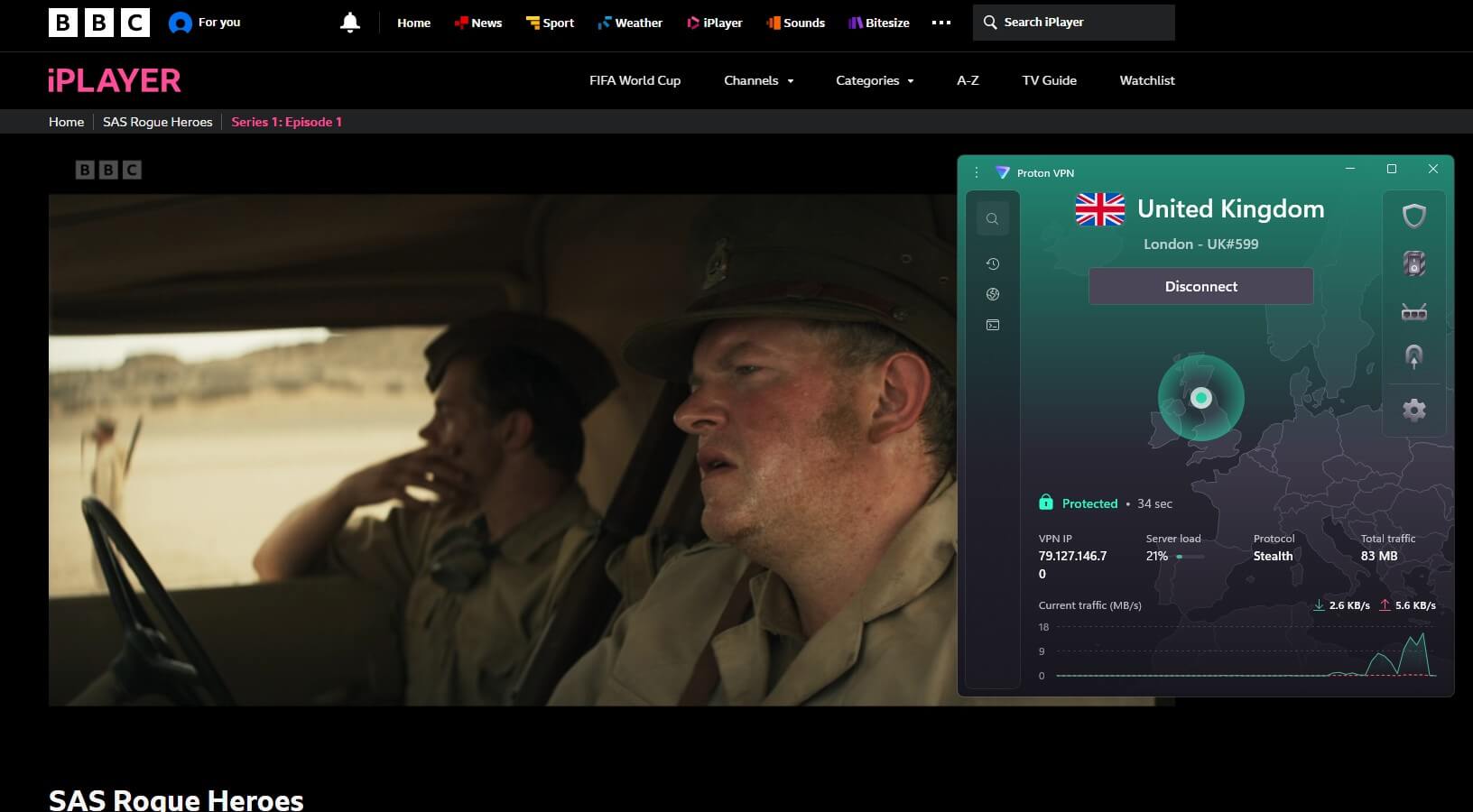
Proton VPN unblocked iPlayer live and on demand on its London, Manchester, and Edinburgh servers. Its UK servers lost about 6% of our speed, which still leaves far more than an HD stream requires. Its Stealth protocol makes a VPN connection look like normal browsing, which gets it online on hotel or office Wi-Fi that blocks VPNs.
Proton VPN operates from Switzerland, and outside auditors have checked its no-logs policy more than once. NetShield blocks ads and trackers on the sites you visit, and apps cover Fire TV, Android TV, and Apple TV. The VPN Plus plan costs about $3 a month on a two-year term, with ten devices on one account.
3. ExpressVPN: Best for Smart TVs Without VPN Apps
Pros
- MediaStreamer for Samsung and LG TVs
- Native Apple TV app
- Connects in a second or two
- Five UK server locations
Cons
- Few advanced settings
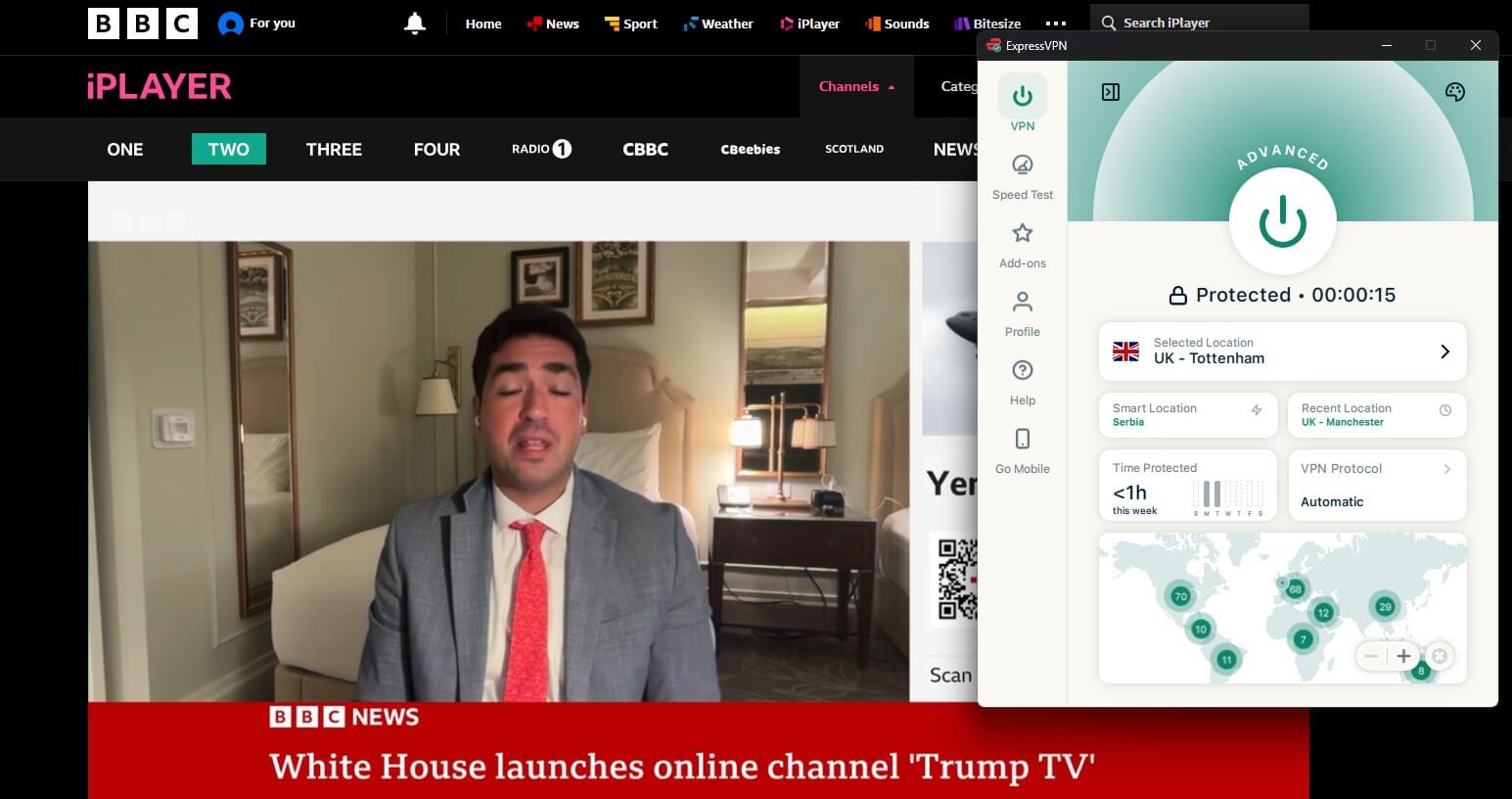
ExpressVPN unblocked iPlayer on its London, Manchester, and Tottenham servers, and its UK speed loss was just over 2%, too small to affect an HD stream. Its apps connect with one press, which is handy with a TV remote. Lightway, its in-house protocol, also keeps ping low, one reason it ranks among the best VPNs for gaming.
For a TV with no VPN app, MediaStreamer handles the location check for the TV itself, and the router app covers consoles. Advanced Protection blocks ads and malicious sites, and plans cover 10 to 14 devices.
Can a Free VPN Unblock BBC iPlayer?
A few can, for a few hours a month. Windscribe and PrivadoVPN, two of the best free VPNs we’ve tested, unblocked iPlayer on their free London servers, but they cap free accounts at 10 GB a month.
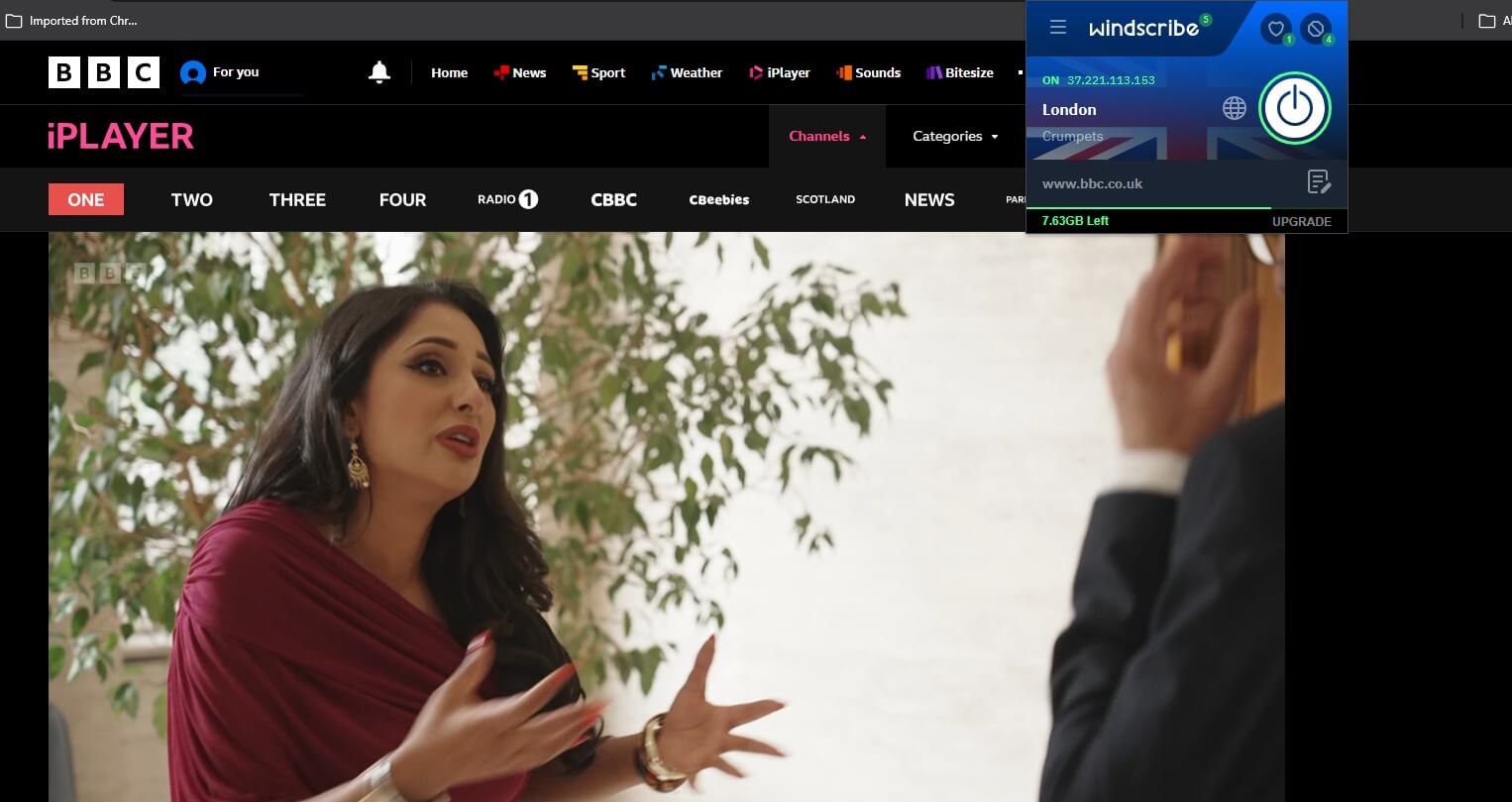
Half an hour of iPlayer at its default quality used about 650 MB, so 10 GB covers roughly seven hours. That’s fine for a few programs on a short trip and too little for living abroad. Most other free VPNs have no UK server, and some make their money by logging and selling user data.
Our guide to free VPNs for BBC iPlayer lists their data limits. For longer stays, NordVPN, Proton VPN, and ExpressVPN come with a 30-day money-back guarantee.
Final Thoughts
For a short trip, the simplest option doesn’t involve a VPN: download a few programs to your phone or tablet before you fly. They play anywhere, at least until they leave iPlayer. For live BBC One, the news, or the full catalog, a VPN with UK servers is the practical answer.
Connect a VPN to a UK server, sign in to iPlayer, confirm your TV licence, and the BBC works abroad as it does at home. On a TV, install the VPN on the device that streams. We’d use NordVPN, which unblocked iPlayer on every UK server we tested and has apps for the Fire TV Stick and Apple TV.
Frequently Asked Questions
Can I watch BBC iPlayer abroad if I pay the TV license?
No. The BBC restricts iPlayer streaming to viewers in the UK, so a TV license doesn't unlock it abroad. Programs downloaded in the UK on a phone or tablet still play overseas.
Does BBC iPlayer work in Spain?
No. iPlayer blocks viewers in Spain and the rest of the EU, because cross-border portability rules never covered free services and no longer apply to UK services after Brexit.
Can BBC iPlayer downloads be watched abroad?
Yes, in the iPlayer app for phones and tablets. Programs have to be downloaded in the UK, play only on that device, and expire when the program leaves iPlayer.
Can BBC One be streamed live outside the UK?
Yes, with a UK IP address from a VPN such as NordVPN or Proton VPN. iPlayer streams BBC One, BBC Two, and the other live channels once it detects a UK connection.
Is BBC iPlayer the same as BritBox?
No. BritBox International is a paid BBC Studios service in a few countries, with its own catalog of British shows. BBC iPlayer is free in the UK and includes live BBC channels.