
From Australia with no VPN, BBC iPlayer blocked every show we tried with a region error. On three UK servers per VPN, BBC One live and catch-up episodes played every time with NordVPN, Proton VPN, and ExpressVPN. Streams began in 1 to 3 seconds. NordVPN ranks first overall. The UK evening schedule airs during the Sydney morning, so most viewers in Australia will watch on catch-up.
Setup Checklist for iPlayer in 2026
- Sign up for NordVPN and download its app for Windows, macOS, Android, iOS, or Fire TV.
- Choose the United Kingdom in the VPN’s server list. iPlayer played on each of the nine UK servers we tried.
- Register for a free BBC account. A made-up UK postcode worked.
- Press play on BBC One or an on-demand show. Video starts in a few seconds.
Signing In to iPlayer Through a UK Server
Pick a UK location in the VPN app and connect, then load bbc.co.uk/iplayer. iPlayer looks up each viewer’s IP address and streams only to UK connections. Once a UK IP address is active, the shows that were blocked play normally. Streaming requires a free BBC account. Select Sign in, then Register. The BBC form collects an email address and password, a birth date, and a UK postcode. We typed a random postcode, and the form accepted it.
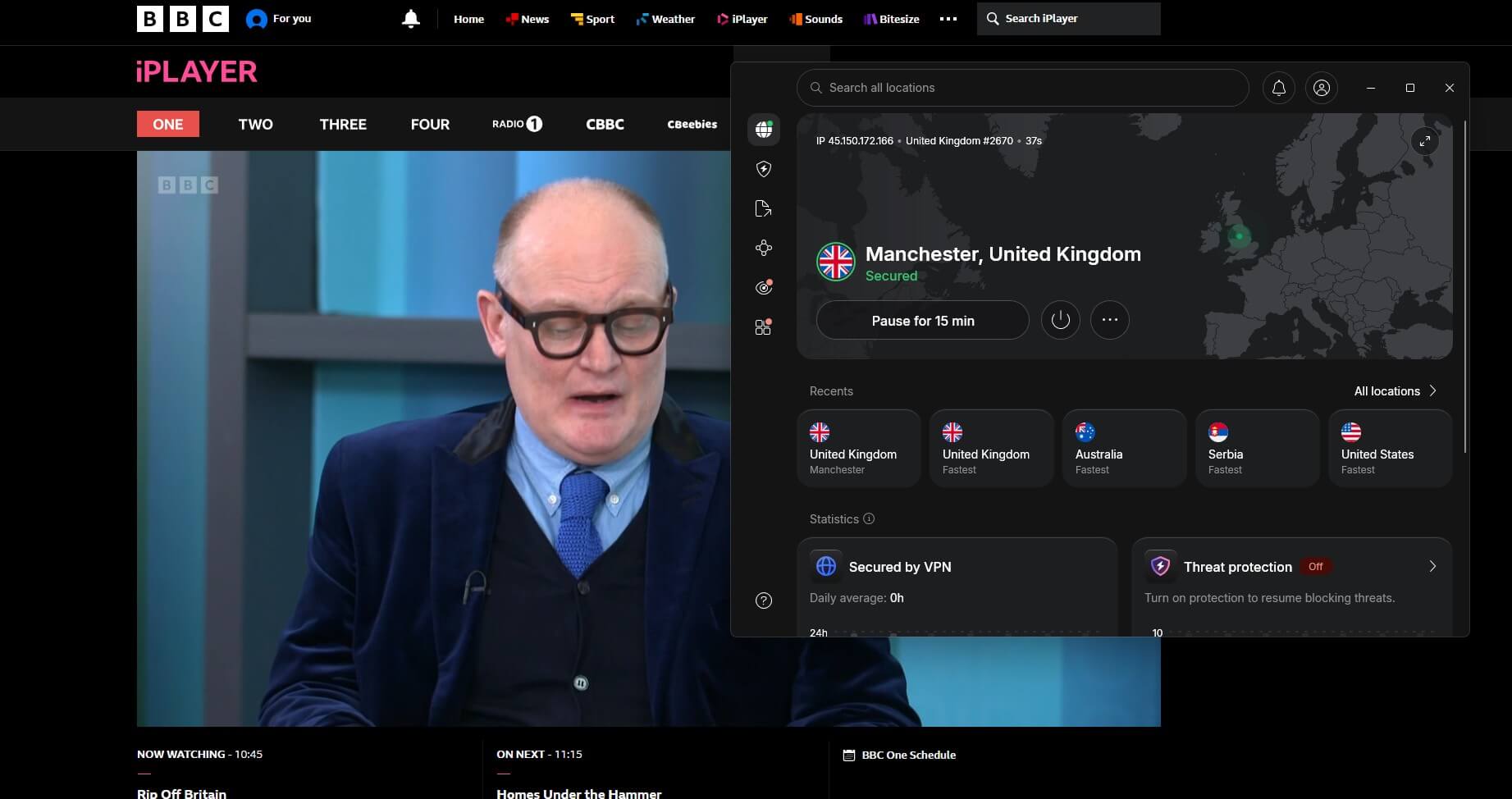
Before the first stream, iPlayer asks you to confirm a TV licence with a checkbox, and nothing is verified. In January 2026, reports said the BBC was considering linking iPlayer accounts to UK home addresses to find households without a license. The same steps apply in other countries, as our guide to iPlayer outside the UK shows.
iPlayer on UK Servers: Test Results
Figures come from October testing on a Windows 11 PC in Europe, over a 190.36 Mbps connection. Every server was tested with BBC One live and a catch-up episode. From Australia, expect lower speeds and a higher ping to UK servers.
| VPN | UK network | Servers that played iPlayer | Playback start | UK download |
|---|---|---|---|---|
| NordVPN | 440+ servers, 4 cities | London, Manchester, Edinburgh | 1-2 seconds | 184.73 Mbps |
| Proton VPN | 849 servers, 6 cities | London, Manchester, Edinburgh | 3 seconds | 178.89 Mbps |
| ExpressVPN | 7 locations, no server count | London, Manchester, Tottenham | 1 second | 185.74 Mbps |
Best VPNs for iPlayer Viewers in Australia
- NordVPN: Best overall, with 440+ UK servers and a dedicated UK IP option.
- Proton VPN: Best for UK coverage, with 849 servers in six cities.
- ExpressVPN: Best for playback speed, with streams starting in about a second.
1. NordVPN: Best Overall for iPlayer in Australia
Pros
- Native tvOS app
- Double VPN servers
- Post-quantum NordLynx
- Audited no-log policy
Cons
- Costly renewal
- Conflicts with other VPNs
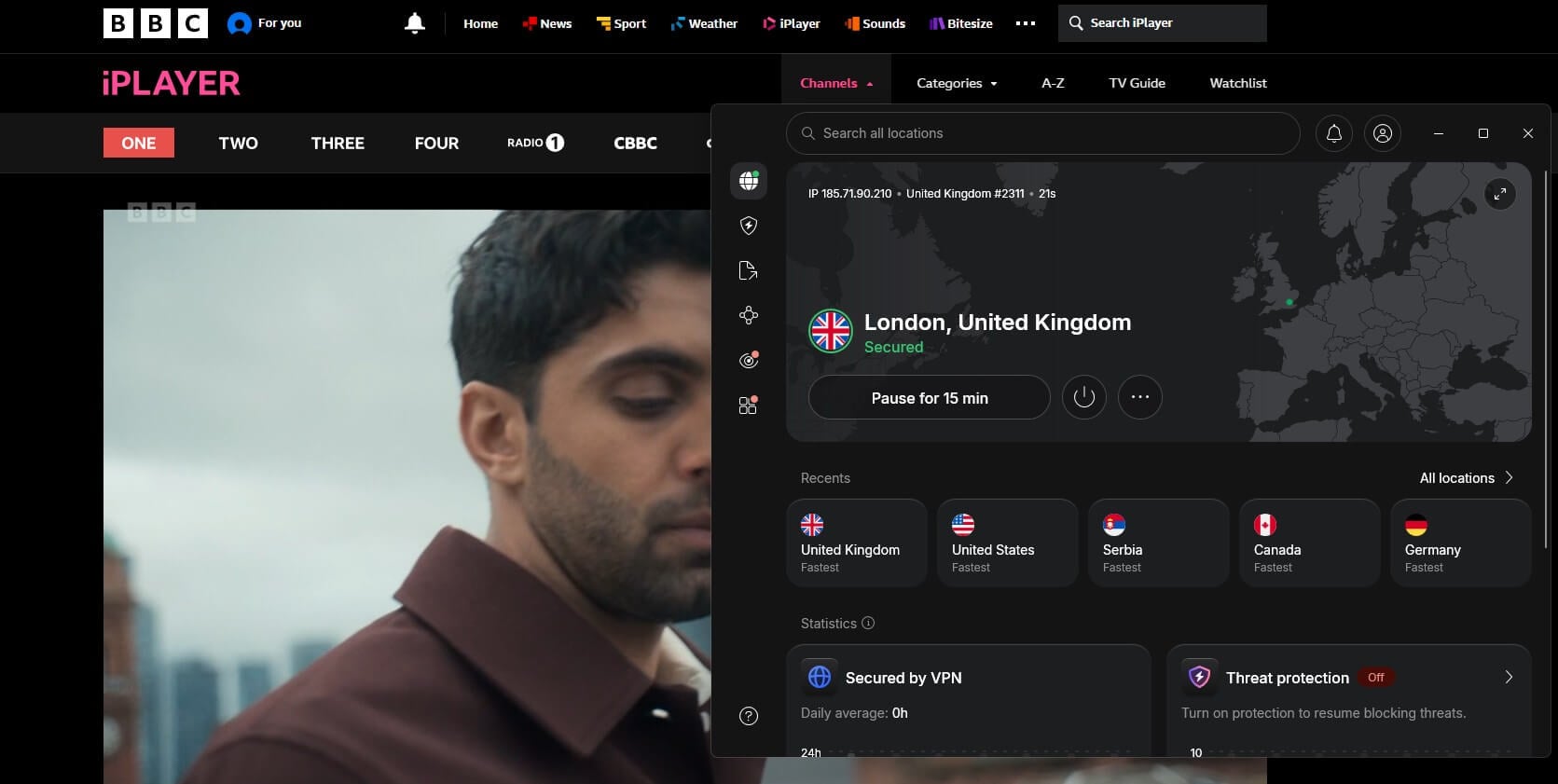
iPlayer played on each NordVPN server we tried, in London, Manchester, and Edinburgh, with the live stream and on-demand shows starting in 1 to 2 seconds. The UK speed test returned 184.73 Mbps. The app lists four UK cities, Glasgow included, and NordVPN puts its UK server count at 440+. A dedicated UK IP address costs $4.19 a month with a two-year subscription, and no other subscriber shares it, which lowers the chance iPlayer flags it.
Our Windows PC exposed one fault. With ExpressVPN installed, NordVPN failed to connect on some days until we used its diagnostics tool and signed in again. The Basic plan costs $94.23 for its first 27 months, or $3.49 a month, and $139.08 for each year after.
2. Proton VPN: Best for Servers Across the UK
Pros
- Belfast and Cardiff servers
- Low renewal price
- Permanent kill switch
Cons
- Slower playback start
- No post-quantum option
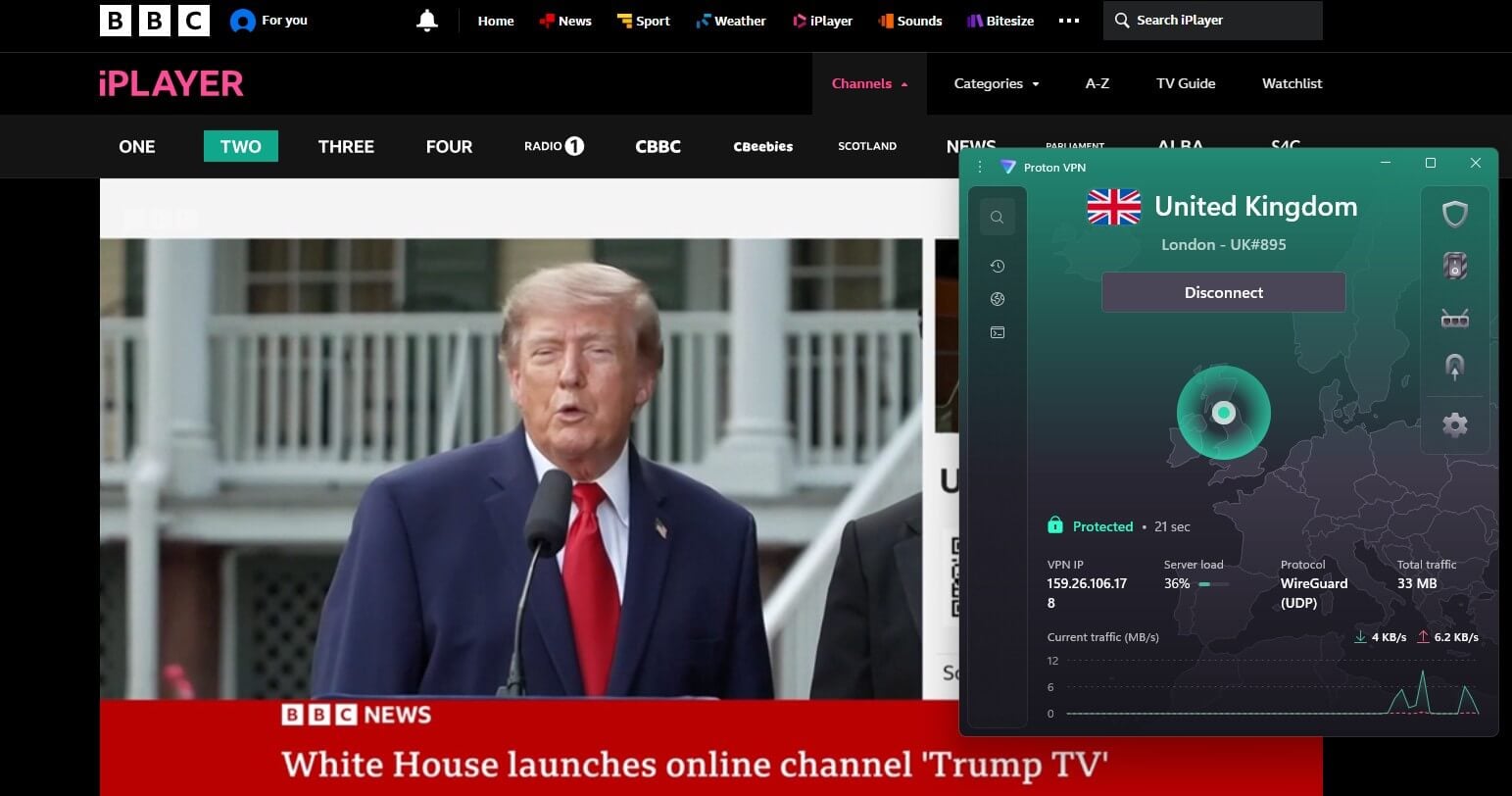
Proton VPN lists 849 UK servers across six cities, with Belfast and Cardiff among them and 612 servers in London. Every stream we started on its Edinburgh, London, and Manchester servers played. Each one took about 3 seconds to start, compared to 1 second on ExpressVPN, and its UK server measured 178.89 Mbps.
Two years of the VPN Plus plan cost $71.76 ($2.99 a month), and each renewal year is $83.88, compared to $139.08 for NordVPN. For other VPNs under $3 a month, see our low-cost VPN list.
3. ExpressVPN: Best for Quick Playback
Pros
- Wembley and Docklands servers
- Lightway Turbo on Windows
- Quick connection times
Cons
- Few advanced settings
- High monthly rate
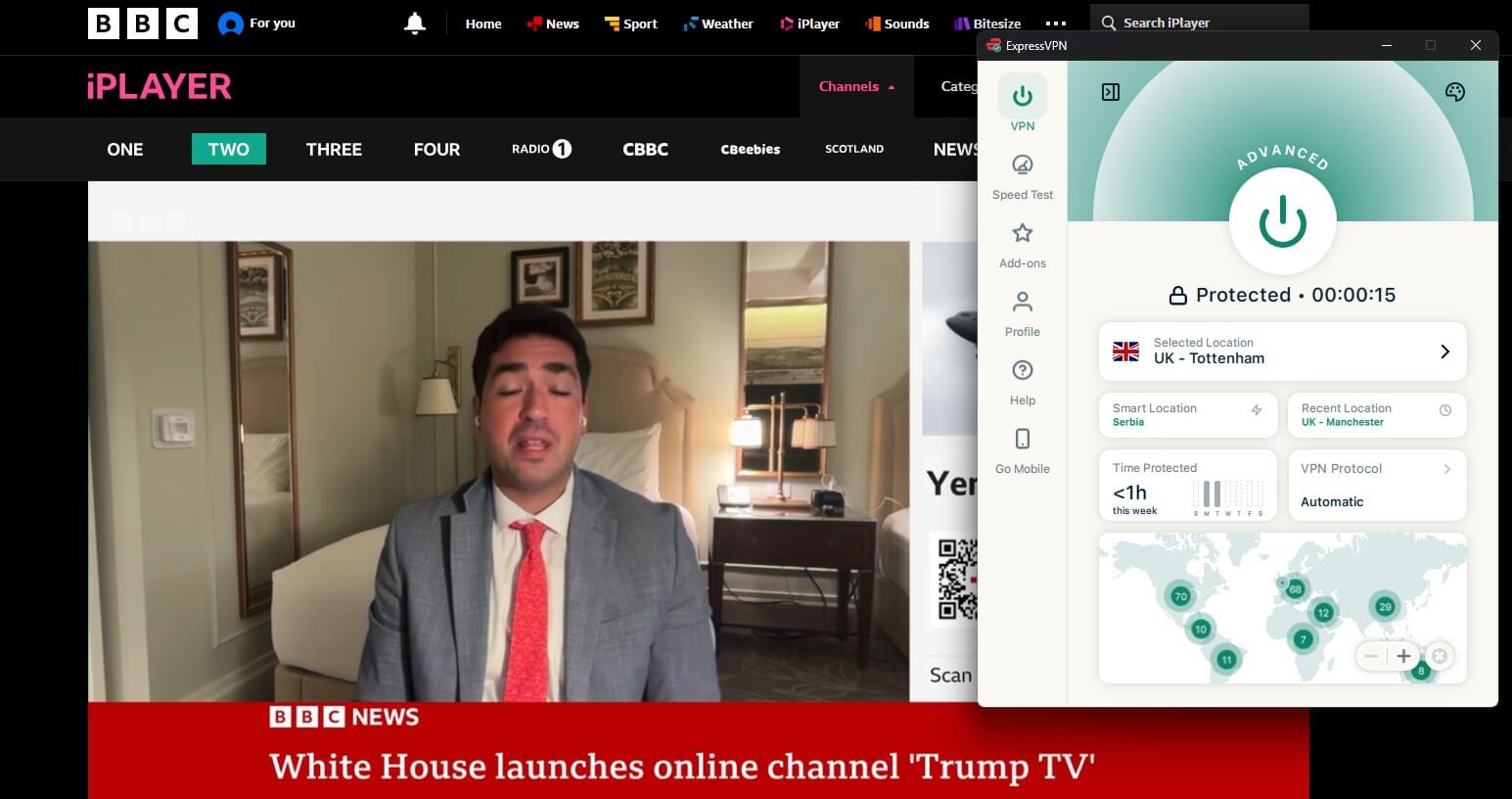
On ExpressVPN, BBC One’s live feed and on-demand episodes started in about a second on servers in London, Manchester, and Tottenham. It has no server in Scotland, so Tottenham took Edinburgh’s place in our test. Its UK download of 185.74 Mbps was the highest we recorded. The app lists seven UK locations: five in the London area (Docklands, East London, London, Tottenham, and Wembley), plus Manchester and the Midlands.
ExpressVPN offers few advanced settings and still has no multi-hop option. At checkout, 28 months of the Basic plan come to $83.72, which is $2.99 a month, and renewal is $99.95 a year. Monthly billing costs $14.99.
UK Broadcast Times in Australia
iPlayer’s live channels follow the UK schedule, and the time difference changes during the year:
- Sydney, Melbourne, Canberra, and Hobart: 9 hours ahead of the UK from April to early October, 11 hours from late October to late March, and 10 hours in the weeks between.
- Brisbane: 9 hours ahead during UK summer time, 10 hours in the UK winter.
- Perth: 7 hours ahead from late March to late October, 8 hours for the rest of the year.
BBC One’s 9 p.m. drama slot airs at 6 a.m. in Sydney during the UK summer and at 8 a.m. in the Australian summer. Match of the Day, a Saturday night program in the UK, airs on Sunday morning in Australia. Episodes go on iPlayer after broadcast, so viewers can watch them later in the day.
iPlayer Apps, Downloads, and TVs Outside the UK
App stores list the iPlayer app only for accounts set to the UK. With store accounts registered in Australia, use the browser at bbc.co.uk/iplayer once the VPN connects. Offline downloads work only in the phone and tablet apps. The BBC ended downloads on Windows and Mac computers in April 2024, so a laptop can stream iPlayer but can’t save episodes for a long flight.
Fire TV and Apple TV support NordVPN, Proton VPN, and ExpressVPN apps, but the iPlayer app on them requires a UK store account too. A laptop connected to the TV over HDMI avoids the store problem. Samsung and LG TVs have no VPN apps, so they require a VPN set up on the router. Speed results for each VPN on Amazon’s stick are in our Fire TV Stick VPN tests.
Where BBC Series Stream Legally in Australia
Several BBC series are available in Australia, usually behind a subscription:
- BritBox: owned by BBC Studios, with new seasons of Call the Midwife, Silent Witness, Shetland, and Death in Paradise premiering there exclusively in Australia. New subscribers receive a seven-day free trial.
- ABC iView and SBS On Demand: free, with a selection of BBC documentaries and comedies.
- Foxtel: the BBC First channel shows BBC dramas on a paid package.
In the UK, iPlayer streams the same series free after broadcast, along with the live BBC channels.
If iPlayer Won’t Play on a UK Server
- “Sorry, BBC iPlayer isn’t available in your region”: iPlayer sees a non-UK IP address. Reconnect to a UK server and refresh the tab.
- “This content is not available in your location”: iPlayer identified the server as a VPN’s. Switch to another UK city in the VPN app.
- The error persists on a UK server: delete the bbc.co.uk cookies in the browser settings, or try a private window.
- Buffering on a slow connection: lower the quality in the player settings. The default stream used about 650 MB per half hour, and the lowest setting about 390 MB.
Free VPN Options for iPlayer
Windscribe and PrivadoVPN unblocked iPlayer on London servers in their free accounts, with 10 GB of data a month, under eight hours at the default quality. Windscribe allows only 2 GB until the email address is confirmed. Hide.me‘s free UK server was detected as a VPN, and Proton VPN‘s free tier picks the country itself, with no UK among its options.
Our free iPlayer VPN guide tests these limits in detail, the best free VPN page ranks other no-cost options, and paid VPNs with trial periods are listed in our VPN free trial guide.
Summary
Start with NordVPN. Its UK servers played iPlayer within two seconds, and it has a UK IP address reserved for one subscriber if shared servers are flagged. Proton VPN lists more UK servers than NordVPN and renews for less. ExpressVPN started streams quickest, in about a second, and has fewer settings to adjust.
For other British channels, see our guides to ITVX in Australia, Channel 4 from Australia, and UK TV in Australia. Our iPlayer VPN rankings and list of VPNs for the UK compare more VPNs; British TV abroad covers other countries, and American channels have their own guide.
iPlayer in Australia FAQs
Can you watch BBC iPlayer in Australia?
Yes, through a UK server on a VPN. iPlayer serves only British IP addresses, and London servers on NordVPN or Proton VPN unblock its live channels and on-demand library from Australia.
Is BBC iPlayer free in Australia?
Yes, iPlayer charges no subscription. The BBC account costs nothing either, so a VPN with UK servers is the only expense for viewers in Australia.
Can you download BBC iPlayer shows in Australia?
Yes, but only through the iPlayer mobile app. Windows and Mac computers lost download support, and the app itself is listed only in UK app stores.
Can you watch BBC One live in Australia?
Yes, BBC One streams live on iPlayer to UK IP addresses. Its schedule follows UK time, so evening programs air between early and mid-morning on Australia's east coast.
Is BritBox the same as BBC iPlayer?
No, BritBox is a paid service owned by BBC Studios. It streams BBC and ITV series in Australia, while iPlayer is the BBC's free UK service with live channels.
Is it legal to watch BBC iPlayer in Australia with a VPN?
Yes, Australian law allows VPN use. Watching iPlayer through one breaks the BBC's terms of use, and the BBC's usual response is to block the server's IP address.