More than a million people born in the United Kingdom now live in Australia, and plenty more pass through for work or travel. Whatever brought you over, the urge to watch UK TV in Australia hits fast, especially when your usual dramas, BBC News, and panel shows carry on without you.
The frustrating part is that British broadcasters lock their platforms to UK viewers. BBC iPlayer in Australia, ITVX, and Channel 4 all refuse foreign connections, and holding a valid TV licence changes nothing. There are ways around this, though, and in this guide we’ll walk through the most dependable one so you can keep up with your usual British channels from the land Down Under.
Watch UK TV in Australia: BBC iPlayer, ITVX, Channel 4, and More
- Get a VPN that unblocks US TV in Australia. I suggest NordVPN at 75% off with 3 free months and 440+ fast servers in the UK.
- Install the VPN on your device.
- Launch the VPN and log in.
- Connect to a server in the UK.
- Access ITVX, BBC iPlayer, Channel 4, and other UK TV channels in Australia. You can now watch their full content libraries.
Why is UK TV in Australia Inaccessible?
A quick look at the problem before the fix. Press “Play” on BBC iPlayer or ITVX from Australia (or anywhere outside the UK, for that matter) and you’ll get an error message telling you the service isn’t available in your location.
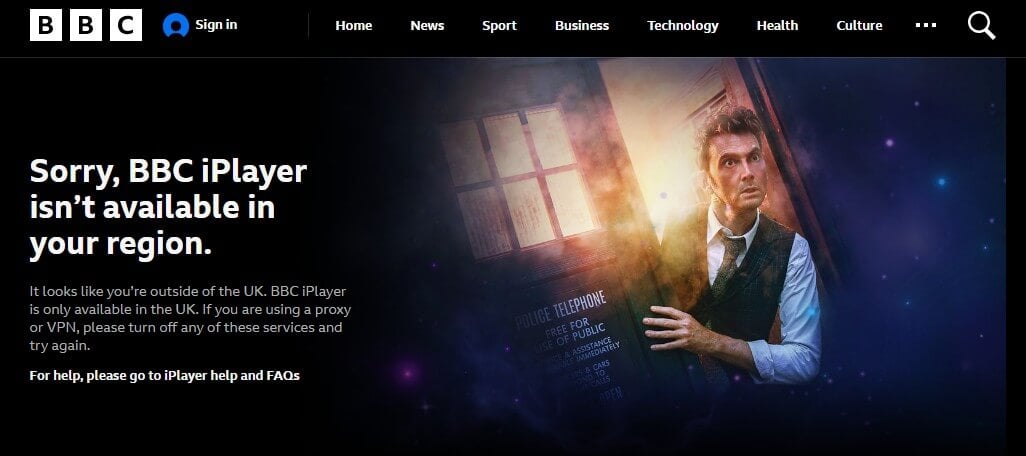
Licensing agreements and copyright law force these platforms to keep their content within the UK, and they police it with geo-blocking technology. Your IP address gives away your location the moment you connect, and a non-UK IP means an automatic refusal, subscription or not.
How to Watch UK TV in Australia: iPlayer, ITVX, and More
Since your IP is what betrays you, the workaround is to change it. Swap your Australian IP for a British one and the broadcasters treat you as a local viewer. Several methods can replace your IP, and our guide to changing your IP address covers them, but a VPN beats the rest for reliability. The concept is simpler than the name suggests.
The VPN encrypts your traffic and routes it through a server in a country you pick, handing you that server’s IP address. Choose a UK city, connect, and you can watch UK TV in Australia exactly as you would at home. Never used a VPN before? The whole setup takes minutes. Follow along.
Step 1: Select a Proven VPN Service
Not every VPN can get past the blocks on BBC iPlayer, ITVX, and Channel 4, so a random pick is a gamble. You want a provider with confirmed UK unblocking, quick speeds, and features built for streaming. Our top choice is NordVPN, with two very strong alternatives covered further down.
Try NordVPN Risk-free for 30 days
Step 2: Sign Up
Head to your chosen provider’s website and pick a plan. Longer commitments almost always cost less per month. Fill in your details, complete the checkout, and keep an eye out for money-back guarantees; the best ones let you test the full service for 30 days and reclaim every cent if it disappoints.
Step 3: Download Your VPN and BBC iPlayer App
Grab the VPN app from the provider’s download page or your device’s app store. While you’re at it, install the BBC iPlayer app too (available on iOS, Android, and most smart TV platforms) so everything’s ready once you connect. Top providers cover Windows, macOS, Android, iOS, smart TVs, and streaming devices alike.
Step 4: Connect to a UK Server and BBC iPlayer and ITVX in Australia
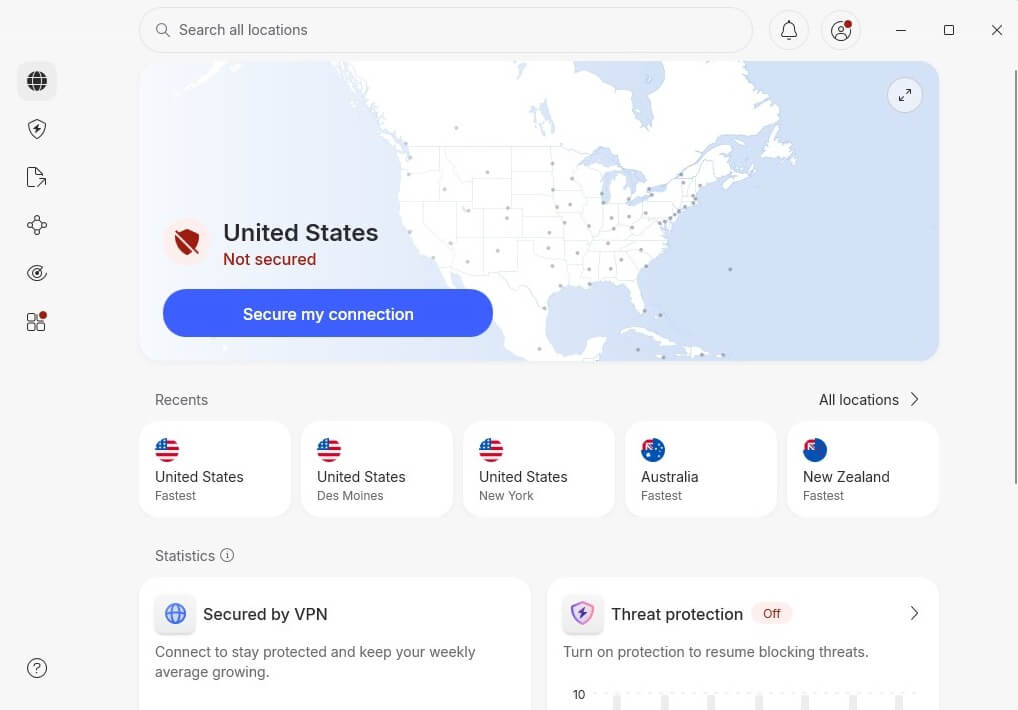
Open the app, sign in, and find the server menu. Pick any location within the UK, tap to connect, and give it a few seconds to assign your UK IP.
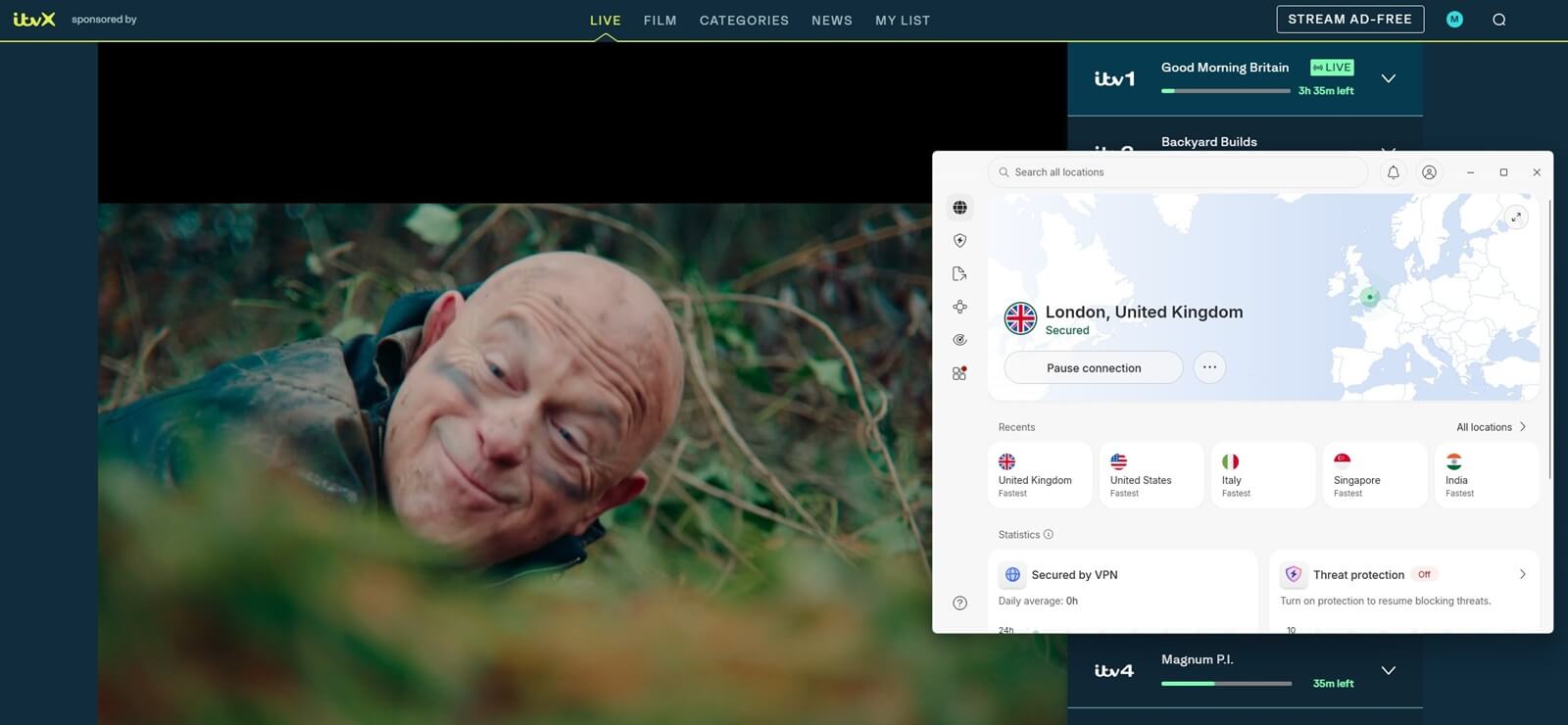
Go back to the British TV app or website. Everything should load as if you were sitting in Manchester: the Channel 4 live stream in Australia, ITV without setting foot in the UK, BBC One live or on catch-up. The same trick covers every UK platform, so if you’ve been searching for how to watch I’m a Celebrity UK in Australia or chasing new episodes of Waterloo Road, you’re set. Still hitting a wall? Switch to a different UK server or clear your browser data.
Best VPN to Watch UK TV in Australia: Unblock Anything
Hundreds of VPNs claim to handle UK streaming, and most of them fold when the geo-blocks push back. We’ve spent years separating the workers from the pretenders, and these 3 earned their spots for unblocking UK channels in Australia.



 9200 servers
 128 covered countries
 30 days money-back guarantee
 10 simultaneous connections
9.4 /10

20396 servers
148 covered countries
30 days money-back guarantee
10 simultaneous connections
9.2 /10

3000 servers
105 covered countries
30 days money-back guarantee
10 simultaneous connections
9.1 /10
1. NordVPN: Best VPN for ITVX Australia
Pros
- 440+ fast UK servers
- SmartPlay technology
- NordLynx protocol
- Smart DNS is included
- Apps for all platforms
Con
- Complex for beginners
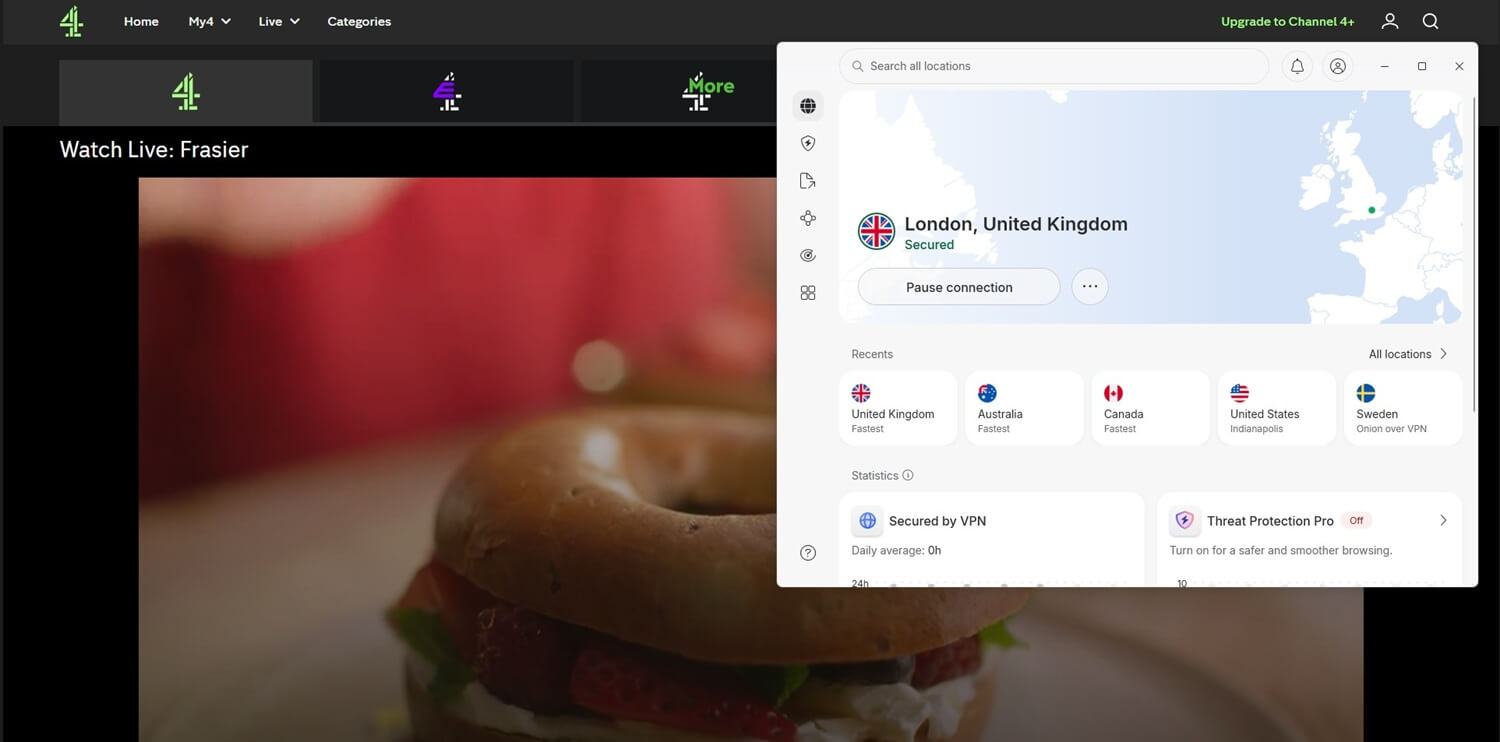
The industry giant tops this list and takes the crown as the best UK VPN overall. As our NordVPN review details, its network currently spans over 9,500 servers across 149 countries, with more than 440 spread over four UK cities, so a British IP address from Australia is never more than a click away. Streaming platforms keep tightening their VPN detection, and NordVPN keeps slipping through anyway.
Our latest tests saw it cut through the UK blocks on BBC iPlayer, Channel 4, ITVX, Sky Go, and more, covering everything from BBC One dramas to BBC Two documentaries without a hiccup. Netflix UK and Amazon Prime Video’s British libraries opened up easily. SmartPlay sweetens the deal by blending the VPN with Smart DNS, which keeps streams stable on devices that fight with VPN apps.
Speaking of devices, NordVPN runs on practically anything you’d stream UK TV with, including Android TV and Amazon Fire Stick; one subscription covers 10 simultaneous connections, as well.
2. Proton VPN: Unblocks BBC iPlayer in Australia
Pros
- Fast servers in the UK
- Stealth obfuscation
- Many privacy features
- Works on all devices
- VPN Accelerator
Cons
- No Smart DNS
- Free plan blocks streaming
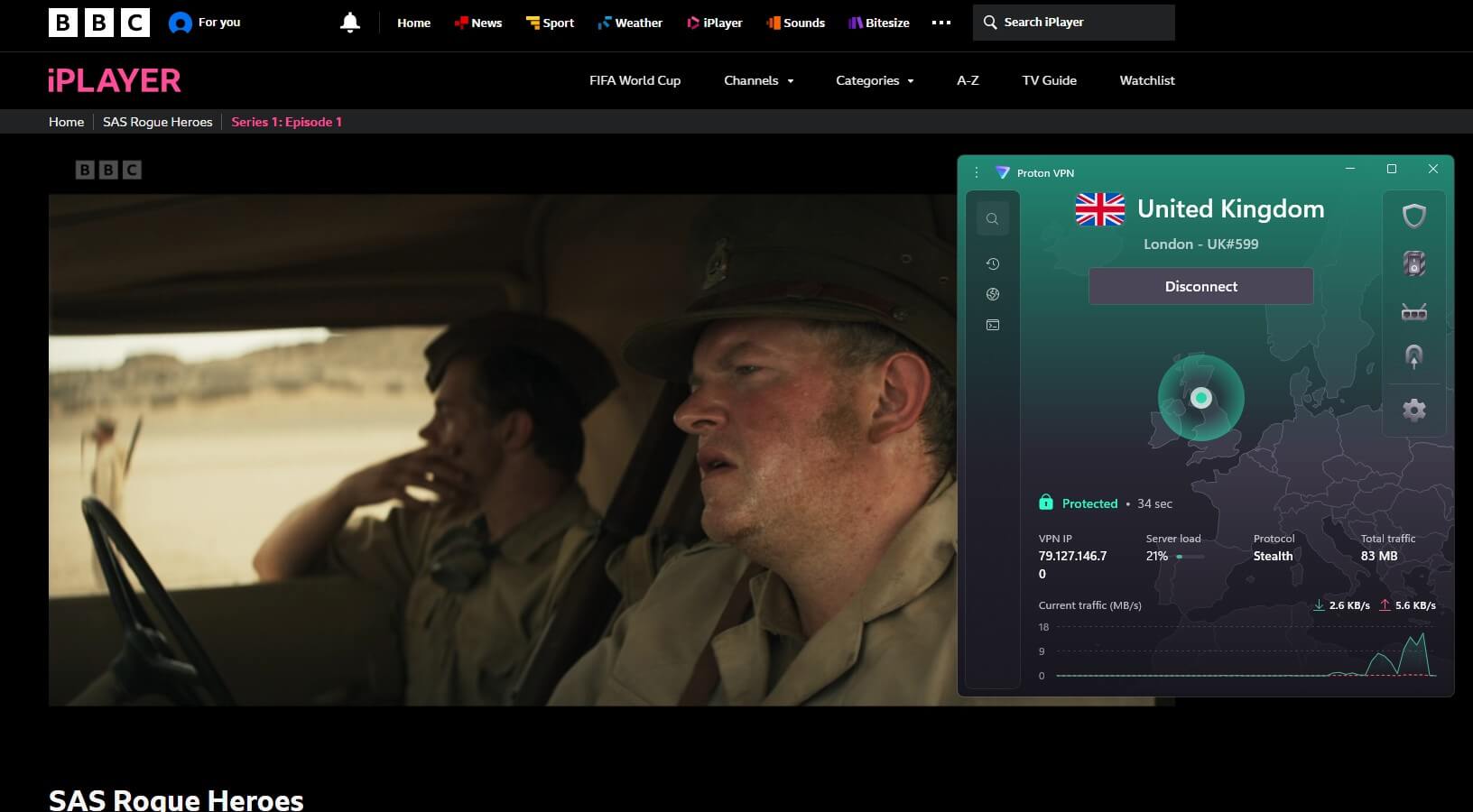
Proton VPN takes second place, and privacy pedigree is only part of the story. As we found in our Proton VPN review, the Swiss VPN has grown into a genuine streaming contender. In our testing, its UK servers had BBC iPlayer, ITVX, and Channel 4 up and running with zero pushback. Distance is the usual enemy when you’re streaming from Australia. Proton VPN counters it with VPN Accelerator.
It squeezes noticeably more speed out of long-haul connections. UK dramas kept their quality for us even with the after-dinner crowd piling onto the servers. If a platform gets stubborn, the Stealth protocol disguises your VPN traffic as regular browsing, which helps against the more aggressive detection systems.
You also get an independently audited no-logs policy, apps for every major platform including smart TVs and Fire Stick, and 10 simultaneous connections. One caveat: the free tier doesn’t include UK servers, so BBC iPlayer access requires a paid plan.
3. ExpressVPN: Stream UK TV Free in Australia in Full HD
Pros
- User-friendly VPN
- Fast for FHD streaming
- Smart DNS feature
- Many servers in the UK
Cons
- Higher renewal price
- Lighter on features
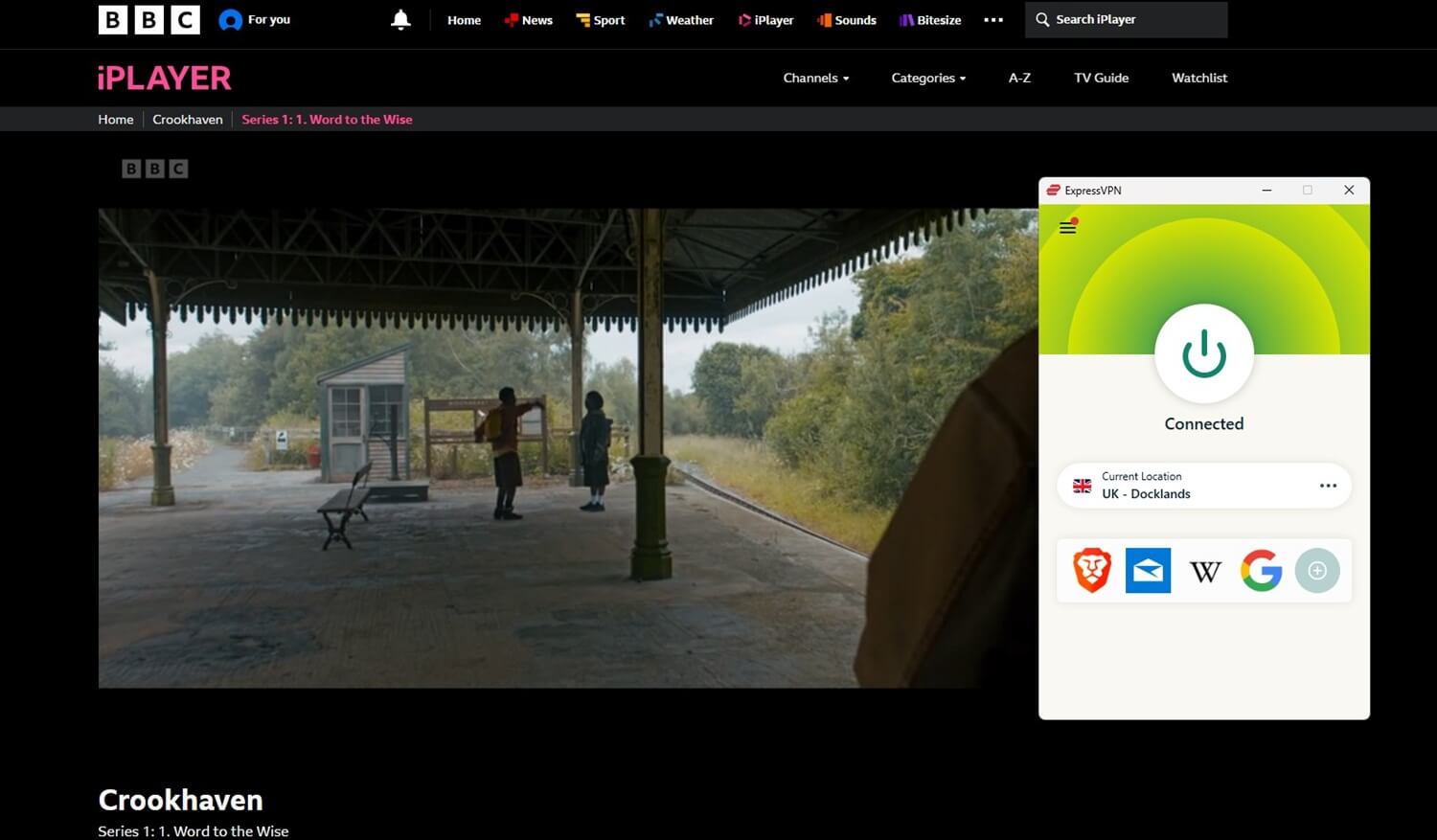
ExpressVPN rounds out the trio as the pick for anyone who values simplicity above all. As we explored in our ExpressVPN review, its unblocking muscle matches its ease of use, and a July 2026 expansion pushed its network to 214 locations across 113 countries. Seven of those sit in the UK, from central London out to Manchester and the Midlands, giving you plenty of British doorways for your streaming.
The provider claims it can stream any UK TV channel online, and that promise held up in practice. BBC iPlayer, ITVX, Channel 4, and Now TV all worked on the first try, and its speeds rank among the fastest we’ve measured, so buffering never interrupted a thriller or a football match. It does cost more than most rivals on renewal.
In exchange, you get MediaStreamer, a Smart DNS that brings UK streaming to gaming consoles and smart TVs that can’t run VPN apps, plus support for 10-14 simultaneous connections on devices that can.
Can Free VPN Unblock UK TV in Australia?
No, it can’t. Free VPNs rarely have the resources to beat the defences on BBC iPlayer and ITVX when plenty of paid services already struggle. Anyone asking can I watch BBC iPlayer in Australia with a free service should brace for disappointment, because the rare connection that sneaks through tends to collapse within minutes.
Suppose you do get in. The experience usually means buffering, crawling speeds, and bandwidth caps that die halfway through an episode. Picture the final minutes of a Premier League match freezing on a loop. And with only a handful of servers on offer, you can’t hop to a better UK location when one fails. Many free providers fund themselves through questionable logging practices.
This undermines the entire point of the tool. If how to watch BBC in Australia free is the goal, a premium provider’s money-back guarantee is the smarter route: a full trial period at zero cost, minus the downsides. And for the record, is BBC iPlayer available in Australia through a free VPN? Rarely, and never for long. In the free vs paid VPN matchup, paid VPN services win everywhere except the price tag.
Conclusion: How to Stream UK TV Free in Australia?
A quality VPN with UK servers gets you past the geo-blocks and lets you watch BBC iPlayer in Australia, along with ITVX, Channel 4, Now TV, and every other major British platform. The method comes down to masking your IP address. So if you’re still wondering whether you can get BBC iPlayer in Australia: yes, with the right provider.
Of the three recommended above, NordVPN is our top pick for its unblocking track record, quick connections, and deep server network. Claim the discount below, and you’ll have a 30-day money-back guarantee as a safety net, with a full refund available if it’s not for you.
Frequently Asked Questions
✅ Can I access ITVX in Australia?
By default, you can't, unless you use a VPN and connect to a UK server. This assigns you a UK IP address, which makes you appear there. With this setup, ITVX recognizes you as a UK resident and provides full access.
📺 How to watch BBC iPlayer in Australia?
With a VPN. It's the only way. BBC iPlayer only works in the UK and allows visitors with that IP address to get in. Use NordVPN as the best iPlayer VPN, get a UK IP address, and unblock all of its content.
🔴 How to watch Channel 5 in Australia?
You need a VPN to watch Channel 5 in Australia. Channel 5 is a UK TV channel, so it requires you to either truly be there or have a British IP. In Australia, it's much simpler to get a VPN and connect to a UK server to get a new IP address.