
Sky Go comes free with a Sky TV subscription, and it’s the part of the package built for watching away from home. Outside the UK and Ireland, however, the app shows a message saying you’re outside its territory, even though the monthly bill keeps arriving as usual.
Sky checks your IP address to see which country you’re in, and on phones it can also read your device’s location. A VPN connects you through a server in the UK or Ireland, so the app treats you as a customer at home.
Sky also spots many VPN servers, so not every VPN works. With one that works, the channels in your package stream in Lisbon the same way they do in London.
Sky Go From Outside the UK: Five Quick Steps
- Choose NordVPN, Proton VPN, or ExpressVPN, the three VPNs that passed our tests.
- Set up the app on the phone, tablet, or laptop you’ll watch on.
- Choose a UK server, or an Irish one if your Sky account is Irish.
- Open Sky Go and sign in with the Sky ID from your home account.
- Choose a channel or a download, and everything in your package works as it does at home.
How to Watch Sky Go Abroad: Full Tutorial
First, subscribe to NordVPN, the VPN we’d use abroad, and install it on the device you’ll watch on. Next, connect to a UK server, or an Irish one if your Sky account is Irish, and leave the protocol on its automatic setting. Finally, open the app, sign in with your Sky iD, and choose a channel.
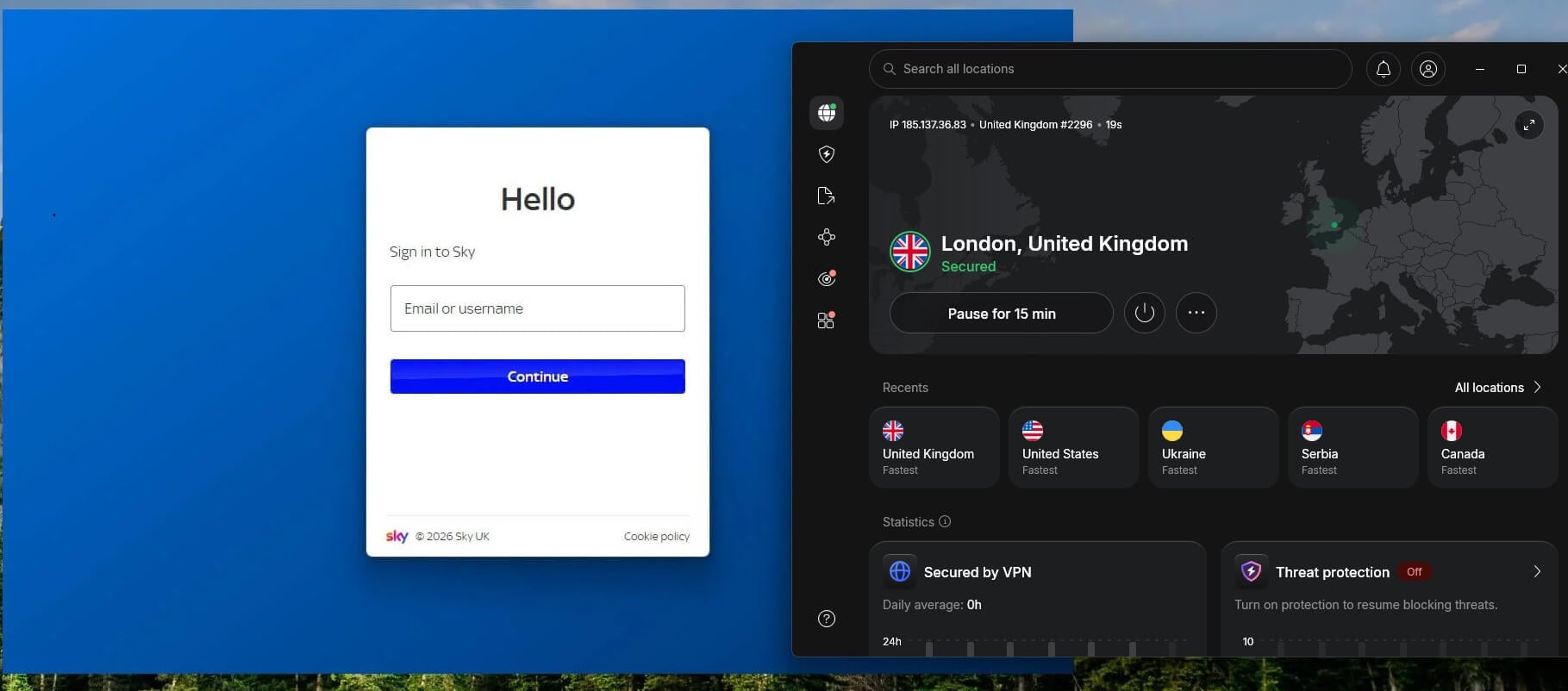
Sky Go requires an active Sky TV subscription at a UK or Irish address, so these steps are for Sky customers who are traveling or living abroad. For setups in America, our page on watching Sky TV in the USA also covers NOW.
Sky TV vs Sky Go: Check Your App Before You Travel
- Sky TV is the subscription. It includes channels such as Sky Max, Sky Sports, Sky Atlantic, and Sky Cinema on a Sky Q box, a Sky Glass TV, or a Sky Stream puck at home.
- Sky Go is the app that streams the same channels to your other devices at no extra cost, and it shows only what your package includes.
If Sky Sports isn’t in your plan at home, a VPN won’t add it abroad. There are now two versions of the app, so check which one you have before you leave:
- Sky Go (Q/+): for Sky Q customers, on iPhone, iPad, Android, Amazon Fire TV, Mac, and Windows.
- Sky Go (Glass/Stream): for Sky Glass and Sky Stream customers, on iPhone, iPad, and Android. Sky launched it in September 2026 with downloads and remote recording, and says laptop support is coming.
As a result, a Sky Glass customer who plans to watch on a laptop abroad has no app for it yet, so pack a phone or tablet. Downloading a few episodes before you leave also covers flights and slow Wi-Fi.
Does Sky Go Work in Europe? The Rules for UK and Irish Customers
It depends on where your Sky account is. EU rules let subscribers take their streaming services on temporary trips within the EU, but the UK left that system after Brexit. So a UK Sky customer in Spain, France, or Greece sees the same territory message as one in Florida.
Irish customers are still covered, so the app works for them on holiday in other EU countries without a VPN. However, Sky shows the territory message if the service hasn’t been used in your home country for more than 30 days.
For a long trip, or any trip outside the EU, an Irish customer should connect the VPN to Ireland. British customers connect to the UK in the same way.
VPNs That Work With Sky Go Abroad
In our tests, NordVPN, Proton VPN, and ExpressVPN unblocked Sky Go on their UK servers. For a fuller comparison, see our list of the best VPNs for Sky Go.
1. NordVPN: Best Overall for Watching Sky Go Abroad
Pros
- Servers in four UK cities
- Little speed lost on UK servers
- Browser extension hides your real location
- Apps for phones, tablets, and Fire TV
- Obfuscated servers for strict networks
Con
- Price rises after the first term
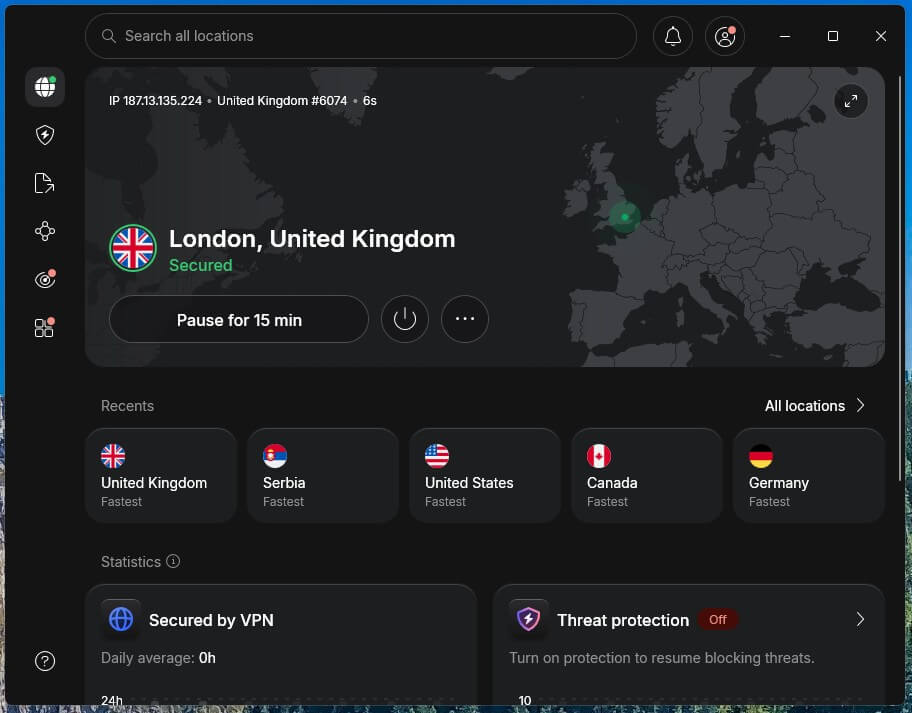
NordVPN unblocked Sky Go on its UK servers, and its UK servers kept 97% of our speed, more than any Sky stream requires. It has no data or bandwidth limits, so a full day of cricket on Sky Sports won’t hit a data cap.
NordVPN is also a strong VPN for Netflix, which helps if your Sky package doesn’t include it. Beyond streaming, the Complete plan’s next-gen antivirus stops malware downloads and dangerous websites, Double VPN sends traffic through two servers, and an independently audited no-logs policy covers everything.
One subscription covers 10 devices. On Basic, NordVPN’s two-year plans come to about $3.50 a month, and a 30-day money-back guarantee covers every plan.
2. Proton VPN: Best for Restricted Hotel and Office Networks
Pros
- Stealth hides VPN use on strict networks
- Works with UK streaming sites
- Swiss, independently audited no-logs policy
- Open-source apps
- Apps for Fire TV and Apple TV
Cons
- No Smart DNS
- Streaming requires a paid plan
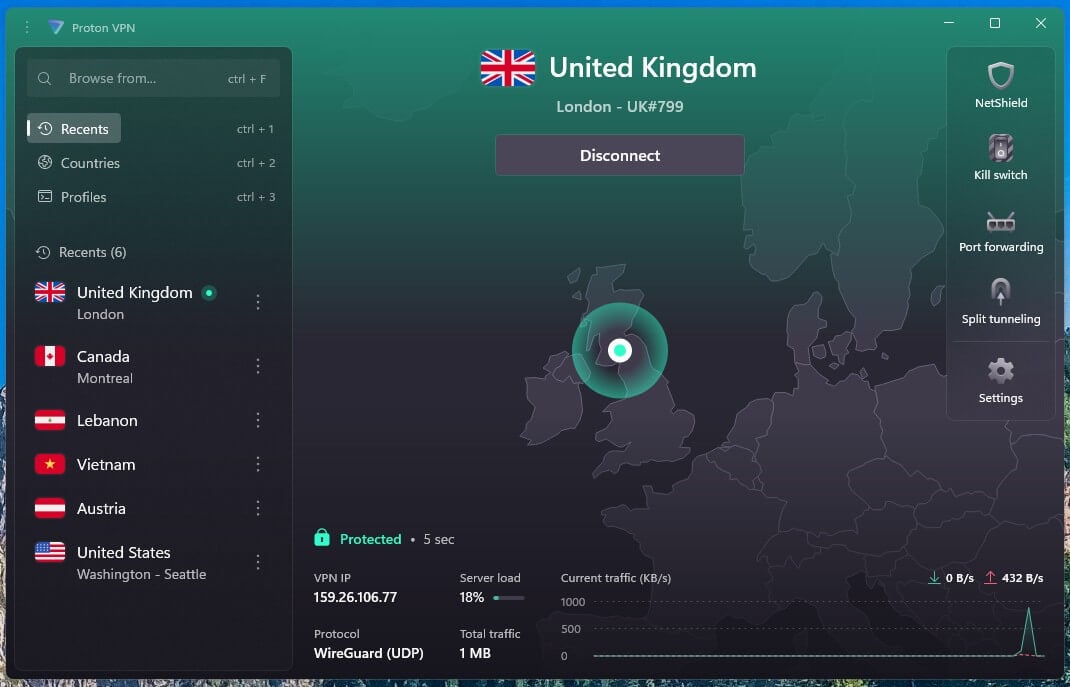
Proton VPN passed the same test, and its UK servers span all four nations of the UK. On UK servers, it lost 6% of our speed, and for viewers on another continent, its VPN Accelerator setting keeps long-distance connections quicker.
Restricted networks are where it stands out. On a hotel or office network that blocks VPNs, its Stealth protocol makes the connection look like ordinary traffic. Privacy comes with it as well: Proton VPN is based in Switzerland, it publishes the code of its apps, and an independent audit confirmed it’s a VPN that keeps no logs.
One account covers 10 devices, and two years of VPN Plus cost about $3 a month, with a 30-day money-back guarantee.
3. ExpressVPN: Best for Sky Go on a Fire TV Stick
Pros
- Servers in 113 countries
- Native app for Amazon Fire TV
- Quickest connections we tested
- Blocks ads and malicious sites
- Audited no-logs policy
Cons
- Few customization options
- No multi-hop servers
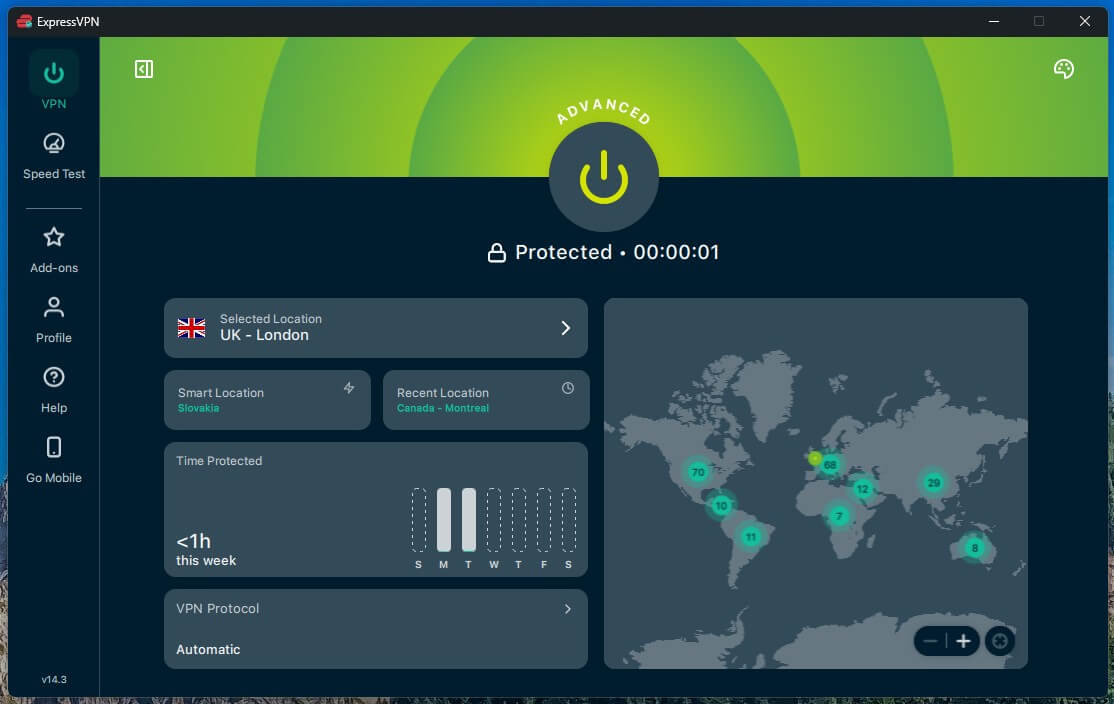
ExpressVPN unblocked the app as well, with the smallest speed loss of the three on UK servers, 2.4%. Lightway, ExpressVPN’s own protocol, connects in a second or two, the quickest of the three. ExpressVPN specializes in unblocking websites, and Advanced Protection filters out ads, trackers, and malicious sites.
The device support is the highlight. Sky Go’s Q app is available on Amazon Fire TV, and ExpressVPN’s Fire TV app puts the stick on a UK server. As a result, you can watch on a hotel TV instead of a phone.
There’s also a native Apple TV VPN app, and if the VPN drops, Network Lock, its kill switch, stops all internet traffic until it reconnects. ExpressVPN’s Basic plan is about $3 a month when you commit to two years.
Sky Go Not Working With a VPN? Possible Fixes
If the territory message appears while the VPN shows a UK connection, the app has spotted the VPN. One of these usually solves it:
- Use a browser extension. On a computer, NordVPN’s Chrome VPN hides your browser’s location and your IP address, which fixes most detections.
- Clear your browser data. Cookies from before you connected can still point to your home country. Delete them, reopen the browser, and connect to the UK again before signing in.
- Try another British server. Sky flags individual servers, so a different UK city often unblocks it straight away.
- Turn off location access on your phone. The app can read your phone’s location, so disable location access for it in your phone’s settings.
- Set your device’s time zone to London. A clock on local time abroad doesn’t match a UK IP address, so set it to match the server.
- Contact the VPN’s customer support. NordVPN, Proton VPN, and ExpressVPN offer 24/7 live chat and can point you to servers that work with streaming services.
Summary
A VPN connected to a British server is the missing piece abroad. Connect, open the app, and sign in as you would at home. Before the trip, sign in to the app on every device you’re bringing while you’re still in the UK. That way, the only thing left to do abroad is connect the VPN.
Frequently Asked Questions
Does Sky Go work in Spain?
Yes, for Irish Sky customers on a temporary trip, under EU portability rules. UK accounts lost that right after Brexit, so British customers in Spain require a UK IP address to stream it.
Can you watch Sky Go downloads abroad?
Yes. Shows downloaded in the UK or Ireland play offline abroad until they expire, with no VPN required. Live channels and new downloads still require a connection from the UK or Ireland.
Can you watch Sky Sports on Sky Go abroad?
Yes, if Sky Sports is part of the package at home. With a UK or Irish IP address, the Sky Sports channels in the app stream abroad just as they do at home.
Is Sky Go free?
Yes, for Sky TV customers. It comes at no extra cost with a Sky TV subscription in the UK or Ireland, although it shows only the channels in the customer's package.
Which Sky Go app do Sky Glass customers use?
Sky Glass and Sky Stream customers use Sky Go (Glass/Stream), a separate app for iPhone, iPad, and Android. Sky Q customers keep Sky Go (Q/+), which also runs on computers.