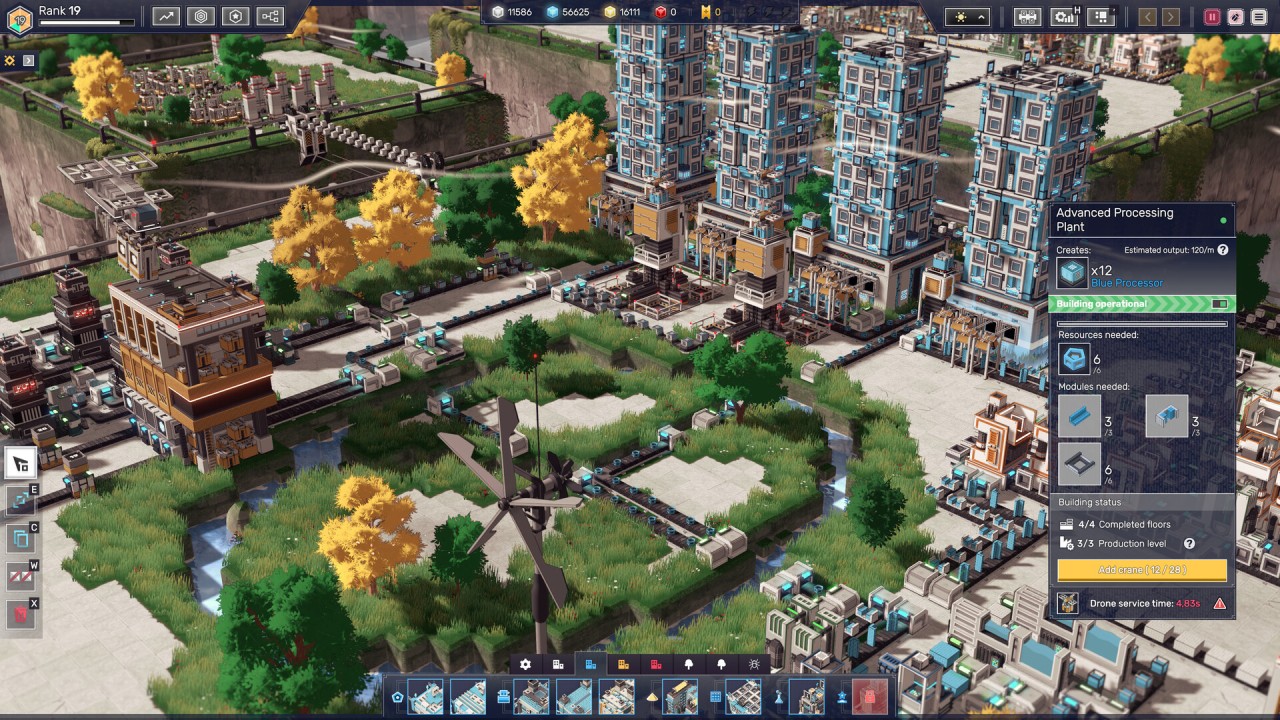
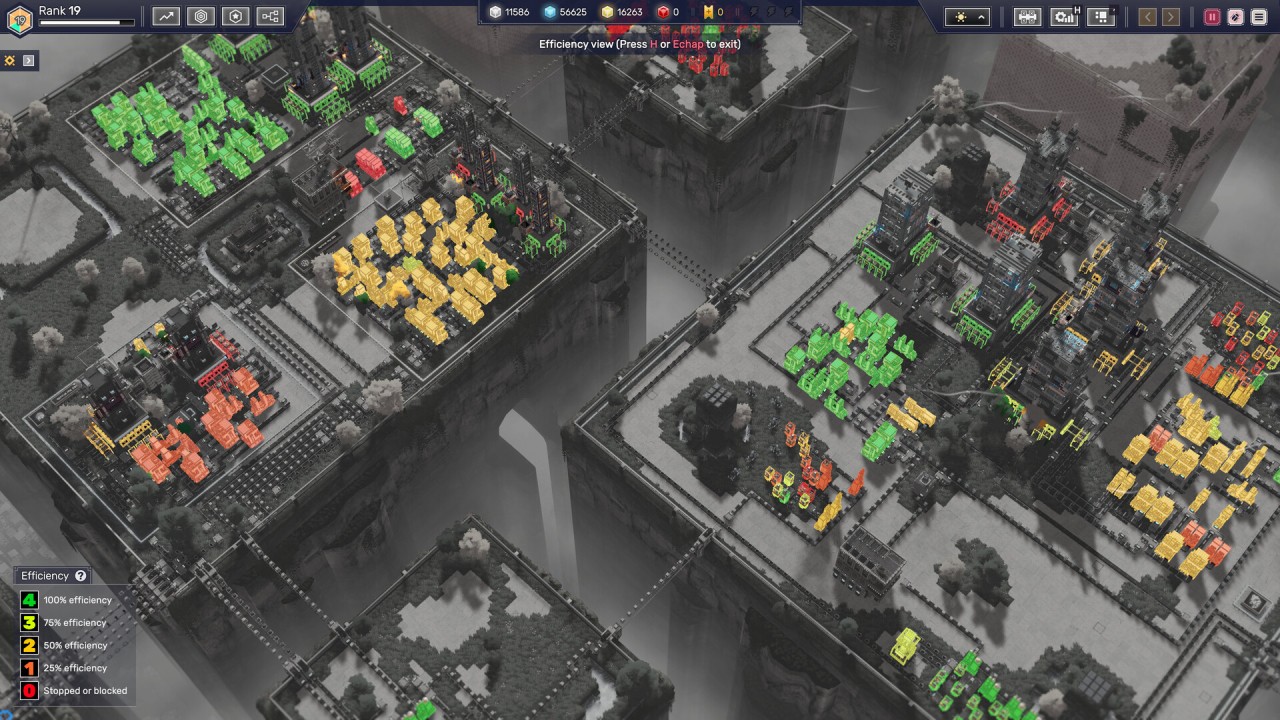
Factory games can get complicated very quickly. Before long, you're dealing with conveyor belts running in every direction, machines that need specific inputs, and production chains that seem to have been designed specifically to make you rethink your entire layout.
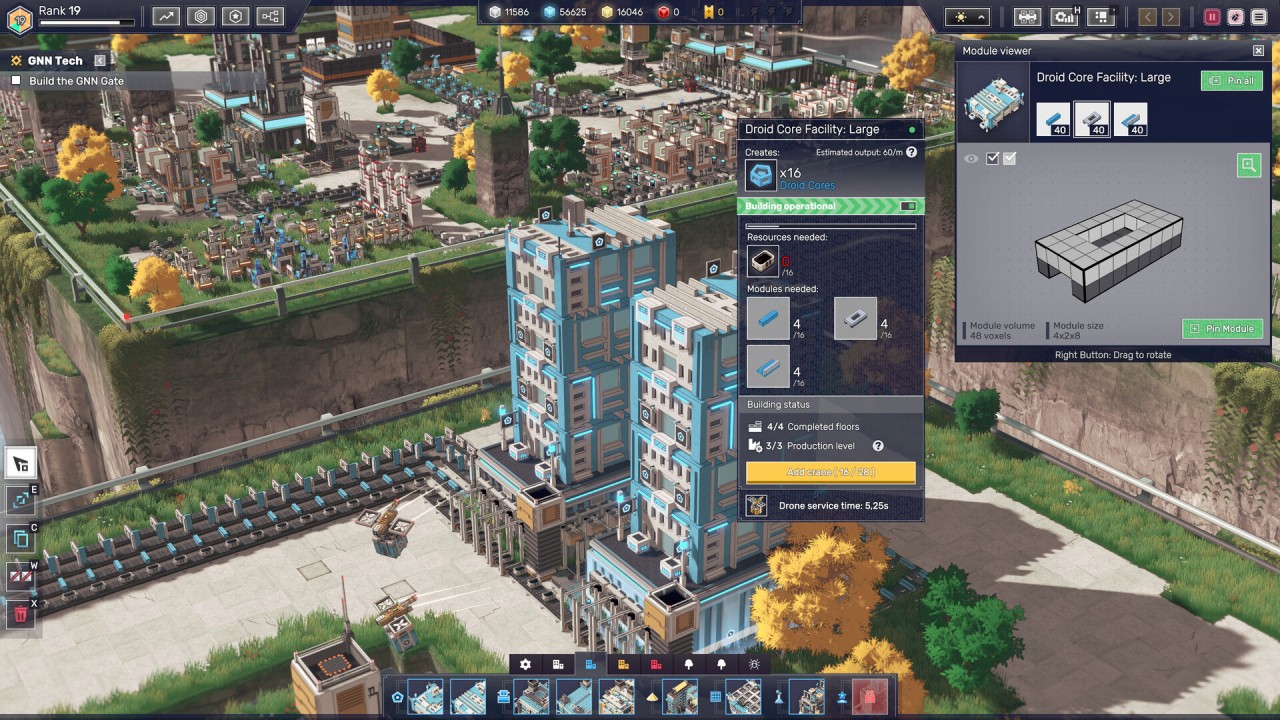
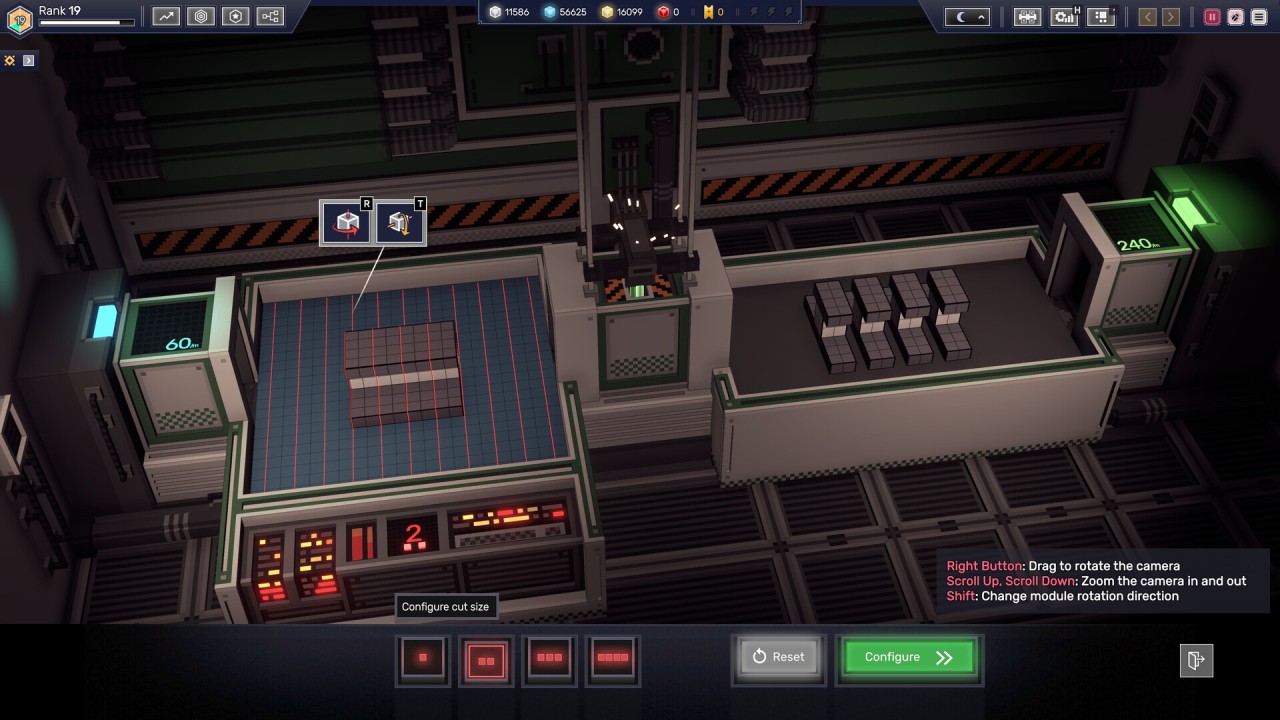
Modulus: Factory Automation takes that familiar idea and gives it a more creative twist. You build automated production systems, but you're also designing the components that make those systems work. Modules can be cut, painted, stamped, and assembled into larger structures, so the things moving through your factory aren't just abstract resources on a screen. They're physical parts of the world you're building.
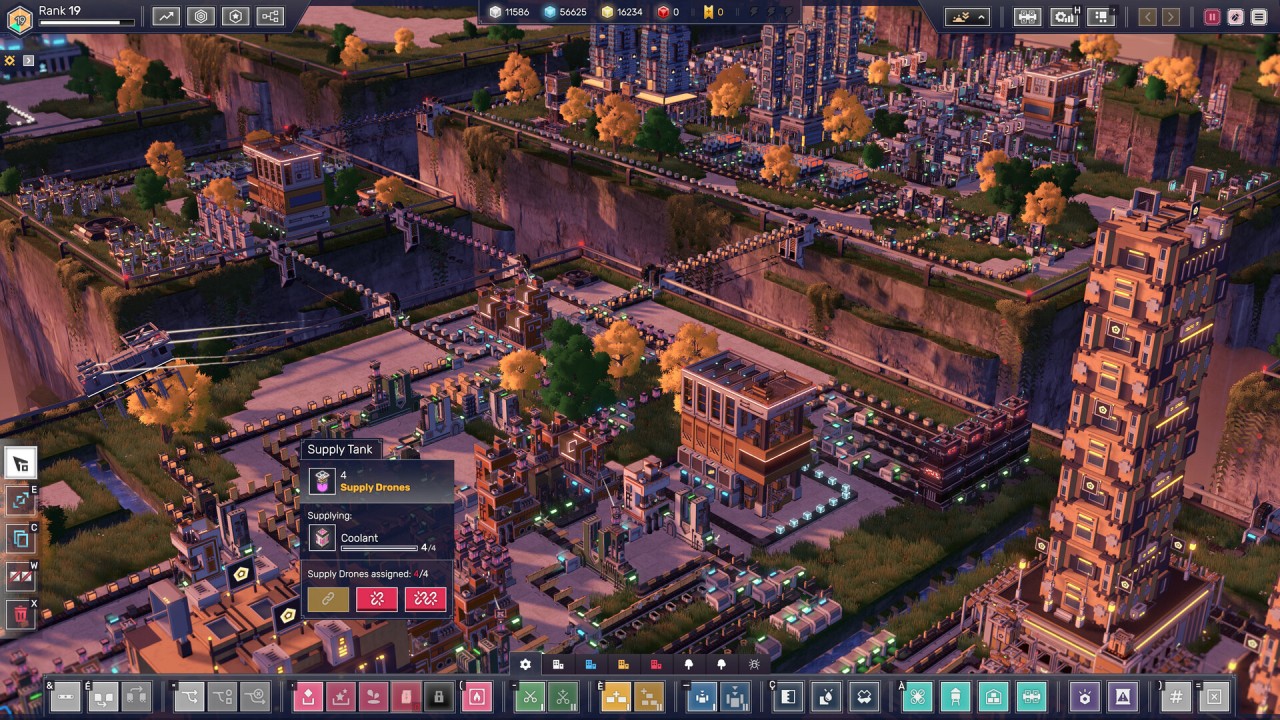
The setting makes things a little difficult, too. Instead of giving you one enormous open area to fill with machinery, Modulus places your factories on floating sky islands. Space is limited, and the shape of the landscape affects where you can put things. Sometimes you'll need to work around the terrain or connect different parts of your factory across gaps rather than simply spreading everything outward.
There's a story in there as well, although it isn't really the main attraction. You're a machine created to supply bots until a mysterious signal from deep space changes your purpose. From there, you start building Neural Monuments and uncover more about the strange force calling you.
For the most part, though, Modulus is about building things and seeing whether they work. There are no enemies, combat encounters, or timers constantly pushing you along. You can take your time, experiment, tear things apart, and try again.
Why Should I Download Modulus: Factory Automation?
The interesting thing about Modulus is that it doesn't give you a factory and ask you to make it efficient. It gives you the tools and asks you to figure out what the factory should look like in the first place.
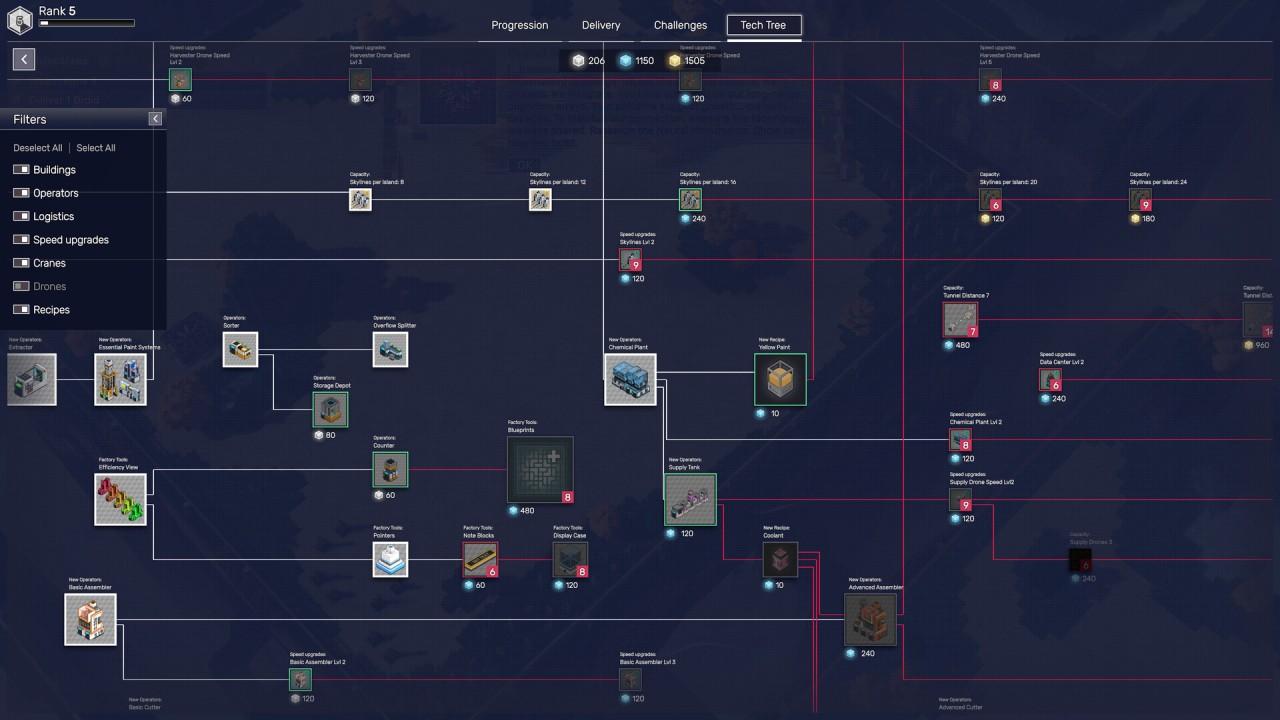
Production starts fairly simply. You gather resources and learn how the different systems work, then gradually unlock more ways to process and combine your materials. Conveyor belts and production lines become more complicated as you go, but there isn't one perfect layout you're expected to copy. You decide how everything connects.
That makes the game feel a little more like a series of engineering puzzles than a traditional management simulation. Every decision has a trade-off. A production line might be efficient but awkwardly positioned, for example, or you might sacrifice some efficiency because you want the factory to look a certain way.
And yes, you can care about how it looks. That's a fairly big part of Modulus.
The modules you create become visible building blocks within the factory itself, so your production systems gradually turn into physical structures. You can also use different colors and shapes when designing them. Someone interested in pure optimization can focus on making everything run as efficiently as possible, while another player might spend their time creating something that looks more like a piece of voxel art.
Creative Mode takes that idea even further. It gives you unlimited resources, expanded module sizes, and access to the game's building tools without the usual objectives getting in the way. You can experiment with layouts, build purely for appearance, or see what happens when you throw efficiency out of the window.
The whole thing is deliberately low pressure. There are no enemies to deal with and no countdown forcing you to finish a production line. If you enjoy factory games but sometimes find the constant optimization a little stressful, that slower pace could be one of Modulus' biggest advantages.
Is Modulus: Factory Automation Free?
No, Modulus: Factory Automation is a paid game rather than a free-to-play title. There is also a separate free demo, which gives you a way to try the factory-building systems before committing to the full game.
The full game doesn't use the kind of free-to-play structure built around a basic download followed by paid progression. Instead, the main experience is sold as a standalone game. The demo is a useful option if you're not sure whether the slower, more creative approach to factory automation is for you.
What Operating Systems Are Compatible with Modulus: Factory Automation?
Modulus: Factory Automation is available on Windows. There isn't a macOS or Linux version listed, so PC players will need a compatible Windows system to run the game. It's also a single-player game, so you don't need to worry about setting up an online connection to play through the main experience.
What Are the Alternatives to Modulus: Factory Automation?
Satisfactory is a good choice if you like the factory-building side of Modulus but want a much larger world to work in. You build sprawling automated facilities on an alien planet, connect production chains, and gradually expand your operation. Compared with Modulus, Satisfactory is more open-ended and places much more emphasis on exploration and large-scale construction.
Factorio takes the automation side much further. Its factories can become enormous, with increasingly complicated production chains and logistics systems that require careful planning. Compared with Modulus, it has a more demanding optimization focus and a busier overall feel. Modulus is slower and more concerned with creative construction, while Factorio is happy to let your production network become wonderfully complicated.
Shapez 2 is perhaps the closest alternative if you enjoy treating factory construction as a puzzle. Instead of focusing heavily on resources or exploration, it asks you to process and transport shapes through increasingly complex production systems. Like Modulus, it gives you plenty of room to experiment with layouts. The main difference is that Shapez 2 strips the idea down to its automation systems, while Modulus adds physical structures, creative building, and its floating-island setting.