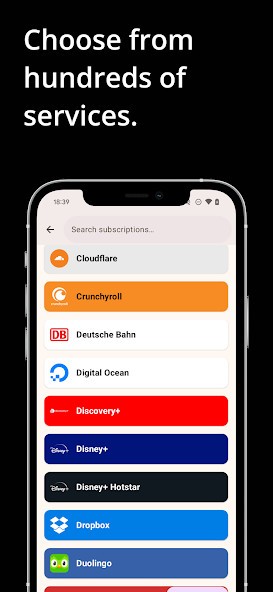
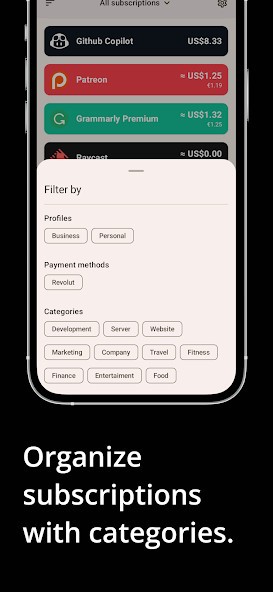
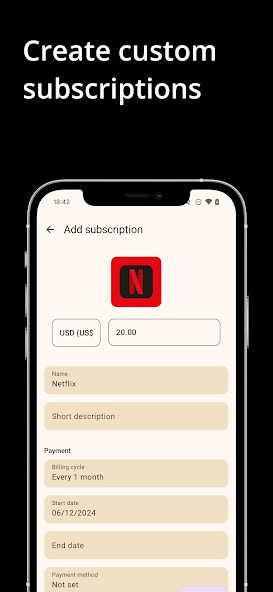
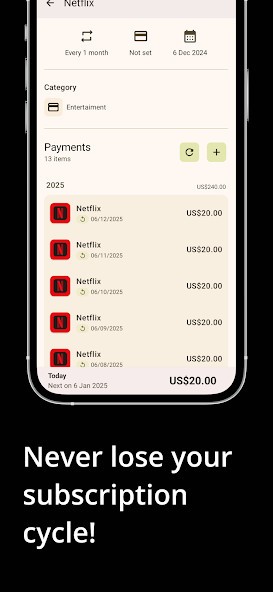
The ReSubs app was created to let you keep track of your money and follow your recurring subscriptions. It's designed to record all the little monthly bills for your streaming, gym memberships, apps, services you use, and even things you signed up for months ago but rarely remember now. It’s hard to realize how fast these costs build up until you look at your bank account and are suddenly unsure where your money is being used. That’s where ReSubs becomes important.
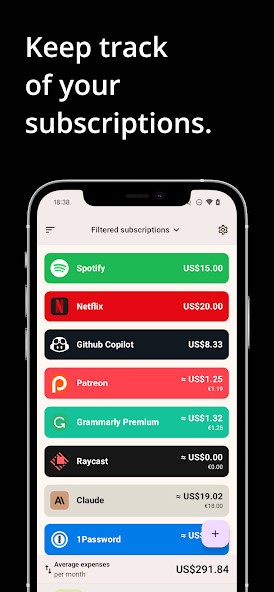
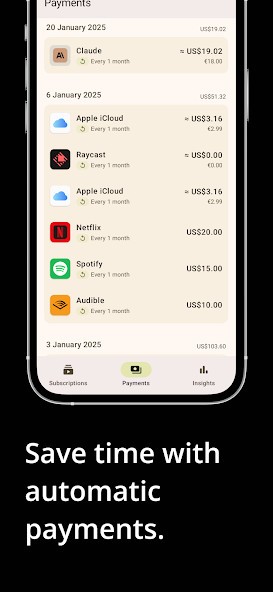
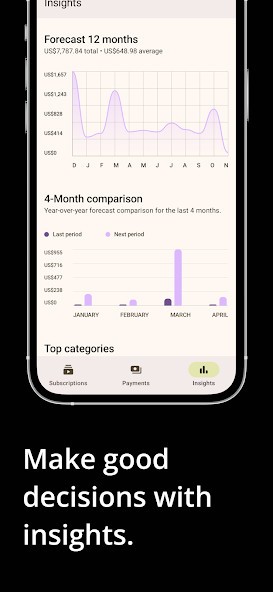
You can connect your spending accounts or enter subscriptions by hand and the app begins collecting information on everything you pay for every month. It’s not meant to be showy or hard to follow. You’ll see in detail how much you have spent, when your next bill is due and whether you are still using the item you bought. You won’t need to browse old emails or statements; ReSubs has all your details displayed clearly in one place. It works as both a way to remember spending and to budget, received by those looking to track their cash more carefully.
Why Should I Download ReSubs?
We all seem to sign up for subscriptions with good intentions. Maybe you didn’t think a free offer would hurt and you thought you’d use it for a long time. But as you go along, things start to accumulate. Before long, you aren’t aware that you’re still being charged for something you forgot you signed up for.
It’s when ReSubs helps you out most quietly. It doesn't bother anyone with lots of drama. It reveals what takes place when you’re not looking. You’ll be able to review all your active subscriptions, what they cost, the date of your next renewal, and also know if you’ve started to cancel yours yet.
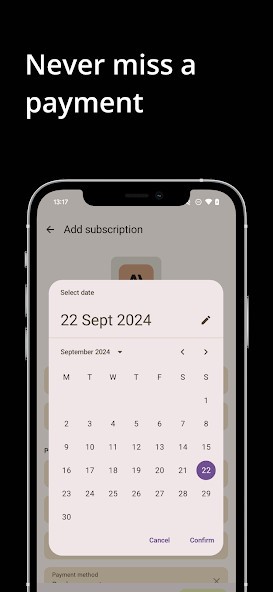
It can assist in daily types of situations too. You’ll be given a notice from ReSubs before the renewal, so you never miss a charge. There might be a subscription you never remembered to cancel, even though you’d intended to. If you get the warning ahead of time, you won’t have to renew a service you might have forgotten about. If you choose to stick with a subscription, at least you’ll know what you’re paying for and will stay aware of it.
The fact that everything is so spread out these days is another reason ReSubs matters. Your phone apps may charge you through Apple or Google. PayPal could automatically finish your software payments. You may find that your services for physical training charge directly to your bank account or credit card. If your memory wasn’t aided by software, you would feel very tired. ReSubs shows you all your subscription data in one easy place. You shouldn’t need to use ten tools to see how much you are billed for your account. With a single dashboard, everything is set out so you won’t have issues finding things.
This also allows you to see what’s important for a moment. You take it out, and you can see all the services you’re paying for in one place. You may find you haven’t used that language app in quite some time. Or it may turn out that you didn’t realize you had two backup accounts, each being billed separately. Usually, discoveries like these happen all the time and because they’re not huge, we pass them over. But when you add them up, they can make a real difference to your budget. ReSubs doesn’t suggest new habits, but it allows you to make better choices yourself.
Is ReSubs Free?
Basically, ReSubs is free and comes with the basic mechanisms for tracking. Those interested in additional automation, data from their finances, or better alerts can try the premium plan. No payment is needed to use it, and you can upgrade if you decide it’s valuable for you.
What Operating Systems Are Compatible with ReSubs?
With ReSubs, Android and iOS users can control their subscriptions from the app on their phones. It also works through the web, so you can see your dashboard on a desktop or laptop from any browser. Your device data is the same across all your devices instantly. If you use mobile apps or bigger screens, ReSubs can be added to your habits without fuss, since there isn’t much to set up.
What Are the Alternatives to ReSubs?
Assigning a growing number of services and regular bills to digital platforms has made subscription management tools increasingly popular. Even though ReSubs is simple and to the point, other tools provide some different approaches. A few apps add financial information, and others help control details like how much is spent. Some of the most popular ones I hear suggested are SubX, Subscriptions, and ReScribe Subscription Manager.
The custom software features and simple layout make SubX popular. All of your bank data is analyzed, and it figures out which charges recur. Because of this, you are more likely to notice subscriptions you haven’t used recently. One benefit of financial analysis is that it’s easy to spot variations in the way you spend from month to month. SubX is ideal for people who prefer that the app handle most of the work automatically. Still, some people choose manual entry with ReSubs because they’d rather keep their bank accounts separate.
iPhone and iPad users are served well by Subscriptions as well. Using a clean, calendar-based interface gives you quick information about upcoming payments. Most people use it because it’s simple, fast, and only uses a little of their data. You won’t find lots of in-depth analysis or links to your bank accounts, but Subscriptions does help you keep everything on your phone organized.
Users who appreciate the order and want to cancel at any time, take advantage of ReScribe Subscription Manager. You can manage your subscriptions and start canceling select services all through the app. Thanks to this, directly canceling services with complicated rules becomes much faster. You’ll also find budget tools, making it easier to track how your subscriptions impact your monthly budget. You’ll find it useful if you want reminders, to set controls, and insights all in the same place.