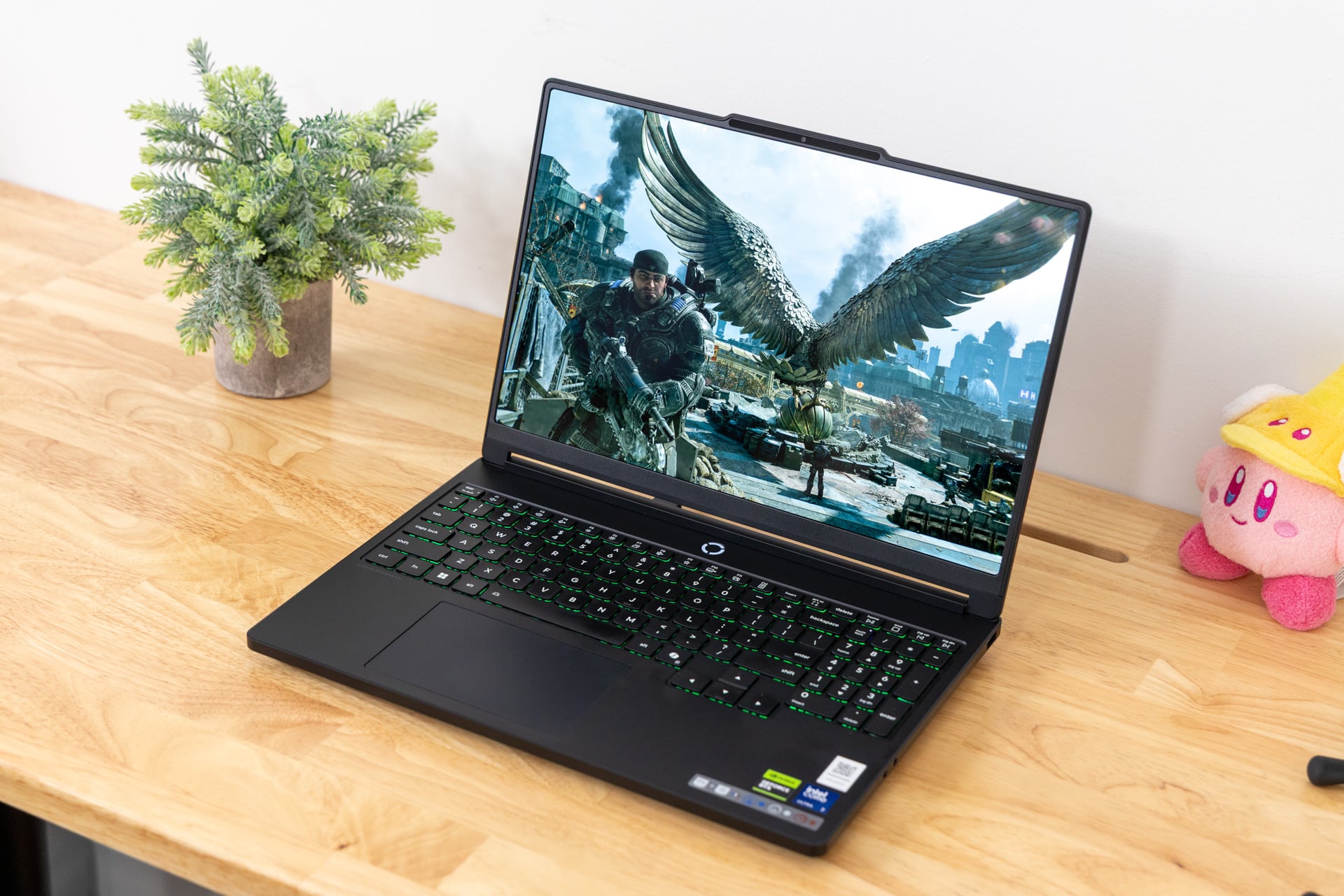
The 11th-gen Lenovo Legion 5i feels like a lower-end gaming laptop and looks like a more premium device. It also costs what would have seemed exorbitant a little more than a year ago. How can a laptop seem so mid-range and remain priced like a premium gaming machine? Welcome to 2026, the year of the pricing paradox.
Lenovo Legion 5i (2026)
This year's mid-range Lenovo laptop features a premium OLED screen, but the laptop's dragged down by a very non-premium shell.
Pros
- Beautiful, bright OLED screen
- Performance is enough for this size of screen
- Clacky typing experience
- Thin enough for most bags
- Enough ports
- Thermal management just hits the mark
Cons
- Smudge-prone shell
- Muffled audio
- Can get loud and hot
- Price just doesn't make sense
Even though I can enjoy many aspects of Lenovo’s 11th-gen mid-range design, I struggle to find a ray of sunshine when the dark clouds of RAMageddon hover overhead. Let’s put it another way: $2,526 for the base-level Legion 5i is not cheap. And that’s only the price as of writing this review. Depending on when you read this, it could be more. And so when any part of the laptop experience feels less than premium, it becomes that much harder to justify a device like Lenovo’s mid-range gaming rig. Unless you really, really want a bright OLED display, then there may be greener pastures if you can nab an older laptop.
Here’s the thing: this laptop packs a truly lovely 15-inch screen, something that actually may make it worth your time. I would know since I used the laptop to play the new Gears of War: E-Day long into the night while lying in bed, desperately trying to find a position where this hotbox of a laptop didn’t burn my thighs without also suffocating airflow. Maximizing your visual quality goes a long way. It’s a problem when the laptop otherwise costs so much and doesn’t maximize with a more premium shell or trackpad.
What the hell does $3,000 get you in 2026?
My version of the Lenovo Legion 5i laptop came with most of the baseline specs you can get with this laptop. That includes the Intel Core Ultra 7 251HX processor—a lower-end Arrow Lake HX chip that hit the scene with little to no fanfare earlier this year—and a single channel of 16GB 5,600MT/s RAM. The base model only comes with 512GB of storage, which is a pain in the keister if you hope to load up more than two modern AAA games on your gaming laptop. My version came with a 1TB SSD, which adds an additional $190 to the final total.
My laptop also came configured with the Nvidia GeForce RTX 5070 GPU, worth an additional $300 on top of the base price. In total, the version sent to me for review would cost $3,016 going directly through Lenovo’s webstore. Don’t worry, it’s okay to cry now. We’ve all been through this same price gouging song and dance.



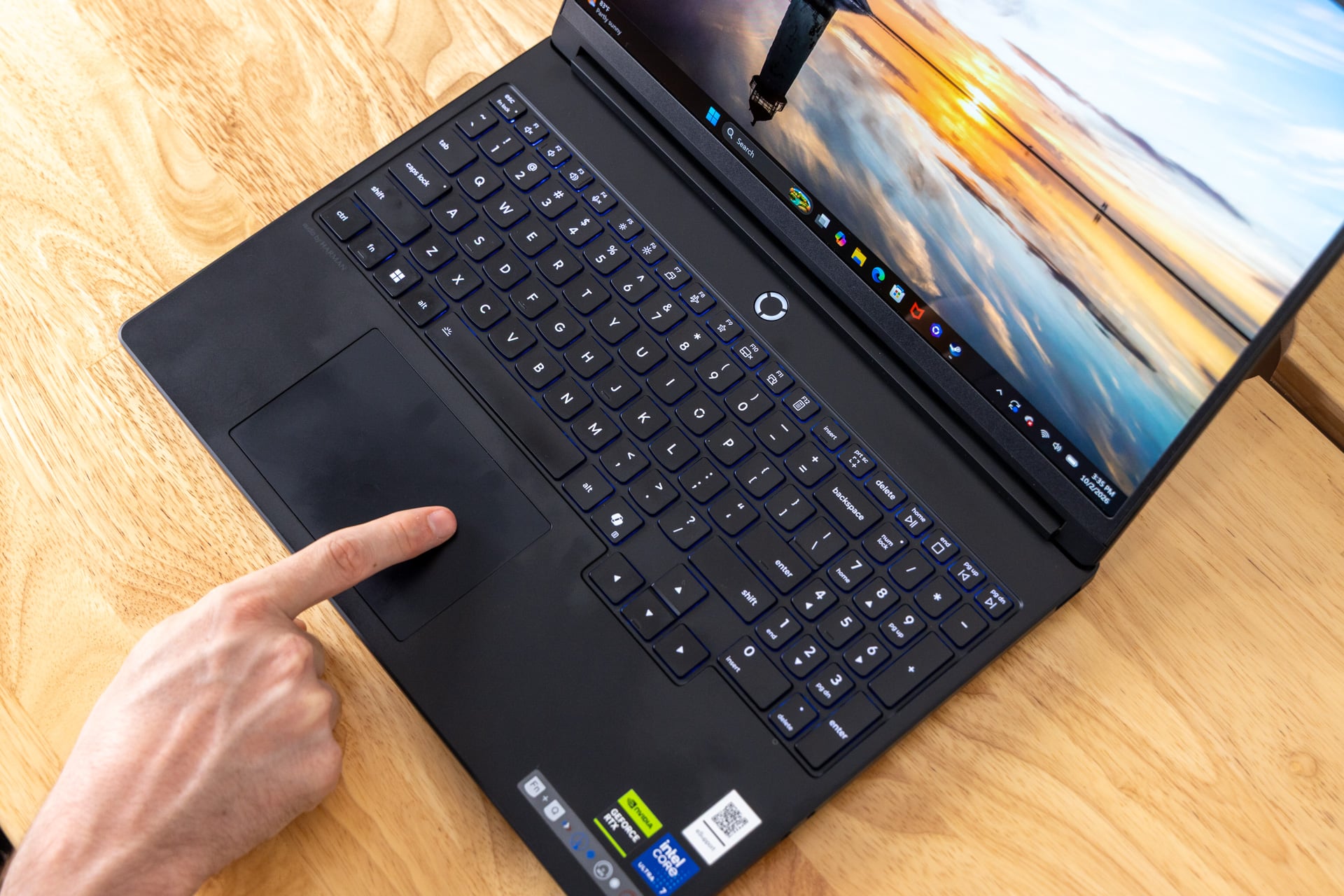
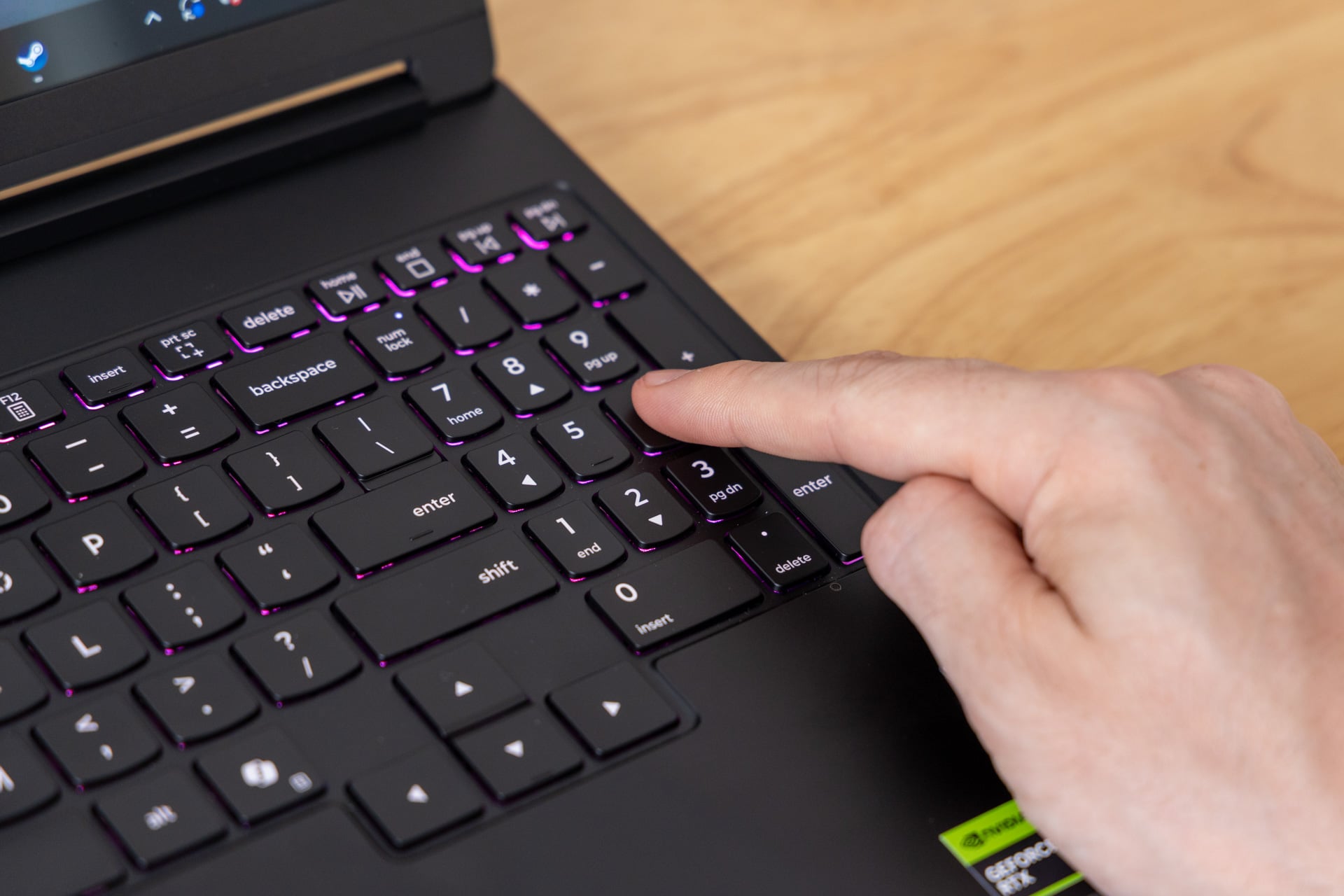
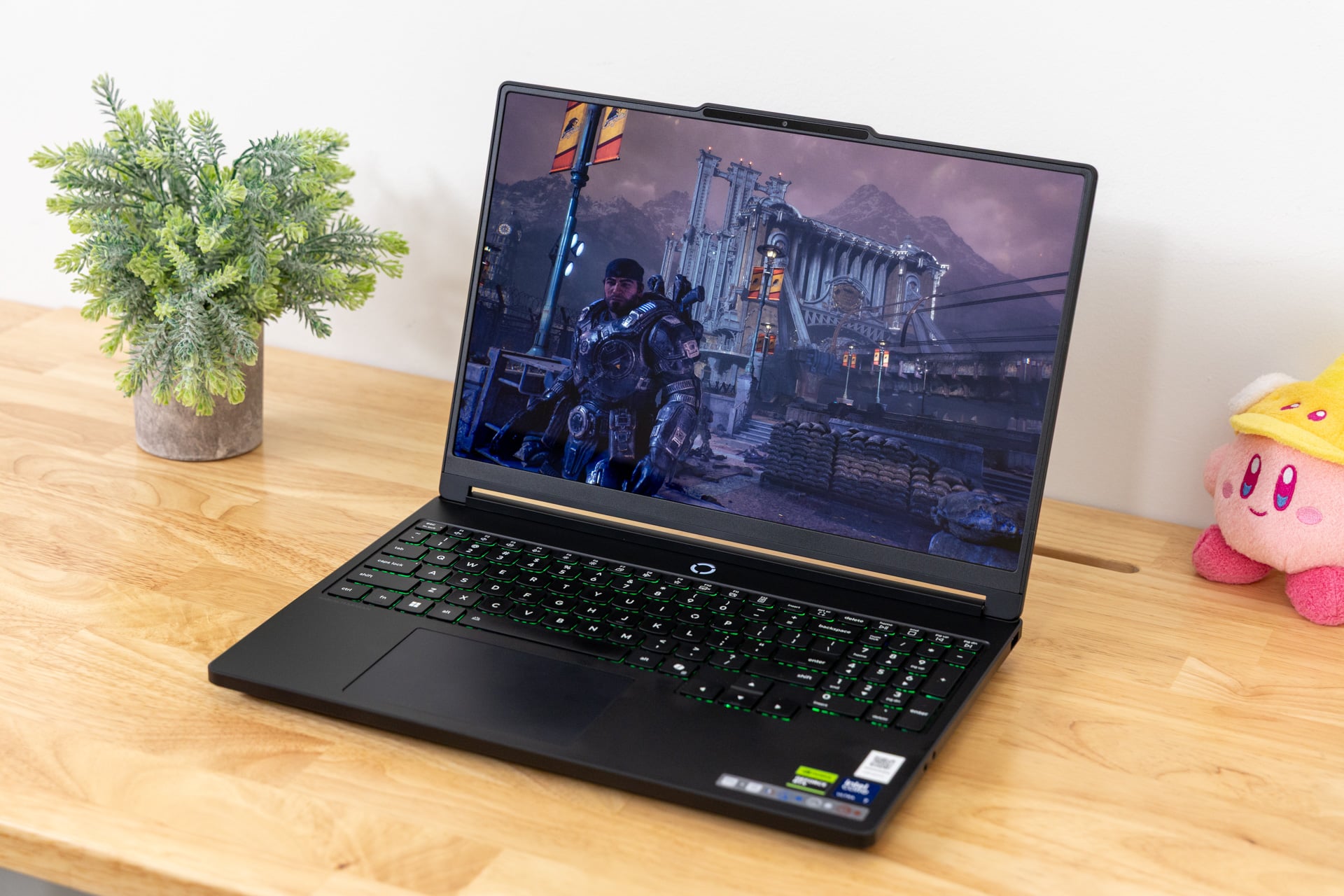
If you’re spending more than $3,000 on a single PC, you damn well should demand a chassis that feels like it. The Lenovo Legion 5i is instead decidedly mid-range. The keyboard is actually very similar to Lenovo’s other, more premium Legion laptops, like the Legion Pro 7i, and that means it includes the full numpad. I enjoy typing on this layout with the firm, though tactile, low-profile keycaps and 1.6mm travel. At the same time, it’s not sporting a per-key RGB backlight, instead managing with a single-zone RGB. The result is less rainbow puke and more like the subtle neon glow of a gas station at night. There’s a 24-zone RGB option available for an extra $10, so there’s no real reason not to get it.
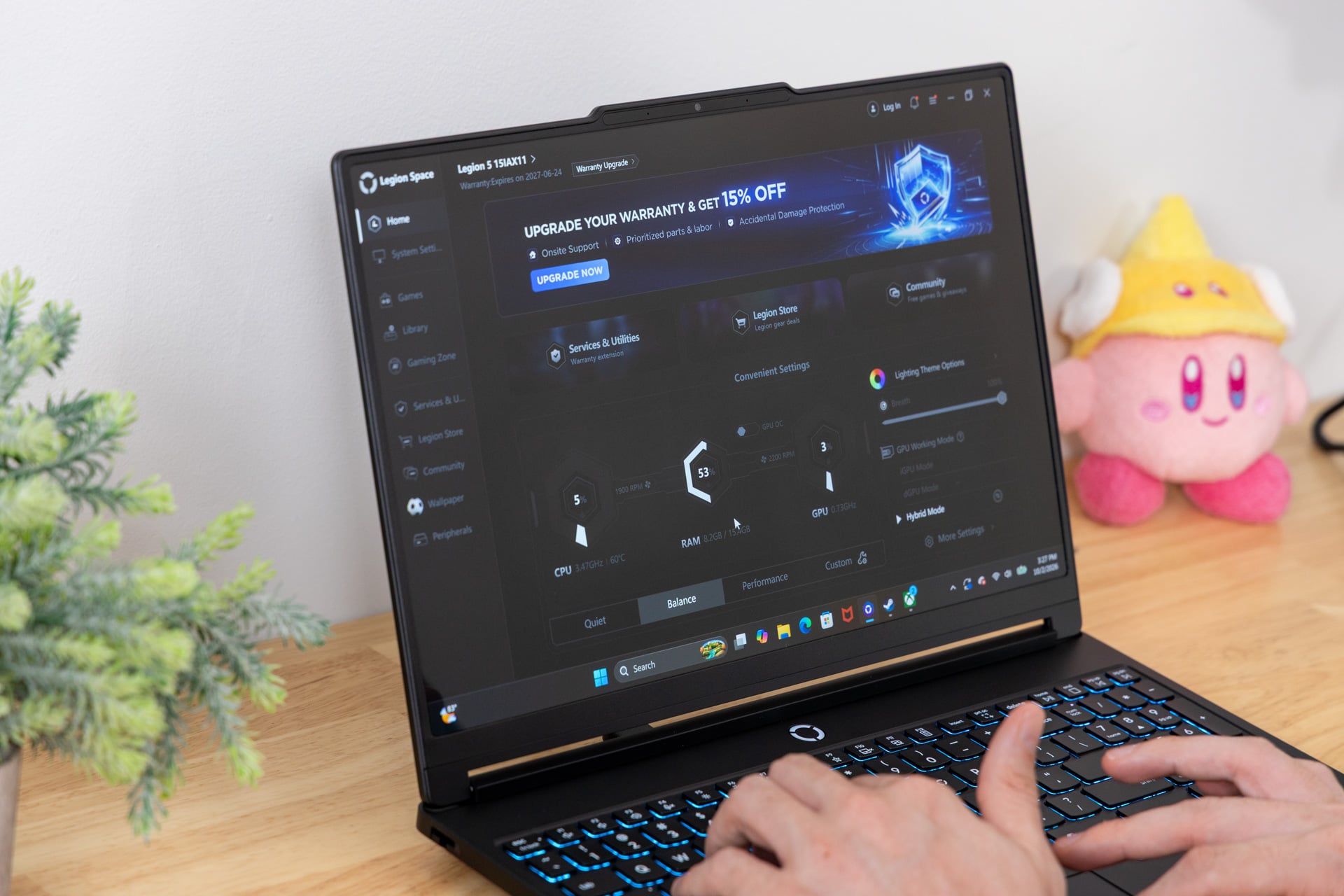
There are a few extra keyboard shortcuts Lenovo provides, including a quick switch between the silent, auto, and performance power modes with the FN+Q keys (it’s also listed in an annoying sticker on the palm rest). Many of the default function row keys only exist to bring up pointless apps like Smart Connect or a store page to try to get you to download Lenovo Vantage, a PC optimization app. Annoying? Yes, but not dealbreaking.
The trackpad is a disappointment. It’s a typical hinged mechanical pad that’s not very smooth to skate on with your finger. It’s also one of those pads that’s easier to click toward the bottom than closer to the keyboard. And why would you use the trackpad instead of a mouse? Because the laptop is actually relatively portable. The 15-inch laptop is only 0.79 inches thick, including the laptop feet. Sure, it weighs a hefty 4.25 pounds, but if you’re used to lugging around gaming laptops, that’s not nearly as bad as they can get (I’m looking at you, Alienware Area-51 16).
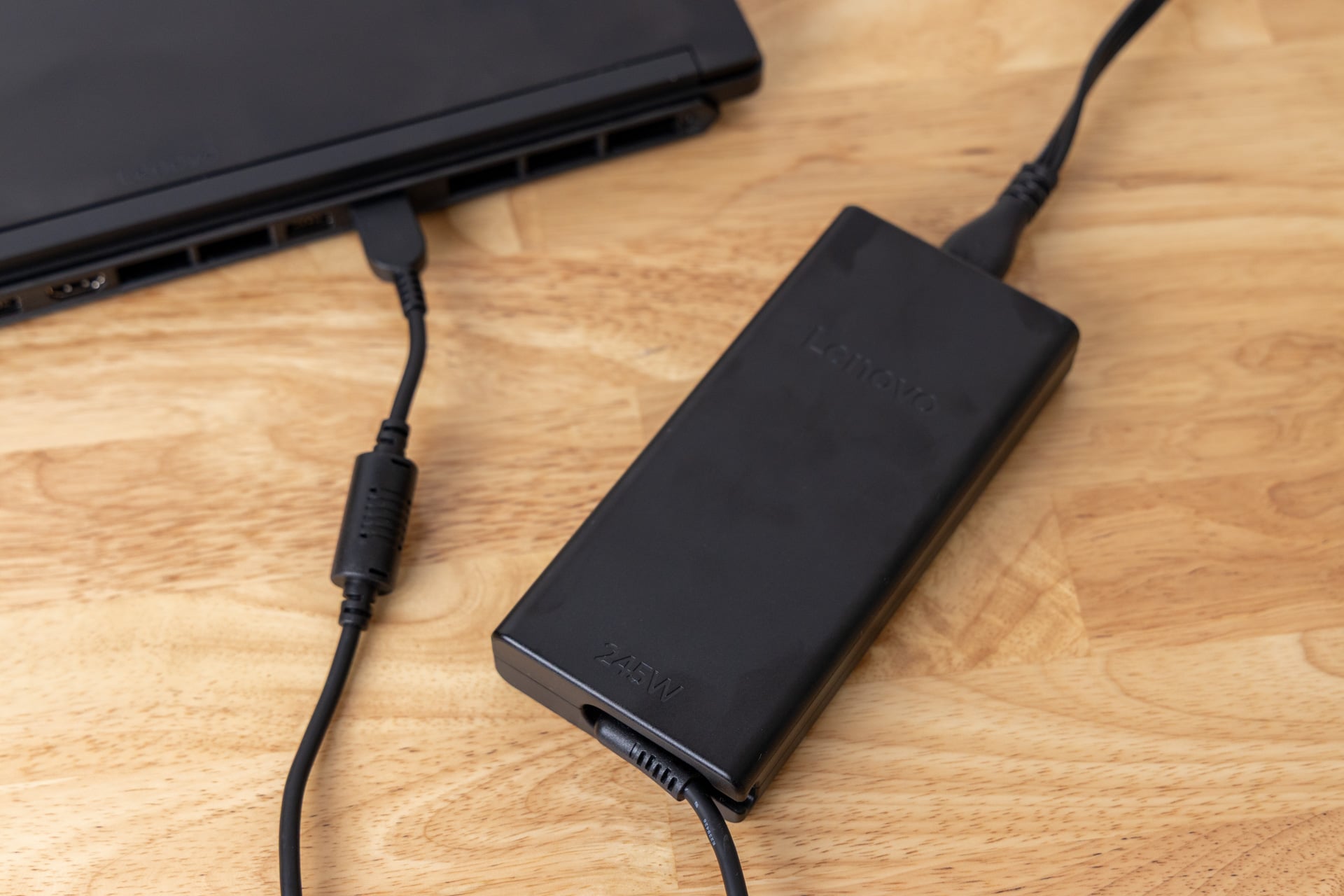
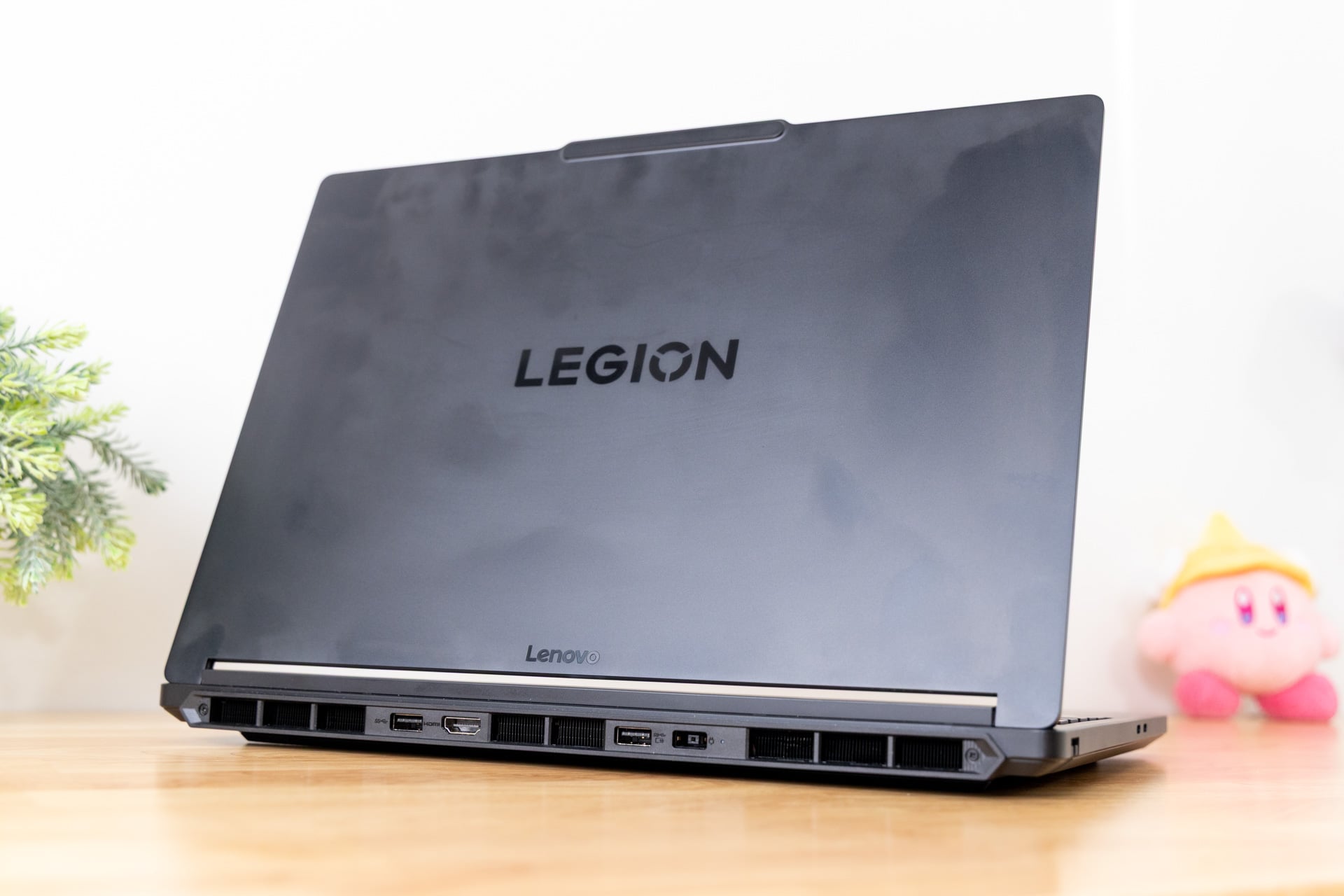
So while I can take it with me (and sometimes make room for the thick 245W power brick if I need to bring the laptop’s full power to bear), it’s not the kind of device that I actually like to manhandle. The big black aluminum top cover and ABS plastic shell and palm rest are fingerprint magnets, and by the time I’m done with it, the device looks like I subjected it to a slug triathlon thanks to my greasy fingers and palms.
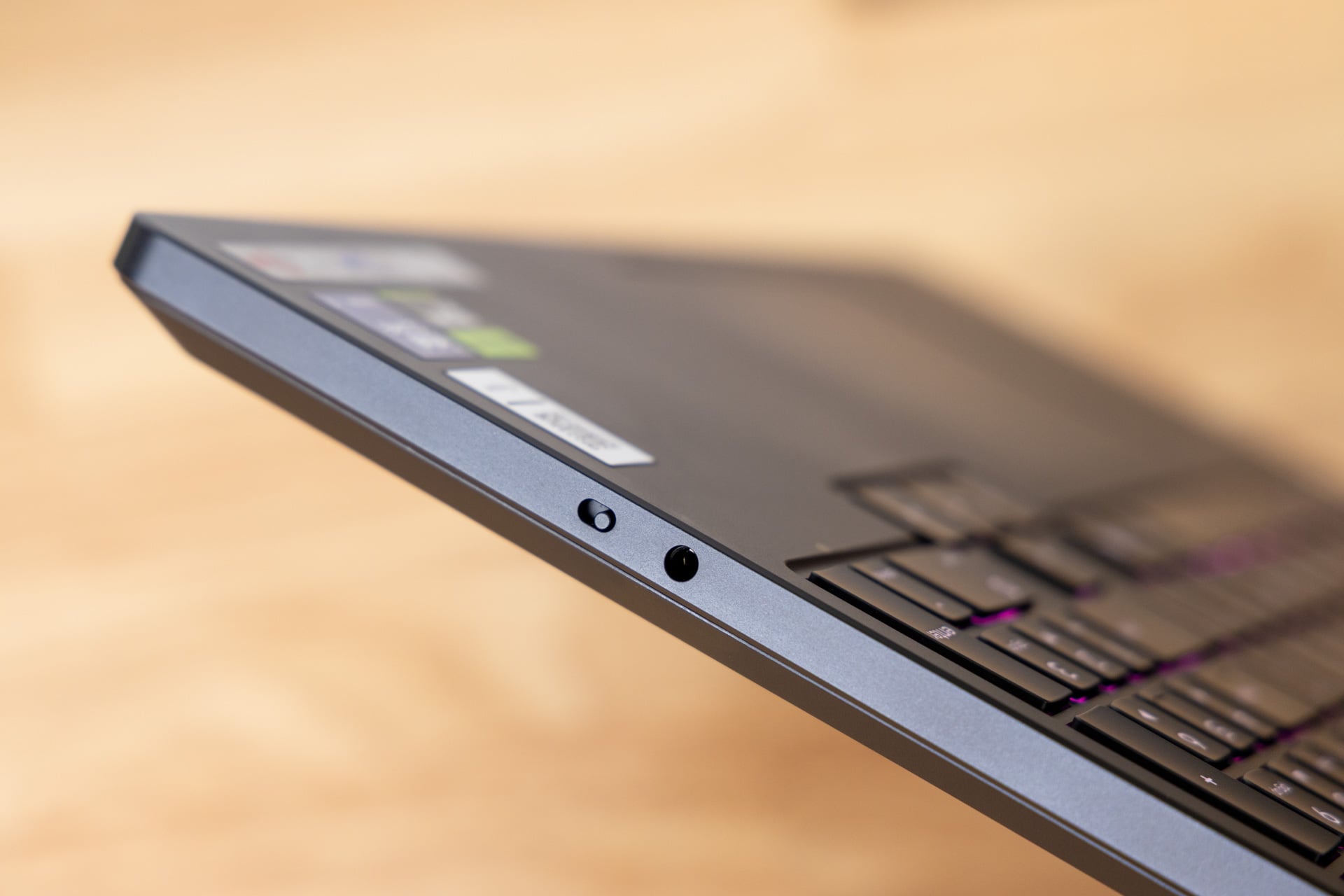
At the very least, the Legion 5i makes up for it in terms of ports. Here’s the full list: you receive one Thunderbolt 4 USB-C on the left side (the one sitting closest to the keyboard) and a secondary USB-C that also supports power delivery and DisplayPort 2.1 output. The right side includes a single USB-A, a headphone jack, and a digital switch to turn the 5-megapixel webcam on and off. The rear includes two more USB-A and an HDMI 2.1 port. Of course, I would have enjoyed an SD card slot in any variety, but what’s here is more than enough for your various dongles.
The real reason you get the Lenovo Legion 5i
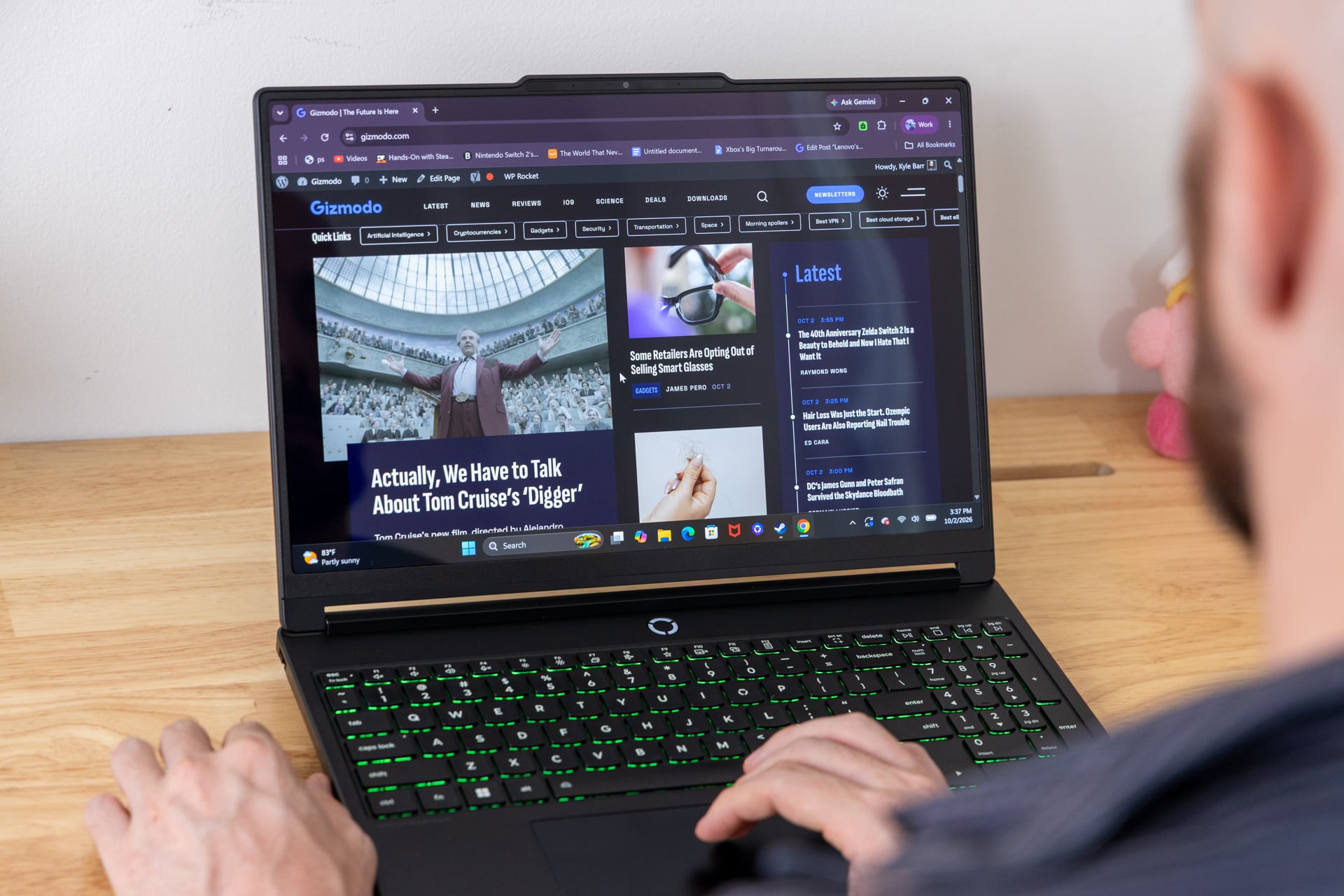
This big plastic shell doesn’t seem like the type of laptop I’d find with such a beautiful screen. The 15.3-inch OLED display is both bright and brilliant to behold. For some of you, it may make the laptop worth the price of admission.
The Legion 5i hits a respectable 2,560 x 1,600 resolution on a 16:10 aspect ratio, the kind of display you find on many gaming laptops, big and small. Lenovo’s brand of OLED explicitly aims for the glossiest, brightest screens that—while reflective—can bring you a sublime gaming experience. I sat with it near a window, and while yes, dark scenes can be interrupted with mirroring and glare, I would still prefer something that makes my games or streaming shows pop.
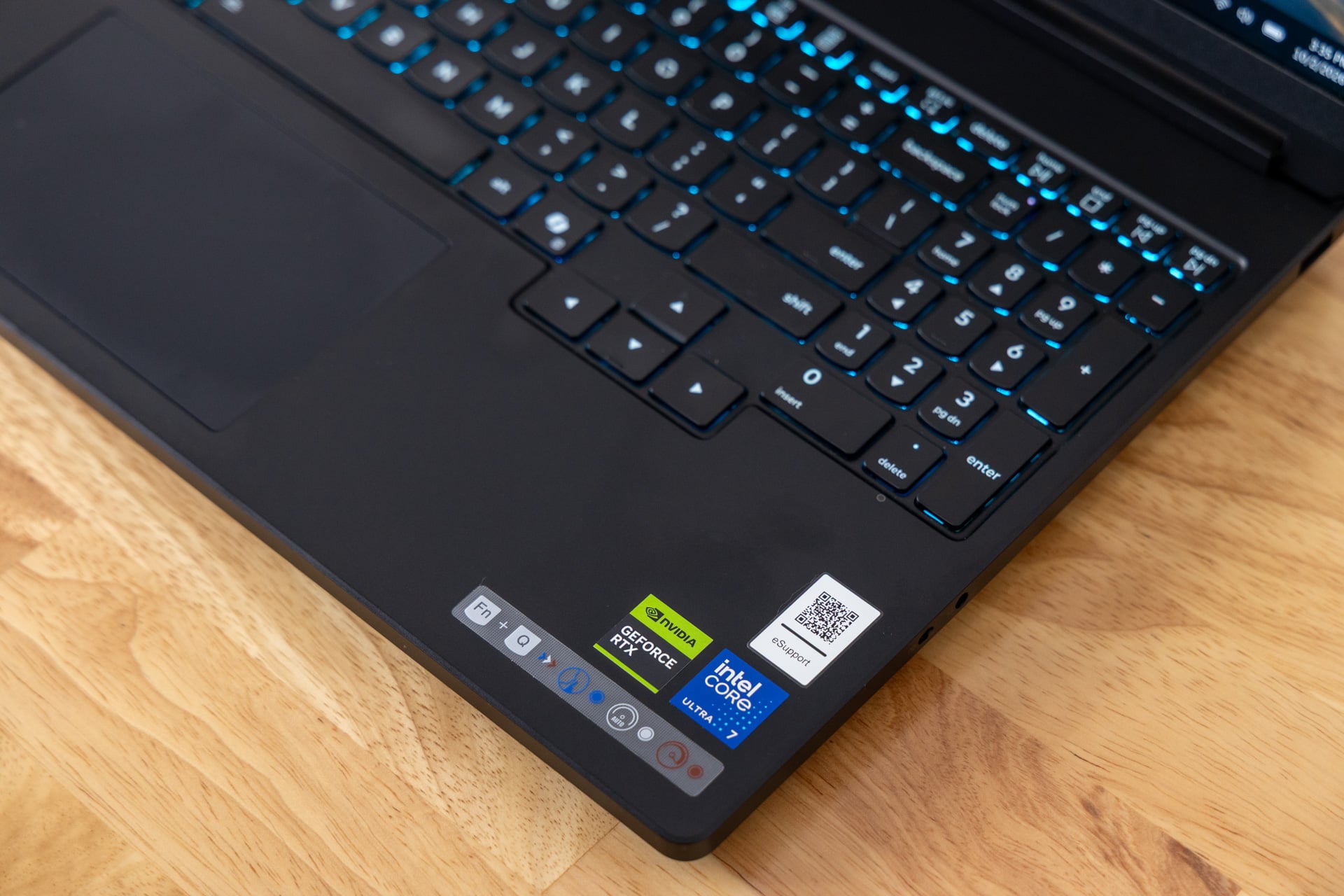
The screen is also relatively bright for mid-range devices, sitting at around 500 nits of typical brightness. It gets up to 1,000 nits in HDR content, even though all that really matters is I could use this laptop in most environments except when the sun is bearing directly down without any shade. The Legion 5i does support Dolby Vision content, just in case that’s something important to you.
In addition, the laptop supports up to a 165 Hz refresh rate, which for a laptop that maxes out with an RTX 5070 is more than enough. There’s also a special key binding, FN+R, to change the screen refresh rate from 165Hz to 60Hz when you’re trying to save battery. One more thing: the screen supports Nvidia G-Sync for variable refresh rate (VRR).
It would all make for an excellent media suite, but the system speakers let it down. The laptop, as with many Legion devices, runs with two 2W speakers made by Harman and tuned with Nahimic Audio (drivers designed by SteelSeries to make sound pop more on PCs). None of that pedigree can overcome the down-firing speakers’ bad positioning, which makes sound feel more muffled than it could be. It can certainly get loud enough to make a library collectively wince, but I wouldn’t call it “room-filling,” either.
Hot to trot
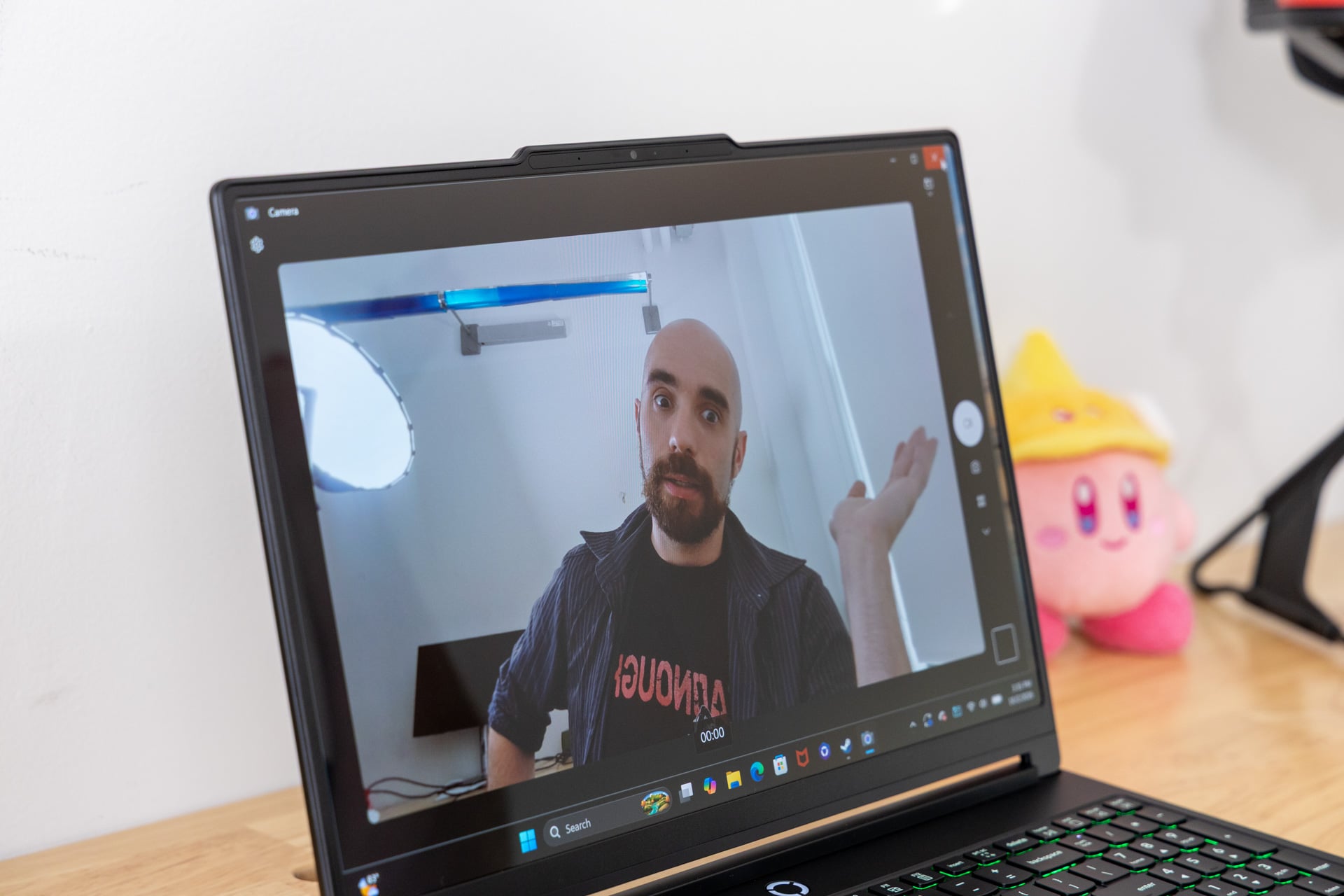
There are few exceptions to the rule among gaming laptops that these things can get hot and loud. Unfortunately, the Legion 5i isn’t one of them. The laptop is based around a dual-fan system with heat pipes that suck in air from the bottom and blow it out the back. Lenovo calls that rear exhaust chamber the “hyperchamber,” though it sometimes feels like the only hyper thing is how much heat this thing expels.
Thankfully, Lenovo keeps most of the heat away from the palm rests and the keyboard. Plugged in and playing games, I registered a peak of 104 degrees Fahrenheit at the center of the laptop using a laser thermometer. The palm rests maintained a comfortable 84 degrees Fahrenheit surface temperature. It’s perfectly manageable in standard room temperatures, but I’d be a little more concerned if I were using this laptop during the scorching summer months.
The good news is that internal CPU temps never went above a standard 82 degrees Celsius under 100% load. I could play for hours and not lose out on any sustained performance. Still, this device can get loud. I wouldn’t say it was up there with the Razer Blade 16, though you’ll want a nice pair of headphones to keep you from getting distracted while gaming.
So if this laptop is a little hot, how long can it trot? The 80Wh battery is not going to get you more than three hours of longevity when running the laptop off its charger. I tried working on it with balanced power settings and a moderate brightness, and it was begging for its port in two hours and 30 minutes. You can get closer to three hours when running the laptop on power efficiency and quiet modes.
If you were hoping to take this laptop out as your workhorse laptop to make use of that GPU for intensive rendering tasks, you’ll want to have some kind of charger nearby. Thankfully, you can make use of a smaller 65W to 100W power adapter and plug it in through either USB-C port.
Performance enough for this size of laptop
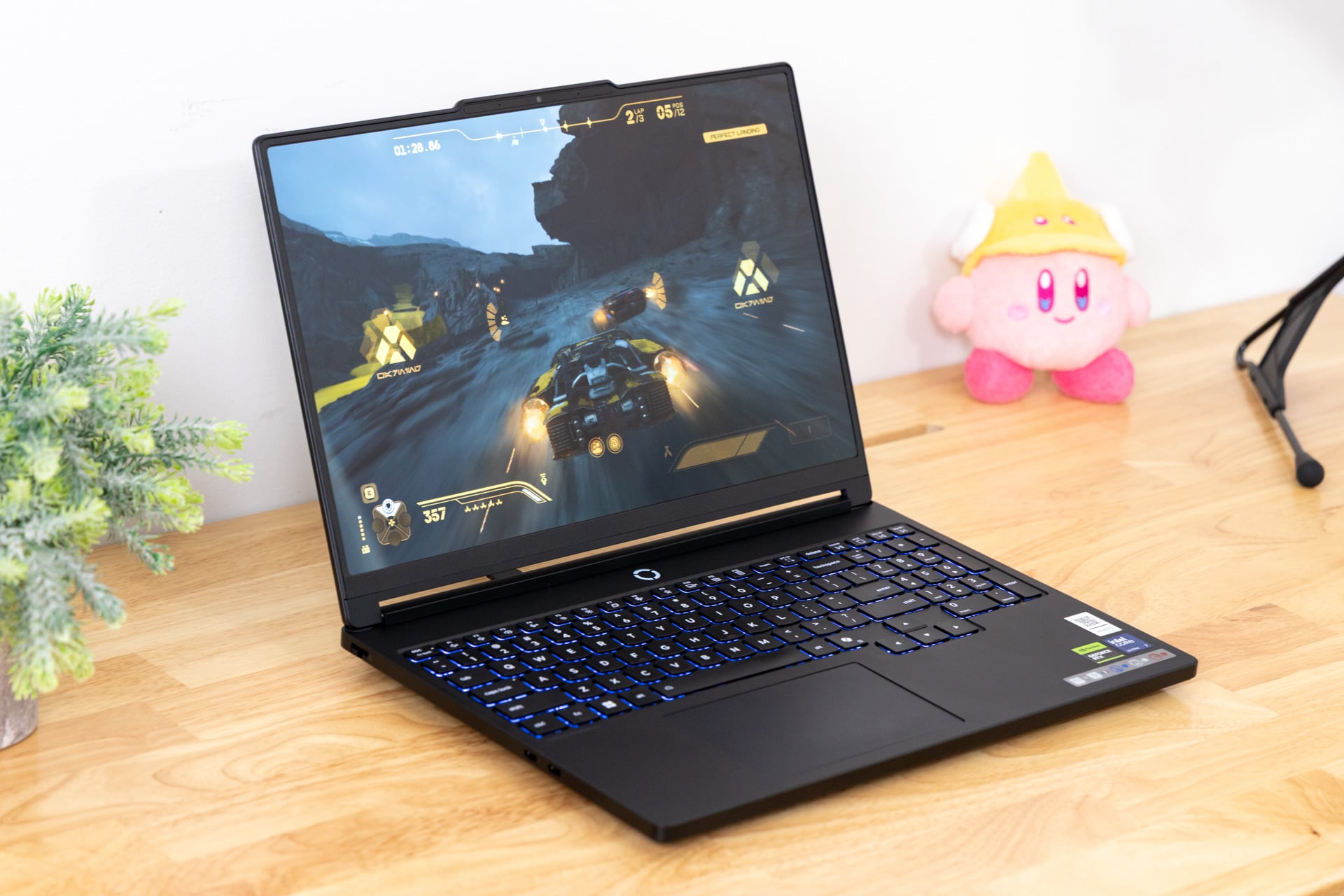
One of the 11th-gen Legion 5i’s most paradoxical aspects is how well this laptop performs. Oh, believe me, it is good enough to run most demanding games at the laptop’s maximum 2,560 x 1,600 resolution. It’s just not doing so much better than devices with lower-end GPUs that can cost more than $1,000 less.
First, I want to compare the Legion 5i with a non-gaming laptop, Lenovo’s own Pro 9i $3,000+ configuration I reviewed a few months ago. That laptop was running on an Intel Core Ultra 9 386H, one of the latest Panther Lake designs that is supposed to match up to the Arrow Lake chip of Lenovo’s mid-range gaming laptop. If we compare Geekbench 7 scores, which test a CPU’s general capabilities, the Lenovo Pro 9i hits 6% better in multi-core tests, which show how good the laptop can be for multi-step tasks like video editing.
However, when it actually comes down to real-time 3D rendering, the Legion 5i manages to complete Gizmodo’s Blender test—where we time how long it takes the CPU to render a scene of a BMW—23 seconds faster than the Lenovo Pro laptop. Compared to the $4,900 Razer Blade 16 that comes with the same processor alongside an RTX 5090, the Lenovo Legion 5i was more than 30 seconds faster in this same test. It also managed Cinebench 2026 CPU rendering benchmarks 18% better than Razer’s top-end 16-inch laptop.
There are other reasons you would consider those other devices, namely battery life (we’ll get to that in a bit). The more important thing you need to consider is how well this device handles GPU tasks—especially gaming. That’s where things take a turn. Just last month, I reviewed the MSI Crosshair A16 E14W, a lower-end laptop that originally cost $1,300 when I first reviewed it and now demands closer to $1,900. That laptop runs on an Nvidia RTX 5060 and a previous-gen Intel Raptor Lake processor.
If I compare synthetic benchmarks like 3D Mark, the Legion 5i seems to hold its own against a cheaper device like MSI’s. It managed 17% better scores in 3D Mark Speed Way and 19% better in the ray-tracing-centric 3D Mark Port Royal test.
Then, when you compare in-game benchmark scores, you may not see a massive performance difference. In Warhammer III: Total War battle and the more-intensive Mirrors of Madness benchmarks, the Legion 5i performed only 7% better, the equivalent of around 61 fps to 65 fps. Less CPU-dependent games performed a little better. In our Cyberpunk 2077 tests, Lenovo’s laptop did 16% better than the laptop with the lower-end CPU and GPU, equivalent to 55 fps versus 46 fps at the equivalent max resolution on ray tracing low graphics settings.
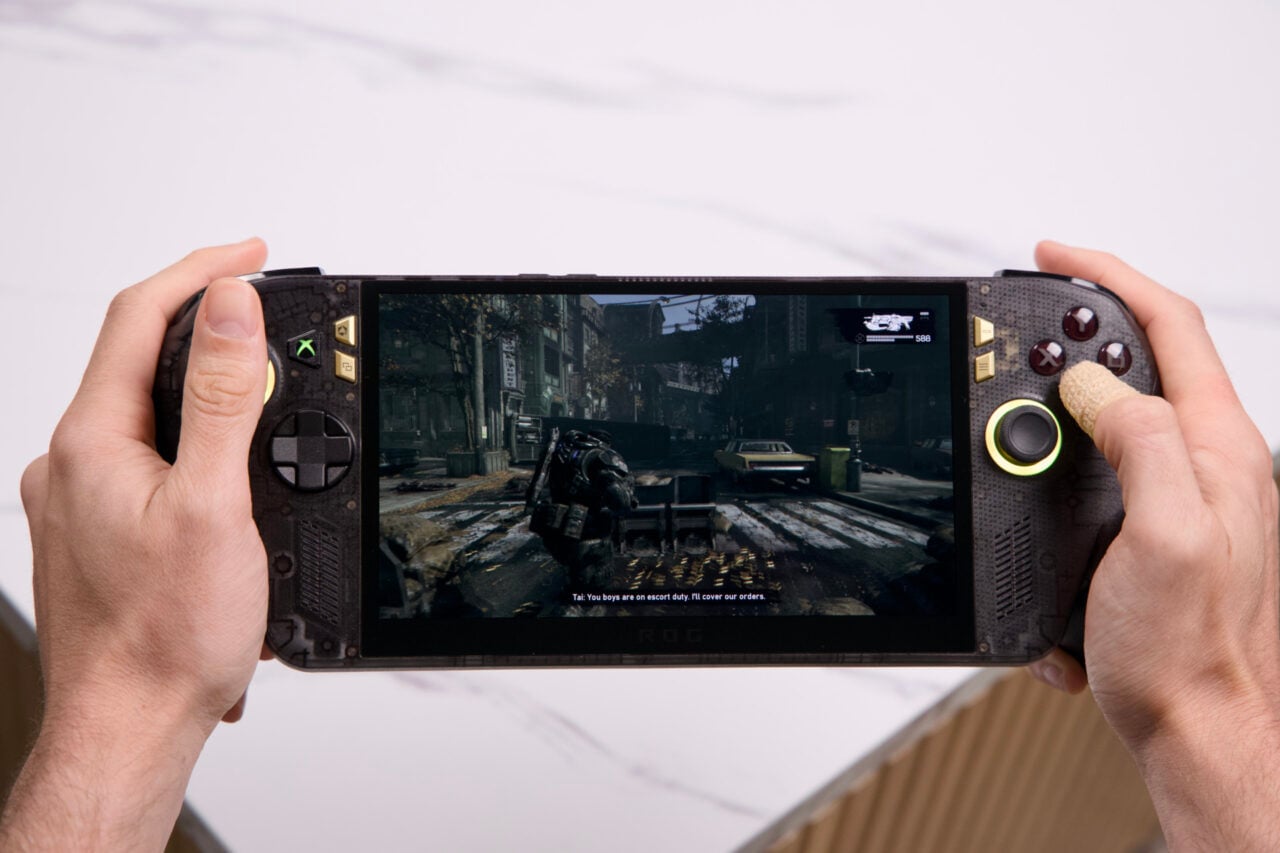
But what if all you want to know is if this laptop can handle the latest, most demanding games? I took the Legion 5i for a spin with Gears of War: E-Day, which turns out is a very demanding game to run on PC. Sticking with “High” graphics settings and running without any DLSS upscaling, the game hits around 45 fps. If you want to get the smoothest 60 fps experience, you’ll need to enable Nvidia’s DLSS to some degree. You can achieve just under 60 fps when pushing the graphics settings as hard as they will go, but it means relying on Nvidia’s tech to get you there.
What about the new hotness that is Star Wars: Galactic Racer? With these specs, the game cranked up to “Epic” graphics settings runs at a framerate just below 60 fps without DLSS enabled. For those who want to game at this 1600p resolution, the provided specs are just enough to match most scenarios. Just don’t expect your AAA experience to be as premium if you plug this PC into your 4K TV.
Prices don’t make sense anymore
I can’t tell which laptops are “budget” or “mid-range” anymore. By principle alone, $2,300 or more than $3,000 should get you more than this laptop provides. At the same time, prices have become so skewed I find it hard to offer alternatives, especially since prices fluctuate so rapidly that any laptop I suggest now will likely cost more in a matter of months.
So what I’m left asking myself is if I would personally use this laptop. The bright OLED screen is the main reason this device can remain a contender. Its keyboard makes this a great typing experience, and it has enough ports for most of your daily operations. If I was looking for a laptop capable of more work and less pleasure, this device may be overkill with that screen and its price tag. If I still really care about seeing my content in their literal best light and still achieve solid framerates in games, then this is a good choice of laptop.
In the meantime, I’ll just continue on, exhausted by the pricing contradictions of today’s gaming PCs.