Most 2 TB cloud plans cost about $100 a year, so the differences are in encryption, file recovery, and whether you can pay once instead of every year. We’ve tested 20+ cloud services, and for this ranking I sent one 500 MB file through each of the top five and added up what 2 TB costs over five years.
pCloud is the best cloud storage overall. It uploaded our test file faster than the other four, and its 2 TB lifetime plan costs just under $500, about what five years of Google One costs. pCloud charges extra for zero-knowledge encryption, though, while Internxt includes it on every plan.
Cloud Storage Ranking for 2026
- pCloud: Best overall, with lifetime plans from 500 GB to 10 TB
- Internxt: Best for privacy, with post-quantum encryption, a VPN, and antivirus in paid plans
- NordLocker: Best for encrypted file sharing, from the makers of NordVPN
- Sync.com: Best unlimited cloud storage for individuals
- Google Drive: Best for Gmail and Google Docs users, with plans up to 30 TB
Cloud Storage Services Comparison
| Service | Best-value plan | Storage sizes | Lifetime plans | End-to-end encryption | 500 MB upload |
| pCloud | Premium Plus 2 TB lifetime, $499 | 500 GB to 10 TB | Yes | Paid add-on | 3:32 |
| Internxt | Premium 3 TB lifetime, €435 (about $496) | 1 TB to 5 TB | Yes | Yes, post-quantum | 3:34 |
| NordLocker | 2 TB, $83.88 for the first year | 500 GB or 2 TB | No | Yes | 3:48 |
| Sync.com | Personal 1 TB, $72 for the first year | 1 TB to unlimited | No | Yes | 4:11 |
| Google Drive | Google One 2 TB, $99.99 a year | 100 GB to 30 TB | No | No | 3:33 |
Detailed Reviews of the Top 5
1. pCloud: Best Cloud Storage Overall
Pros
- Lifetime pricing on every storage size
- Imports from Google Drive, Dropbox, and OneDrive
- Real-time backup of chosen PC folders
- Media player and photo editor in the apps
- Near-maximum upload speed in our tests
Cons
- Zero-knowledge encryption requires a paid add-on
- Short refund window
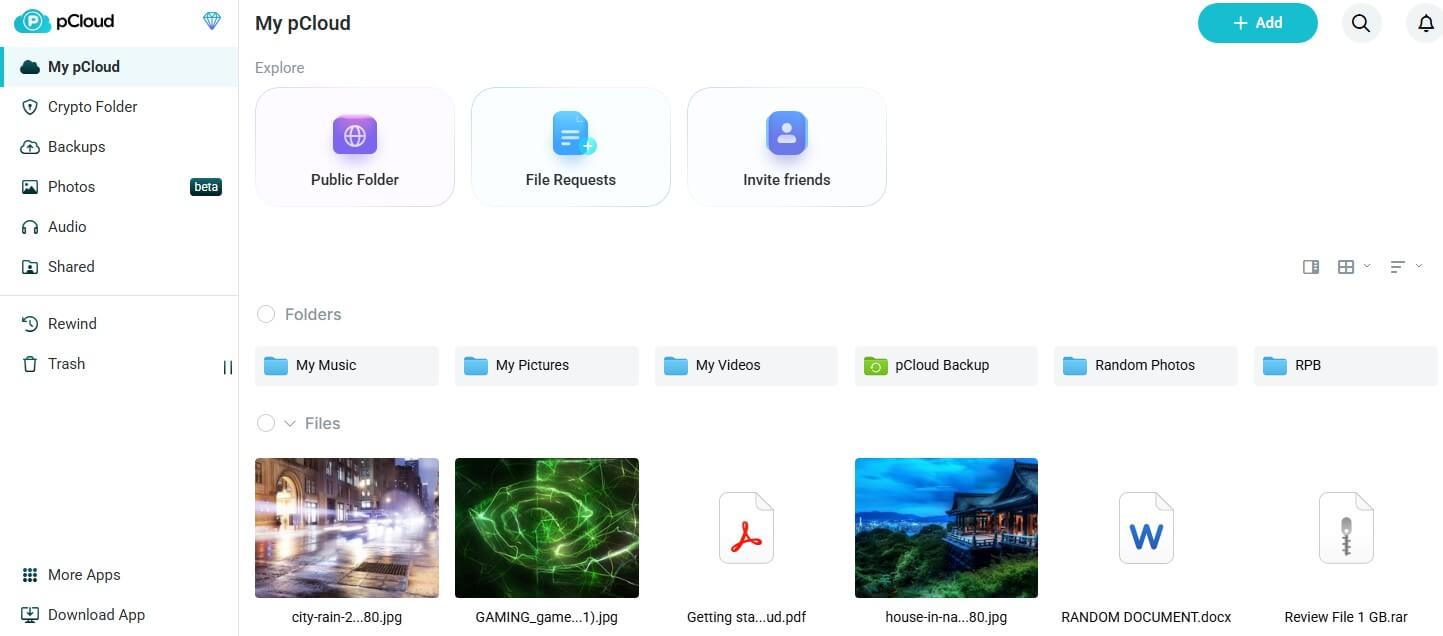
pCloud is a Swiss company that stores files in the US or the EU, with the region chosen at signup. It sells 500 GB, 2 TB, and 10 TB plans. The Premium Plus 2 TB plan costs about $100 a year or just under $500 for life. pCloud defines lifetime as the account owner’s lifetime or 99 years, whichever is shorter. Using its US region from Europe, pCloud took 3 minutes 32 seconds to upload our test archive.
Paid plans keep deleted files and older versions for 30 days, and Rewind can roll the whole account back in time. pCloud lists Docs, an online editor for documents, spreadsheets, and presentations, on every paid plan. Encryption costs extra. Zero-knowledge protection is a one-time add-on of about $150.
Internxt and Sync.com include it on every plan. Refunds are strict too: pCloud offers 14 days, requires a written request, and may not refund discounted purchases, which covers most lifetime deals. Our pCloud review goes deeper into the apps.
2. Internxt: Best for Privacy Tools in One Plan
Pros
- Meet video calls and Mail on higher plans
- VPN and antivirus on every paid plan
- Computer backup and password-protected links
- File versioning from the Premium plan up
- WebDAV, rclone, and NAS support on Ultimate
- Code published on GitHub
Cons
- Billing in euros only
- Short trash window on the Essential plan
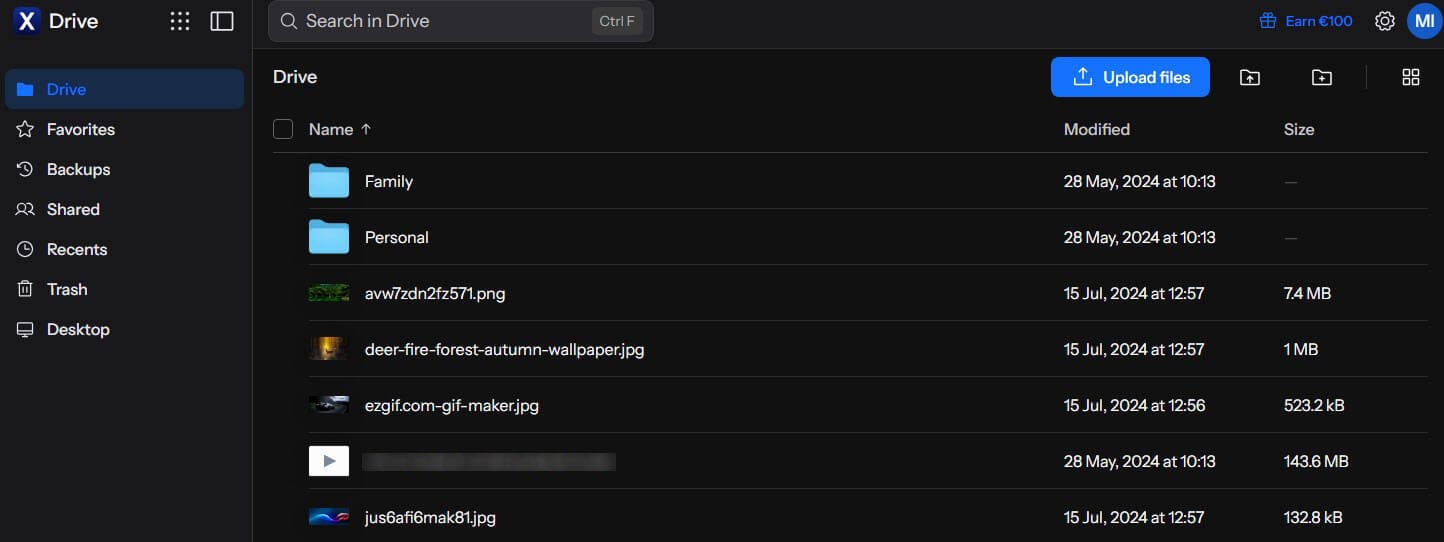
Internxt is based in Valencia, Spain, and protects every plan with zero-knowledge and post-quantum encryption, pairing AES-256 with Kyber-512. Its paid plans work as privacy bundles, and the higher tiers add tools for collaboration and power users. Internxt kept pace with pCloud in our tests, finishing the upload in 3 minutes 34 seconds and the download in 24 seconds. Lifetime plans come in 1 TB, 3 TB, and 5 TB sizes.
The Premium 3 TB lifetime plan costs about €435, close to $500, with a 30-day refund window. We also compared Internxt and pCloud head to head. Internxt bills in euros, even from a US IP address. The final charge on a US card depends on the exchange rate, and some cards add a foreign transaction fee.
The trash keeps deleted files for 7 days on the Essential plan, 15 days on Premium, and 30 days on Ultimate. The full Internxt review covers the apps and plans in detail.
3. NordLocker: Best for Encrypted File Sharing
Pros
- End-to-end encryption on all plans
- Expiring share links with security codes
- File Explorer folder synced across devices
- Low first-year price for 2 TB
- Money-back guarantee on paid plans
Cons
- Deletions are permanent
- Much higher renewal price
- Files go in by hand
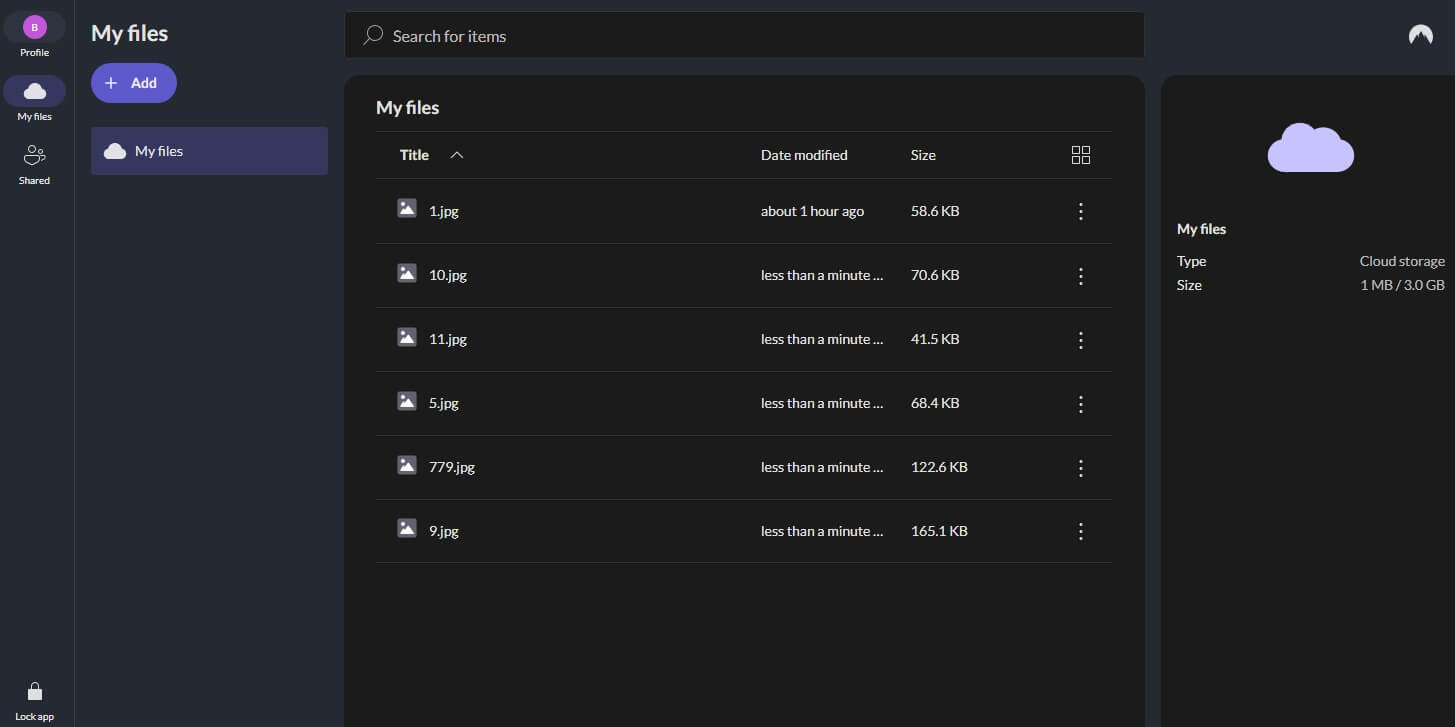
NordLocker comes from Nord Security, the company behind NordVPN, and its paid plans center on encrypted sharing. Recipients can download a shared file without a NordLocker account, which makes it practical for sending documents to clients or family. NordLocker’s upload finished in 3 minutes 48 seconds, with 27 seconds for the download. Then we deleted the test file and looked for a way to restore it.
NordLocker has no trash or file versioning, so the deletion was permanent. NordLocker’s 2 TB plan is about $84 for the first year and renews at about $180 a year, and there’s no folder backup. NordLocker is a good place for encrypted copies and a risky place for a file’s only copy. Our NordLocker review has the full picture.
4. Sync.com: Best Unlimited Cloud Storage
Pros
- Unlimited storage plan for individuals
- End-to-end encryption by default
- Long file history on higher plans
- Password-protected links on every plan
- Canadian data centers
Cons
- Slow uploads and downloads in our tests
- Sync folder only, with no backup tool
- Share links not end-to-end encrypted by default
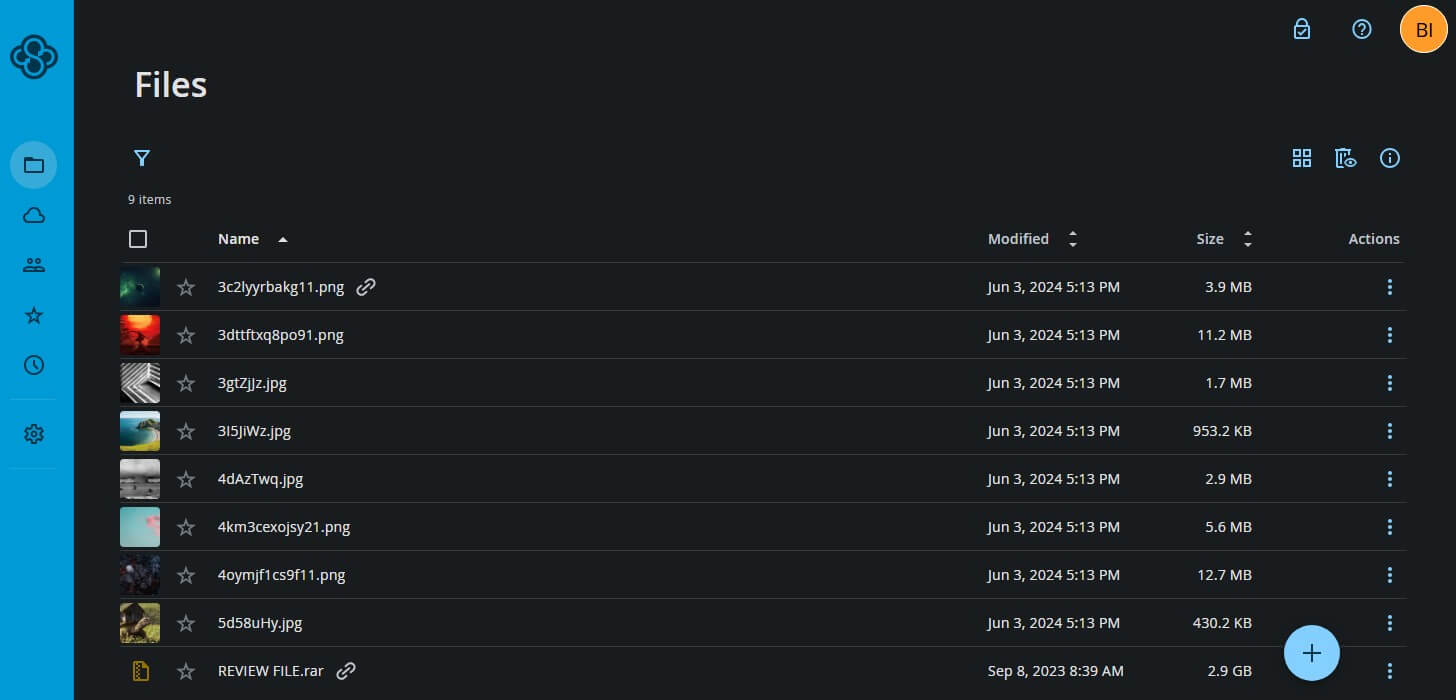
Sync.com is the only service in our ranking that sells unlimited storage to individuals. The Personal Unlimited plan costs about $270 for the first year and about $540 after that. Sync.com is based in Toronto. It was also the slowest service we tested. The 500 MB upload took 4 minutes 11 seconds and the download 29 seconds. The desktop app syncs a single folder and has no backup feature.
Deleted files stay recoverable for 30 days, and restoring our test file worked. Before sharing sensitive files, enable Enhanced privacy in the link settings; without it, Sync.com’s shared links aren’t end-to-end encrypted. The 1 TB plan follows the same pattern, at about $72 for the first year and $144 after that.
5. Google Drive: Best for Gmail and Google Docs Users
Pros
- Full Google Workspace editors
- Wide range of storage sizes
- One storage pool for Drive, Gmail, and Photos
- Gemini features on AI plans
- Quick uploads on our connection
Cons
- Google keeps the encryption keys
- No lifetime plans
- Link sharing without passwords
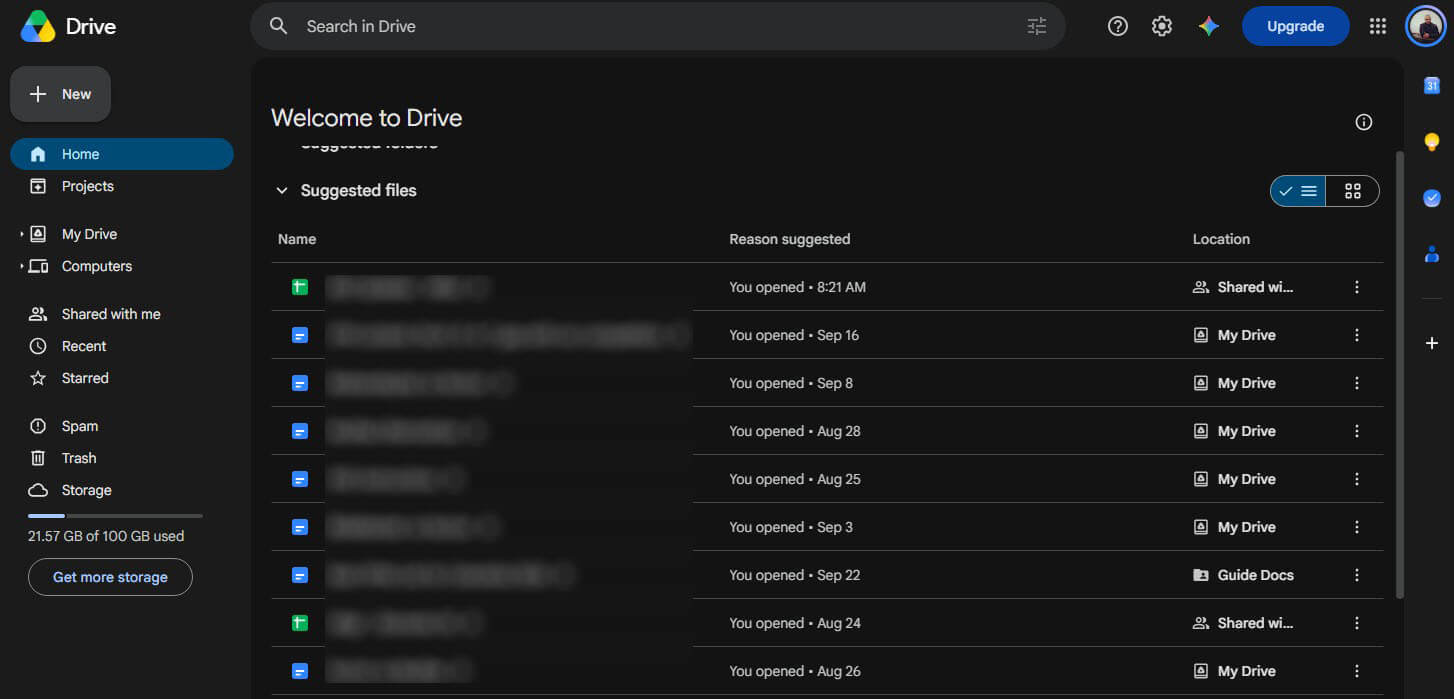
Google Drive storage is sold as Google One. It charges roughly $100 annually for 2 TB and about $20 for 100 GB, with larger plans up to 30 TB. Google Drive for desktop uploaded our test file in 3 minutes 33 seconds and downloaded it in 24 seconds. Any PC folder can be added to Drive for desktop, and deleted files stay in the trash for 30 days.
Several people can edit one document, spreadsheet, or presentation at once. Google can access files stored on personal accounts, so privacy-focused users are better off with Internxt or Sync.com.
Cloud Storage Pricing Compared
Prices are US list prices before tax. Internxt charges in euros.
| Service | Plan | Yearly price | Lifetime price |
| pCloud | Premium Plus 2 TB | $99.99 | $499 |
| Internxt | Premium 3 TB | Annual plans also sold | €435 (about $496) |
| NordLocker | 2 TB | $83.88 first year, then $179.88 | None |
| Sync.com | Personal 1 TB | $72 first year, then $144 | None |
| Sync.com | Personal Unlimited | $270 first year, then $540 | None |
| Google One | 2 TB | $99.99 | None |
| Dropbox | Plus 2 TB | $119.88 | None |
| Apple iCloud+ | 2 TB | $119.88 | None |
| Microsoft 365 Personal | 1 TB with Office apps | $99.99 | None |
Over five years, 2 TB of storage costs:
- pCloud Premium Plus: $499 as a lifetime plan, or $499.95 paid yearly
- Google One: $499.95
- Dropbox Plus and iCloud+: $599.40
- NordLocker: $803.40, because of the renewal price
pCloud’s lifetime plan only saves money from the sixth year onward. NordLocker is the cheapest 2 TB plan in year one, but its renewal makes it the most expensive over five years. Refund windows are 30 days for Internxt, NordLocker, and Sync.com, and 14 days for pCloud. Our cheapest cloud storage list covers more budget-friendly services, and the pCloud vs Dropbox matchup compares those two directly.
Speed Test Results
Every service had the same task in our October tests. From a Windows 11 PC in Europe, each desktop app uploaded a 500 MB archive of songs and video clips. We then downloaded it into an empty folder. Speedtest put our connection at 187.95 Mbps down and 19.69 Mbps up.
| Service | Upload | Download |
| pCloud | 3:32 | 0:24 |
| Google Drive | 3:33 | 0:24 |
| Internxt | 3:34 | 0:24 |
| NordLocker | 3:48 | 0:27 |
| Sync.com | 4:11 | 0:29 |
On this connection, a 500 MB upload can’t finish faster than about 3 minutes 23 seconds, and pCloud, Google Drive, and Internxt came within 11 seconds of that limit. Sync.com fell furthest behind in both directions. Free and paid accounts transferred at the same speed; a paid plan adds space and features. Our ranking of the fastest cloud storage services covers larger transfers.
Which Cloud Storage Is Best for Personal Use?
pCloud is our choice for personal use: its lifetime plans, folder backup, and choice of US or EU storage cover most home storage. For specific uses, other services fit better:
- Photos and videos: Google One includes Google Photos, and pCloud plays music and video in its apps. Our guides to cloud storage for videos and photo storage in the cloud go further.
- Privacy: Internxt and Sync.com encrypt every plan end to end, and our encrypted cloud storage ranking adds more services.
- Gmail and Android users: Google One keeps mail, photos, and files in one storage pool.
- Small teams: pCloud, Internxt, Sync.com, and Google Workspace sell business plans. Sync.com’s Teams plans start at about $3 per user a month for the first year, with a three-user minimum.
- No budget: our ranking of the best free cloud storage compares free plans of up to 20 GB.
Cloud Storage vs Online Backup
Cloud storage keeps files available on every device and makes them easy to share. Online backup copies a whole computer, sometimes including system files, so it can be restored after a crash or theft. Folder backup in pCloud and Google Drive follows the PC: delete a file locally, and it leaves the cloud when the trash empties.
IDrive specializes in full-system backup and restore, as our IDrive review shows. The basics are in our explainer on what cloud storage is.
Verdict
pCloud offers the best balance of price, speed, and recovery tools, and its lifetime plans pay off for users keeping files longer than five years. Internxt is the stronger choice for privacy, bundling Kyber-512 encryption with security extras, as long as euro billing isn’t a problem. For encrypted sharing, NordLocker is simple to use, but without a trash it should never store the only copy of a file.
Sync.com makes sense for users who require unlimited space and can accept slower transfers. Google Drive is the obvious fit for households already paying for Gmail storage. All five services offer a free tier, so testing the apps before paying costs nothing.
Frequently Asked Questions
How much does cloud storage cost?
Most 2 TB plans cost about $100 to $120 a year, and 100 GB about $20. Lifetime plans charge once, from roughly $220 for 500 GB to about $500 for 2 TB.
What is the best unlimited cloud storage?
Sync.com is the best unlimited cloud storage for individuals. Its Personal Unlimited plan encrypts every file end to end and sets no storage limit, though its uploads are slower than most rivals’.
Is lifetime cloud storage worth it?
Yes, for users who plan to stay with one service for many years. A lifetime plan costs about as much as several years of yearly payments, so the savings start after that.
Which cloud storage is best for personal use?
pCloud is the best cloud storage for personal use, with lifetime plans and automatic backup of chosen PC folders. Gmail users may prefer Google One, which keeps mail, photos, and files together.
Is cloud storage safe?
Yes. Mainstream cloud storage encrypts files in transit and on its servers. End-to-end encryption from Internxt, NordLocker, or Sync.com goes further, because the company never has the keys to the files.
What is the best cloud storage in Canada?
Sync.com is the best cloud storage in Canada. It’s based in Toronto, keeps files in Canadian data centers under Canadian privacy law, and encrypts every plan end to end, including the free one.