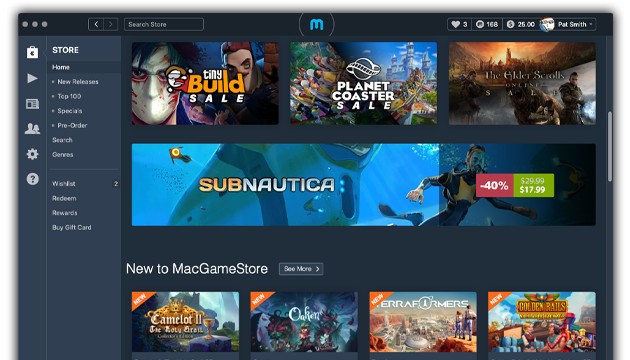
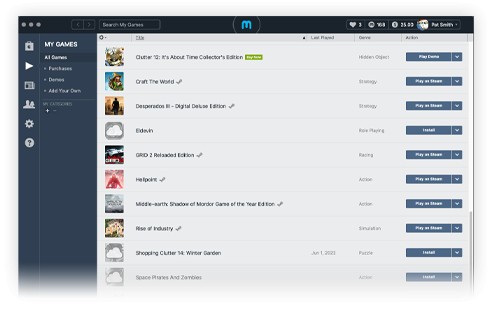
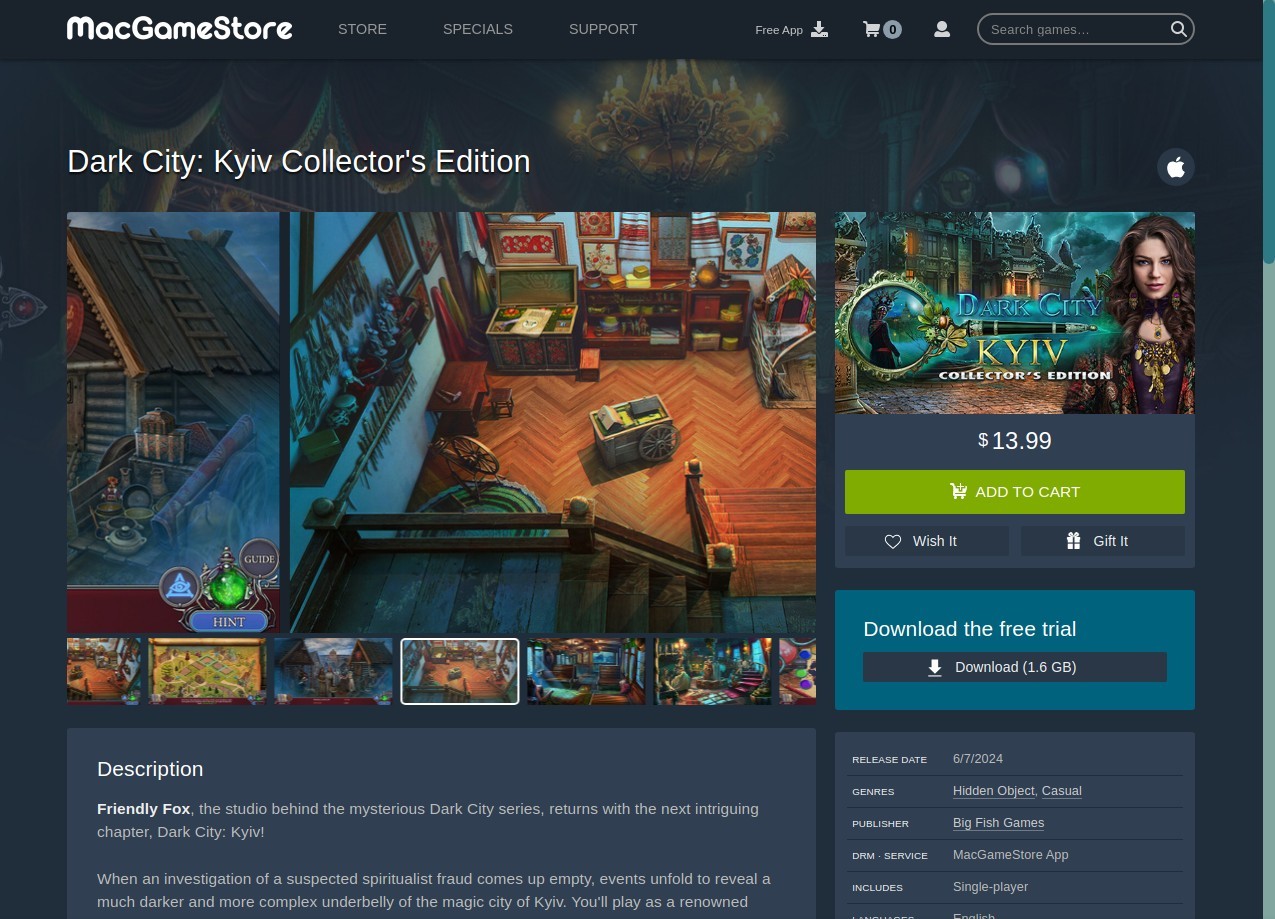
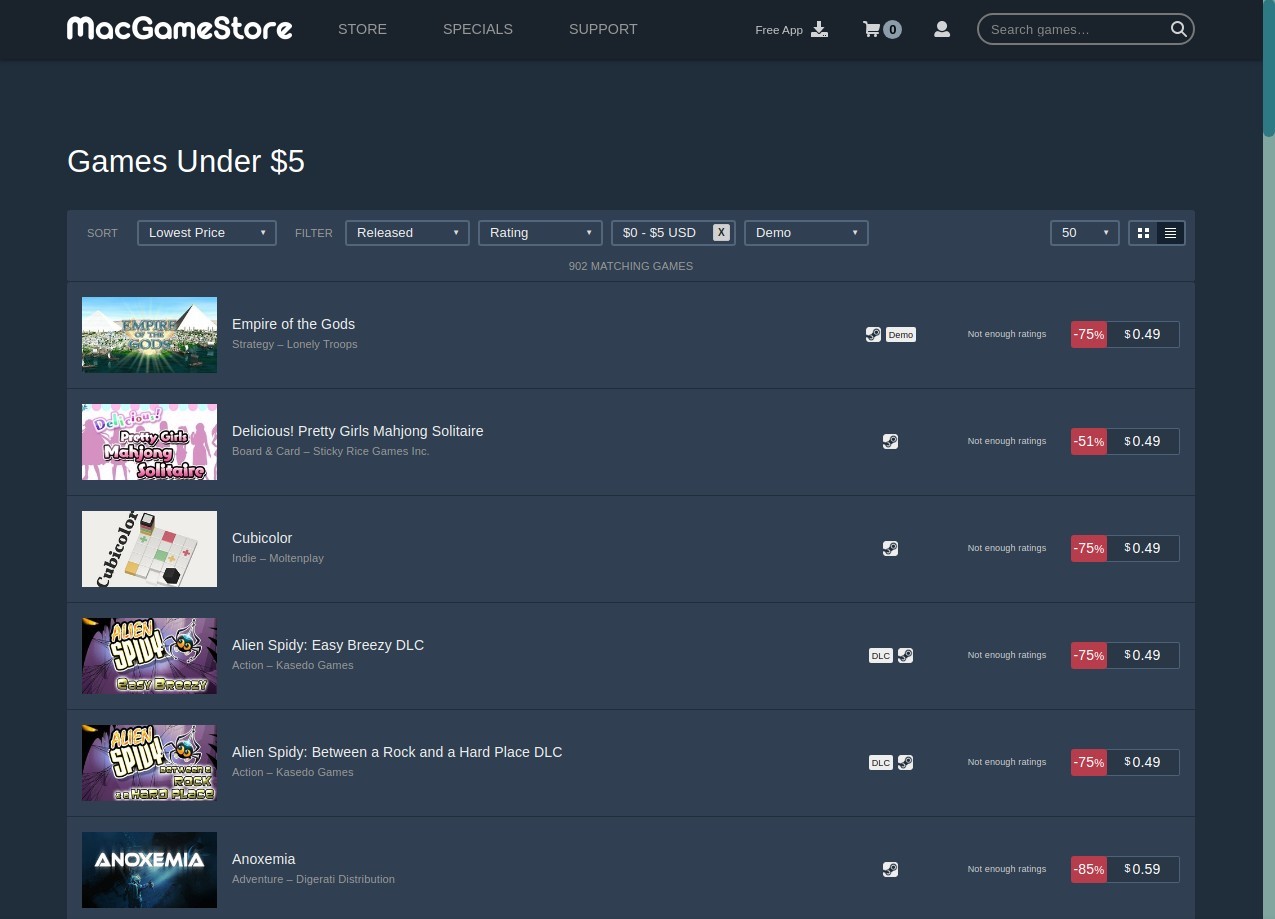
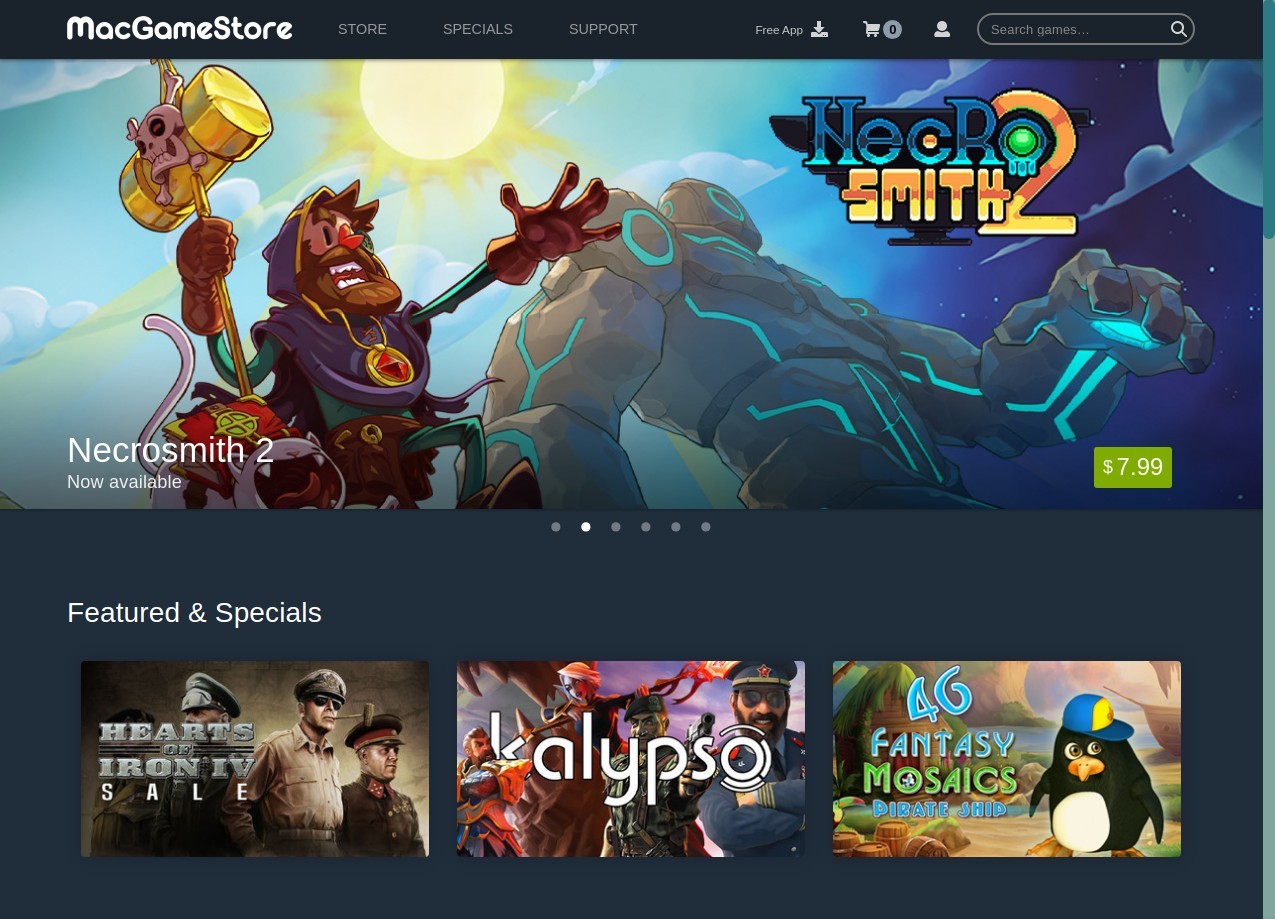
MacGameStore is an online digital game store. It specializes in games that run on Macs, such as indie games and AAA games. The platform is supported both as a site and as a downloadable application on your Mac. It is designed to allow you to browse, purchase, and download games without having to worry about compatibility or difficult installations. The Mac Game Compatibility Checker, which is an in-built tool, compares the hardware and software in your Mac against the requirements of a game.
The interface is clean and not cluttered, with the new releases, best-selling games, bundles, and free demos being displayed on one page. Users can have accounts where they can follow purchases and rewards. MacGameStore has, over the years, collaborated with hundreds of developers and publishers to play games that are not illegal and compatible with Macs, which is not the case in the gray-market scenes of other operating systems.
Why Should I Download MacGameStore?
MacGameStore can be downloaded to ease playing games on a Mac. Only games that are compatible with macOS are displayed, and it saves time and money. There is a great deal of diversity in the library, ranging from lighthearted puzzle games to first-person shooters and strategy games. The game is automatically updated on the app. When purchasing a game, you can download it instantly. In the case of any need to reinstall, the cloud option allows reinstatement without searching for installers or making any progress. The rewards program is also another advantage.
When you purchase games, write reviews, and refer friends, you earn points, which can be used to acquire more games as Game Cash. It is all code-signed, notarized, and checked by Apple, and therefore, there is no threat of malware. The design is user-friendly, and it enables beginners to move around without getting lost. Have you been annoyed by complicated installations, lost files, or unplayable games? MacGameStore will get you out of most of that. It is convenient for Mac gamers who desire a more fluent experience, rather than hype.
Is MacGameStore Free?
The MacGameStore application is free to use. You do not require a subscription or a recurring plan. The games are not even free, and you purchase them separately. Others have free demos to enable you to test the product. To play the full version, one has to buy the game.
What Operating Systems Are Compatible with MacGameStore?
MacGameStore is mostly compatible with macOS. The app is compatible with macOS 10.15 and above, on both Intel and Apple Silicon Macs. In older systems, 10.12 to 10.14, the app can still be installed through the version provided for those macOS releases. Older versions of the operating system, such as 10.9 to 10.11, can also be used on the Intel Macs, although most new games will not run on those versions.
Apple authenticates, signs, and verifies the app to keep it safe, although it is particularly crucial with older systems. In case your Mac is not the latest, there might be a lack of games, or you should rely on older versions. The compatibility checker is useful because it displays the capability of your particular hardware and OS to run a selected game. Overall, MacGameStore is supposed to be helpful to the maximum number of users of macOS, yet quite old computers might be limited.
What Are the Alternatives to MacGameStore?
The most famous game platform across the globe is Steam. It is cross-platform for most games, meaning that it supports Windows, macOS, and Linux, unlike MacGameStore. Steam has a massive indie, AAA, and early access game library. Games are purchased, downloaded, and updated via the Steam client. It has cloud saves, discussion forums, achievements, and mod support on certain games. Steam also runs regular sales and discounts, and is affordable to budget gamers. The Steam Offering is not as good as it can be, but has good macOS compatibility with Mac users. In case you need a bigger library or you want to cross-platform with your friends, Steam is a suitable option. Many users prefer Steam because it makes it simple to download multiple games at once.
Epic Games Launcher offers a smaller collection than Steam, though it is known for Fortnite and some exclusive titles. The downloads, updates, and cloud saves are managed by the launcher like any other platform. Epic also pays much attention to exclusives, and therefore, you can only acquire some games via it. Assuming you need exclusive releases or free games every week, Epic is a decent option. Epic allows you to quickly download games and start playing without any extra setup.
Electronic Arts games are found in the EA App, which was formerly known as Origin, which is available for Windows and macOS (with maybe fewer titles). It has such franchises as FIFA, The Sims, and Battlefield. The app controls the purchases, downloads, cloud saves, and updates. One characteristic is the EA Play subscription, which includes access to a library of EA games monthly. It is not as extensive as MacGameStore or Steam for Mac users, but the EA App is needed in case you require the official EA titles and official support. You can download EA games directly through the app, making installation and updates easier for Mac users.