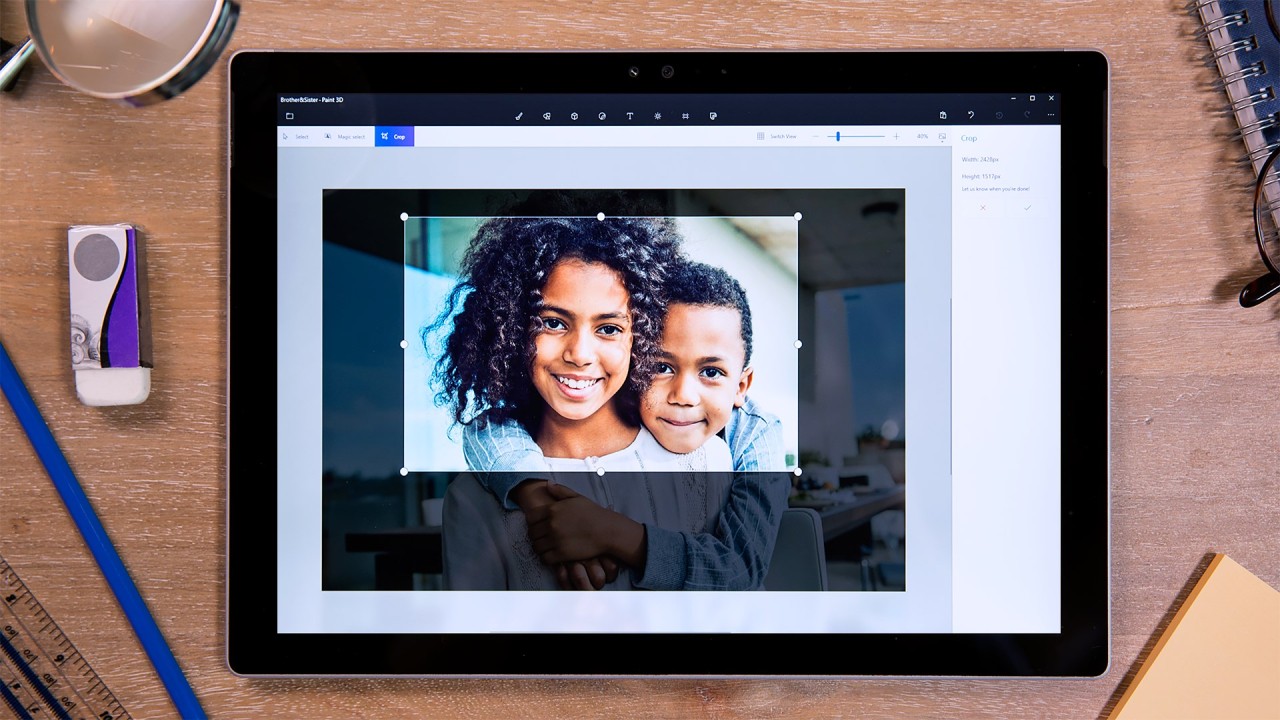
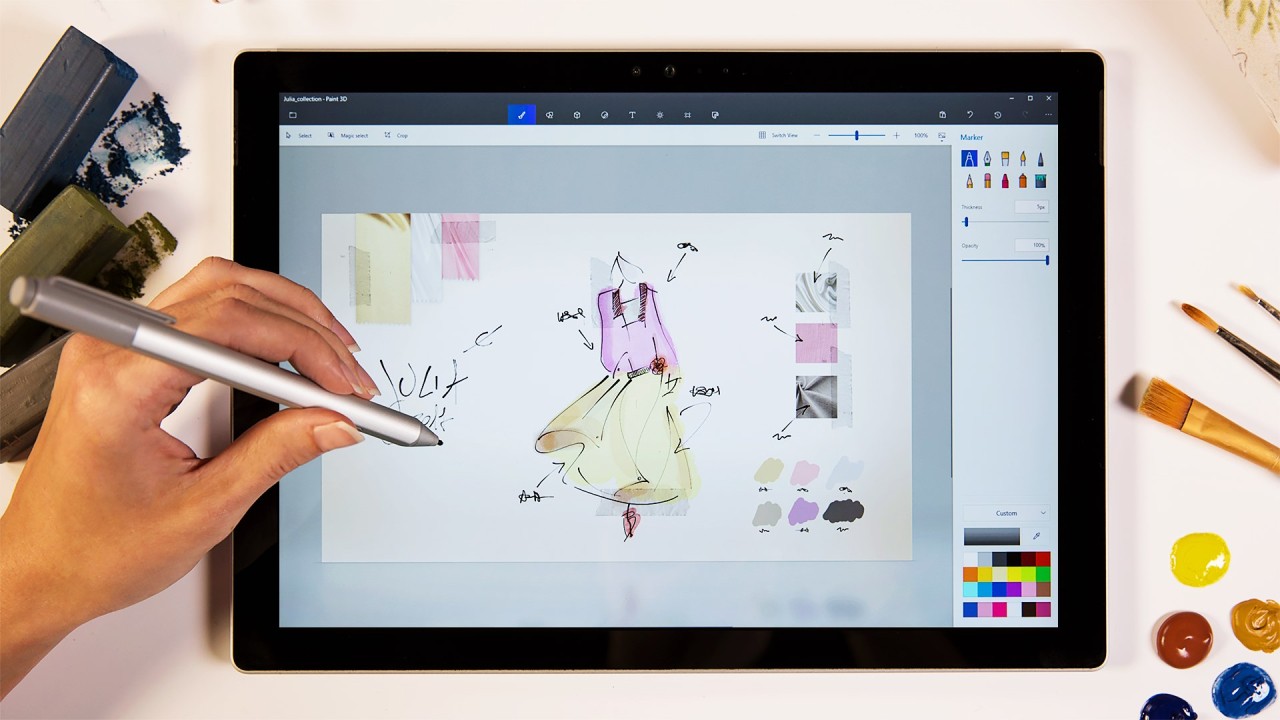
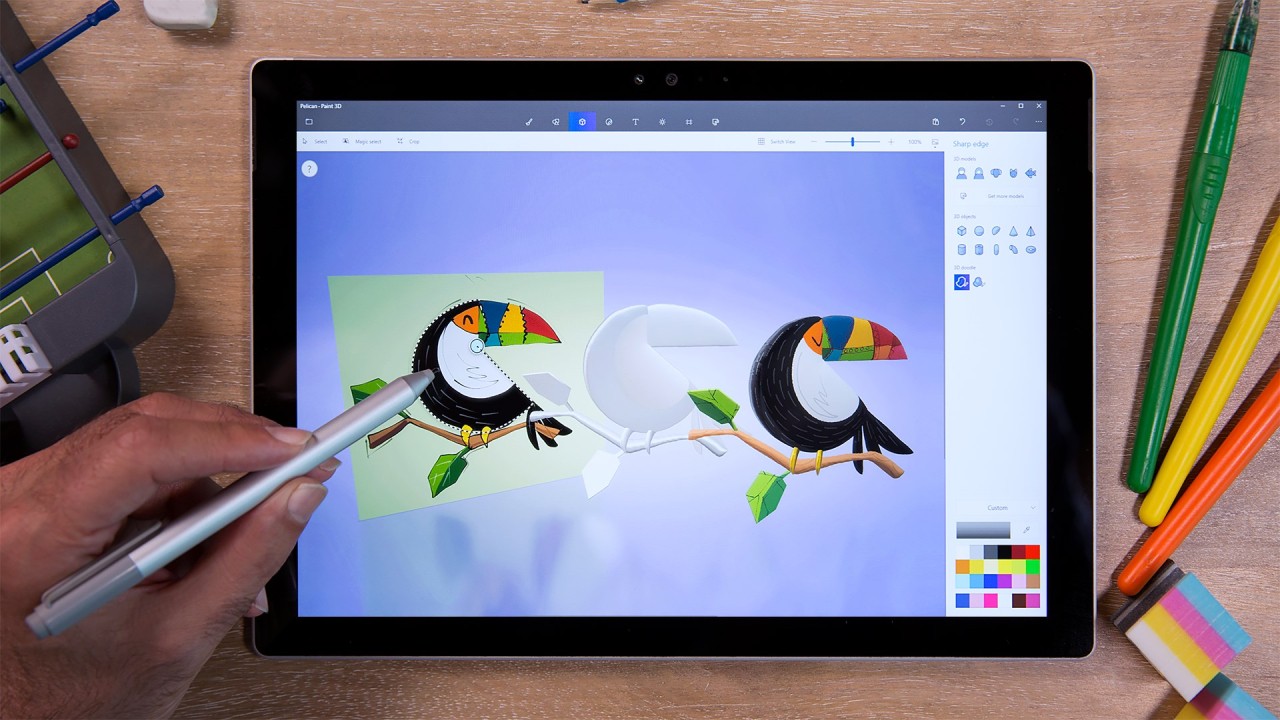
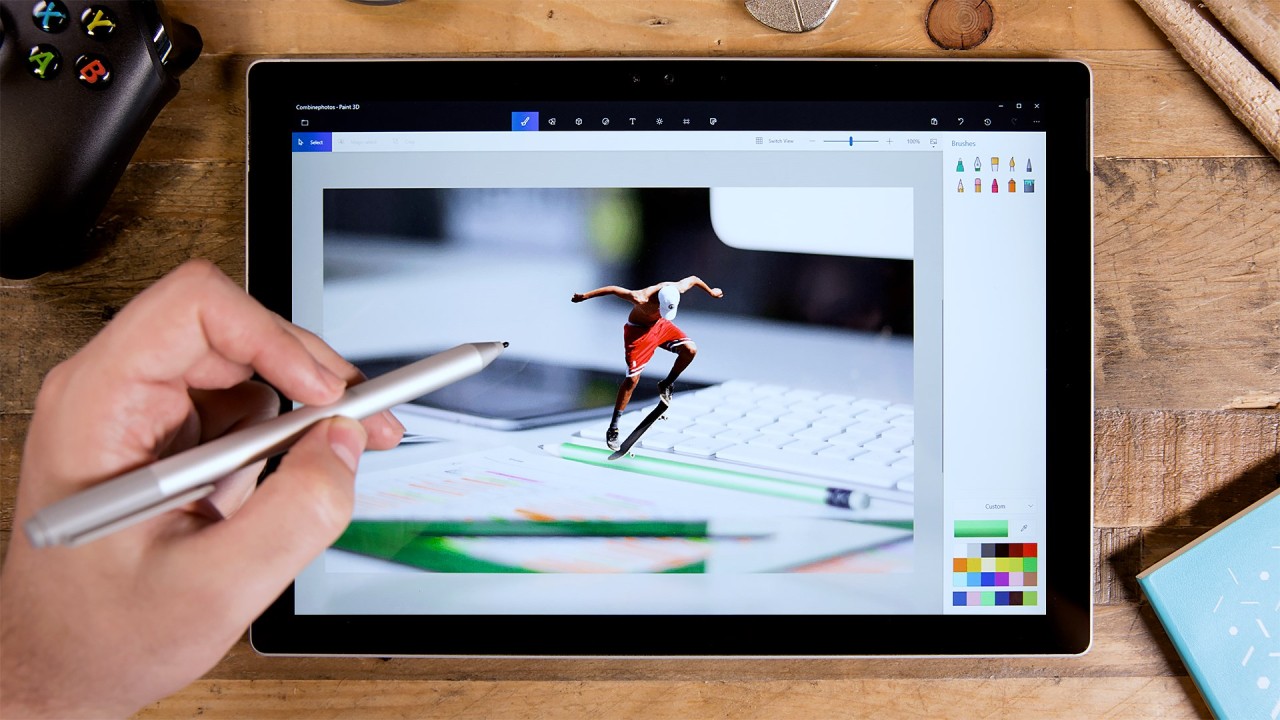
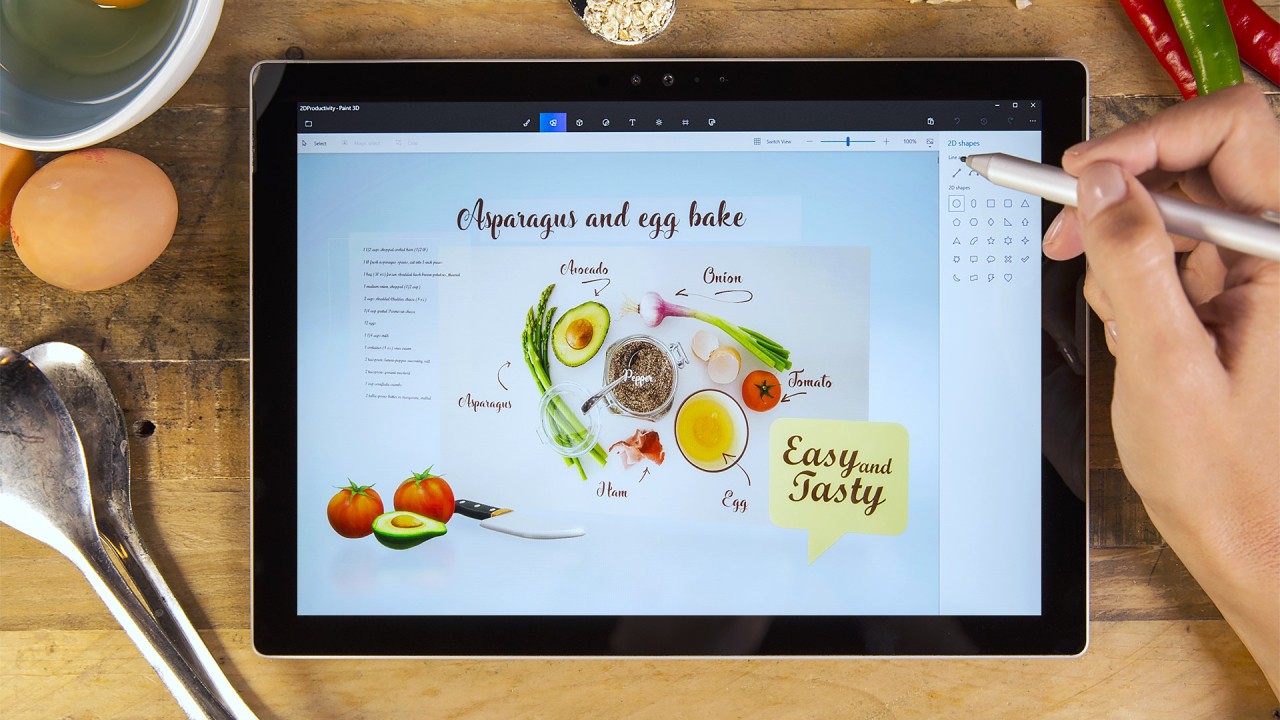
Microsoft created Paint 3D as an updated version of the classic Paint, but kept the latter’s user-friendly features and added new digital art capabilities, enabling 3D creation. The software offered tools for working with 2D and 3D images through a user-friendly interface that enabled both beginners and occasional creators to design digital content. Because it focused on experimentation rather than advanced rendering capabilities, Paint 3D served as an entertaining application for individuals seeking to create basic three-dimensional designs.
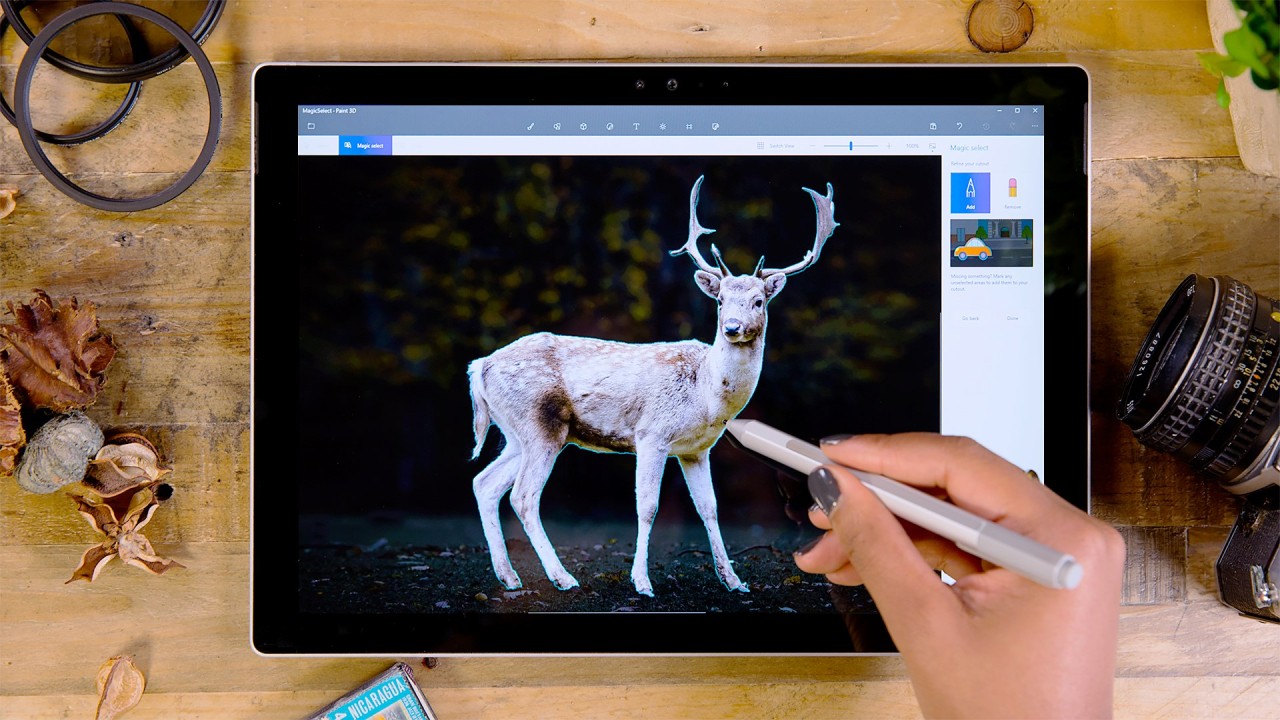
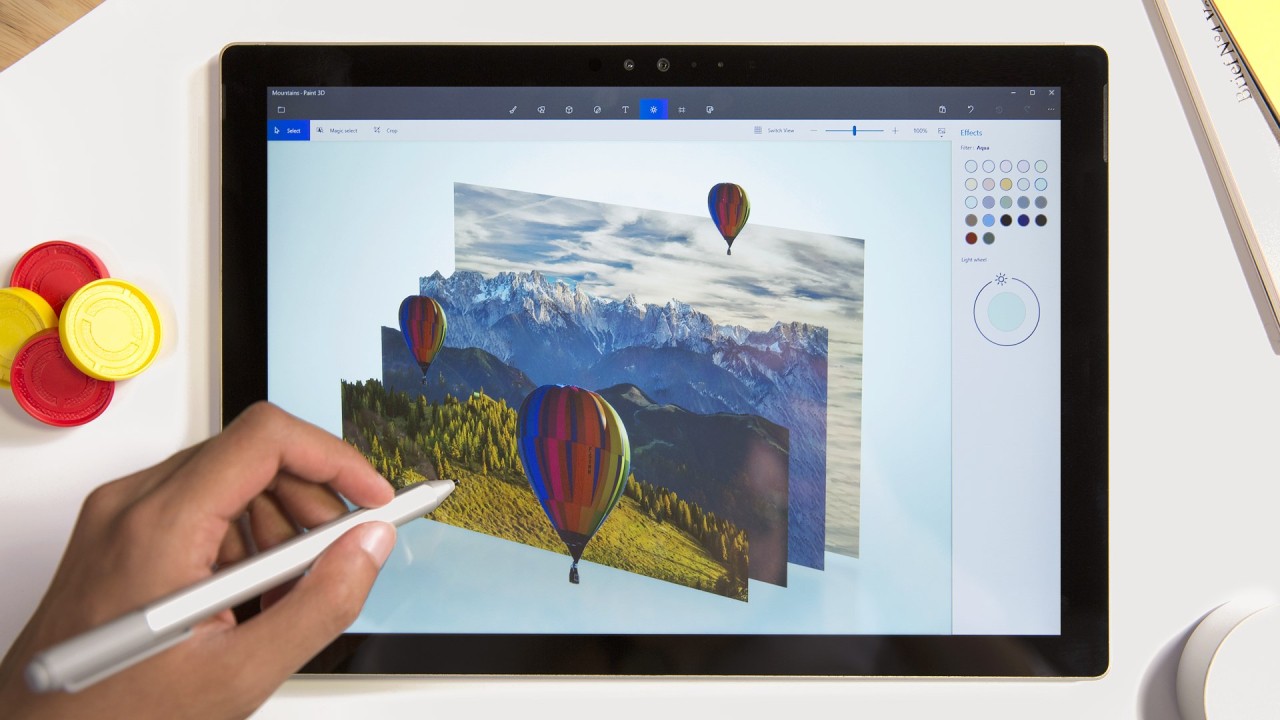
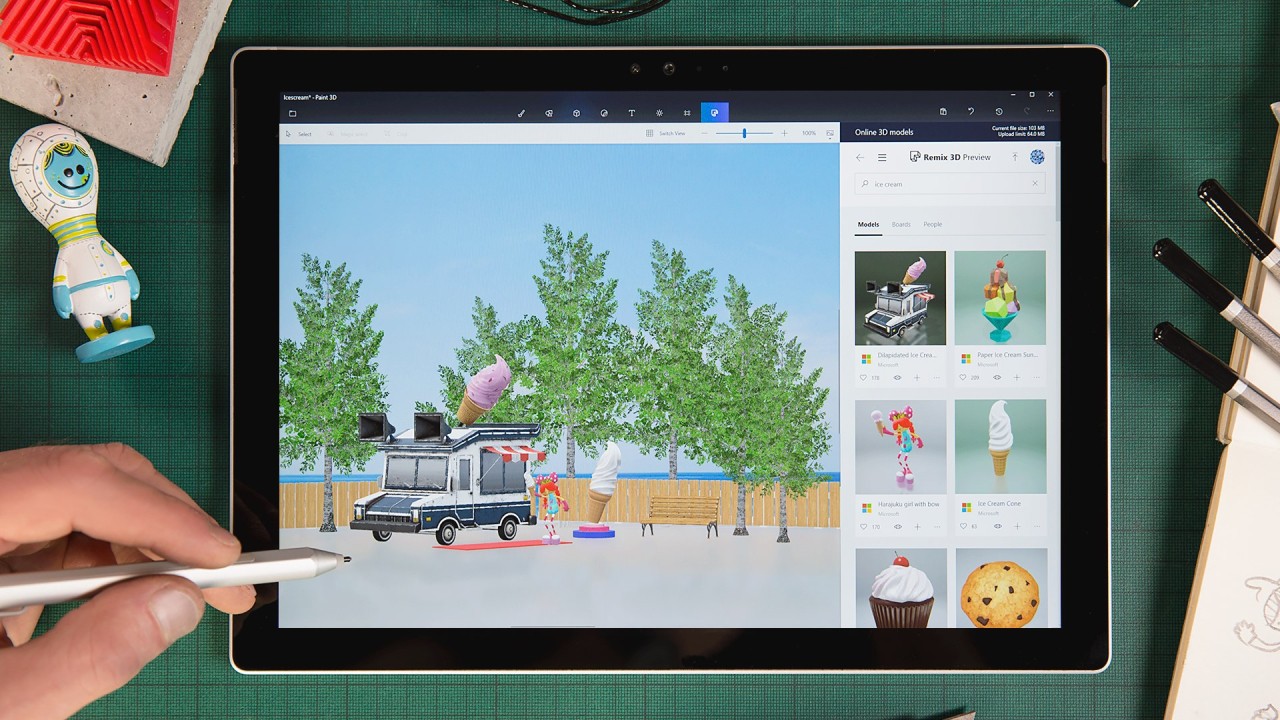
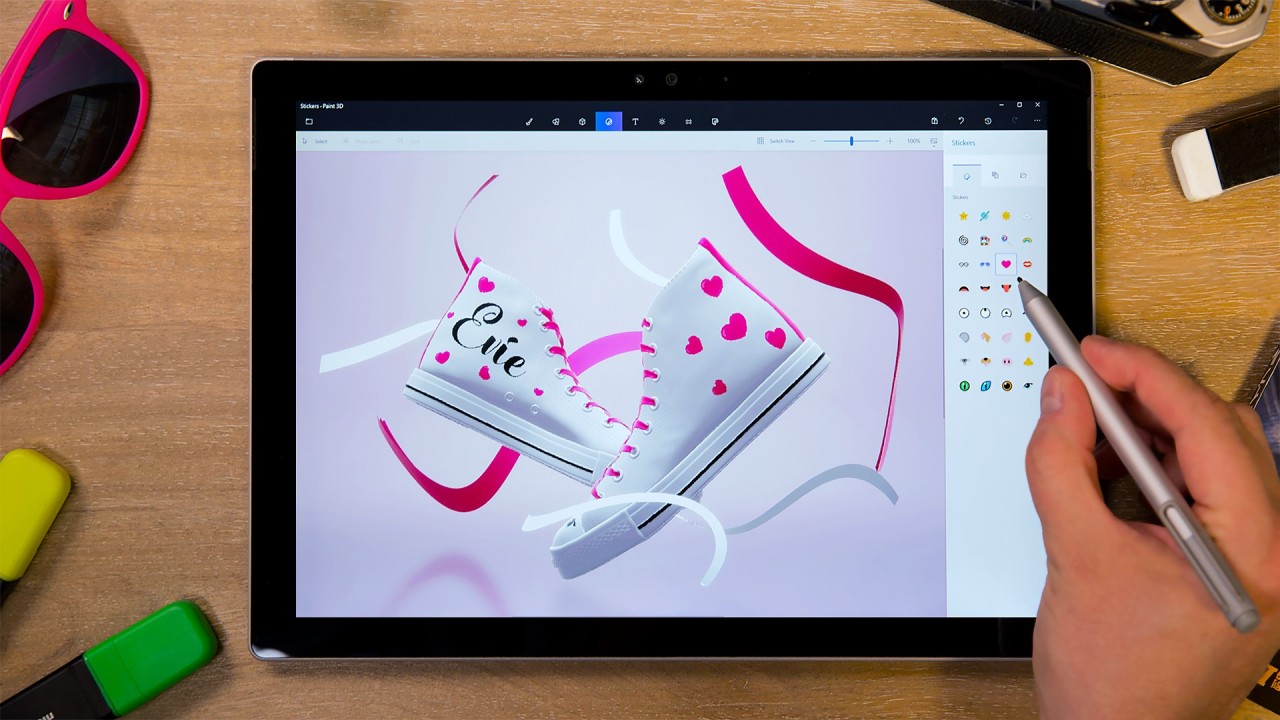
Users benefited from multiple brush sets and visual effects, plus stickers that worked equally well on ordinary and 3-dimensional objects in the software. They did not struggle with any modeling aspects because the program provided ways to change 3D models through depth adjustment, lighting controls, and perspective transformation features that were easily accessible to everyone. The Magic Select tool allowed users to quickly extract image elements for placement in new environments that combined 2D and 3D content without disruptions.
People using Windows 10 and later versions automatically had access to Paint 3D - a built-in tool that allowed them to work with 3D designs without purchasing additional software. Paint 3D served as a convenient creative platform that allowed users to produce digital artwork or model concepts and improve professional presentations within a straightforward system.
Note that Paint 3D was discontinued by Microsoft on November 4, 2024. We recommend that you find an alternative to this software.
Why Should I Download Paint 3D?
Downloading Microsoft Paint 3D offered great possibilities for both beginners and experienced artists who wanted to express their creativity in the digital realm. Paint 3D was an excellent tool mainly because it provided easy access to fantastic features. Users could create and edit 3D objects within Paint 3D through an interface designed for both novice and expert designers. The software made it possible for people with no previous experience to begin right away through its drag-and-drop interface, which was enhanced by its built-in tutorials.
Paint 3D could be integrated naturally with the Windows operating system. Windows 10 and later devices came with Paint 3D pre-installed, which enabled users to skip complex installation procedures. Paint 3D operated efficiently while demanding minimal computing power, making it a lightweight design solution that did not slow down your computer. It served students, casual users, and professionals by enabling them to solve design problems quickly without complicated or expensive software.
Educational professionals and content developers used Paint 3D as a distinct means to enrich their creative projects. Microsoft Paint 3D enabled teachers to develop visual aids, while professionals in business used it for basic 3D elements to make their presentations more effective. It enabled users to stack design elements so they could place text and images in various places in their projects to create active and appealing graphics.
The software excelled through its effective implementation in mixed reality settings. Paint 3D from Microsoft ran as part of Windows Mixed Reality, allowing users to view their creations within a virtual environment. The mixed reality feature enabled hands-on visual experiences of three-dimensional objects, which proved useful for those in augmented reality research.
Users who wanted to personalize their work found a wide selection of brushes, textures, and stickers to apply to objects ready for them in Paint 3D. Microsoft Paint 3D offered creative freedom without compromising usability for beginners.
Paint 3D enabled users to export files in multiple formats, which allowed both file sharing and cross-software editing for additional creative processes. Users could utilize the broad compatibility of this application to edit 2D and 3D file formats, giving them the ability to modify current visuals and produce 3D content. Those who wanted to turn their ideas into simple visual creations used Paint 3D because it was a free platform that offered a fun and accessible experience.
Was Paint 3D Free?
The Microsoft Paint 3D app was free for Windows 10 and Windows 11 users. It came pre-installed on most devices, requiring no extra cost, subscription, or download. Paint 3D offered a full set of 3D modeling, texturing, and editing tools without any licensing fees, which is a rare advantage compared to most professional design programs.
What Operating Systems Are Compatible with Paint 3D?
The Microsoft Paint 3D app was supported only on Windows operating systems. The application worked on both Windows 10 and Windows 11, allowing users with modern PCs to access it with ease. Most Windows devices came with Paint 3D pre-installed, but it could also be downloaded from the Microsoft Store if needed.
The Paint 3D app was available exclusively for Windows 10 and Windows 11. It was incompatible with other operating systems. Users who required similar functionality but used non-Windows devices had to look for alternative applications with comparable features.
What Are the Alternatives to Paint 3D?
The basic features of Paint 3D appeal to beginners and occasional users, but professionals and those who require cross-platform software may find other options better suited to their needs. The problem? Microsoft Paint 3D was discontinued by Microsoft on November 4, 2024! As a result, you need to find an alternative. Several options exist depending on your needs, whether you seek simplicity or more advanced functionality.
The best alternative to Paint 3D is Blender, which stands as an open-source program for both modeling and animation. Professional users can benefit from Blender because the platform offers advanced rendering, sculpting, and animation features beyond what Paint 3D used to provide. The program enables users to create intricate 3D models, realistic textures, and physics-based animations, making it a top choice for game developers, animators, and digital artists. The software has a steep learning curve, but professional industries use it because it is completely free.
Tinkercad is a web-based 3D modeling tool created by Autodesk. New 3D modelers will find Tinkercad ideal because it provides basic modeling features in a layout similar to Paint 3D. The modeling software Tinkercad functions in education and 3D printing because it enables users to build exact, dimensioned solid models. Tinkercad delivers detailed and structured design features that make it a better option than Paint 3D for engineers and students who build 3D printing designs.
Krita presents itself as an effective minimalist tool choice for users. It serves digital painting needs better than Paint 3D without providing 3D modeling capabilities. It's appreciated by illustrators and concept artists because of its professional brushes, as well as textures and layers system, which make it perfect for digital art creation. Users of Krita cannot access 3D functionality, yet they have access to perspective tools and textured painting features, which enable them to generate artwork with three-dimensional depth effects.