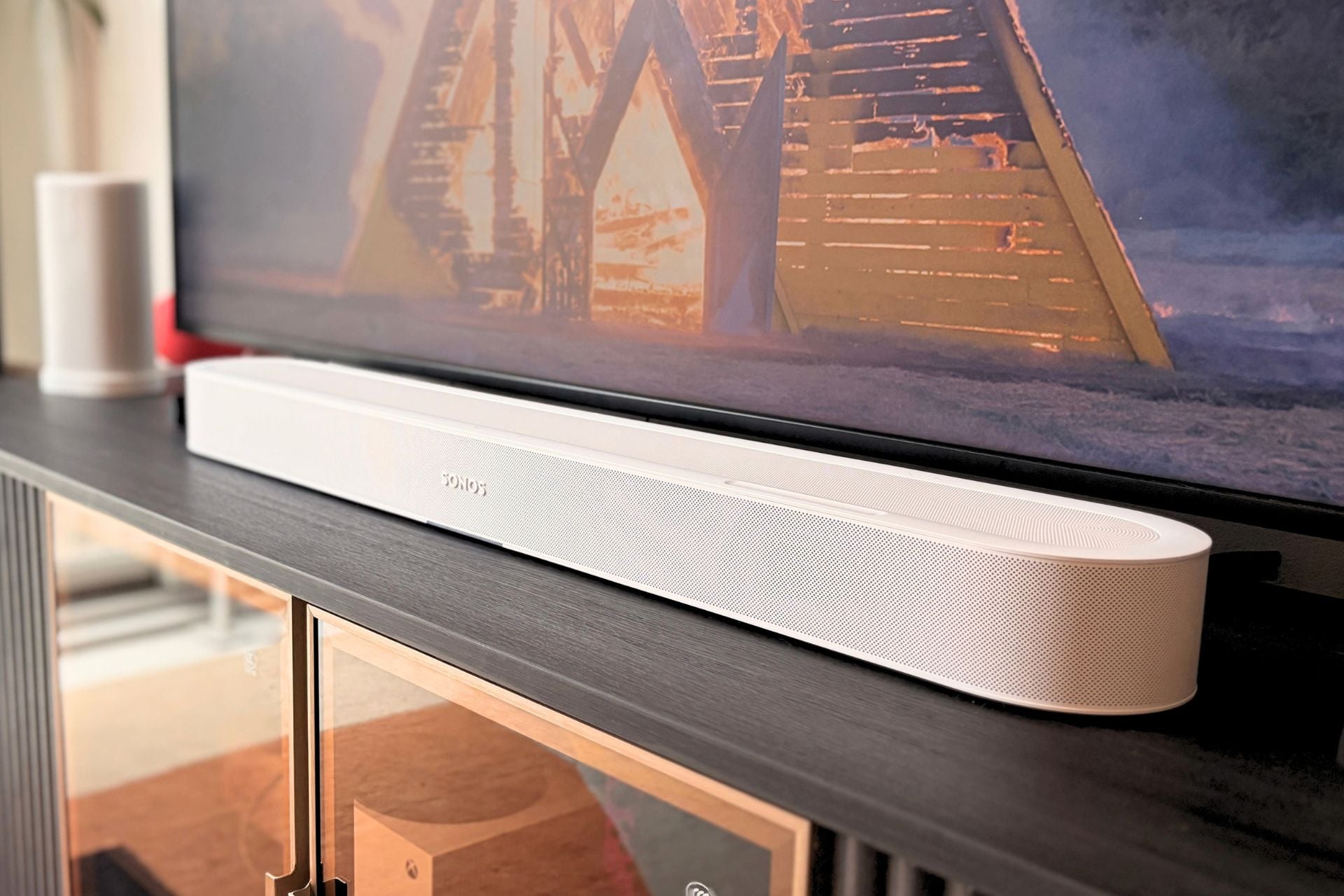

Soundbars are just one of those things; most people don’t necessarily want to own one, but they also don’t want to sit there and try to divine muddy dialogue out of their tiny, underpowered TV speakers, either.
In that way, they feel like a necessity, but just because you’re nudged heavily into owning a soundbar doesn’t mean you can’t love the one that you feel forced to buy, and the $699 Sonos Beam Ultra is the perfect example.
Sonos Beam Ultra
The Sonos Beam Ultra is a perfect mix of excellent hardware and thoughtful software.
Pros
- Sound is clear and immersive
- I love the look
- Plays nice with Play speakers for surround sound
- Compact for smaller apartments
- Features like TV Audio Swap and Speech Enhancement work well
Cons
- Buttons could use some work
- A bit pricey when you consider adding a Sonos subwoofer
Ultra indeed
This ain’t Sonos’ first soundbar rodeo, and it shows. The first thing I noticed about the Beam Ultra, both in my initial hands-on and while testing at home, is the speaker’s clarity. While watching movies and TV, even sound-packed media with lots of action, everything felt like it had room to breathe.
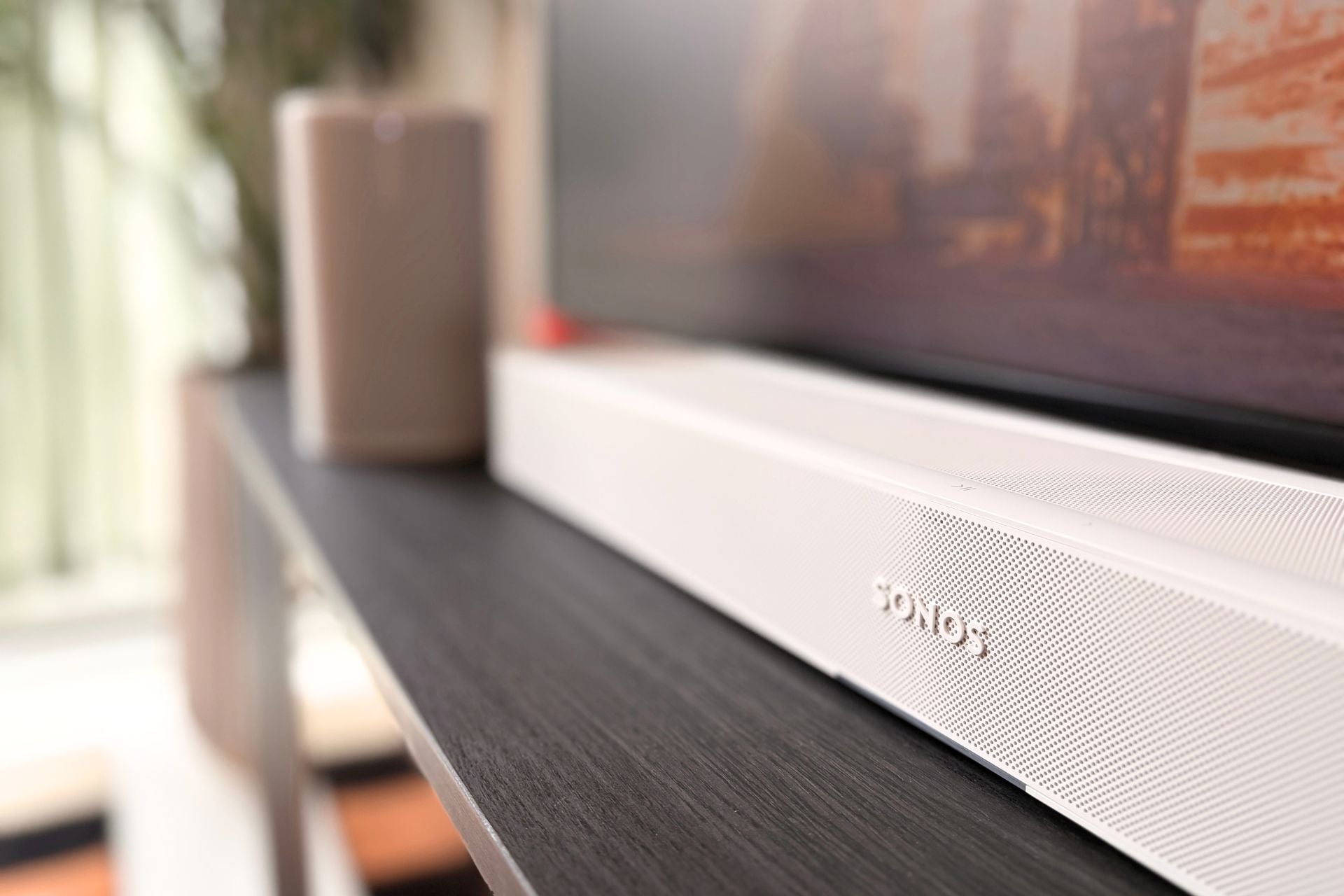
Behind that wide soundstage are a few mechanisms, one of the biggest being the number of drivers in this generation. The Beam Ultra has nine total drivers compared to the five in the Sonos Beam Gen 2. Sonos lists the sound as being 7.1.2 with “true Dolby Atmos,” and, in practice, this means Sonos has more real estate to work with in representing sounds across the frequency range.
I watched a few movies and a few hours of TV on the Beam Ultra and was really happy with how immersive everything felt, especially while watching the first episode of Widow’s Bay on Apple TV. Sound effects like foghorns and birds flying were well-mixed without distracting from dialogue. Likewise, watching Dolby Atmos-ready content like Apple TV’s F1, sound effects like helicopters and cars squealing panned well from side to side even without surround sound, helping immerse me in the movie.
Playing games was also satisfying. In a match of Fortnite, I got a healthy amount of environmental noise like footsteps and gunfire, and it didn’t feel out of balance. There was definitely a sense of space—probably more than you’d expect from a single soundbar without surround sound. While I never got the chance to test out the Sonos Beam Gen 2, I imagine the Beam Ultra delivers a greater sense of space thanks in part to upfiring drivers. The Beam Ultra certainly filled my space nicely, though I do live in a small apartment with ceilings that are around 10 feet.
Sonos says that its Beam Ultra delivers “warmer bass” over the last generation. As I said, I don’t have a comparison, but I thought the Beam Ultra had a decent amount of low end, though not as much as competitors like Bose’s Lifestyle Ultra soundbar. If you’re really about getting more bass into your home audio setup, you’re going to want to buy a subwoofer, like the Sonos Sub Mini or the Sonos Sub 4. Those cost $499 and $899, respectively, though, so as is the case with any Sonos setup, you’re going to need fairly deep pockets to fill out your audio array.
The good news on that front is that if you’ve already invested in some Sonos gear, you might just find a new way to use it after buying a Beam Ultra.
Beam meets Play
Outside of the new hardware, the biggest way the Beam Ultra feels like an upgrade is a few new features, including one of my favorites: compatibility with Sonos speakers like the Play and Move 2.
With a new software update, you can now use wireless speakers like the Sonos Play, which was released earlier this year, as surround sound. I have two Sonos Play speakers at home, so I was able to test this feature out, and man… what a difference.
As surprisingly immersive as the Beam Ultra is on its own, adding both of my Play speakers really upped the game significantly. I was able to hear sound panned to either side, like a real home theater should act, making those sound effects I mentioned before, like the ones in Widow’s Bay, feel a heck of a lot more immersive. If you want bigger jump scares and more vroom, vroom, this is the way to go.
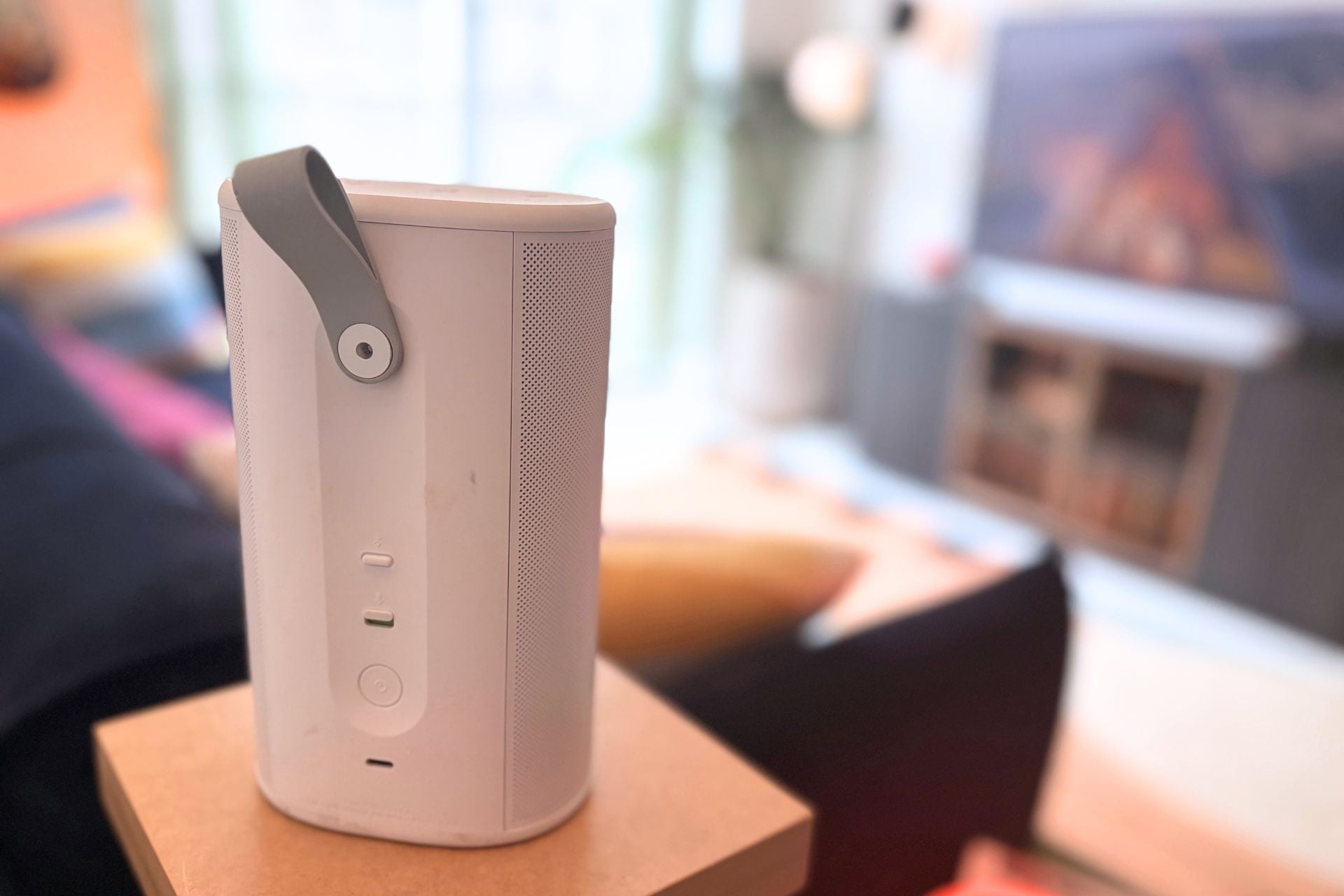
The setup process is also wildly easy here. All I had to do was go into the Sonos app, tap on the Beam Ultra, select “Add surrounds,” and the rest kind of took care of itself. It’s a huge upgrade and feels even bigger because of how easy Sonos made it.
One thing I was skeptical of is how pairing would work in practice. Would my Play speakers, which are normally scattered in different parts of my apartment, get confused once they were grouped in with the Beam Ultra? For me, that didn’t come to pass. The second I walked away from my TV room with a Play in hand, it disconnected. When I brought it back, even in the middle of watching something, it jumped right back in and started giving me surround sound again.
I even tested this out by putting the right Play speaker on the dock next to the soundbar where it usually lives for music playback, thinking it would get confused because it’s still so close, but the feature handled that adeptly, too. It shut right off the second I picked it up and walked over to my TV console.
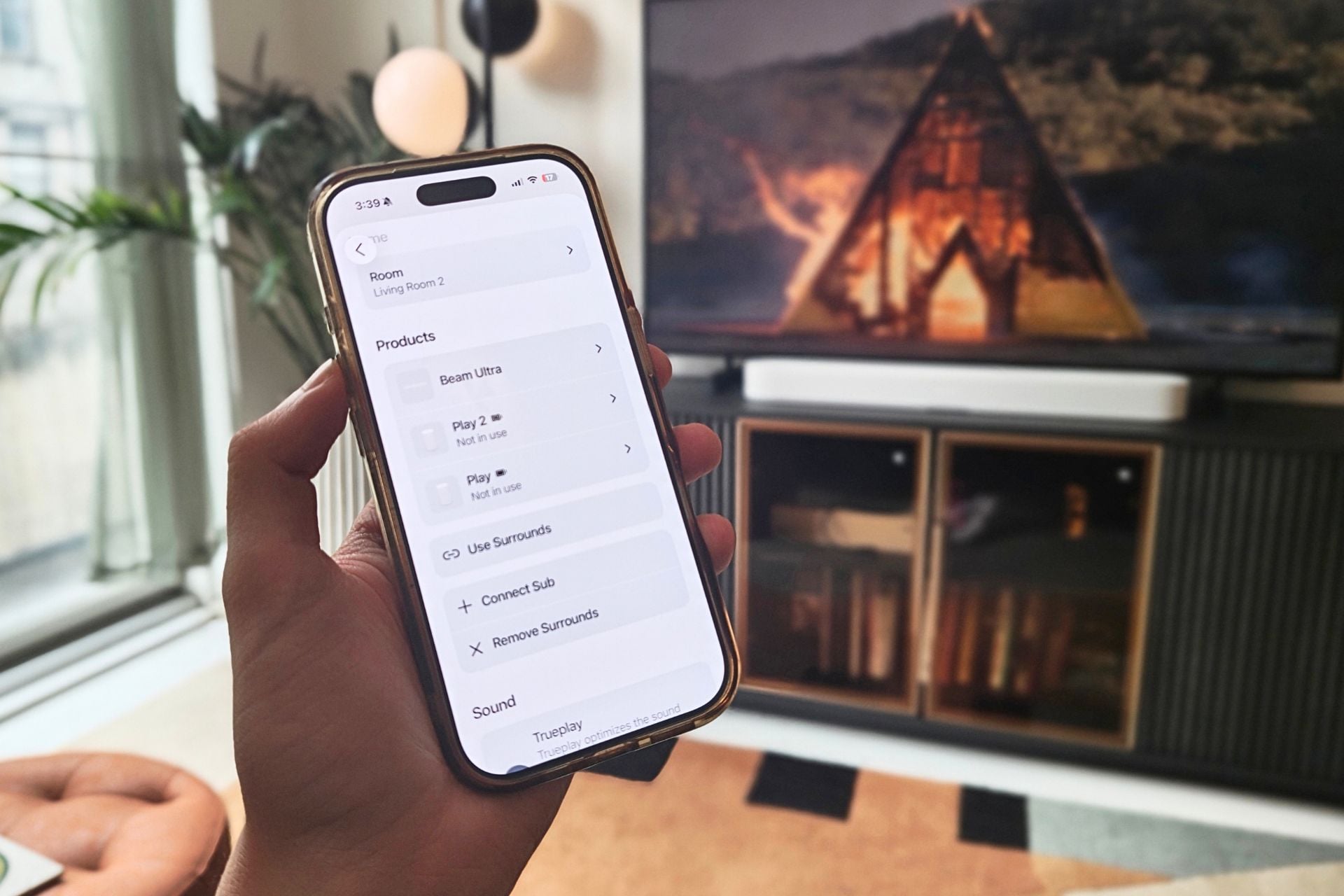
That’s not the only software flourish I appreciated, either. Like the Bose Lifestyle Ultra Soundbar, there is also a dialogue-enhancing feature called “Speech Enhancement,” which uses AI to raise up voices in whatever you’re listening to. I found the Beam Ultra to be pretty damn good at delivering clear dialogue as it is, but it’ll depend on the quality of whatever you’re watching, too.
If you do find yourself in a situation where dialogue needs to be enhanced, I’m happy to report that the Speech Enhancement feature works as advertised, and it also comes with varying degrees—low, medium, high, and max—so if you just need a little boost, you can choose that, or if you can’t hear a damn word someone is saying, you can just bump it up to max.
On the opposite end of the spectrum, Sonos also included a new feature called Night Sound, which reduces large volume spikes in a movie or TV show so you don’t wake up the whole house when you’re getting your late-night Michael Bay fix. This works well in my experience, even on raucous viewing like F1, which is exactly the type of situation where you’d want to reign in volume spikes. I toggled back and forth between Night Sound while watching a racing scene, and the highs were much higher without Night Sound activated.
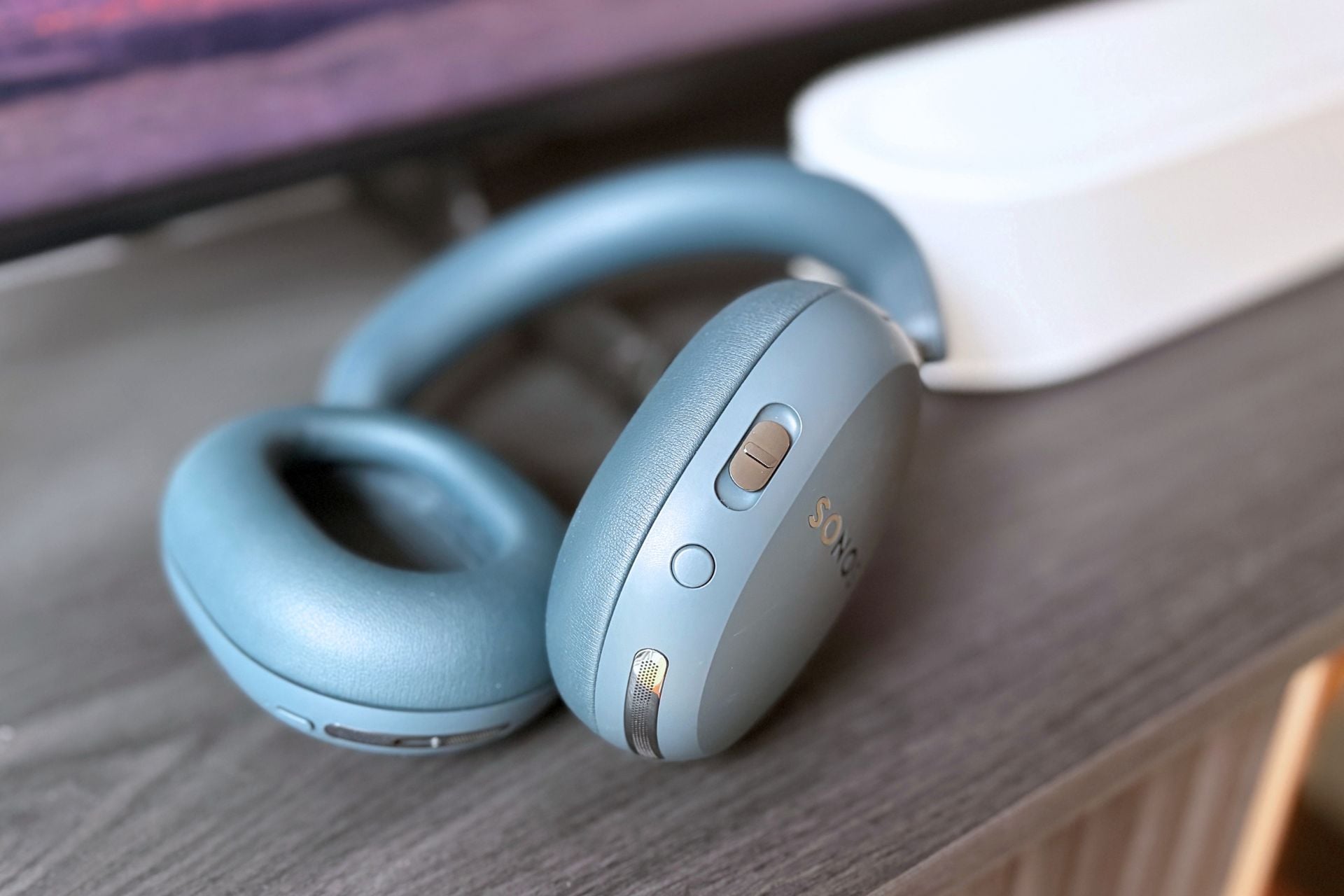
If you really don’t want to make noise, the Beam Ultra carries over features from previous Beams, like TV Audio Swap, which allows you to bounce your audio over to a pair of Ace headphones. I tried this out on the Sonos Ace Ultra, and it worked well. You just press and hold the content key, and boom, the audio is playing in your Ace Ultra headphones. To return the audio, you just do the same thing, and it bounces right back.
Oh, and you can group the Beam Ultra into your existing Sonos setup for music if you want—just like any of the company’s other speakers.
Between surround sound compatibility with other Sonos speakers, Speech Enhancement, and Night Sound, the Beam Ultra feels like it has everything you’d want in a soundbar, and as many software woes as Sonos has had in the past, this feels like a great example of software gone right.
Nice to listen to and look at
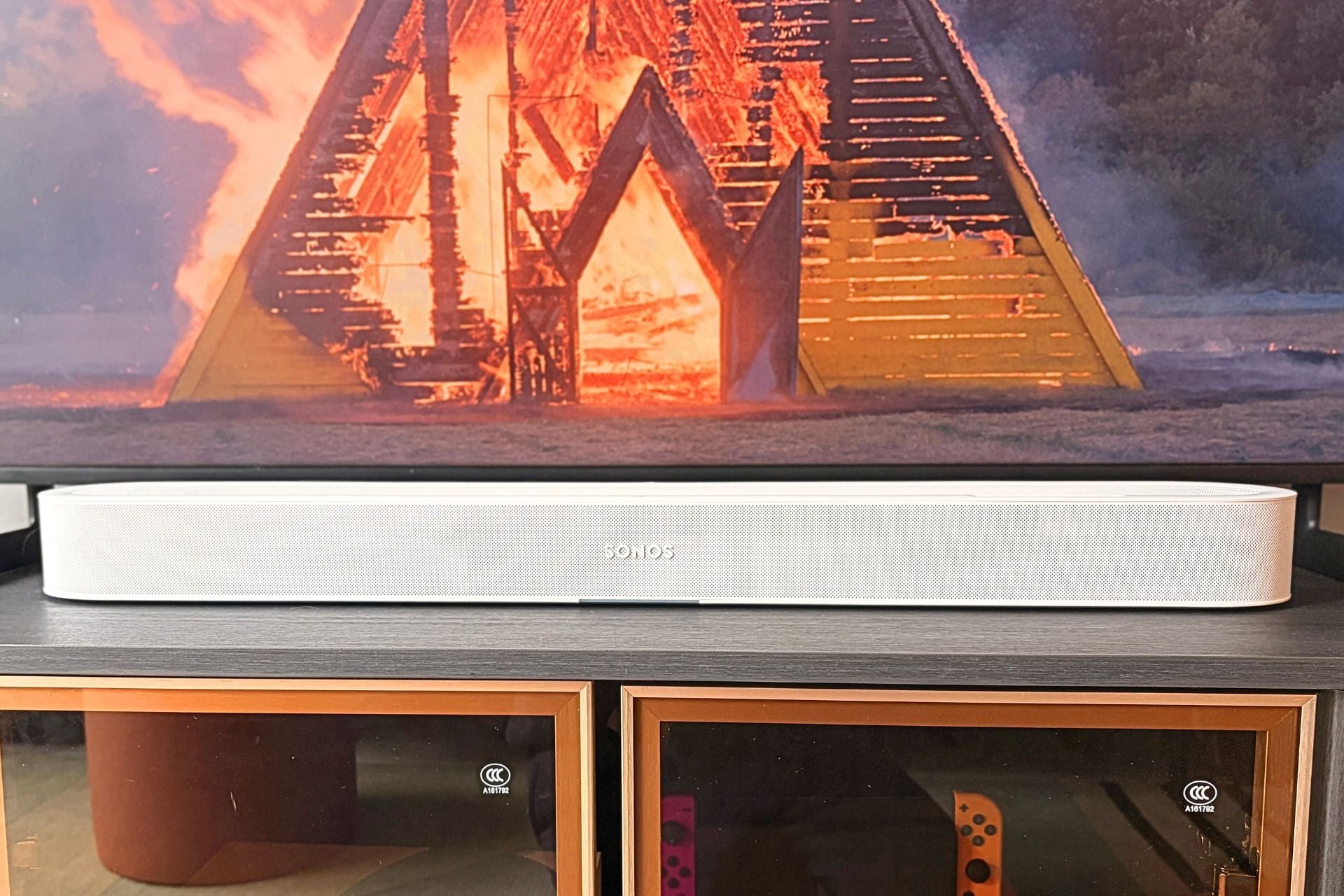
Soundbars can be pretty serious eyesores: big, clunky, conspicuous boxes that take up a lot of room on your TV consoles, whether you want them there or not. While the Sonos Beam Ultra is still very obviously a soundbar, it’s a nicer-looking box than lots and lots of others to put out in your living room.
I love all the roundness and the minimalist color choices (just white or black). I also like that it’s a bit more compact than some other options on the market, like the Bose Lifestyle Ultra Soundbar, which took up a huge section of my TV console.
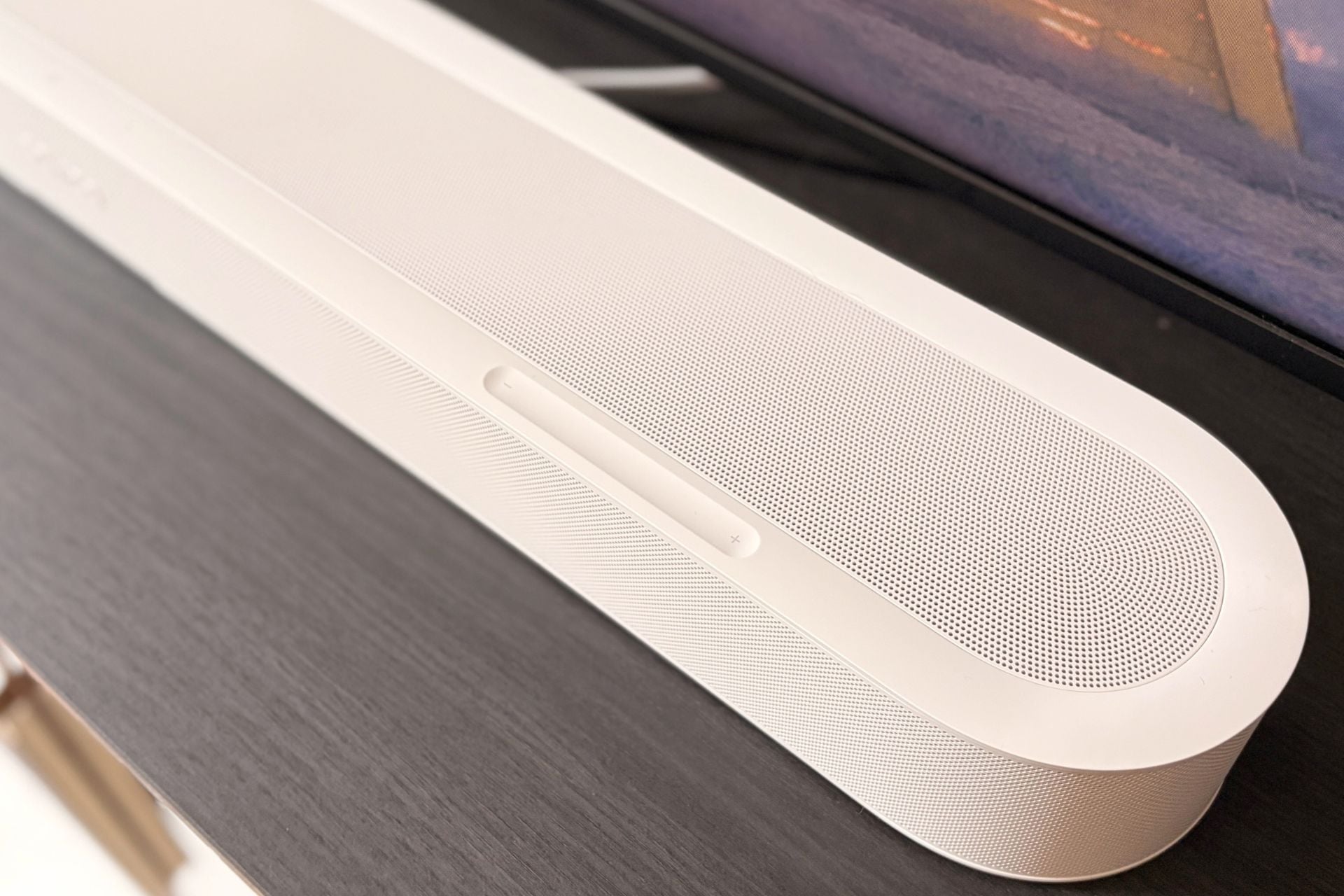
This is a perfect-sized soundbar for people like myself who want good audio but don’t have the space to fill their living room up with all sorts of speakers, subs, and other heavy equipment. The better news is, if you really hate how the Beam Ultra looks on your TV console, you can mount it to your wall. I didn’t do this for obvious reasons, but if you own your own home and don’t mind drilling into the wall, it’s nice to have the option.
Elsewhere in the hardware department, Sonos updated the capacitive touch controls on top of the soundbar, which, I’ll be honest, aren’t my favorite. They missed my inputs quite a few times when I was trying to adjust the volume, and they seem a little slow to react. The good news is, I rarely, if ever, felt compelled to use them over my TV remote.
As for ports, the Beam Ultra has eARC for audio via HDMI and adds a USB-C port, which can be used as a line-in for a turntable, CD player, or computer. You can also use Bluetooth to connect wirelessly to the soundbar from your phone if you prefer to play music that way.
As a whole, I really like the Beam Ultra as a piece of hardware both because of its compact design and the fact that it fits the aesthetic of the rest of the Sonos hardware lineup.
The soundbar you want
While I wasn’t super impressed with the recently released Sonos Ace Ultra, the Beam Ultra more than made up for my lack of enthusiasm. While fairly pricey at $699, the Beam Ultra delivers on its “Ultra” branding. The Beam Ultra gives you clear dialogue and a surprising sense of space, all from a compact package. The ability to add your existing Play or Move 2 speakers as surround sound is a pretty rad perk that really feels like a game changer.
To sweeten the deal, the software and features are on point—I love the speech-enhancing AI and the ease of use with surround sound using your existing wireless speakers. This is the full package in a soundbar, and it helps that the look is on point, too.
Bose might be trying to eat Sonos’ lunch with its Lifestyle Ultra Soundbar and speakers, but if the Beam Ultra is any indication, Sonos is still ahead of the curve when it comes to home audio ecosystems.