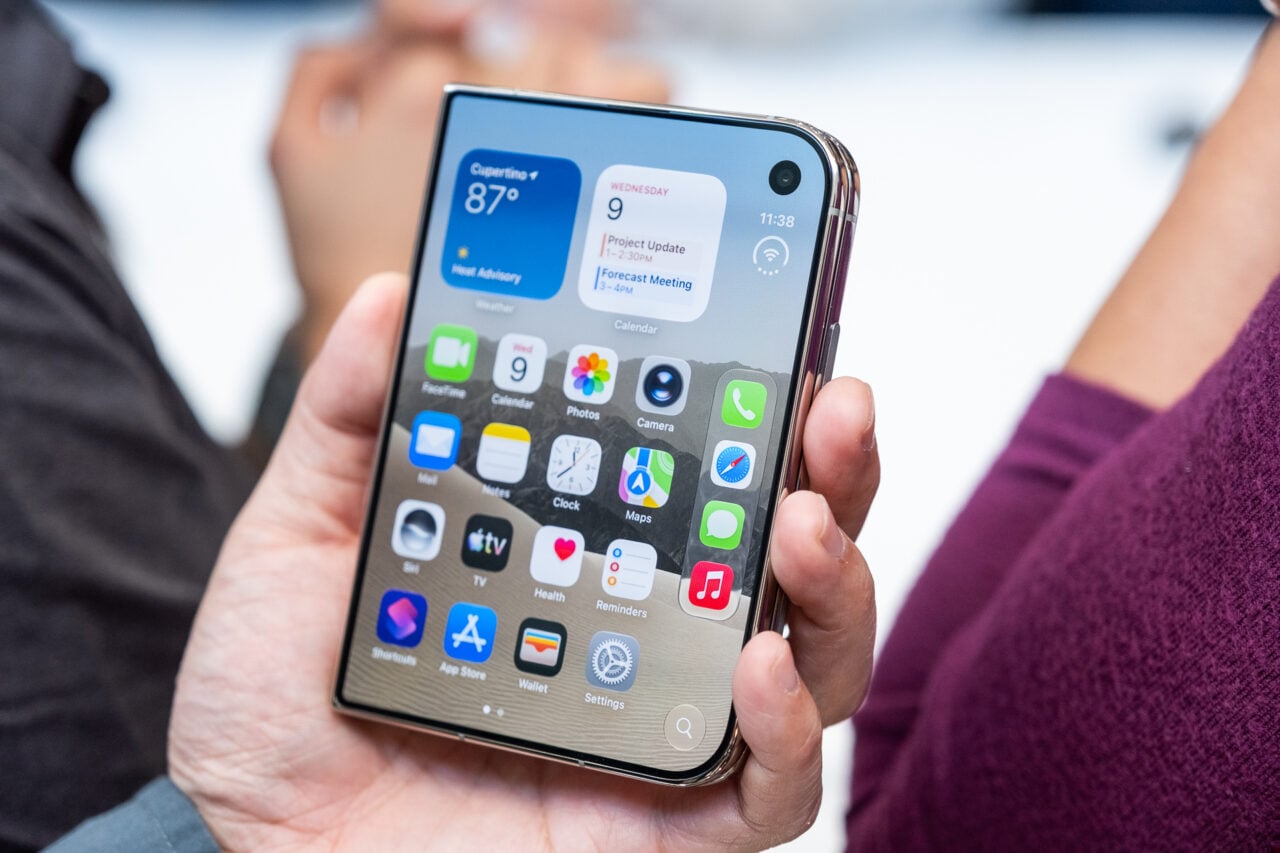
The iPhone camera has a secret Easter Egg: a panorama mode. This special mode—which Apple has not enabled for consumers yet—will allow you to capture large panoramic scene using multiple photos. This is how you can enable it:
1. First, you should access the com.apple.mobileslideshow.plist in the iPhone (you need to have developer access to do this). The exact location of that plist is:
/var/mobile/Library/Preferences/com.apple.mobileslideshow.plist
2. Then, add the line value of EnableFirebreak=Yes.
3. Done. A Panorama button will now appear when you click on Options, displaying a special interface to capture photos in succession, matching them to create the panoramic photo.
Why didn’t Apple enable this mode for consumers? Perhaps because it feels a bit cumbersome for now. I’m sure that, if they wanted to enable a panorama capture mode, they would do it in a more elegant, simpler way. After all, there are applications in the App Store that already perform this kind of function in a much elegant way.
Update: Talking to Conrad Kramer, the person who discovered the secret mode, he told us there will be a program to enable this in jailbroken iPhones without any text editing:
A tweak will be out on Cydia tomorrow to enable it, iPhone 4 and newer, due to the inclusion of a gyroscope in the iPhone 4..
This works for iOS 5 only. [Twitter]
You can keep up with Jesus Diaz the author of this post, on Twitter or Facebook.